
 15
15presentation
College Essay Thesis Builder Slides
Build stronger academic arguments with a college essay thesis builder featuring guided examples, revision prompts, and editable PowerPoint and Google Slides.
Google SlidesPowerPoint
presentation · English
Use this Indonesian civic values celebration deck to teach Pancasila Day with vivid red-and-pink visuals in PowerPoint or Google Slides.


Design notes
Build a clear, engaging lesson around Pancasila Day with this Indonesian civic values celebration deck. Its lively red-and-pink palette, original illustrations, and approachable layouts help audiences explore Indonesia's foundational philosophy without turning the subject into a text-heavy lecture. Use it as a Pancasila Day classroom presentation, a cultural assembly resource, or an introduction for community learners.
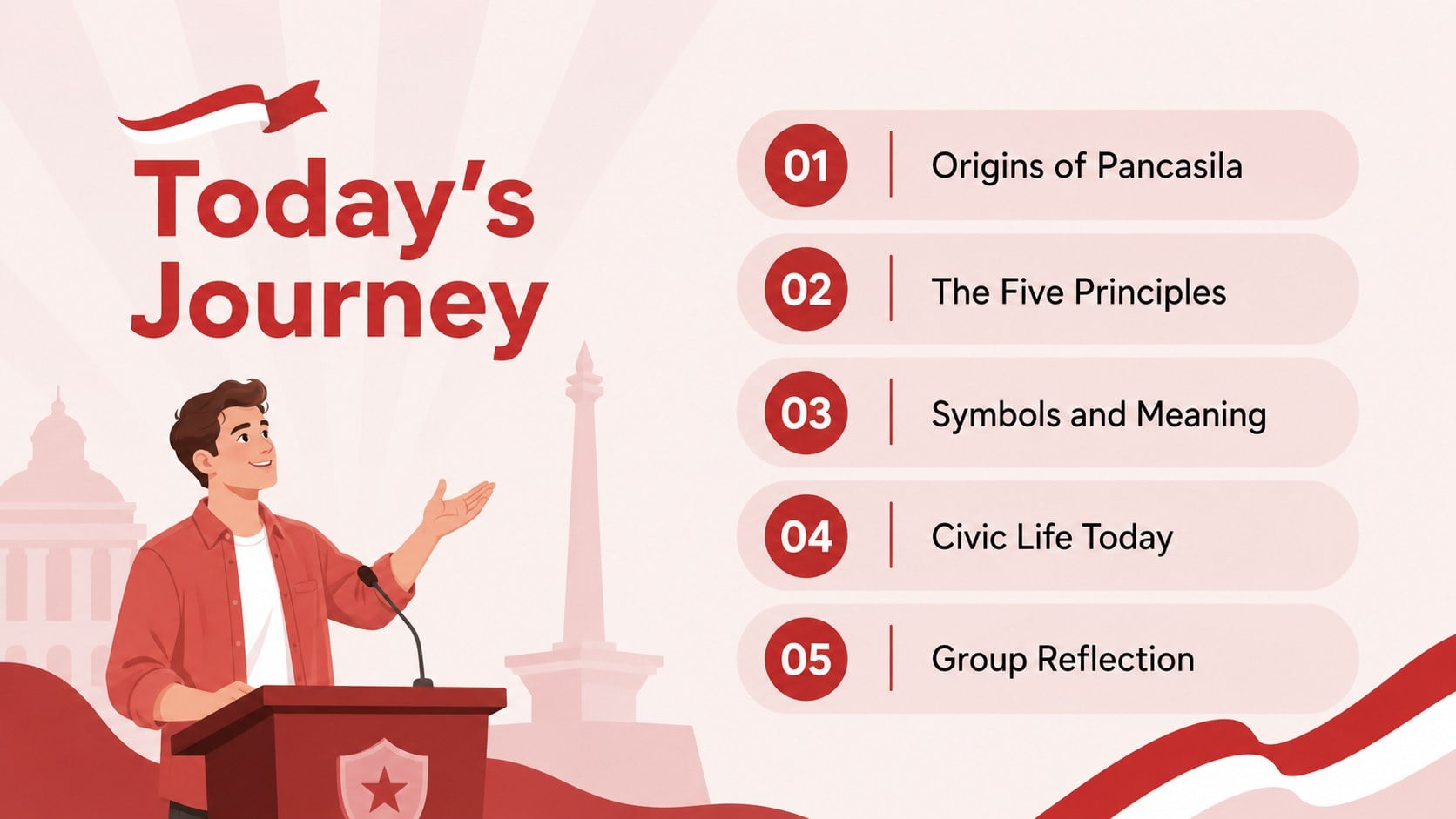
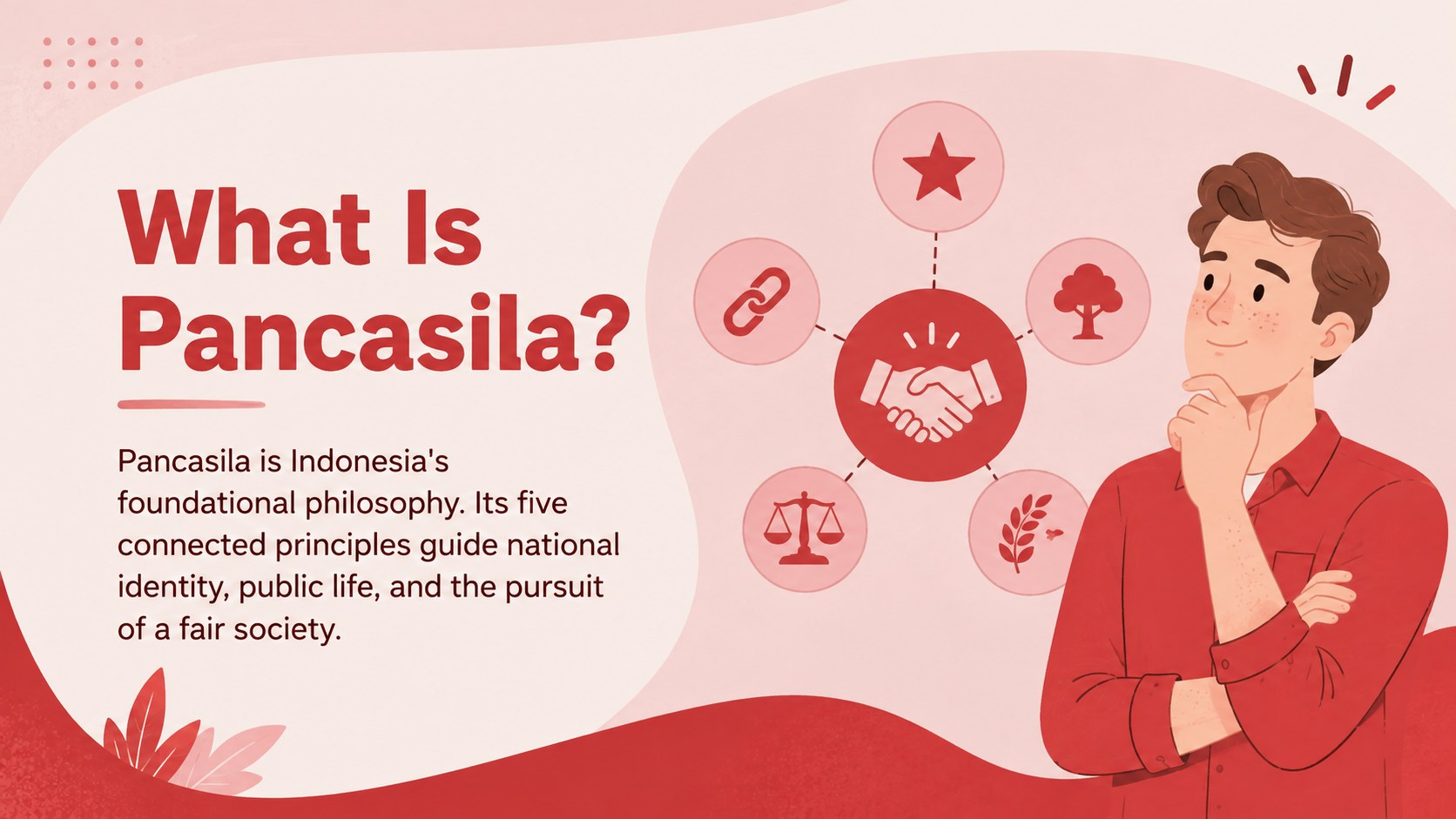
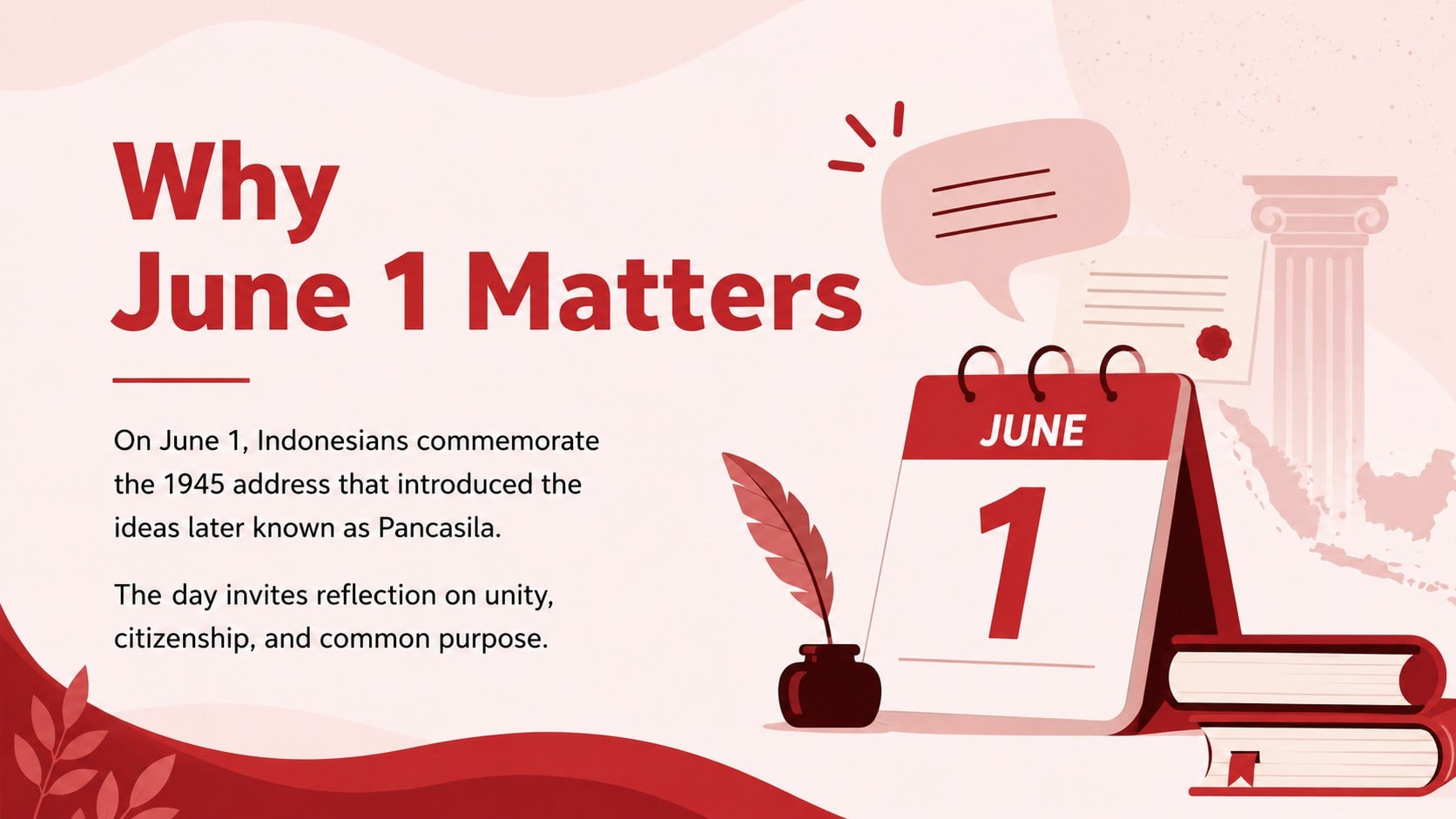
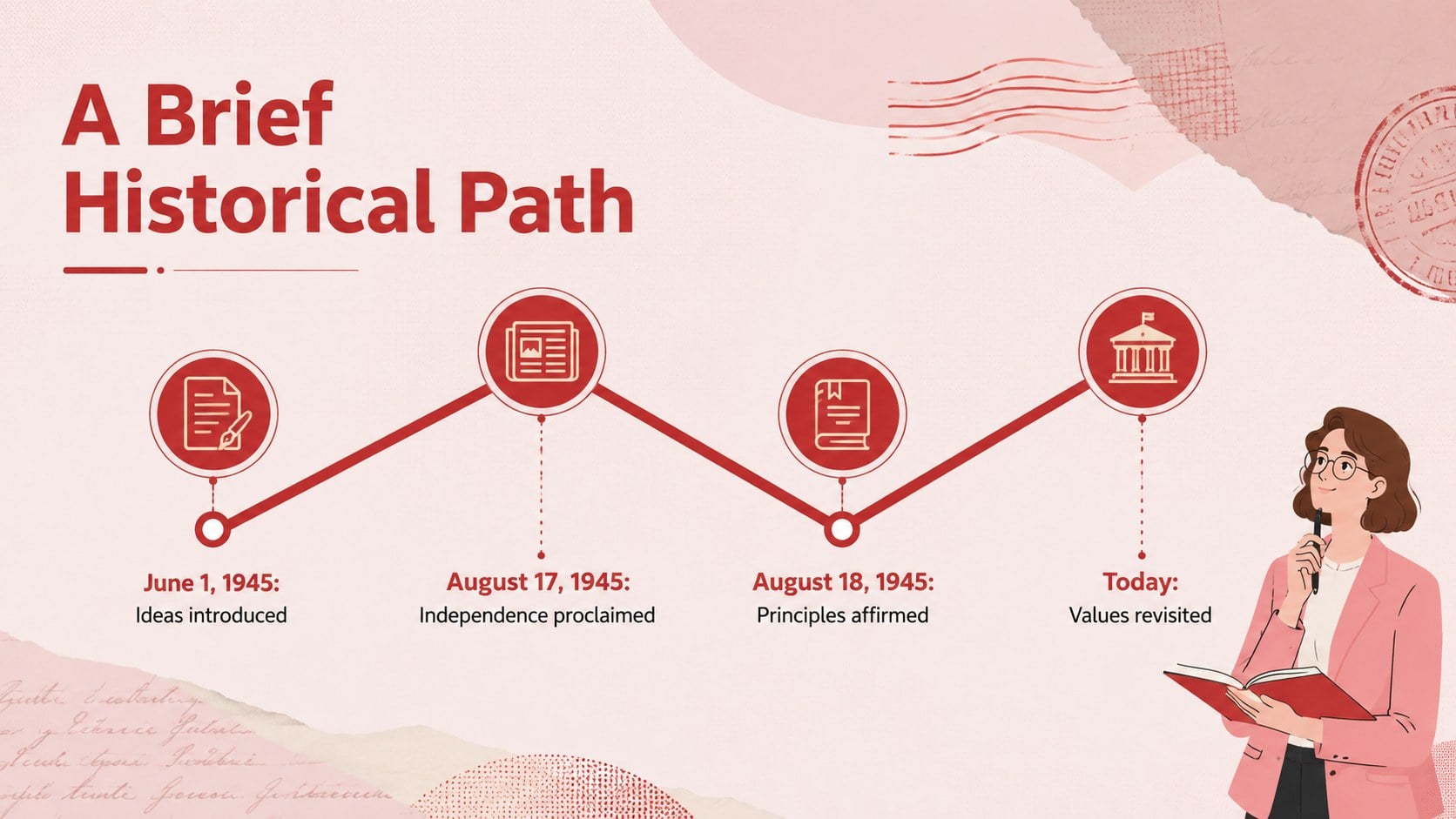
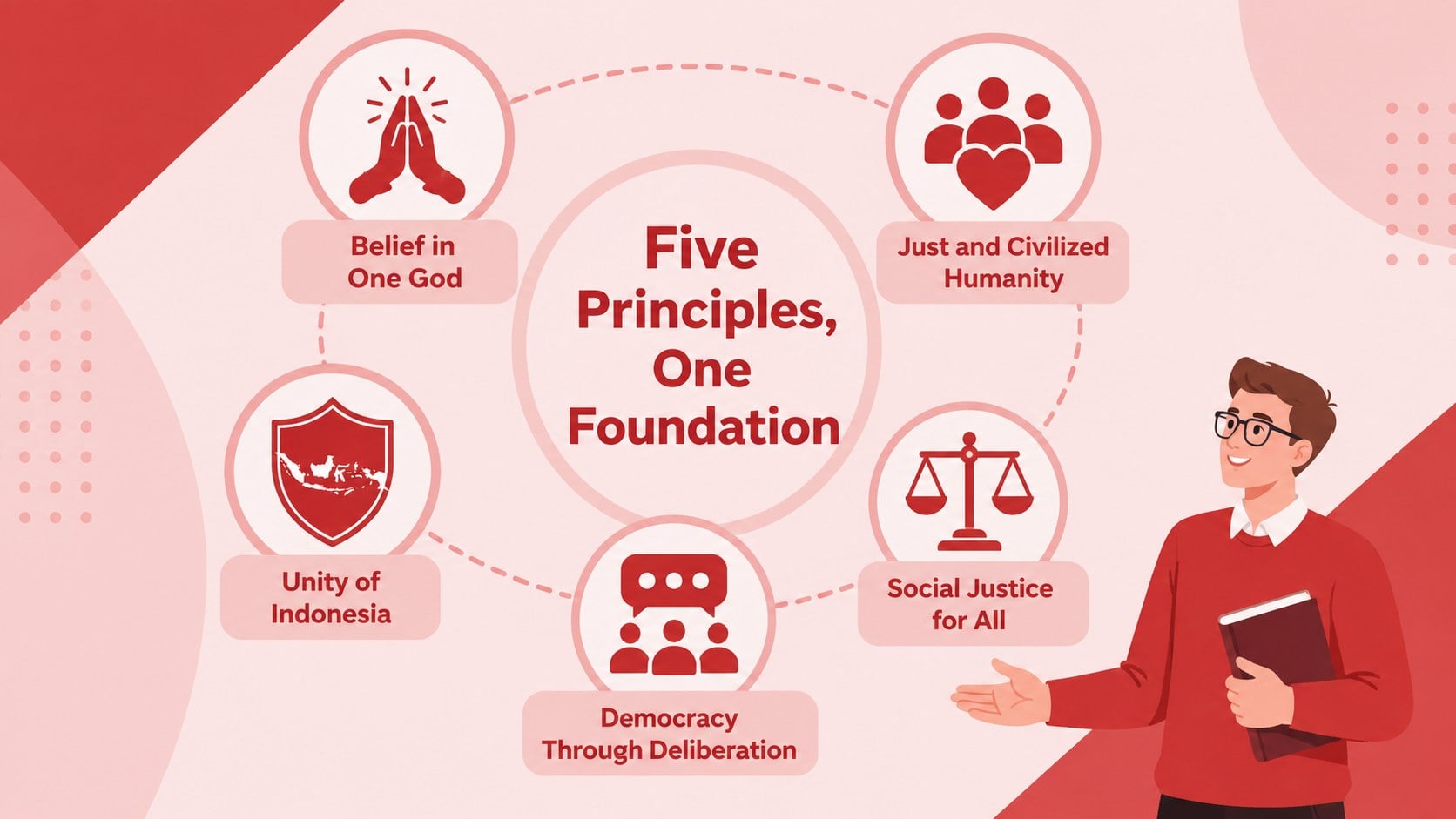
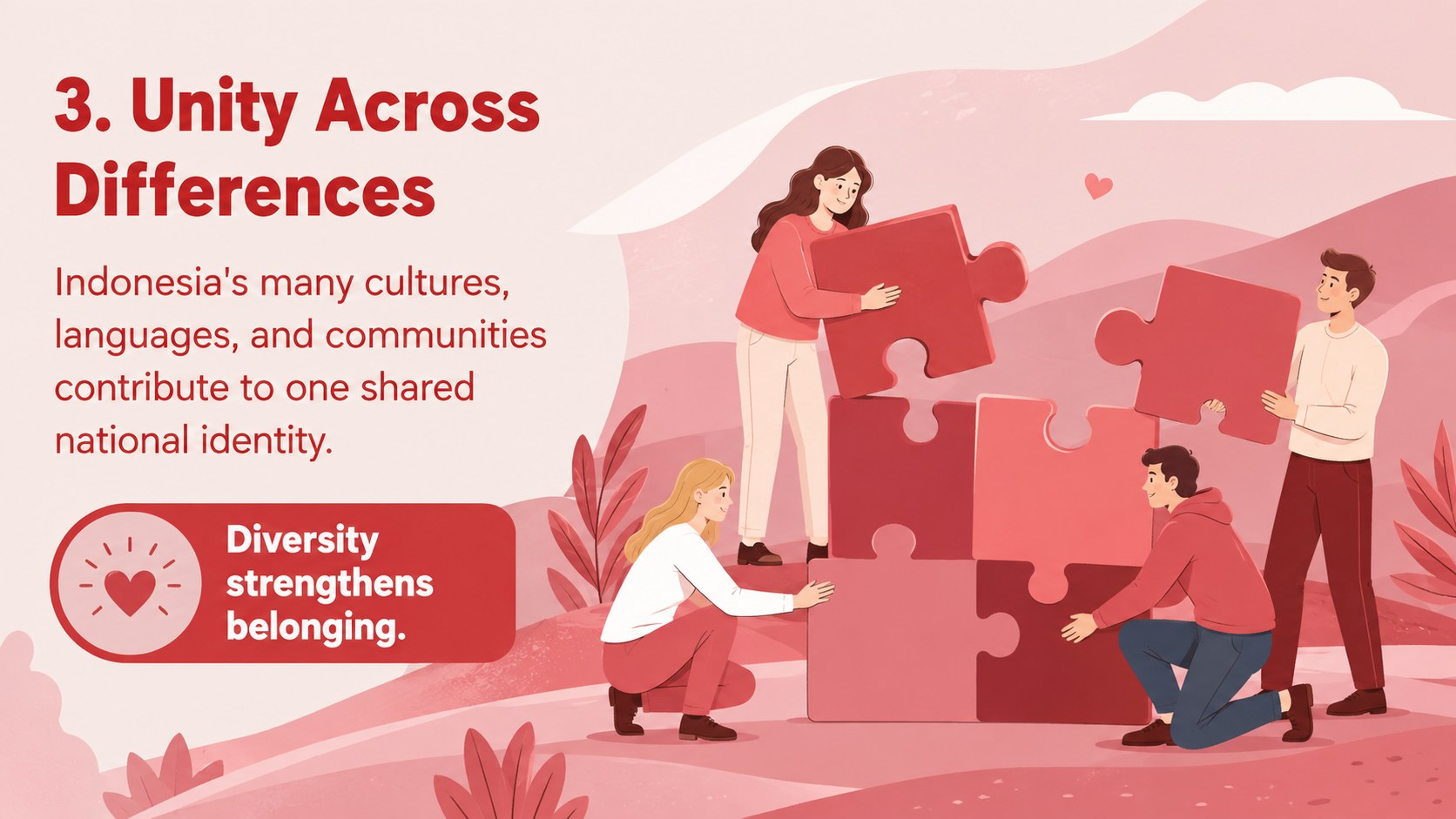
The deck includes a flexible agenda, a concise definition of Pancasila, historical context for June 1, and dedicated layouts for each of the five principles. Additional slides cover national symbolism, civic participation, classroom discussion prompts, practical community actions, and a memorable closing reflection. Timelines, comparison blocks, quotation layouts, icon-supported summaries, and image spaces provide variety while keeping the narrative coherent. It also works as a five principles of Pancasila PowerPoint for educators who want a structured starting point rather than a blank presentation.
Designed for teachers, students, school leaders, cultural organizations, and public speakers, the template can be edited in PowerPoint or Google Slides. Replace the sample wording, adjust colors, add local examples, and insert photographs or sources that fit your audience. The format is especially useful when preparing a June 1 Indonesia history presentation that balances historical background with discussion of how Pancasila connects to everyday civic life.
Perfect for: Pancasila Day classroom lesson; June 1 school assembly; Indonesian history presentation; Civic values workshop; Community cultural program.
Frequently asked questions
Can I edit every part of this presentation? Yes. The headings, body text, colors, illustrations, charts, and image placeholders can be adjusted to suit your lesson or event.
Practical details
Yes. The headings, body text, colors, illustrations, charts, and image placeholders can be adjusted to suit your lesson or event.
The deck is designed for Microsoft PowerPoint and Google Slides. Some fonts, transitions, or spacing may vary slightly between the two platforms, so review the final presentation before presenting.
Yes. Simplify the historical explanations for younger learners or add primary sources, citations, and discussion questions for secondary or adult audiences.
You can replace accent colors, update illustrations, and insert photographs while retaining the bold educational style. Maintain strong contrast between text and backgrounds to keep every slide readable.
Keep exploring
15Build stronger academic arguments with a college essay thesis builder featuring guided examples, revision prompts, and editable PowerPoint and Google Slides.
 15
15Build an engaging World UFO Day session with this flying saucer history lesson deck, featuring retro green-and-brown slides for PowerPoint and Google Slides.
 14
14Plan a memorable Lunar New Year campaign with the 2036 Dragon Year Celebration Theme, featuring bold red-and-yellow slides for lessons and events.
 15
15Build a thoughtful classroom discussion with this interfaith awareness lesson deck, featuring editable blue-and-white slides for PowerPoint and Google Slides.
 15
15Use this environmental awareness lesson deck to teach climate action through illustrated activities, discussion prompts, and ready-to-edit visuals.
 15
15Build playful lessons and party stories with a kid-friendly zombie celebration theme in purple, green and pastel blue for PowerPoint and Google Slides.
 15
15Build eerie lessons, campaigns, and story pitches with an undead survival scenario theme featuring editable slides for PowerPoint and Google Slides.
 16
16Turn environmental research into a clear story with a Watercolor Ecology Presentation Theme for PowerPoint and Google Slides in calming green and blue.