
 15
15presentation
College Essay Thesis Builder Slides
Build stronger academic arguments with a college essay thesis builder featuring guided examples, revision prompts, and editable PowerPoint and Google Slides.
Google SlidesPowerPoint
presentation · English
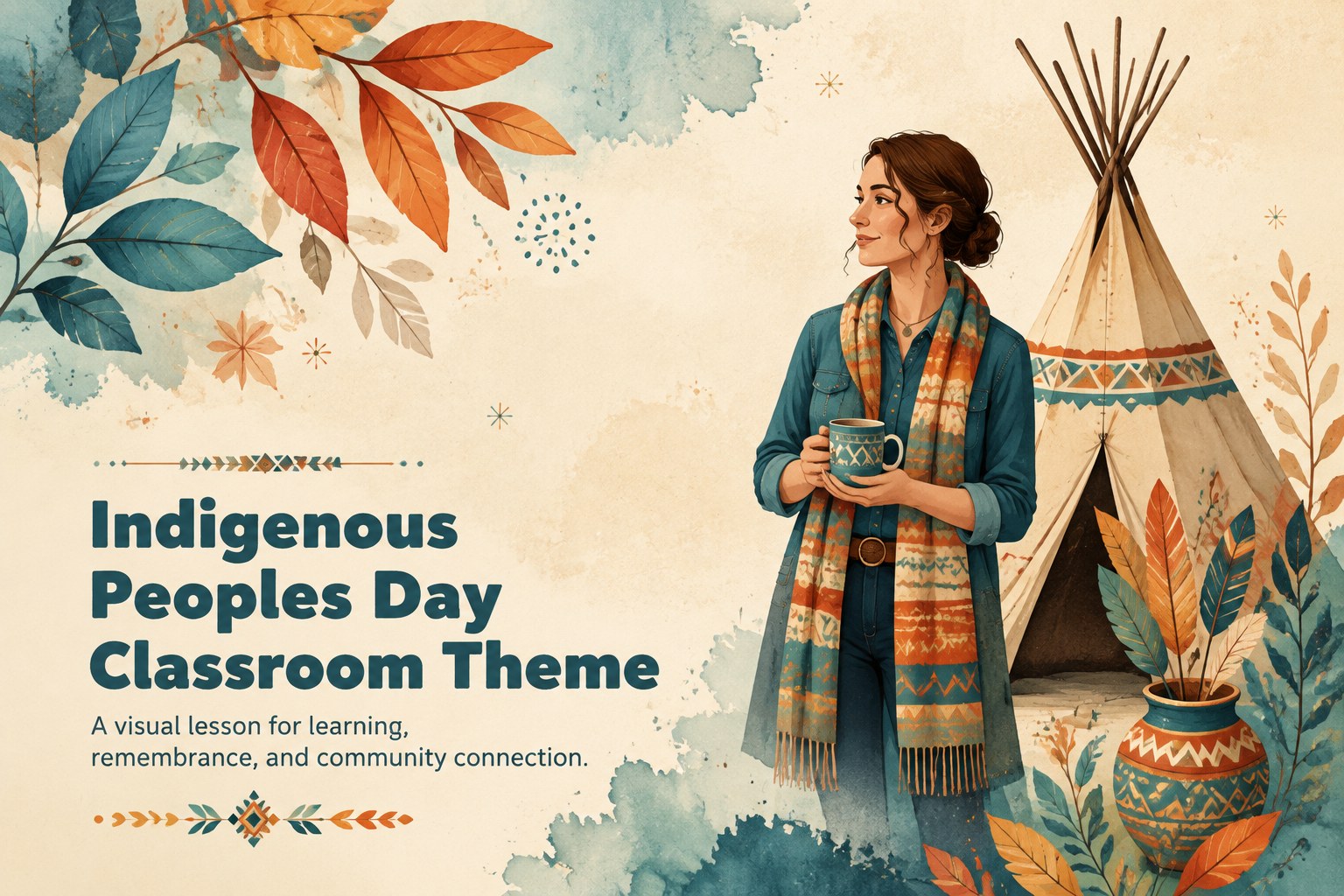
Build a thoughtful Indigenous Peoples Day classroom presentation with warm beige and blue artwork, editable layouts, and storytelling tools for learning.
Design notes
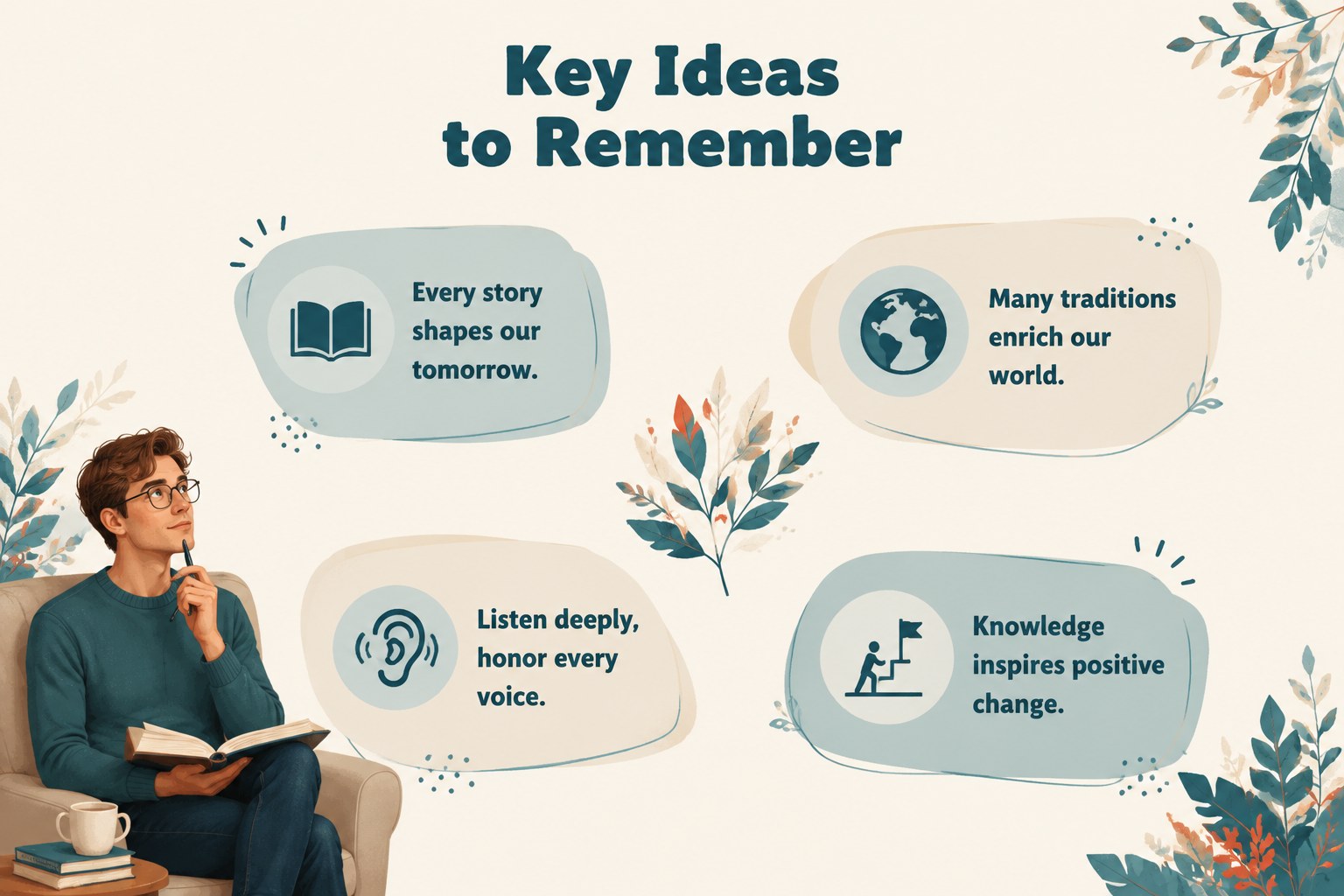
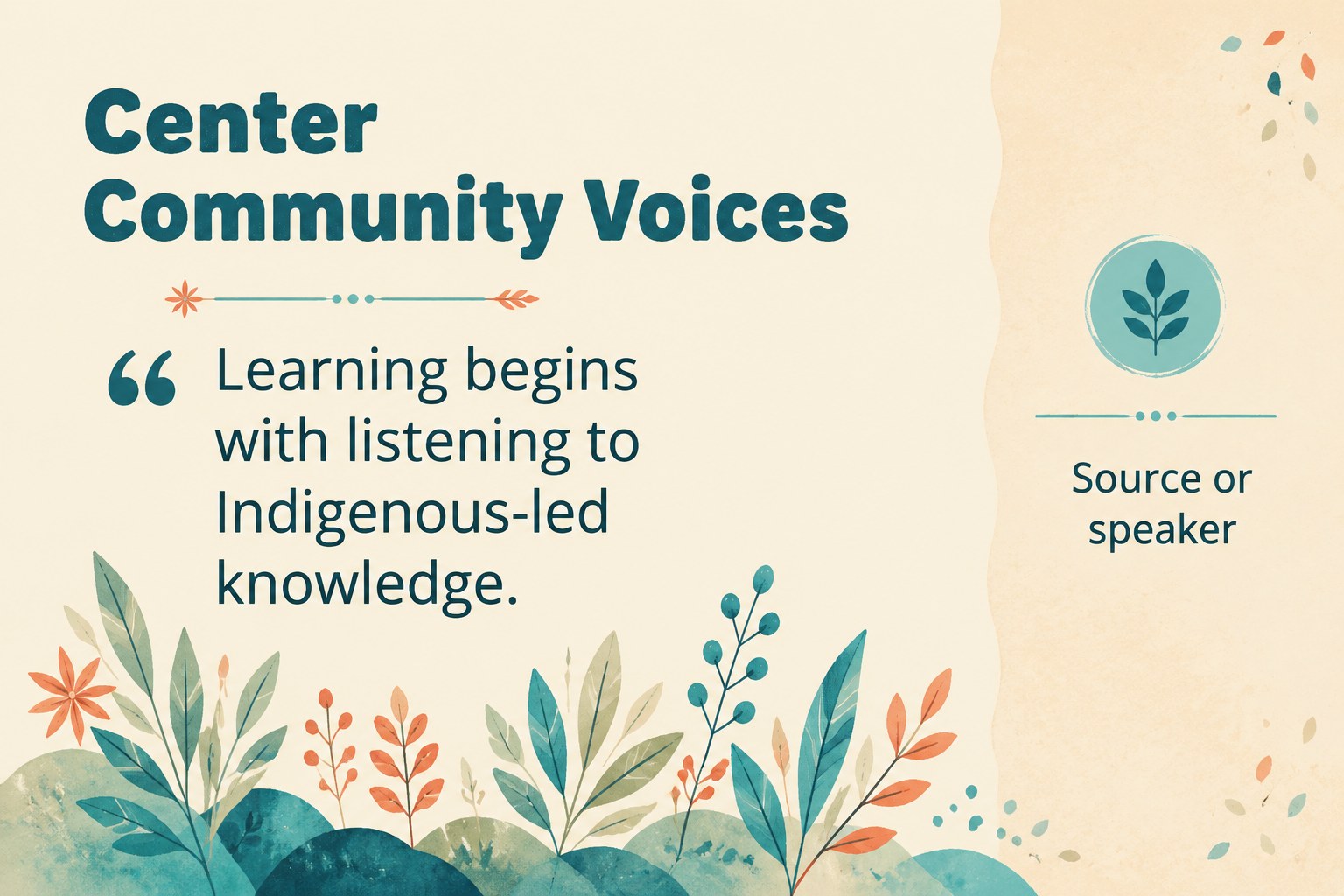
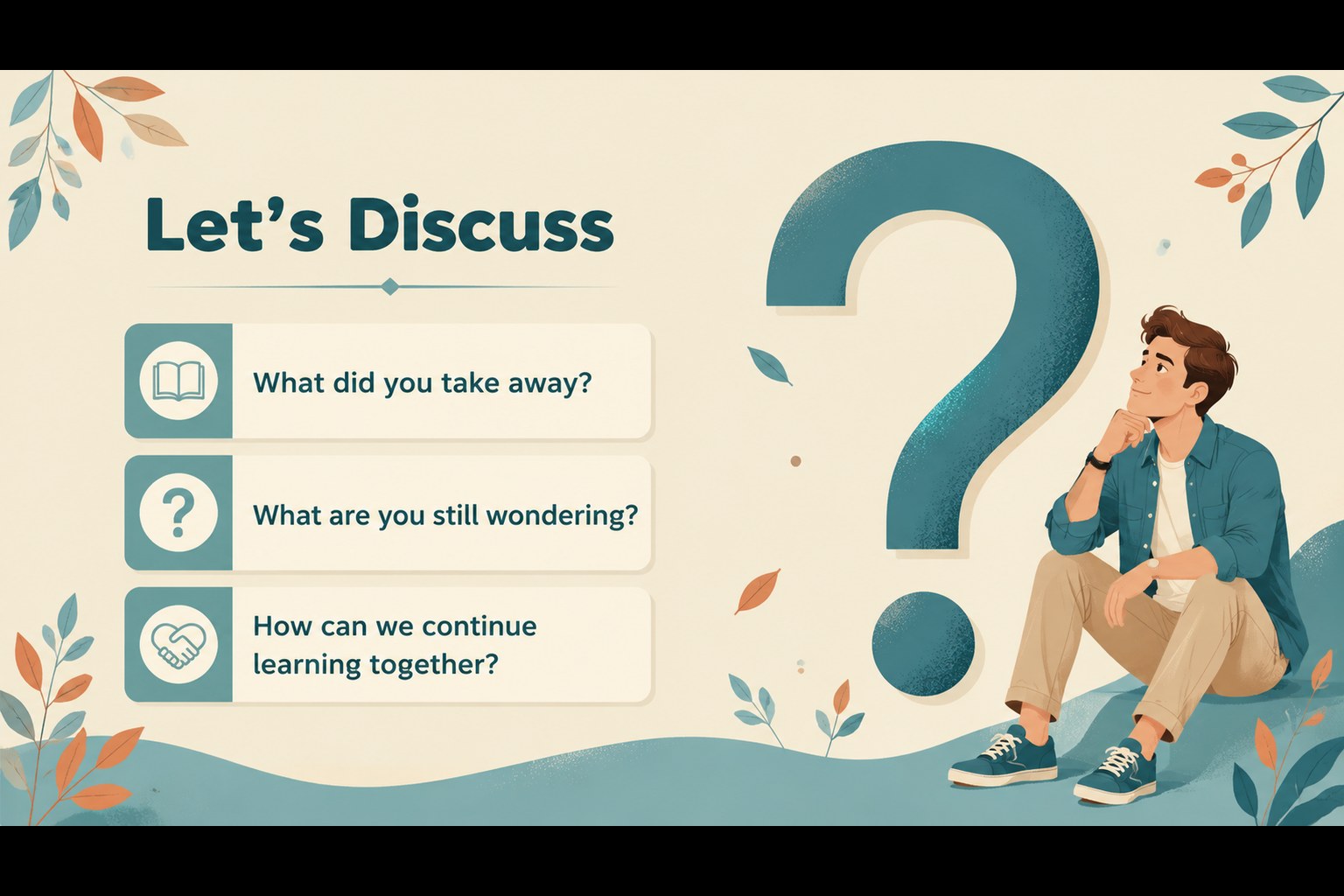
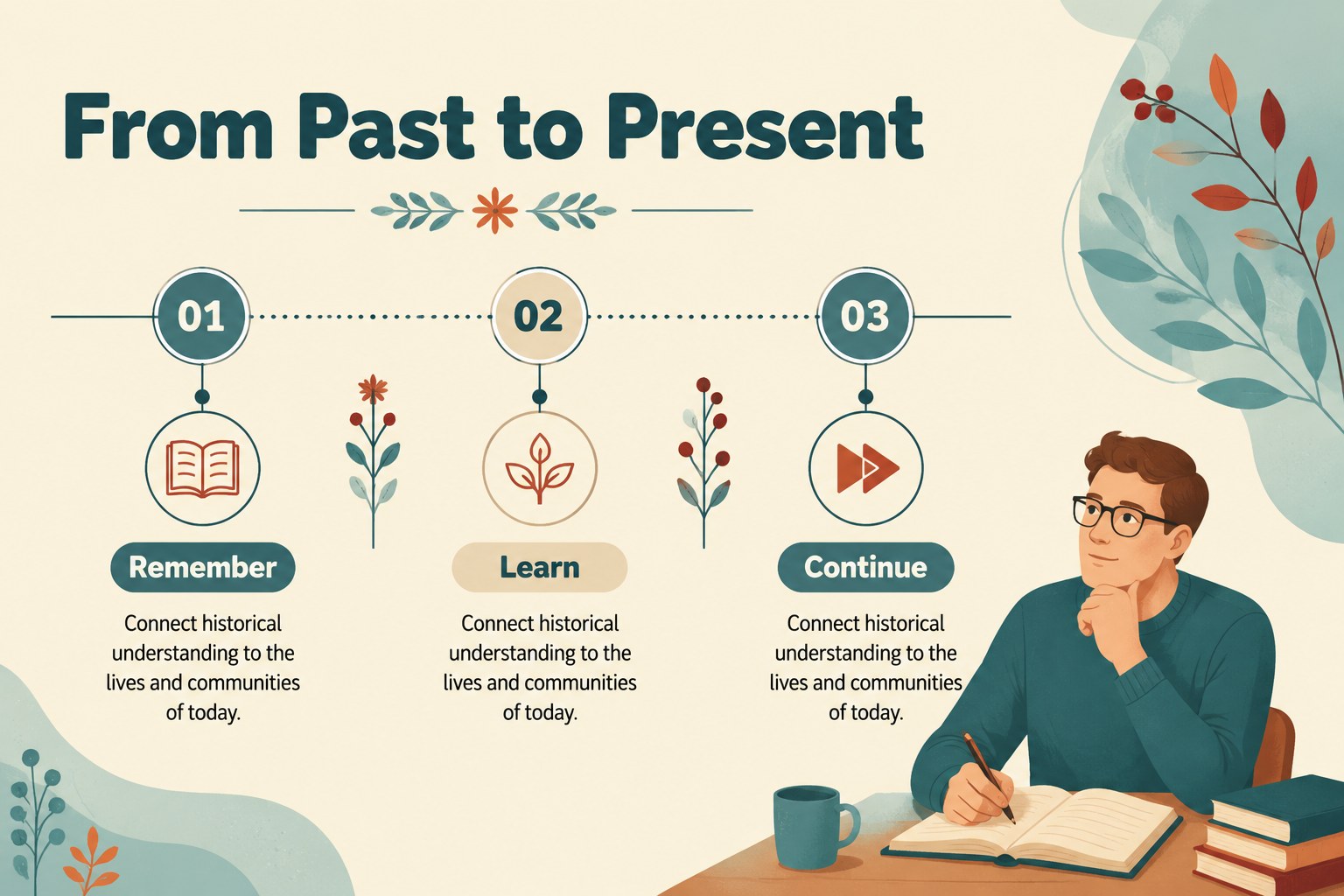
Create a respectful, engaging lesson with this Indigenous Peoples Day classroom presentation, designed for teachers, school coordinators, community educators, and event organizers. Its warm beige and blue palette, leafy motifs, and hand-drawn artwork create a calm setting for sharing history, recognizing living cultures, and inviting thoughtful discussion.
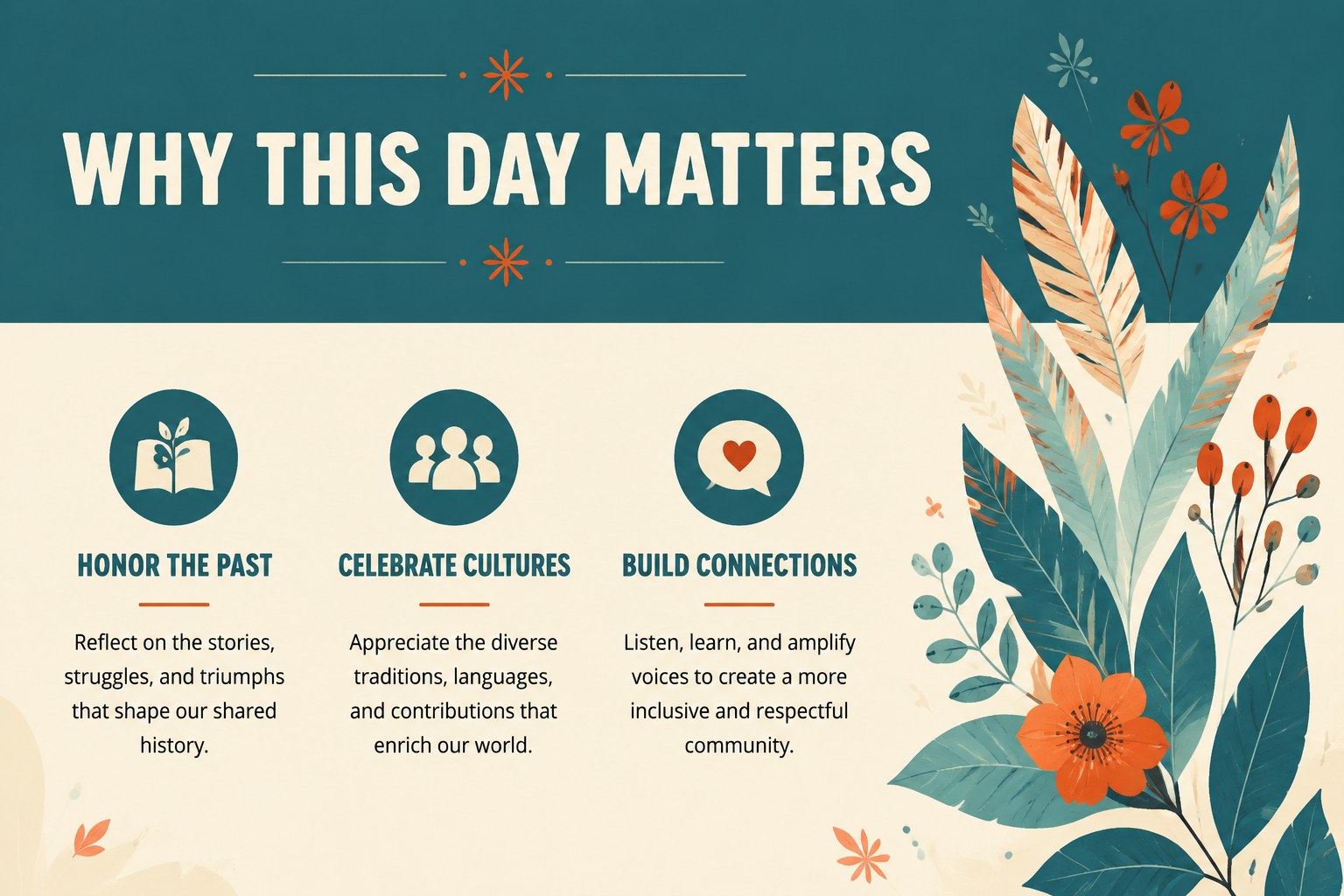
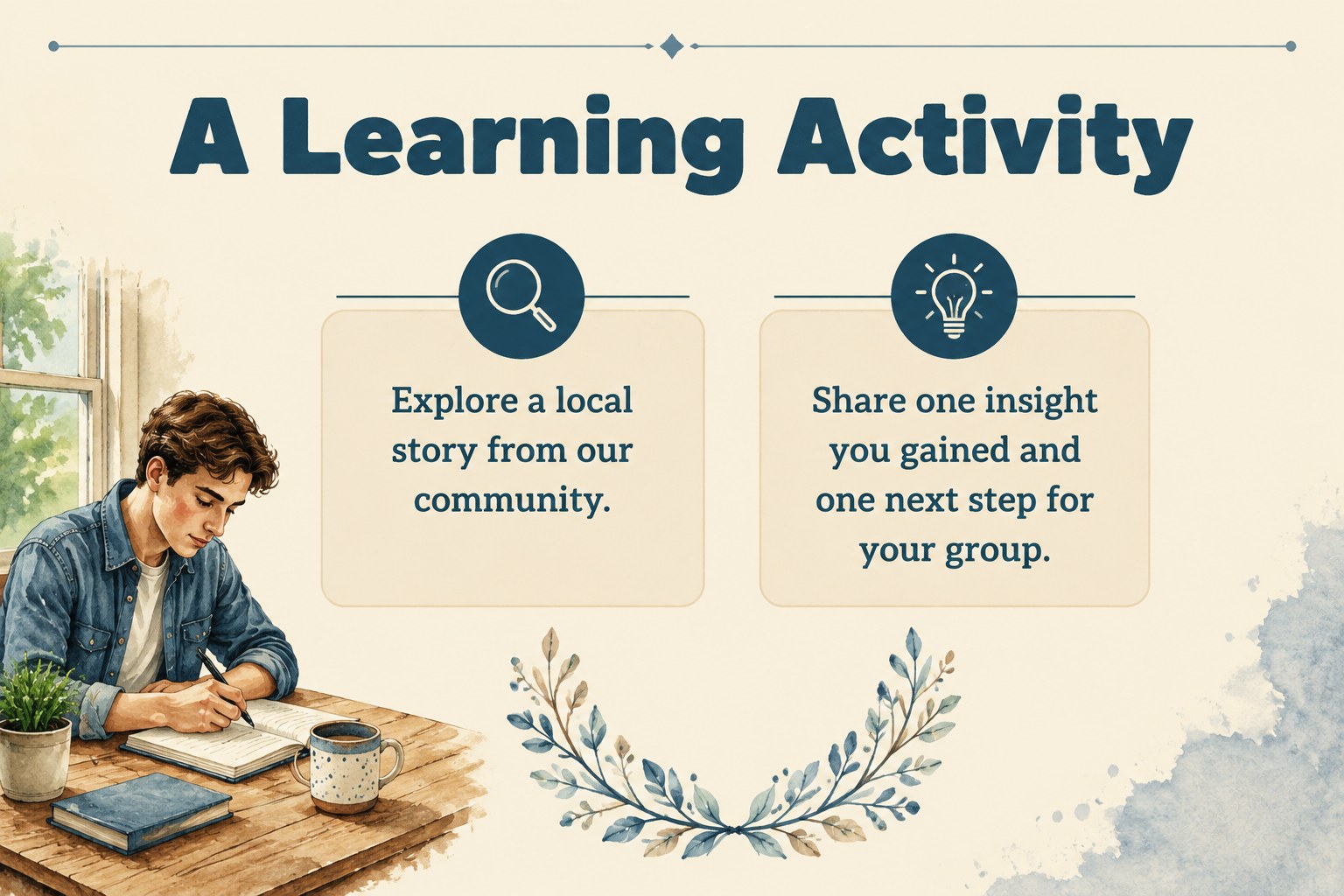
Inside, you will find 20 editable 16:9 layouts for opening remarks, learning objectives, historical context, key facts, discussion prompts, timelines, community activities, quotes, and closing reflections. The visual system combines watercolor-inspired botanical details with clear text areas, helping important information remain easy to read. Use the layouts for a school assembly, classroom unit, cultural awareness session, or public community program.
The deck works in PowerPoint and Google Slides, with flexible text boxes, charts, shapes, image frames, and presentation-ready transitions. Adapt the colors and typography to match your institution, add approved educational sources, or replace the sample copy with local voices and specific lesson goals. This Indigenous Peoples Day lesson deck also supports classroom storytelling activities and cultural heritage education presentations while leaving enough room for speaker notes and audience participation.
Perfect for: school assembly lesson; classroom history unit; community awareness event; teacher-led cultural discussion; museum education program.
Frequently asked questions
Can I edit this deck in PowerPoint? Yes. The presentation is compatible with PowerPoint and includes editable text, shapes, image areas, and layout elements. You can adjust the content to fit your curriculum or event format.
Practical details
Yes. The presentation is compatible with PowerPoint and includes editable text, shapes, image areas, and layout elements. You can adjust the content to fit your curriculum or event format.
Yes, you can open and customize the deck in Google Slides. Review imported fonts and transitions after uploading, then replace the sample material with your approved sources.
Yes. Update theme colors, text colors, and decorative elements to align with your school or organization. Keep strong contrast between text and backgrounds so historical information remains accessible.
The slides support introductions, historical timelines, cultural contributions, discussion questions, community activities, and closing reflections. Add region-specific information and cite Indigenous-led educational resources where appropriate.
Keep exploring
15Build stronger academic arguments with a college essay thesis builder featuring guided examples, revision prompts, and editable PowerPoint and Google Slides.
 15
15Build an engaging World UFO Day session with this flying saucer history lesson deck, featuring retro green-and-brown slides for PowerPoint and Google Slides.
 14
14Plan a memorable Lunar New Year campaign with the 2036 Dragon Year Celebration Theme, featuring bold red-and-yellow slides for lessons and events.
 15
15Build a thoughtful classroom discussion with this interfaith awareness lesson deck, featuring editable blue-and-white slides for PowerPoint and Google Slides.
 15
15Use this environmental awareness lesson deck to teach climate action through illustrated activities, discussion prompts, and ready-to-edit visuals.
 15
15Build playful lessons and party stories with a kid-friendly zombie celebration theme in purple, green and pastel blue for PowerPoint and Google Slides.
 15
15Build eerie lessons, campaigns, and story pitches with an undead survival scenario theme featuring editable slides for PowerPoint and Google Slides.
 16
16Turn environmental research into a clear story with a Watercolor Ecology Presentation Theme for PowerPoint and Google Slides in calming green and blue.