
 15
15presentation
College Essay Thesis Builder Slides
Build stronger academic arguments with a college essay thesis builder featuring guided examples, revision prompts, and editable PowerPoint and Google Slides.
Google SlidesPowerPoint
presentation · English
Build an engaging independence day celebration presentation with bold blue and red visuals for classrooms, community events, history talks, and summer…



Design notes
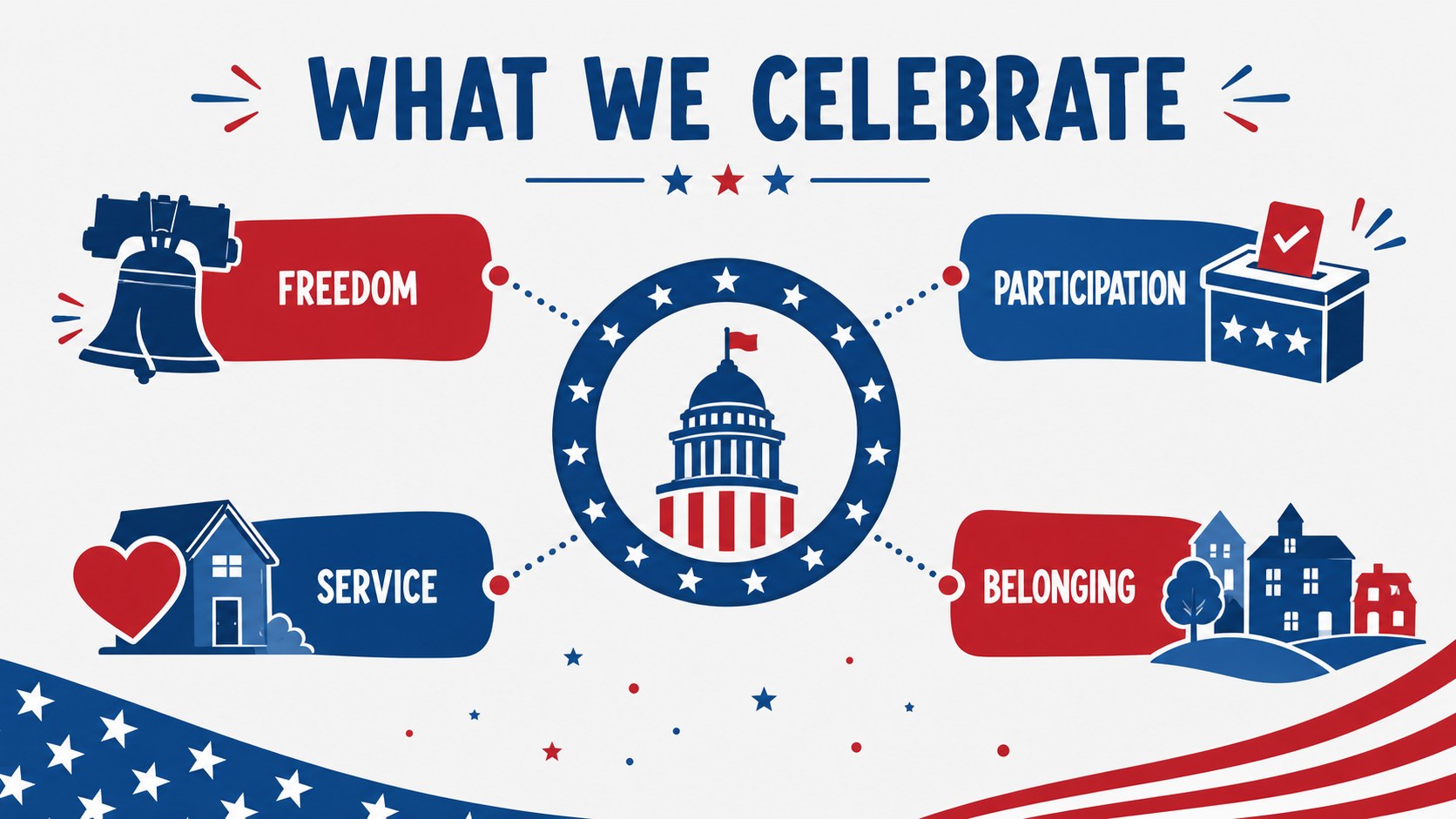
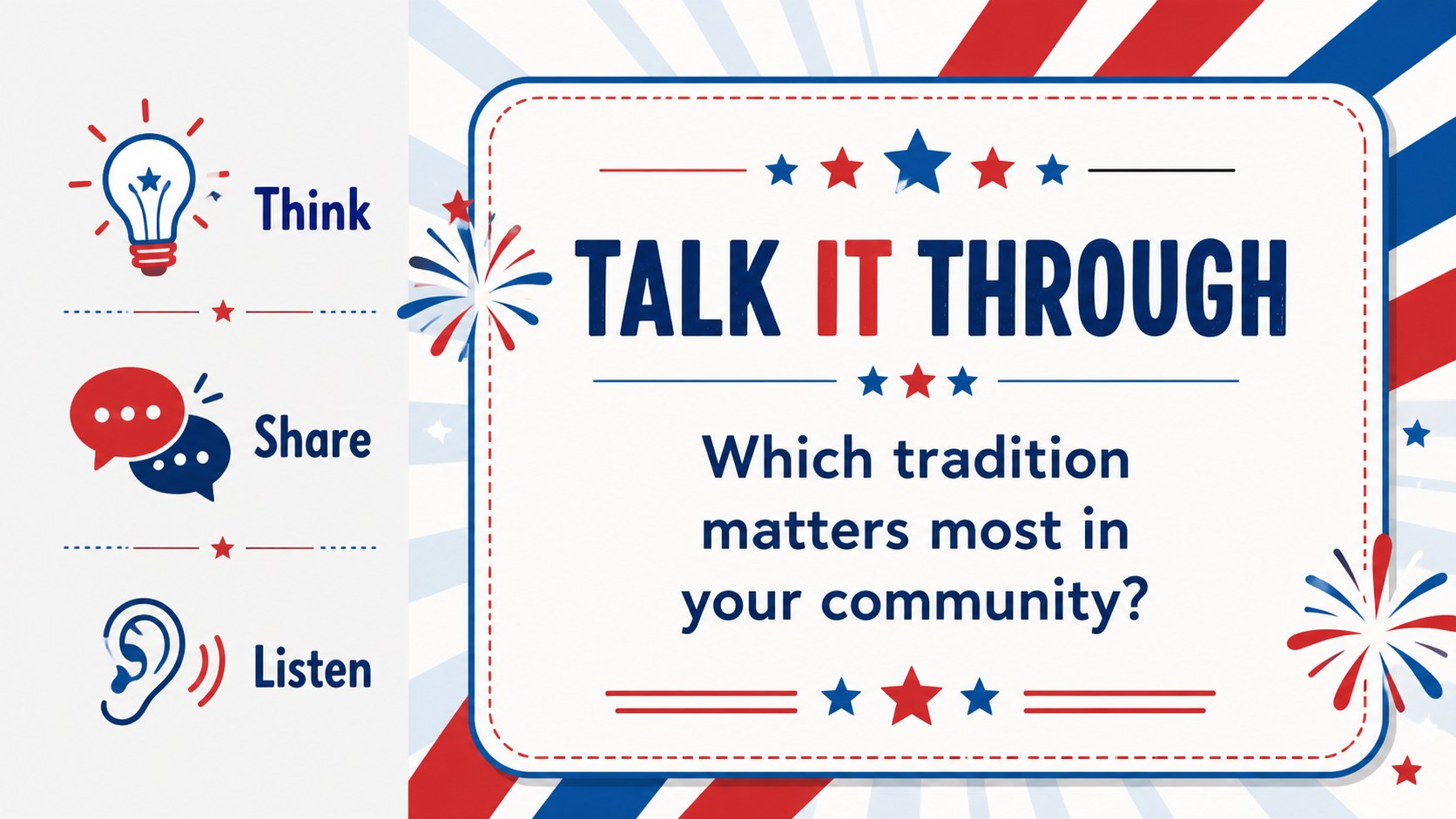
Make patriotic storytelling easier with an independence day celebration presentation designed for classrooms, community groups, and family events. Its modern illustrative style combines a confident blue and red palette with friendly visual details, giving historical facts, schedules, and event highlights a lively stage.
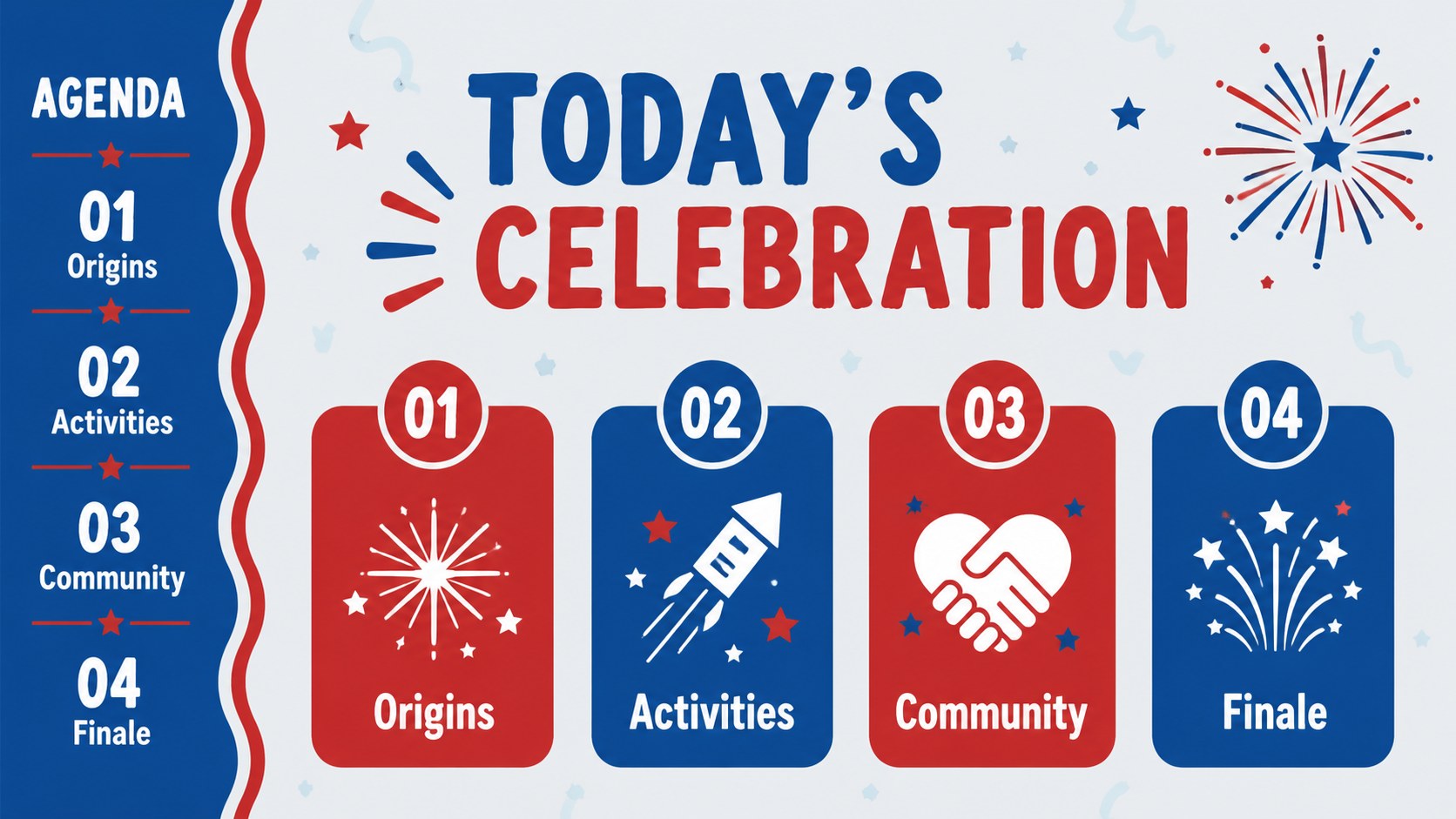
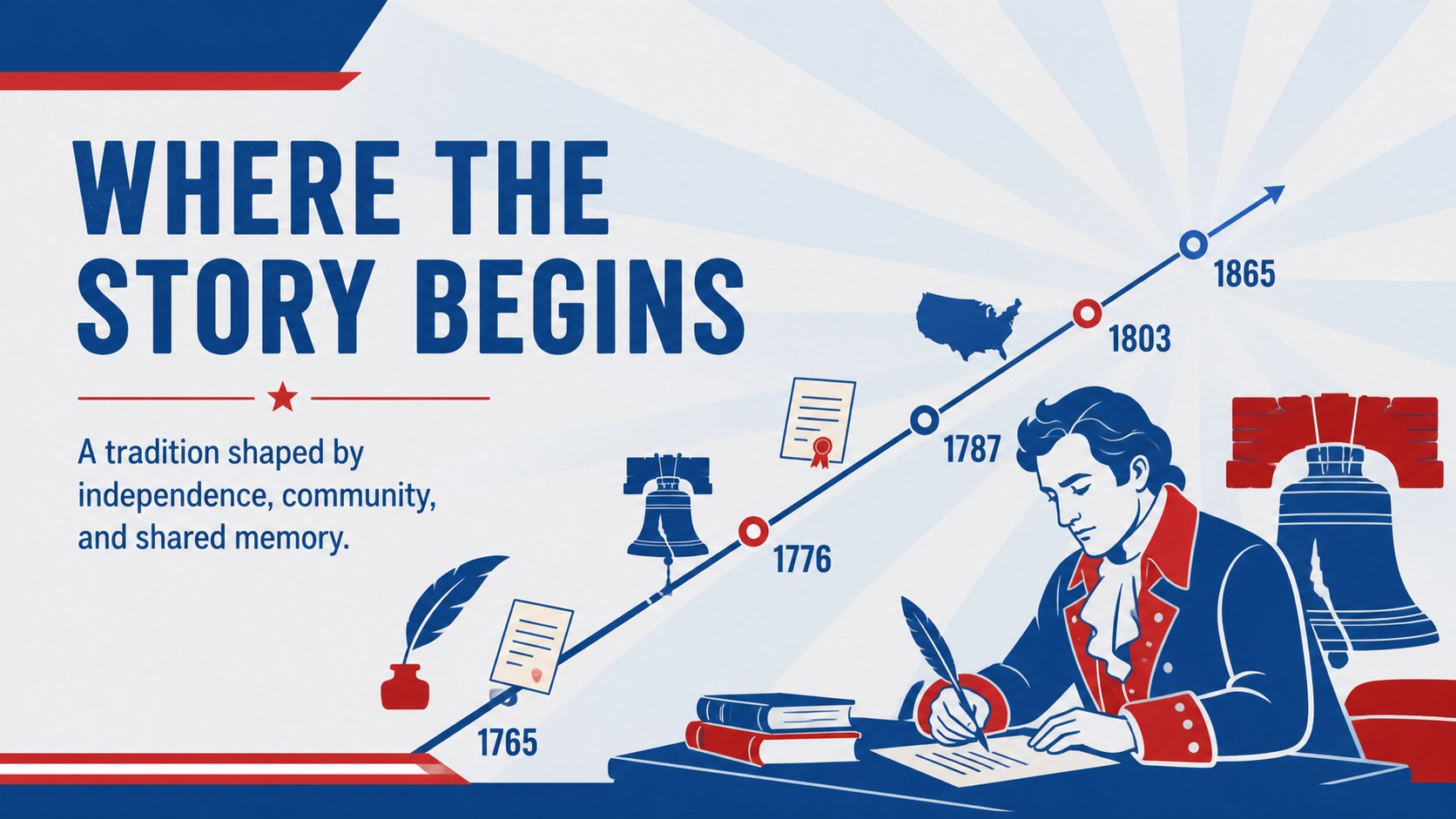
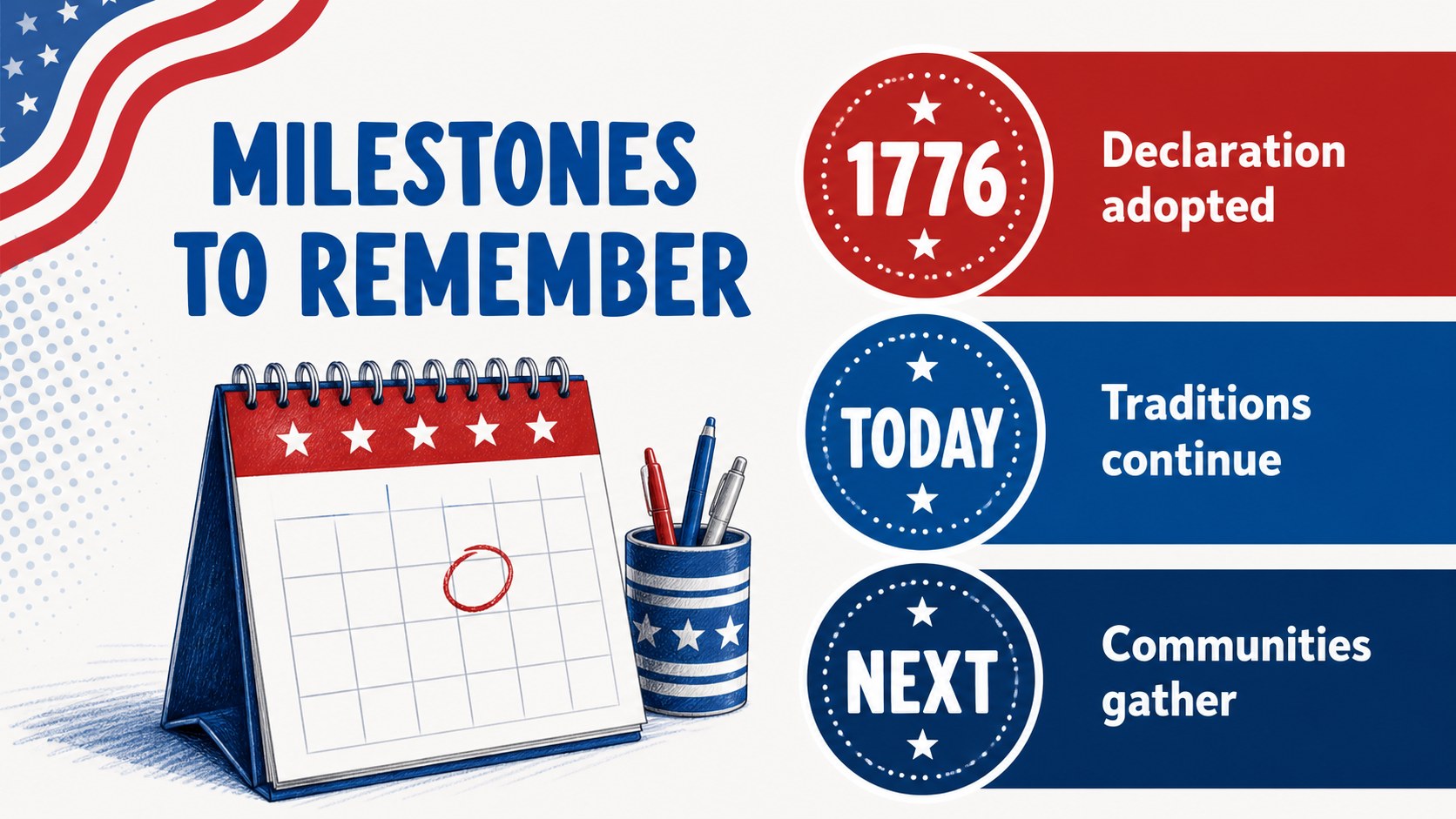
Inside, you will find 15 editable 16:9 slides for an opening message, event agenda, Independence Day background, key dates, activity ideas, speaker notes, timelines, comparison layouts, charts, and a closing thank-you. The flexible layouts work well for a 4th of July classroom slides project, a neighborhood gathering, a museum talk, or a fireworks event planning deck. Add local details, photographs, maps, schedules, or discussion prompts while keeping the design cohesive.
This template is made for teachers, community organizers, public agencies, students, and anyone preparing a polished holiday presentation. Edit it in PowerPoint or Google Slides, adjust the blue and red accents, and reuse the layouts for school assemblies, civic programs, virtual BBQ invitations, and history-focused presentations.
Perfect for: school history lesson; community celebration briefing; fireworks event planning; civic program introduction; virtual BBQ invitation; museum Independence Day talk.
Frequently asked questions
Can I edit this presentation in PowerPoint? Yes. The template is designed for PowerPoint and can be customized with your own text, images, charts, and event details. You can also adjust the blue and red palette to match your organization.
Practical details
Yes. The template is designed for PowerPoint and can be customized with your own text, images, charts, and event details. You can also adjust the blue and red palette to match your organization.
Yes, you can open and edit the presentation in Google Slides. Check each imported slide for font, spacing, and animation differences before presenting.
Replace the event schedule with lesson objectives, discussion questions, source notes, and student activities. The timeline and comparison layouts are useful for explaining Independence Day history.
Yes. Add venue information, timings, performers, safety reminders, maps, and sponsor details where appropriate. The agenda and closing slides can frame a complete community event briefing.
Keep exploring
15Build stronger academic arguments with a college essay thesis builder featuring guided examples, revision prompts, and editable PowerPoint and Google Slides.
 15
15Build an engaging World UFO Day session with this flying saucer history lesson deck, featuring retro green-and-brown slides for PowerPoint and Google Slides.
 14
14Plan a memorable Lunar New Year campaign with the 2036 Dragon Year Celebration Theme, featuring bold red-and-yellow slides for lessons and events.
 15
15Build a thoughtful classroom discussion with this interfaith awareness lesson deck, featuring editable blue-and-white slides for PowerPoint and Google Slides.
 15
15Use this environmental awareness lesson deck to teach climate action through illustrated activities, discussion prompts, and ready-to-edit visuals.
 15
15Build playful lessons and party stories with a kid-friendly zombie celebration theme in purple, green and pastel blue for PowerPoint and Google Slides.
 15
15Build eerie lessons, campaigns, and story pitches with an undead survival scenario theme featuring editable slides for PowerPoint and Google Slides.
 16
16Turn environmental research into a clear story with a Watercolor Ecology Presentation Theme for PowerPoint and Google Slides in calming green and blue.