
 15
15presentation
College Essay Thesis Builder Slides
Build stronger academic arguments with a college essay thesis builder featuring guided examples, revision prompts, and editable PowerPoint and Google Slides.
Google SlidesPowerPoint
presentation · English
Build accessible workshops with an inclusive learning strategy presentation featuring editable green-and-beige visuals for PowerPoint and Google Slides.
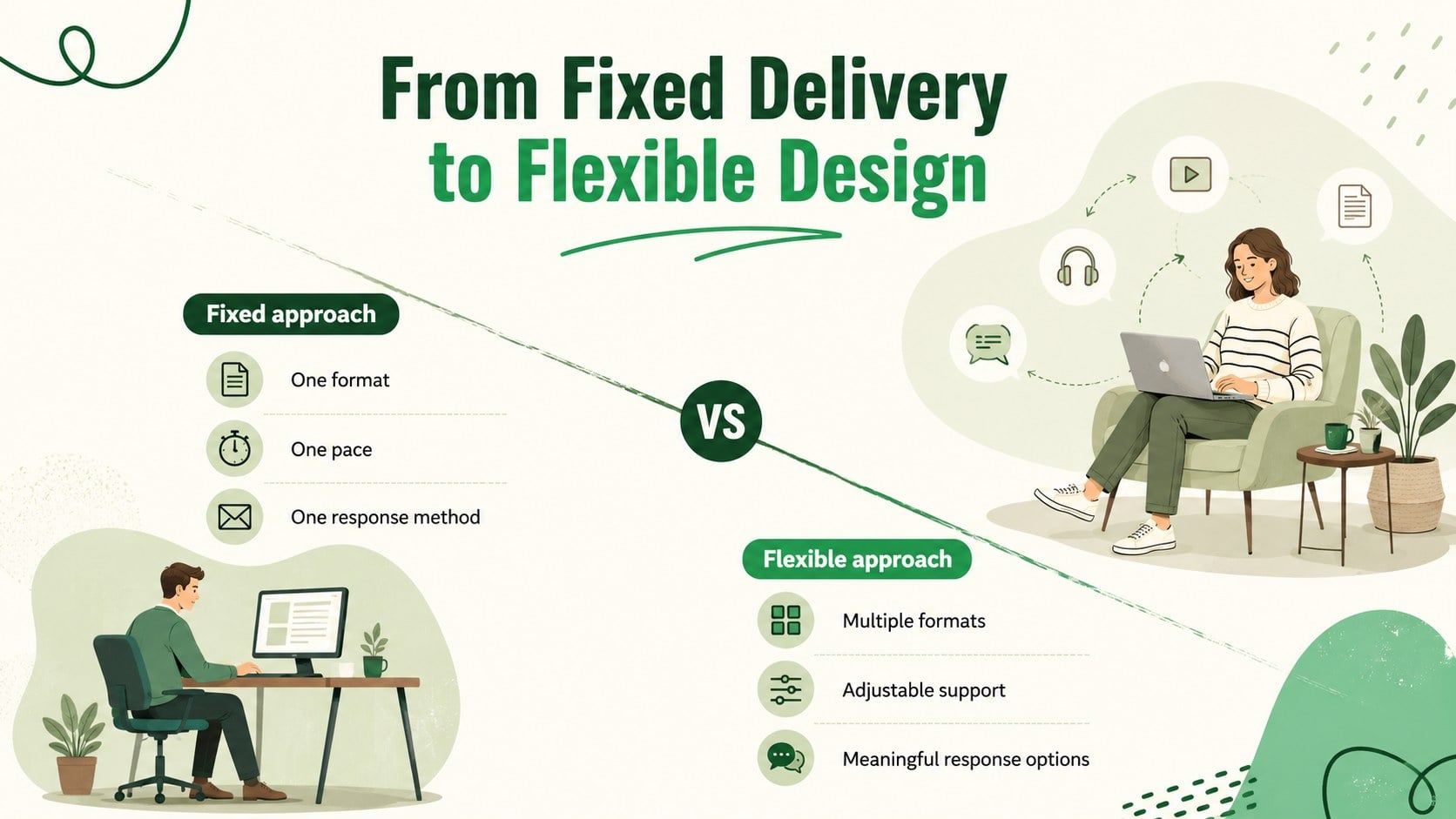
Design notes
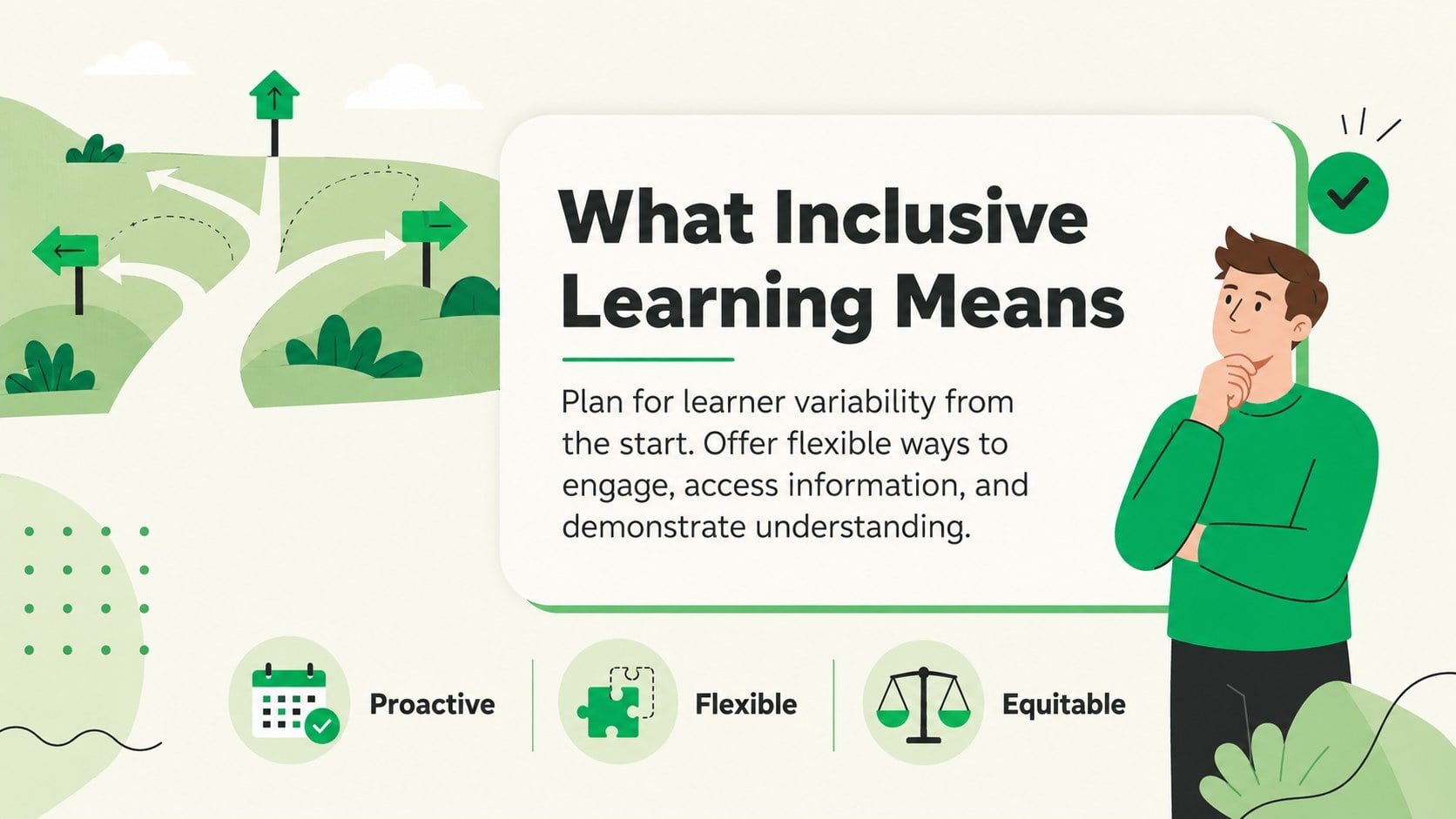
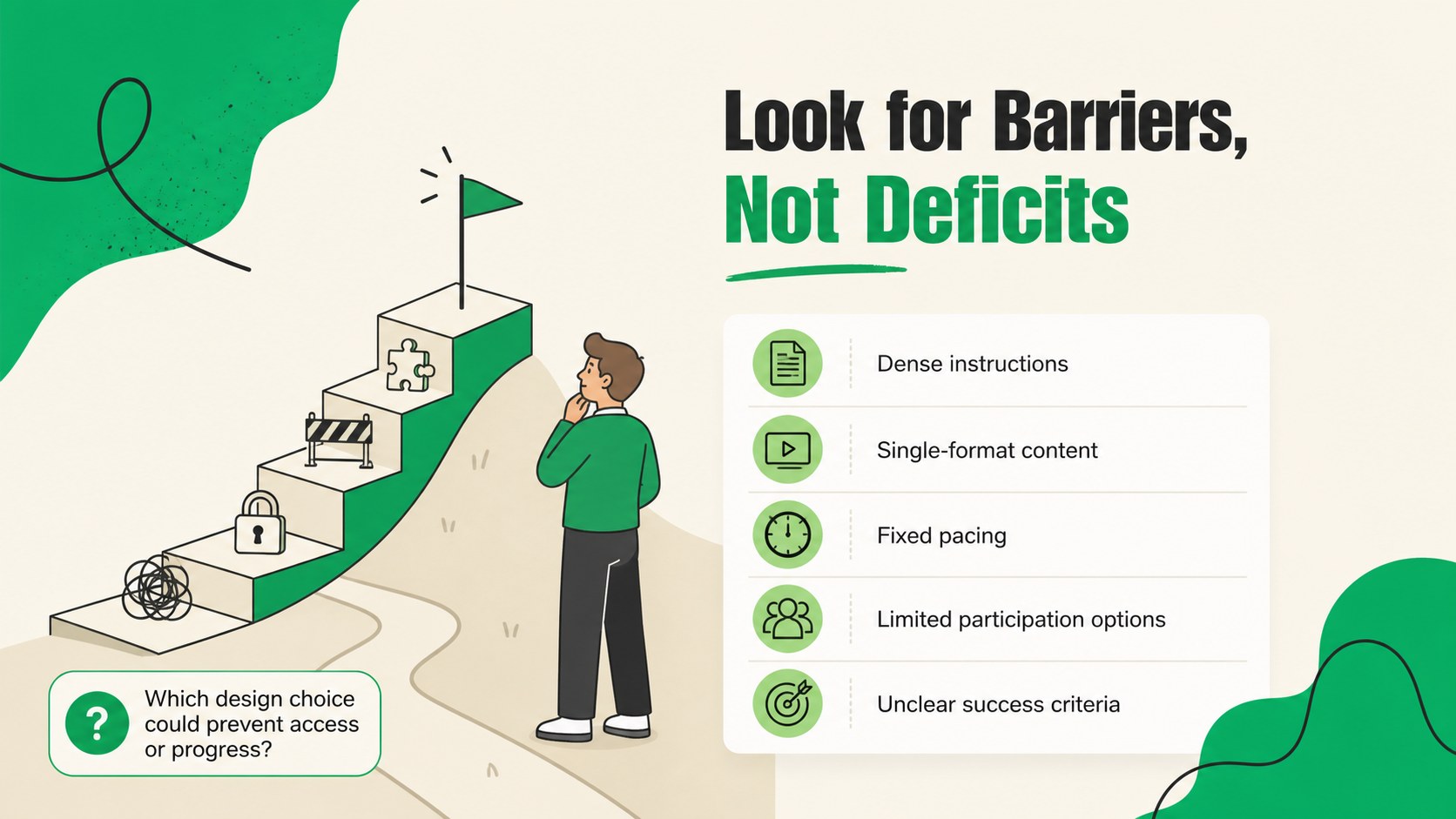
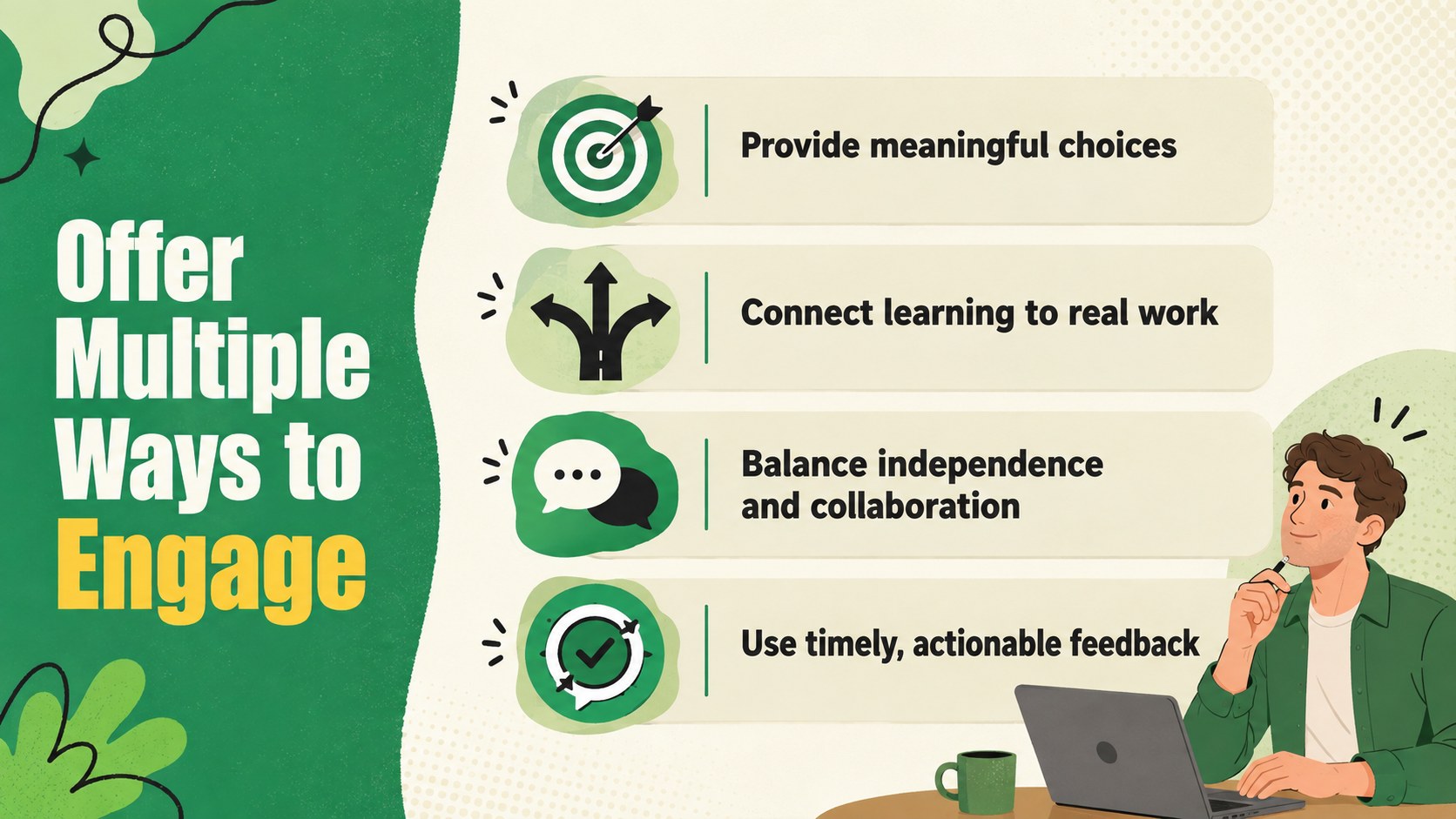
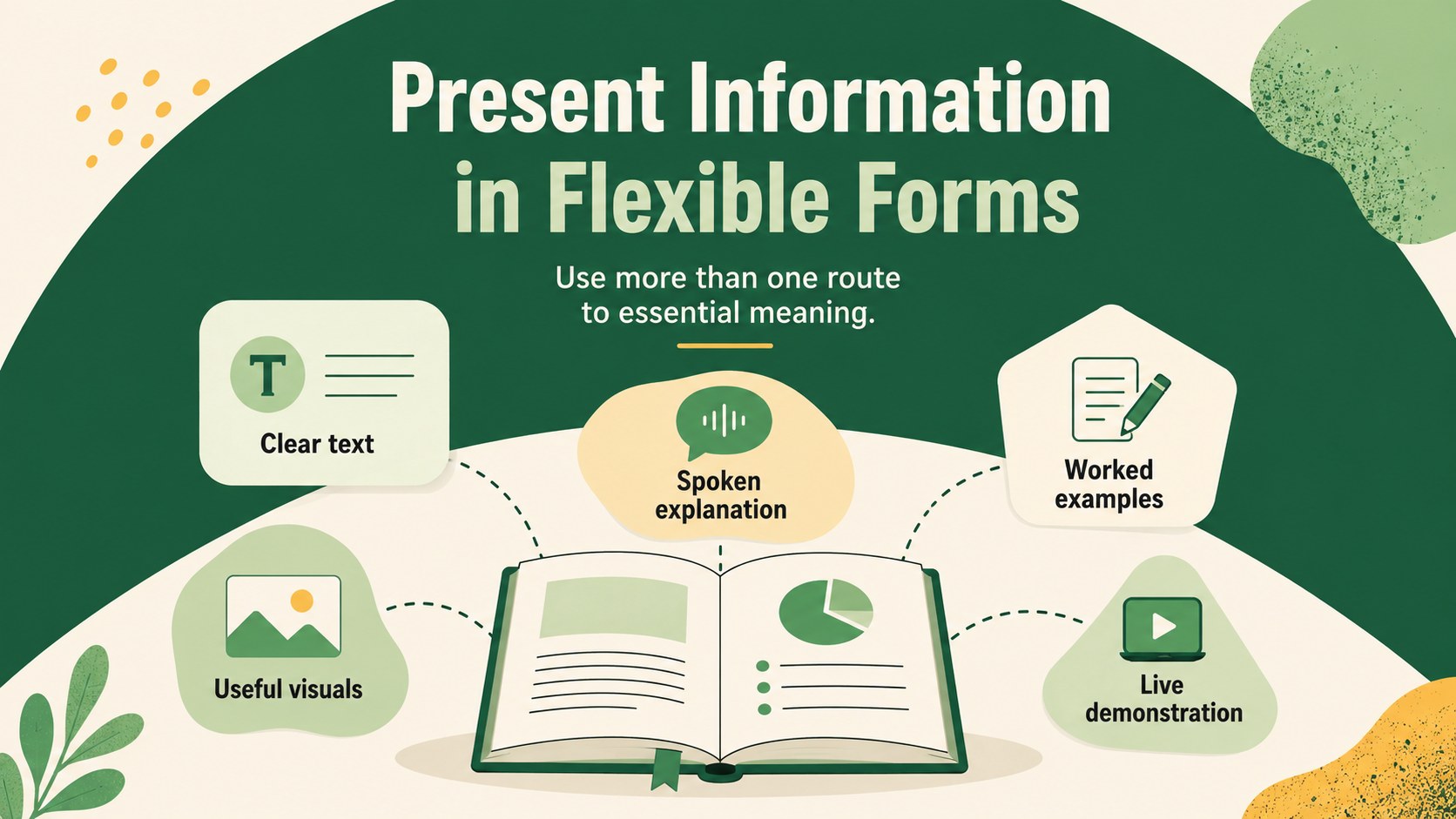
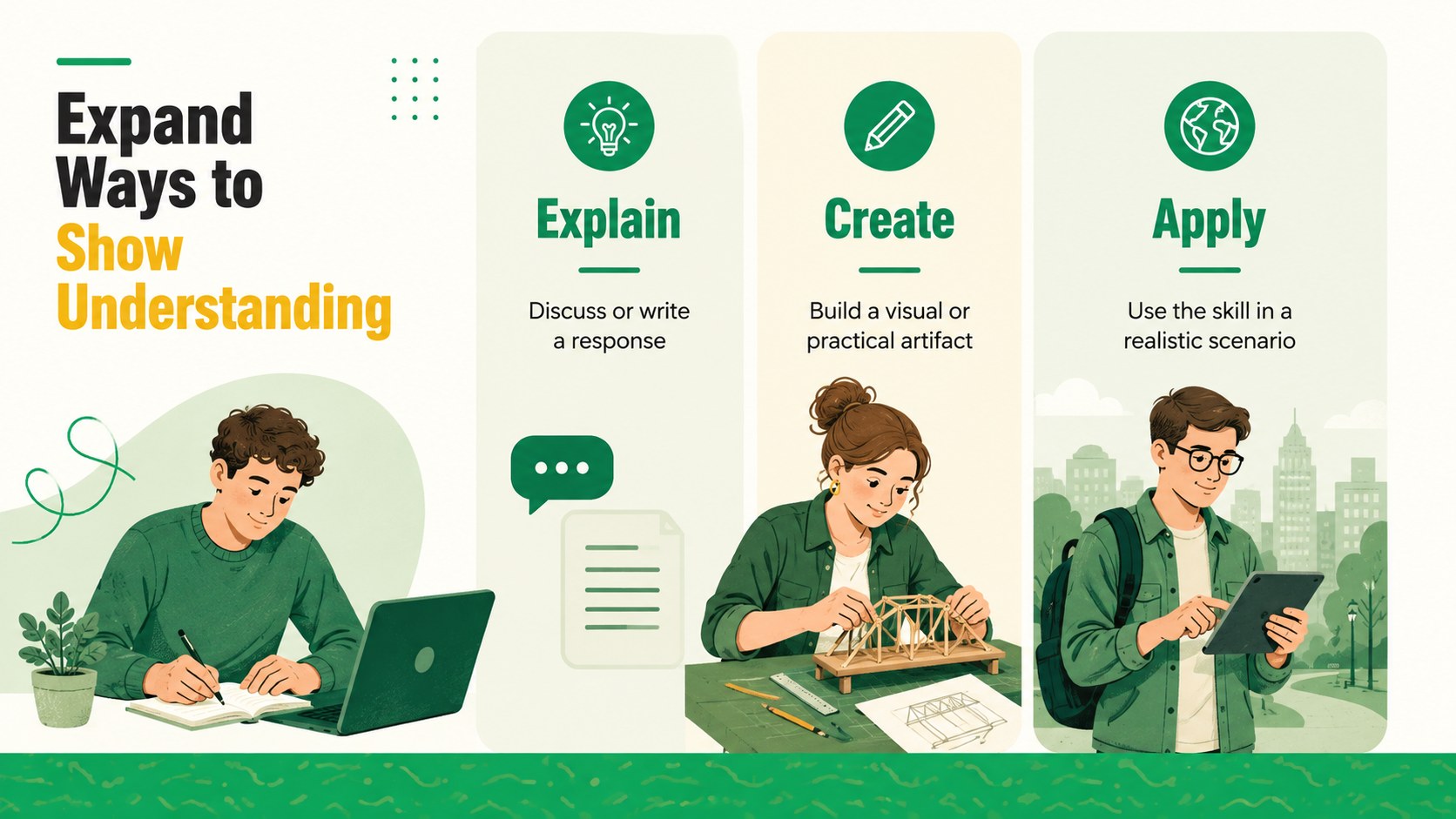
Build training experiences around learner choice, accessibility, and meaningful participation with this inclusive learning strategy presentation. Its warm beige backgrounds, fresh green accents, and approachable illustrations make Universal Design for Learning principles easier to discuss without losing professional clarity. Edit the deck in PowerPoint or Google Slides to match your organization, audience, and session goals.
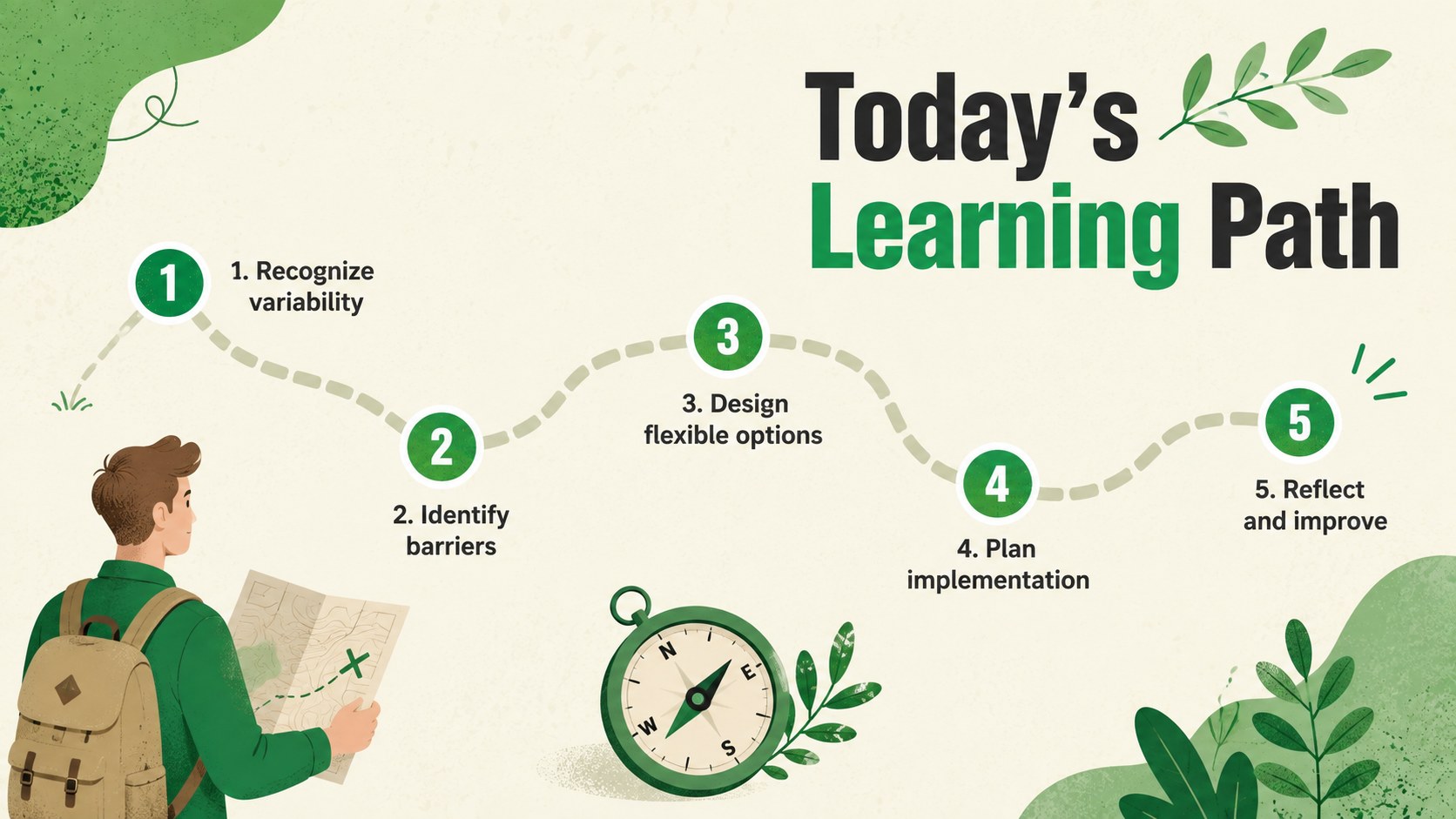
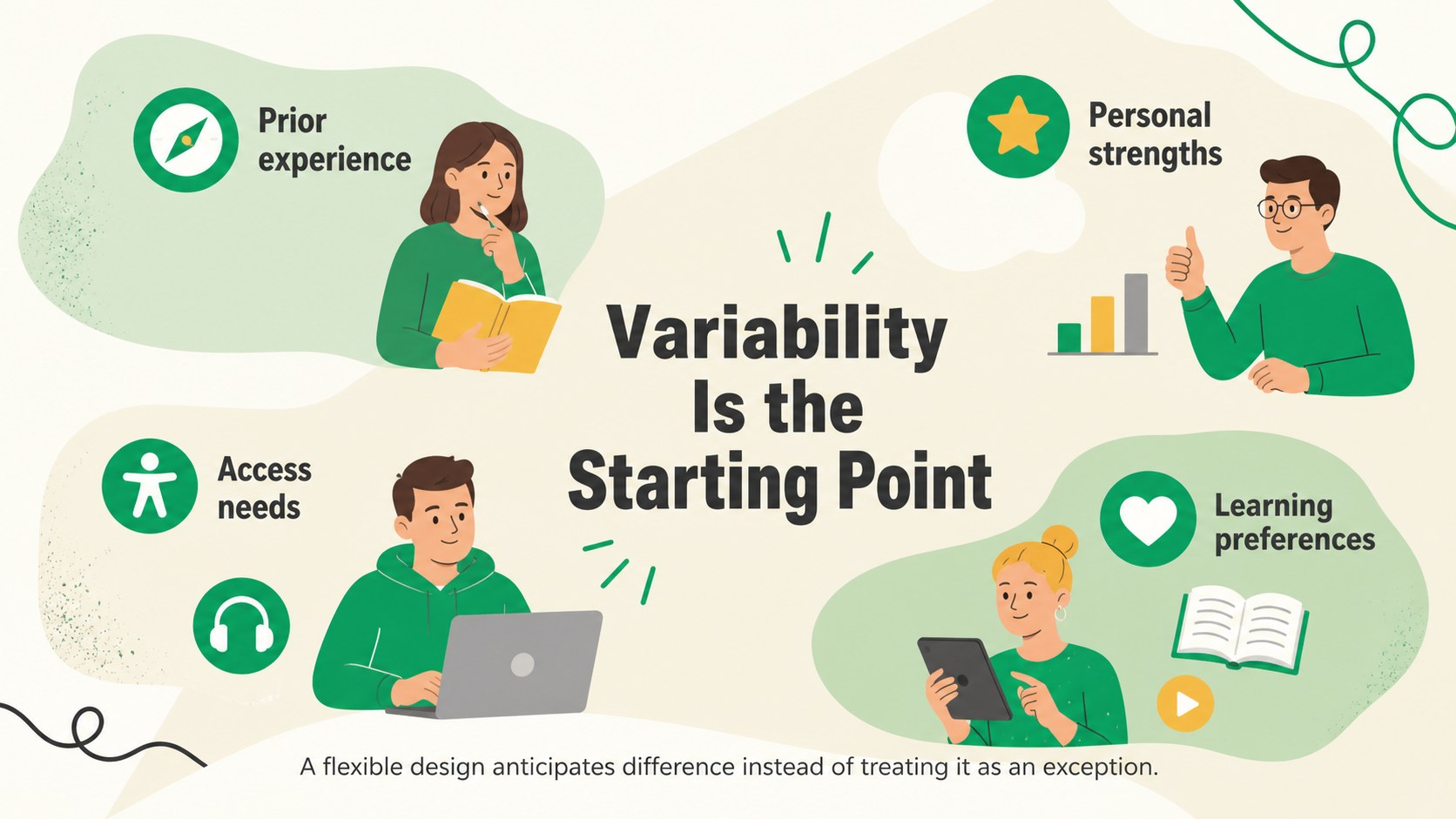
The presentation includes space for an agenda, learner variability, common barriers, multiple means of engagement, representation, action and expression, implementation steps, and team reflection. Comparison layouts, planning prompts, a process diagram, and an action timeline help presenters move from theory to realistic next steps. Use it as a Universal Design for Learning workshop template or adapt the layouts into accessible corporate training slides for internal programs.
Designed for learning and development teams, managers, instructional designers, consultants, and facilitators, this learner variability workshop deck works well for professional development, onboarding strategy, training reviews, and collaborative planning. Every slide uses a consistent 16:9 format, editable text, and flexible visual elements. Replace examples, adjust the green-and-beige palette, add organizational data, or shorten the material for a focused team conversation.
Perfect for: Universal Design for Learning workshop; employee training accessibility review; instructional design planning session; manager professional development; inclusive onboarding strategy.
Frequently asked questions
Can I edit every part of this presentation? Yes. You can revise the wording, rearrange layouts, recolor visual elements, and replace examples to suit your learning program.
Practical details
Yes. You can revise the wording, rearrange layouts, recolor visual elements, and replace examples to suit your learning program.
The template is designed for PowerPoint and Google Slides. Both platforms support editing, presenting, and sharing the deck with colleagues.
Yes. Replace the sample learning scenarios with workplace examples, add your organization’s terminology, and adjust the action plan to reflect internal training priorities.
Yes. Dedicated layouts cover learner variability, engagement, representation, and action and expression, along with practical planning prompts.
Keep exploring
15Build stronger academic arguments with a college essay thesis builder featuring guided examples, revision prompts, and editable PowerPoint and Google Slides.
 15
15Build an engaging World UFO Day session with this flying saucer history lesson deck, featuring retro green-and-brown slides for PowerPoint and Google Slides.
 14
14Plan a memorable Lunar New Year campaign with the 2036 Dragon Year Celebration Theme, featuring bold red-and-yellow slides for lessons and events.
 15
15Build a thoughtful classroom discussion with this interfaith awareness lesson deck, featuring editable blue-and-white slides for PowerPoint and Google Slides.
 15
15Use this environmental awareness lesson deck to teach climate action through illustrated activities, discussion prompts, and ready-to-edit visuals.
 15
15Build playful lessons and party stories with a kid-friendly zombie celebration theme in purple, green and pastel blue for PowerPoint and Google Slides.
 15
15Build eerie lessons, campaigns, and story pitches with an undead survival scenario theme featuring editable slides for PowerPoint and Google Slides.
 16
16Turn environmental research into a clear story with a Watercolor Ecology Presentation Theme for PowerPoint and Google Slides in calming green and blue.