
 15
15presentation
College Essay Thesis Builder Slides
Build stronger academic arguments with a college essay thesis builder featuring guided examples, revision prompts, and editable PowerPoint and Google Slides.
Google SlidesPowerPoint
presentation · English
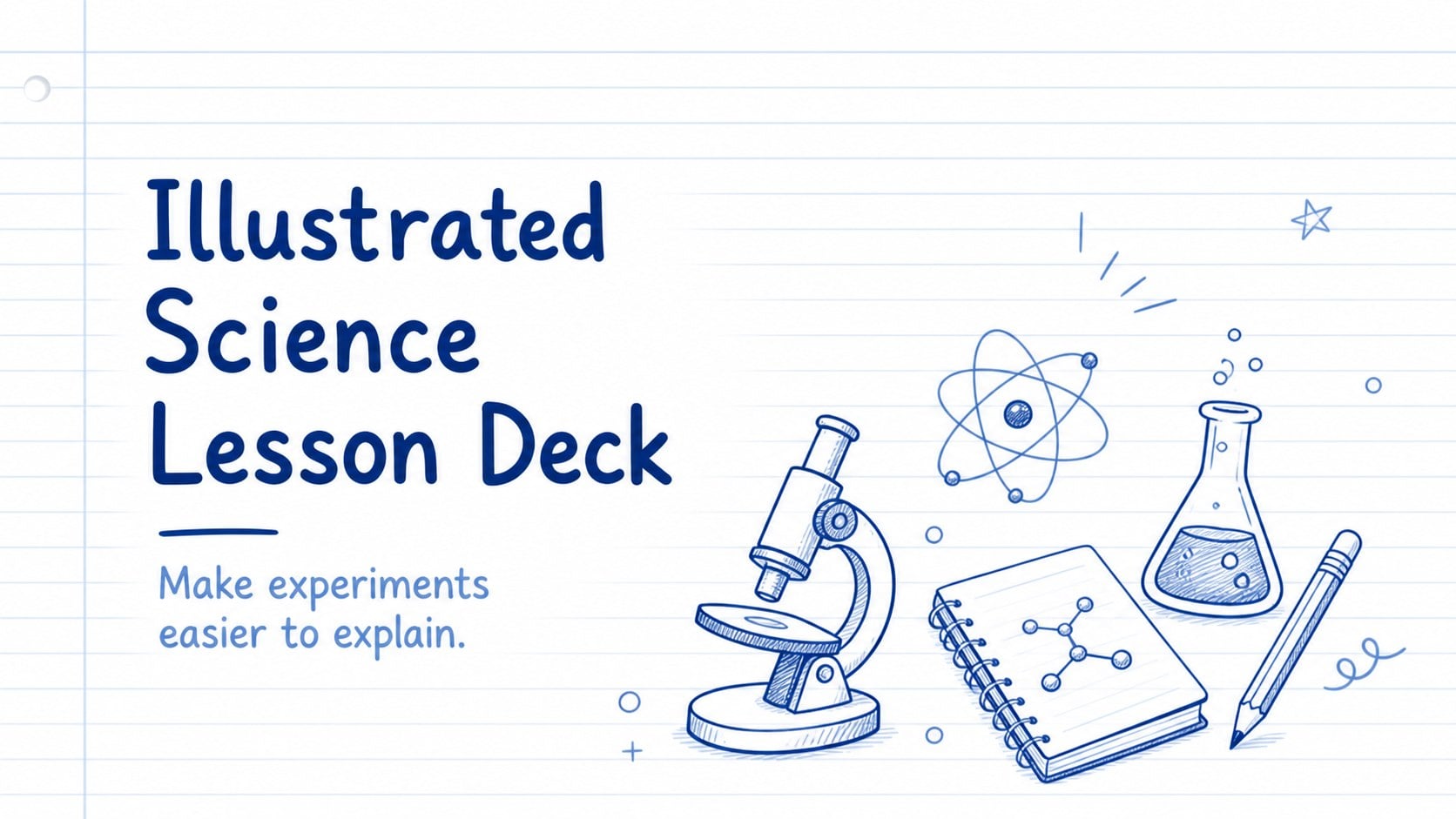
Build an illustrated science lesson deck for lively classroom talks, lab reports, and student projects with editable blue icons, charts, and maps.
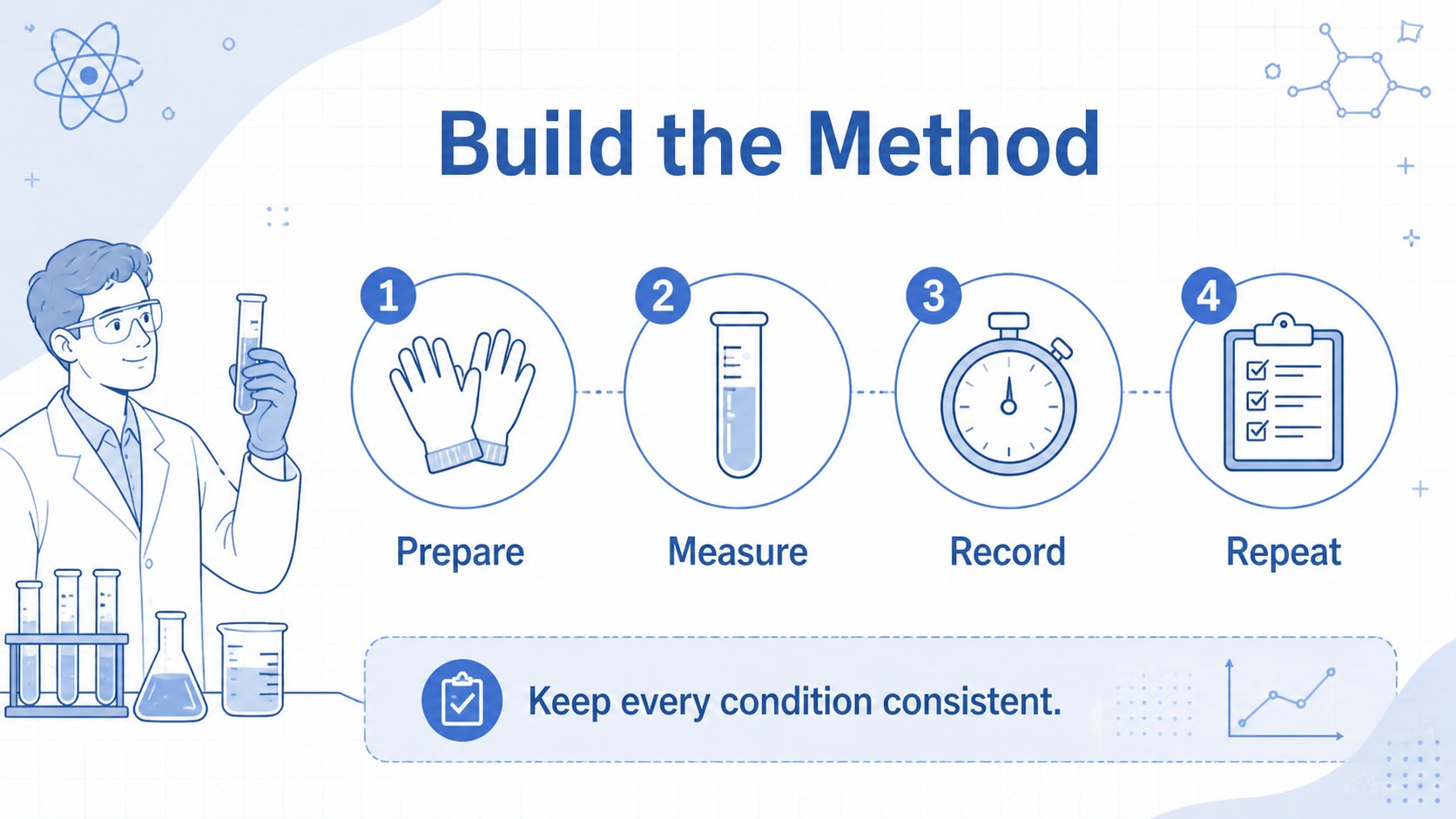
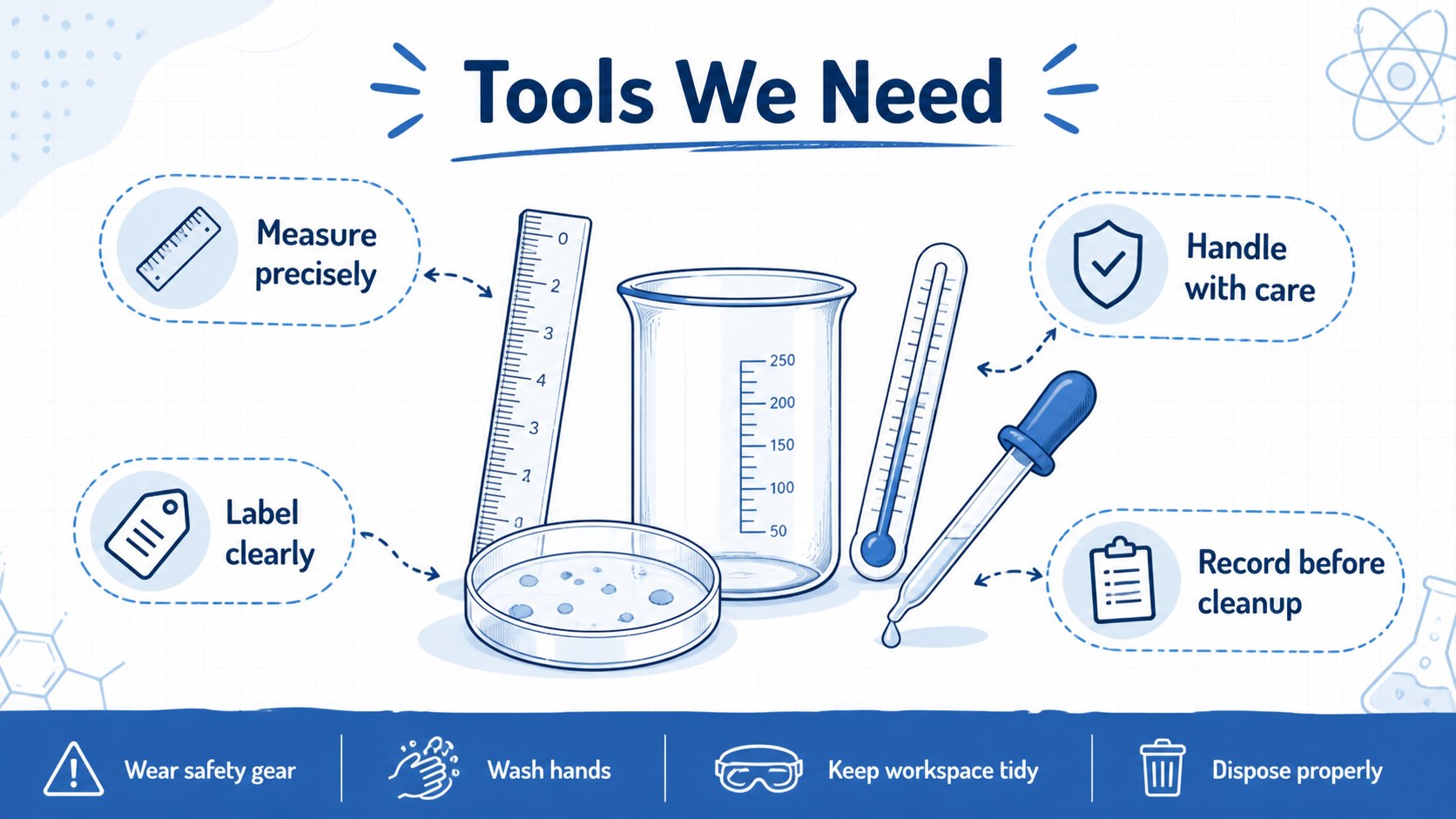
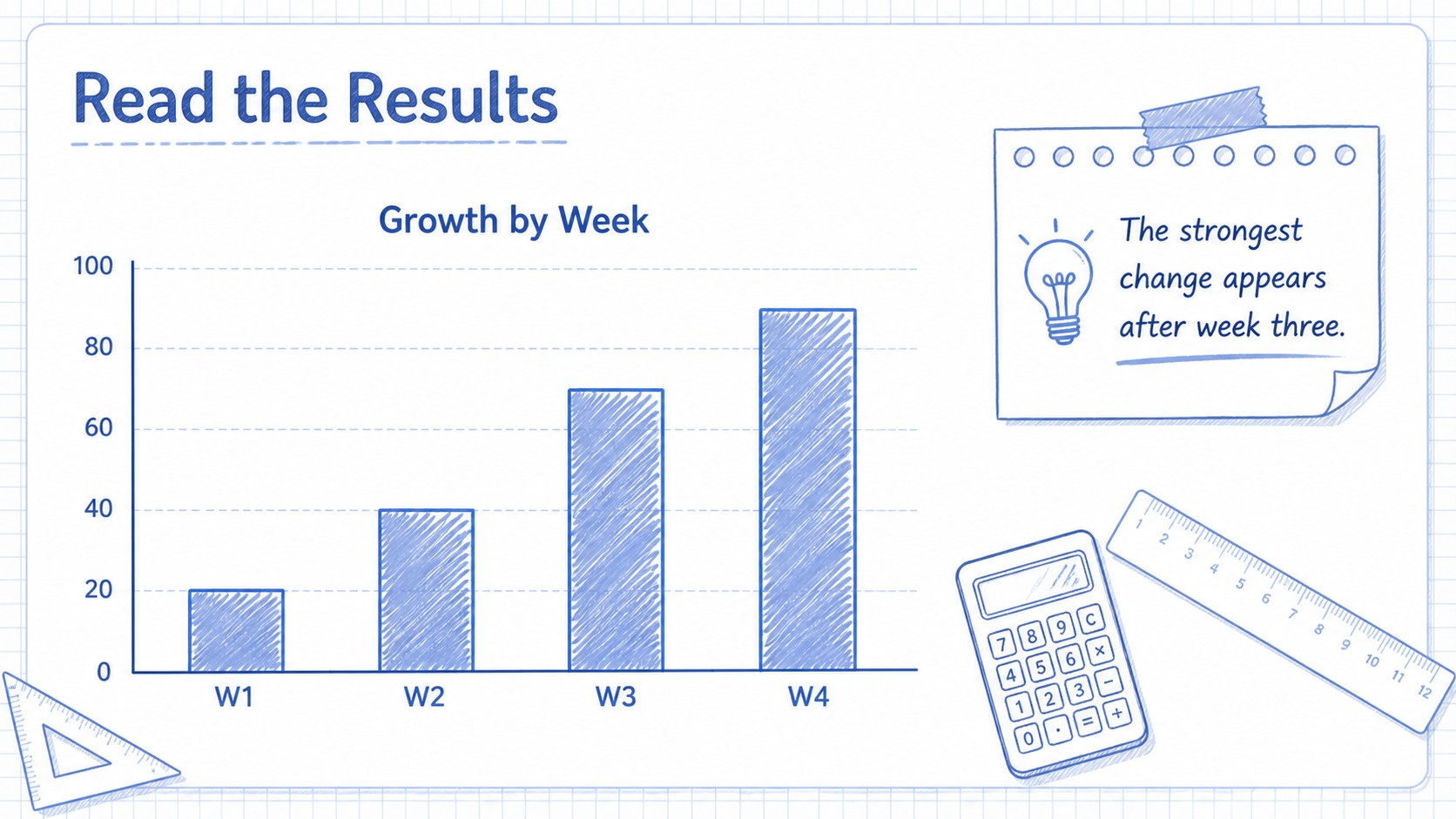
Design notes
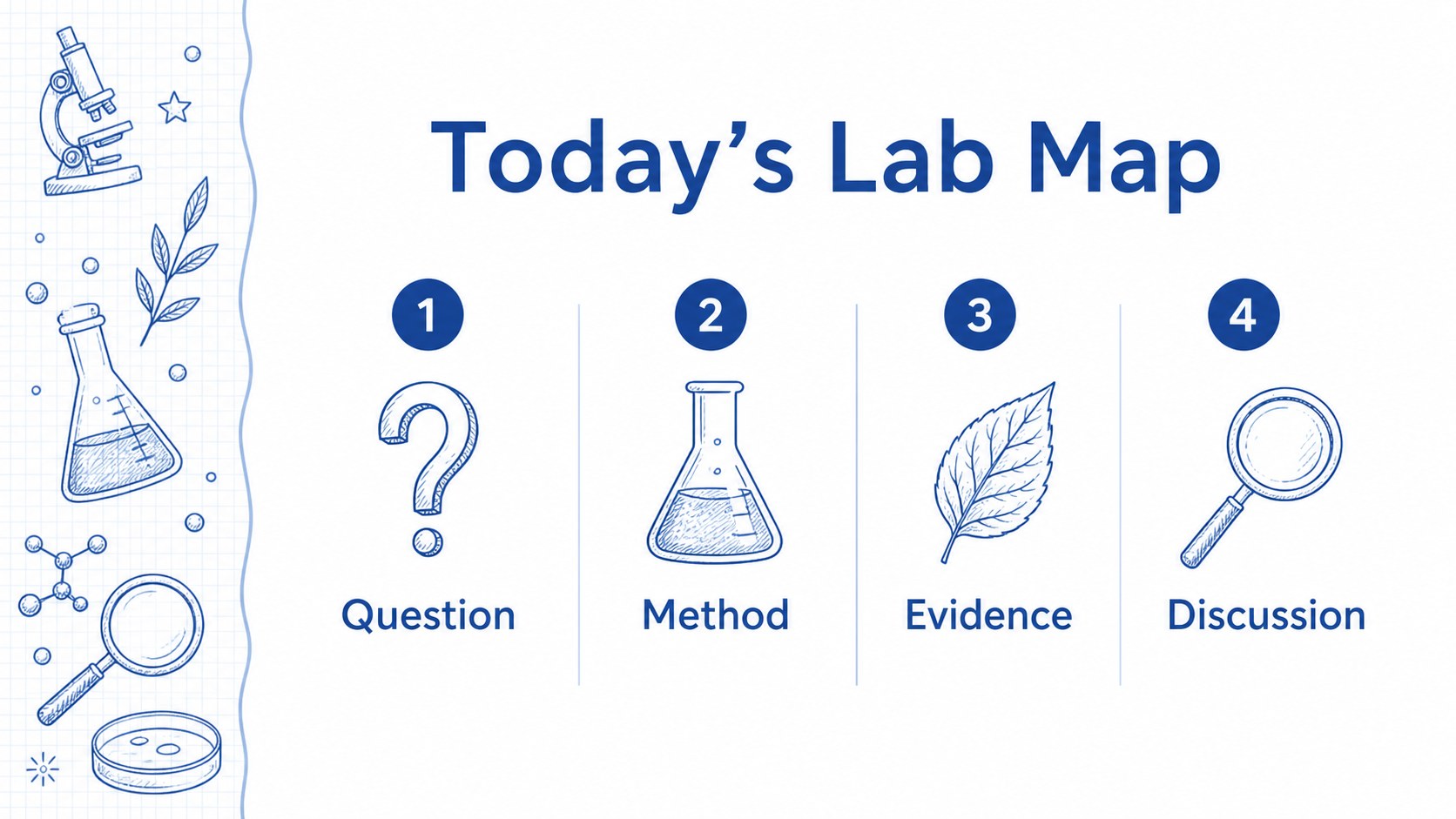
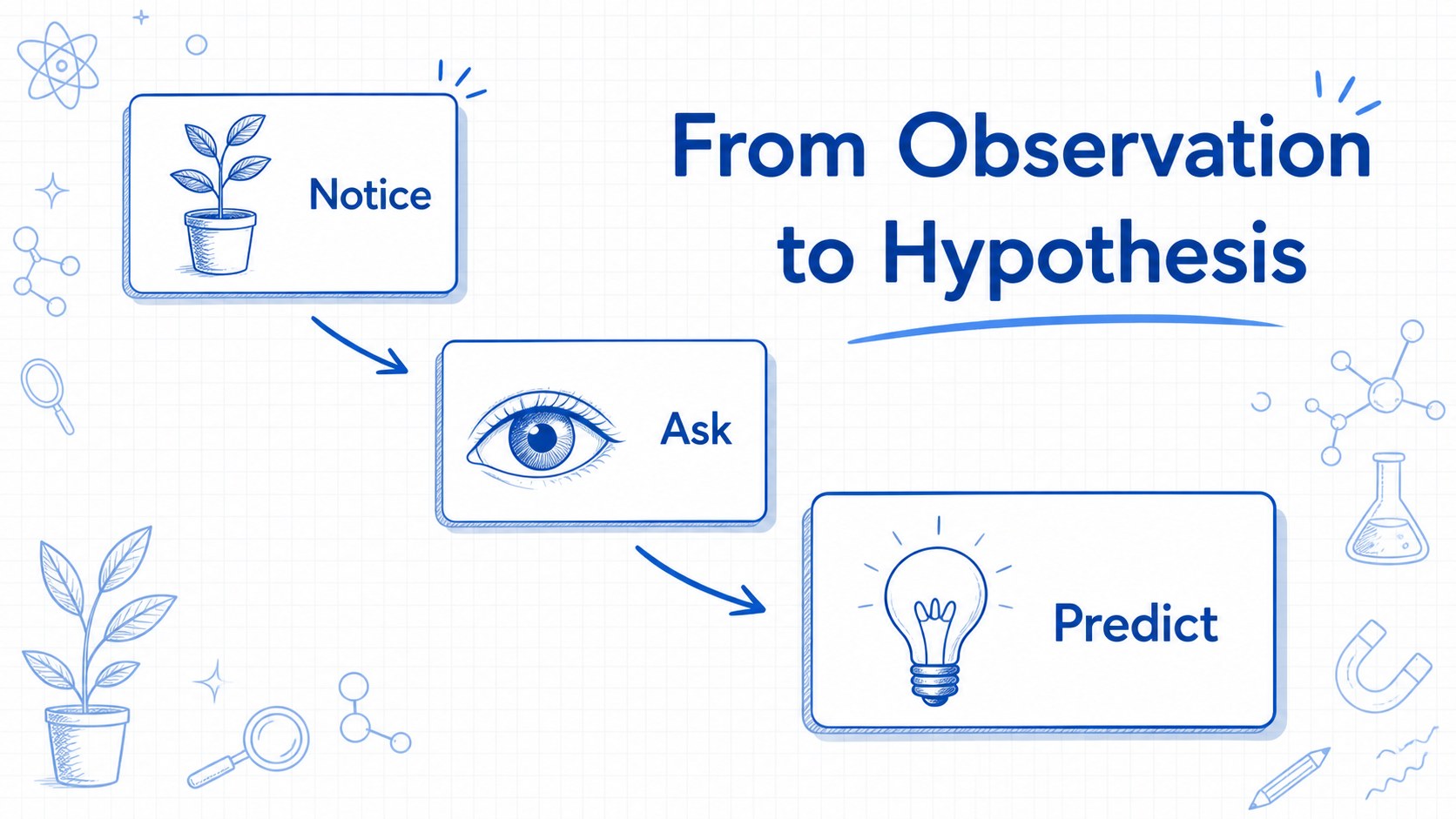
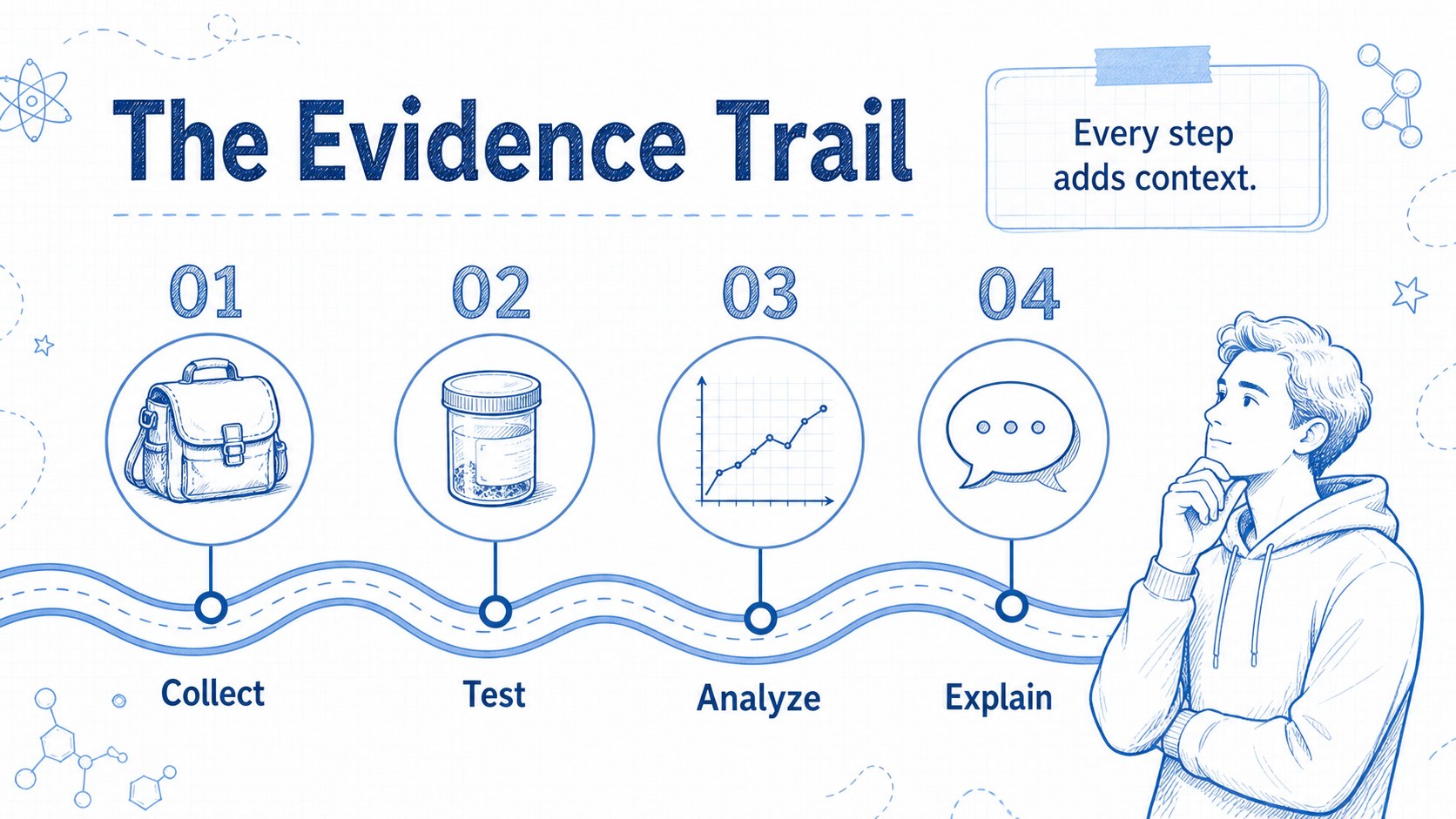
Illustrated Science Lesson Deck is a playful presentation theme for explaining experiments, discoveries, and classroom concepts with clarity. A white canvas, blue line illustrations, and friendly hand-drawn icons give the template an energetic academic feel without making the information difficult to scan. Use the illustrated science lesson deck for a biology unit, a lab report, a student project, or a conference talk that needs a more approachable visual language.
The 16:9 deck includes 16 adaptable layouts for opening a lesson, outlining objectives, comparing ideas, presenting data, mapping a process, and wrapping up with discussion prompts. Edit the sample text, recolor the blue accents, and replace the example images with your own material. Graphs, tables, timelines, section dividers, and a customizable icon set help organize both short talks and detailed explanations. A world map is also included for geography, ecology, and global research topics.
The template works in Google Slides and PowerPoint, with fully editable text, shapes, icons, and photos. It suits teachers, students, science communicators, workshop leaders, and researchers who want an educational presentation theme that feels creative but remains practical. Export the finished deck to PDF or JPG when you need a shareable handout or static submission.
Perfect for: biology classroom lesson; student science project; lab report presentation; ecology workshop; research conference talk.
Frequently asked questions
Can I edit this deck in PowerPoint? Yes. The presentation is designed for PowerPoint and includes editable text, colors, shapes, icons, charts, and image areas. Replace the sample content directly in the downloaded PPT file.
Practical details
Yes. The presentation is designed for PowerPoint and includes editable text, colors, shapes, icons, charts, and image areas. Replace the sample content directly in the downloaded PPT file.
Yes, you can open and edit the deck in Google Slides. Check the font availability after importing and replace any sample photos with your own classroom or research images.
The blue accent elements, text, shapes, and icons are customizable. You can recolor them to match a school, project, or organization palette while keeping the hand-drawn visual style.
The deck uses a widescreen 16:9 layout and includes lesson, data, comparison, timeline, and closing slide types. You can export the finished presentation as a PDF or JPG for sharing and submission.
Keep exploring
15Build stronger academic arguments with a college essay thesis builder featuring guided examples, revision prompts, and editable PowerPoint and Google Slides.
 15
15Build an engaging World UFO Day session with this flying saucer history lesson deck, featuring retro green-and-brown slides for PowerPoint and Google Slides.
 14
14Plan a memorable Lunar New Year campaign with the 2036 Dragon Year Celebration Theme, featuring bold red-and-yellow slides for lessons and events.
 15
15Build a thoughtful classroom discussion with this interfaith awareness lesson deck, featuring editable blue-and-white slides for PowerPoint and Google Slides.
 15
15Use this environmental awareness lesson deck to teach climate action through illustrated activities, discussion prompts, and ready-to-edit visuals.
 15
15Build playful lessons and party stories with a kid-friendly zombie celebration theme in purple, green and pastel blue for PowerPoint and Google Slides.
 15
15Build eerie lessons, campaigns, and story pitches with an undead survival scenario theme featuring editable slides for PowerPoint and Google Slides.
 16
16Turn environmental research into a clear story with a Watercolor Ecology Presentation Theme for PowerPoint and Google Slides in calming green and blue.