
 15
15presentation
College Essay Thesis Builder Slides
Build stronger academic arguments with a college essay thesis builder featuring guided examples, revision prompts, and editable PowerPoint and Google Slides.
Google SlidesPowerPoint
presentation · English
Build an illustrated music lesson deck with warm beige and black visuals for classes, workshops, and performances. Edit it in PowerPoint or Google Slides.

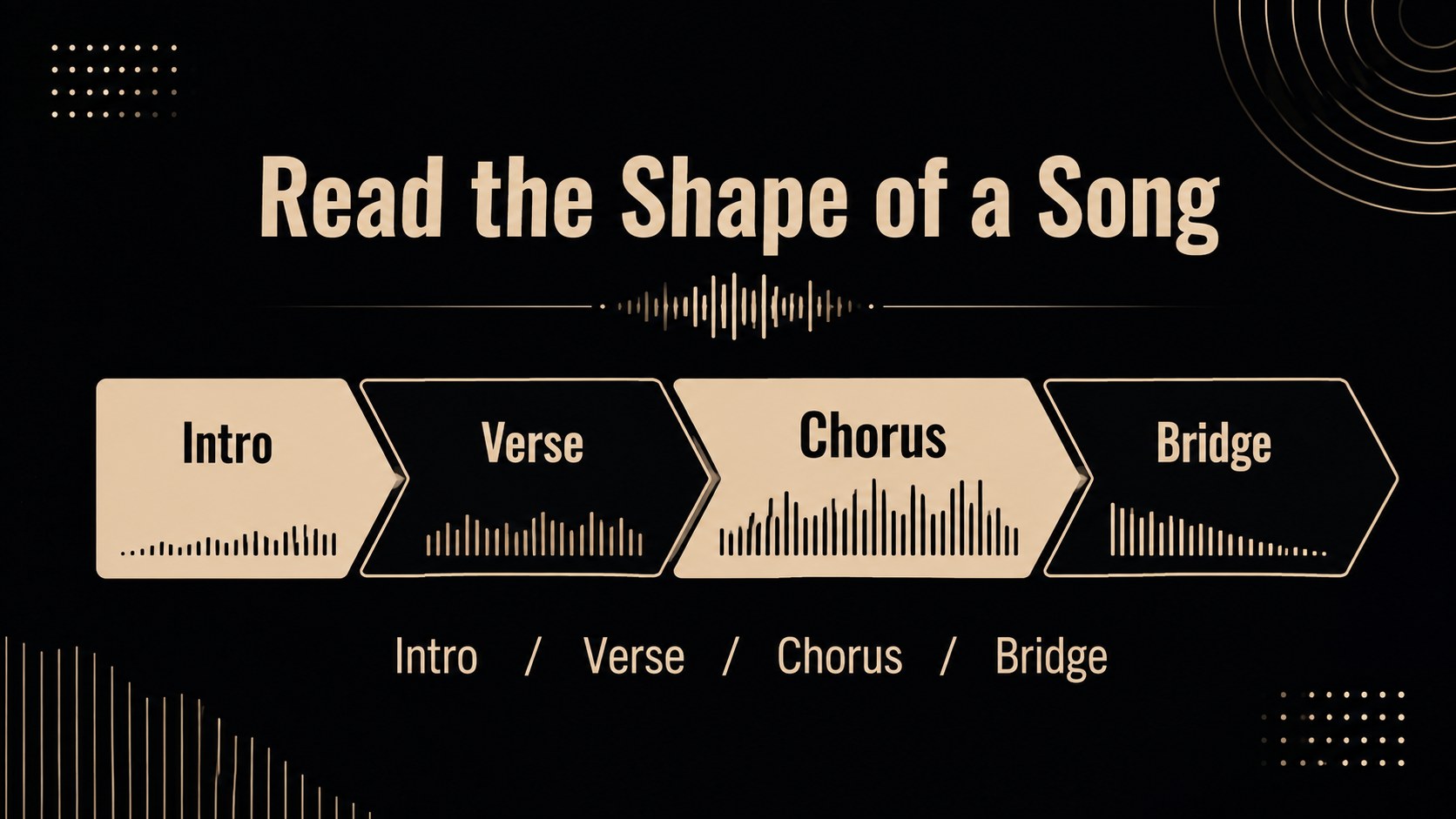
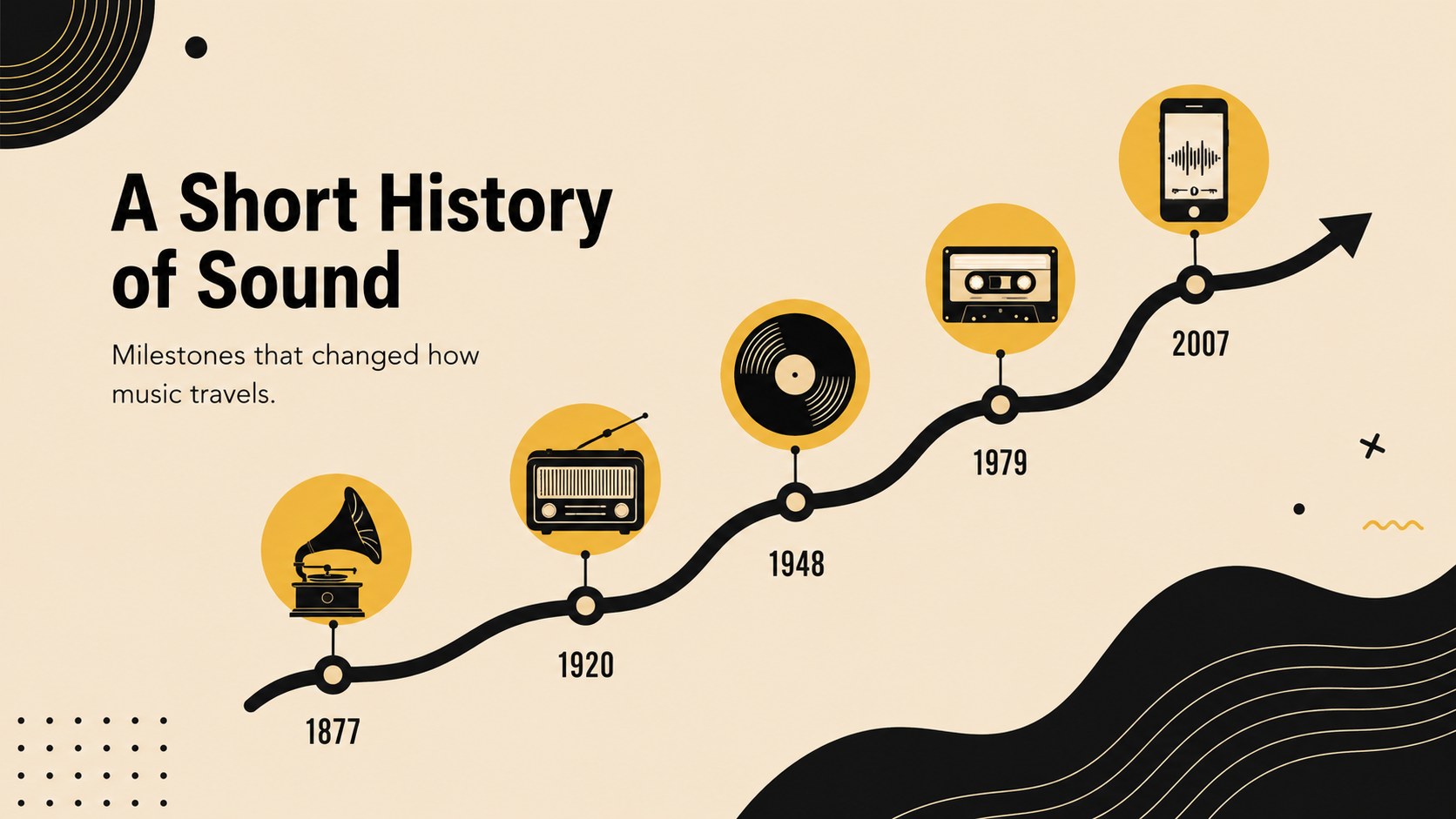
Design notes
An illustrated music lesson deck gives teachers, tutors, and performers a distinctive way to explain rhythm, instruments, notation, and listening activities. Its warm beige background and black linework create a calm, editorial feel while leaving plenty of space for examples, images, and concise teaching notes.
Inside, you’ll find 22 editable 16:9 slides for introducing a lesson, presenting musical vocabulary, comparing instruments, mapping a song structure, and summarizing key takeaways. Visual frames, charts, shapes, dividers, and image areas help you build a clear narrative without starting from a blank page. The layouts can also support a band introduction, concert program, rehearsal briefing, or classroom activity.
Use this illustrated music lesson deck in PowerPoint or Google Slides, then adjust the typography, colors, illustrations, and content to suit your audience. It is a practical choice for music educators, private instructors, student presenters, choir leaders, and creative professionals who want a polished music education presentation with a friendly hand-drawn character. Add audio references separately when needed, and keep each slide focused on one musical idea for easier discussion and recall.
Perfect for: music theory classroom lesson; instrument introduction workshop; choir rehearsal briefing; band proposal presentation; concert program overview.
Frequently asked questions
Can I edit this deck in PowerPoint? Yes. The layouts, text, shapes, and visual elements are editable in PowerPoint. Replace the sample content with your own lesson material, examples, and images.
Practical details
Yes. The layouts, text, shapes, and visual elements are editable in PowerPoint. Replace the sample content with your own lesson material, examples, and images.
Yes, it is designed for Google Slides as well as PowerPoint. Upload or open the presentation in Google Slides, then customize the slides directly in your browser.
Yes. The lesson layouts can be repurposed for artist introductions, song structures, rehearsal notes, concert schedules, and band proposals. Update the headings and supporting visuals while keeping the beige-and-black design system.
Edit the fonts, colors, illustrations, diagrams, and image areas to match your class or organization. Keep the visual hierarchy consistent so musical terms, examples, and activities remain easy to scan.
Keep exploring
15Build stronger academic arguments with a college essay thesis builder featuring guided examples, revision prompts, and editable PowerPoint and Google Slides.
 15
15Build an engaging World UFO Day session with this flying saucer history lesson deck, featuring retro green-and-brown slides for PowerPoint and Google Slides.
 14
14Plan a memorable Lunar New Year campaign with the 2036 Dragon Year Celebration Theme, featuring bold red-and-yellow slides for lessons and events.
 15
15Build a thoughtful classroom discussion with this interfaith awareness lesson deck, featuring editable blue-and-white slides for PowerPoint and Google Slides.
 15
15Use this environmental awareness lesson deck to teach climate action through illustrated activities, discussion prompts, and ready-to-edit visuals.
 15
15Build playful lessons and party stories with a kid-friendly zombie celebration theme in purple, green and pastel blue for PowerPoint and Google Slides.
 15
15Build eerie lessons, campaigns, and story pitches with an undead survival scenario theme featuring editable slides for PowerPoint and Google Slides.
 16
16Turn environmental research into a clear story with a Watercolor Ecology Presentation Theme for PowerPoint and Google Slides in calming green and blue.