
 15
15presentation
College Essay Thesis Builder Slides
Build stronger academic arguments with a college essay thesis builder featuring guided examples, revision prompts, and editable PowerPoint and Google Slides.
Google SlidesPowerPoint
presentation · English
Map classroom trips and vacation ideas with an illustrated journey route planner featuring editable stops, timelines, and notes for PowerPoint and Google…
Design notes
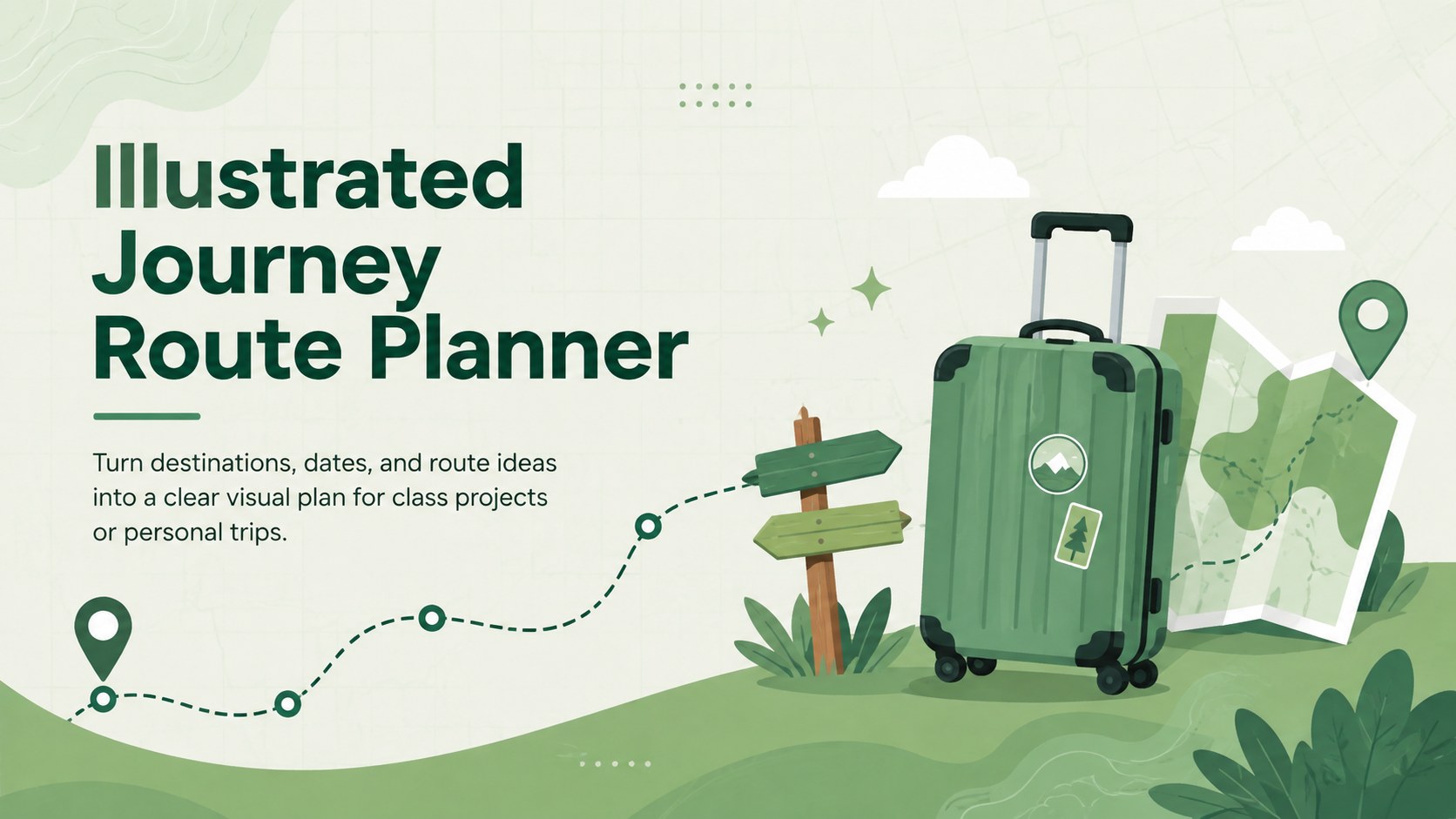
Organize every stop with the Illustrated Journey Route Planner, a playful green presentation designed for mapping trips in a clear, visual format. Its approachable illustrated style helps students, teachers, families, and travel planners turn scattered ideas into a journey that audiences can follow at a glance. Edit the deck in PowerPoint or Google Slides to match a real adventure, a classroom assignment, or an imagined expedition.
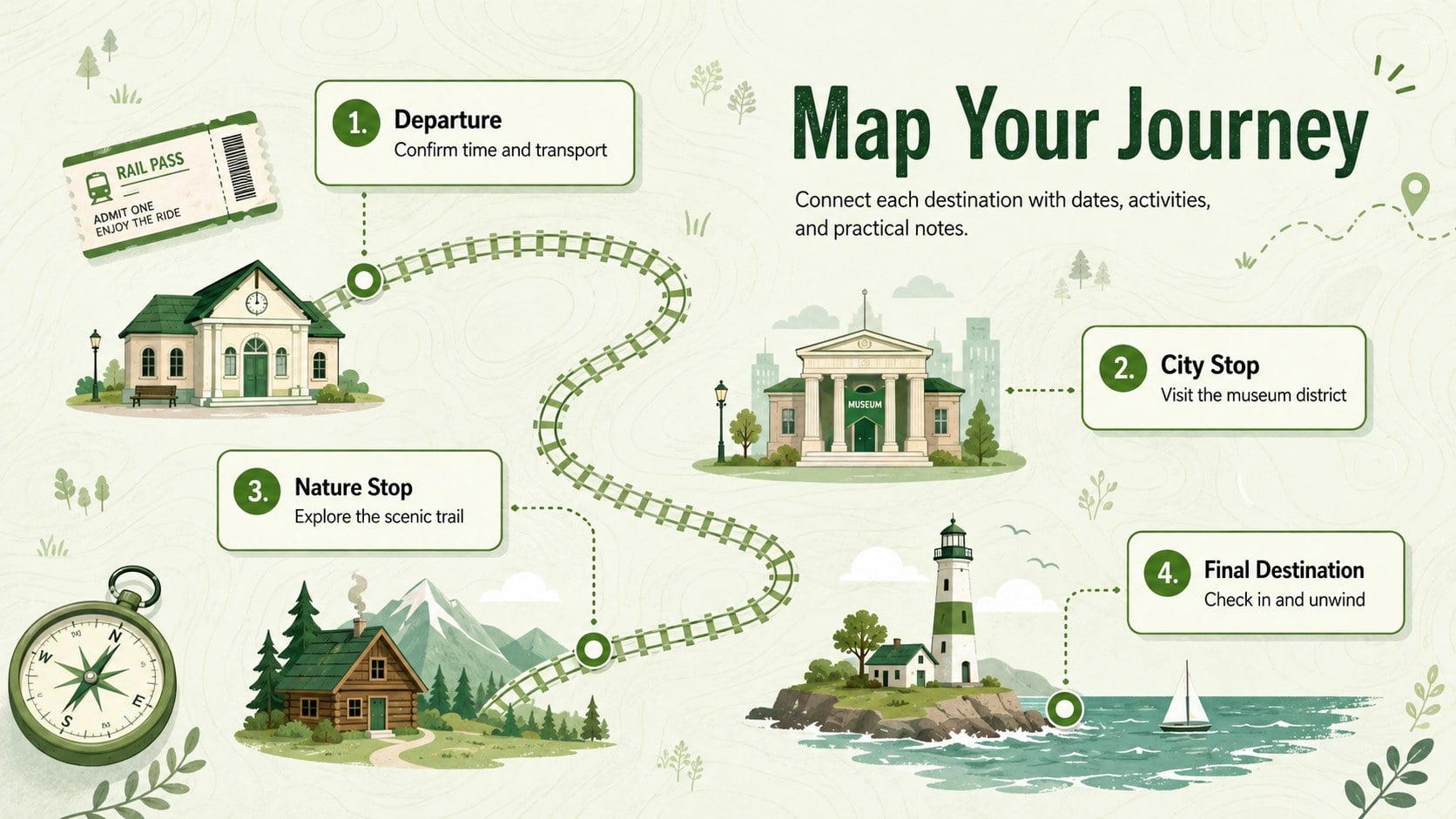
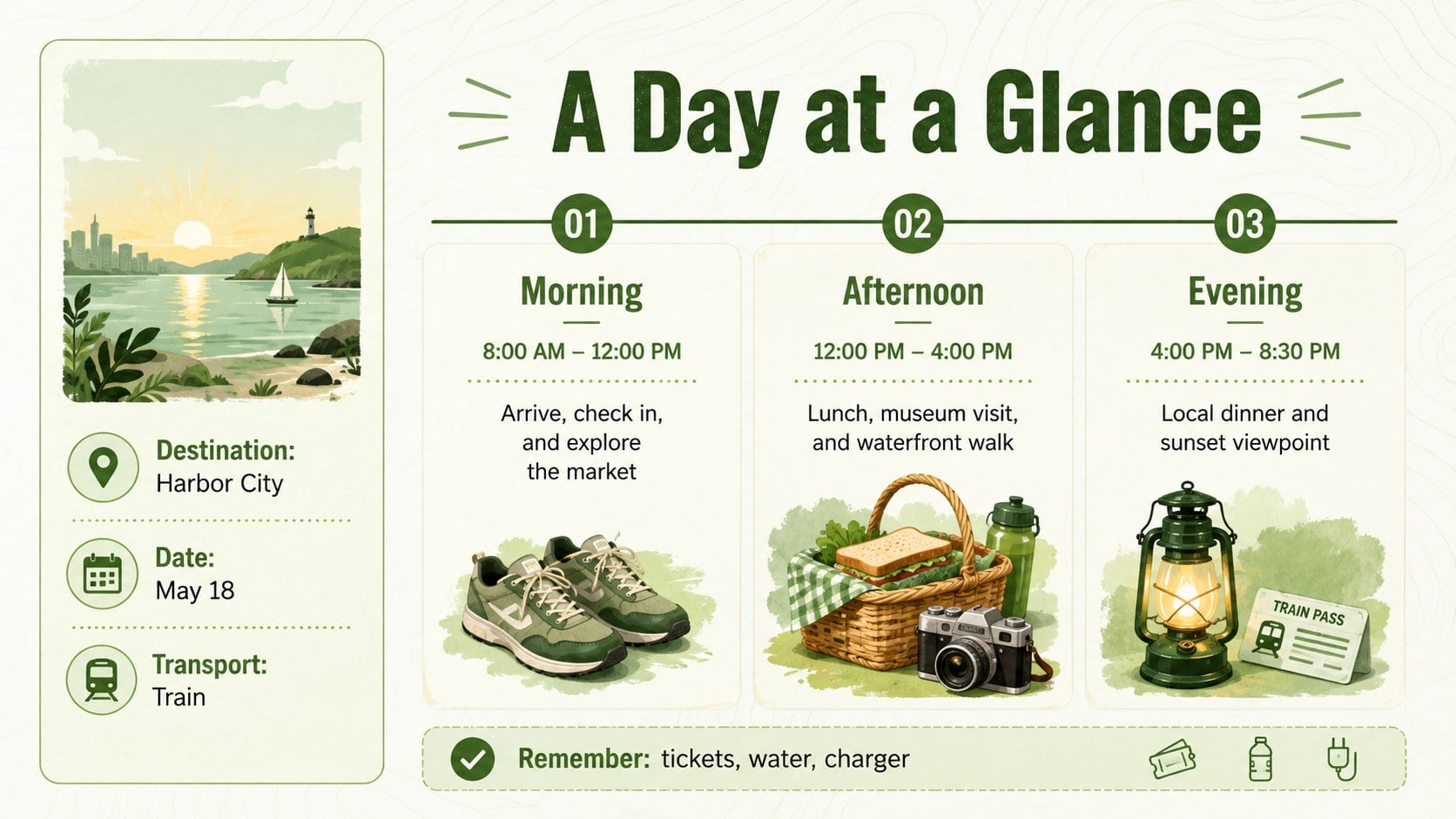
The three-slide layout includes an inviting cover, an editable travel route infographic for plotting destinations, and a practical schedule page for activities, timing, transport, and notes. Rework the labels, move route markers, adjust colors, or replace illustrations without rebuilding the design. The coordinated graphics and structured content areas also make it useful as a visual vacation schedule deck or a destination timeline presentation.
Use this classroom virtual field trip planner to introduce regions, connect landmarks with historical events, or guide students through a geography project. It also works for family holiday planning, road trip proposals, tourism assignments, and short itinerary briefings. The green palette, energetic typography, and friendly travel imagery create a lighthearted mood while preserving enough structure for dates, locations, and essential details. Add your route, tailor each stop, and present a complete journey plan with confidence.
Perfect for: classroom virtual field trip; student geography project; family vacation planning; road trip route proposal; tourism itinerary briefing.
Frequently asked questions
Can I edit every destination and route marker? Yes. Destination names, dates, route labels, icons, and supporting notes can be changed in PowerPoint or Google Slides. You can also reposition the markers to reflect your actual journey.
Practical details
Yes. Destination names, dates, route labels, icons, and supporting notes can be changed in PowerPoint or Google Slides. You can also reposition the markers to reflect your actual journey.
The template is designed for Microsoft PowerPoint and Google Slides. After opening it in either platform, you can customize the content and present or export the finished deck.
Yes. Replace the green tones with colors that suit a destination, school project, or travel brand. For a consistent result, update repeated accent colors across all three slides.
Yes. Teachers and students can use it for virtual field trips, geography reports, cultural studies, or historical journeys. The visual route format makes sequences and locations easier to explain.
Keep exploring
15Build stronger academic arguments with a college essay thesis builder featuring guided examples, revision prompts, and editable PowerPoint and Google Slides.
 15
15Build an engaging World UFO Day session with this flying saucer history lesson deck, featuring retro green-and-brown slides for PowerPoint and Google Slides.
 14
14Plan a memorable Lunar New Year campaign with the 2036 Dragon Year Celebration Theme, featuring bold red-and-yellow slides for lessons and events.
 15
15Build a thoughtful classroom discussion with this interfaith awareness lesson deck, featuring editable blue-and-white slides for PowerPoint and Google Slides.
 15
15Use this environmental awareness lesson deck to teach climate action through illustrated activities, discussion prompts, and ready-to-edit visuals.
 15
15Build playful lessons and party stories with a kid-friendly zombie celebration theme in purple, green and pastel blue for PowerPoint and Google Slides.
 15
15Build eerie lessons, campaigns, and story pitches with an undead survival scenario theme featuring editable slides for PowerPoint and Google Slides.
 16
16Turn environmental research into a clear story with a Watercolor Ecology Presentation Theme for PowerPoint and Google Slides in calming green and blue.