
 15
15presentation
College Essay Thesis Builder Slides
Build stronger academic arguments with a college essay thesis builder featuring guided examples, revision prompts, and editable PowerPoint and Google Slides.
Google SlidesPowerPoint
presentation · English
Teach loops, logic, and algorithms with an illustrated coding classroom theme for lively, editable lessons in PowerPoint and Google Slides.



Design notes
Bring computer science concepts to life with the Illustrated Coding Classroom Theme, a bright teaching deck designed for clear explanations and active participation. Its warm yellow, beige, and red palette pairs bold typography with playful technology-inspired illustrations, giving every lesson an energetic but approachable classroom feel.
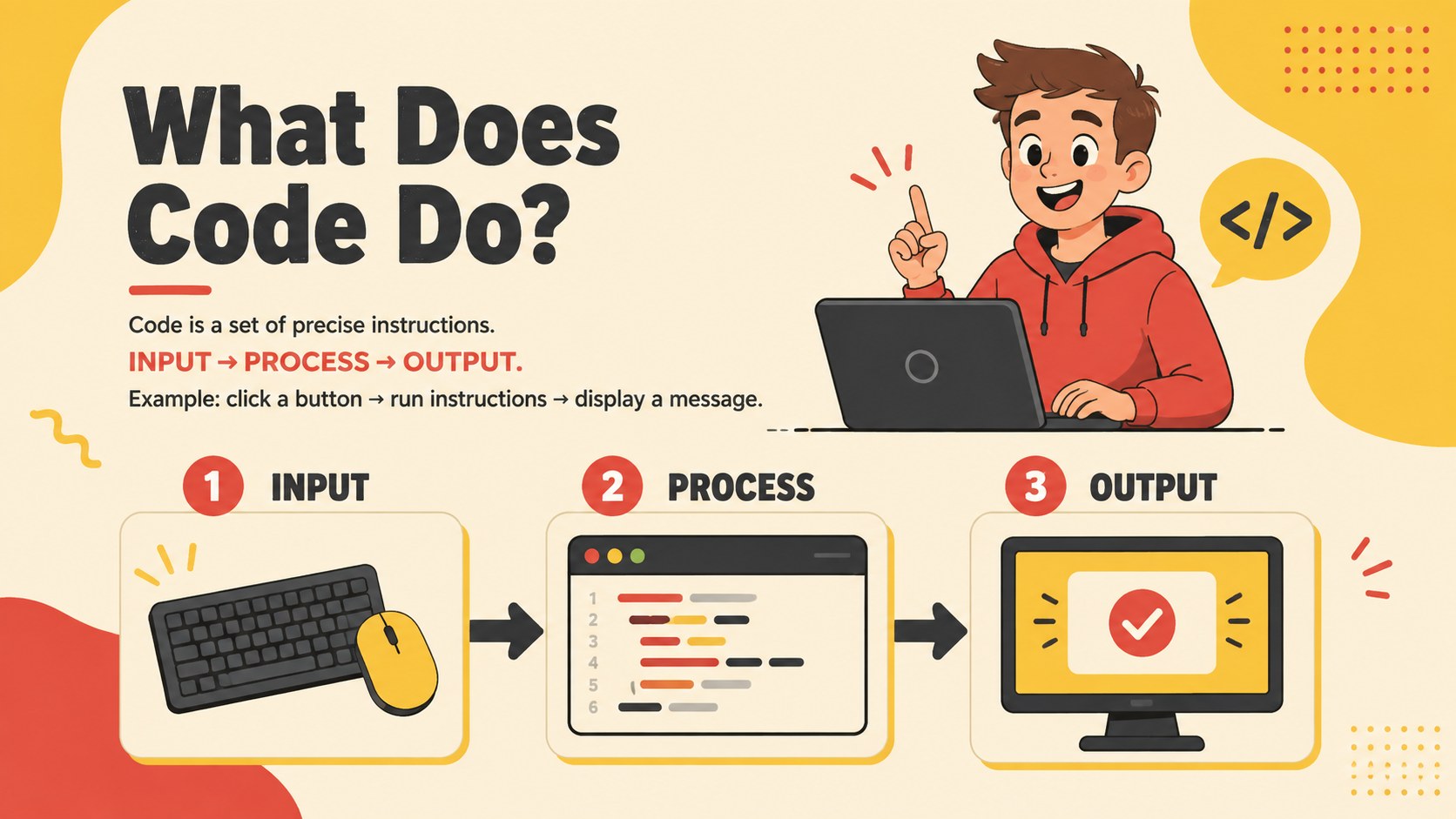
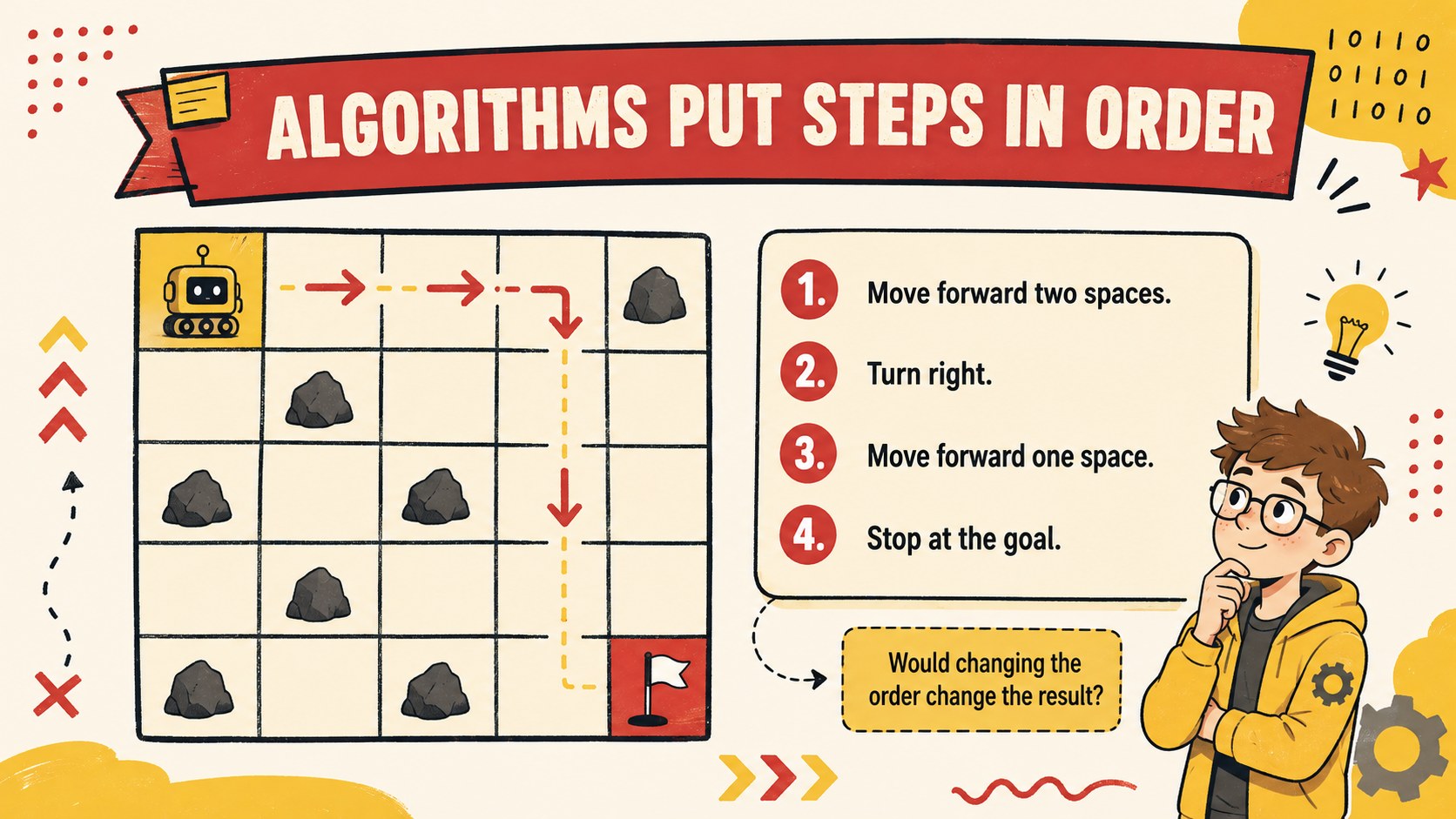
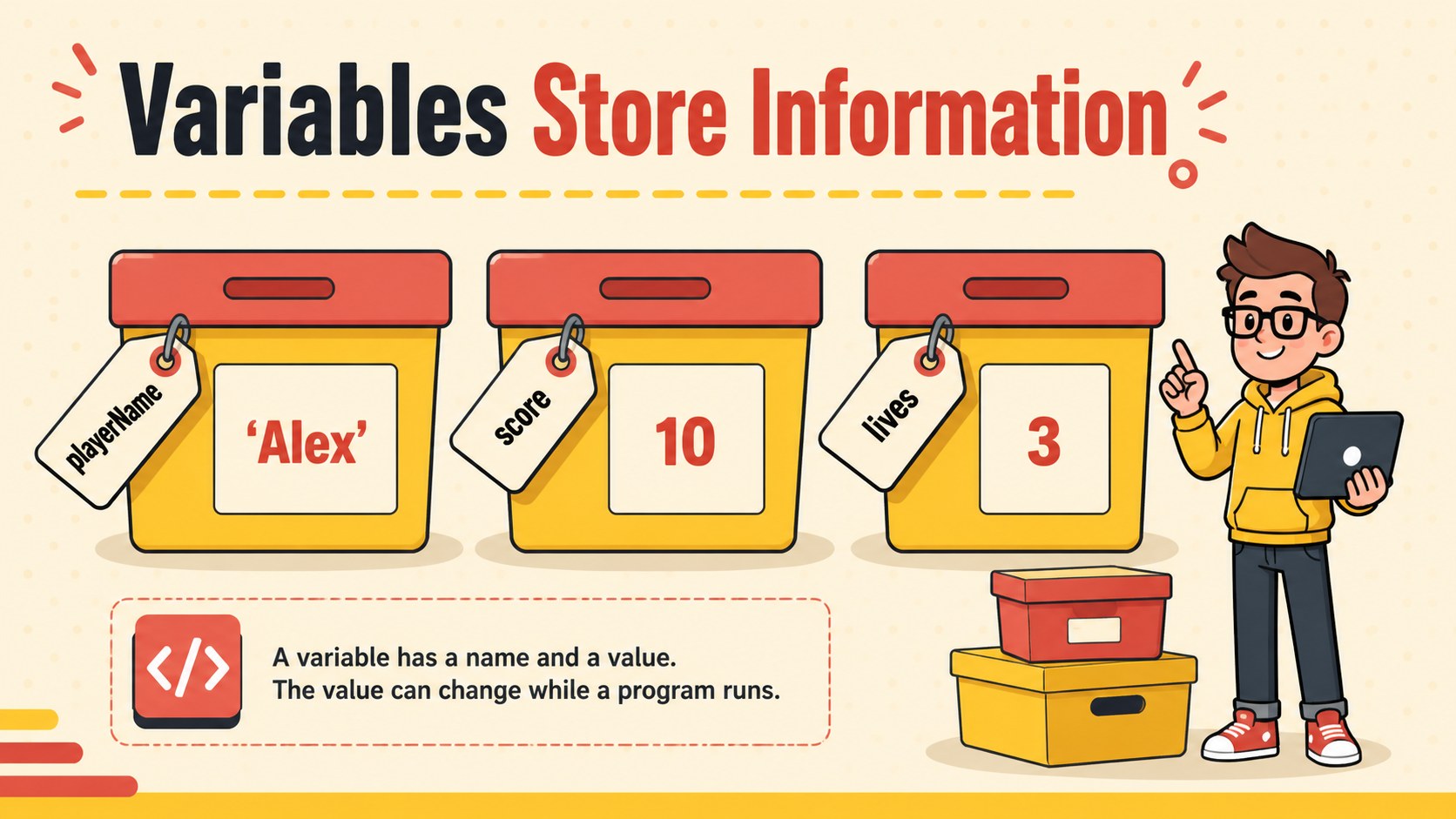
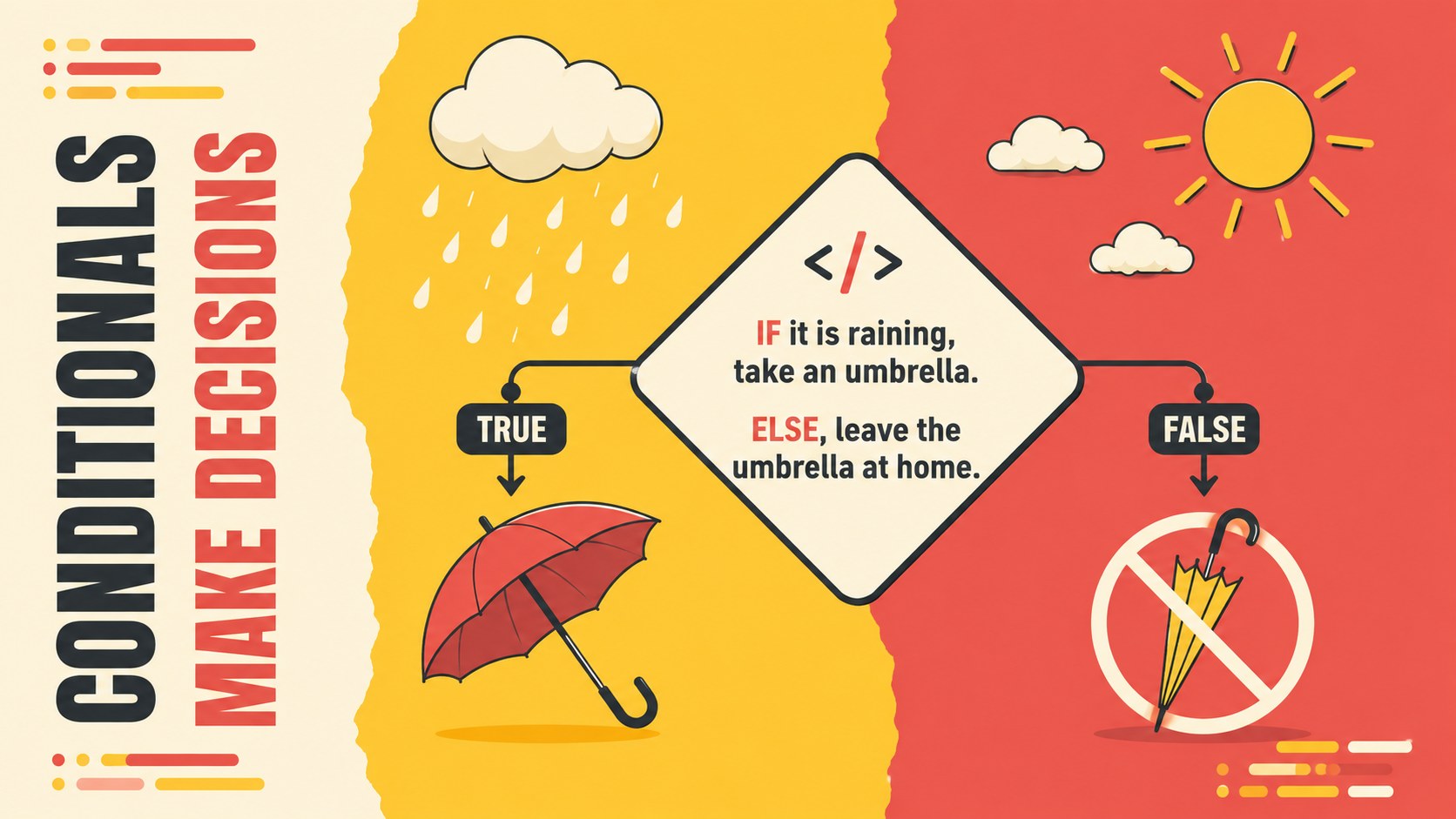
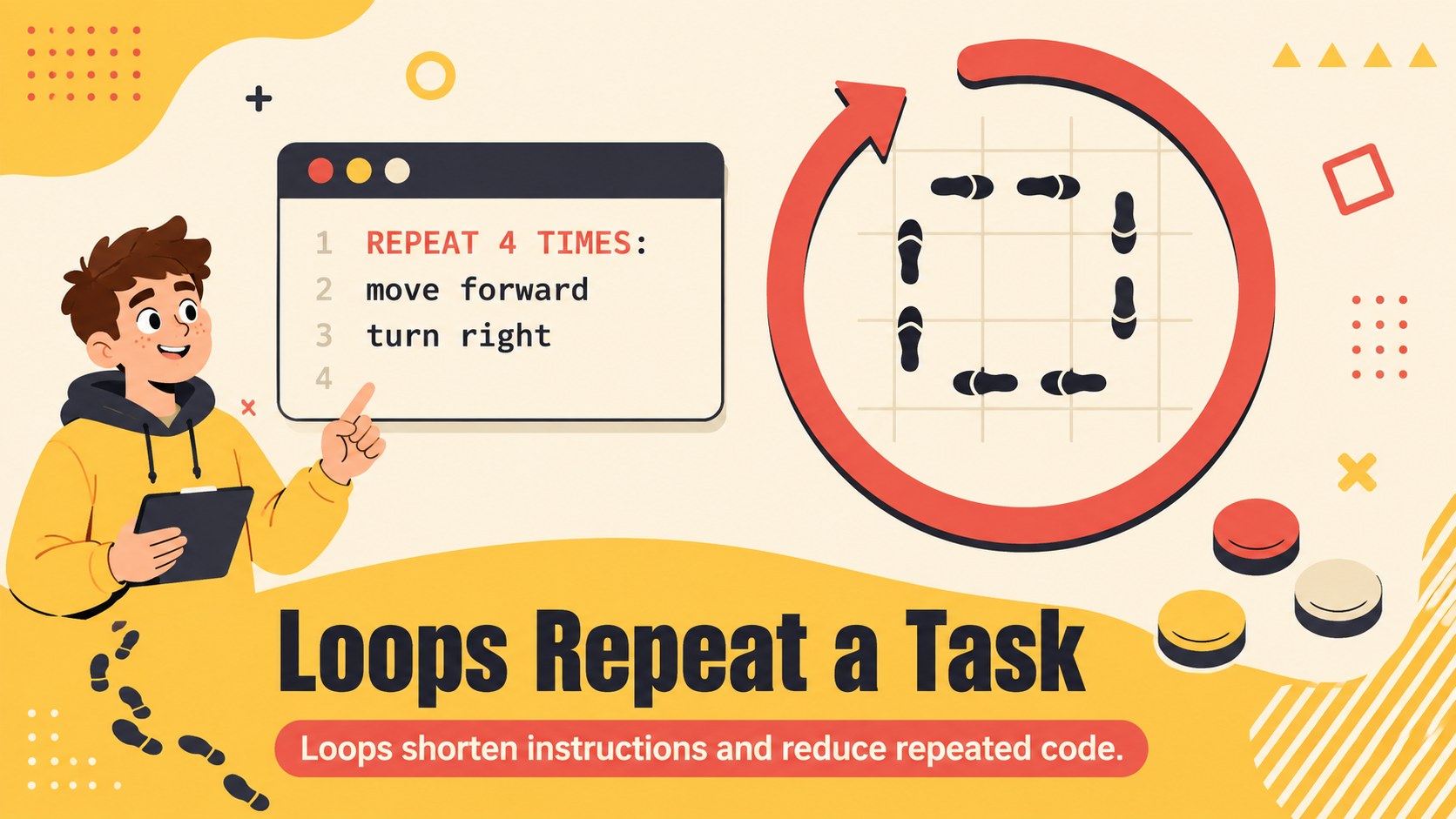
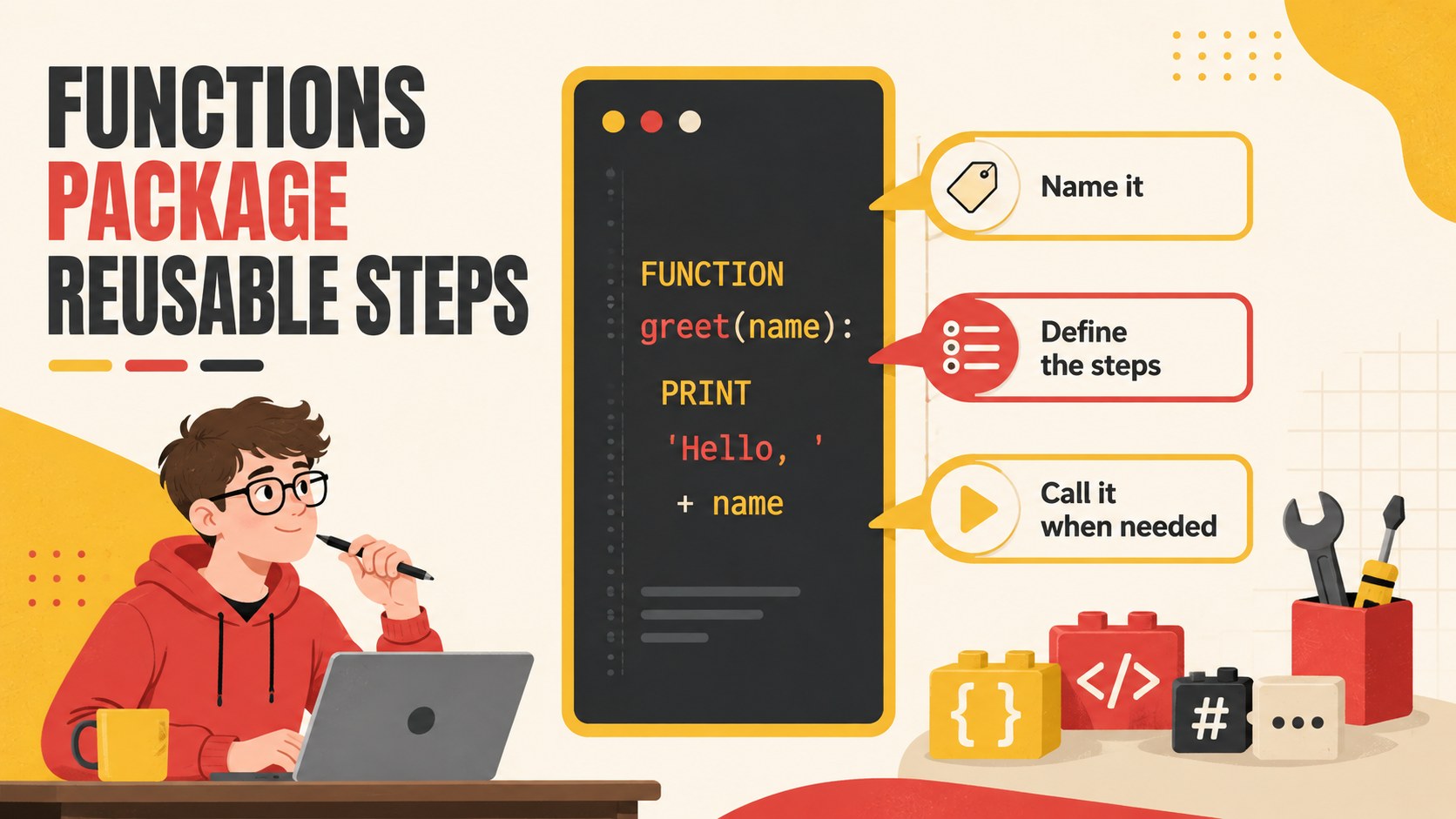
The deck includes layouts for learning objectives, coding vocabulary, algorithms, variables, conditionals, loops, functions, debugging, pseudocode, guided practice, team challenges, and exit questions. Use it as a visual coding lesson presentation or adapt individual pages into beginner algorithm teaching slides. Charts, process diagrams, comparison layouts, code examples, and activity prompts can all be edited to match your curriculum and student level.
This computer science classroom theme is suitable for teachers, coding club leaders, workshop facilitators, tutors, and STEM coordinators working with beginners or intermediate learners. It can support a single introductory class, a multi-session programming unit, or a collaborative coding workshop. Customize the text, colors, diagrams, and examples in PowerPoint or Google Slides, then present in class, share online, or export for student reference.
Perfect for: introductory programming class; school coding club workshop; algorithm and logic lesson; STEM classroom activity; beginner debugging practice.
Frequently asked questions
Can I edit this coding classroom deck? Yes. You can replace the lesson text, code examples, diagrams, colors, and activity instructions to fit your curriculum and learners.
Practical details
Yes. You can replace the lesson text, code examples, diagrams, colors, and activity instructions to fit your curriculum and learners.
The template is designed for PowerPoint and Google Slides. Some fonts or transitions may render slightly differently between the two platforms, so review the deck before presenting.
Yes. The layouts progress from simple sequencing and vocabulary to conditionals, loops, functions, and debugging. You can remove advanced pages or simplify examples for younger students.
Replace the sample pseudocode and code snippets with syntax from your chosen language. Keep each example brief and use the diagram layouts to explain what the code does step by step.
Keep exploring
15Build stronger academic arguments with a college essay thesis builder featuring guided examples, revision prompts, and editable PowerPoint and Google Slides.
 15
15Build an engaging World UFO Day session with this flying saucer history lesson deck, featuring retro green-and-brown slides for PowerPoint and Google Slides.
 14
14Plan a memorable Lunar New Year campaign with the 2036 Dragon Year Celebration Theme, featuring bold red-and-yellow slides for lessons and events.
 15
15Build a thoughtful classroom discussion with this interfaith awareness lesson deck, featuring editable blue-and-white slides for PowerPoint and Google Slides.
 15
15Use this environmental awareness lesson deck to teach climate action through illustrated activities, discussion prompts, and ready-to-edit visuals.
 15
15Build playful lessons and party stories with a kid-friendly zombie celebration theme in purple, green and pastel blue for PowerPoint and Google Slides.
 15
15Build eerie lessons, campaigns, and story pitches with an undead survival scenario theme featuring editable slides for PowerPoint and Google Slides.
 16
16Turn environmental research into a clear story with a Watercolor Ecology Presentation Theme for PowerPoint and Google Slides in calming green and blue.