
 15
15presentation
College Essay Thesis Builder Slides
Build stronger academic arguments with a college essay thesis builder featuring guided examples, revision prompts, and editable PowerPoint and Google Slides.
Google SlidesPowerPoint
presentation · English
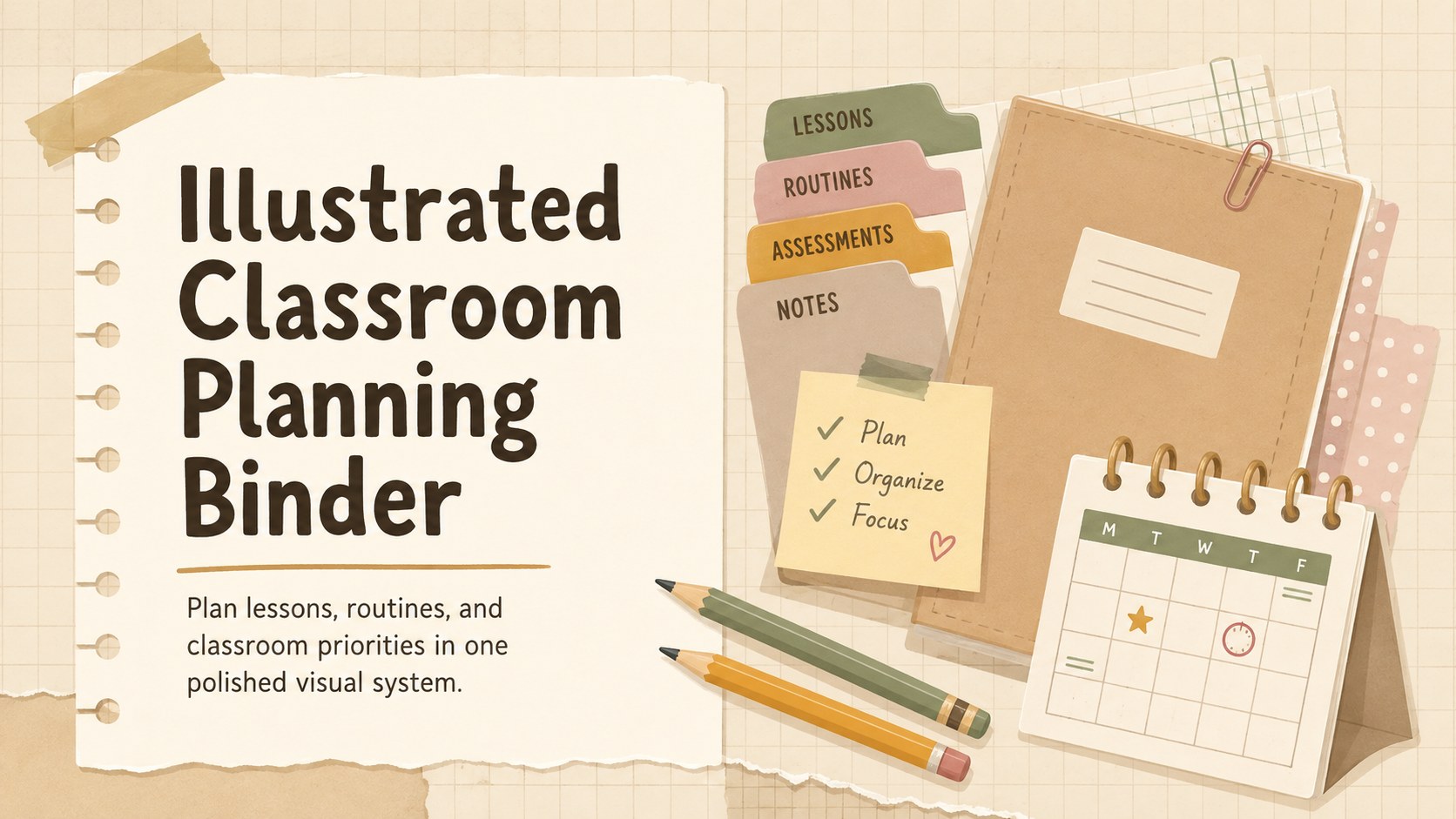
Organize lessons with an illustrated classroom planning binder in warm beige, ready to customize for teaching in PowerPoint or Google Slides.
Design notes
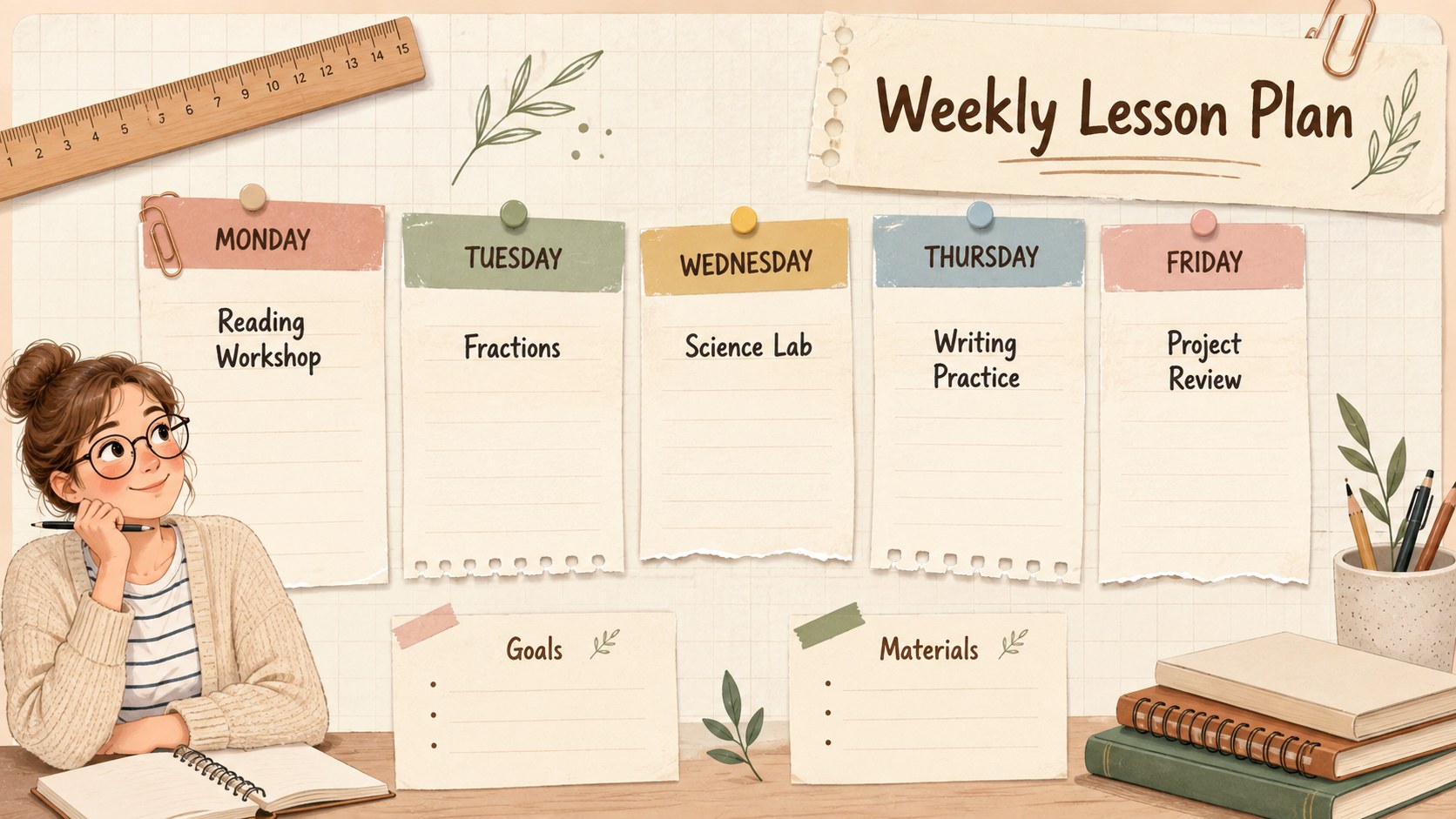
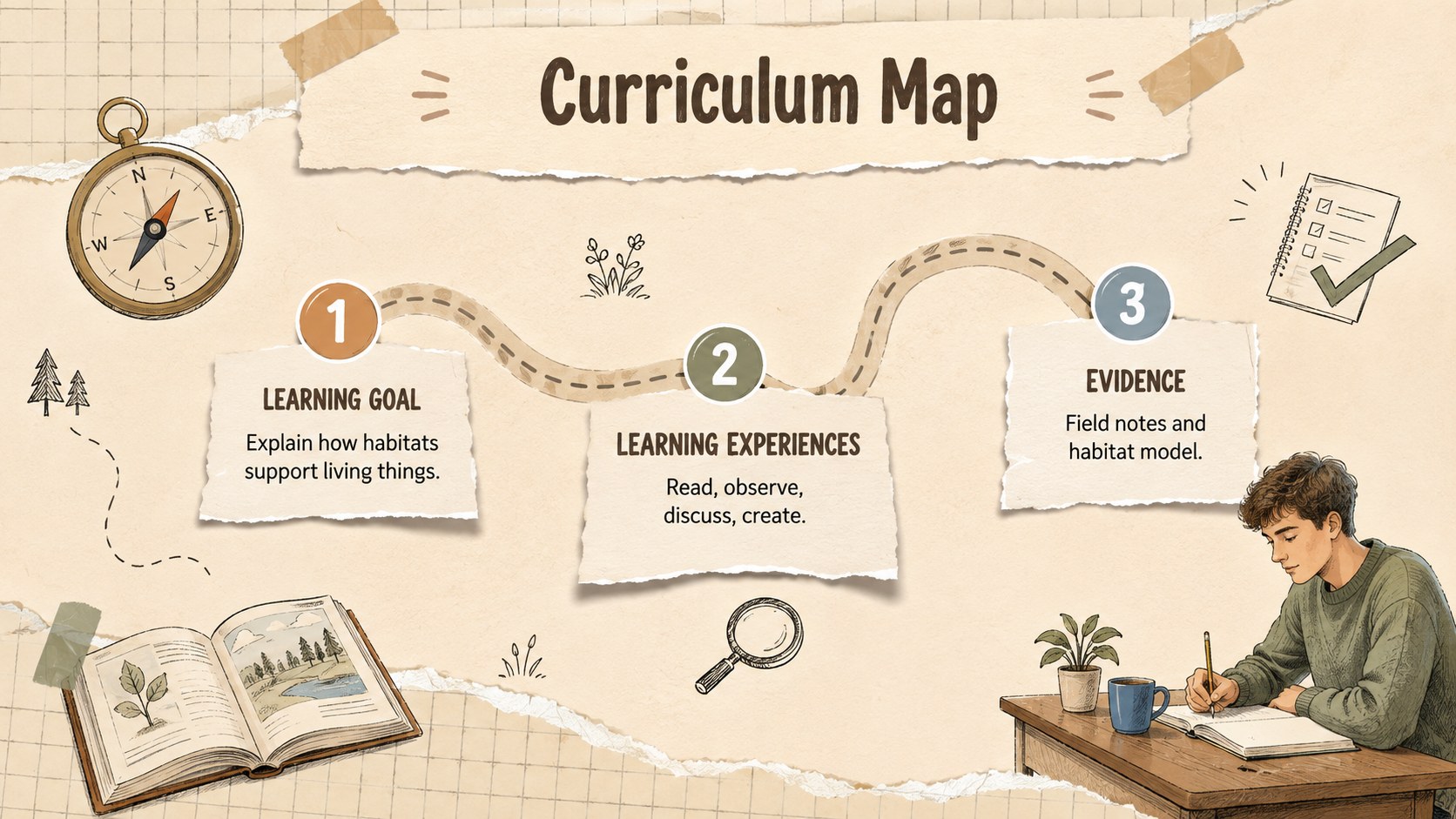
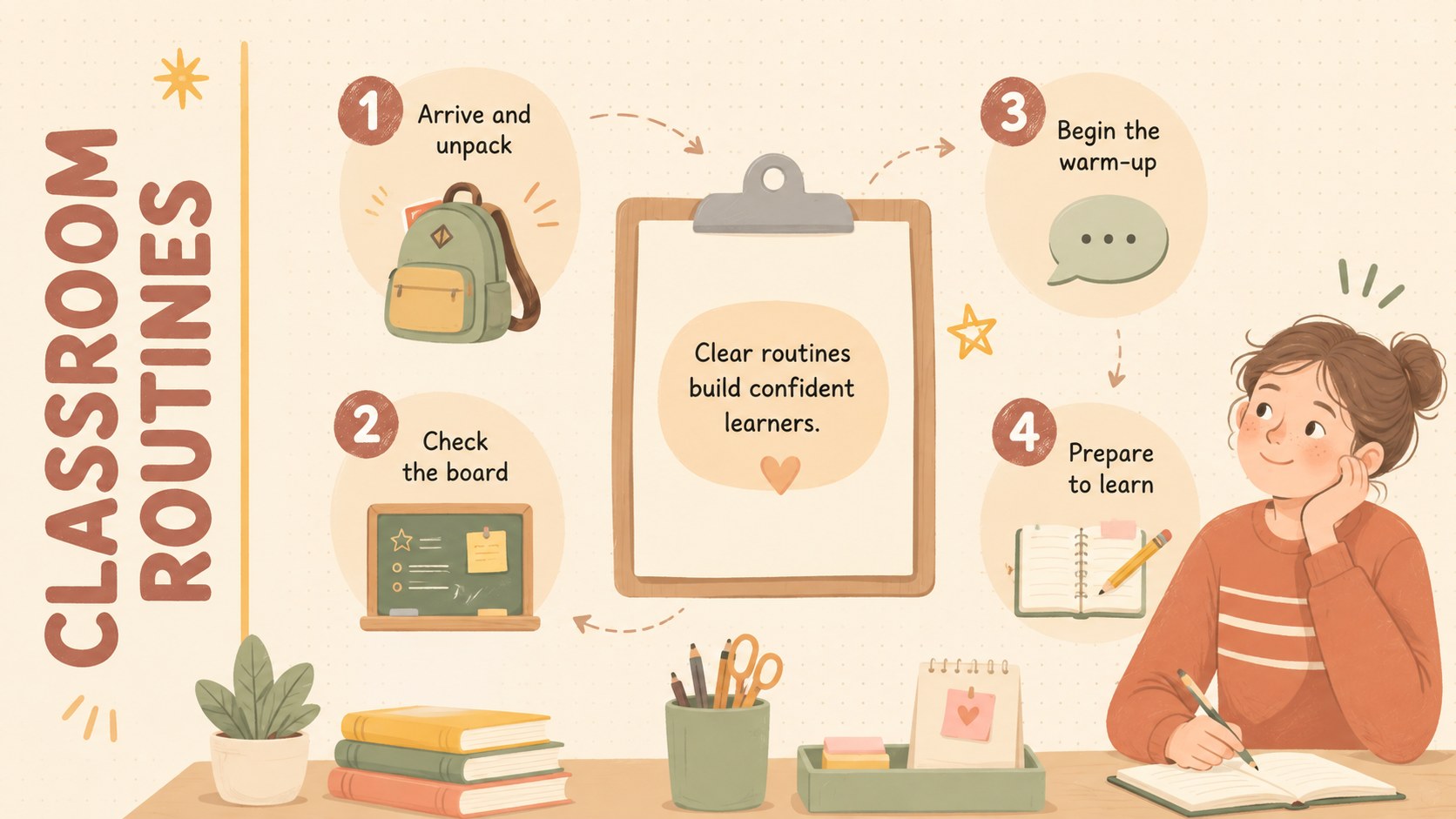
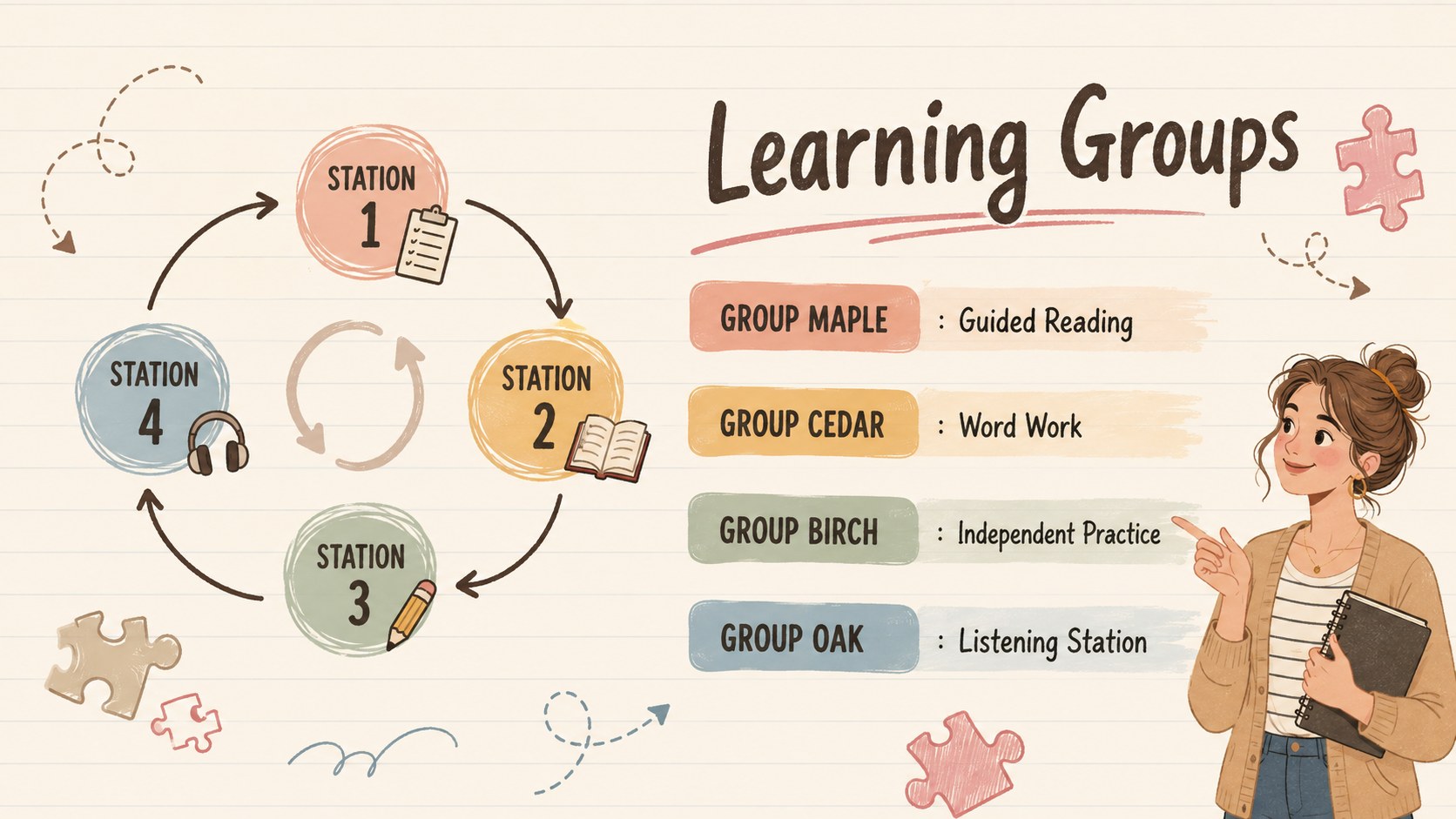
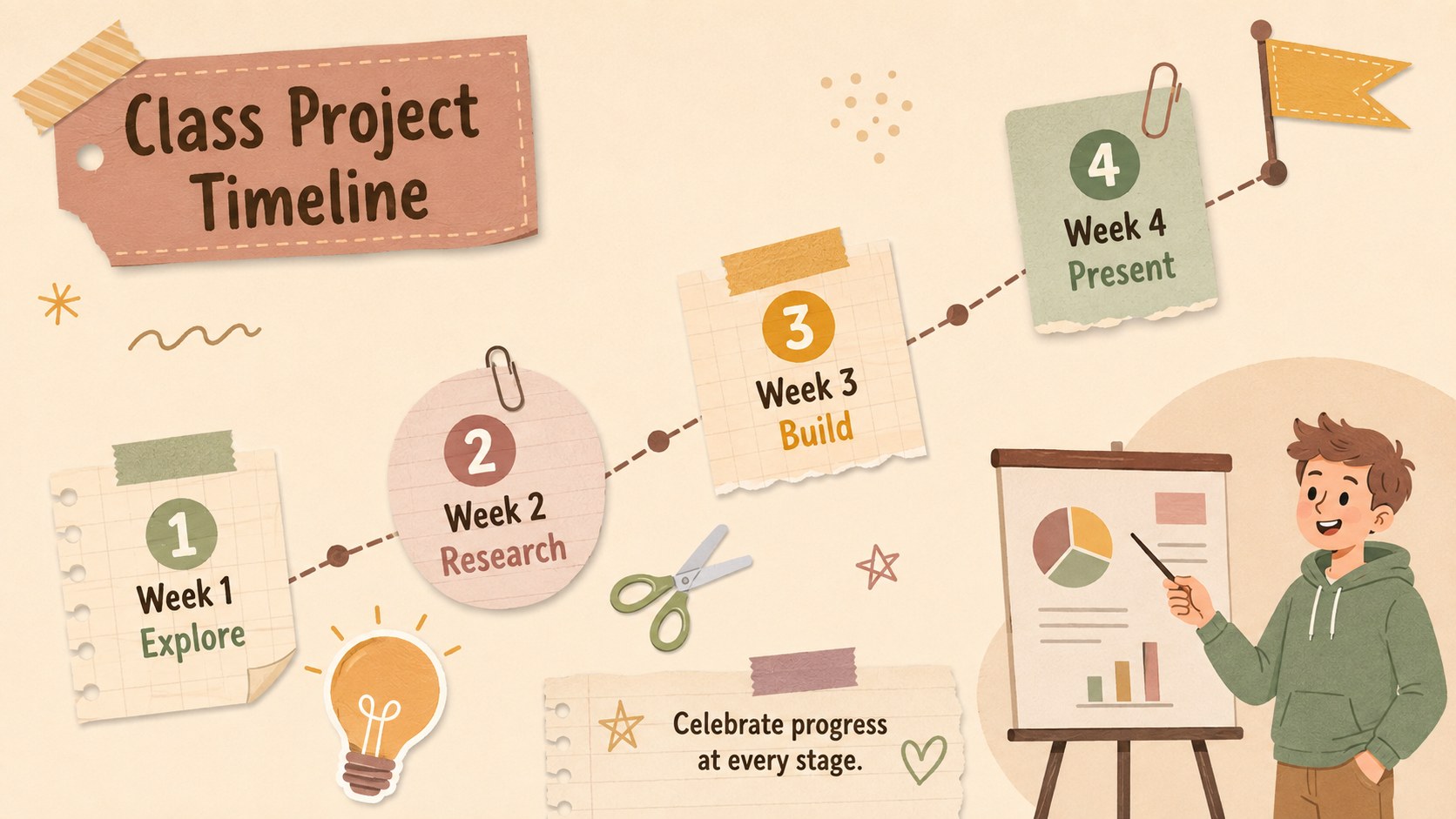
Bring lesson plans, schedules, and teaching priorities together with the Illustrated Classroom Planning Binder. Designed for busy educators, this warm beige presentation combines a paper-inspired look with original classroom illustrations, helping practical information feel friendly, clear, and easy to revisit. Use it as a teacher organization slide deck for daily planning, team meetings, or a digital binder shared with colleagues.
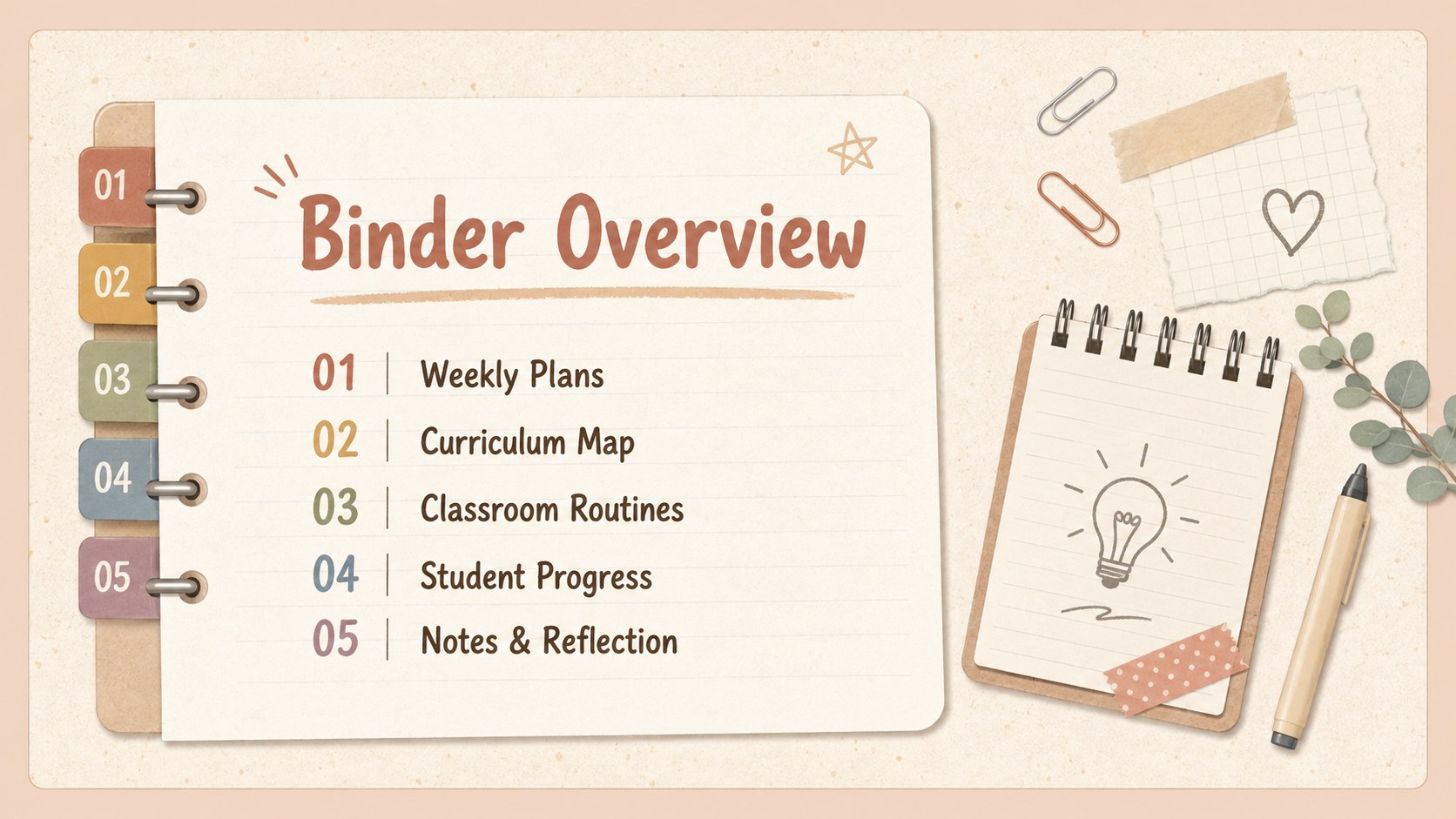
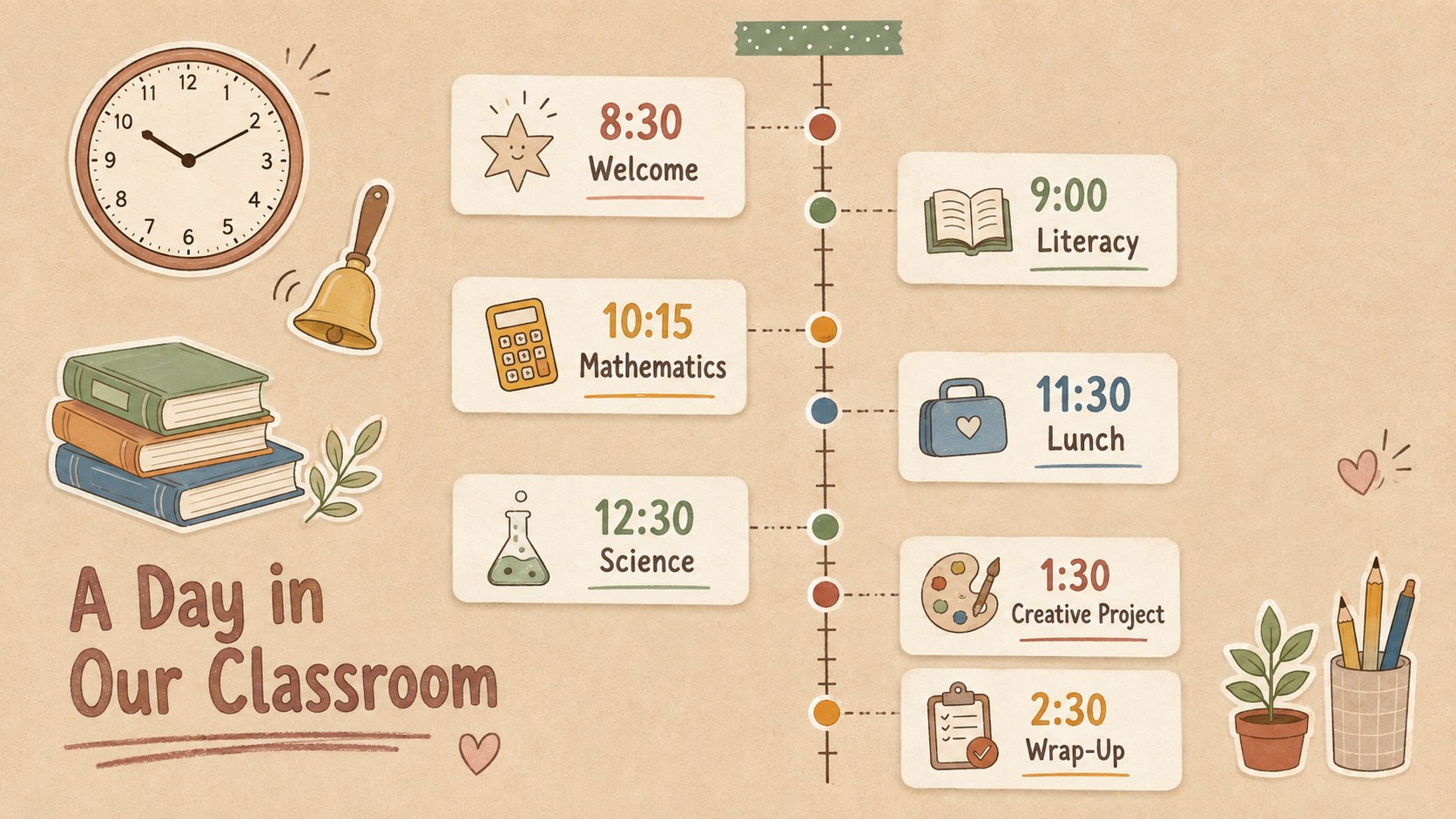
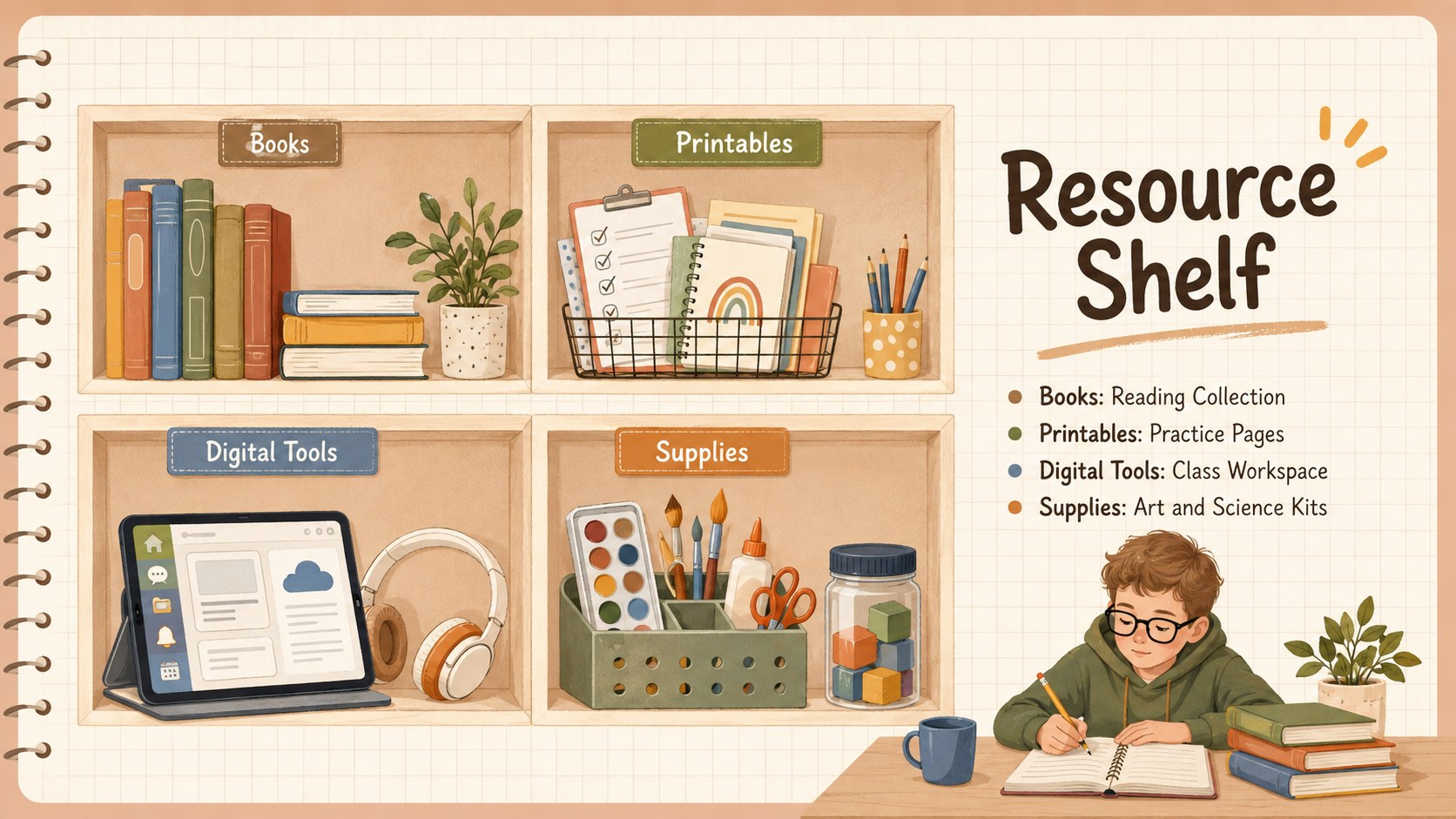
The 15-slide layout includes space for a binder overview, weekly lesson plan, daily timetable, curriculum map, student groups, classroom routines, project milestones, resource lists, family communication notes, assessment tracking, reflections, and next steps. Flexible text areas, tables, timelines, and checklists make the deck suitable for both quick updates and detailed planning. Every page can be edited in PowerPoint or Google Slides, including colors, type, shapes, and section labels.
This beige teacher planner presentation is ideal for elementary and secondary teachers, instructional coaches, substitute teachers, and education teams. It also works as an editable digital teacher binder for professional development or semester preparation. Add your school colors, replace sample wording, duplicate useful layouts, and reorganize sections to match your classroom workflow while preserving the cheerful illustrated style.
Perfect for: weekly lesson planning; classroom routine management; curriculum mapping; teacher team meetings; semester preparation; student progress reviews.
Frequently asked questions
Can I edit every part of this classroom planning binder? Yes. You can change the sample text, colors, fonts, shapes, tables, and section labels to fit your classroom workflow. Slides may also be duplicated, reordered, or removed.
Practical details
Yes. You can change the sample text, colors, fonts, shapes, tables, and section labels to fit your classroom workflow. Slides may also be duplicated, reordered, or removed.
The template is designed for PowerPoint and Google Slides. Minor font or spacing adjustments may be needed when moving the file between platforms.
Yes. Replace the sample lesson subjects, routine labels, and planning categories with content suited to elementary, middle, or high school classes. The layouts are flexible enough for subject-specific and homeroom planning.
Update the beige accents with approved school colors and replace the default typefaces with your preferred fonts. You can also add a school logo to your working copy, although the supplied template contains no brand marks.
Keep exploring
15Build stronger academic arguments with a college essay thesis builder featuring guided examples, revision prompts, and editable PowerPoint and Google Slides.
 15
15Build an engaging World UFO Day session with this flying saucer history lesson deck, featuring retro green-and-brown slides for PowerPoint and Google Slides.
 14
14Plan a memorable Lunar New Year campaign with the 2036 Dragon Year Celebration Theme, featuring bold red-and-yellow slides for lessons and events.
 15
15Build a thoughtful classroom discussion with this interfaith awareness lesson deck, featuring editable blue-and-white slides for PowerPoint and Google Slides.
 15
15Use this environmental awareness lesson deck to teach climate action through illustrated activities, discussion prompts, and ready-to-edit visuals.
 15
15Build playful lessons and party stories with a kid-friendly zombie celebration theme in purple, green and pastel blue for PowerPoint and Google Slides.
 15
15Build eerie lessons, campaigns, and story pitches with an undead survival scenario theme featuring editable slides for PowerPoint and Google Slides.
 16
16Turn environmental research into a clear story with a Watercolor Ecology Presentation Theme for PowerPoint and Google Slides in calming green and blue.