
 15
15presentation
College Essay Thesis Builder Slides
Build stronger academic arguments with a college essay thesis builder featuring guided examples, revision prompts, and editable PowerPoint and Google Slides.
Google SlidesPowerPoint
presentation · English
Run energetic group sessions with an Idea Storm Workshop Deck featuring colorful prompts, mind maps, and action planning for PowerPoint and Google Slides.
Design notes
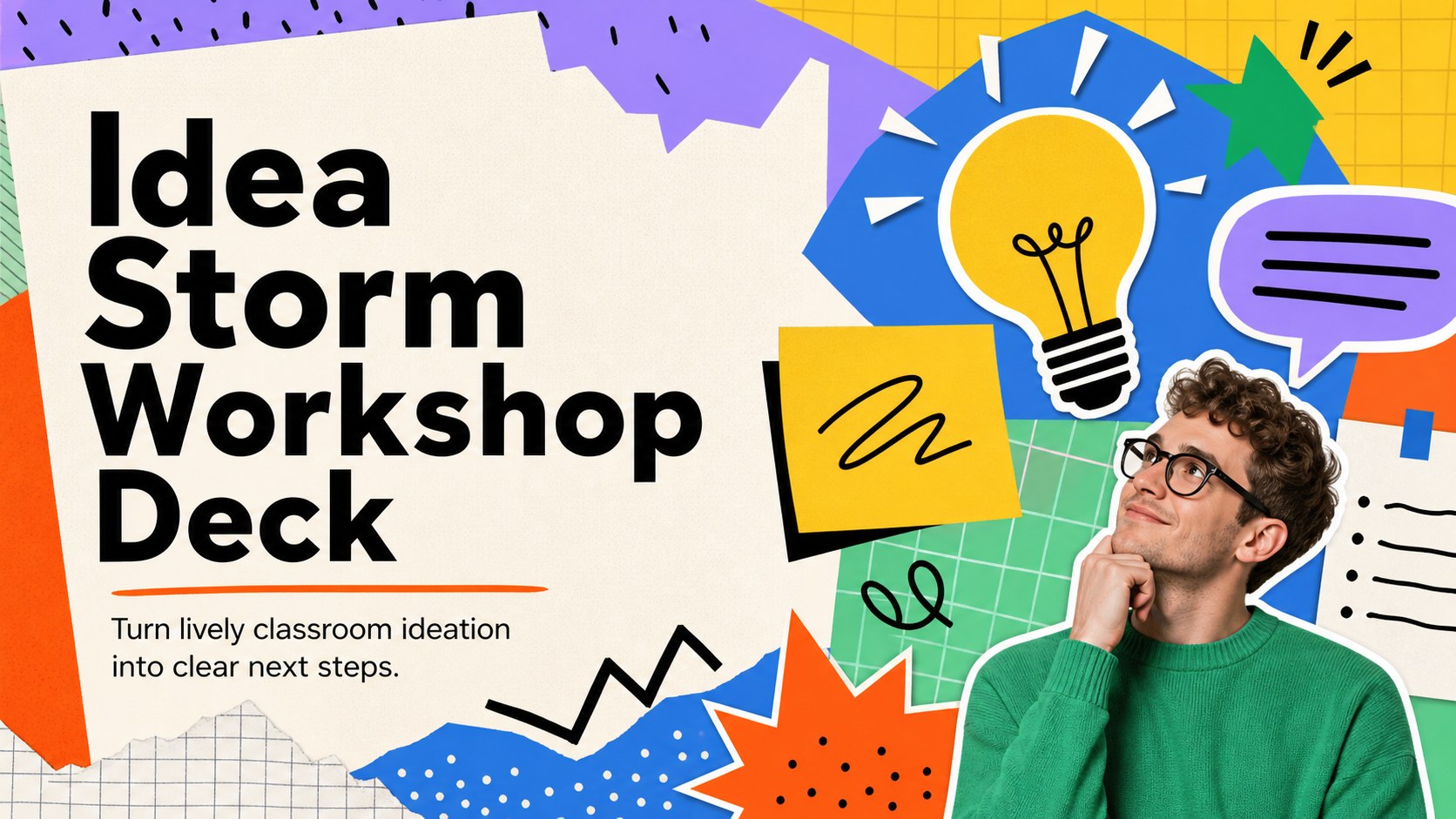
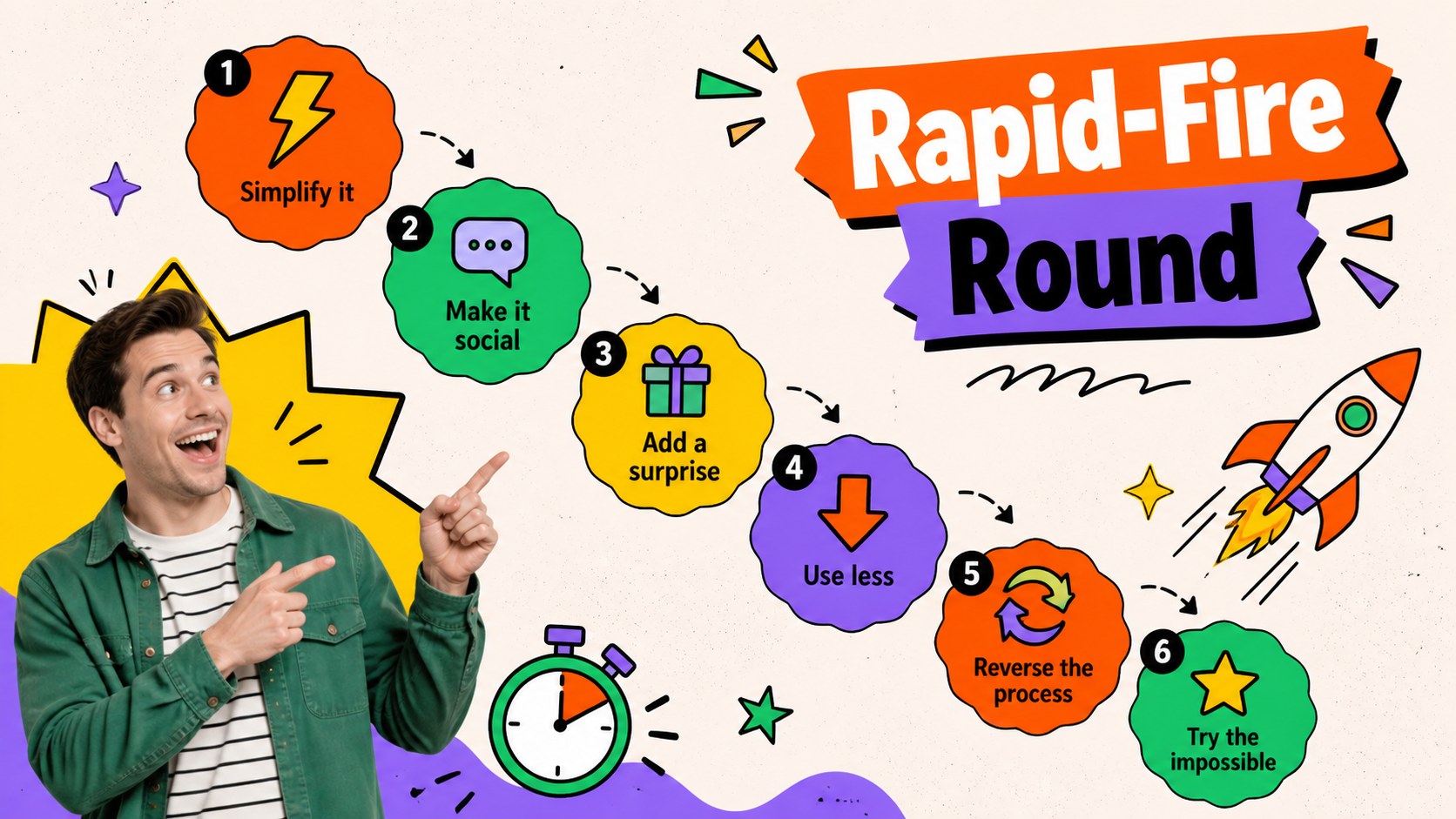
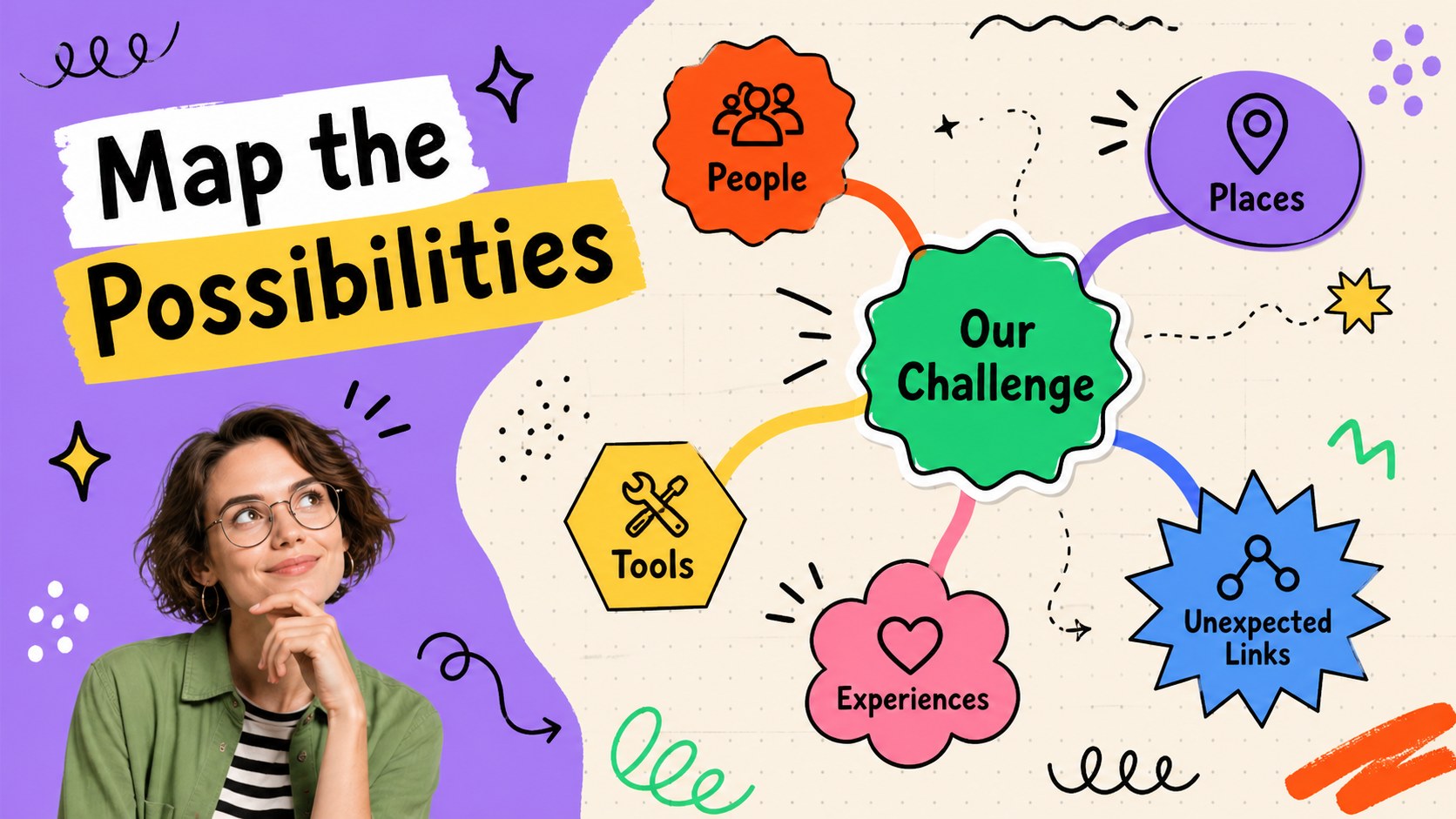
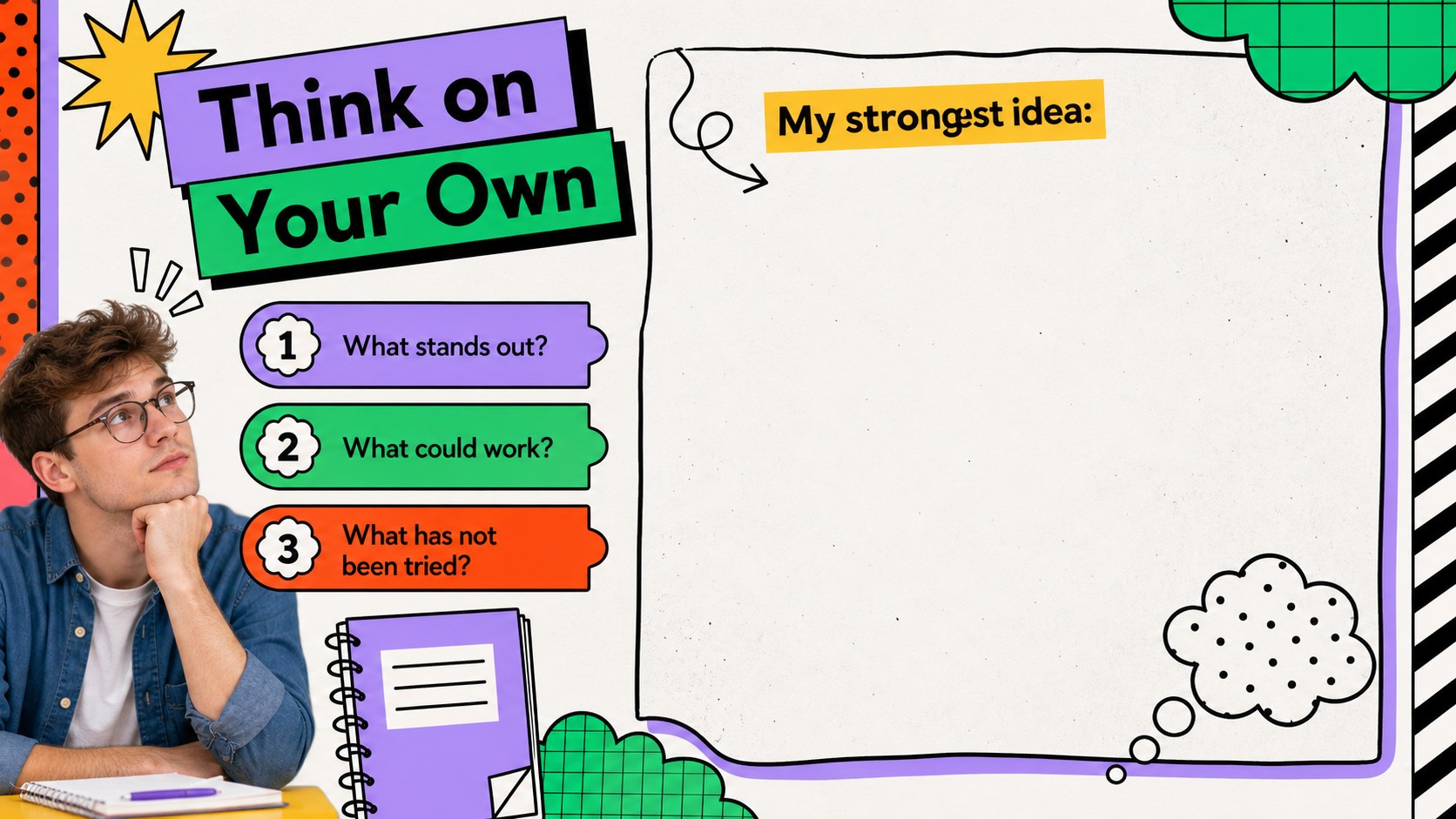
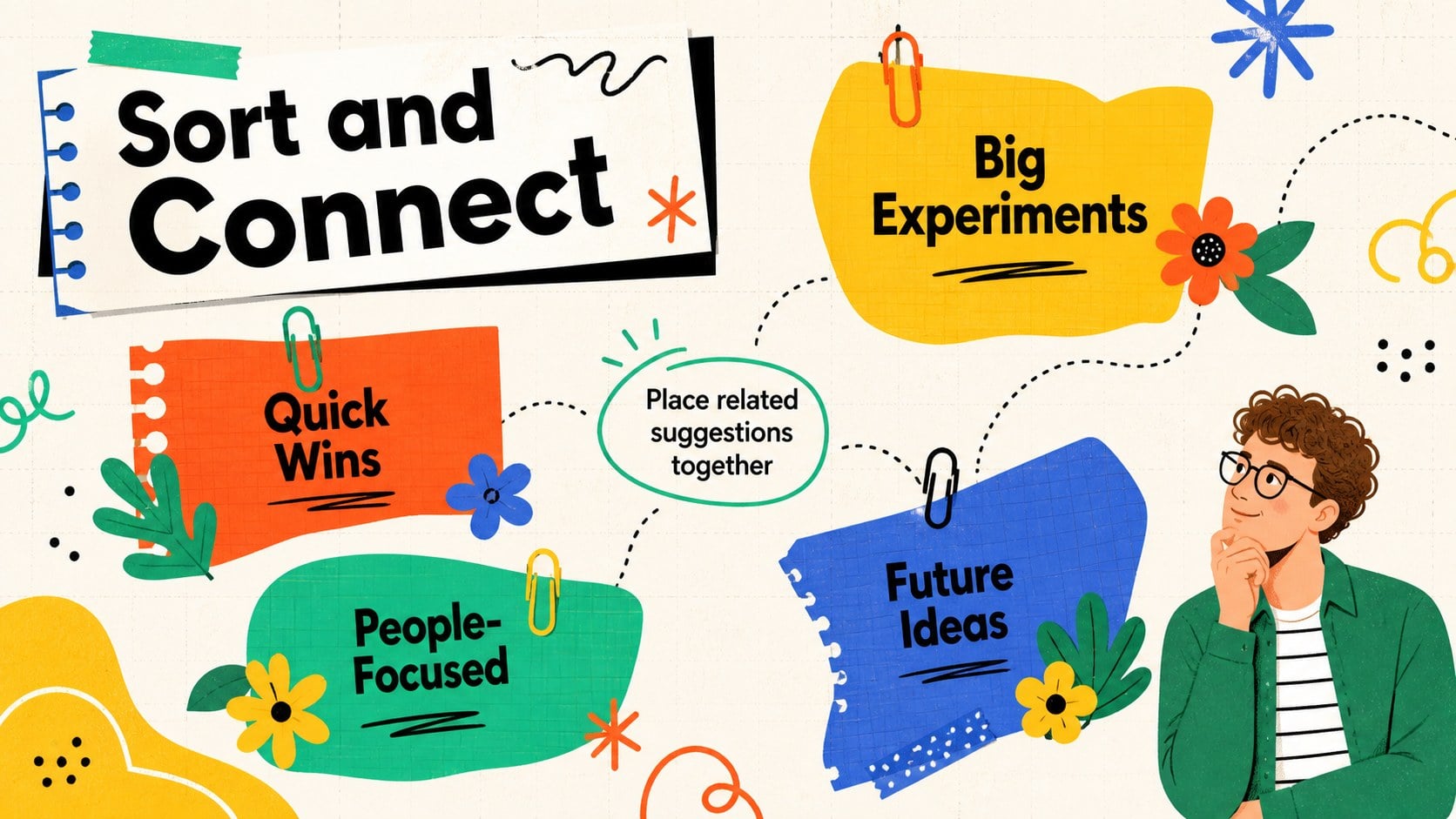
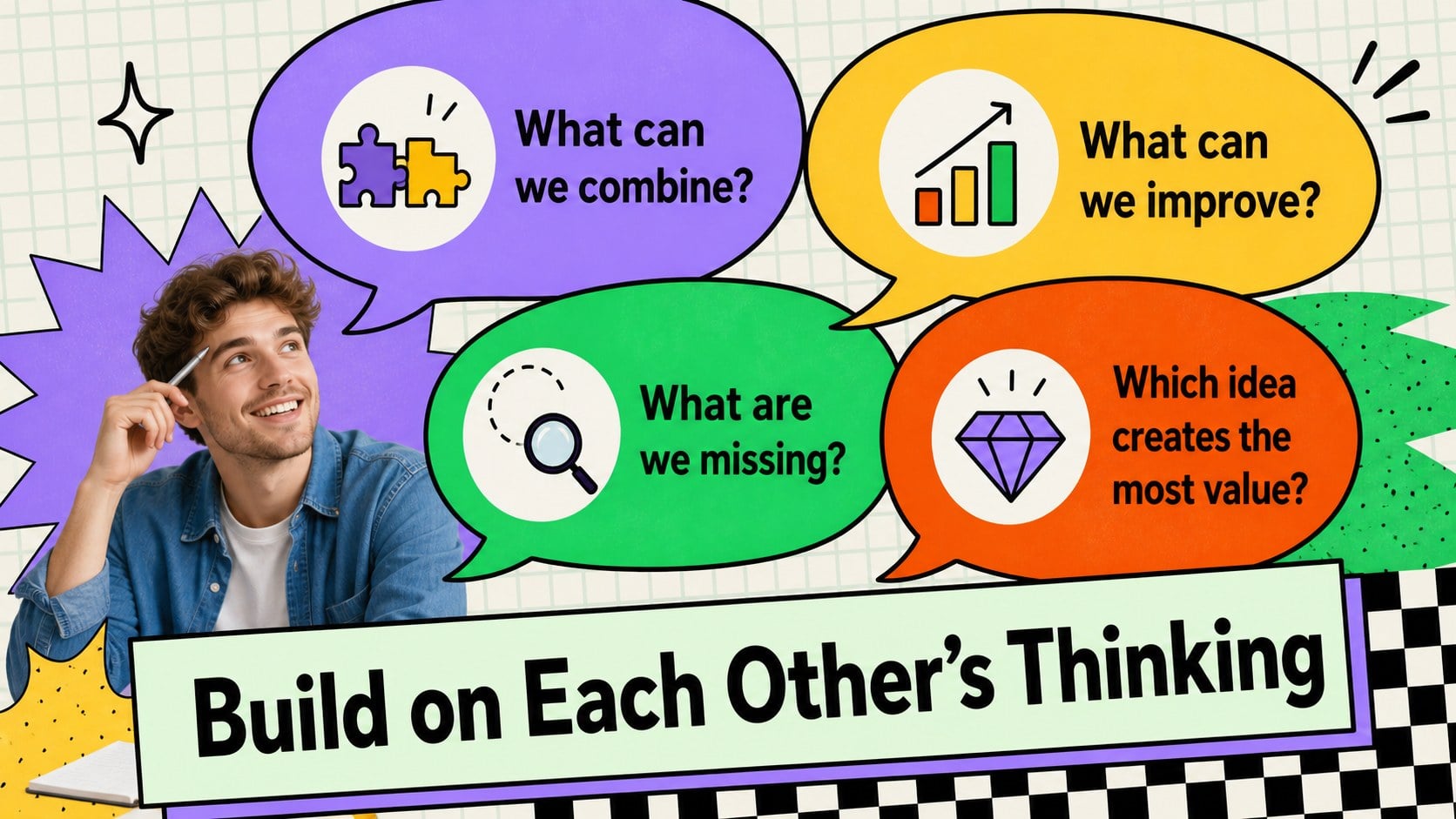
Turn scattered thoughts into promising concepts with the Idea Storm Workshop Deck, a vivid presentation template designed for energetic, student-centered collaboration. Its expressive maximalist style combines bright colors, bold typography, unexpected shapes, and playful visual details without sacrificing structure. Use it whenever a class or project team needs fresh thinking, active participation, and a practical path from first suggestion to final choice.
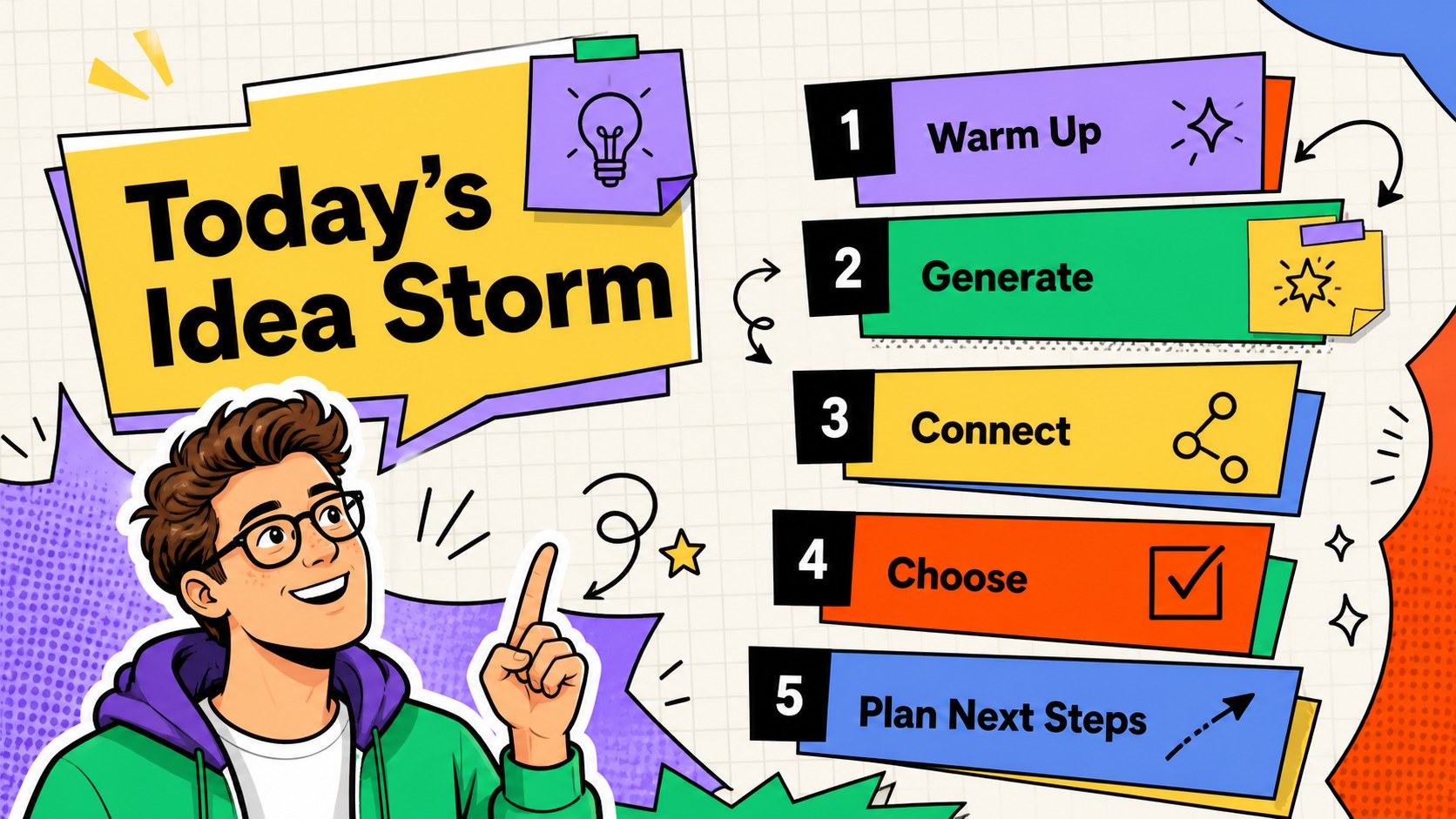
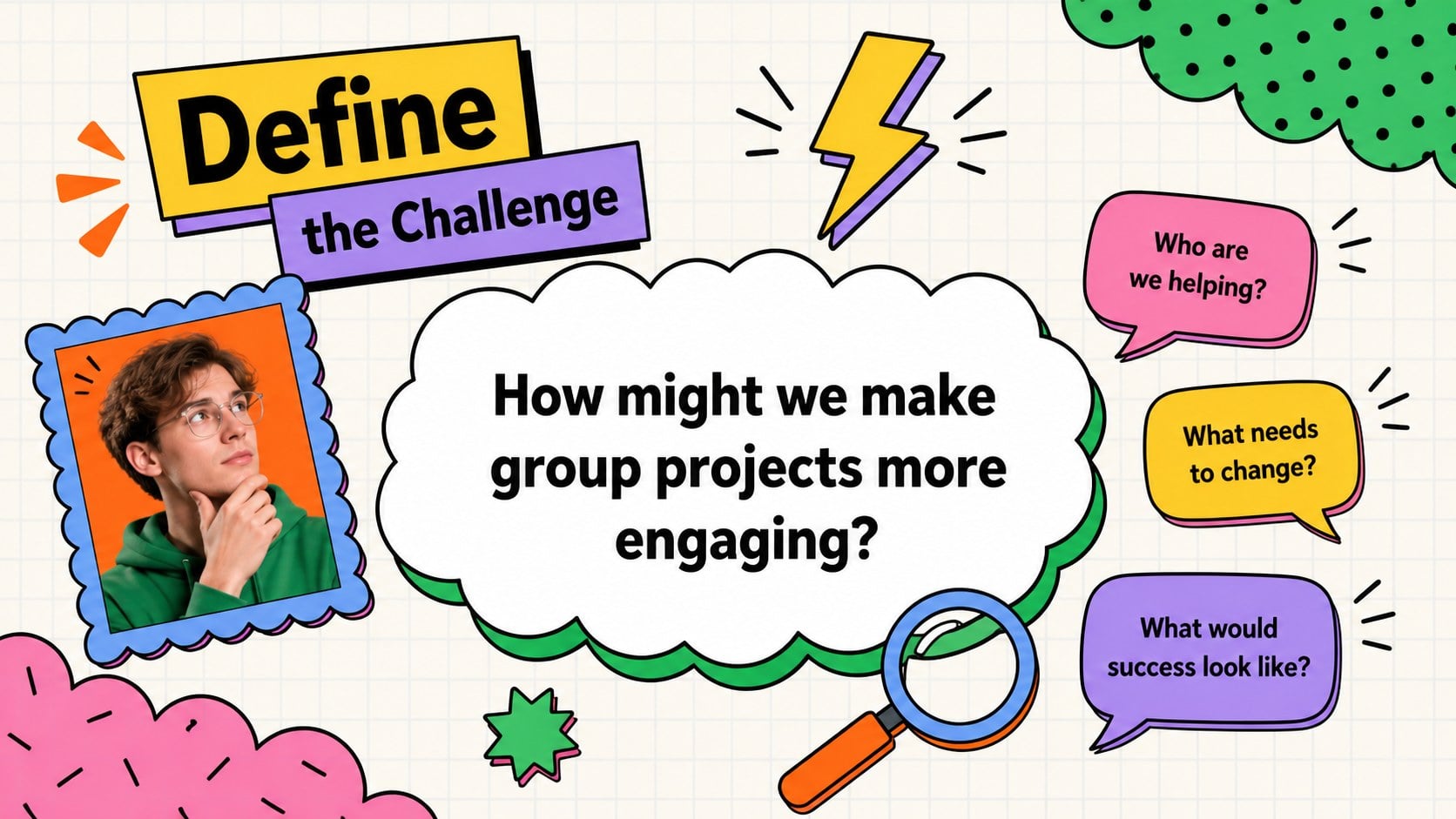
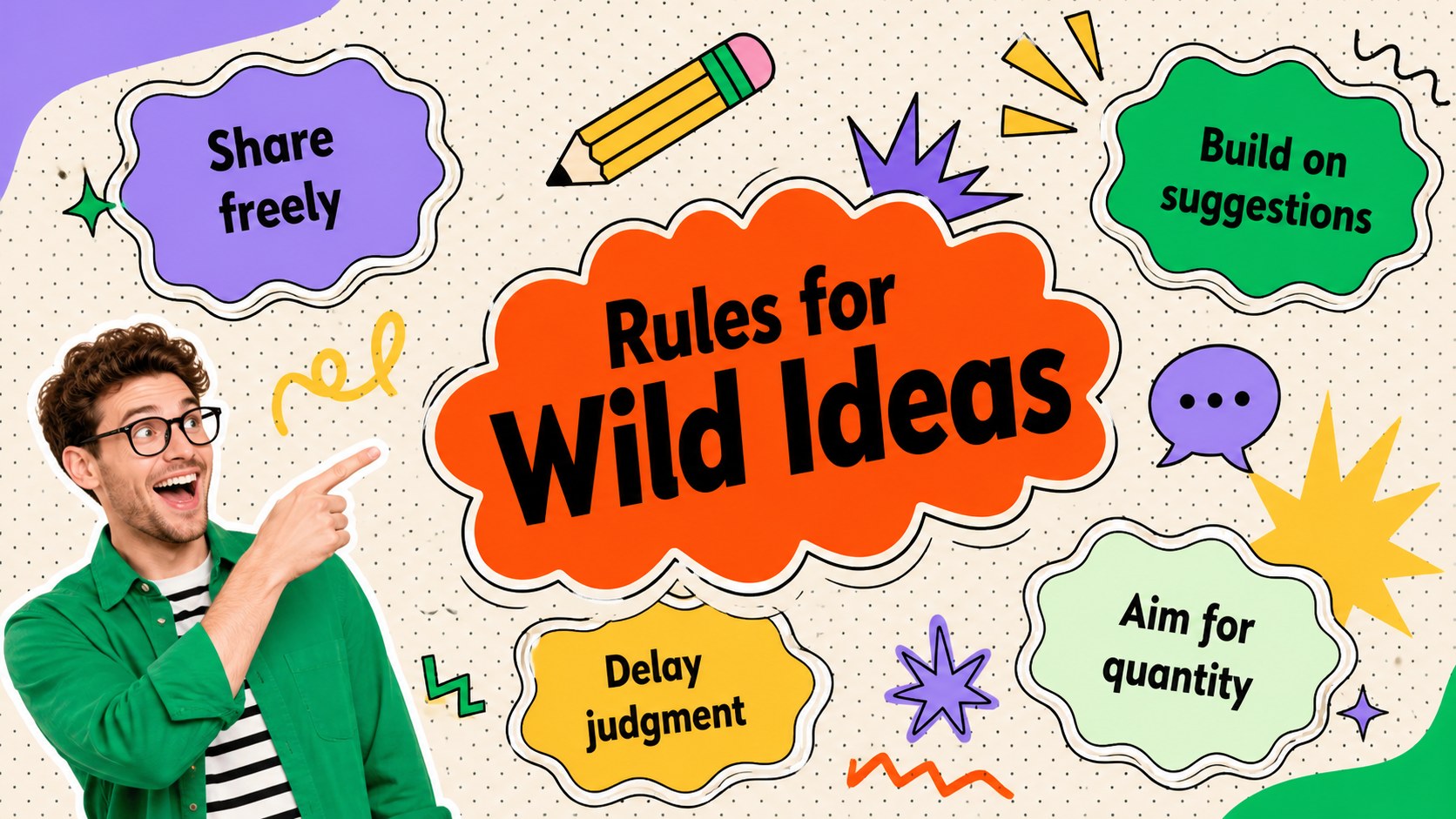
The deck includes layouts for opening questions, session goals, rapid idea generation, a visual mind map, individual reflection, group discussion, concept clustering, voting, evaluation, and action planning. These creative brainstorming slides for students make it easier to capture contributions from the whole room. A colorful ideation workshop template can also help facilitators maintain momentum as groups sort, compare, and refine their options.
Teachers can adapt the slides for classroom challenges, writing preparation, design projects, or lessons learned. Students can use them to organize group assignments, plan presentations, or explore research topics. The classroom mind mapping presentation layouts are equally useful for youth workshops and creative clubs. Every slide is editable in PowerPoint and Google Slides, including the text, colors, shapes, diagrams, and image areas. Add your own questions, reorder activities, duplicate useful layouts, and adjust the visual intensity to fit the age group or subject. The 16:9 format is ready for classroom screens, online meetings, and shared project files.
Perfect for: classroom brainstorming session; student group project planning; creative writing idea workshop; design challenge kickoff; youth club ideation activity.
Frequently asked questions
Can I edit every part of this workshop deck? Yes. You can change the wording, colors, shapes, diagrams, and image placeholders to match your lesson or project. Slides may also be duplicated, removed, or reordered.
Practical details
Yes. You can change the wording, colors, shapes, diagrams, and image placeholders to match your lesson or project. Slides may also be duplicated, removed, or reordered.
The template is designed for Microsoft PowerPoint and Google Slides. Some fonts or transition effects may vary slightly between the two platforms.
Shorten the prompts, use fewer choices per slide, and replace abstract questions with concrete examples. You can also enlarge key text and assign one activity to each slide.
Yes. Share the presentation through Google Slides or present it during an online meeting, then invite participants to contribute ideas verbally or in assigned text areas. The voting and action-plan layouts can be completed together.
Keep exploring
15Build stronger academic arguments with a college essay thesis builder featuring guided examples, revision prompts, and editable PowerPoint and Google Slides.
 15
15Build an engaging World UFO Day session with this flying saucer history lesson deck, featuring retro green-and-brown slides for PowerPoint and Google Slides.
 14
14Plan a memorable Lunar New Year campaign with the 2036 Dragon Year Celebration Theme, featuring bold red-and-yellow slides for lessons and events.
 15
15Build a thoughtful classroom discussion with this interfaith awareness lesson deck, featuring editable blue-and-white slides for PowerPoint and Google Slides.
 15
15Use this environmental awareness lesson deck to teach climate action through illustrated activities, discussion prompts, and ready-to-edit visuals.
 15
15Build playful lessons and party stories with a kid-friendly zombie celebration theme in purple, green and pastel blue for PowerPoint and Google Slides.
 15
15Build eerie lessons, campaigns, and story pitches with an undead survival scenario theme featuring editable slides for PowerPoint and Google Slides.
 16
16Turn environmental research into a clear story with a Watercolor Ecology Presentation Theme for PowerPoint and Google Slides in calming green and blue.