
 15
15presentation
College Essay Thesis Builder Slides
Build stronger academic arguments with a college essay thesis builder featuring guided examples, revision prompts, and editable PowerPoint and Google Slides.
Google SlidesPowerPoint
presentation · English
Build an idea flow workshop deck for study sessions, team ideation, and exam review with bold black-and-pink illustrations, editable layouts, and free access.

Design notes
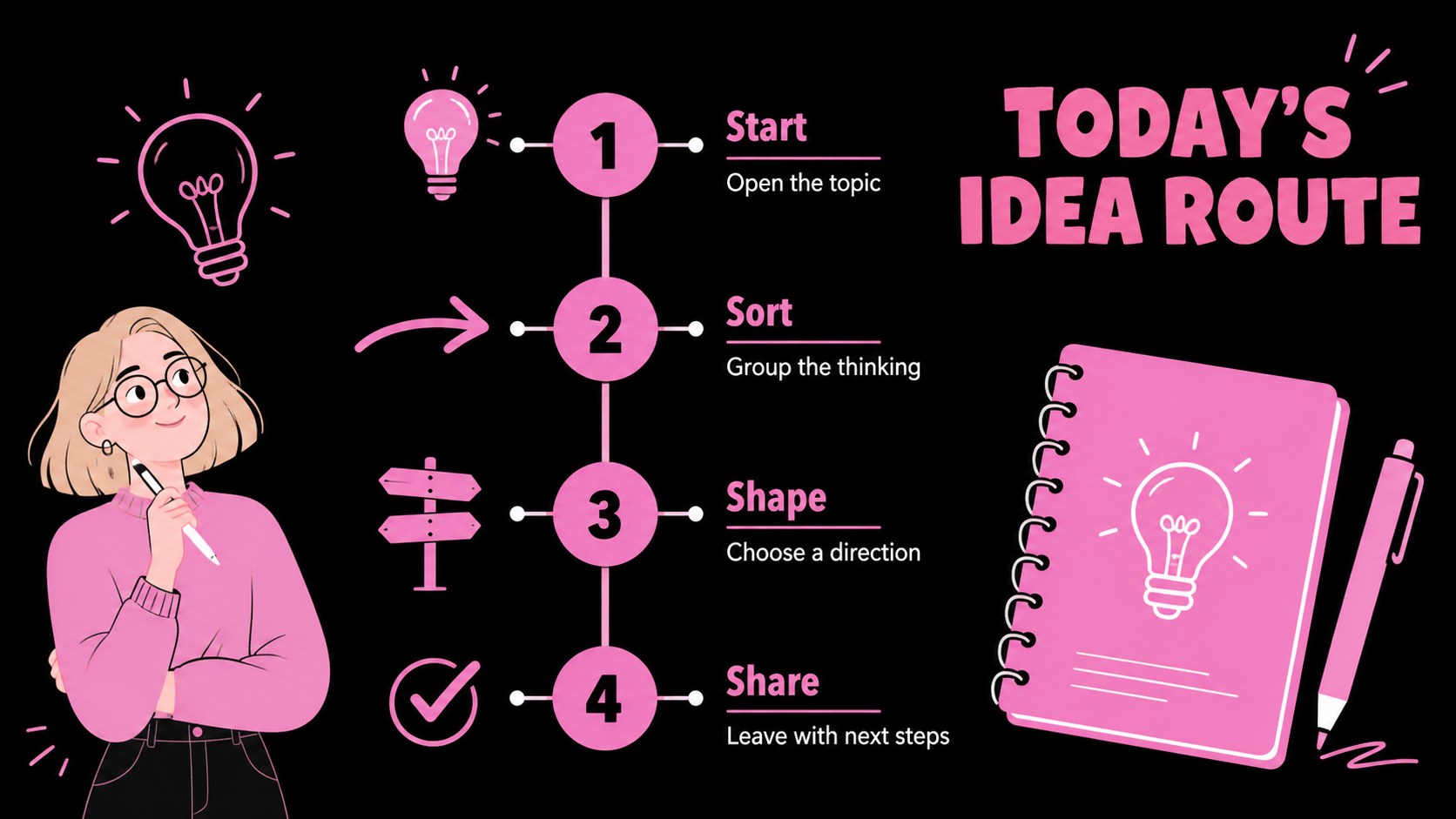
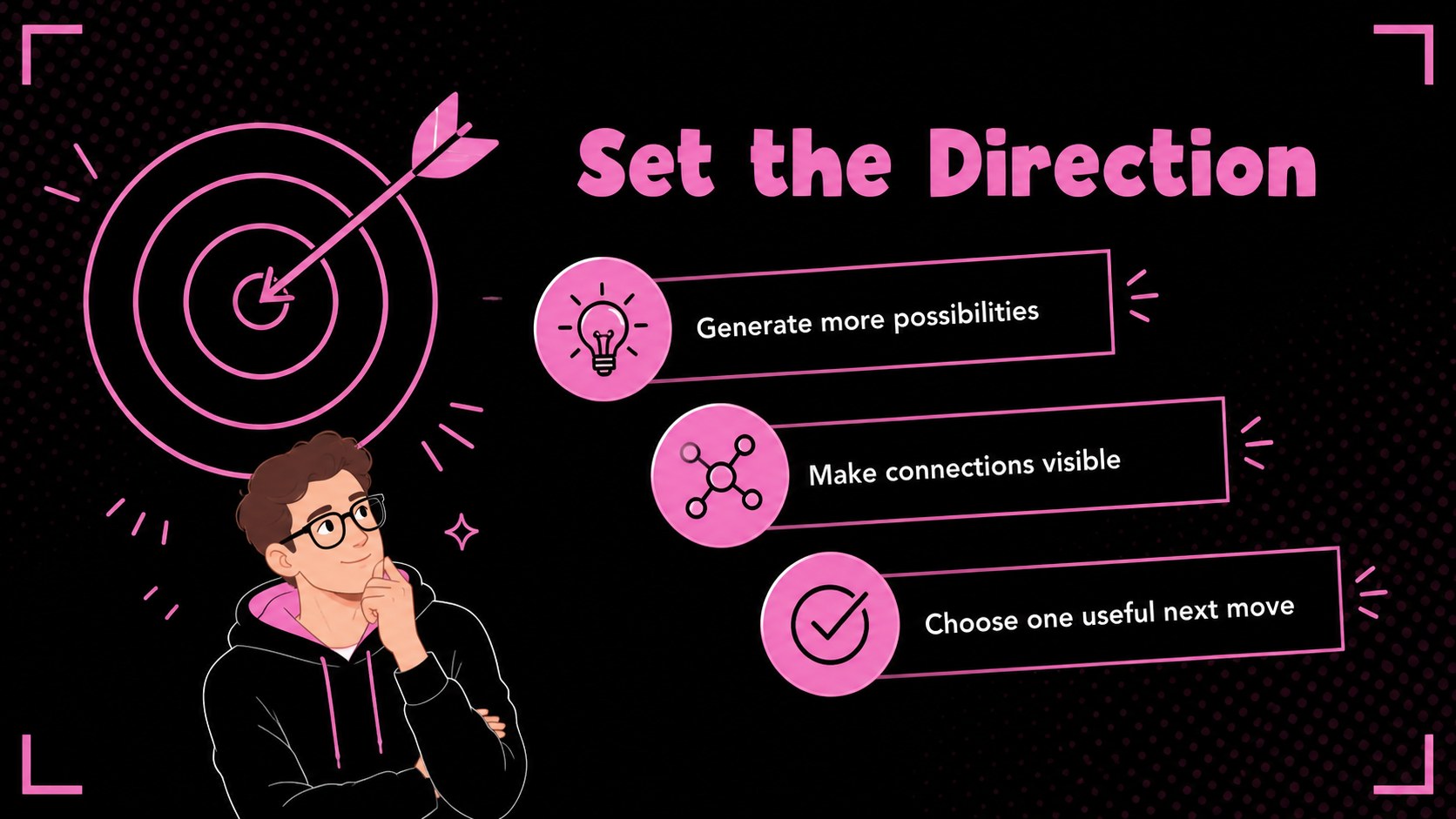
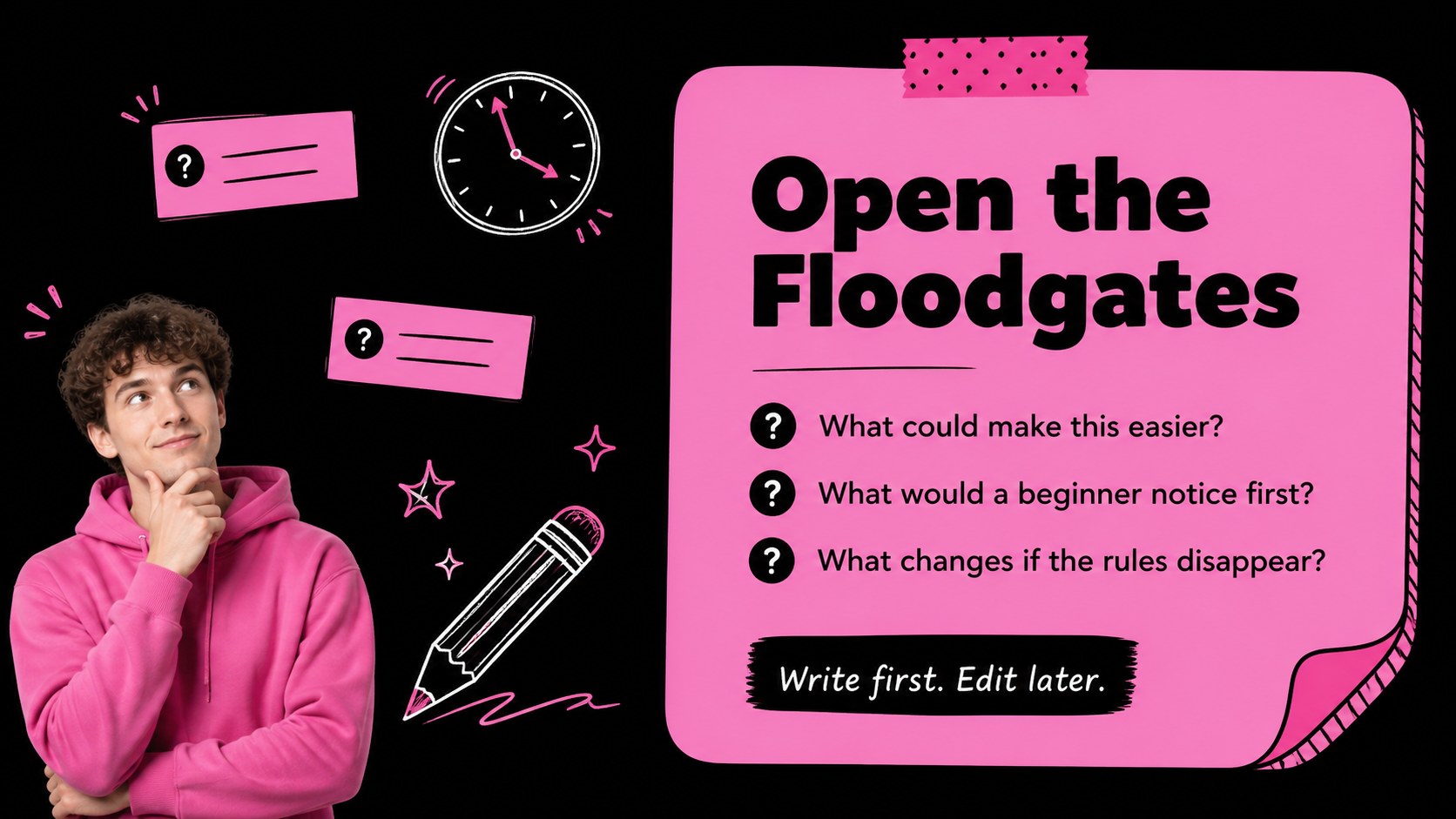
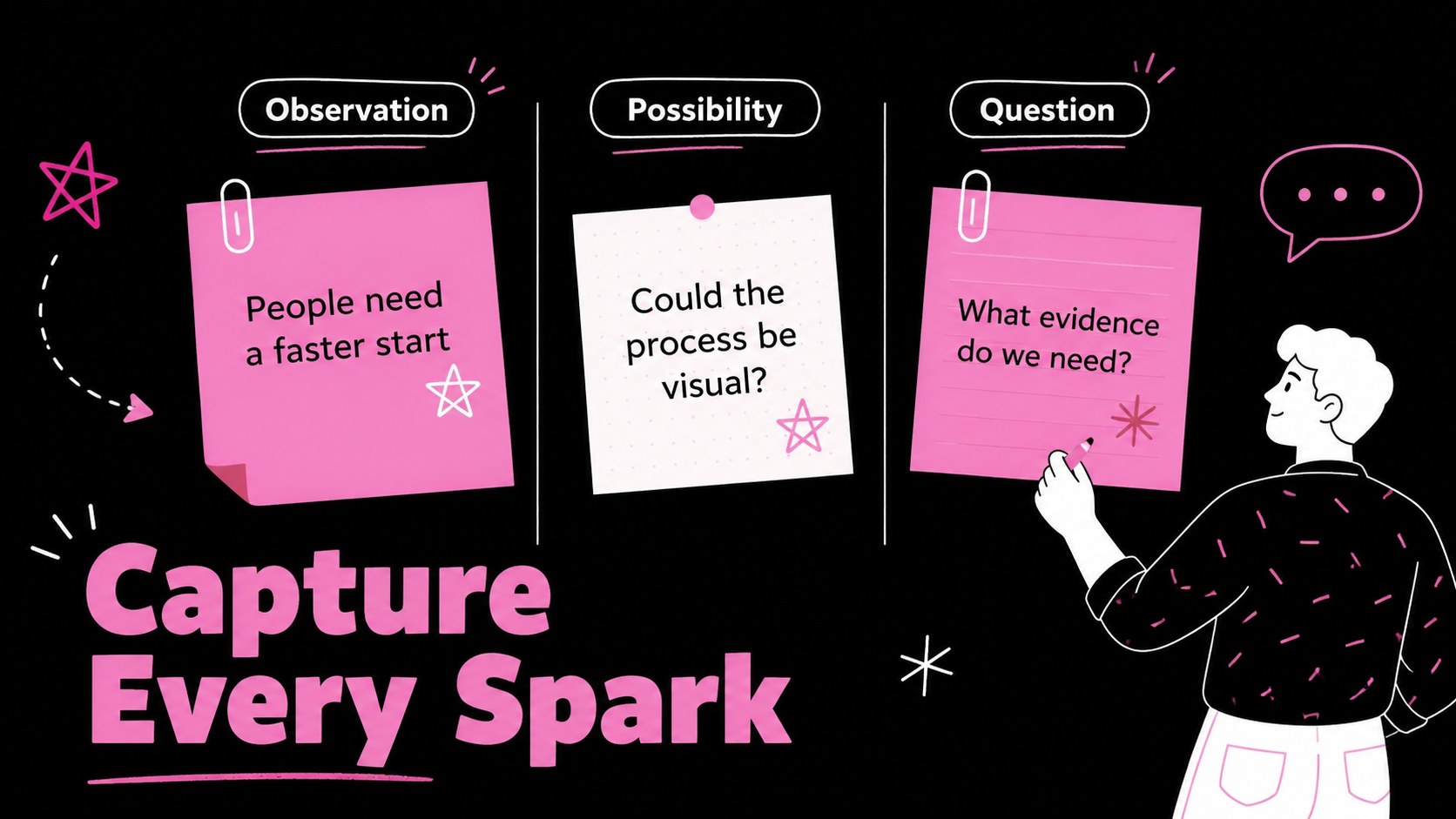
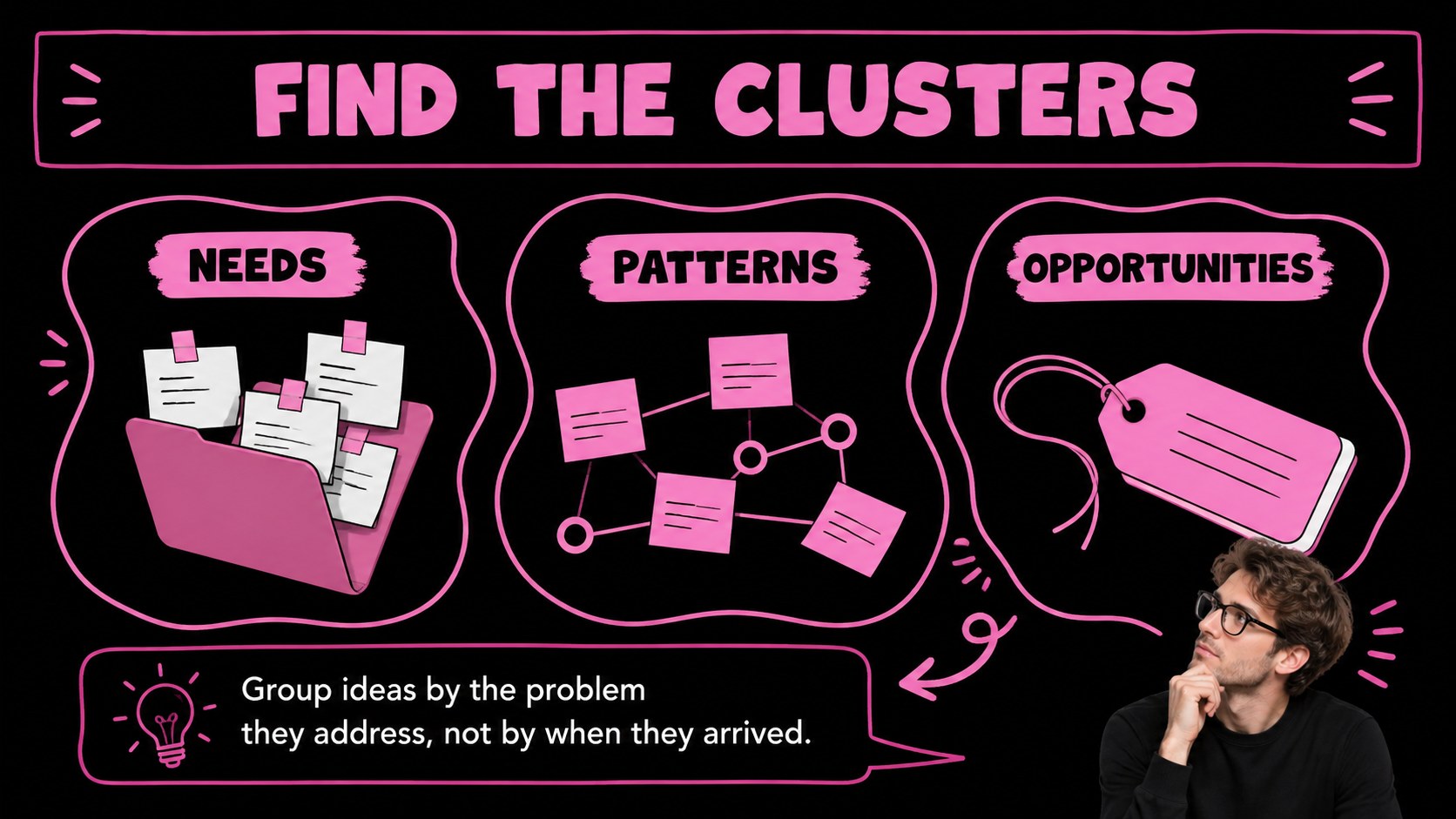
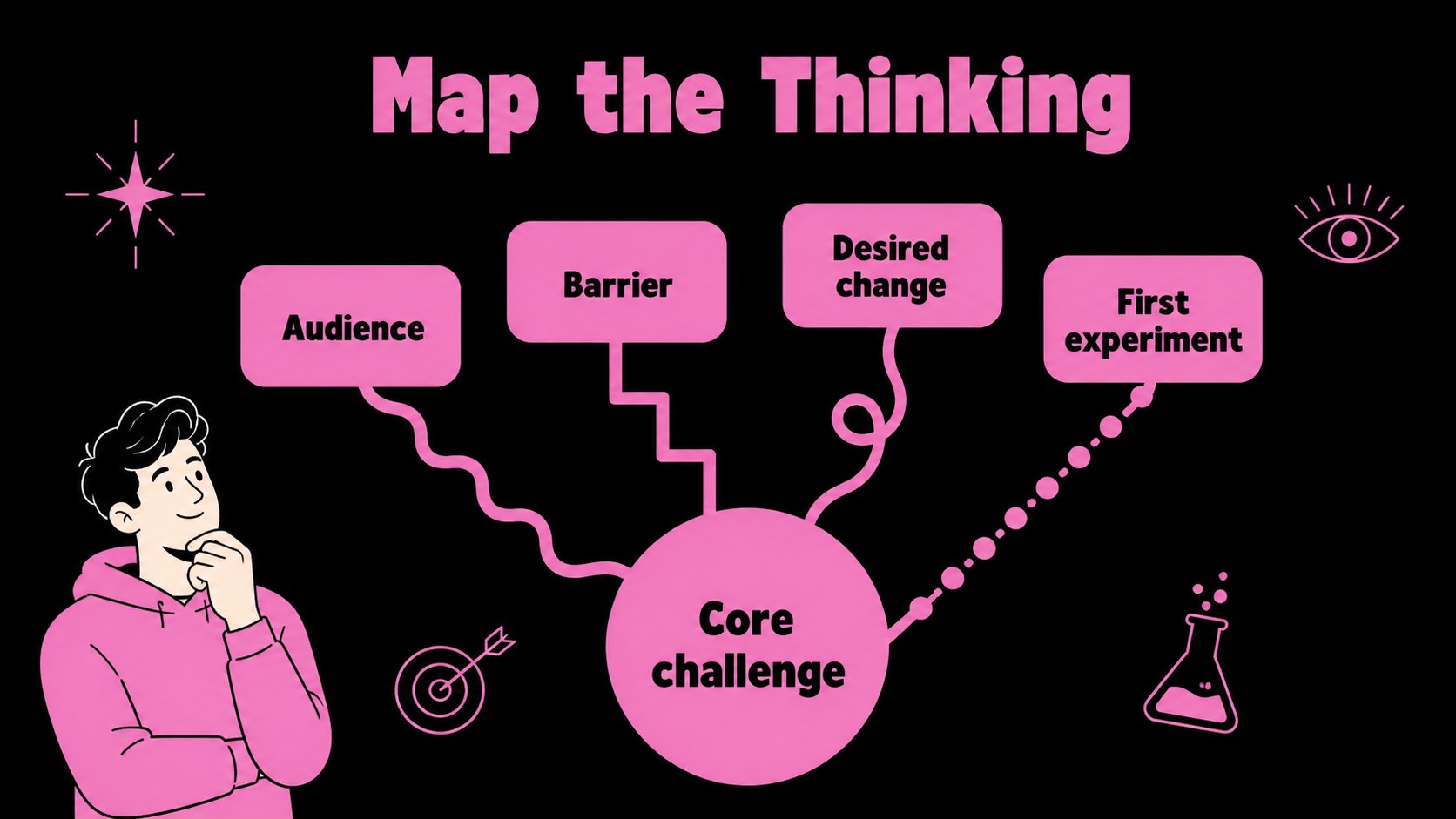
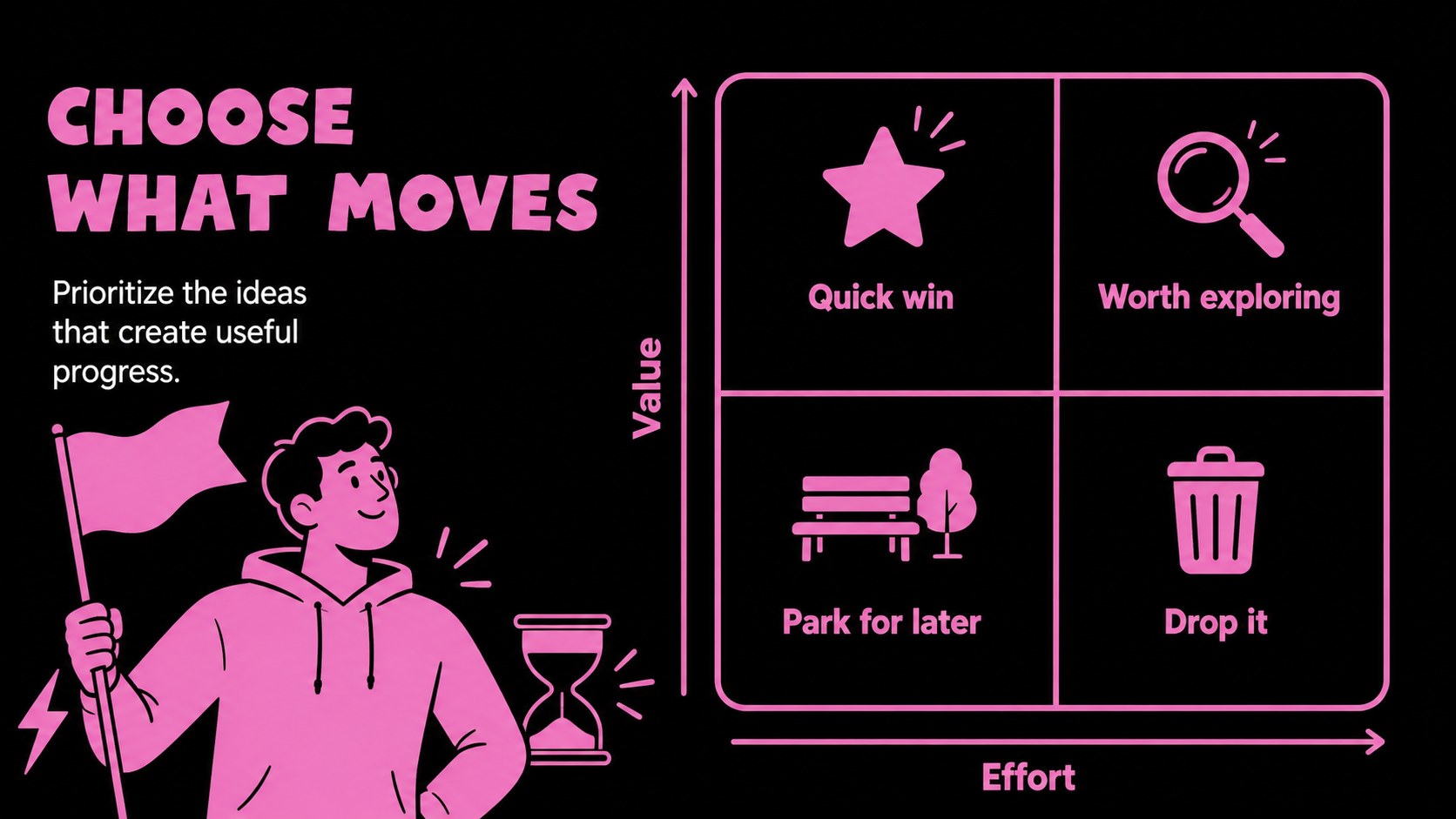
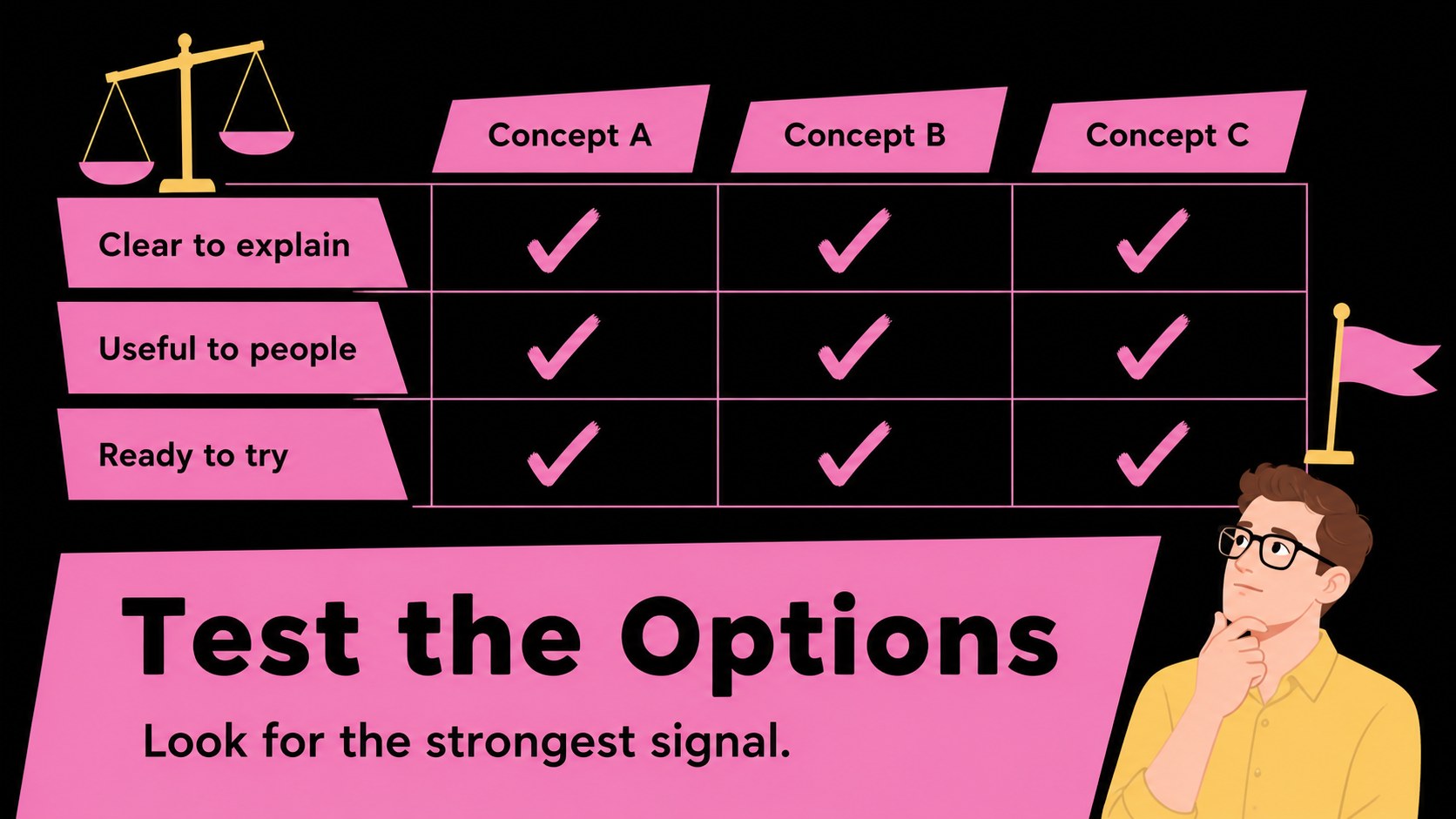
The Idea Flow Workshop Deck helps students, teachers, and creative teams turn unstructured thoughts into a presentation with a clear visual rhythm. Its bold black background, energetic pink accents, and playful illustrative details bring personality to brainstorming without losing focus. Use the layouts to introduce a topic, sort ideas, compare options, and finish with an actionable plan.
Inside, you’ll find 15 editable 16:9 slides for an agenda, workshop goals, rapid idea generation, concept grouping, priority mapping, process diagrams, comparison tables, simple data visuals, and a final action summary. The deck works well as a student brainstorming presentation, a team planning session, or a visual study guide for exam review. Charts, frames, lines, shapes, and text areas can be rearranged to match your content, while animations and transitions add movement when you present online.
The template is available and can be exported to PowerPoint or Google Slides. provides drag-and-drop editing, image and icon libraries, font combinations, notes, collaboration tools, and presentation practice features. Replace the sample copy with research points, workshop prompts, project milestones, or reflection notes to create an engaging idea mapping slide deck in minutes.
Perfect for: student brainstorming presentation; team ideation workshop; exam review session; creative project planning; classroom reflection activity.
Frequently asked questions
Can I edit this deck? Yes. Open the template to change text, colors, images, icons, charts, and slide order with drag-and-drop controls. You can also add speaker notes and presentation animations.
Practical details
Yes. Open the template to change text, colors, images, icons, charts, and slide order with drag-and-drop controls. You can also add speaker notes and presentation animations.
Yes. lets you export the finished presentation as a PowerPoint file or save an editable copy to Google Drive for Google Slides. Some -only animations and assets may need adjustment after export.
It suits students, teachers, facilitators, and teams working through an open-ended topic. Use it for brainstorming, project planning, study reviews, group discussions, or creative problem-solving.
Yes. ’s color palette controls make it simple to apply different colors to backgrounds, accents, illustrations, and text. Keeping strong contrast will help preserve readability during presentations.
Keep exploring
15Build stronger academic arguments with a college essay thesis builder featuring guided examples, revision prompts, and editable PowerPoint and Google Slides.
 15
15Build an engaging World UFO Day session with this flying saucer history lesson deck, featuring retro green-and-brown slides for PowerPoint and Google Slides.
 14
14Plan a memorable Lunar New Year campaign with the 2036 Dragon Year Celebration Theme, featuring bold red-and-yellow slides for lessons and events.
 15
15Build a thoughtful classroom discussion with this interfaith awareness lesson deck, featuring editable blue-and-white slides for PowerPoint and Google Slides.
 15
15Use this environmental awareness lesson deck to teach climate action through illustrated activities, discussion prompts, and ready-to-edit visuals.
 15
15Build playful lessons and party stories with a kid-friendly zombie celebration theme in purple, green and pastel blue for PowerPoint and Google Slides.
 15
15Build eerie lessons, campaigns, and story pitches with an undead survival scenario theme featuring editable slides for PowerPoint and Google Slides.
 16
16Turn environmental research into a clear story with a Watercolor Ecology Presentation Theme for PowerPoint and Google Slides in calming green and blue.