
 15
15presentation
College Essay Thesis Builder Slides
Build stronger academic arguments with a college essay thesis builder featuring guided examples, revision prompts, and editable PowerPoint and Google Slides.
Google SlidesPowerPoint
presentation · English
Build lively assignment updates with the chalkboard homework presentation theme, featuring playful black-and-white layouts for teachers using PowerPoint or…
Design notes
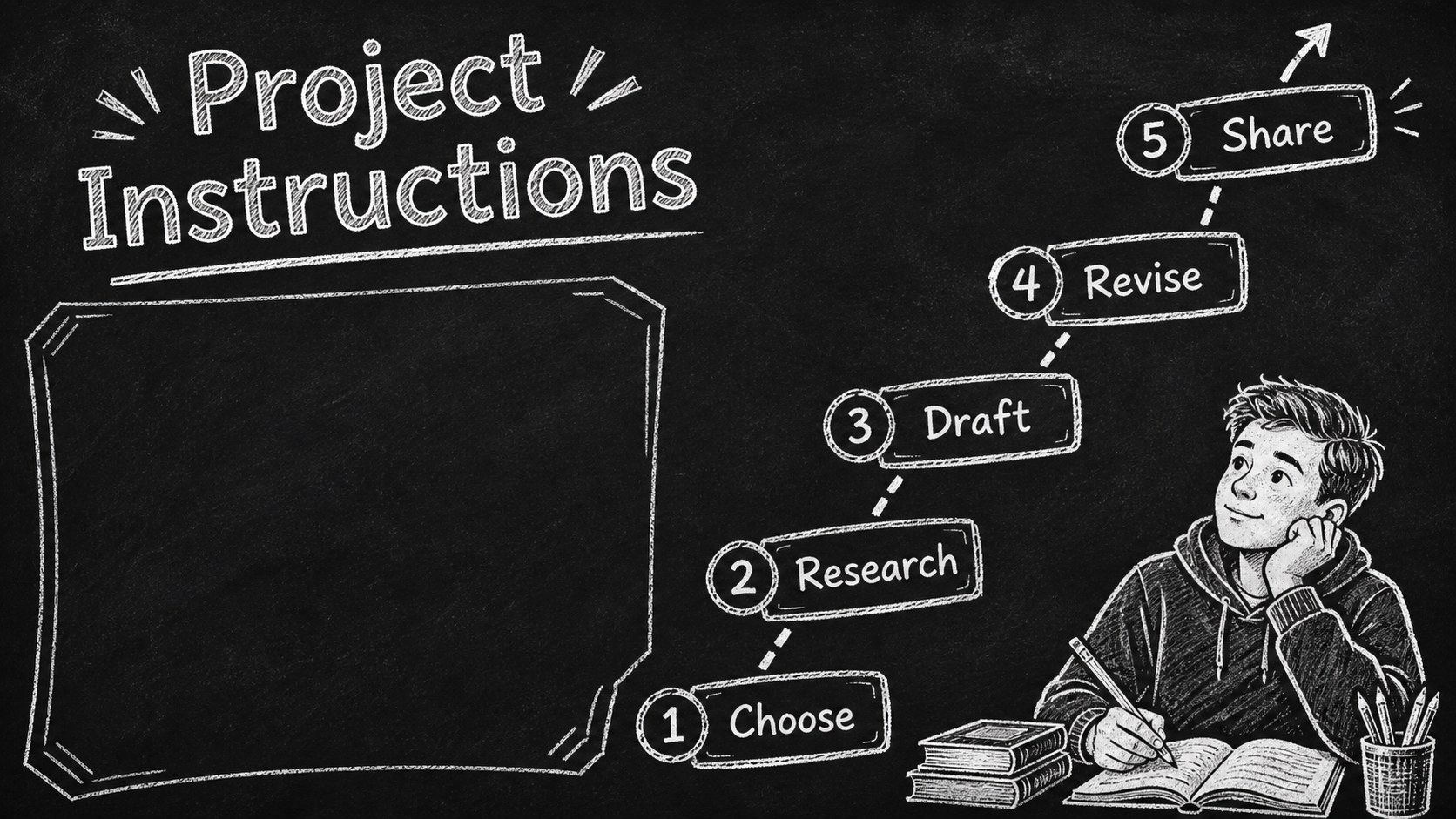
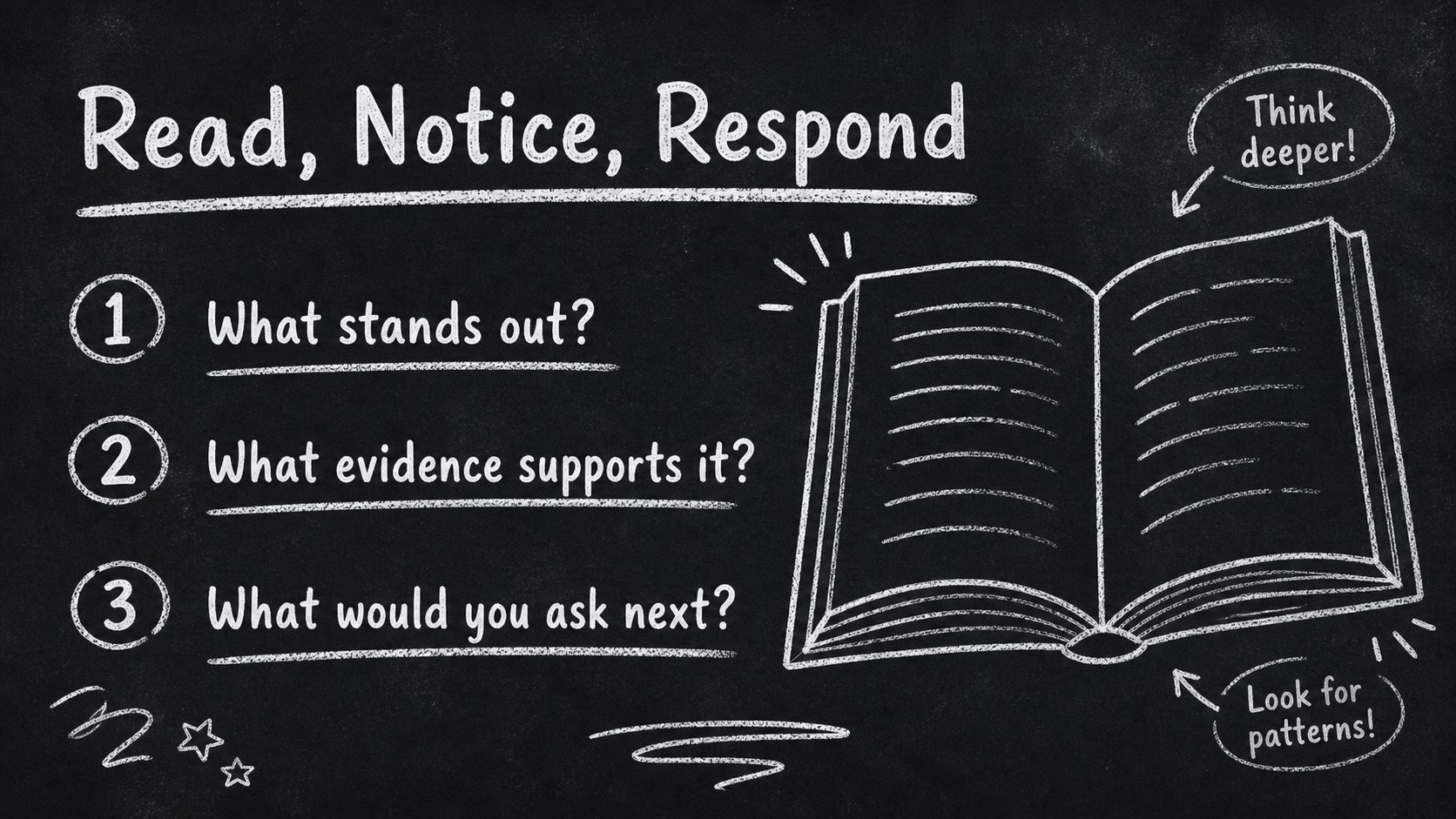
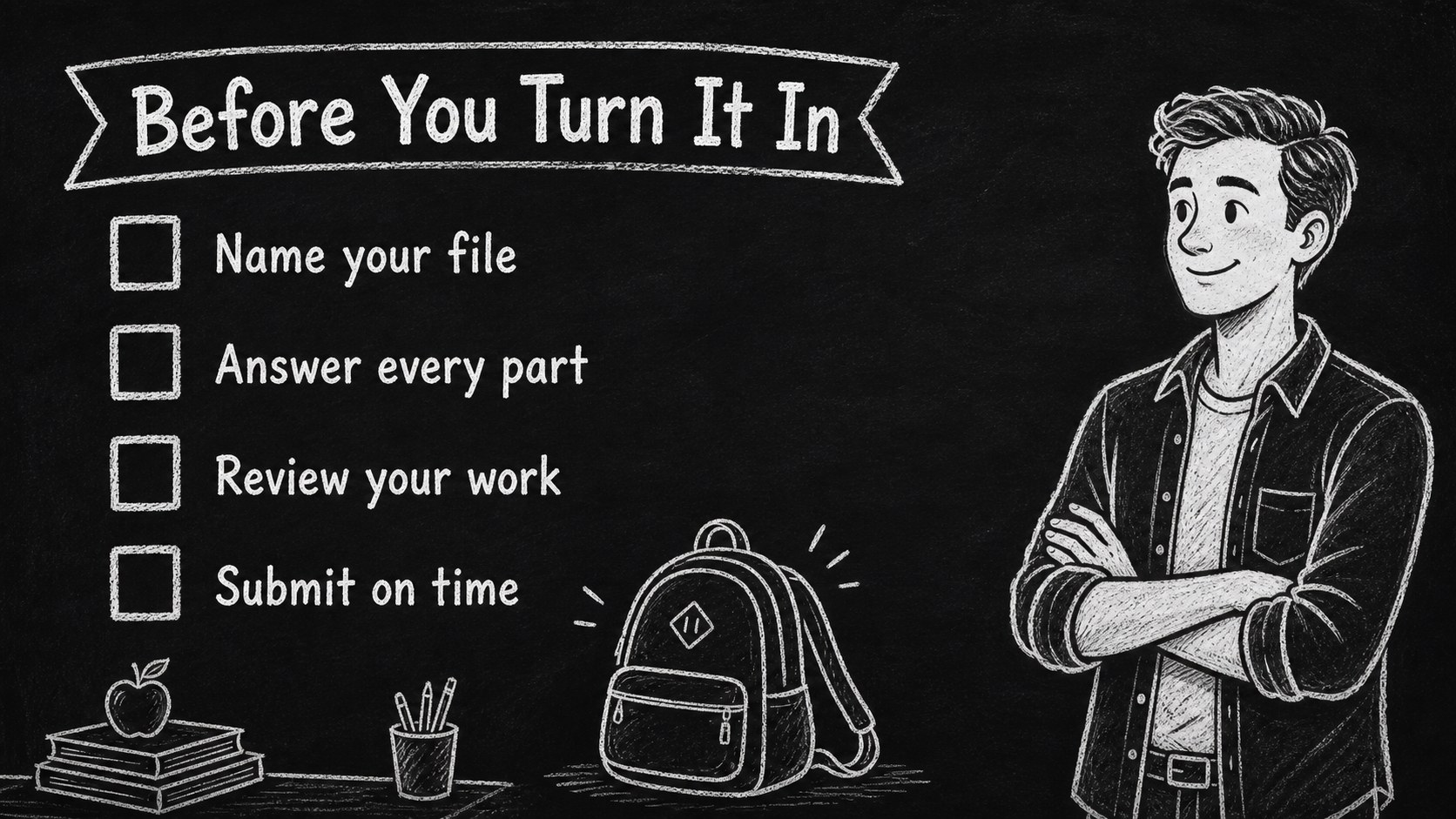
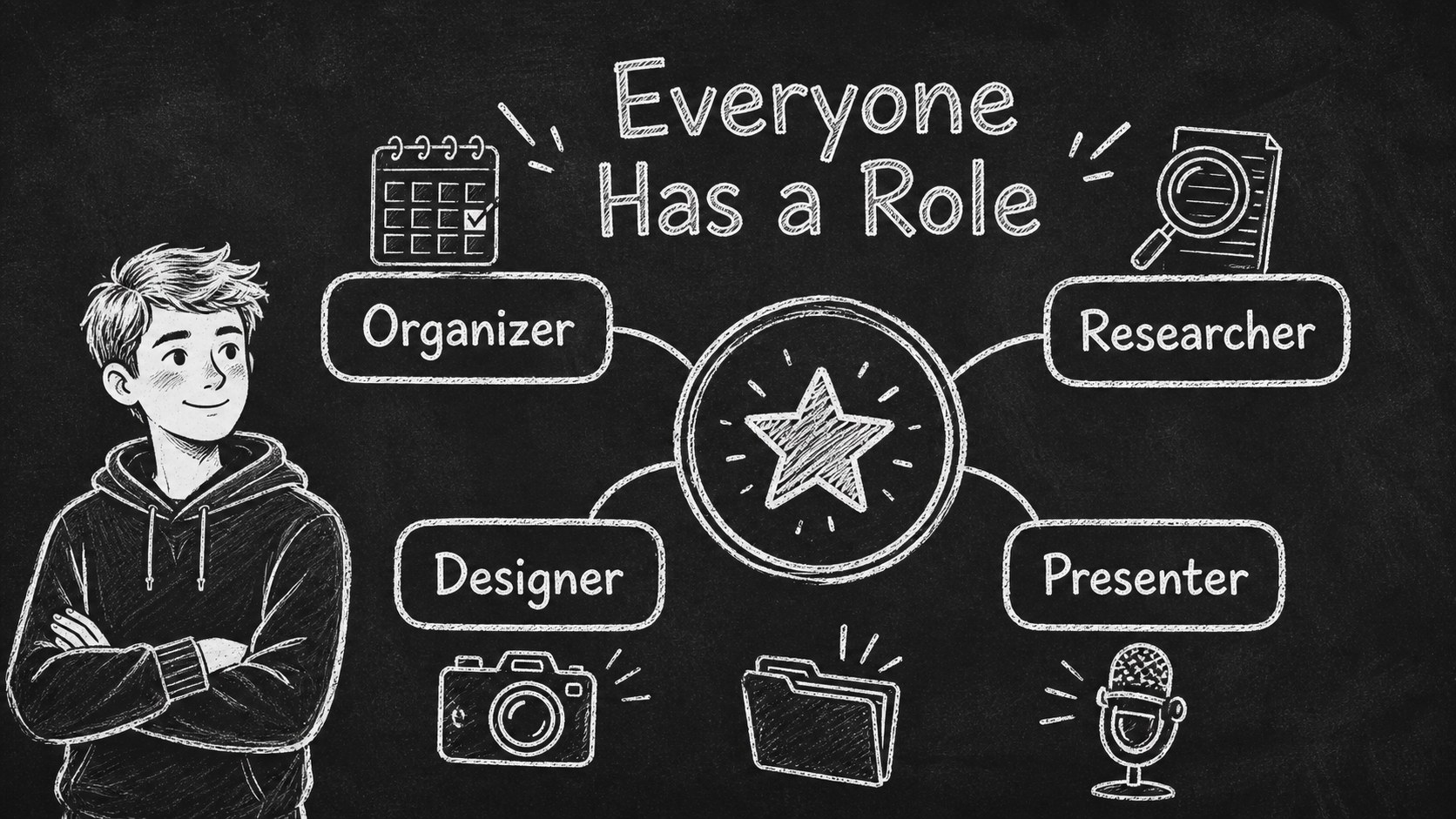
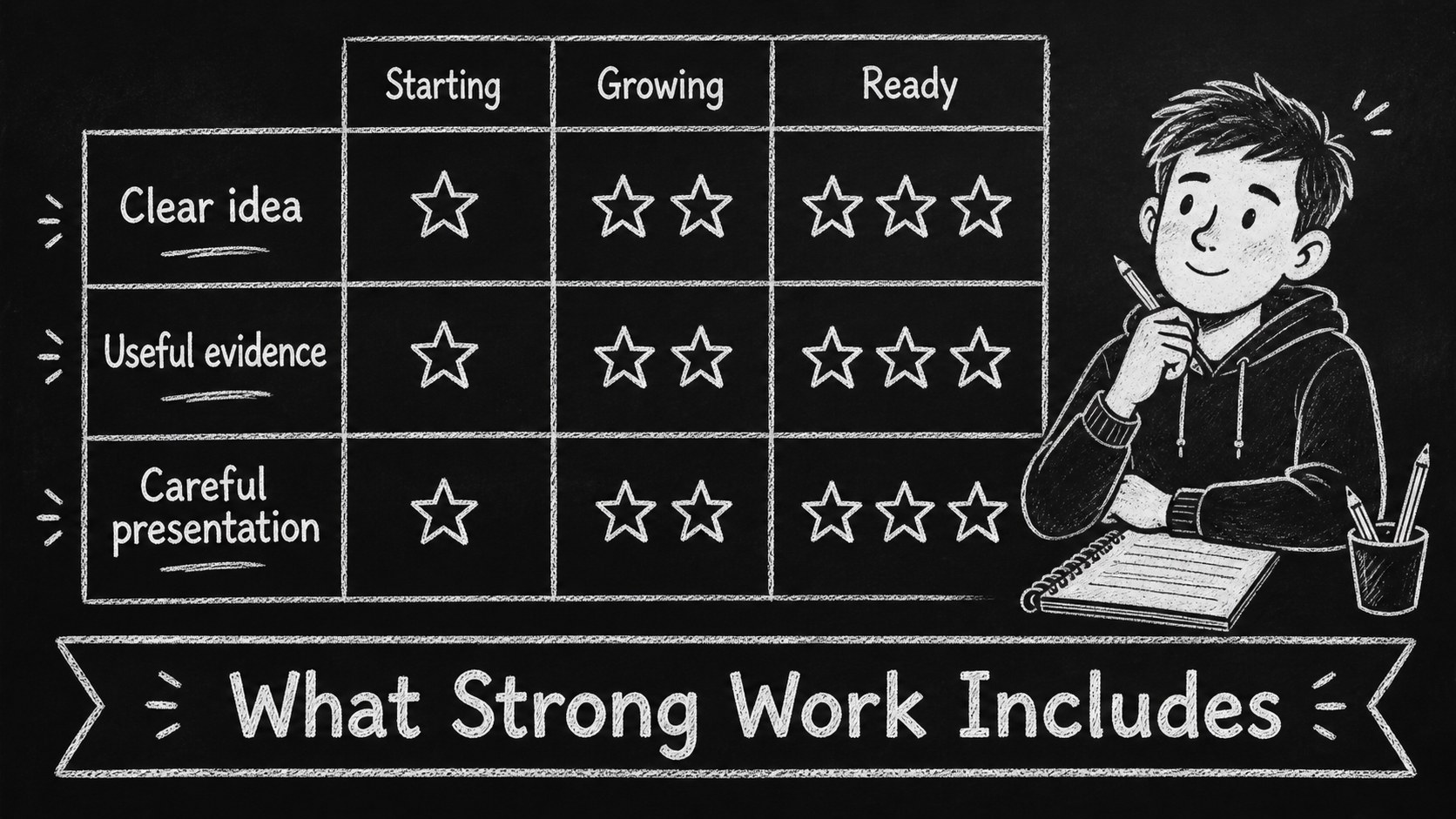
Make homework, projects, and weekly tasks easier to explain with this chalkboard homework presentation theme. Its hand-drawn look combines a deep black background, white sketch details, and friendly classroom visuals to give everyday instructions more personality without sacrificing readability. Use the deck for assignment briefings, lesson overviews, project checkpoints, or end-of-week reminders.
Inside, you’ll find 15 editable 16:9 slides for organizing schoolwork in a consistent visual system. Create a weekly homework overview, separate instructions into manageable steps, highlight due dates, compare project requirements, or use a simple progress layout to track completion. Doodle-style frames, arrows, labels, icons, and classroom illustrations help teachers guide attention while keeping the information easy to scan. The black-and-white palette also works well when projected in a bright classroom.
This school assignment slide deck is designed for elementary and secondary educators, tutors, department leads, and homeschool instructors. Edit the text, rearrange content blocks, and adapt the layouts in PowerPoint or Google Slides. The template uses Cabin Sketch and Caveat-inspired typography, giving presentations a handwritten character that feels approachable for students while remaining practical for repeated classroom use.
Perfect for: weekly homework briefing; class project instructions; student task checklist; lesson assignment overview; tutoring session plan.
Frequently asked questions
Can I edit this template in PowerPoint? Yes. The layouts are designed for PowerPoint editing, so you can change text, move objects, replace illustrations, and update colors. Use a widescreen 16:9 presentation file for the intended proportions.
Practical details
Yes. The layouts are designed for PowerPoint editing, so you can change text, move objects, replace illustrations, and update colors. Use a widescreen 16:9 presentation file for the intended proportions.
Yes, you can open or import the presentation in Google Slides and customize the editable text and design elements there. Check the fonts after importing and substitute comparable hand-drawn fonts if needed.
Use the deck for homework instructions, group projects, reading tasks, research activities, classroom routines, and due-date reminders. The layouts can be adapted for both a single assignment and a full weekly plan.
Yes. Change the text, icons, shapes, and background treatment to suit your classroom while preserving the chalkboard style. You can also add school colors or subject-specific visuals when a different emphasis is helpful.
Keep exploring
15Build stronger academic arguments with a college essay thesis builder featuring guided examples, revision prompts, and editable PowerPoint and Google Slides.
 15
15Build an engaging World UFO Day session with this flying saucer history lesson deck, featuring retro green-and-brown slides for PowerPoint and Google Slides.
 14
14Plan a memorable Lunar New Year campaign with the 2036 Dragon Year Celebration Theme, featuring bold red-and-yellow slides for lessons and events.
 15
15Build a thoughtful classroom discussion with this interfaith awareness lesson deck, featuring editable blue-and-white slides for PowerPoint and Google Slides.
 15
15Use this environmental awareness lesson deck to teach climate action through illustrated activities, discussion prompts, and ready-to-edit visuals.
 15
15Build playful lessons and party stories with a kid-friendly zombie celebration theme in purple, green and pastel blue for PowerPoint and Google Slides.
 15
15Build eerie lessons, campaigns, and story pitches with an undead survival scenario theme featuring editable slides for PowerPoint and Google Slides.
 16
16Turn environmental research into a clear story with a Watercolor Ecology Presentation Theme for PowerPoint and Google Slides in calming green and blue.