
 15
15presentation
College Essay Thesis Builder Slides
Build stronger academic arguments with a college essay thesis builder featuring guided examples, revision prompts, and editable PowerPoint and Google Slides.
Google SlidesPowerPoint
presentation · English
Create holiday memory journal slides with editable red-and-gold layouts for seasonal stories, classroom reflections, and project plans in PowerPoint or…





Design notes
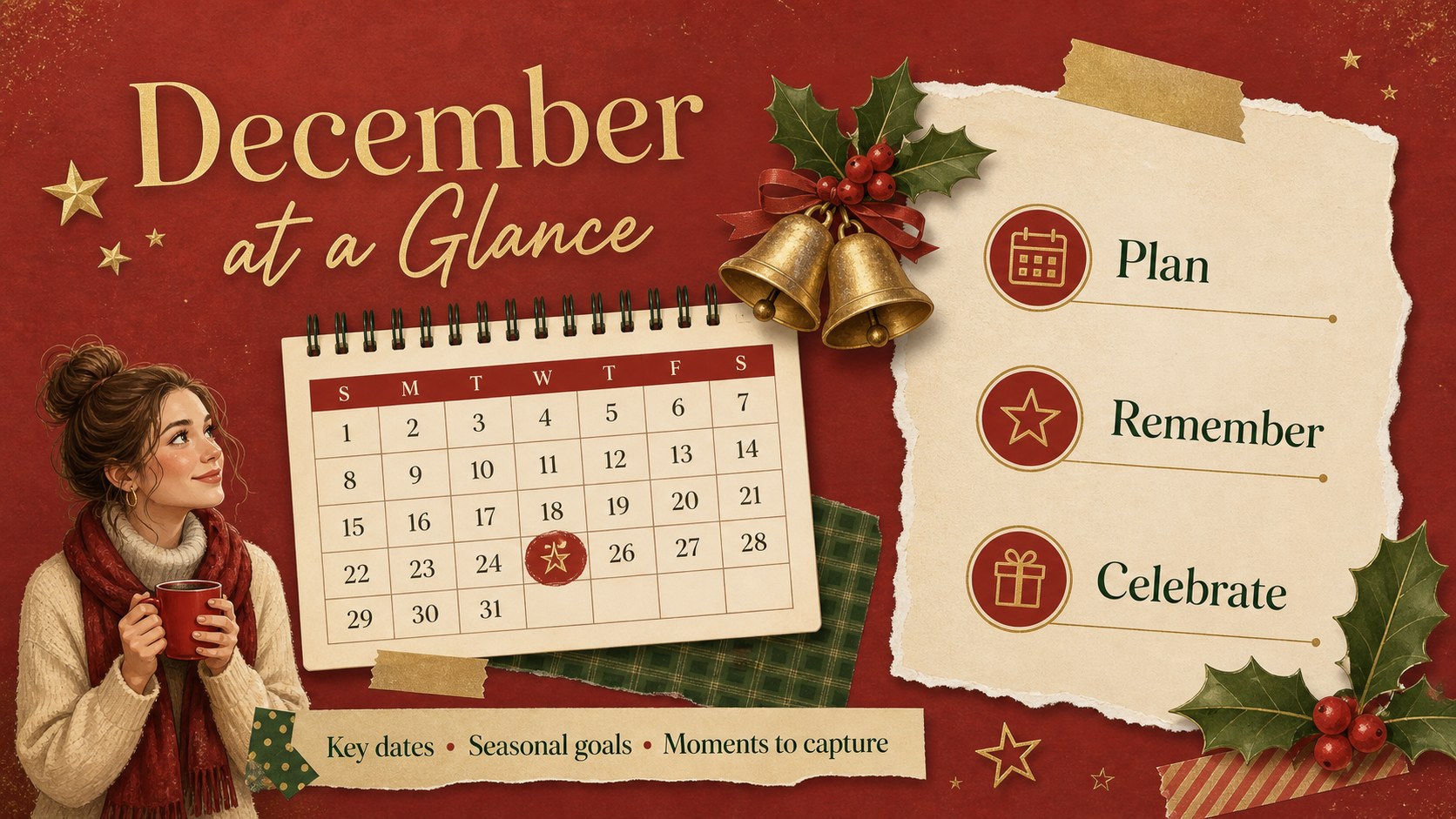
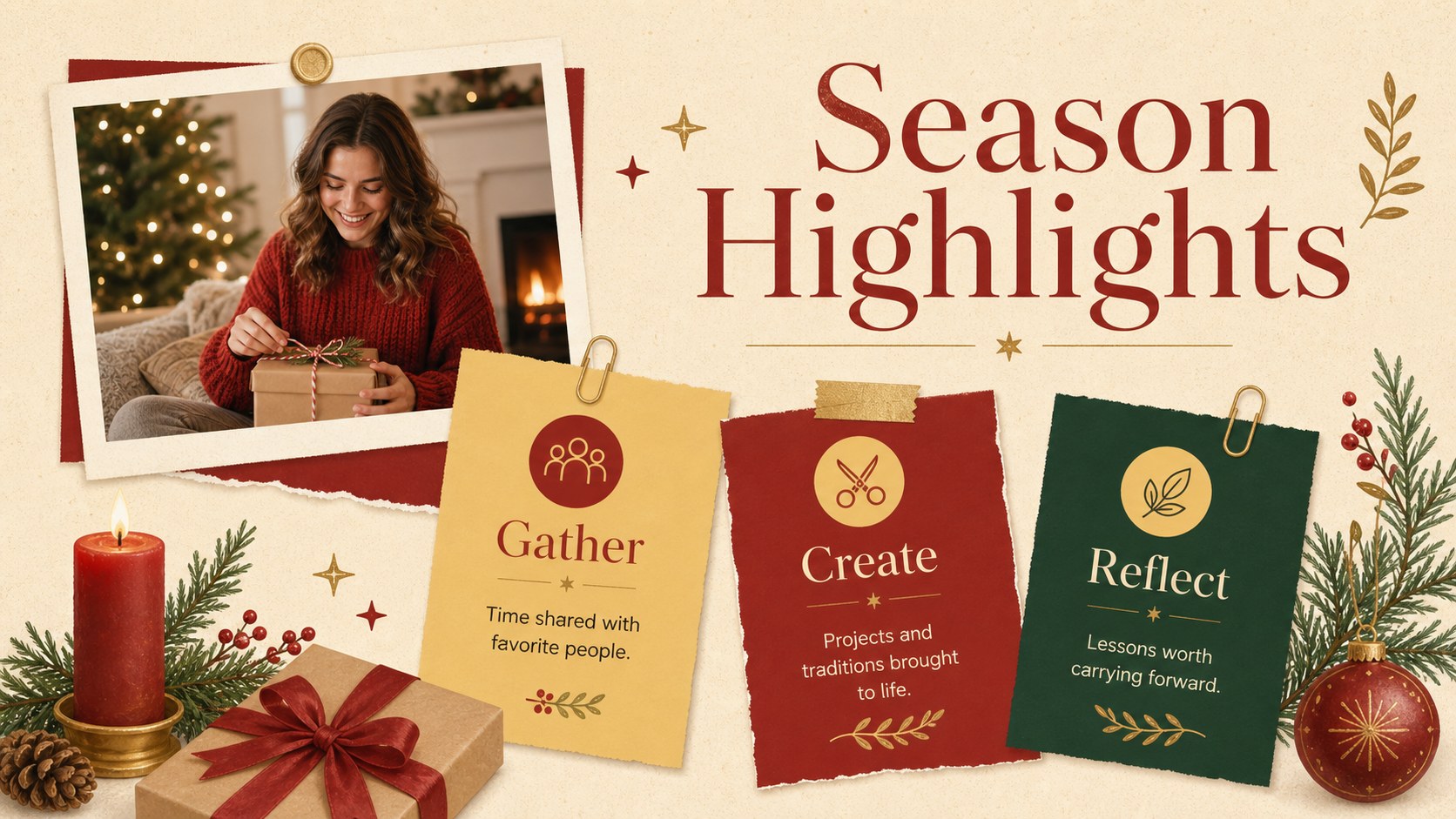
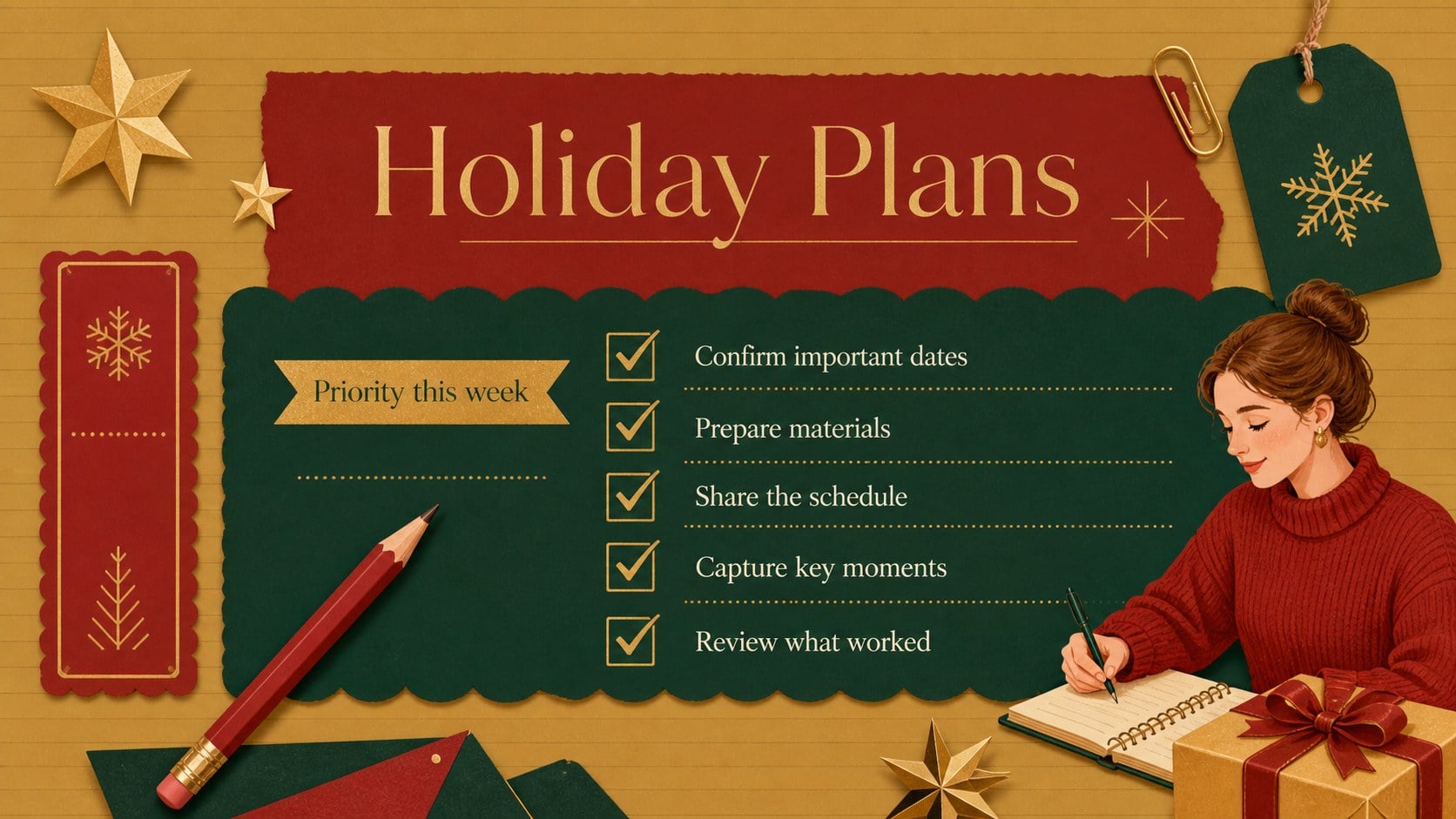
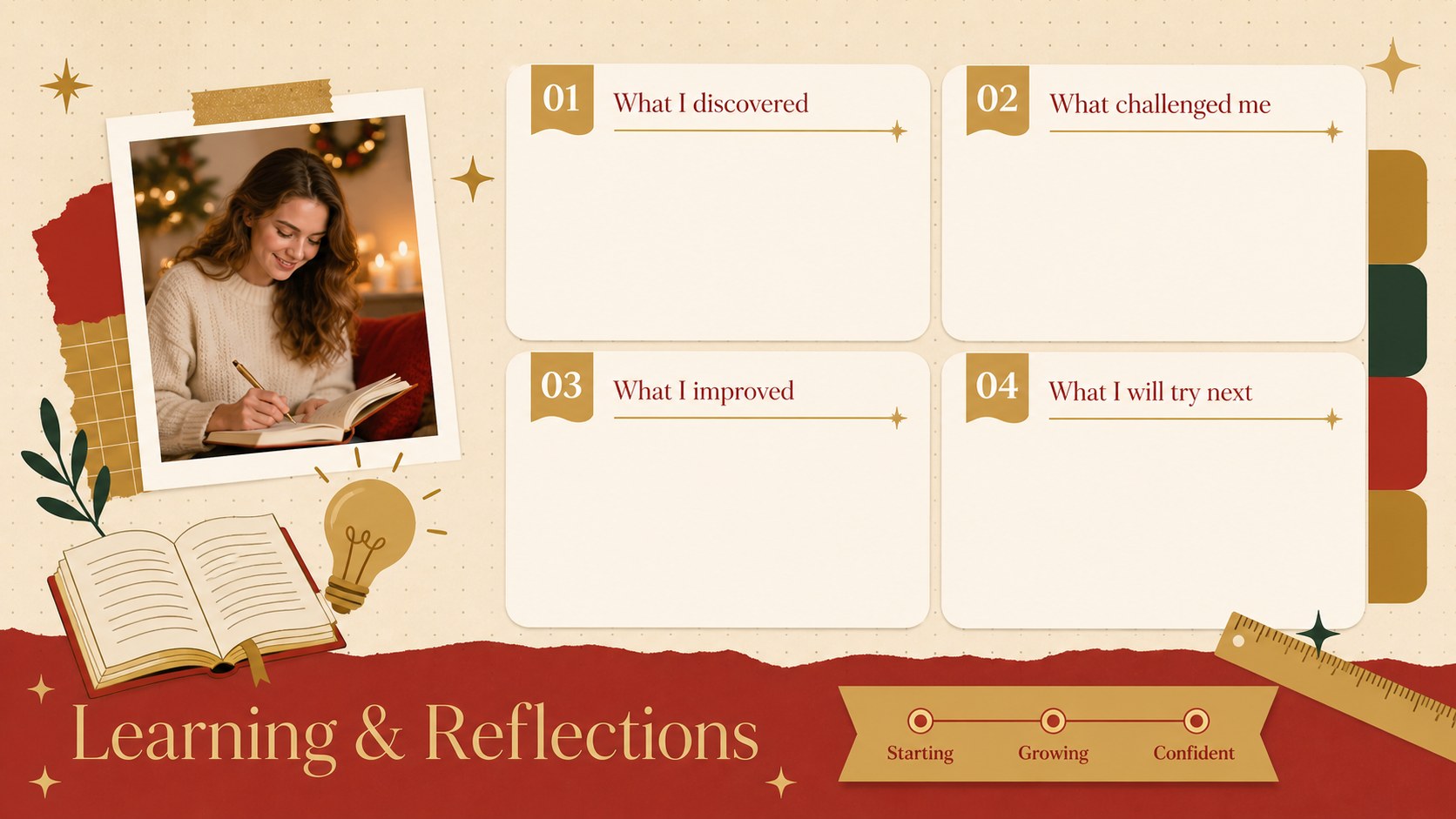
Use these holiday memory journal slides to turn December photos, personal notes, and seasonal plans into a polished visual keepsake. The warm red-and-gold palette combines notebook-inspired details, geometric accents, and illustrated holiday decorations with clean layouts that keep every page easy to read.
Inside, you will find adaptable designs for photo stories, monthly highlights, gratitude lists, traditions, reading notes, project milestones, and end-of-year reflections. Build a December memory book template for family moments, create a winter classroom reflection presentation, or organize a red and gold holiday presentation for a team update. Charts, timelines, checklists, image frames, and text sections can be adjusted to match your subject without losing the cohesive scrapbook character.
The deck suits teachers documenting class activities, students preparing book reports, families collecting seasonal memories, and creative teams planning holiday campaigns. Every layout is editable in PowerPoint and Google Slides, making it straightforward to replace text, insert photographs, adjust colors, and rearrange decorative elements. Use the complete deck as a festive journal Google Slides deck, or select individual pages for an agenda, project recap, lesson summary, or personal photo diary. The result is a flexible seasonal presentation with enough structure for planning and enough personality for storytelling.
Perfect for: family December memory book; winter classroom reflection; holiday campaign planning; seasonal photo diary; end-of-year project recap.
Frequently asked questions
Can I edit these slides in PowerPoint and Google Slides? Yes. The layouts are designed for editing in both PowerPoint and Google Slides, including text, photos, colors, shapes, and page order. Some fonts or transitions may vary slightly between platforms.
Practical details
Yes. The layouts are designed for editing in both PowerPoint and Google Slides, including text, photos, colors, shapes, and page order. Some fonts or transitions may vary slightly between platforms.
Replace the sample wording and image placeholders with your own memories, project details, or classroom content. You can also recolor the decorative accents and duplicate layouts when you need additional journal entries.
Yes. The flexible layouts work for book reports, classroom reflections, seasonal marketing plans, team recaps, and personal journals. Choose the pages that suit your purpose and remove any sections you do not need.
High-resolution JPG or PNG images will produce the clearest results. Crop photos before inserting them or use the built-in image frames to maintain a consistent scrapbook arrangement.
Keep exploring
15Build stronger academic arguments with a college essay thesis builder featuring guided examples, revision prompts, and editable PowerPoint and Google Slides.
 15
15Build an engaging World UFO Day session with this flying saucer history lesson deck, featuring retro green-and-brown slides for PowerPoint and Google Slides.
 14
14Plan a memorable Lunar New Year campaign with the 2036 Dragon Year Celebration Theme, featuring bold red-and-yellow slides for lessons and events.
 15
15Build a thoughtful classroom discussion with this interfaith awareness lesson deck, featuring editable blue-and-white slides for PowerPoint and Google Slides.
 15
15Use this environmental awareness lesson deck to teach climate action through illustrated activities, discussion prompts, and ready-to-edit visuals.
 15
15Build playful lessons and party stories with a kid-friendly zombie celebration theme in purple, green and pastel blue for PowerPoint and Google Slides.
 15
15Build eerie lessons, campaigns, and story pitches with an undead survival scenario theme featuring editable slides for PowerPoint and Google Slides.
 16
16Turn environmental research into a clear story with a Watercolor Ecology Presentation Theme for PowerPoint and Google Slides in calming green and blue.