
 15
15presentation
College Essay Thesis Builder Slides
Build stronger academic arguments with a college essay thesis builder featuring guided examples, revision prompts, and editable PowerPoint and Google Slides.
Google SlidesPowerPoint
presentation · English
Plan seasonal giving with a playful holiday wishlist presentation for PowerPoint and Google Slides, featuring editable 3D layouts, gift lists, and green-red…


Design notes
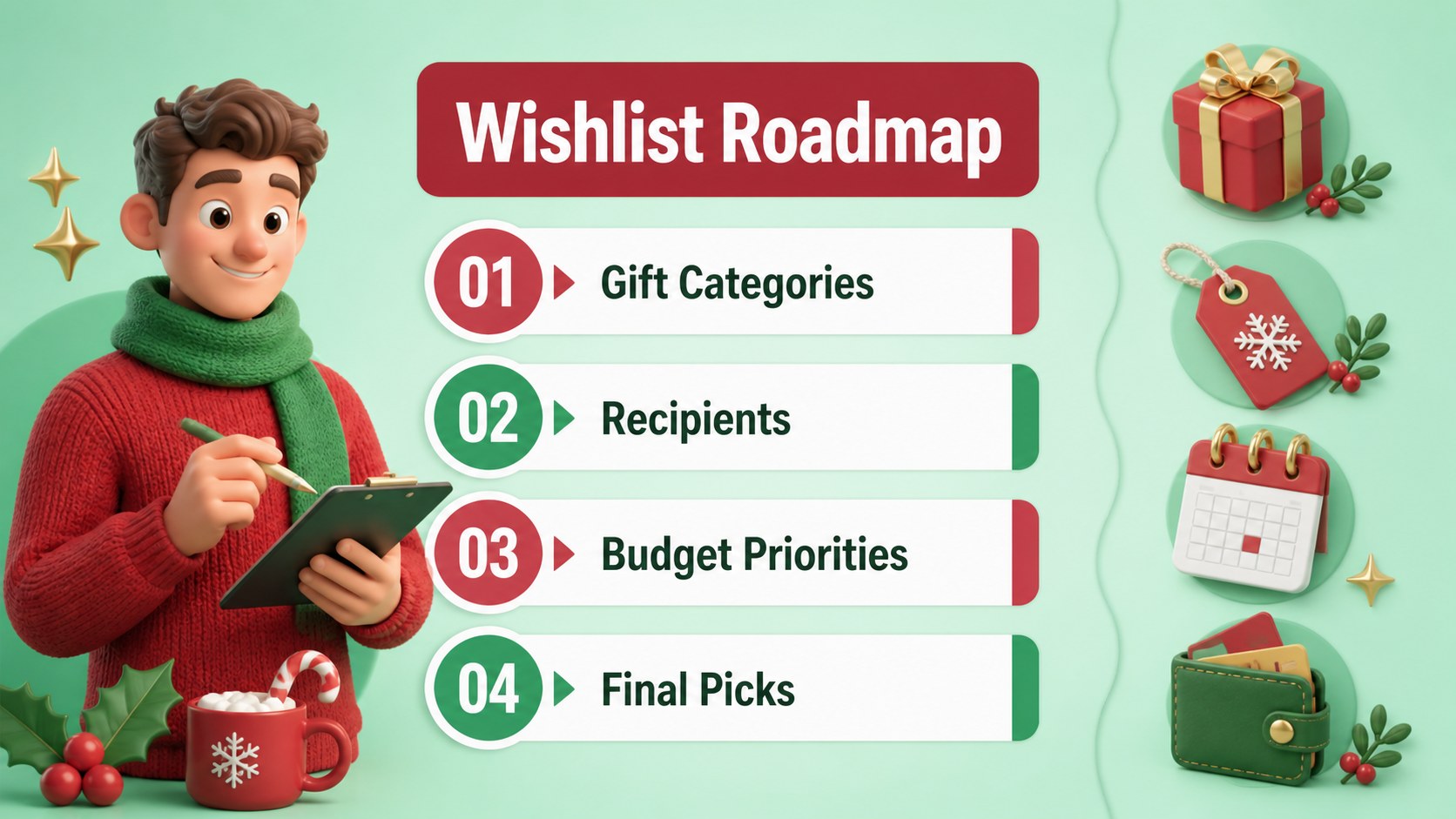
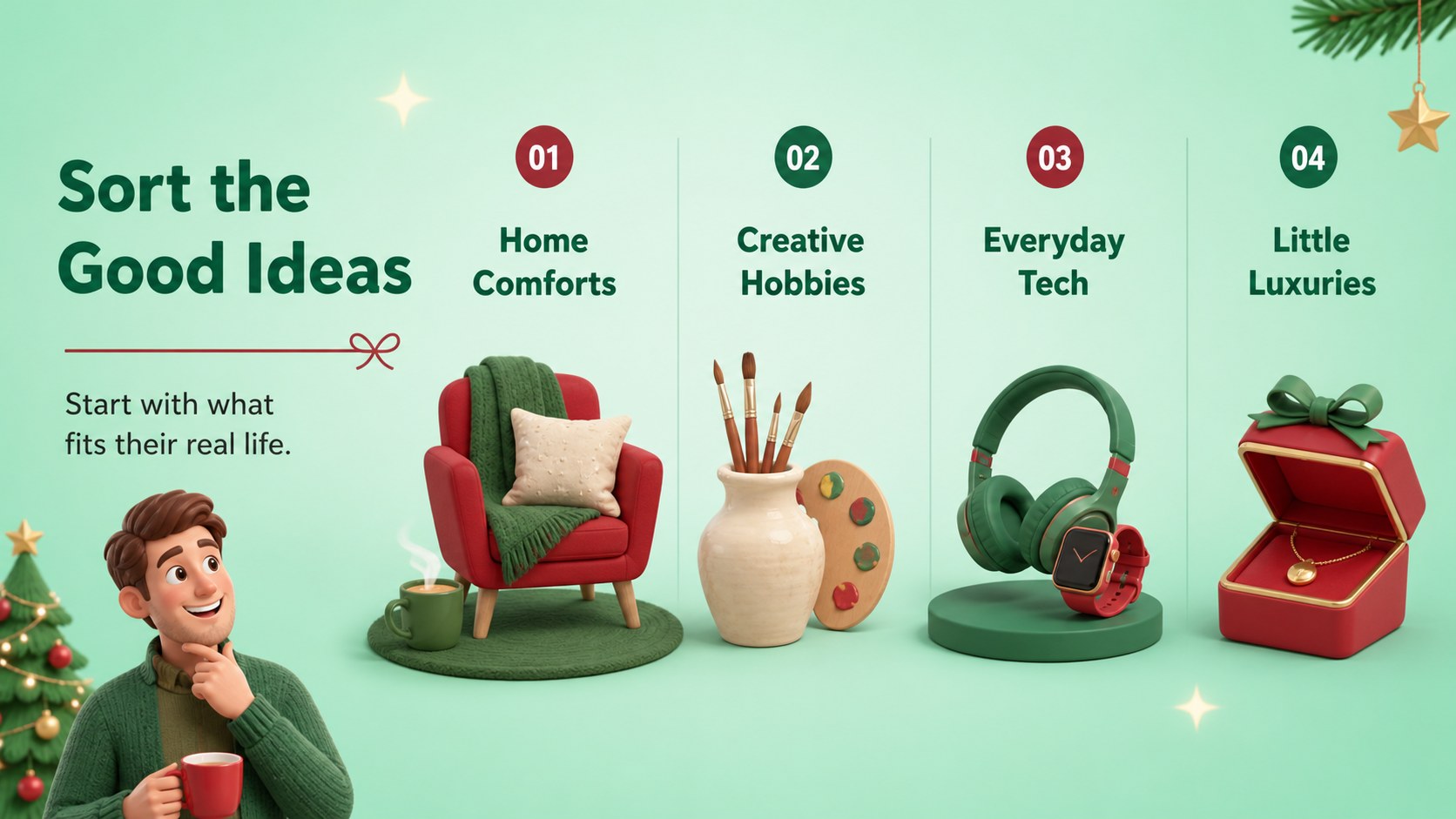
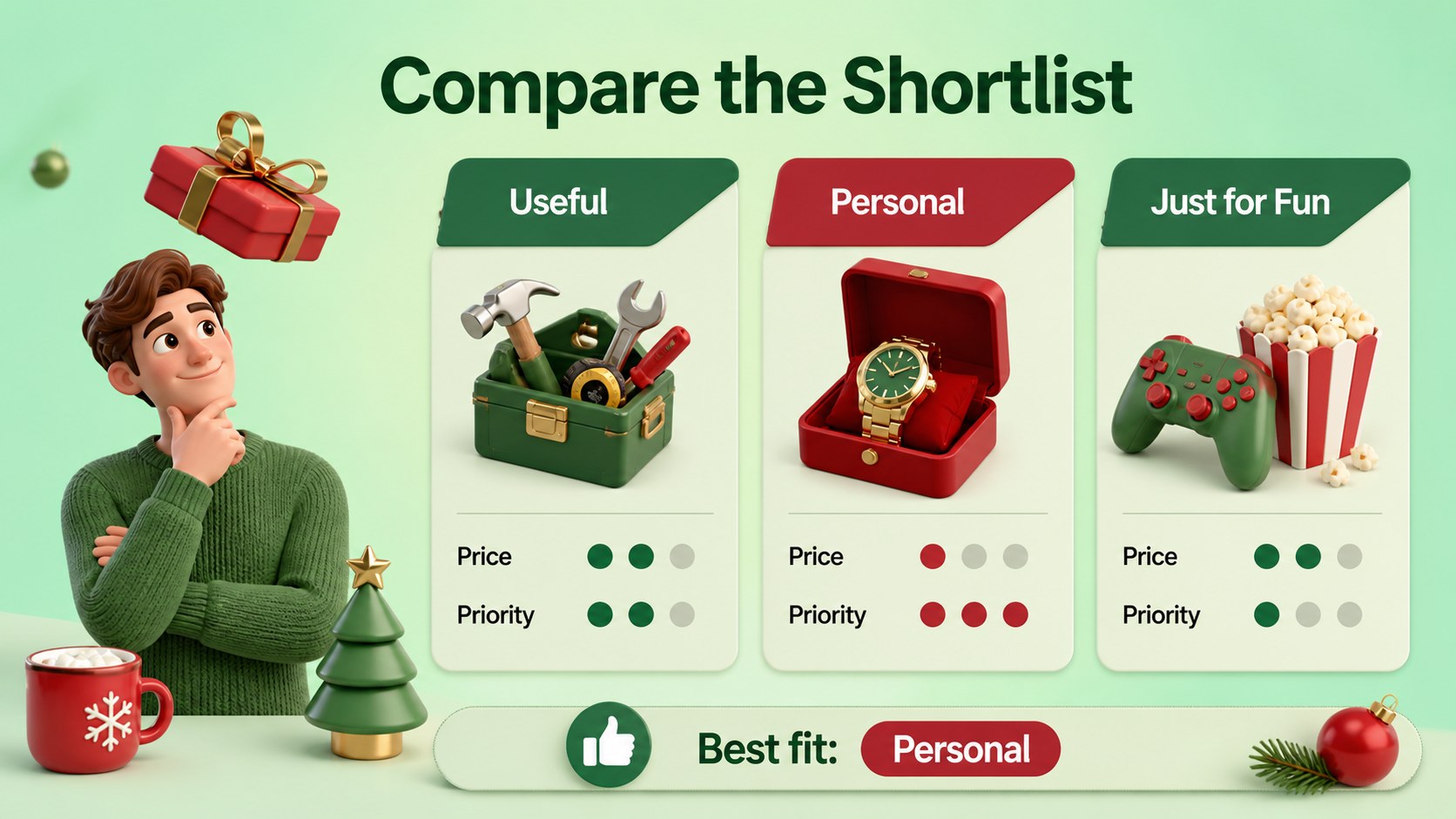
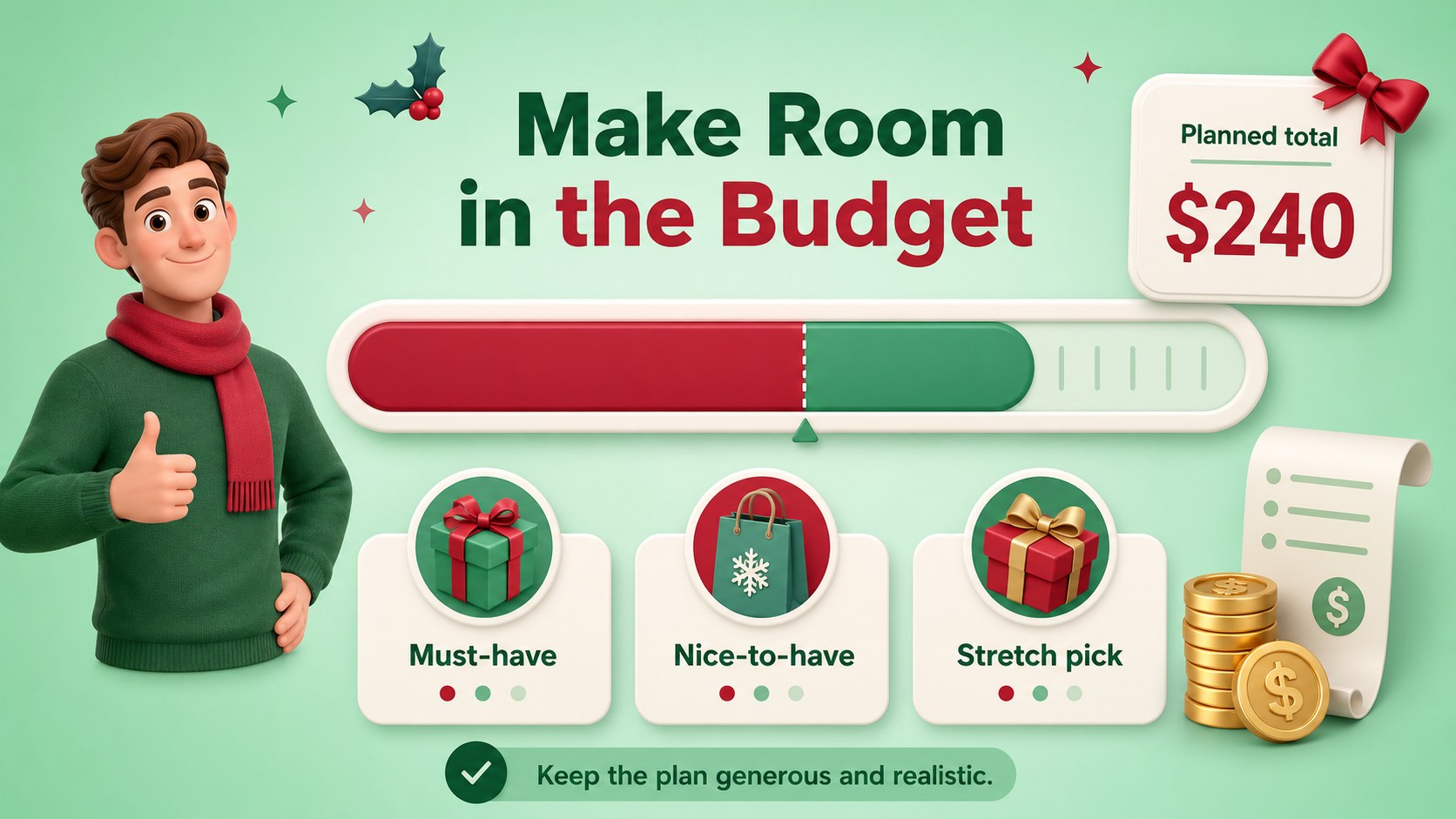
Holiday Gift Wishlist Deck is a playful 3D presentation theme for organizing seasonal gift ideas, comparing priorities, and presenting a polished plan to family, friends, students, or customers. Its modern minimalist styling combines dimensional illustrations with a cheerful green-and-red palette, making each page feel festive without becoming visually crowded.
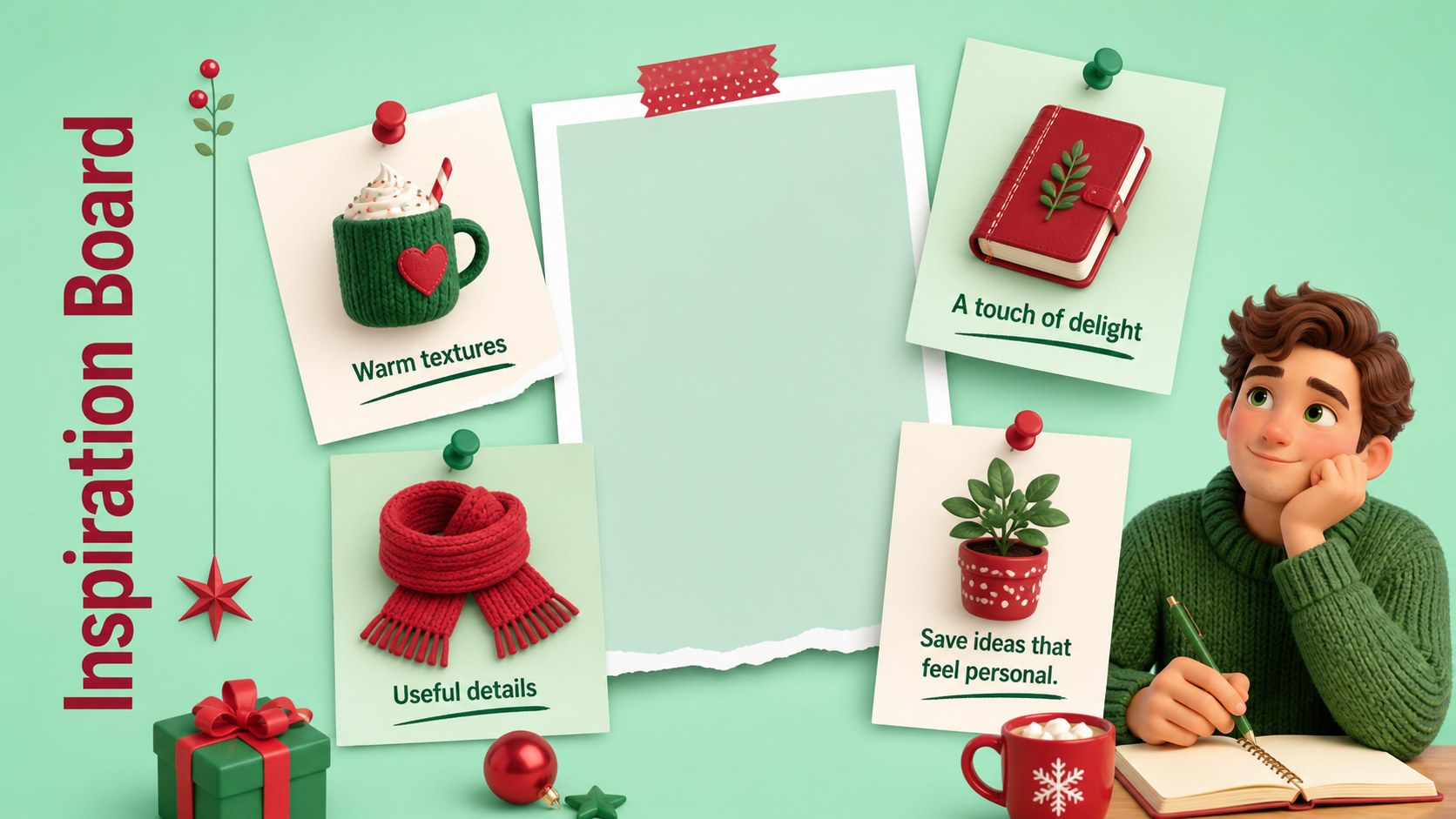
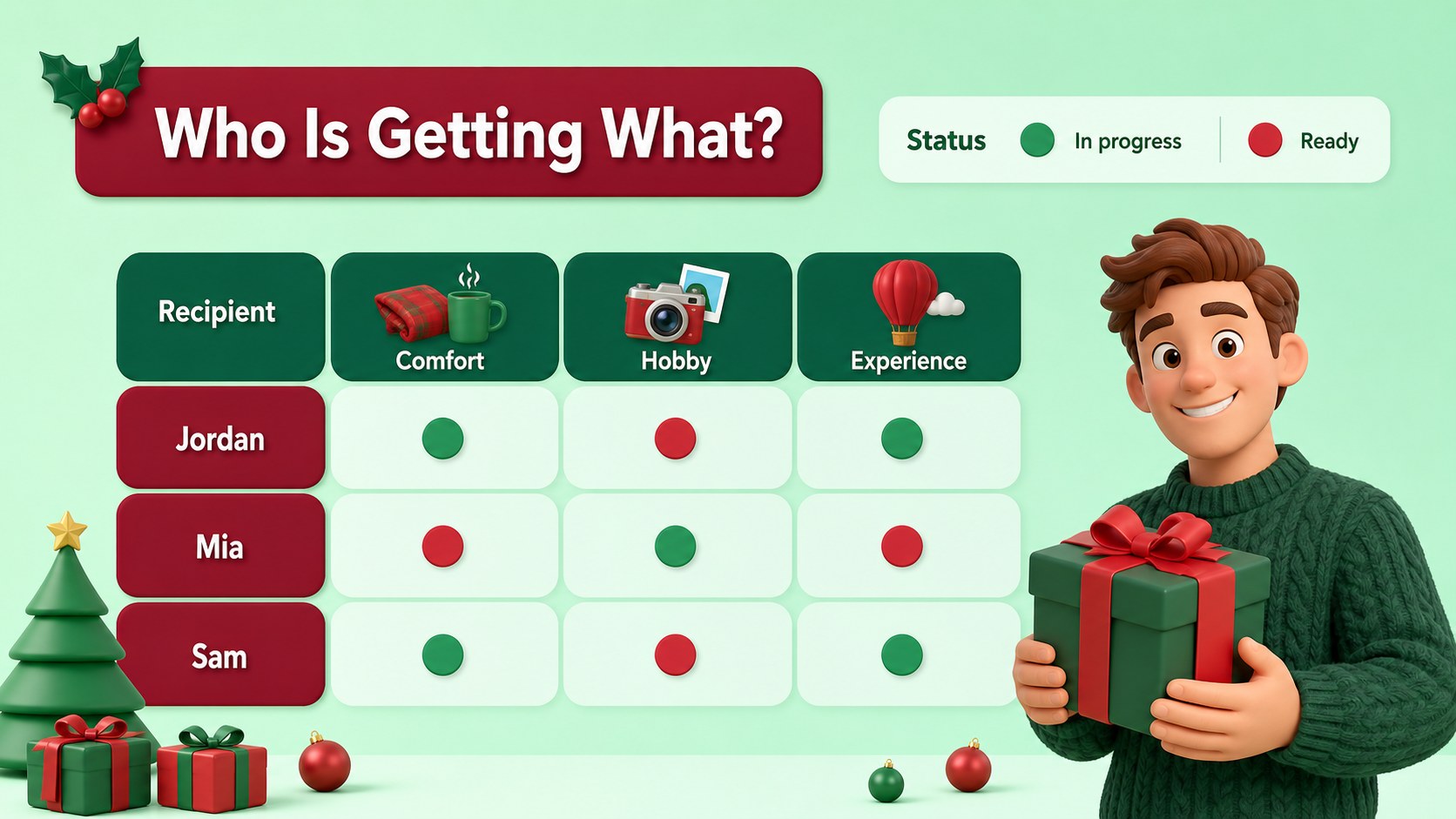
Inside, you will find more than 25 editable slide layouts for wish lists, gift categories, budget snapshots, recipient profiles, shopping priorities, inspiration boards, and final selections. The structure works well as a holiday wishlist presentation, a Christmas gift list organizer, or a festive shopping planner for personal and professional use. Charts, frames, shapes, icons, and flexible text areas help you adapt the deck to different audiences and occasions.
The template is designed for marketing teams preparing seasonal campaigns, educators creating engaging classroom activities, families coordinating gift exchanges, and individuals building an organized wish list. Edit the content in PowerPoint or Google Slides, adjust the green and red accents, and add your own product images or notes. Bebas Neue and Roboto provide a bold headline contrast with readable supporting text, while the 16:9 format supports clear display on screens and in virtual meetings.
Perfect for: family gift exchange planning; holiday marketing campaign pitch; classroom gift preference activity; personal seasonal shopping plan; team Secret Santa coordination.
Frequently asked questions
Can I edit the wishlist layouts in PowerPoint? Yes. The slides are designed for editing in PowerPoint, including text, colors, shapes, charts, and image placeholders. You can duplicate or remove layouts to match the size of your gift list.
Practical details
Yes. The slides are designed for editing in PowerPoint, including text, colors, shapes, charts, and image placeholders. You can duplicate or remove layouts to match the size of your gift list.
Yes, you can open and customize the presentation in Google Slides. Review fonts and image placement after importing, then adjust them using the included visual style.
Yes. Replace the accent colors with your preferred seasonal shades while keeping the dimensional illustrations and minimalist structure. The layouts also support custom product images, icons, and notes.
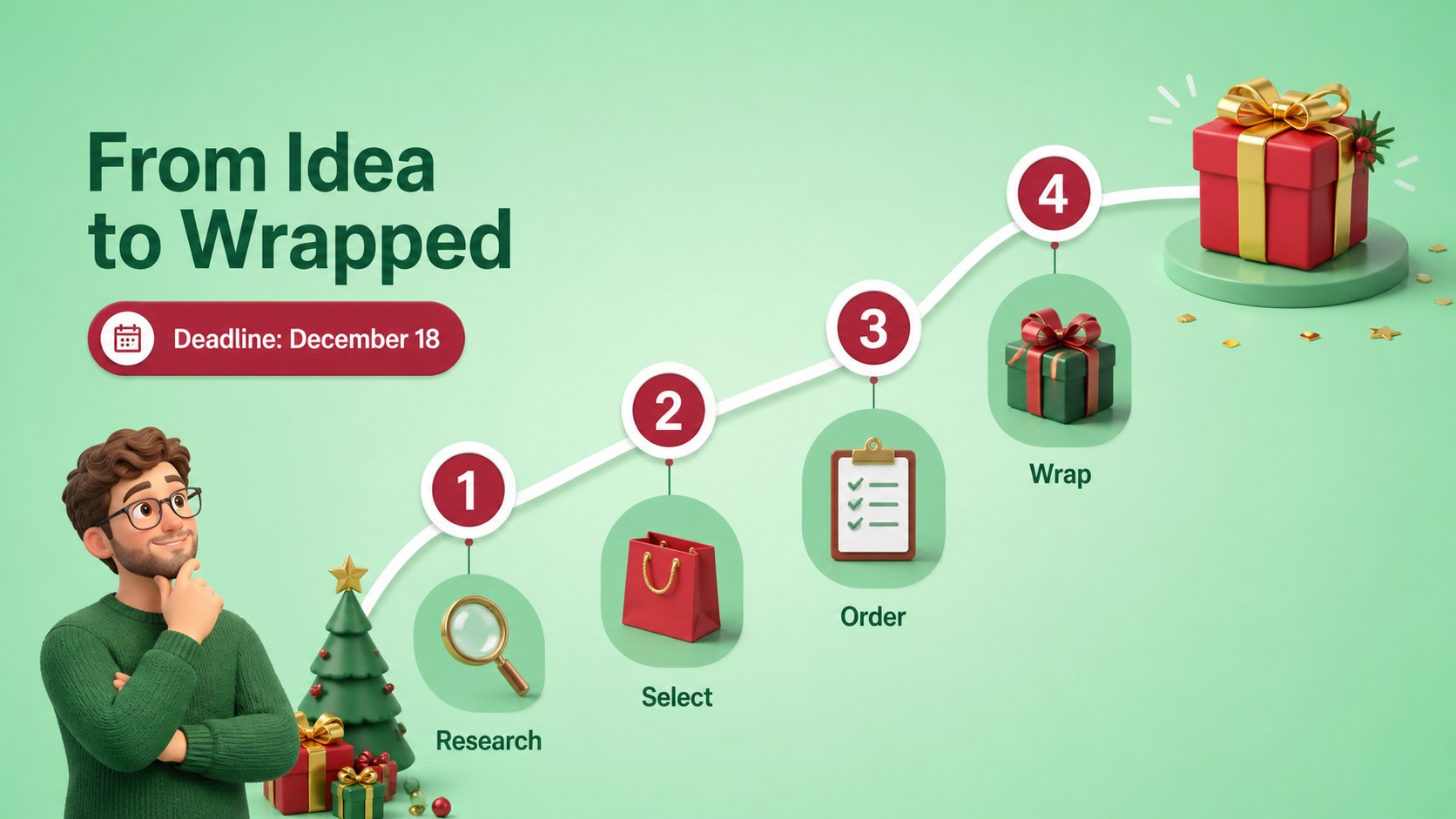
Use the slides for recipients, gift ideas, prices, priorities, categories, deadlines, and shopping status. You can also adapt the layouts for a classroom activity, campaign concept, or group gift exchange.
Keep exploring
15Build stronger academic arguments with a college essay thesis builder featuring guided examples, revision prompts, and editable PowerPoint and Google Slides.
 15
15Build an engaging World UFO Day session with this flying saucer history lesson deck, featuring retro green-and-brown slides for PowerPoint and Google Slides.
 14
14Plan a memorable Lunar New Year campaign with the 2036 Dragon Year Celebration Theme, featuring bold red-and-yellow slides for lessons and events.
 15
15Build a thoughtful classroom discussion with this interfaith awareness lesson deck, featuring editable blue-and-white slides for PowerPoint and Google Slides.
 15
15Use this environmental awareness lesson deck to teach climate action through illustrated activities, discussion prompts, and ready-to-edit visuals.
 15
15Build playful lessons and party stories with a kid-friendly zombie celebration theme in purple, green and pastel blue for PowerPoint and Google Slides.
 15
15Build eerie lessons, campaigns, and story pitches with an undead survival scenario theme featuring editable slides for PowerPoint and Google Slides.
 16
16Turn environmental research into a clear story with a Watercolor Ecology Presentation Theme for PowerPoint and Google Slides in calming green and blue.