
 15
15presentation
College Essay Thesis Builder Slides
Build stronger academic arguments with a college essay thesis builder featuring guided examples, revision prompts, and editable PowerPoint and Google Slides.
Google SlidesPowerPoint
presentation · English
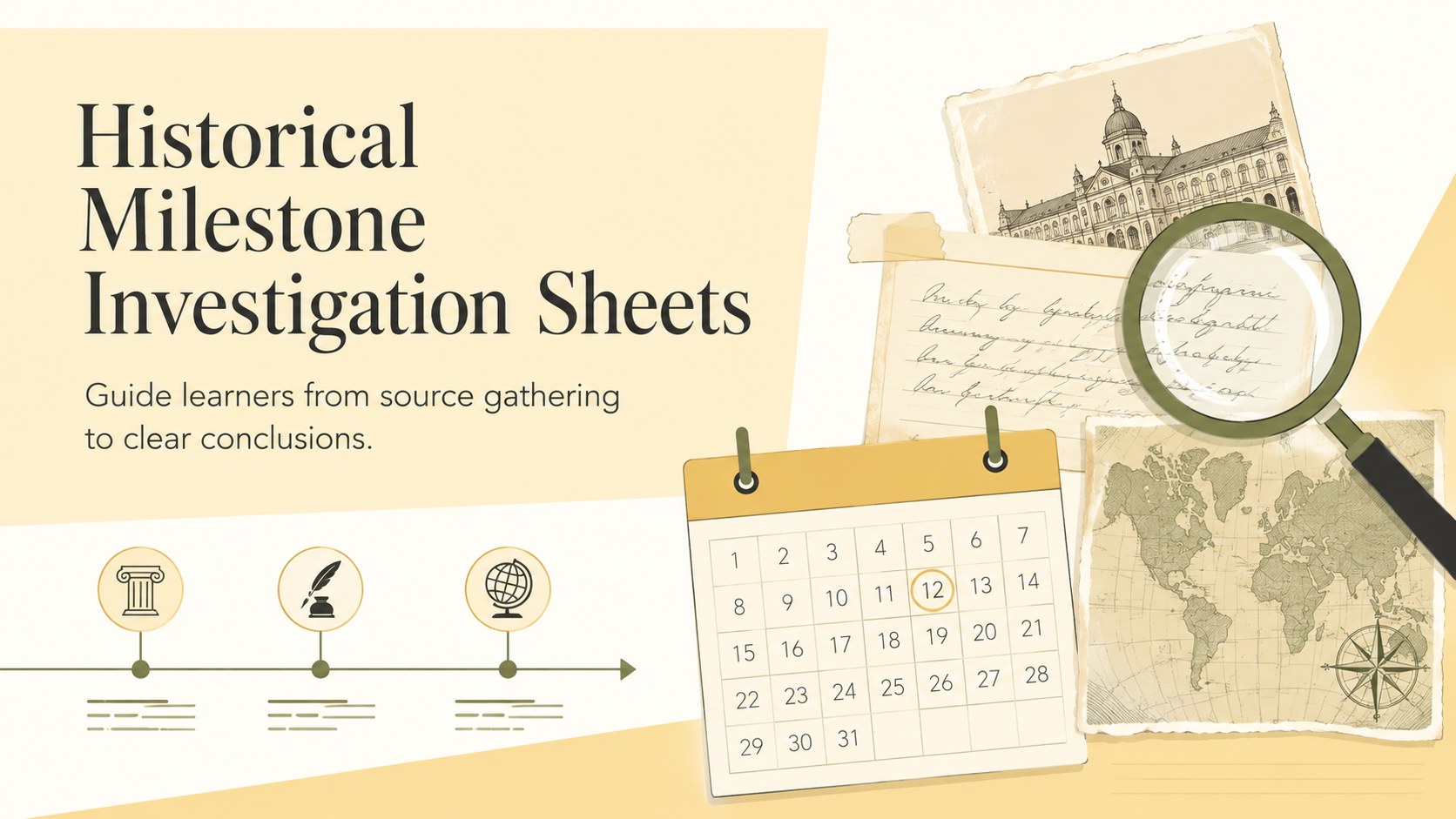
Historical milestone investigation sheets help students map dates, sources, context, and impact in editable yellow layouts for PowerPoint and Google Slides.
Design notes
Historical milestone investigation sheets give students a clear framework for examining the moments that changed societies, cultures, and institutions. The bright yellow, minimalist design keeps attention on the research while making each activity approachable for independent work, group study, or classroom discussion.
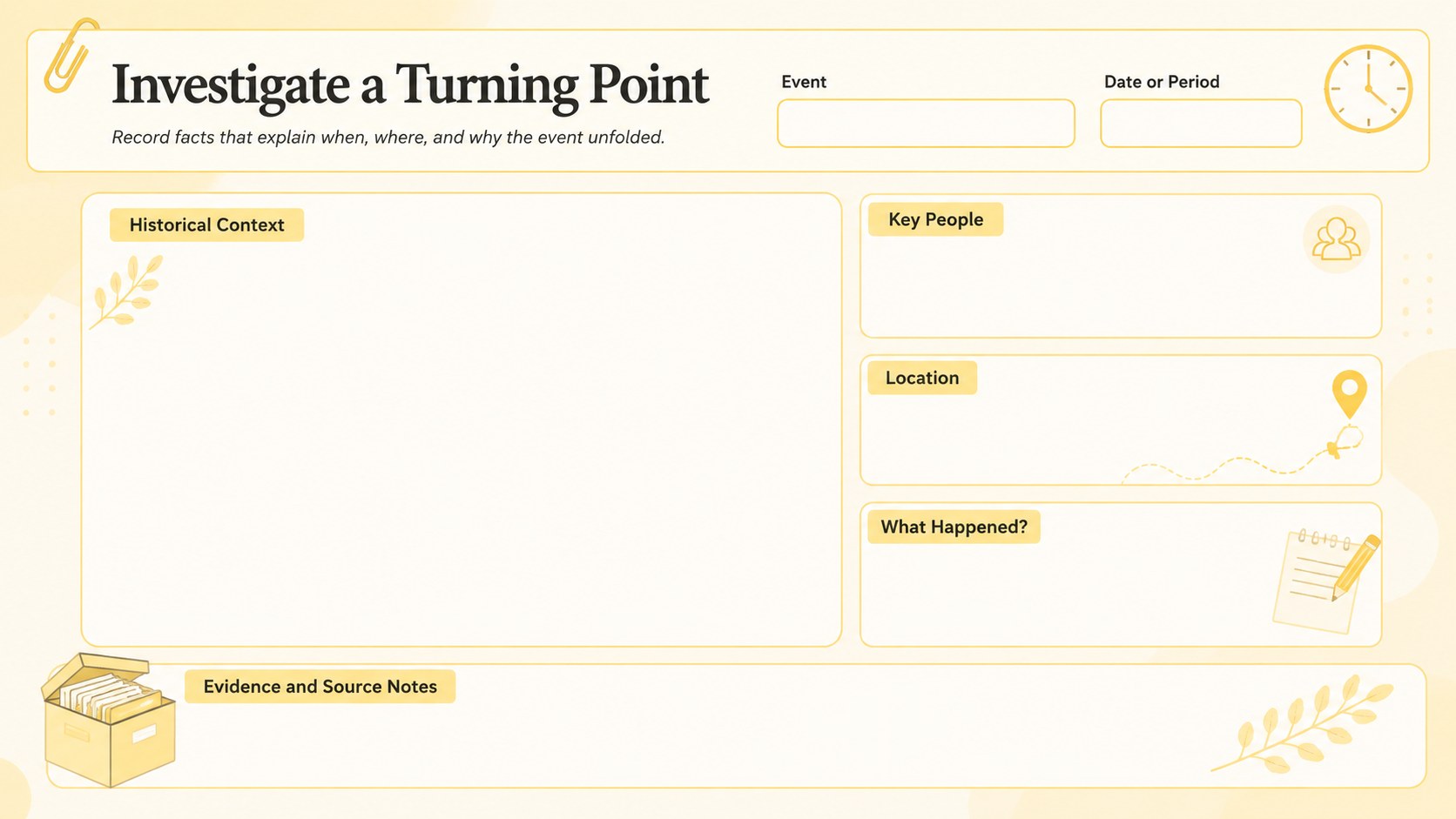
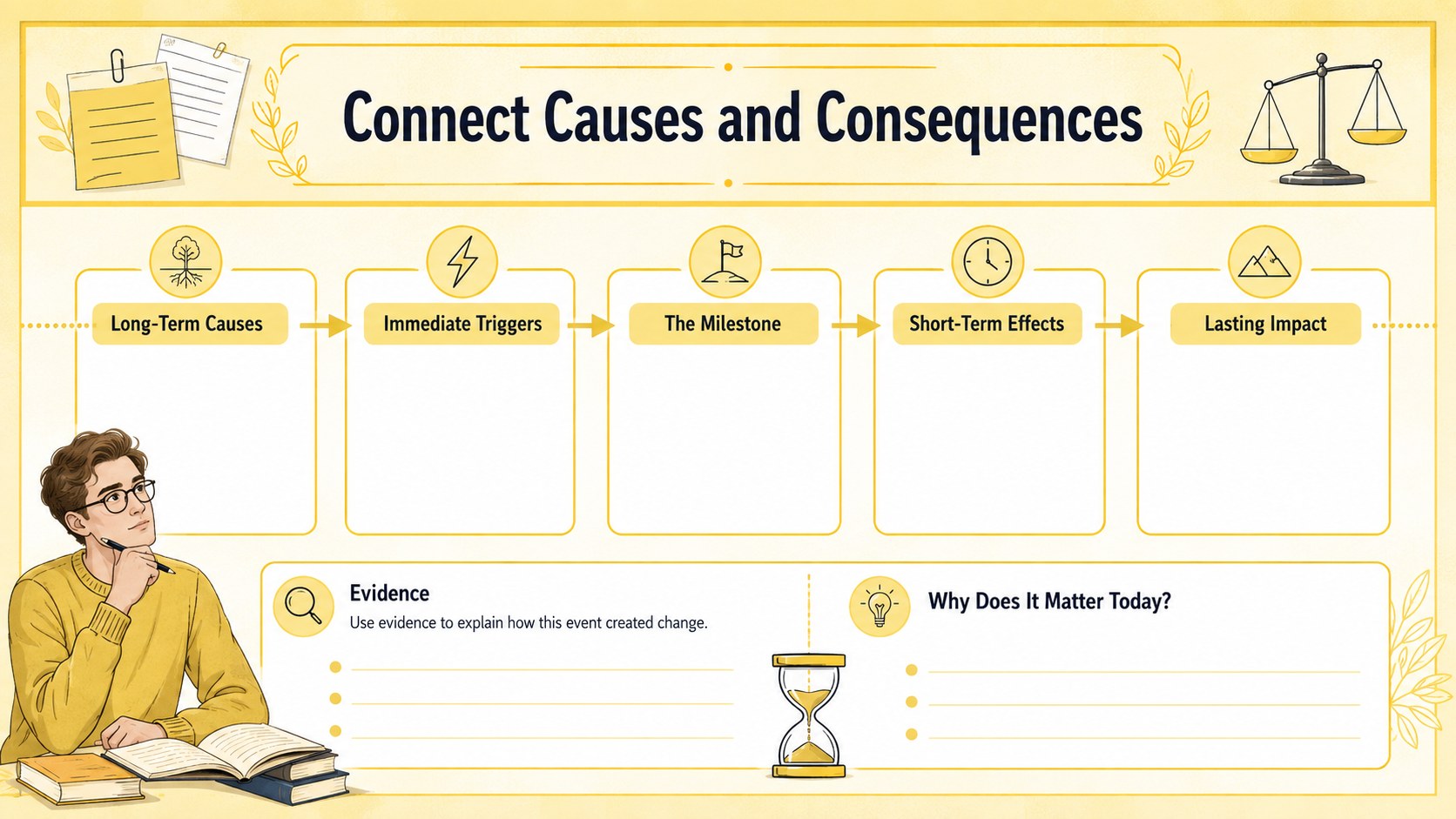
Inside the set are three editable worksheet layouts covering event identification, source notes, historical context, key people, causes, consequences, and lasting significance. Use the historical event research organizer to collect reliable evidence, then complete the cause and effect history worksheet to connect important developments. A final reflection section helps learners explain why the selected milestone still matters. Every page can be adapted in PowerPoint or Google Slides with new questions, images, dates, and subject-specific instructions.
Designed for middle school, high school, and introductory college courses, this timeline research worksheet for students works well for history projects, biography units, civic studies, museum research, and review assignments. Teachers can duplicate pages for multiple events or simplify the prompts for younger learners. Students and history enthusiasts can also use the sheets as a consistent system for comparing discoveries across different eras. The clean illustrated details, organized writing spaces, and warm yellow palette make complex research easier to scan without distracting from the evidence.
Perfect for: classroom history research project; historical source analysis; museum visit follow-up; civics event investigation; independent timeline study.
Frequently asked questions
Can I edit the worksheets in PowerPoint and Google Slides? Yes. All headings, prompts, writing areas, colors, and visual elements can be edited in PowerPoint or Google Slides. You can also duplicate a page to investigate additional events.
Practical details
Yes. All headings, prompts, writing areas, colors, and visual elements can be edited in PowerPoint or Google Slides. You can also duplicate a page to investigate additional events.
Yes. The worksheet layouts are suitable for printing after export to PDF. Review your printer settings and select the intended page size before producing class sets.
Replace the sample prompts with questions tied to your period, region, or curriculum goals. You can add primary-source images, vocabulary boxes, citation requirements, or differentiated instructions.
The standard prompts suit middle school, high school, and introductory college learners. Teachers can shorten the questions for younger students or add deeper source-evaluation criteria for advanced classes.
Keep exploring
15Build stronger academic arguments with a college essay thesis builder featuring guided examples, revision prompts, and editable PowerPoint and Google Slides.
 15
15Build an engaging World UFO Day session with this flying saucer history lesson deck, featuring retro green-and-brown slides for PowerPoint and Google Slides.
 14
14Plan a memorable Lunar New Year campaign with the 2036 Dragon Year Celebration Theme, featuring bold red-and-yellow slides for lessons and events.
 15
15Build a thoughtful classroom discussion with this interfaith awareness lesson deck, featuring editable blue-and-white slides for PowerPoint and Google Slides.
 15
15Use this environmental awareness lesson deck to teach climate action through illustrated activities, discussion prompts, and ready-to-edit visuals.
 15
15Build playful lessons and party stories with a kid-friendly zombie celebration theme in purple, green and pastel blue for PowerPoint and Google Slides.
 15
15Build eerie lessons, campaigns, and story pitches with an undead survival scenario theme featuring editable slides for PowerPoint and Google Slides.
 16
16Turn environmental research into a clear story with a Watercolor Ecology Presentation Theme for PowerPoint and Google Slides in calming green and blue.