
 15
15presentation
College Essay Thesis Builder Slides
Build stronger academic arguments with a college essay thesis builder featuring guided examples, revision prompts, and editable PowerPoint and Google Slides.
Google SlidesPowerPoint
presentation · English
Teach cultural history with a Hispanic art and architecture timeline deck featuring editable collage slides for PowerPoint and Google Slides classrooms.
Design notes
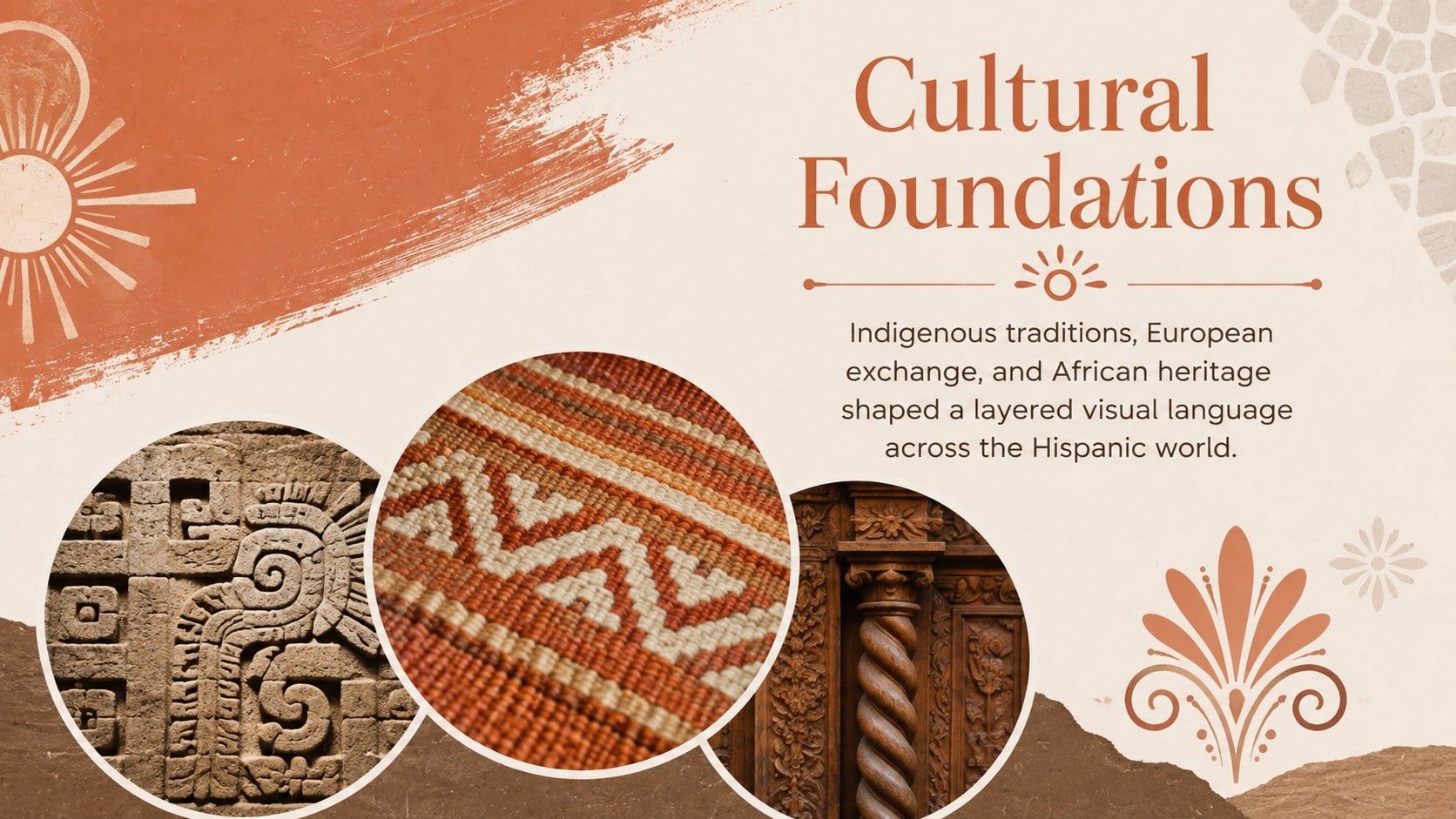
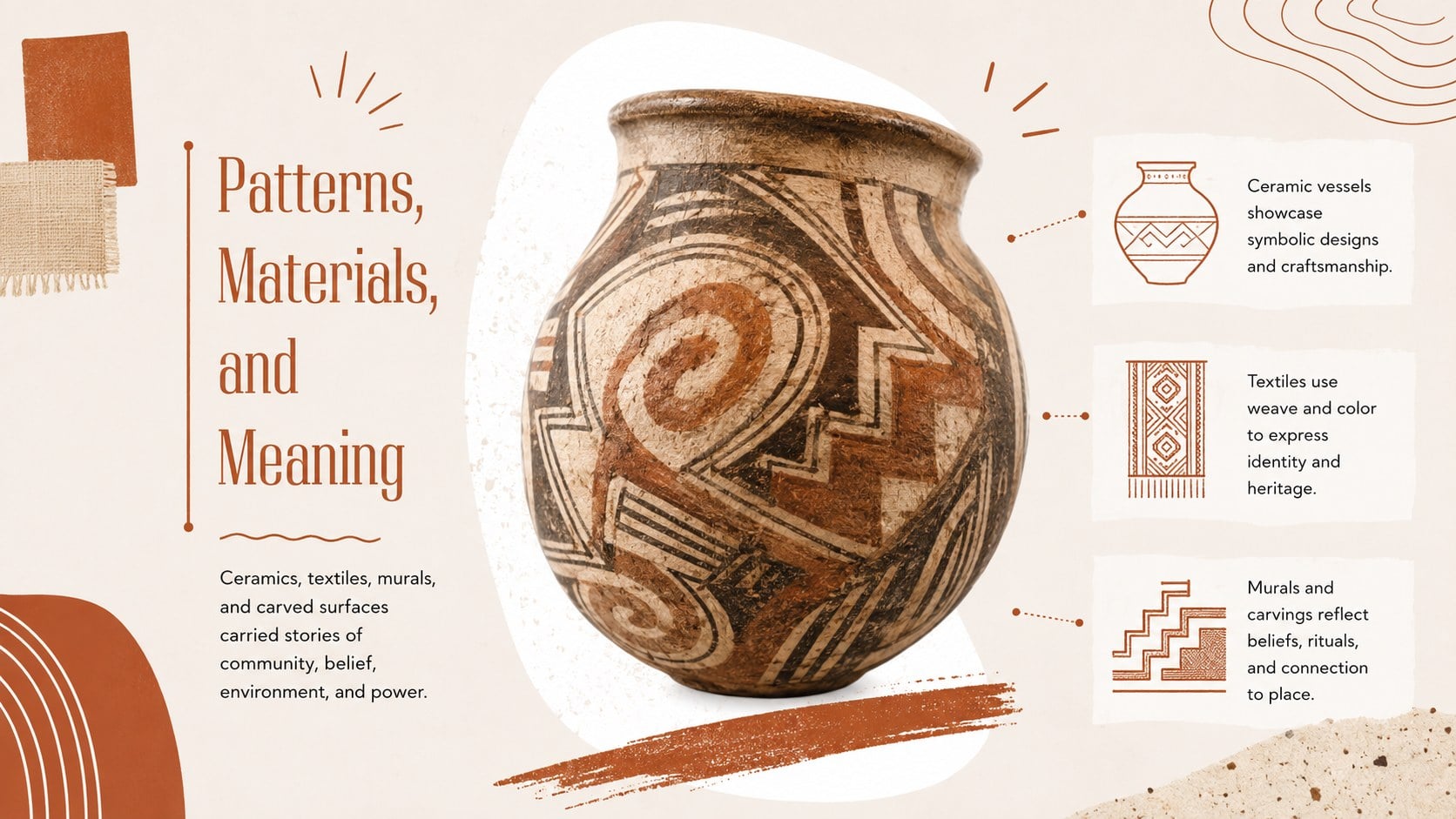
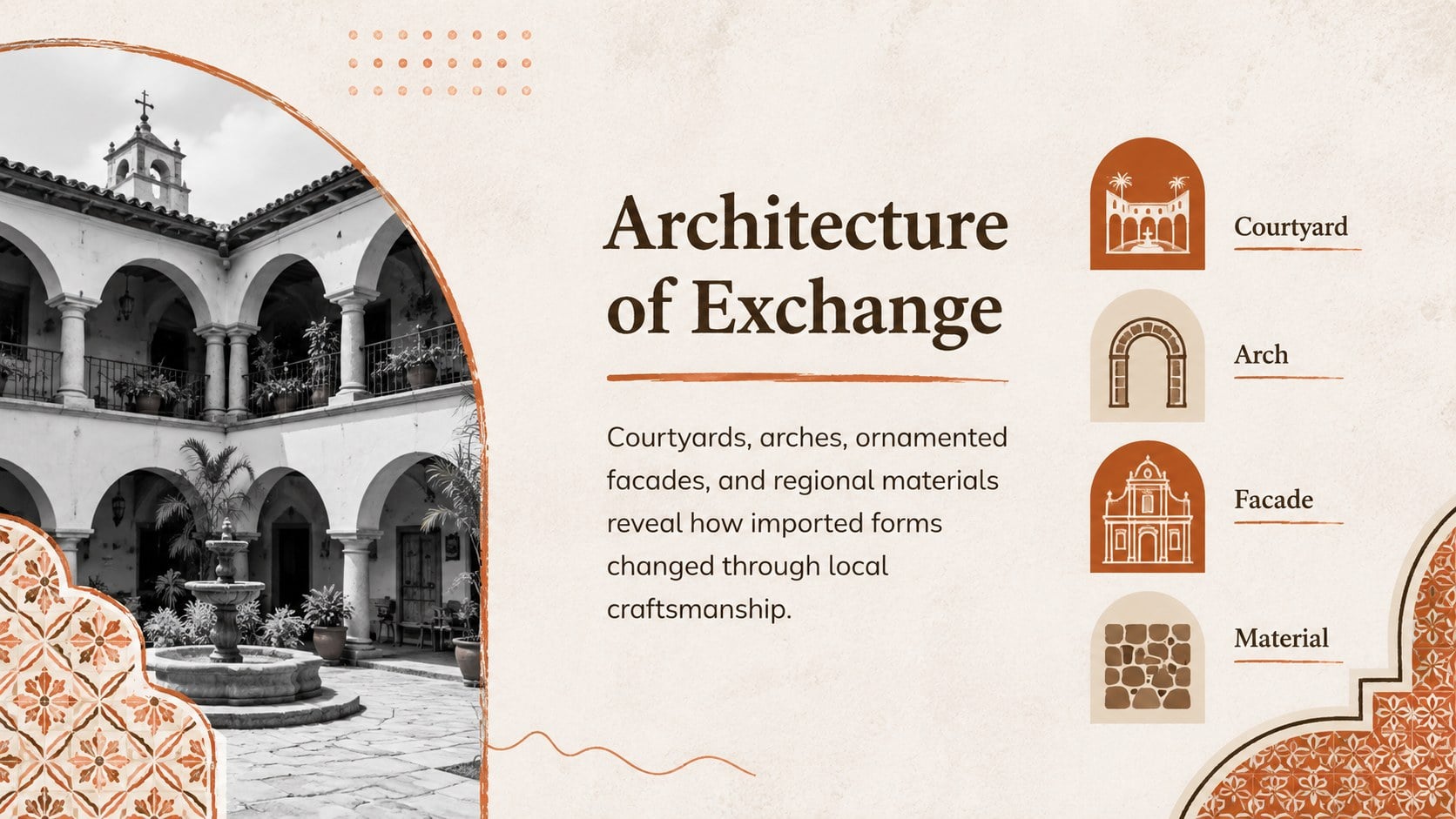
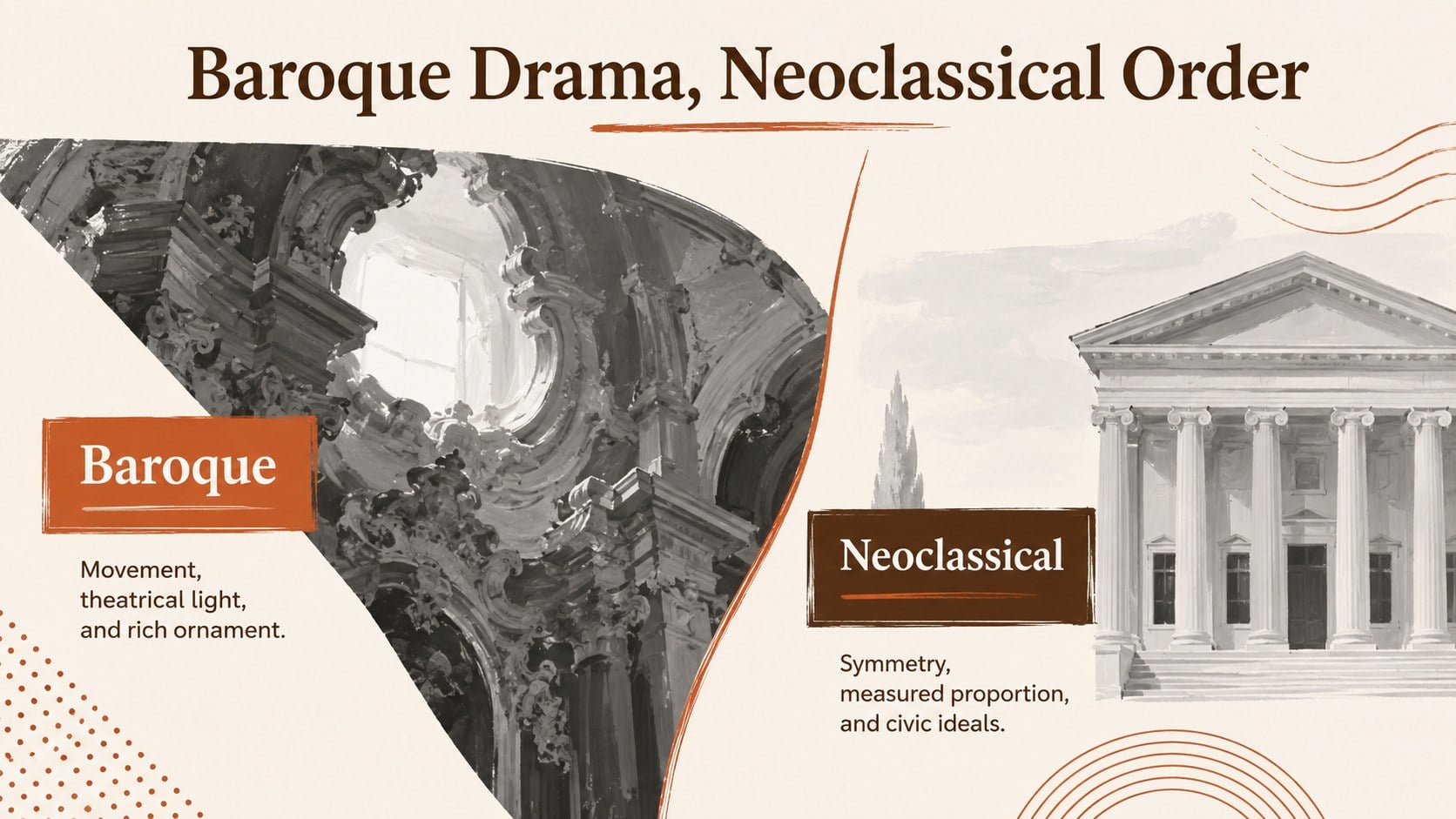
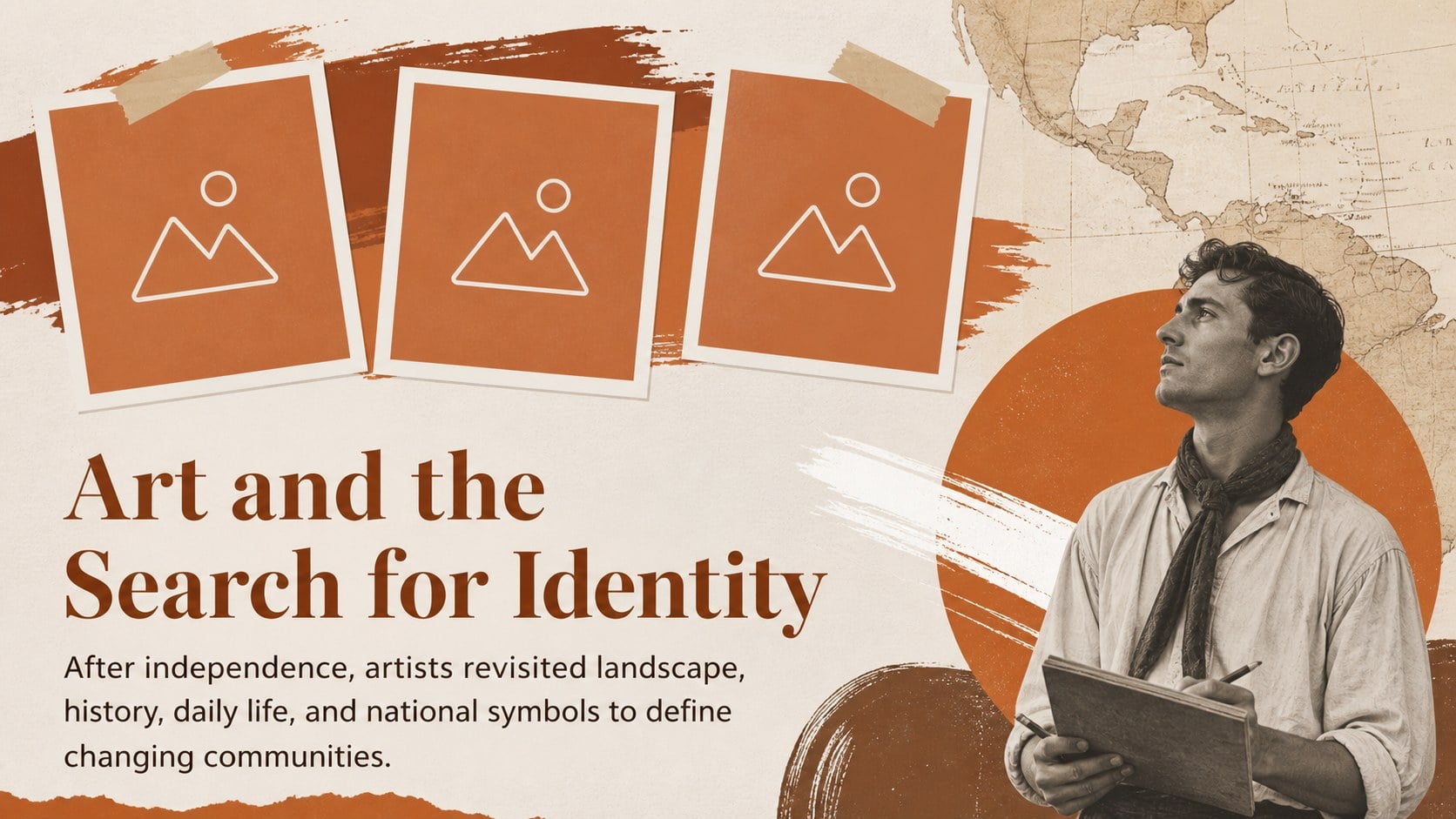
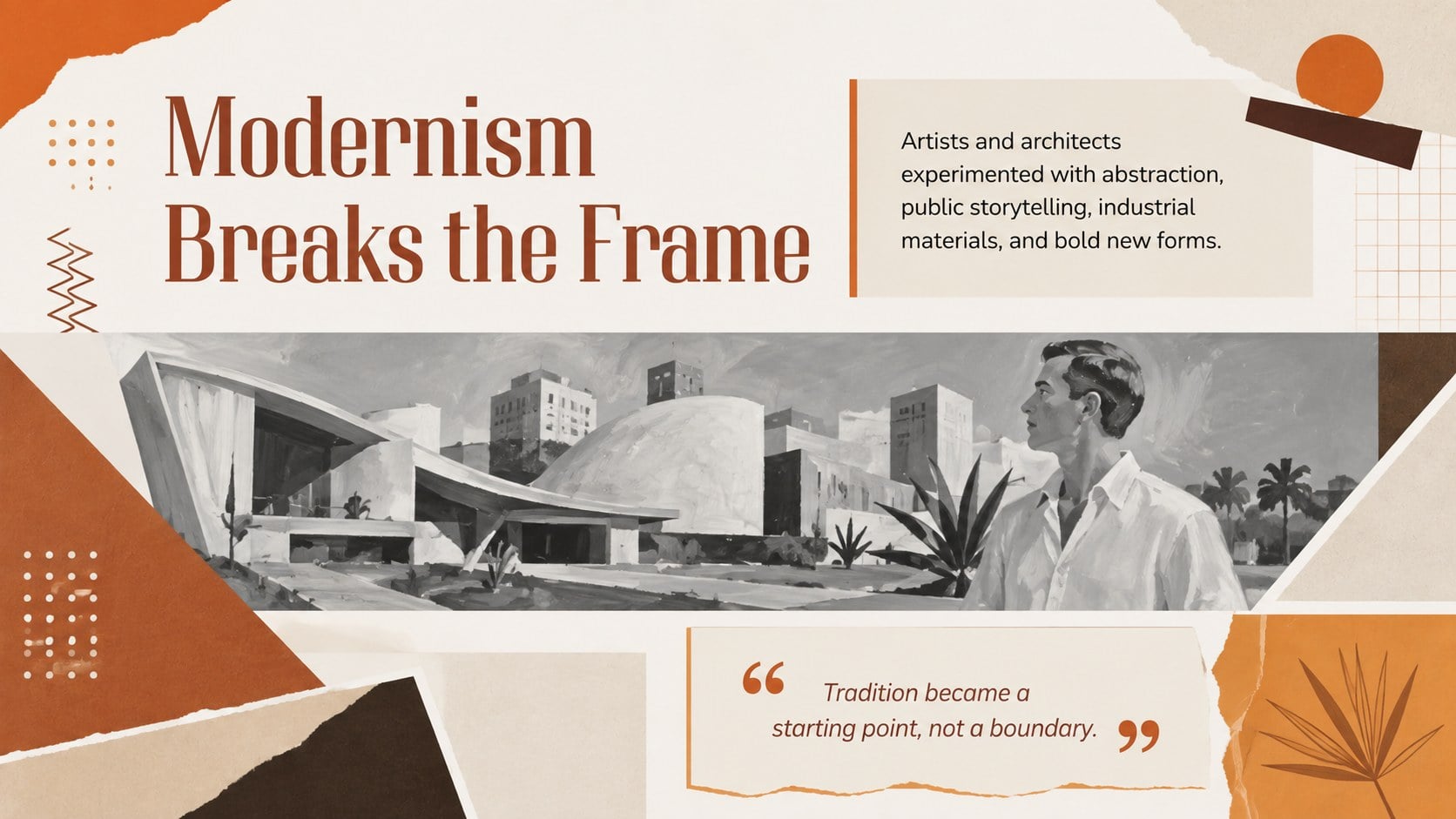
The Hispanic Art and Architecture Timeline Deck helps educators turn centuries of visual culture into an accessible classroom story. Its warm brown, orange, and white palette pairs with simple collage compositions, expressive shapes, and clean typography. Use the editable slides to connect artistic movements with the social, religious, and regional forces that shaped them.
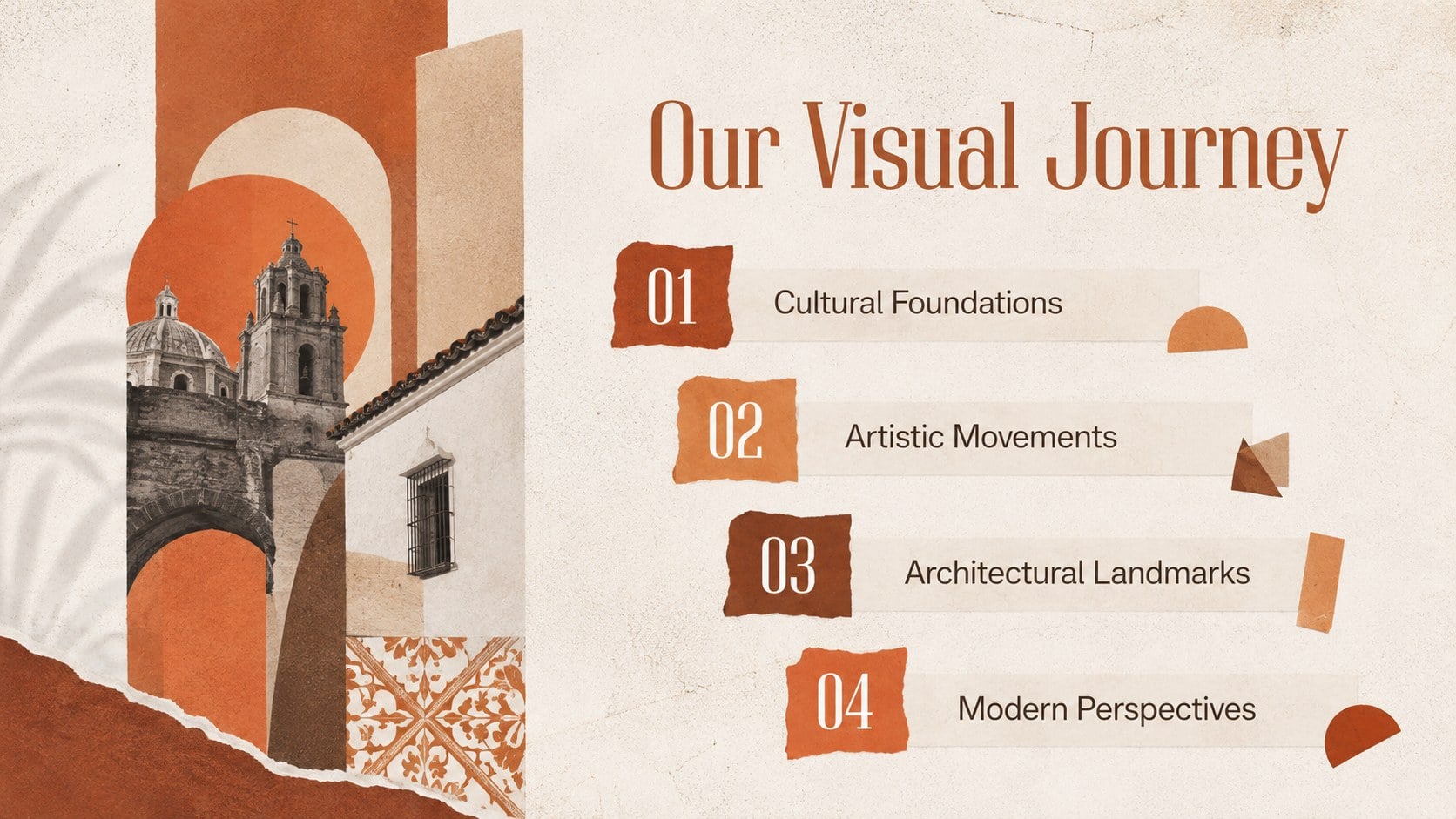
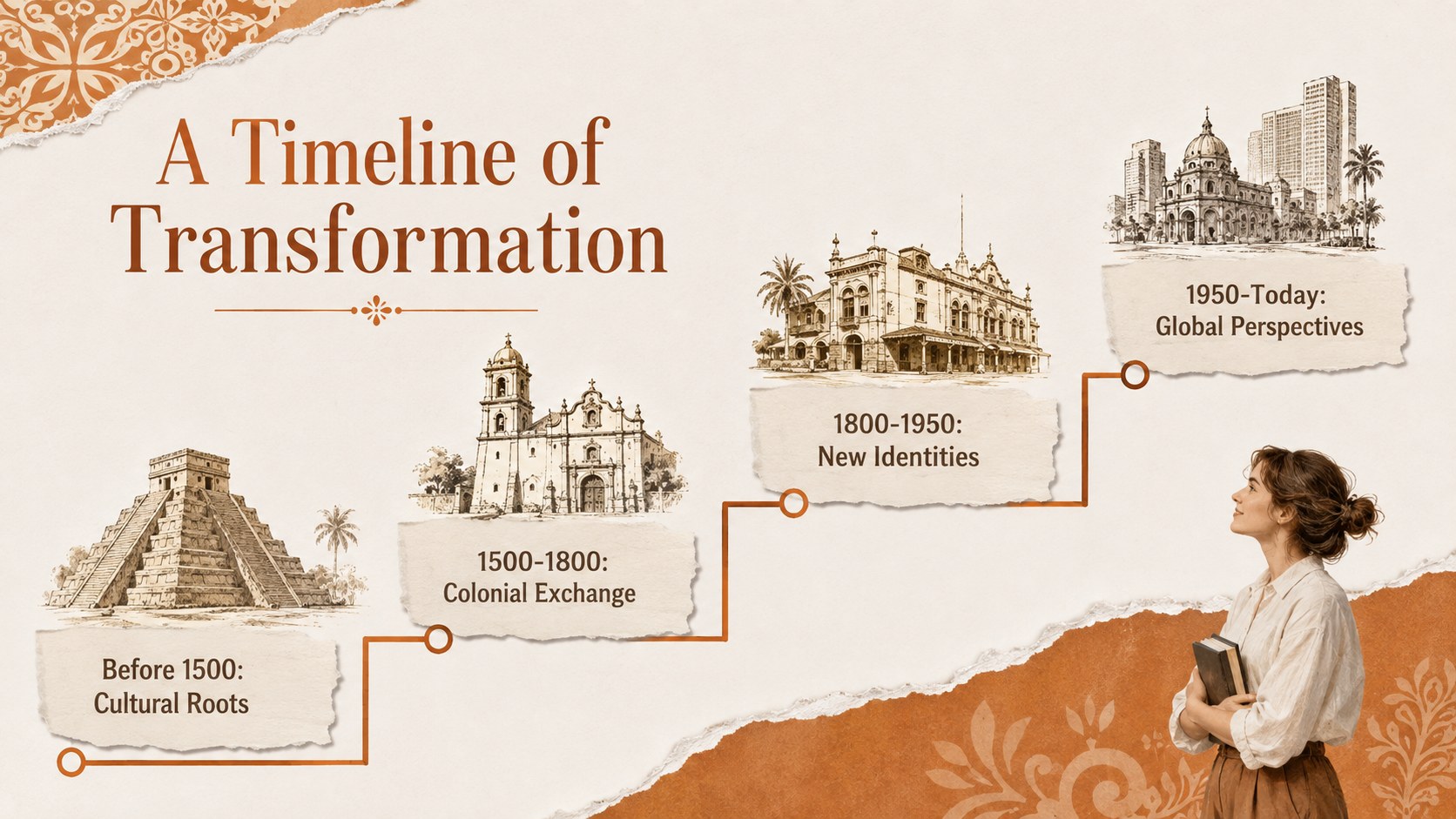
Inside, you will find 15 coordinated layouts covering cultural roots, key periods, architectural features, influential creators, landmark works, regional comparisons, and contemporary perspectives. A chronological overview supports a Hispanic cultural heritage timeline, while comparison pages and visual analysis prompts encourage students to examine materials, symbols, techniques, and historical context. The deck also works as an editable art history timeline presentation for lectures, student projects, or guided discussion.
Designed for history teachers, art educators, museum programs, and cultural studies courses, the Hispanic Art and Architecture Timeline Deck offers enough structure for a complete lesson without limiting customization. It is especially useful when preparing a Latin American architecture lesson, Hispanic Heritage Month activity, survey course introduction, or visual research assignment.
Every 16:9 slide can be edited in PowerPoint or Google Slides. Replace the sample wording, add local examples, adjust the timeline, or insert your own photographs and citations while maintaining a consistent classroom-ready design.
Perfect for: Hispanic Heritage Month lesson; art history classroom lecture; architecture survey course; museum education workshop; student cultural research project.
Frequently asked questions
Practical details
Yes. All text, colors, images, and layout elements can be adjusted in PowerPoint or Google Slides. You can also duplicate or remove slides to match the length of your lesson.
Yes. Replace the sample visuals with licensed images from your preferred sources and add citations in the provided text areas. Keep image proportions consistent to preserve the collage-based layout.
The layouts can support secondary school, college, or community education settings. Simplify the captions for younger learners or expand the analysis prompts and historical context for advanced courses.
Use the theme color controls in PowerPoint or Google Slides to update the brown, orange, and white palette. Check text contrast after changing background colors so every slide remains easy to read.
Keep exploring
15Build stronger academic arguments with a college essay thesis builder featuring guided examples, revision prompts, and editable PowerPoint and Google Slides.
 15
15Build an engaging World UFO Day session with this flying saucer history lesson deck, featuring retro green-and-brown slides for PowerPoint and Google Slides.
 14
14Plan a memorable Lunar New Year campaign with the 2036 Dragon Year Celebration Theme, featuring bold red-and-yellow slides for lessons and events.
 15
15Build a thoughtful classroom discussion with this interfaith awareness lesson deck, featuring editable blue-and-white slides for PowerPoint and Google Slides.
 15
15Use this environmental awareness lesson deck to teach climate action through illustrated activities, discussion prompts, and ready-to-edit visuals.
 15
15Build playful lessons and party stories with a kid-friendly zombie celebration theme in purple, green and pastel blue for PowerPoint and Google Slides.
 15
15Build eerie lessons, campaigns, and story pitches with an undead survival scenario theme featuring editable slides for PowerPoint and Google Slides.
 16
16Turn environmental research into a clear story with a Watercolor Ecology Presentation Theme for PowerPoint and Google Slides in calming green and blue.