
 15
15presentation
College Essay Thesis Builder Slides
Build stronger academic arguments with a college essay thesis builder featuring guided examples, revision prompts, and editable PowerPoint and Google Slides.
Google SlidesPowerPoint
presentation · English
Use this hexagonal concept mapping template to connect ideas, reveal patterns, and lead clearer discussions and team workshops in PowerPoint or Google Slides.
Design notes
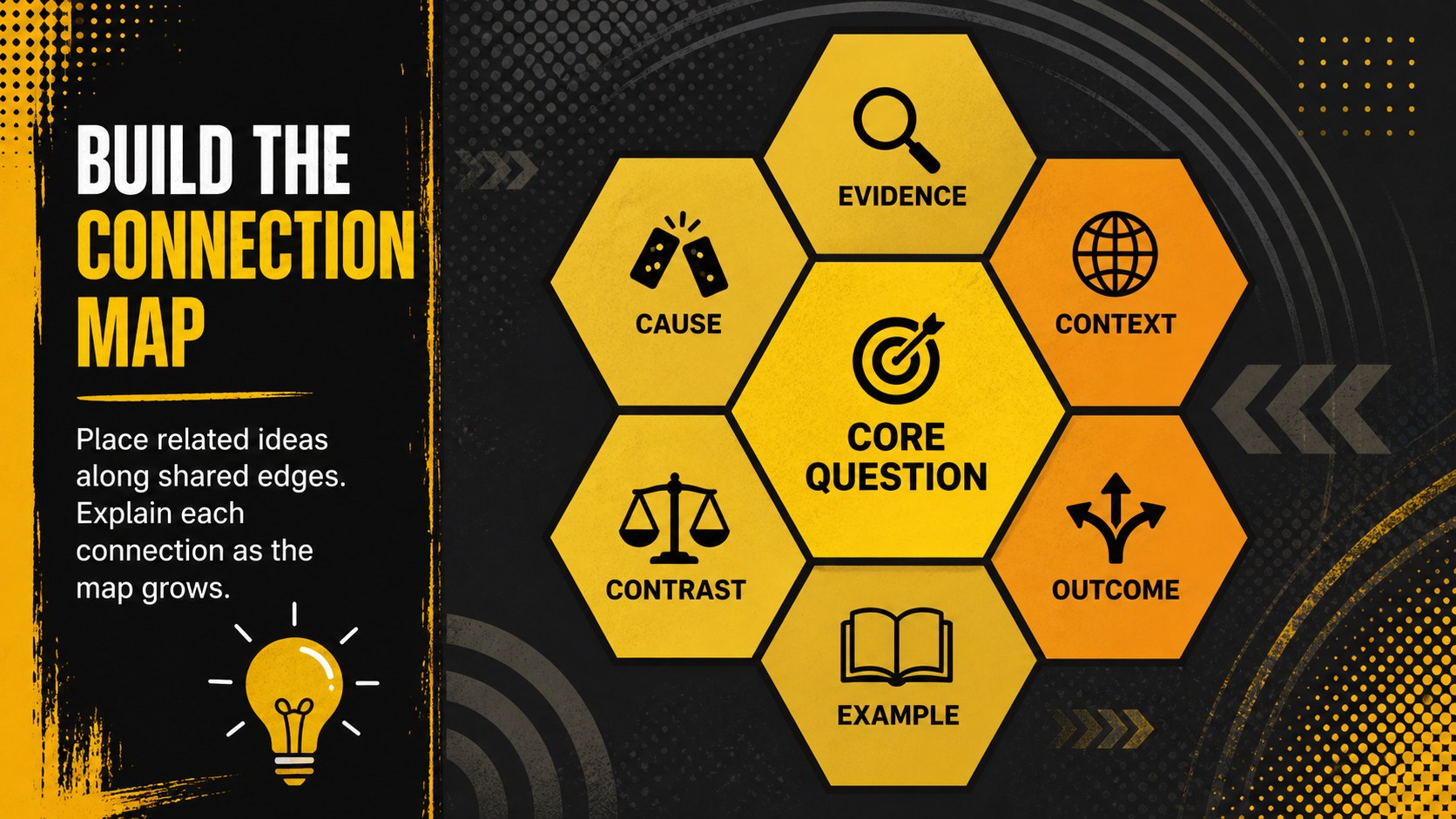
Turn scattered thoughts into meaningful connections with this hexagonal concept mapping template. Its flexible visual structure helps participants position related ideas side by side, explain why concepts connect, and uncover patterns that may be missed in a standard list or mind map. The bold, dark illustrated style keeps complex discussions approachable while giving every activity a clear focal point.
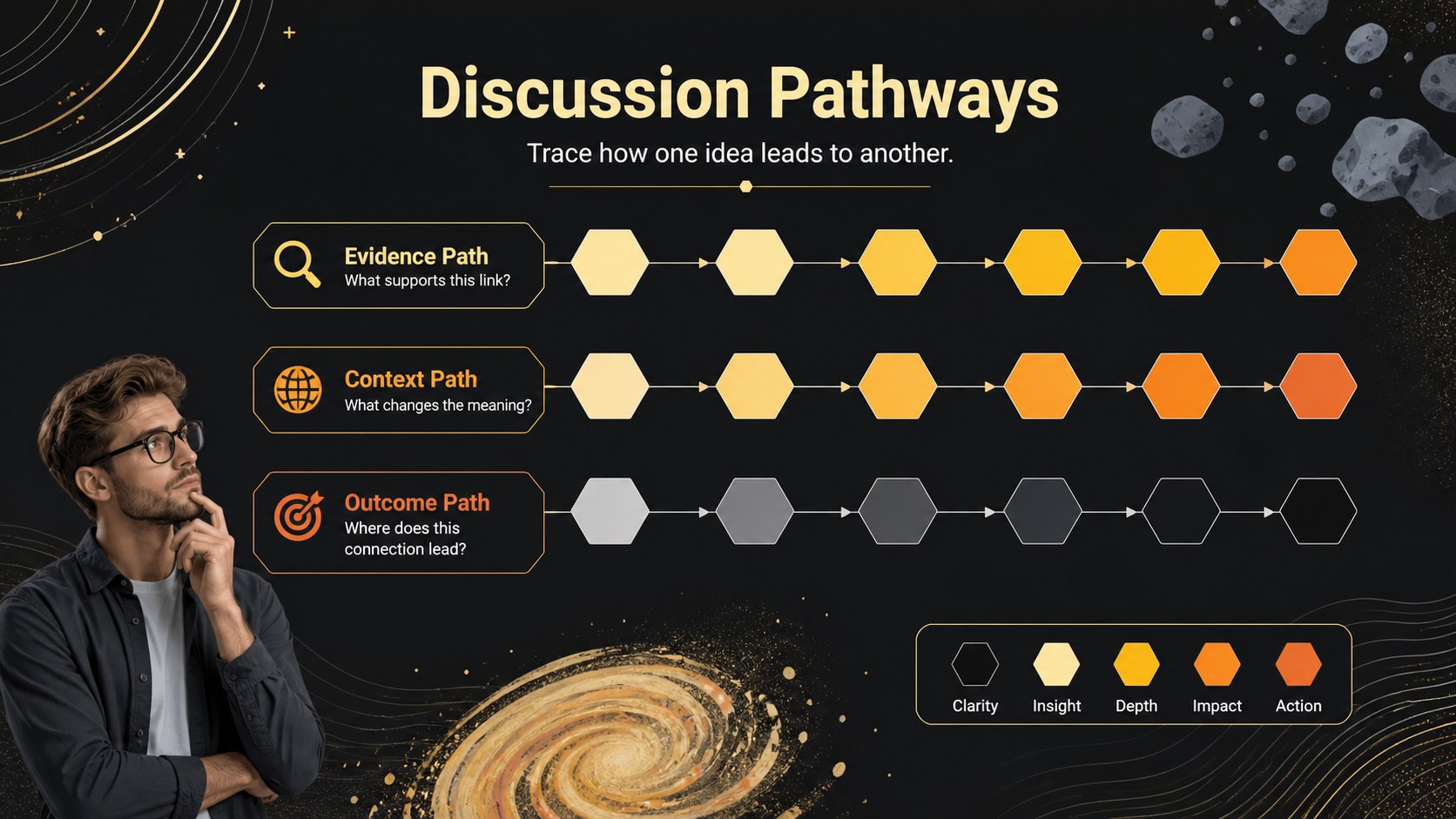
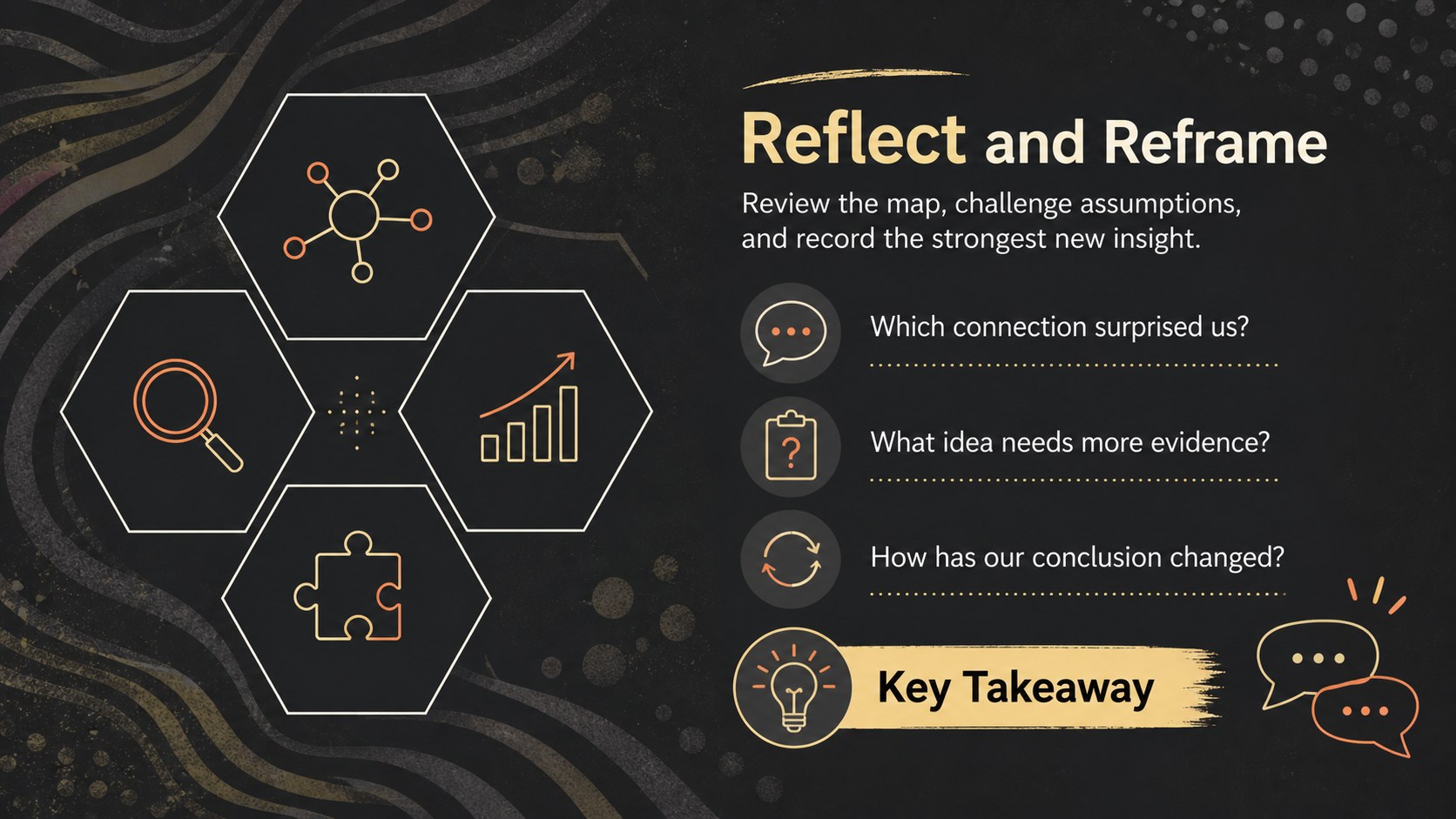
The deck includes four coordinated layouts for introducing the exercise, building a relationship map, tracing discussion pathways, and reflecting on new conclusions. Editable hexagons, labels, prompts, and supporting text make it easy to create a classroom concept connection activity or a visual relationship mapping presentation. Change the wording, rearrange the shapes, duplicate sections, and adapt the color accents without disrupting the overall design.
Teachers can use the slides for literature analysis, historical connections, science vocabulary, or interdisciplinary review. Facilitators and project teams can apply the same framework as a team brainstorming hexagon diagram for strategy sessions, planning meetings, and collaborative problem-solving. Every slide is designed for straightforward editing in PowerPoint and Google Slides, whether the activity is presented on screen, shared with a group, or prepared as a printable discussion resource.
Perfect for: classroom literature analysis; team strategy workshop; science concept review; historical connection mapping; collaborative project planning.
Frequently asked questions
Can I edit every hexagon and label? Yes. The shapes, text, colors, and connecting elements can be edited, moved, duplicated, or removed to fit your activity.
Practical details
Yes. The shapes, text, colors, and connecting elements can be edited, moved, duplicated, or removed to fit your activity.
The template is designed for PowerPoint and Google Slides. Layouts and text remain editable in both platforms, though minor font spacing may vary.
Replace the sample labels with concepts from your subject, then arrange related hexagons so their edges touch. Duplicate the mapping slide when students need more space or separate group activities.
Yes. You can remove or simplify the sample text, leave selected hexagons blank, and export the finished layout as a PDF for printing.
Keep exploring
15Build stronger academic arguments with a college essay thesis builder featuring guided examples, revision prompts, and editable PowerPoint and Google Slides.
 15
15Build an engaging World UFO Day session with this flying saucer history lesson deck, featuring retro green-and-brown slides for PowerPoint and Google Slides.
 14
14Plan a memorable Lunar New Year campaign with the 2036 Dragon Year Celebration Theme, featuring bold red-and-yellow slides for lessons and events.
 15
15Build a thoughtful classroom discussion with this interfaith awareness lesson deck, featuring editable blue-and-white slides for PowerPoint and Google Slides.
 15
15Use this environmental awareness lesson deck to teach climate action through illustrated activities, discussion prompts, and ready-to-edit visuals.
 15
15Build playful lessons and party stories with a kid-friendly zombie celebration theme in purple, green and pastel blue for PowerPoint and Google Slides.
 15
15Build eerie lessons, campaigns, and story pitches with an undead survival scenario theme featuring editable slides for PowerPoint and Google Slides.
 16
16Turn environmental research into a clear story with a Watercolor Ecology Presentation Theme for PowerPoint and Google Slides in calming green and blue.