
 15
15presentation
College Essay Thesis Builder Slides
Build stronger academic arguments with a college essay thesis builder featuring guided examples, revision prompts, and editable PowerPoint and Google Slides.
Google SlidesPowerPoint
presentation · English
Teach young learners to assemble a colorful plate with this healthy plate activity worksheet, a playful PowerPoint and Google Slides resource for food-group…
Design notes
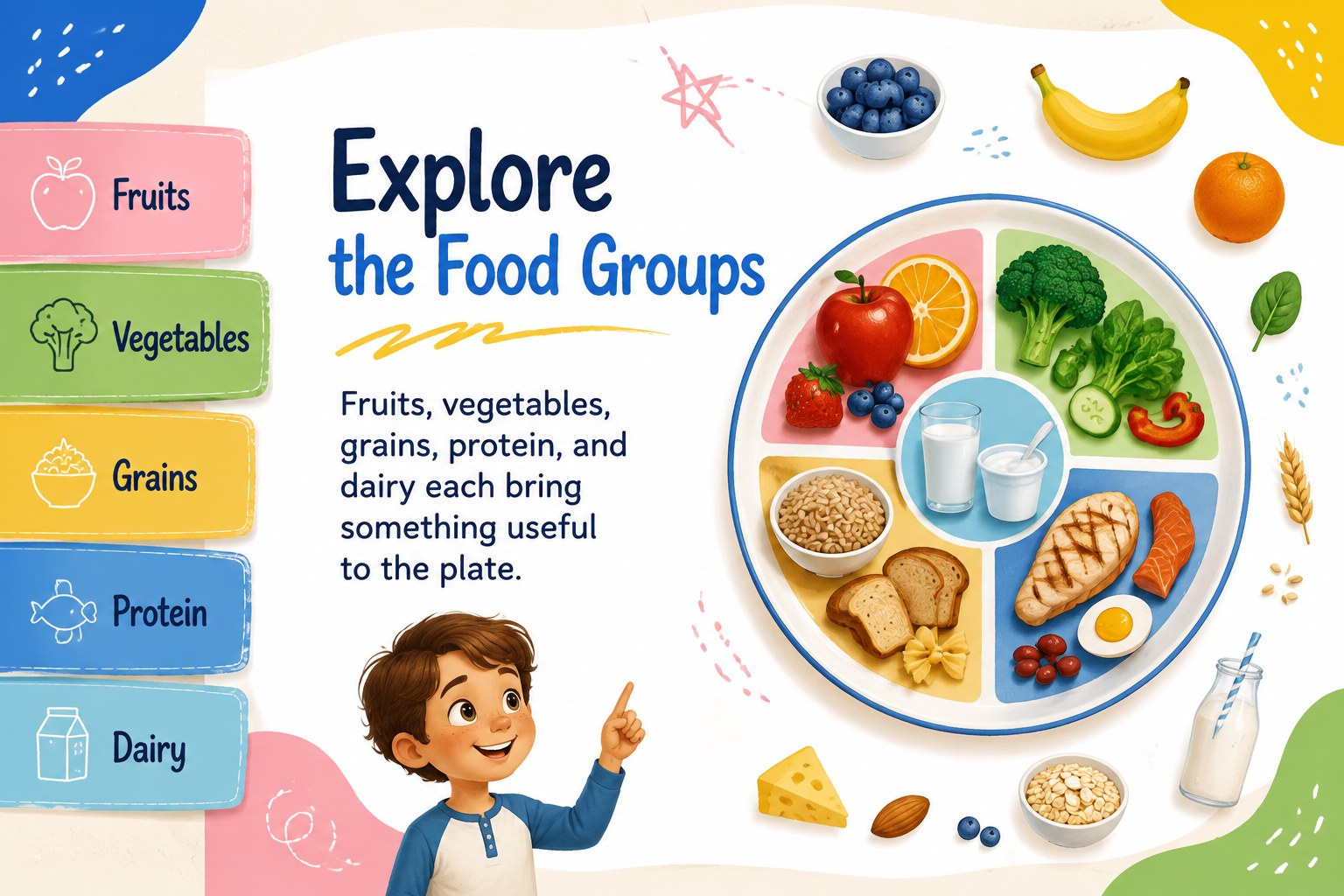
Healthy Plate Activity Worksheet Slides make nutrition education more active, visual, and approachable for young learners. Students can identify food groups, think about variety, and assemble a colorful plate while practicing everyday healthy eating concepts. The cheerful cartoon-inspired design uses beige, blue, yellow, green, pink, and white for a friendly classroom feel.
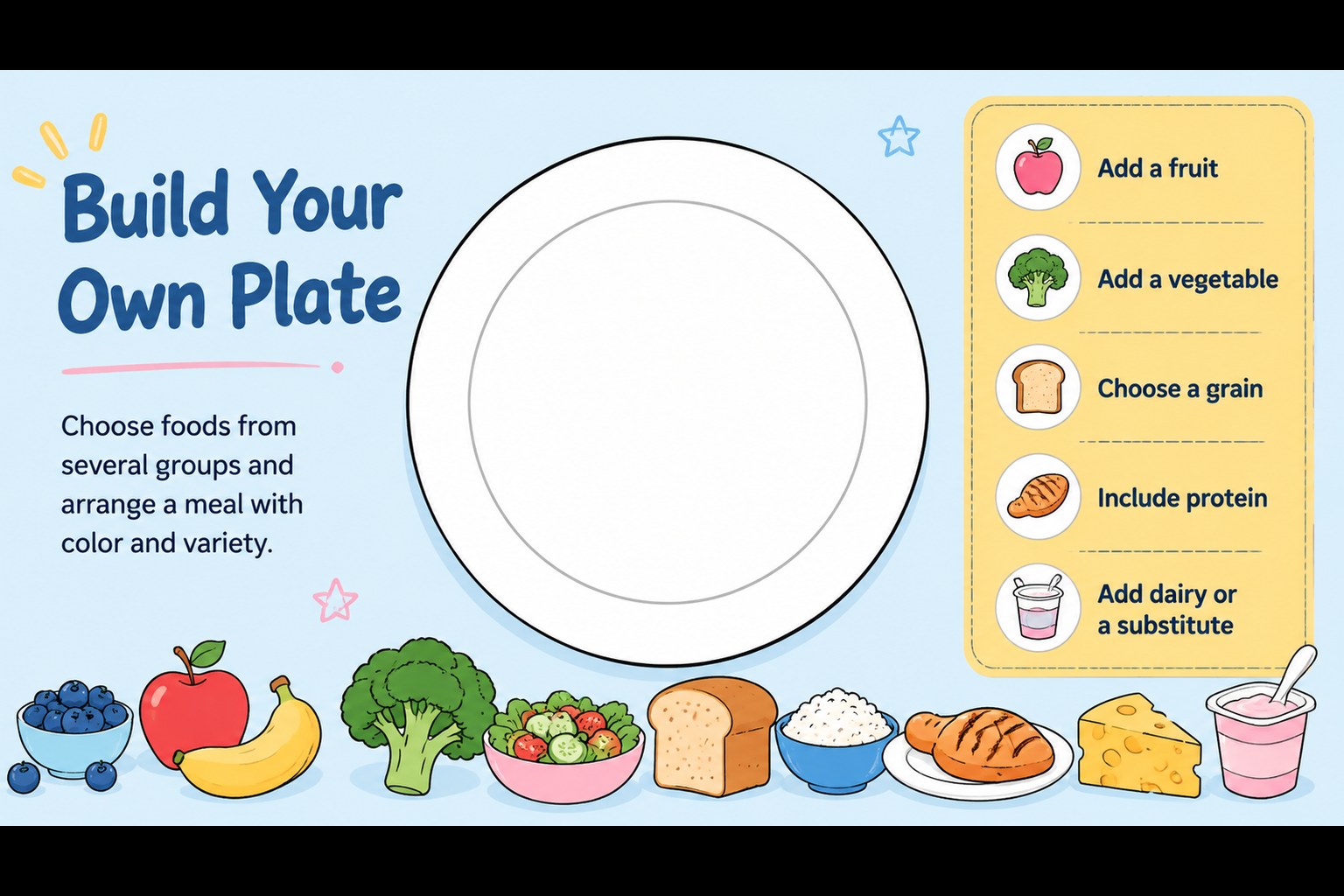
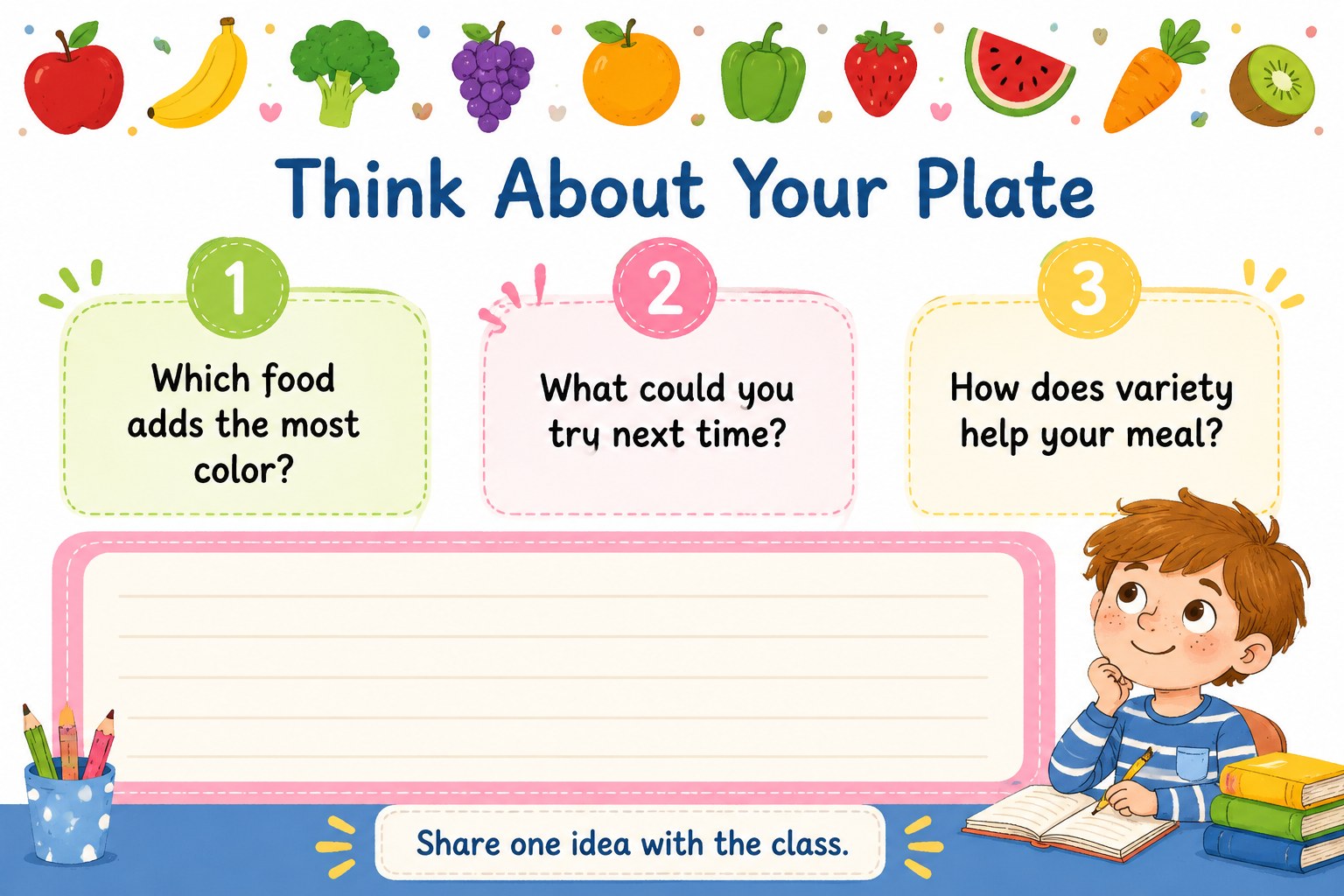
Inside, you will find a cover slide, a food-group introduction, a build-your-own-plate activity, and a final reflection prompt. Short labels, generous writing areas, simple illustrations, and clear visual sections make the material easy to present on screen or adapt for printed activities. The healthy plate activity worksheet can support guided discussion, independent work, partner learning, or a short homework assignment.
This resource is designed for elementary teachers, school health educators, nutrition instructors, and parents creating age-appropriate food lessons. Edit the text, rearrange the activity areas, add local food examples, or include classroom images in PowerPoint or Google Slides. The portrait-friendly worksheet format works well for stations, digital whiteboards, lesson handouts, and nutrition units focused on balanced choices, portion awareness, and food-group recognition.
Perfect for: elementary nutrition lesson; food-group classroom station; school health workshop; healthy eating homework; parent-led food education.
Frequently asked questions
Can I edit the worksheet in PowerPoint? Yes. The slides can be edited in PowerPoint, including headings, labels, colors, illustrations, and activity prompts. You can also duplicate pages to create versions for different age groups.
Practical details
Yes. The slides can be edited in PowerPoint, including headings, labels, colors, illustrations, and activity prompts. You can also duplicate pages to create versions for different age groups.
Yes. Upload the presentation to Google Drive and open it with Google Slides to customize the content. Check the imported fonts and spacing before presenting or printing.
You can replace the sample foods with familiar local ingredients, add culturally relevant meal examples, and adjust the food-group wording. This makes the worksheet more useful for different classrooms and lesson plans.
The layout is designed with clear sections and writing space that can be adapted for handouts. Test-print one page first and adjust margins or scale settings to match your paper size.
Keep exploring
15Build stronger academic arguments with a college essay thesis builder featuring guided examples, revision prompts, and editable PowerPoint and Google Slides.
 15
15Build an engaging World UFO Day session with this flying saucer history lesson deck, featuring retro green-and-brown slides for PowerPoint and Google Slides.
 14
14Plan a memorable Lunar New Year campaign with the 2036 Dragon Year Celebration Theme, featuring bold red-and-yellow slides for lessons and events.
 15
15Build a thoughtful classroom discussion with this interfaith awareness lesson deck, featuring editable blue-and-white slides for PowerPoint and Google Slides.
 15
15Use this environmental awareness lesson deck to teach climate action through illustrated activities, discussion prompts, and ready-to-edit visuals.
 15
15Build playful lessons and party stories with a kid-friendly zombie celebration theme in purple, green and pastel blue for PowerPoint and Google Slides.
 15
15Build eerie lessons, campaigns, and story pitches with an undead survival scenario theme featuring editable slides for PowerPoint and Google Slides.
 16
16Turn environmental research into a clear story with a Watercolor Ecology Presentation Theme for PowerPoint and Google Slides in calming green and blue.