
 15
15presentation
College Essay Thesis Builder Slides
Build stronger academic arguments with a college essay thesis builder featuring guided examples, revision prompts, and editable PowerPoint and Google Slides.
Google SlidesPowerPoint
presentation · English
Use a haunted castle Halloween story deck to shape eerie lessons, party invites, and event pitches with editable red-and-black slides for PowerPoint and…
Design notes
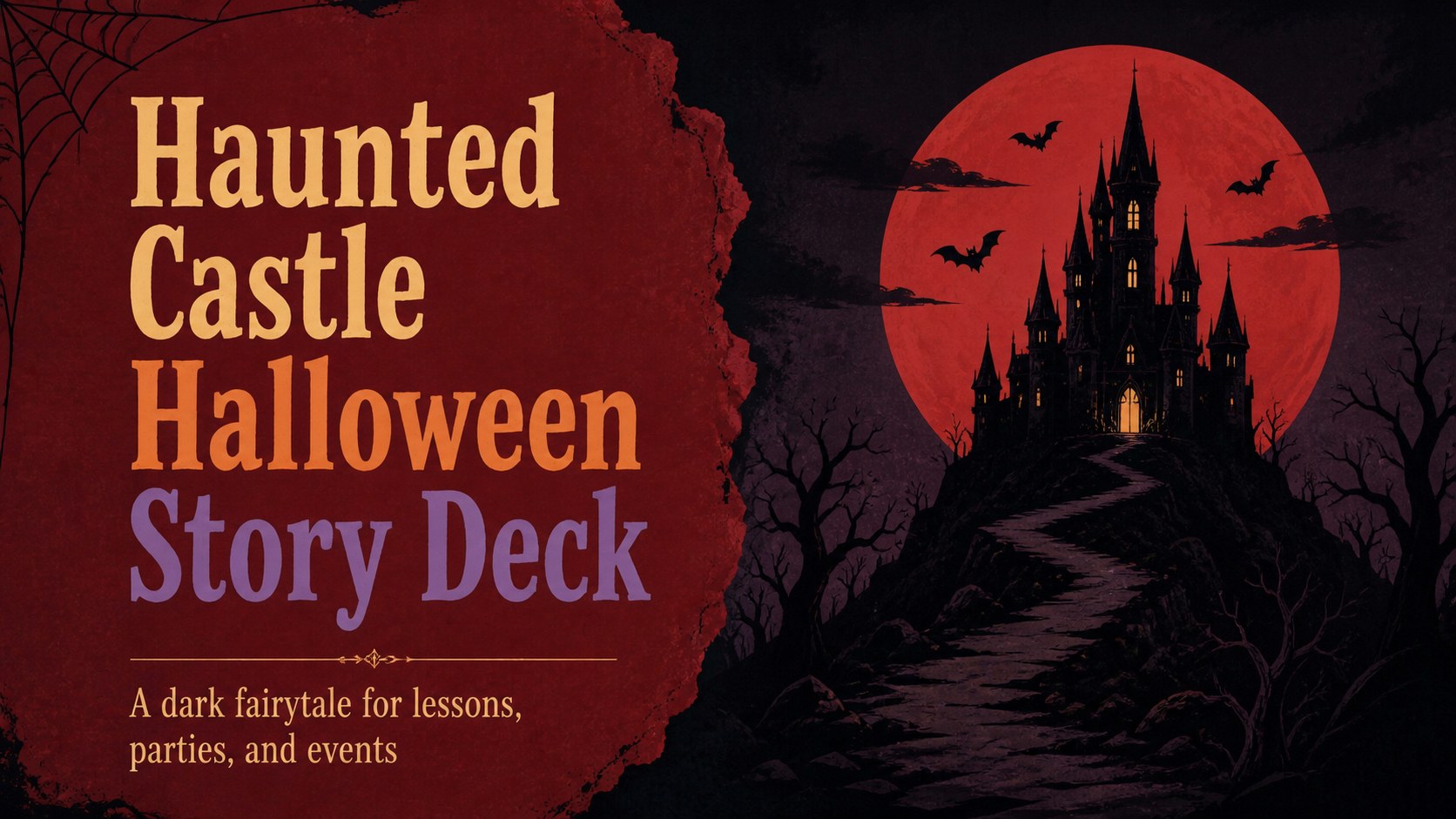
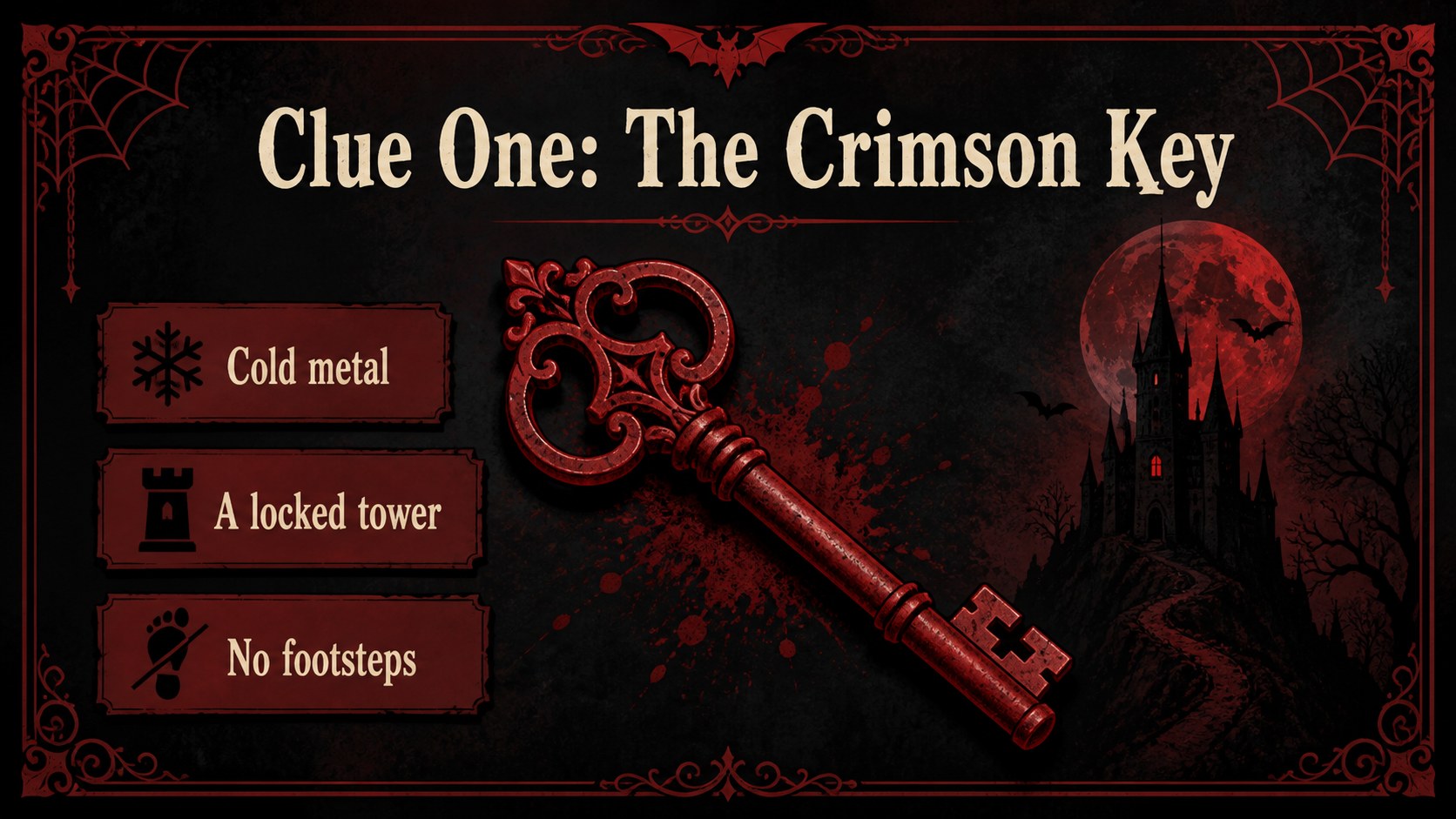
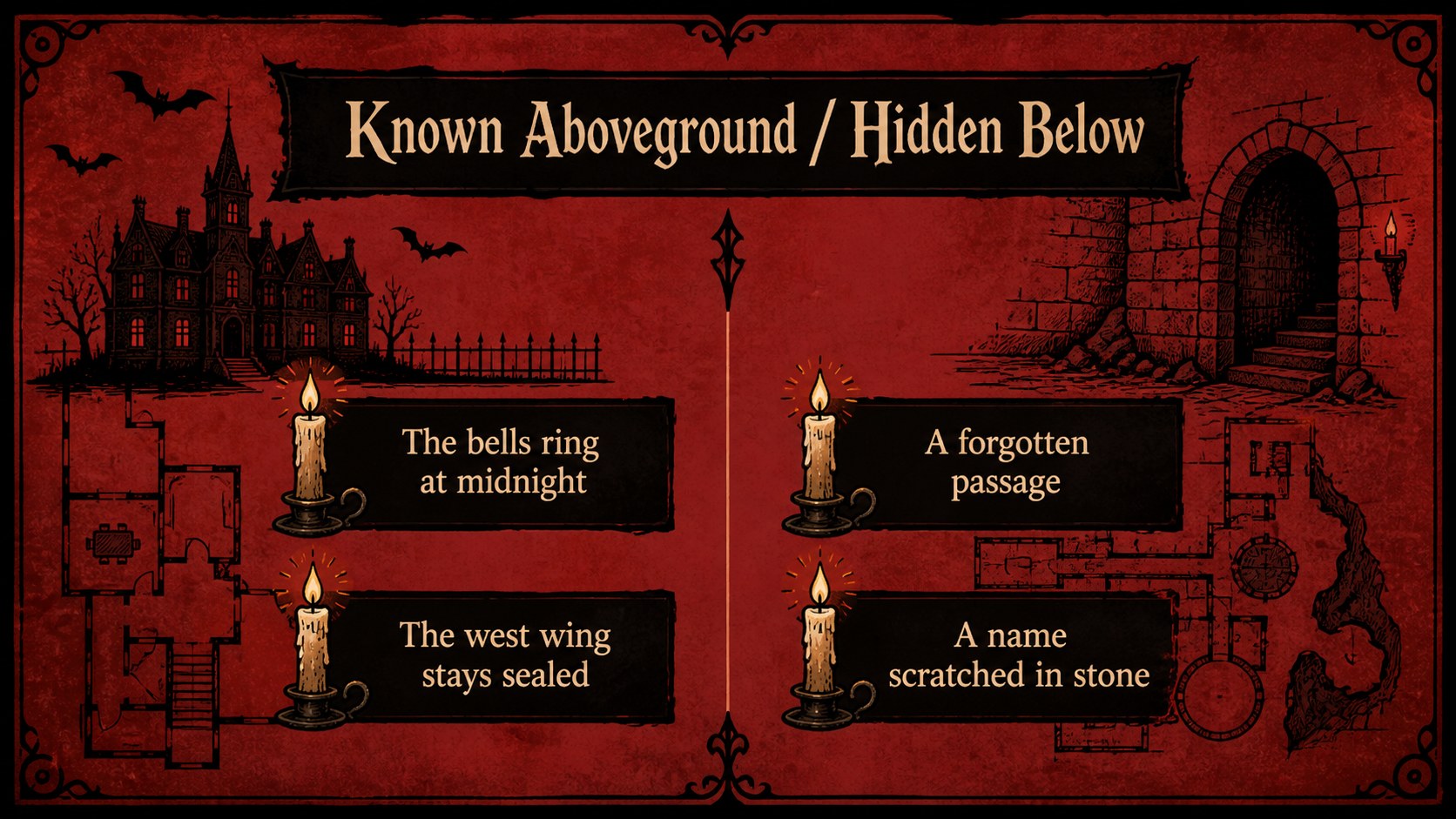
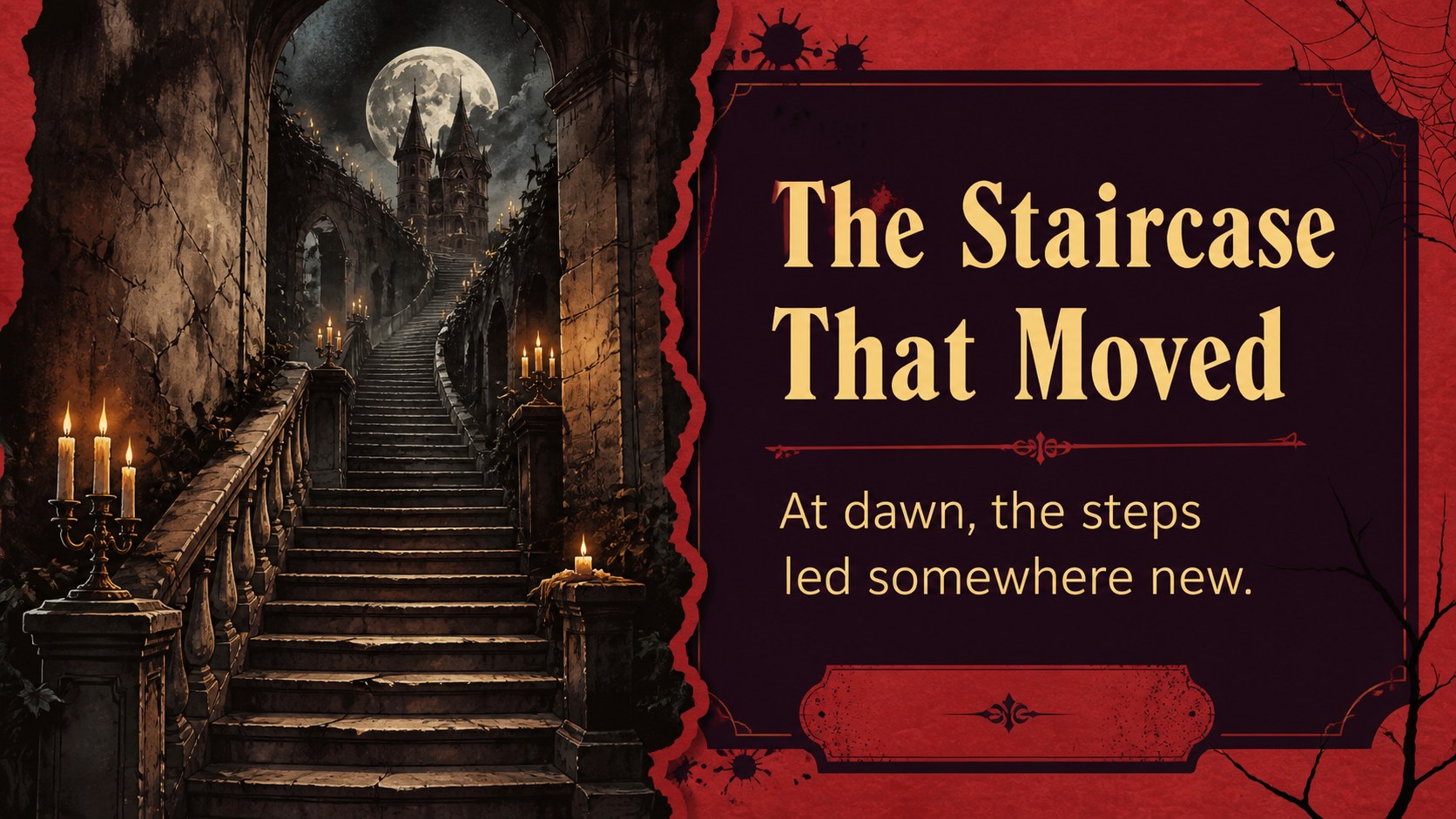
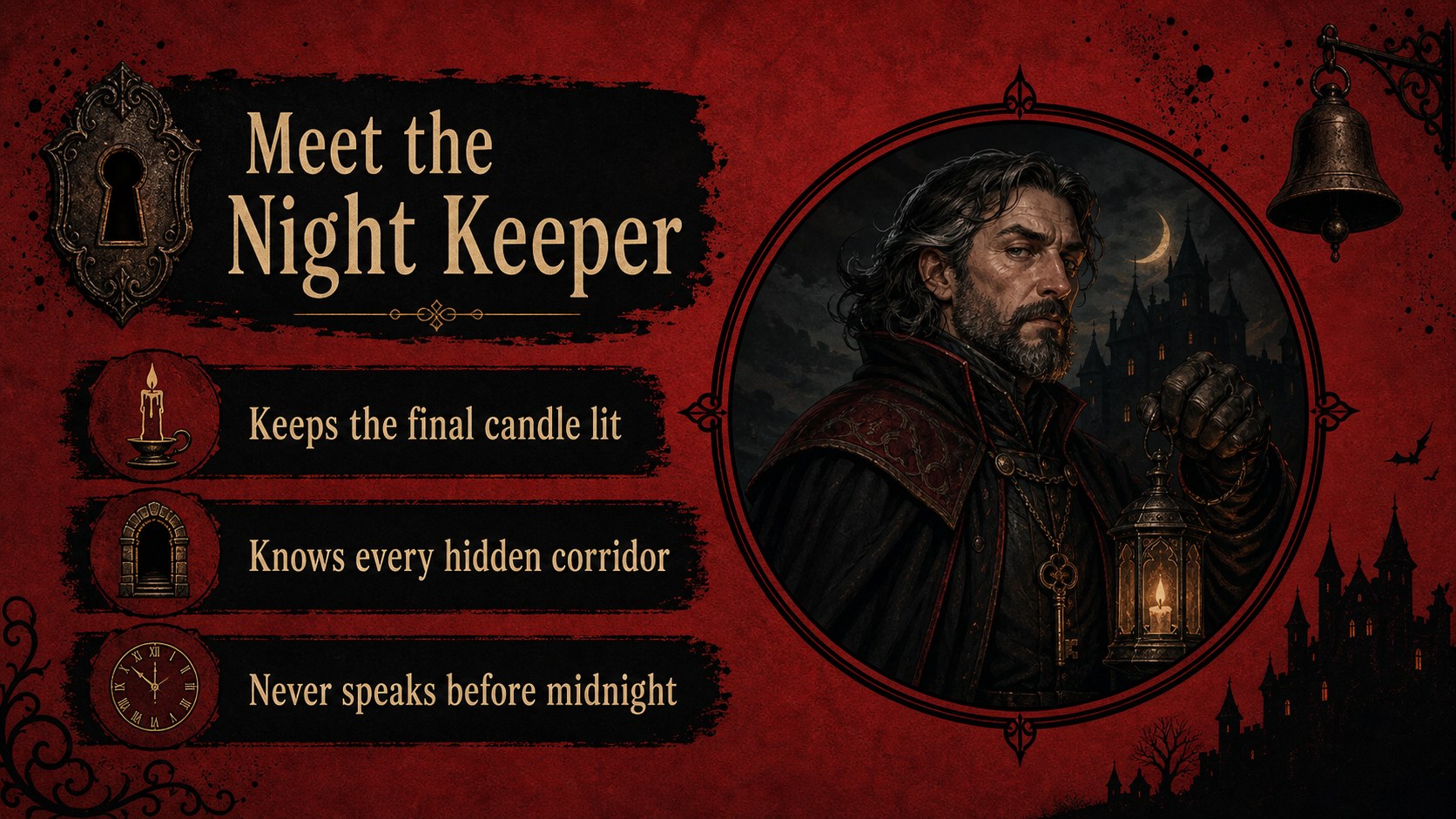
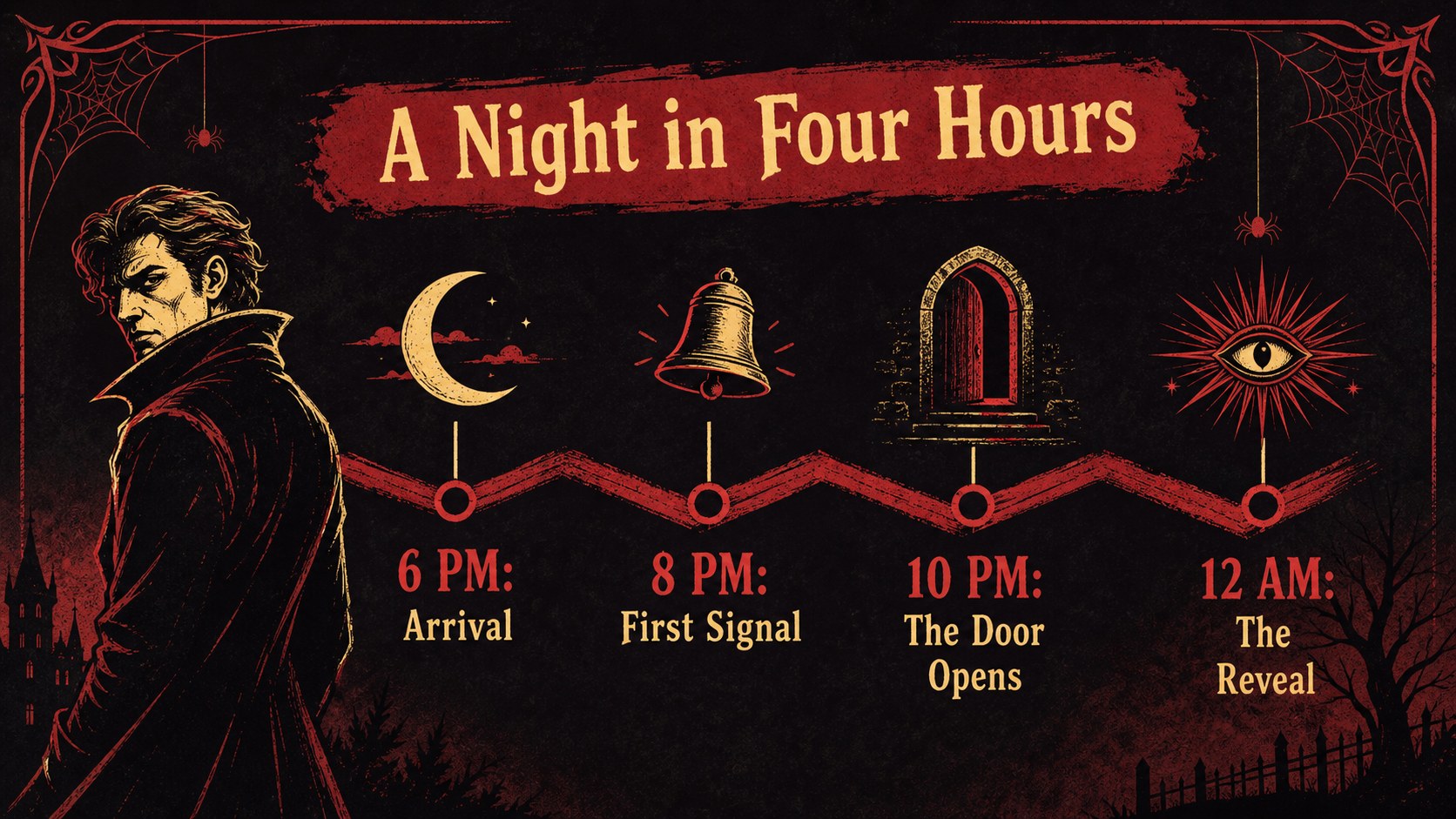
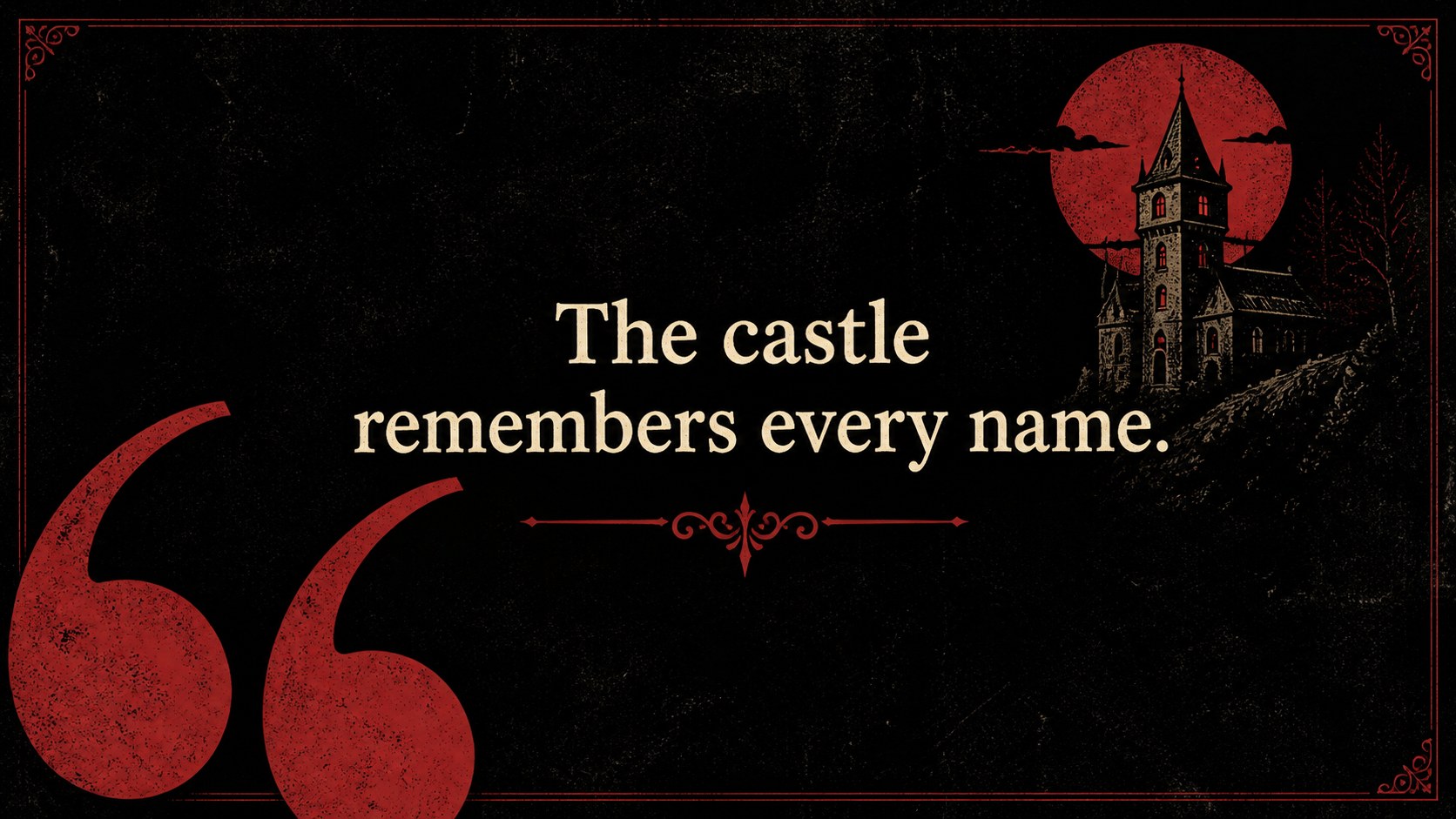
Build an atmospheric visual narrative with this haunted castle Halloween story deck, designed for spooky storytelling, themed events, and imaginative presentations. A bold red-and-black palette, distressed textures, and hand-drawn gothic details create a dramatic setting without overwhelming your message. Use it to introduce a mysterious location, present characters, explain a Halloween activity, or pitch an event concept.
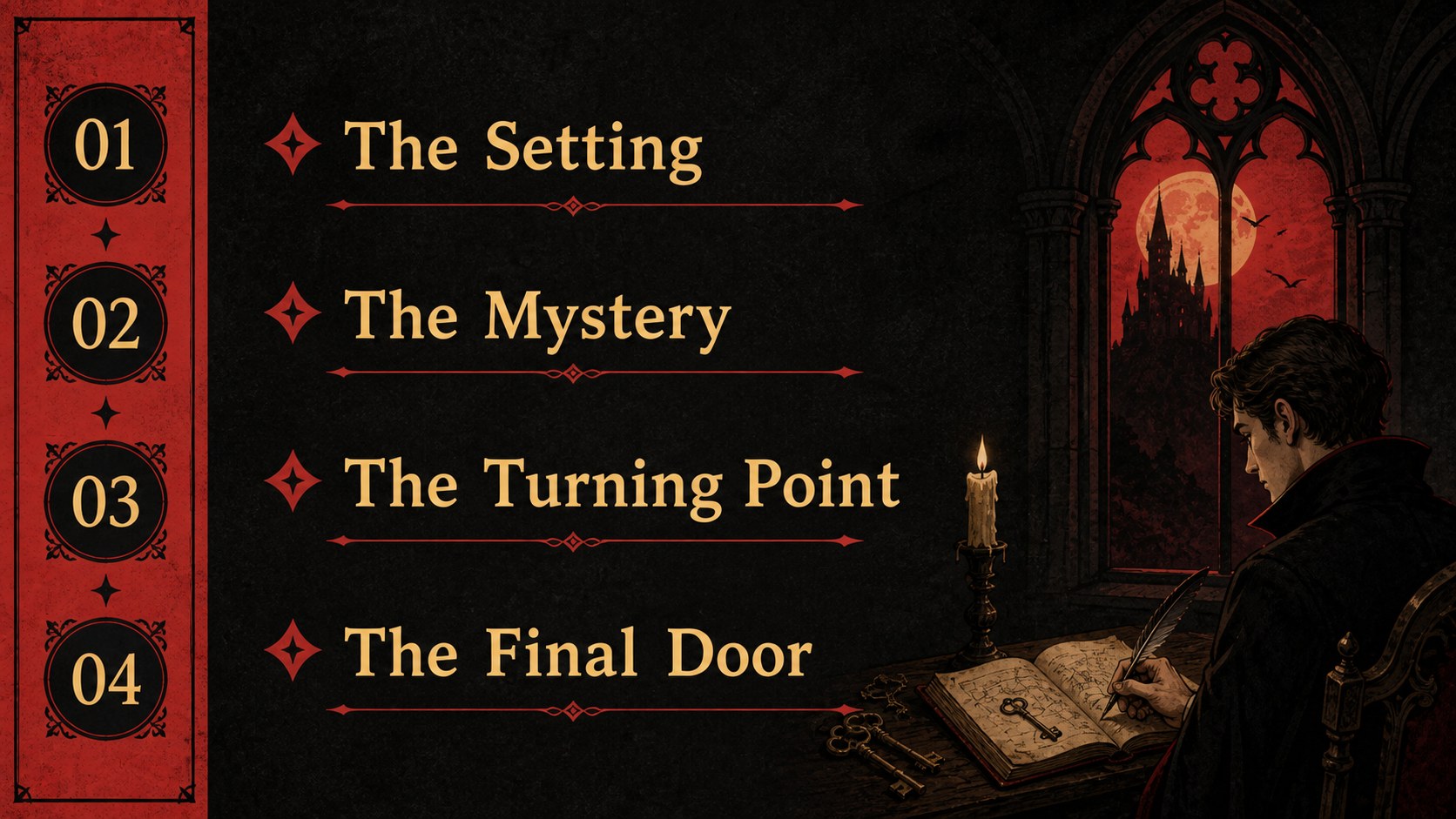
Inside, you’ll find more than 15 editable layouts for title pages, agendas, story chapters, image-led scenes, comparison slides, timelines, data points, quotations, and closing messages. The structure works especially well for a Halloween classroom presentation, a party invitation deck, or a creative campaign with a dark fairytale direction. Replace the sample copy, rearrange the illustrations, and adapt the layouts to match your narrative.
The files are compatible with PowerPoint and Google Slides, making it simple to edit text, update colors, add photos, and present from your preferred platform. It also works as a gothic event presentation template for school projects, community programs, entertainment concepts, and seasonal marketing. Use the Lexend Deca and Wellfleet font pairing, or substitute your own available fonts while preserving the eerie editorial feel.
Perfect for: Halloween classroom storytelling; Spooky party invitation; Gothic event proposal; Seasonal marketing campaign; Creative writing presentation.
Frequently asked questions
Can I edit this deck in PowerPoint? Yes. The presentation is designed for PowerPoint editing, including changes to text, colors, images, shapes, and layout elements. Replace the sample content with your own story or event details.
Practical details
Yes. The presentation is designed for PowerPoint editing, including changes to text, colors, images, shapes, and layout elements. Replace the sample content with your own story or event details.
Yes, you can open and customize the presentation in Google Slides. Check the font substitutions after importing and adjust any elements that need minor positioning changes.
The layouts are suitable for Halloween lessons, creative writing assignments, book reports, and student storytelling. The visual hierarchy leaves room for short explanations, images, timelines, and discussion prompts.
Edit the red-and-black palette, swap the castle illustrations, and revise the distressed textures to fit your topic. For a softer classroom presentation, keep the structure while reducing the darkest background treatments.
Keep exploring
15Build stronger academic arguments with a college essay thesis builder featuring guided examples, revision prompts, and editable PowerPoint and Google Slides.
 15
15Build an engaging World UFO Day session with this flying saucer history lesson deck, featuring retro green-and-brown slides for PowerPoint and Google Slides.
 14
14Plan a memorable Lunar New Year campaign with the 2036 Dragon Year Celebration Theme, featuring bold red-and-yellow slides for lessons and events.
 15
15Build a thoughtful classroom discussion with this interfaith awareness lesson deck, featuring editable blue-and-white slides for PowerPoint and Google Slides.
 15
15Use this environmental awareness lesson deck to teach climate action through illustrated activities, discussion prompts, and ready-to-edit visuals.
 15
15Build playful lessons and party stories with a kid-friendly zombie celebration theme in purple, green and pastel blue for PowerPoint and Google Slides.
 15
15Build eerie lessons, campaigns, and story pitches with an undead survival scenario theme featuring editable slides for PowerPoint and Google Slides.
 16
16Turn environmental research into a clear story with a Watercolor Ecology Presentation Theme for PowerPoint and Google Slides in calming green and blue.