
 15
15presentation
College Essay Thesis Builder Slides
Build stronger academic arguments with a college essay thesis builder featuring guided examples, revision prompts, and editable PowerPoint and Google Slides.
Google SlidesPowerPoint
presentation · English
Build confident class introductions with a group bio showcase deck in classic blue and purple, ready to personalize in PowerPoint or Google Slides.






Design notes
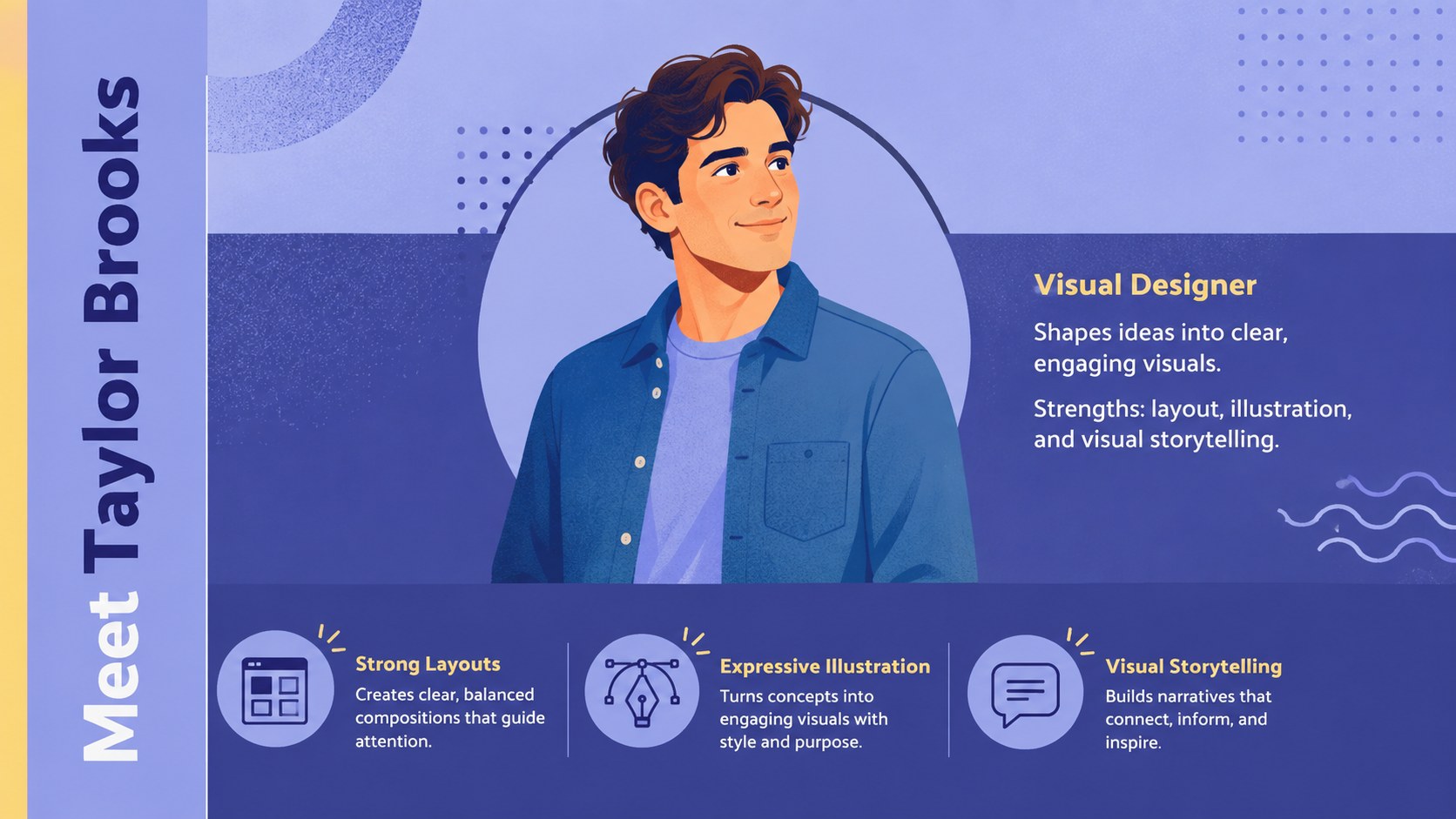
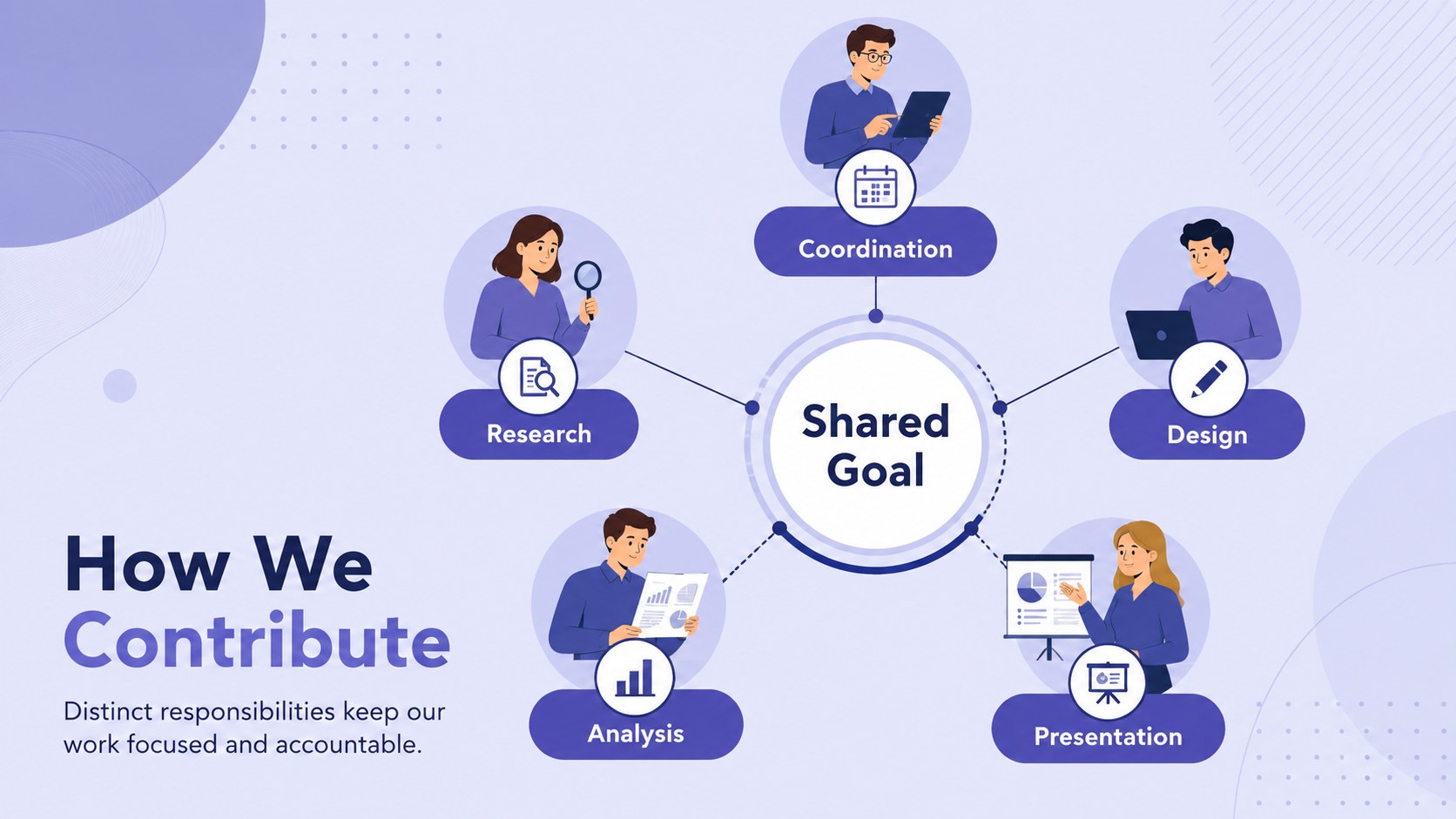
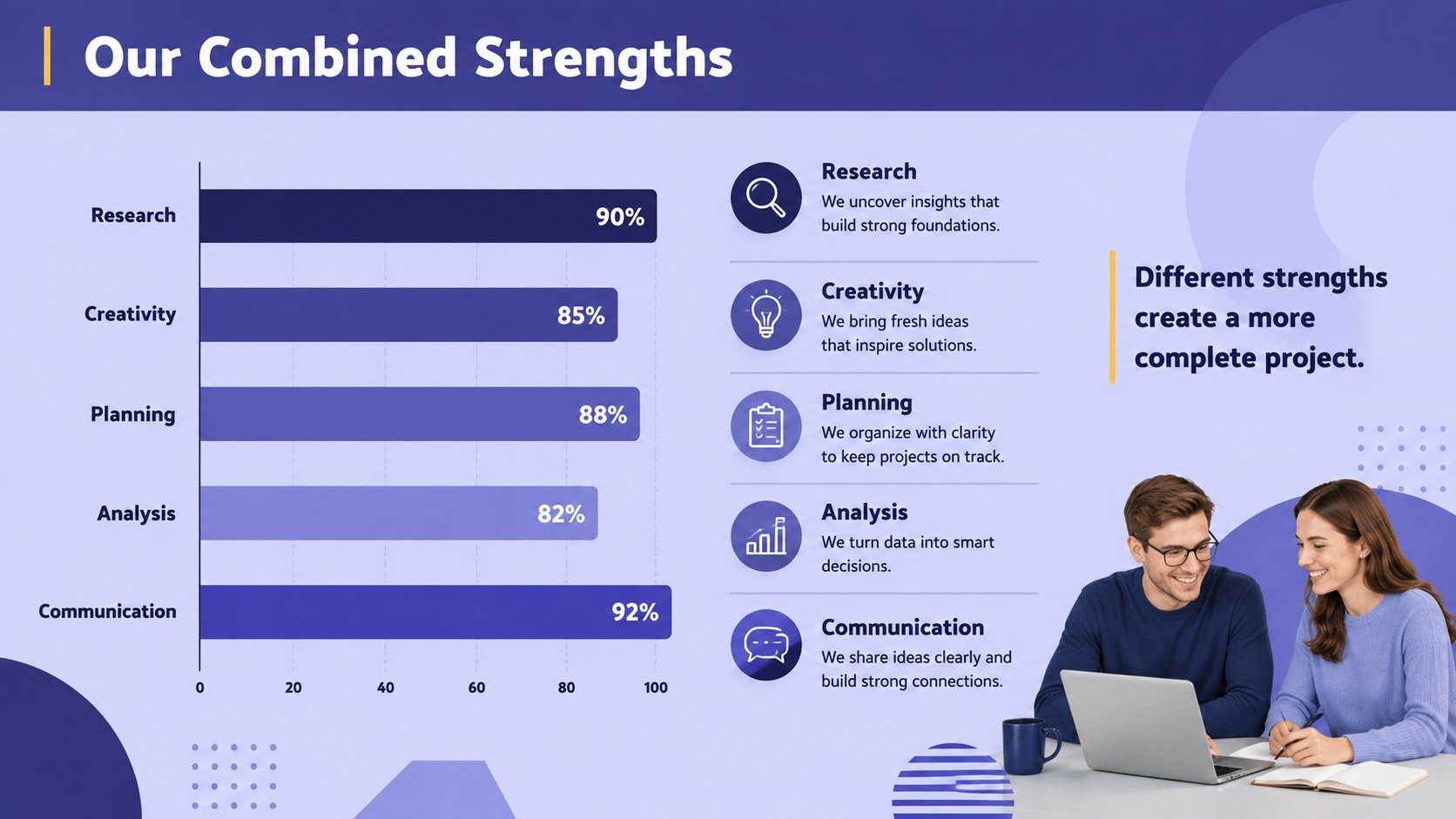
Present the people behind a project with a group bio showcase deck designed for clear, memorable introductions. Its classic blue and purple palette creates a polished setting for individual profiles while keeping the overall story friendly and approachable. Edit the layouts in PowerPoint or Google Slides to reflect your group, course, club, or organization.
The deck includes 15 widescreen slides for a cover, group overview, individual biographies, roles, strengths, interests, project responsibilities, collaboration values, milestones, contact details, and a closing message. Flexible text areas and visual placeholders make it easy to add portraits, brief facts, icons, charts, or timelines without crowding the page. Use it as a student team introduction template or adapt the group project member profile slides for professional training and campus activities.
This professional team bio presentation is especially useful for university assignments, student organizations, workshops, internships, and newly formed workplace groups. Each layout helps speakers give contributors equal visibility while maintaining a consistent visual identity. Fonts, colors, images, and decorative elements can all be adjusted, so the presentation works equally well for formal introductions or more personal team stories. The result is a structured deck that helps an audience understand who is involved, what each person contributes, and how the group works together.
Perfect for: university group project introduction; student club member spotlight; workshop participant profiles; internship cohort overview; new project team kickoff.
Frequently asked questions
Can I edit this deck in PowerPoint and Google Slides? Yes. The layouts, text, colors, images, and shapes can be customized in both PowerPoint and Google Slides. Some font rendering or transitions may vary slightly between platforms.
Practical details
Yes. The layouts, text, colors, images, and shapes can be customized in both PowerPoint and Google Slides. Some font rendering or transitions may vary slightly between platforms.
Replace the image placeholders with portrait photos and crop them to fit the existing frames. Use images with similar lighting and framing to keep the profile slides visually consistent.
Yes. Update the theme colors to match a school, club, department, or company identity. Check text contrast after changing backgrounds to ensure every profile remains easy to read.
Include the person's name, role, relevant skills, responsibilities, and one short personal detail. Keeping each profile concise gives every contributor equal emphasis and helps the audience scan the deck quickly.
Keep exploring
15Build stronger academic arguments with a college essay thesis builder featuring guided examples, revision prompts, and editable PowerPoint and Google Slides.
 15
15Build an engaging World UFO Day session with this flying saucer history lesson deck, featuring retro green-and-brown slides for PowerPoint and Google Slides.
 14
14Plan a memorable Lunar New Year campaign with the 2036 Dragon Year Celebration Theme, featuring bold red-and-yellow slides for lessons and events.
 15
15Build a thoughtful classroom discussion with this interfaith awareness lesson deck, featuring editable blue-and-white slides for PowerPoint and Google Slides.
 15
15Use this environmental awareness lesson deck to teach climate action through illustrated activities, discussion prompts, and ready-to-edit visuals.
 15
15Build playful lessons and party stories with a kid-friendly zombie celebration theme in purple, green and pastel blue for PowerPoint and Google Slides.
 15
15Build eerie lessons, campaigns, and story pitches with an undead survival scenario theme featuring editable slides for PowerPoint and Google Slides.
 16
16Turn environmental research into a clear story with a Watercolor Ecology Presentation Theme for PowerPoint and Google Slides in calming green and blue.