
 15
15presentation
College Essay Thesis Builder Slides
Build stronger academic arguments with a college essay thesis builder featuring guided examples, revision prompts, and editable PowerPoint and Google Slides.
Google SlidesPowerPoint
presentation · English
Build focused revision sessions with a green study cards presentation for exam prep, featuring editable prompts, quiz layouts, and playful academic visuals.

Design notes
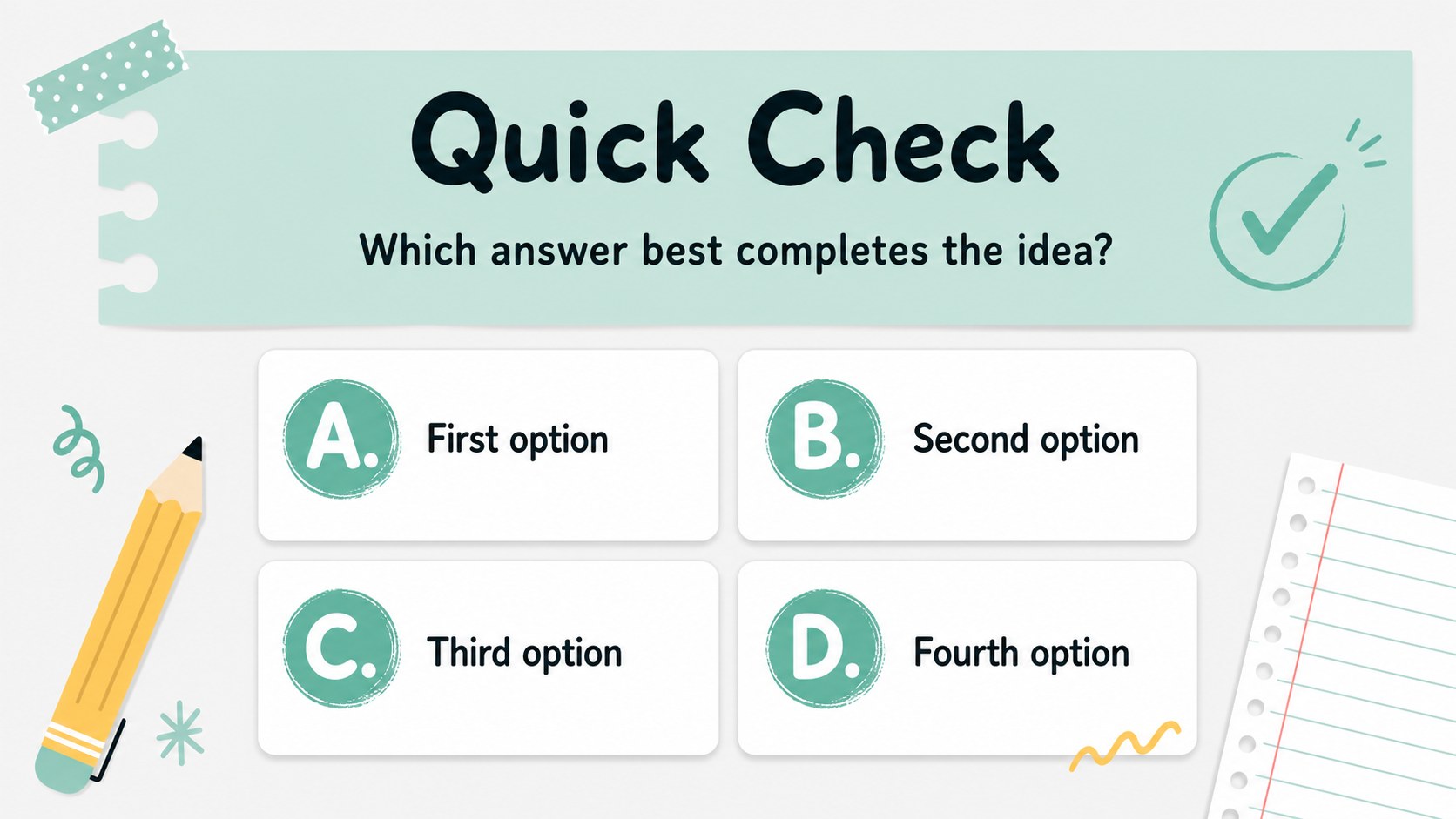
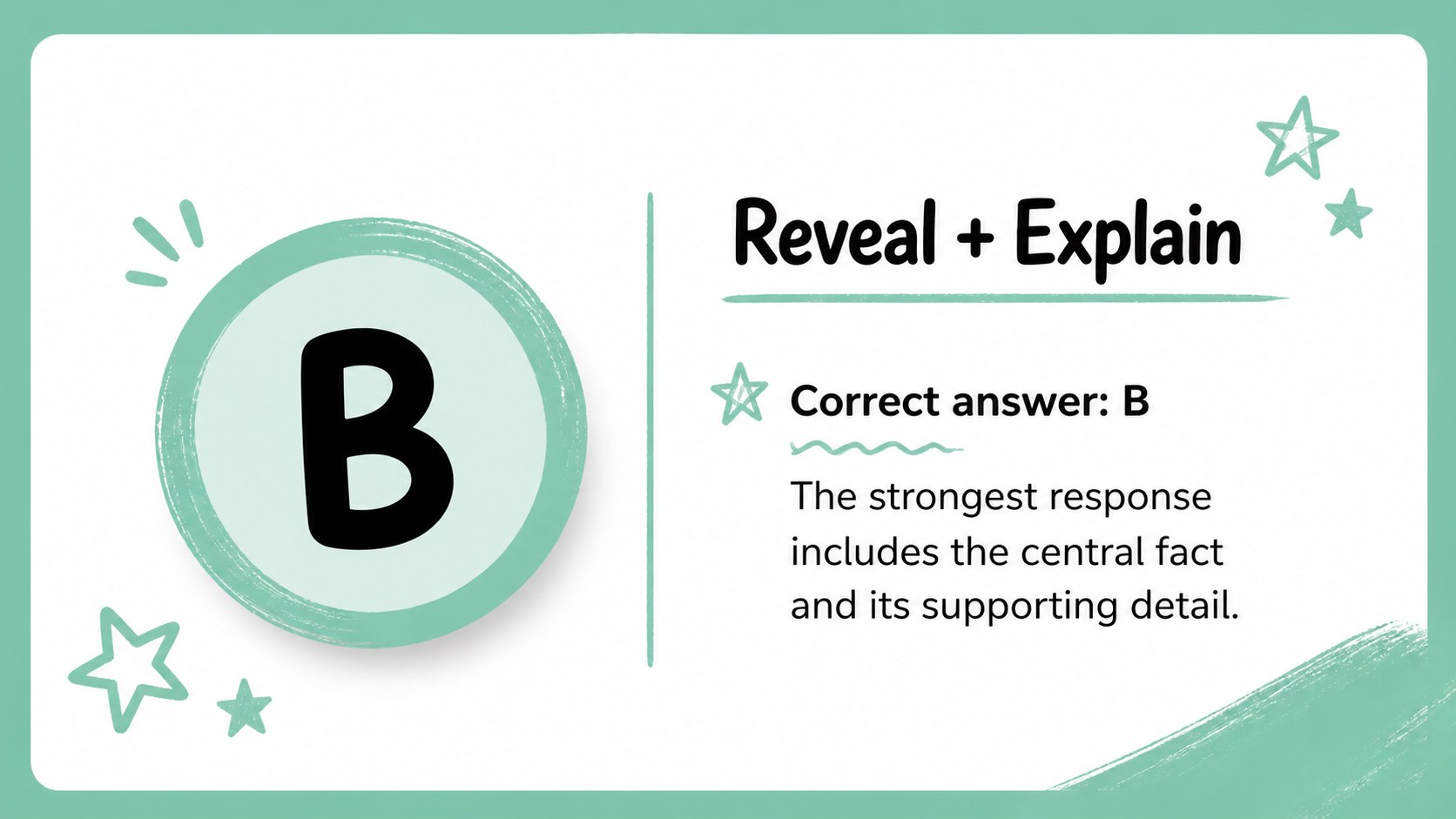
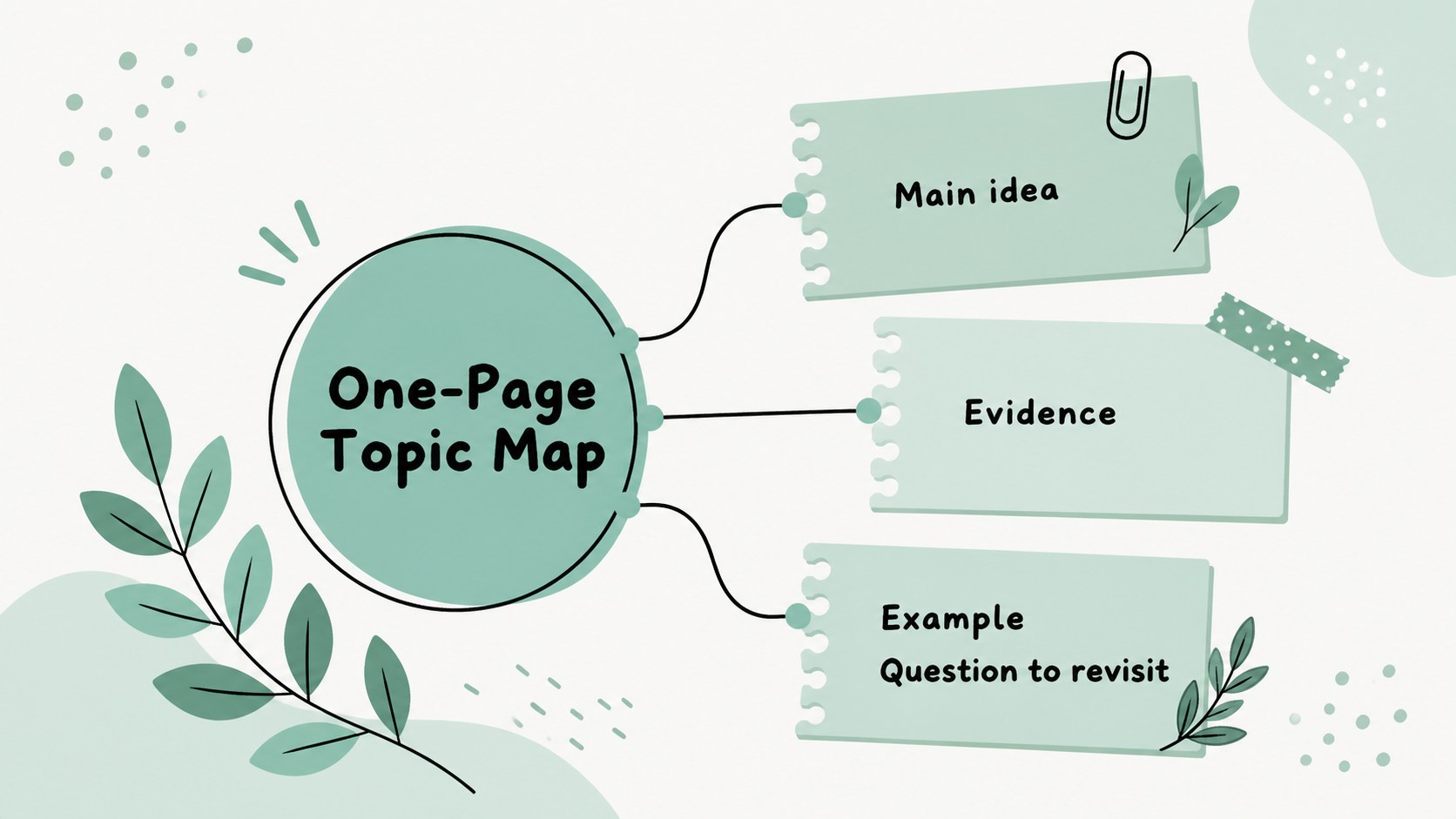
Make revision more active with a green study cards presentation built for organized, low-pressure exam preparation. Its friendly doodle aesthetic, soft pastel accents, and notebook-inspired details give students a visual way to sort definitions, questions, answers, and quick reminders without making the material feel overwhelming.
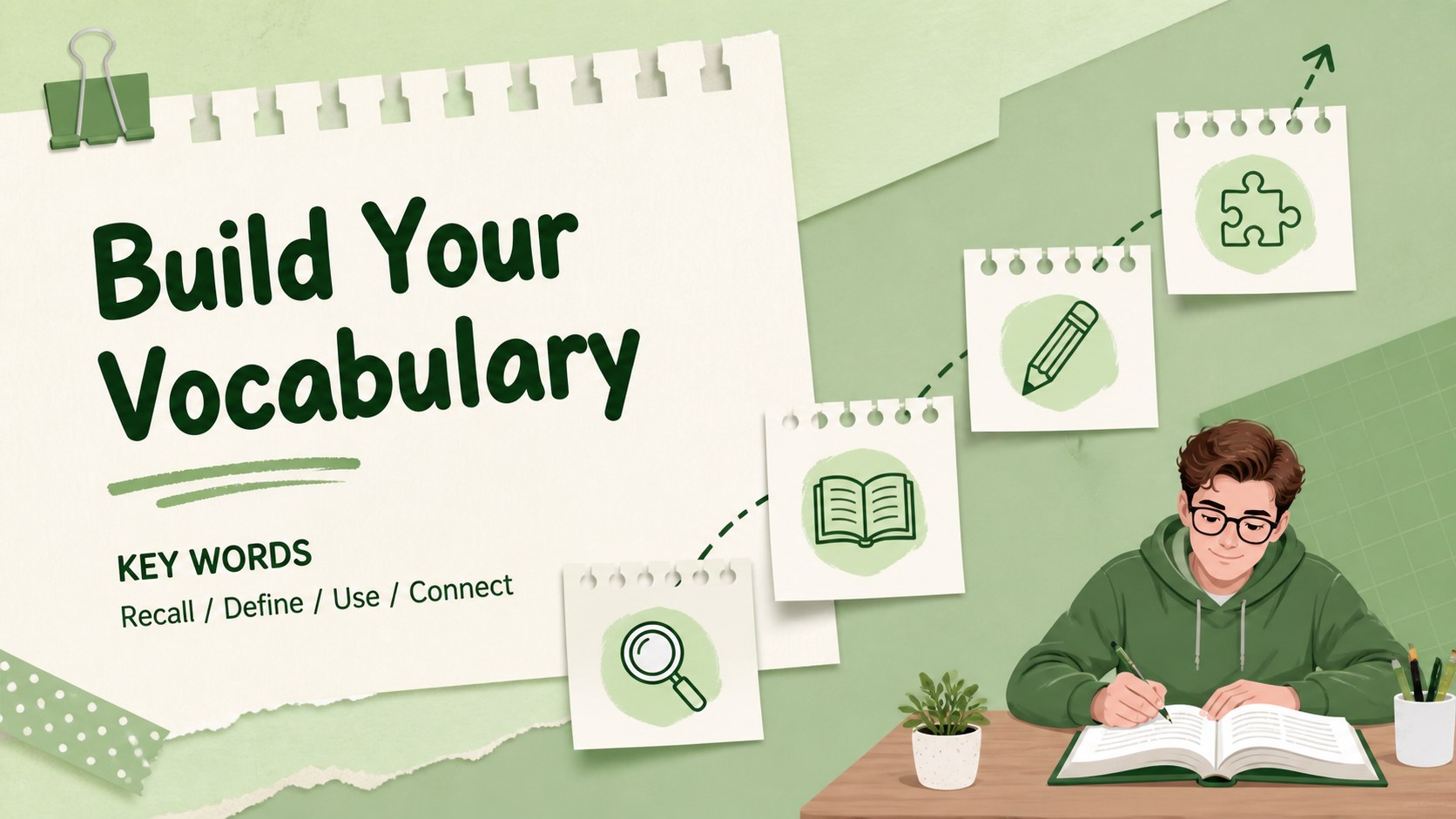
Inside, you’ll find more than 25 adaptable slides for vocabulary drills, subject summaries, matching activities, multiple-choice checks, geography facts, literature notes, and final review rounds. Use the layouts as editable revision flashcards, a classroom recap, or a student test prep deck. Question-and-answer cards, comparison pages, progress prompts, and closing recap slides make it easy to build a complete study sequence from one consistent design system.
This resource works well for teachers, tutors, homeschool families, and students preparing for quizzes, midterms, finals, or independent study sessions. Edit the wording, colors, illustrations, and examples in PowerPoint or Google Slides, then share the finished deck with classmates or learners. It can also serve as interactive study guide slides for a small group lesson, peer review activity, or last-minute knowledge check.
Perfect for: final exam review session; vocabulary practice lesson; peer quiz activity; tutor-led revision workshop; homeschool study guide; subject recap presentation.
Frequently asked questions
Can I edit the study cards in PowerPoint? Yes. The presentation is compatible with PowerPoint, so you can change text, colors, illustrations, layouts, and examples. Duplicate or remove cards to match the length of your review session.
Practical details
Yes. The presentation is compatible with PowerPoint, so you can change text, colors, illustrations, layouts, and examples. Duplicate or remove cards to match the length of your review session.
Yes, you can open and customize the deck in Google Slides. Check fonts and transitions after importing, then adjust any elements that need platform-specific formatting.
Absolutely. The layouts are designed for any subject that benefits from prompts, answers, definitions, or quick recall. Replace the sample content with science terms, history dates, mathematics rules, or language vocabulary.
Update the card text first, then reorder slides into a logical study path. You can also adapt the pastel palette, add course-specific graphics, and include your own recap questions for a more personal classroom experience.
Keep exploring
15Build stronger academic arguments with a college essay thesis builder featuring guided examples, revision prompts, and editable PowerPoint and Google Slides.
 15
15Build an engaging World UFO Day session with this flying saucer history lesson deck, featuring retro green-and-brown slides for PowerPoint and Google Slides.
 14
14Plan a memorable Lunar New Year campaign with the 2036 Dragon Year Celebration Theme, featuring bold red-and-yellow slides for lessons and events.
 15
15Build a thoughtful classroom discussion with this interfaith awareness lesson deck, featuring editable blue-and-white slides for PowerPoint and Google Slides.
 15
15Use this environmental awareness lesson deck to teach climate action through illustrated activities, discussion prompts, and ready-to-edit visuals.
 15
15Build playful lessons and party stories with a kid-friendly zombie celebration theme in purple, green and pastel blue for PowerPoint and Google Slides.
 15
15Build eerie lessons, campaigns, and story pitches with an undead survival scenario theme featuring editable slides for PowerPoint and Google Slides.
 16
16Turn environmental research into a clear story with a Watercolor Ecology Presentation Theme for PowerPoint and Google Slides in calming green and blue.