
 15
15presentation
College Essay Thesis Builder Slides
Build stronger academic arguments with a college essay thesis builder featuring guided examples, revision prompts, and editable PowerPoint and Google Slides.
Google SlidesPowerPoint
presentation · English
Build engaging lessons, school programs, and education updates with a green learning hub presentation theme made for PowerPoint and Google Slides.
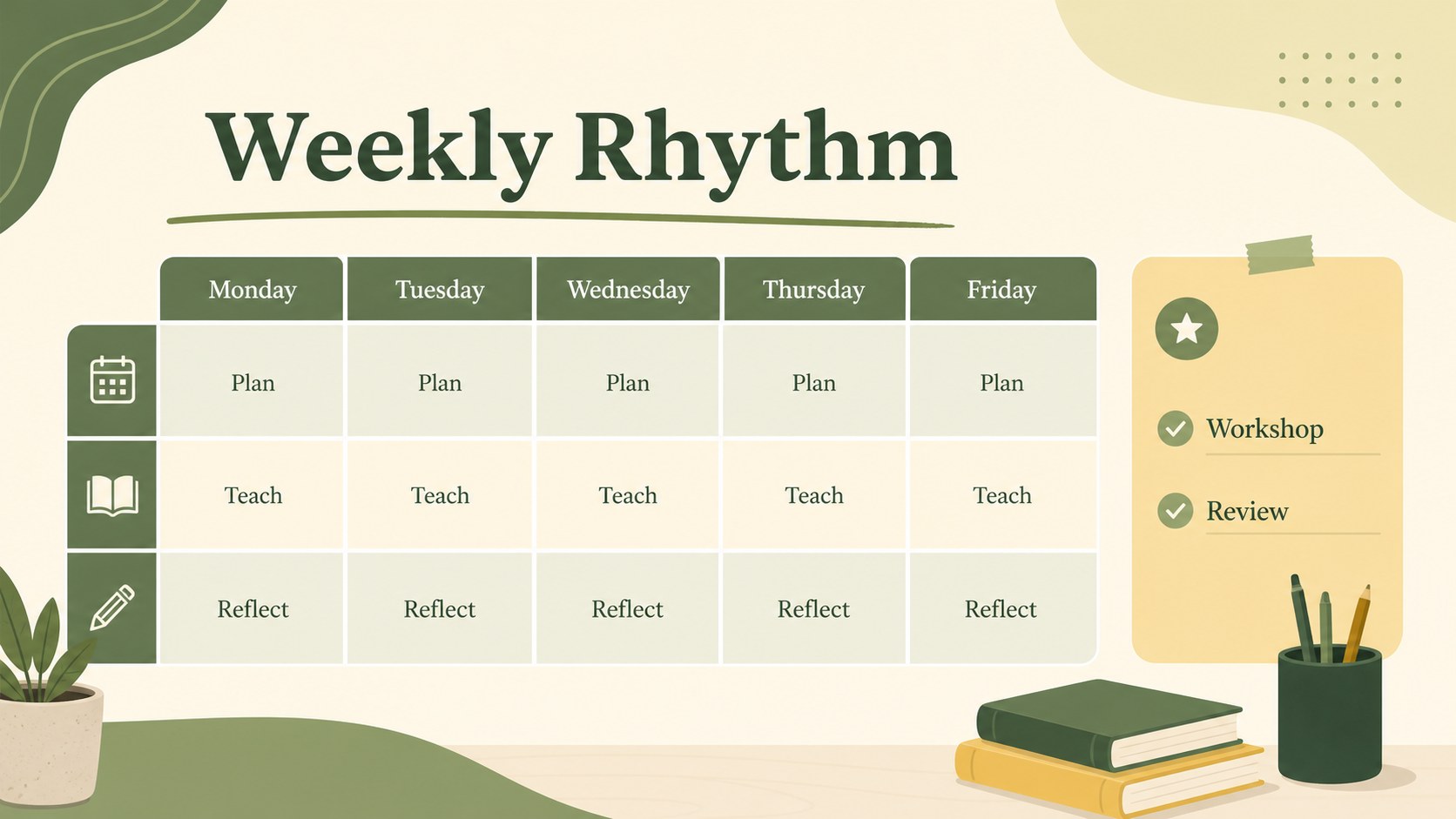
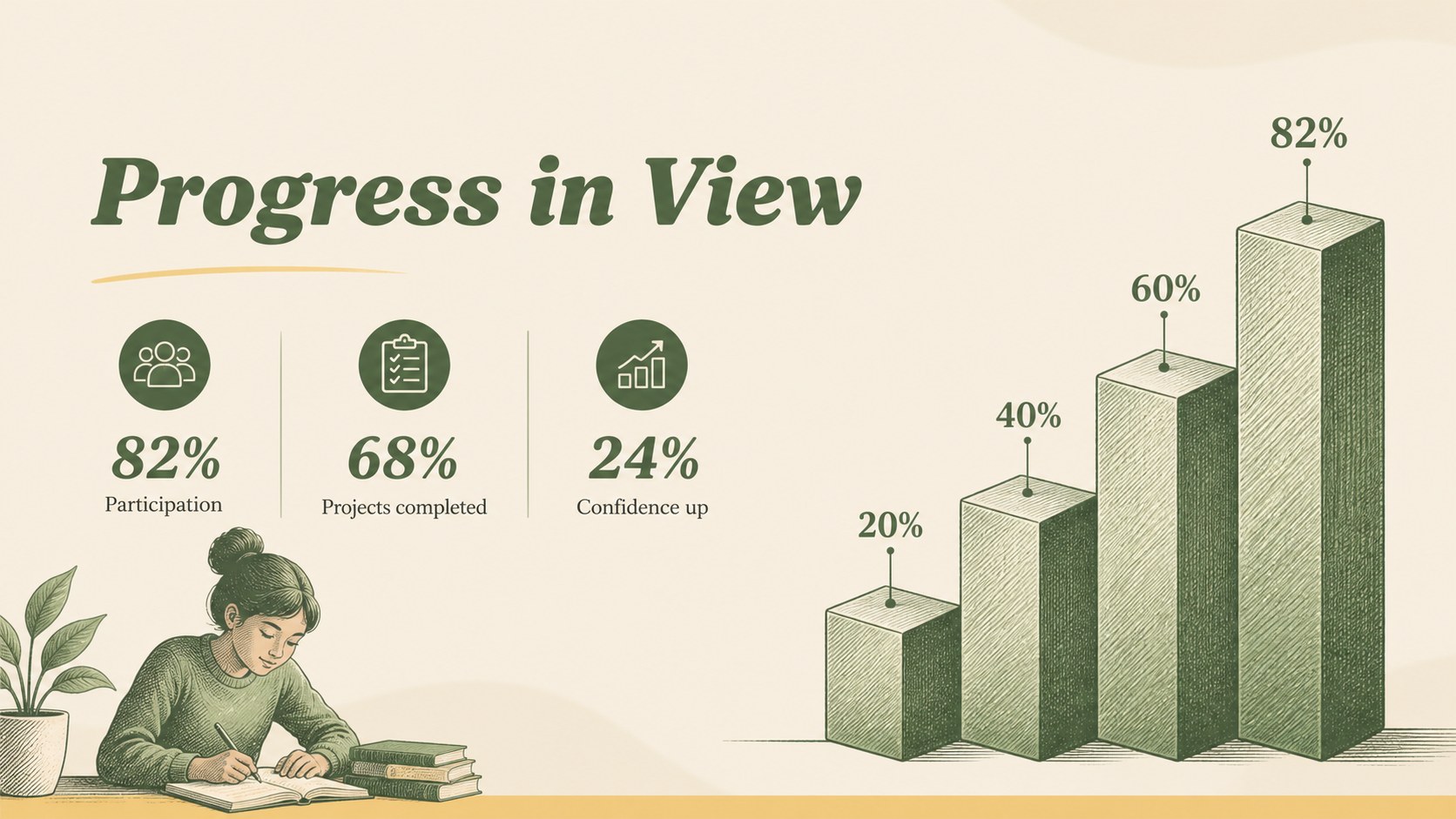
Design notes
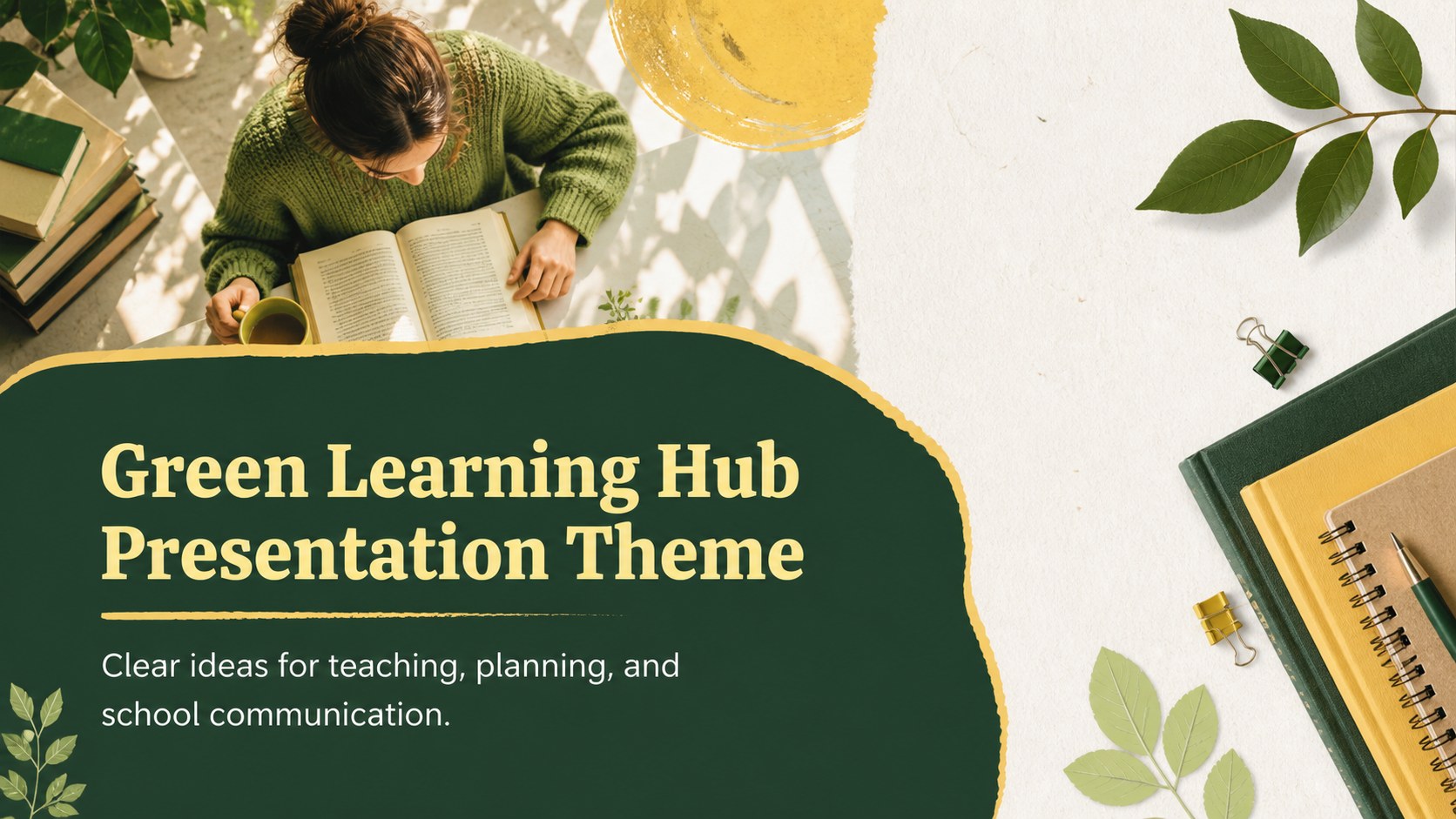
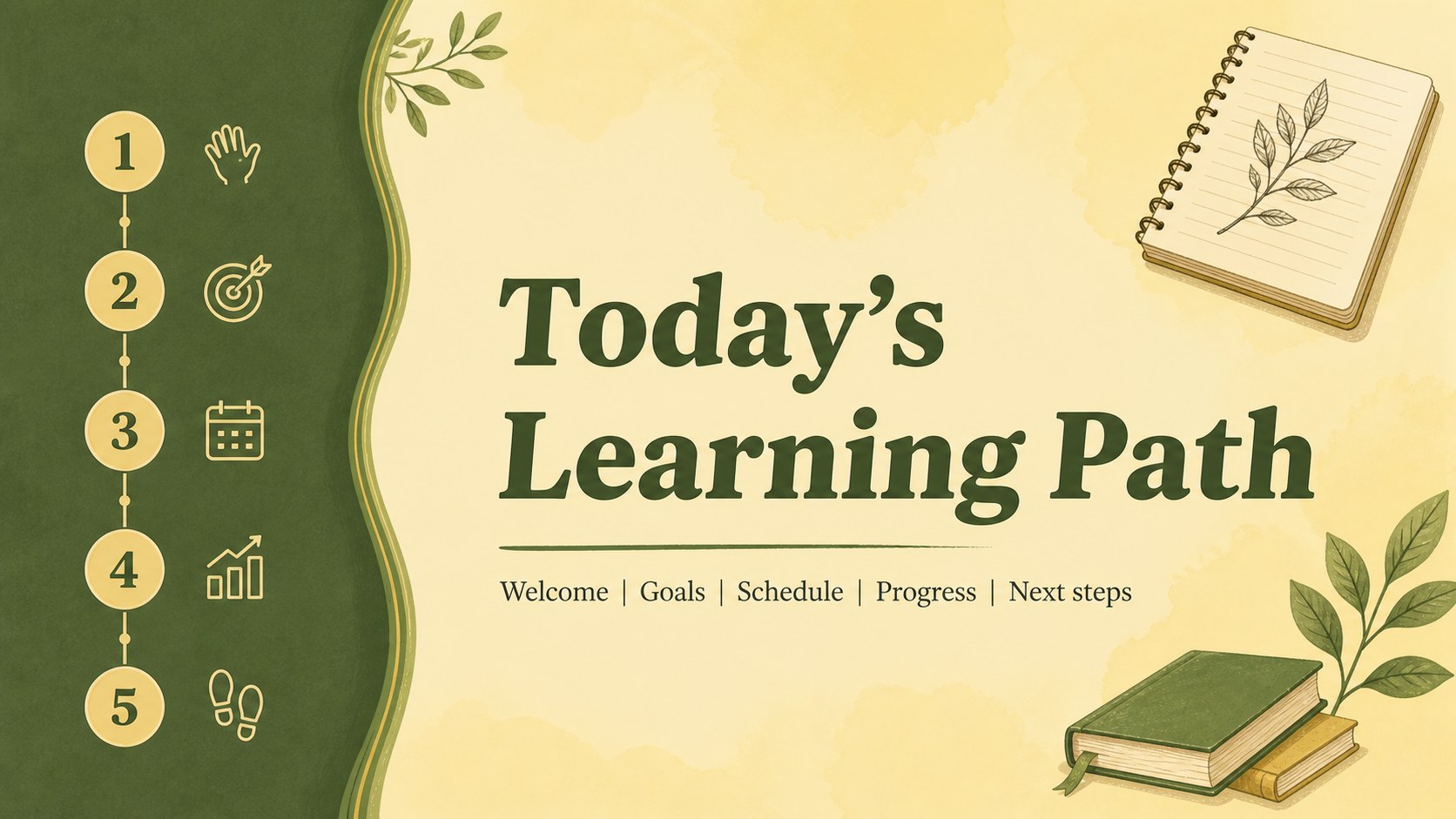
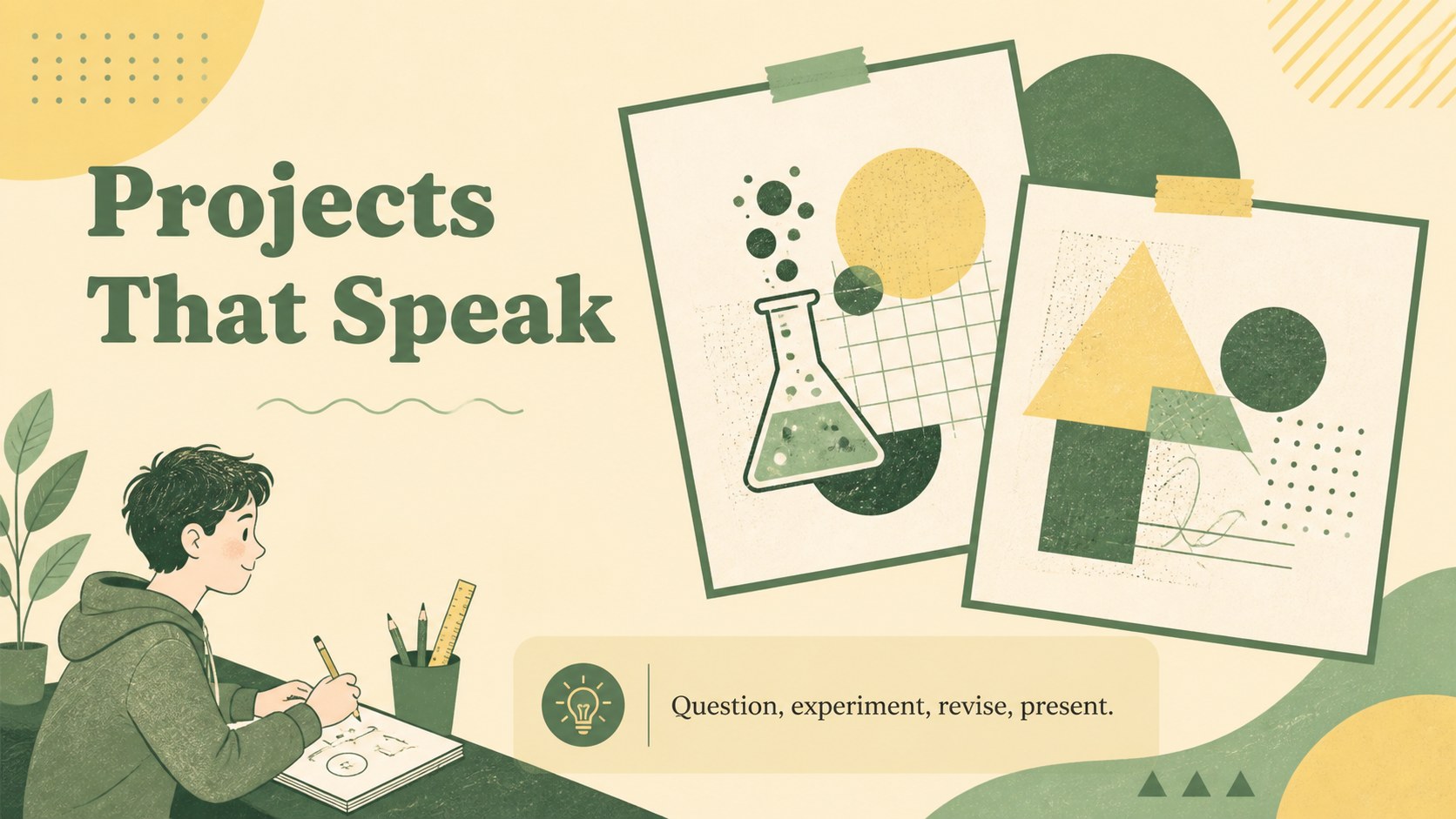
Make teaching, planning, and school communication more engaging with this green learning hub presentation theme. Designed around a fresh green-and-yellow academic palette, the deck combines editorial typography, playful visual accents, and organized layouts for clear storytelling. It works well for educators, school administrators, tutors, student leaders, and anyone preparing an education-focused presentation.
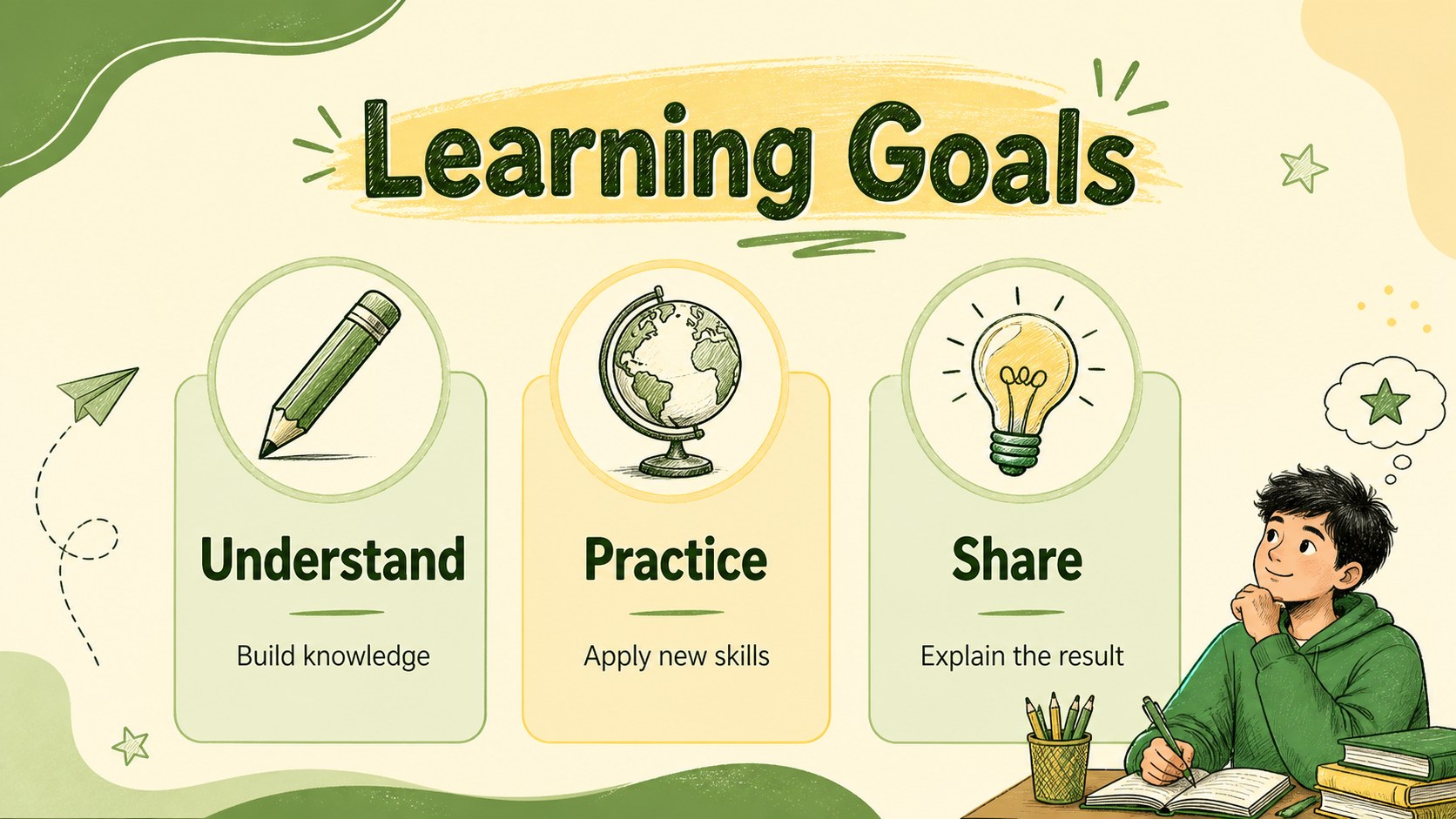
Inside, you’ll find adaptable pages for an opening message, agenda, class or program overview, learning goals, schedules, milestones, statistics, reminders, project highlights, and a closing summary. Use the layouts to introduce a new school initiative, explain a curriculum, present classroom research, or share progress with families and colleagues. The visual system is also a strong fit for a green education presentation template collection or a school program slides for teachers resource.
Edit the deck, then export it for PowerPoint or Google Slides when needed. Replace sample copy, adjust the green and yellow accents, and add charts, photos, icons, or classroom details to match your institution. Whether you are building a lesson presentation, staff briefing, student portfolio, or academic event overview, the layouts help turn practical information into a polished visual narrative.
Perfect for: classroom lesson presentation; school program launch; teacher staff briefing; student project showcase; curriculum overview; academic event presentation.
Frequently asked questions
Can I edit this template? Yes. The template is designed for editing, where you can change text, colors, images, charts, and layout elements. ’s drag-and-drop editor makes it easy to adapt the deck for different classes or school programs.
Practical details
Yes. The template is designed for editing, where you can change text, colors, images, charts, and layout elements. ’s drag-and-drop editor makes it easy to adapt the deck for different classes or school programs.
Yes. After editing, export the presentation as a PowerPoint file or transfer it to Google Slides through ’s sharing options. Some -only features may need to be adjusted after export.
Yes. Update the document colors to match your school, classroom, or event branding. You can also replace the sample images, icons, charts, and typography while keeping the overall academic aesthetic.
The layouts support lessons, curriculum plans, schedules, learning goals, academic statistics, project updates, and school initiatives. They can be used by teachers, administrators, tutors, and students.
Keep exploring
15Build stronger academic arguments with a college essay thesis builder featuring guided examples, revision prompts, and editable PowerPoint and Google Slides.
 15
15Build an engaging World UFO Day session with this flying saucer history lesson deck, featuring retro green-and-brown slides for PowerPoint and Google Slides.
 14
14Plan a memorable Lunar New Year campaign with the 2036 Dragon Year Celebration Theme, featuring bold red-and-yellow slides for lessons and events.
 15
15Build a thoughtful classroom discussion with this interfaith awareness lesson deck, featuring editable blue-and-white slides for PowerPoint and Google Slides.
 15
15Use this environmental awareness lesson deck to teach climate action through illustrated activities, discussion prompts, and ready-to-edit visuals.
 15
15Build playful lessons and party stories with a kid-friendly zombie celebration theme in purple, green and pastel blue for PowerPoint and Google Slides.
 15
15Build eerie lessons, campaigns, and story pitches with an undead survival scenario theme featuring editable slides for PowerPoint and Google Slides.
 16
16Turn environmental research into a clear story with a Watercolor Ecology Presentation Theme for PowerPoint and Google Slides in calming green and blue.