
 15
15presentation
College Essay Thesis Builder Slides
Build stronger academic arguments with a college essay thesis builder featuring guided examples, revision prompts, and editable PowerPoint and Google Slides.
Google SlidesPowerPoint
presentation · English
Build lively lessons with a green classroom slide theme featuring doodle accents, editable layouts, charts, and activity pages for PowerPoint and Google…
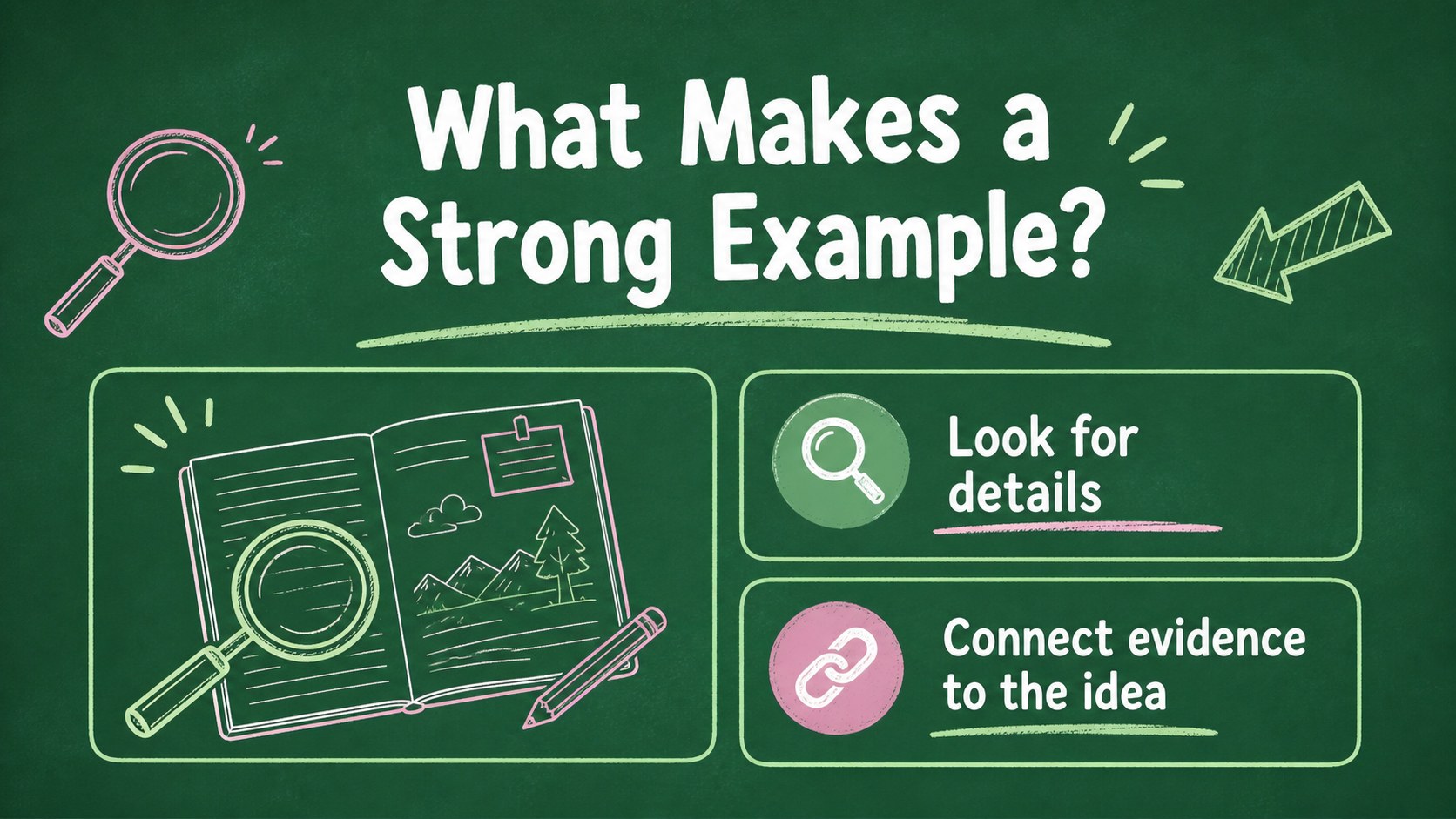
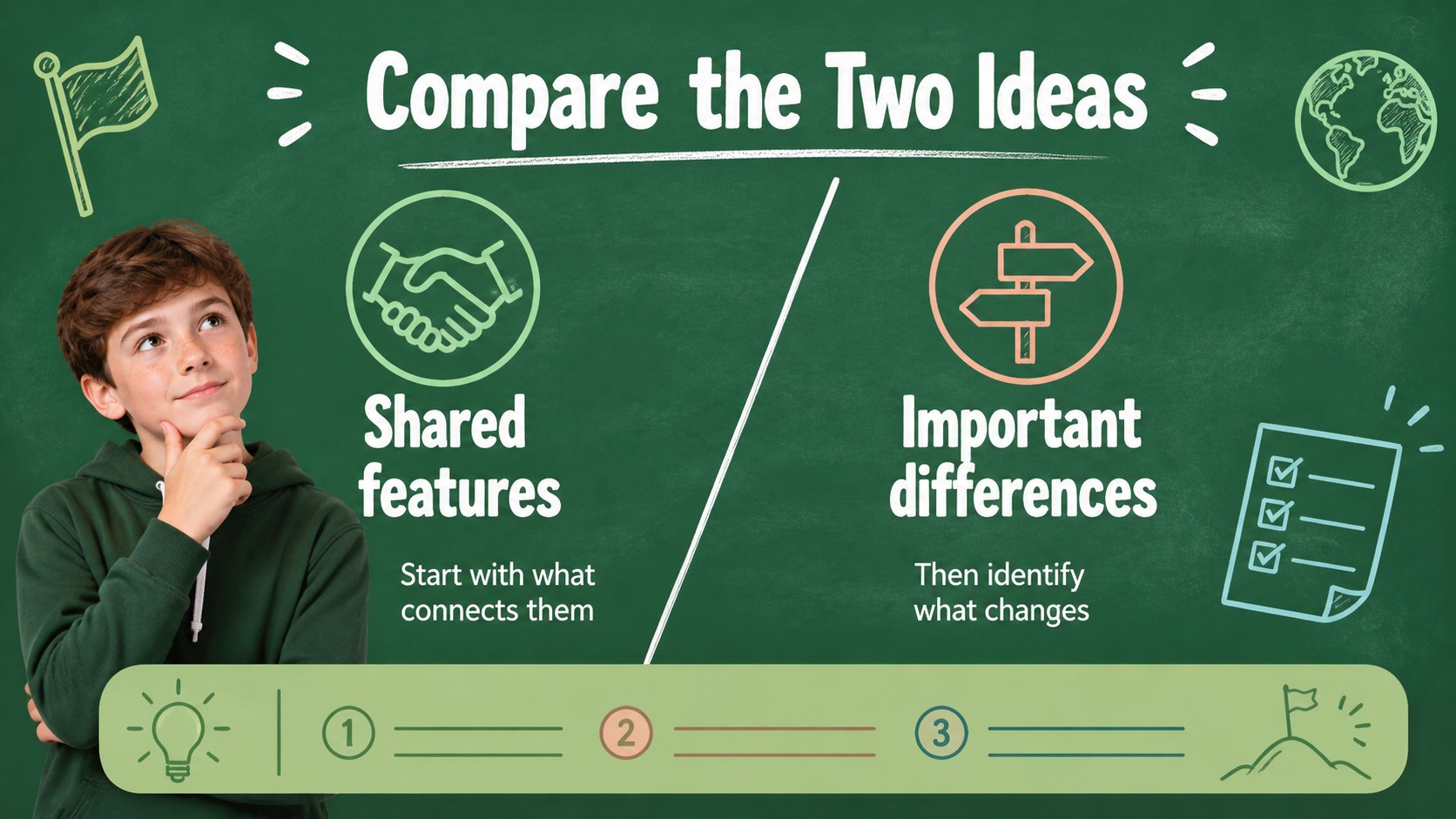
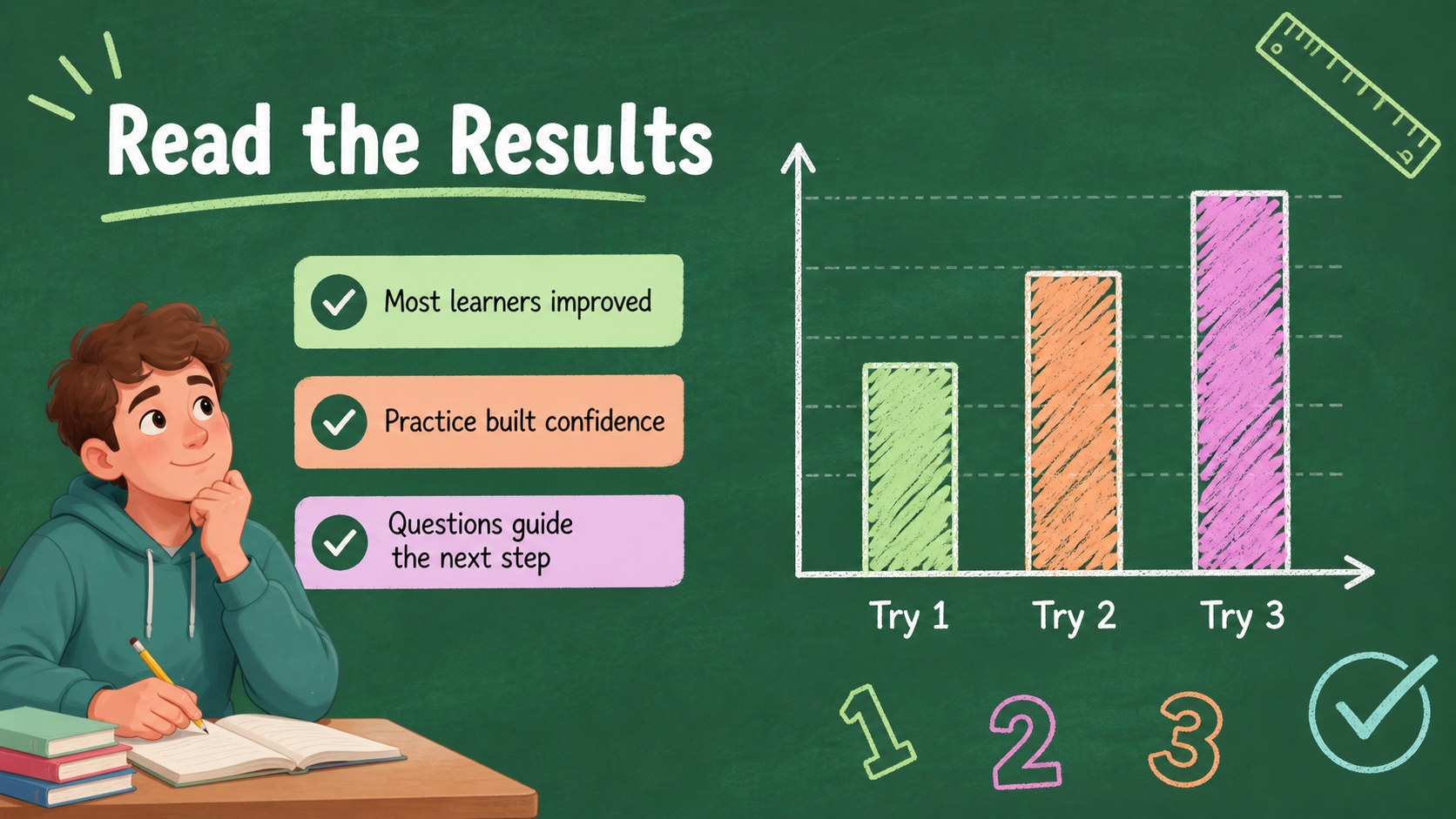
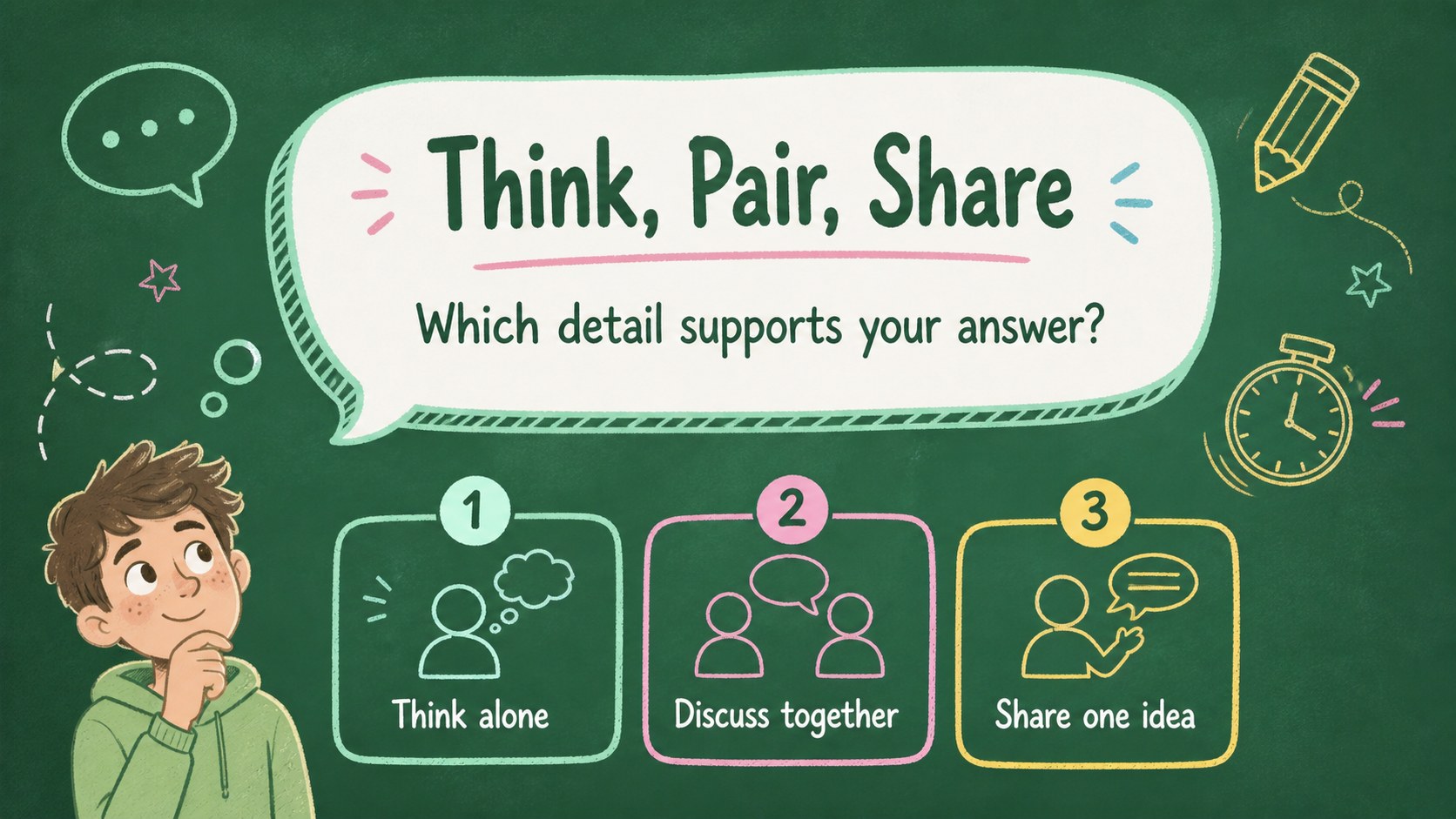
Design notes
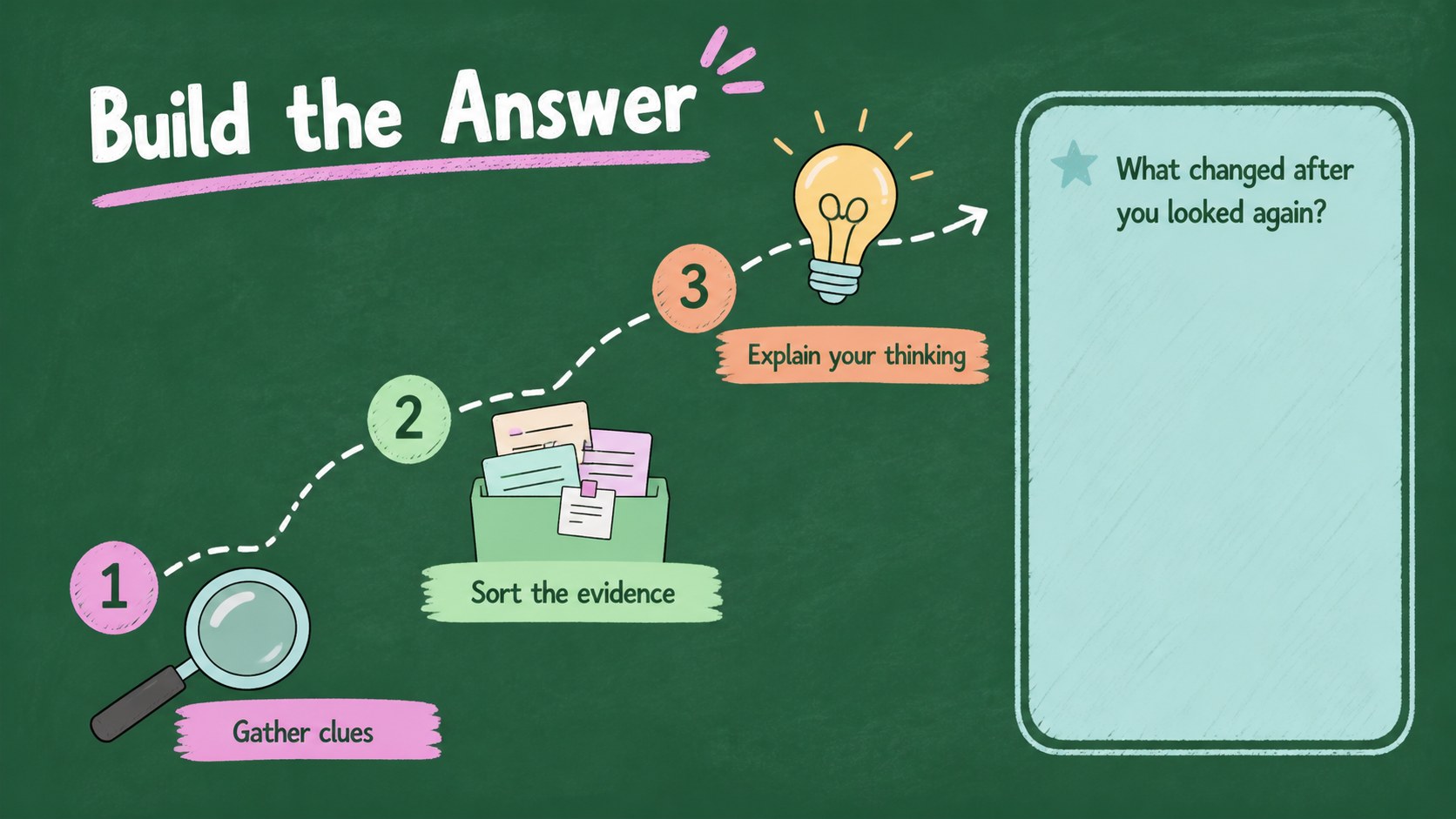
Bring a warm, approachable look to teaching materials with this green classroom slide theme. Its soft chalkboard-inspired backdrop, pastel accents, hand-drawn details, and friendly layouts help educators present information without making the lesson feel overly formal. The visual system works especially well for elementary and middle school subjects, but it can also support workshops, tutoring sessions, nonprofit programs, and family learning events.
Inside, you’ll find more than 25 editable slide layouts for introductions, learning goals, lesson sequences, vocabulary, examples, comparisons, worksheets, charts, timelines, and recap activities. Use the green educational presentation template to organize a full class session, or select individual pages for a project briefing or short review. Doodles, frames, tables, shapes, and diagram elements provide flexible ways to highlight key ideas while keeping the deck easy to scan.
The files work with PowerPoint and Google Slides, so you can adjust text, colors, illustrations, and data in the presentation software you already use. Add your own worksheets, classroom rules, quiz questions, or subject imagery to create a cohesive lesson deck. The result is a cheerful, structured teaching resource that gives students clear visual cues from the opening prompt through the final recap.
Perfect for: elementary science lesson; middle school math review; teacher workshop; student project presentation; after-school tutoring session.
Frequently asked questions
Can I edit this template in PowerPoint? Yes. The presentation is designed for PowerPoint, where you can replace text, update charts, modify colors, and rearrange the editable elements. Keep the original slide proportions to preserve the intended layout.
Practical details
Yes. The presentation is designed for PowerPoint, where you can replace text, update charts, modify colors, and rearrange the editable elements. Keep the original slide proportions to preserve the intended layout.
Yes, you can open the file in Google Slides and customize the text, shapes, diagrams, and page order. Review fonts and line spacing after importing because substituted fonts may slightly change positioning.
Absolutely. The layouts can support language arts, science, history, classroom routines, and project-based learning. Replace the sample diagrams and doodles with subject-specific examples while keeping the green chalkboard visual system.
The charts, tables, frames, and activity layouts are editable elements rather than fixed images. You can change labels, values, prompts, and colors to match a particular class or learning objective.
Keep exploring
15Build stronger academic arguments with a college essay thesis builder featuring guided examples, revision prompts, and editable PowerPoint and Google Slides.
 15
15Build an engaging World UFO Day session with this flying saucer history lesson deck, featuring retro green-and-brown slides for PowerPoint and Google Slides.
 14
14Plan a memorable Lunar New Year campaign with the 2036 Dragon Year Celebration Theme, featuring bold red-and-yellow slides for lessons and events.
 15
15Build a thoughtful classroom discussion with this interfaith awareness lesson deck, featuring editable blue-and-white slides for PowerPoint and Google Slides.
 15
15Use this environmental awareness lesson deck to teach climate action through illustrated activities, discussion prompts, and ready-to-edit visuals.
 15
15Build playful lessons and party stories with a kid-friendly zombie celebration theme in purple, green and pastel blue for PowerPoint and Google Slides.
 15
15Build eerie lessons, campaigns, and story pitches with an undead survival scenario theme featuring editable slides for PowerPoint and Google Slides.
 16
16Turn environmental research into a clear story with a Watercolor Ecology Presentation Theme for PowerPoint and Google Slides in calming green and blue.