
 15
15presentation
College Essay Thesis Builder Slides
Build stronger academic arguments with a college essay thesis builder featuring guided examples, revision prompts, and editable PowerPoint and Google Slides.
Google SlidesPowerPoint
presentation · English
Plan lectures, labs, study blocks, and downtime with a green campus weekly organizer made for simple editing in PowerPoint and Google Slides.
Design notes
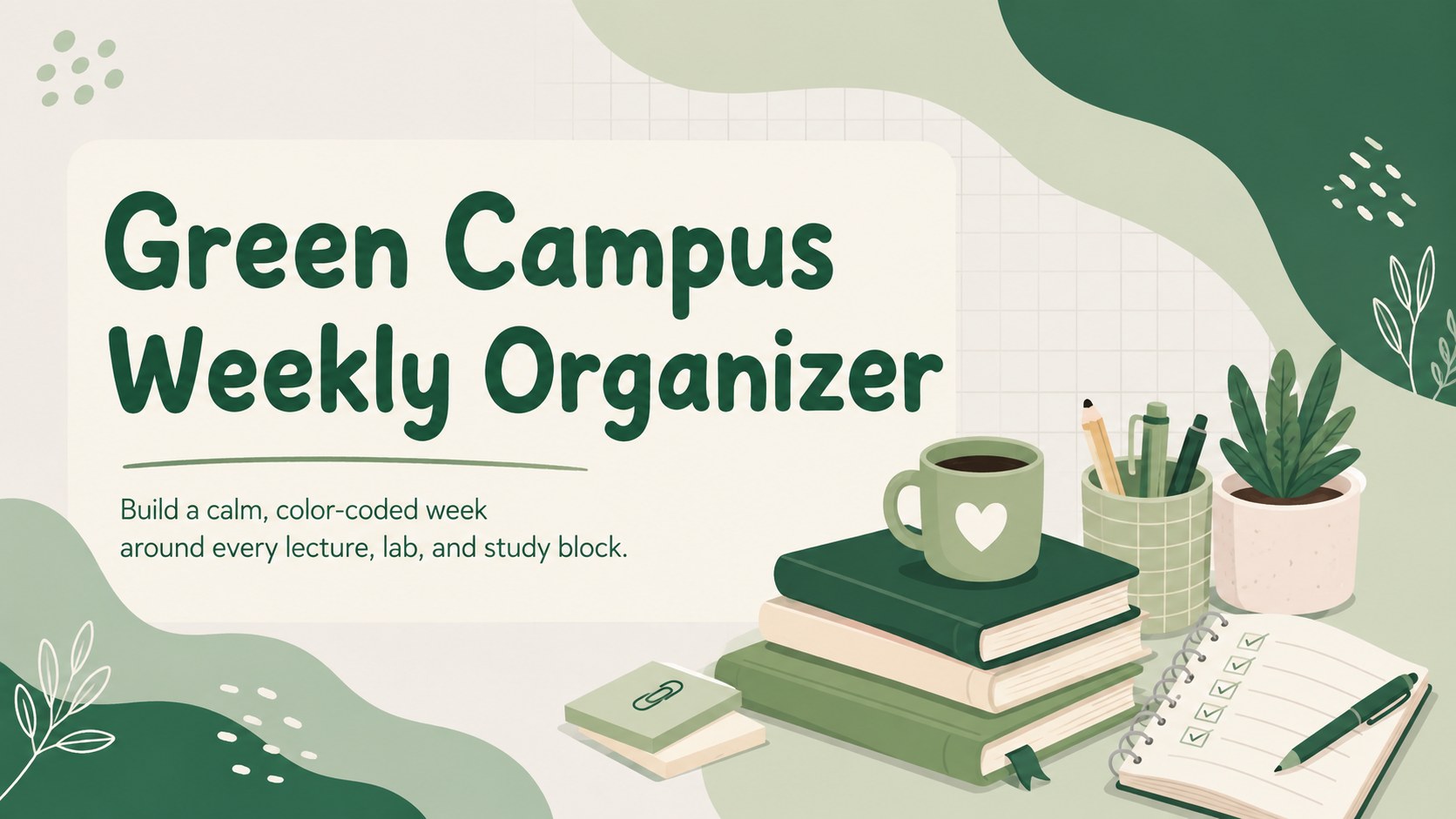
Bring structure to a packed academic routine with the Green Campus Weekly Organizer. Designed for college and university students, this editable planning deck provides a clear place for classes, independent study, assignments, activities, and personal time. Its cheerful green palette and playful school-inspired details keep planning approachable without making the layouts difficult to scan.
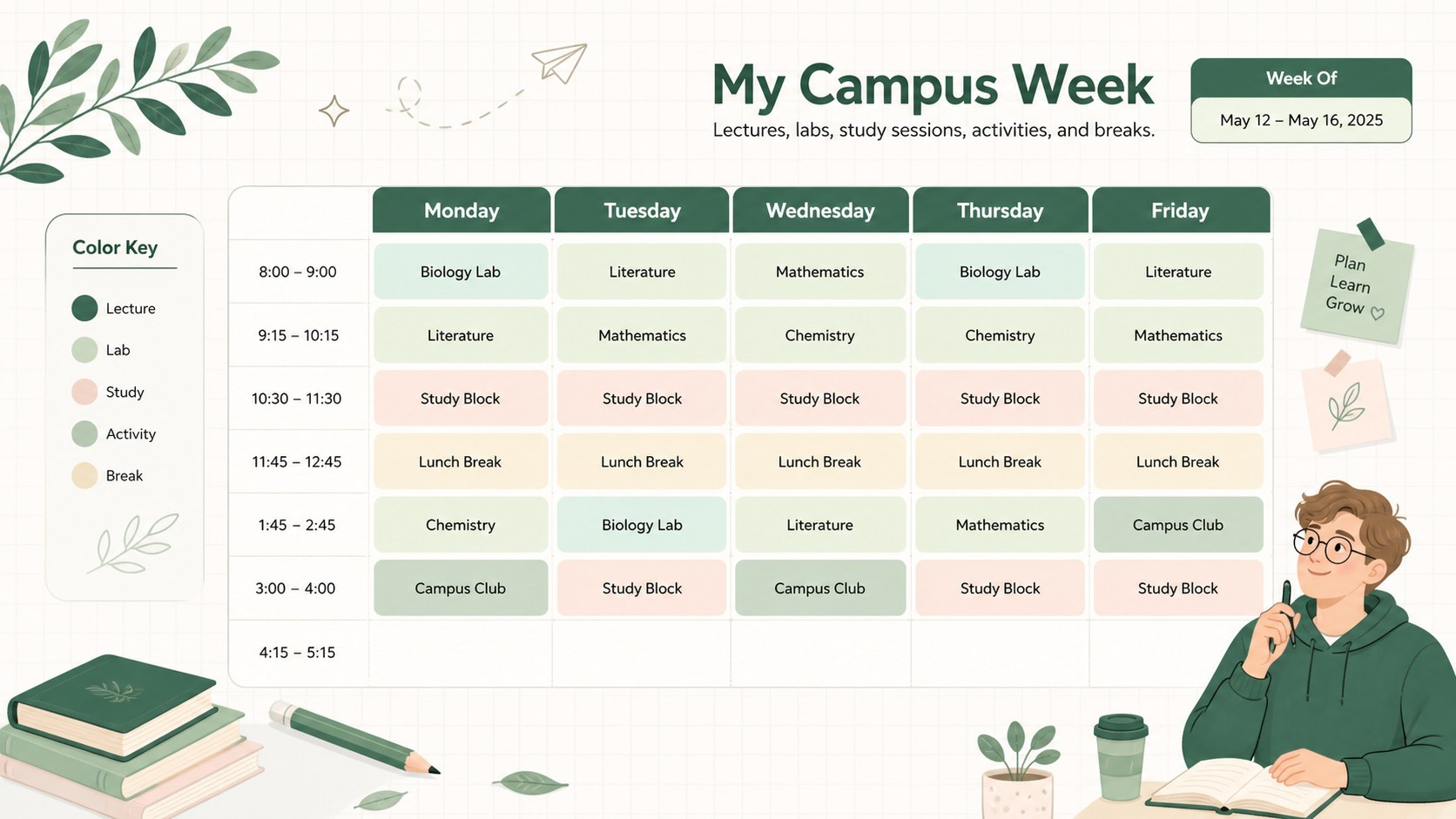
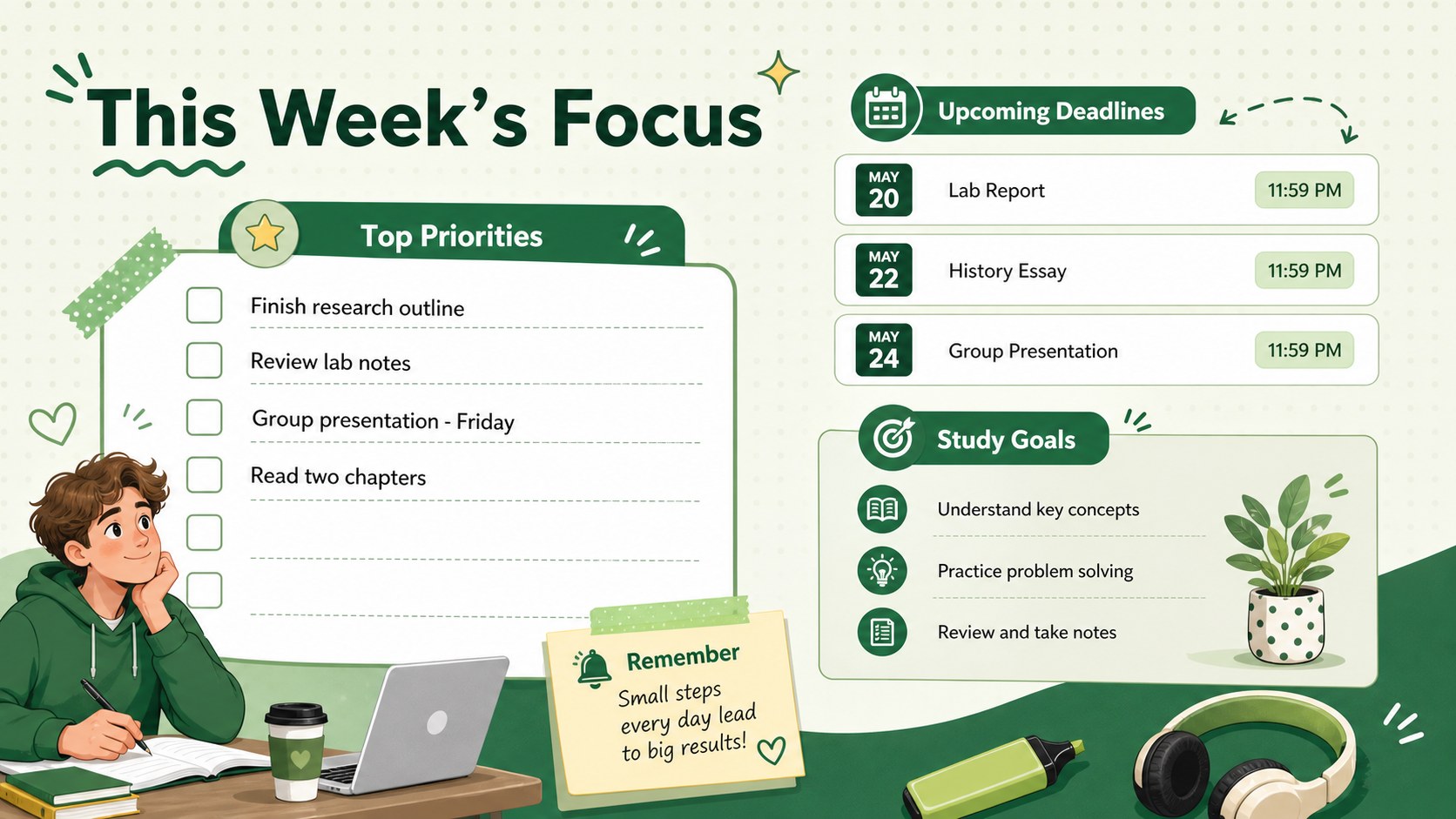
The template includes three coordinated layouts: a welcoming cover, an editable university weekly timetable, and a priorities page for deadlines, study goals, and reminders. Use the schedule to organize recurring lectures and labs, then turn to the planning page to track important coursework throughout the week. Every section can be adjusted with your own course names, times, notes, and color categories.
This weekly lecture and study planner works well for mapping a new term, balancing coursework with campus activities, or preparing for a demanding exam period. It is also useful for academic advisers, tutors, and orientation teams creating semester planning slides for students. Edit the text, fonts, shapes, and colors in PowerPoint or Google Slides, duplicate layouts for additional weeks, and keep an easy-to-follow visual plan close at hand.
Perfect for: weekly lecture planning; semester schedule setup; study session tracking; coursework deadline management; student orientation planning.
Frequently asked questions
Can I edit the organizer in PowerPoint and Google Slides? Yes. The layouts are designed for editing in both PowerPoint and Google Slides, including the course labels, time slots, notes, colors, and type styles.
Practical details
Yes. The layouts are designed for editing in both PowerPoint and Google Slides, including the course labels, time slots, notes, colors, and type styles.
Replace the sample labels with your course names and adjust each block to match your weekly routine. You can also assign different colors to lectures, labs, study sessions, activities, and breaks.
Yes. Duplicate the timetable and priorities layouts, then update the dates, deadlines, and goals for each week of the semester.
The slides can be exported to PDF and printed after editing. Check your printer settings and use landscape orientation to preserve the 16:9 layout.
Keep exploring
15Build stronger academic arguments with a college essay thesis builder featuring guided examples, revision prompts, and editable PowerPoint and Google Slides.
 15
15Build an engaging World UFO Day session with this flying saucer history lesson deck, featuring retro green-and-brown slides for PowerPoint and Google Slides.
 14
14Plan a memorable Lunar New Year campaign with the 2036 Dragon Year Celebration Theme, featuring bold red-and-yellow slides for lessons and events.
 15
15Build a thoughtful classroom discussion with this interfaith awareness lesson deck, featuring editable blue-and-white slides for PowerPoint and Google Slides.
 15
15Use this environmental awareness lesson deck to teach climate action through illustrated activities, discussion prompts, and ready-to-edit visuals.
 15
15Build playful lessons and party stories with a kid-friendly zombie celebration theme in purple, green and pastel blue for PowerPoint and Google Slides.
 15
15Build eerie lessons, campaigns, and story pitches with an undead survival scenario theme featuring editable slides for PowerPoint and Google Slides.
 16
16Turn environmental research into a clear story with a Watercolor Ecology Presentation Theme for PowerPoint and Google Slides in calming green and blue.