
 15
15presentation
College Essay Thesis Builder Slides
Build stronger academic arguments with a college essay thesis builder featuring guided examples, revision prompts, and editable PowerPoint and Google Slides.
Google SlidesPowerPoint
presentation · English
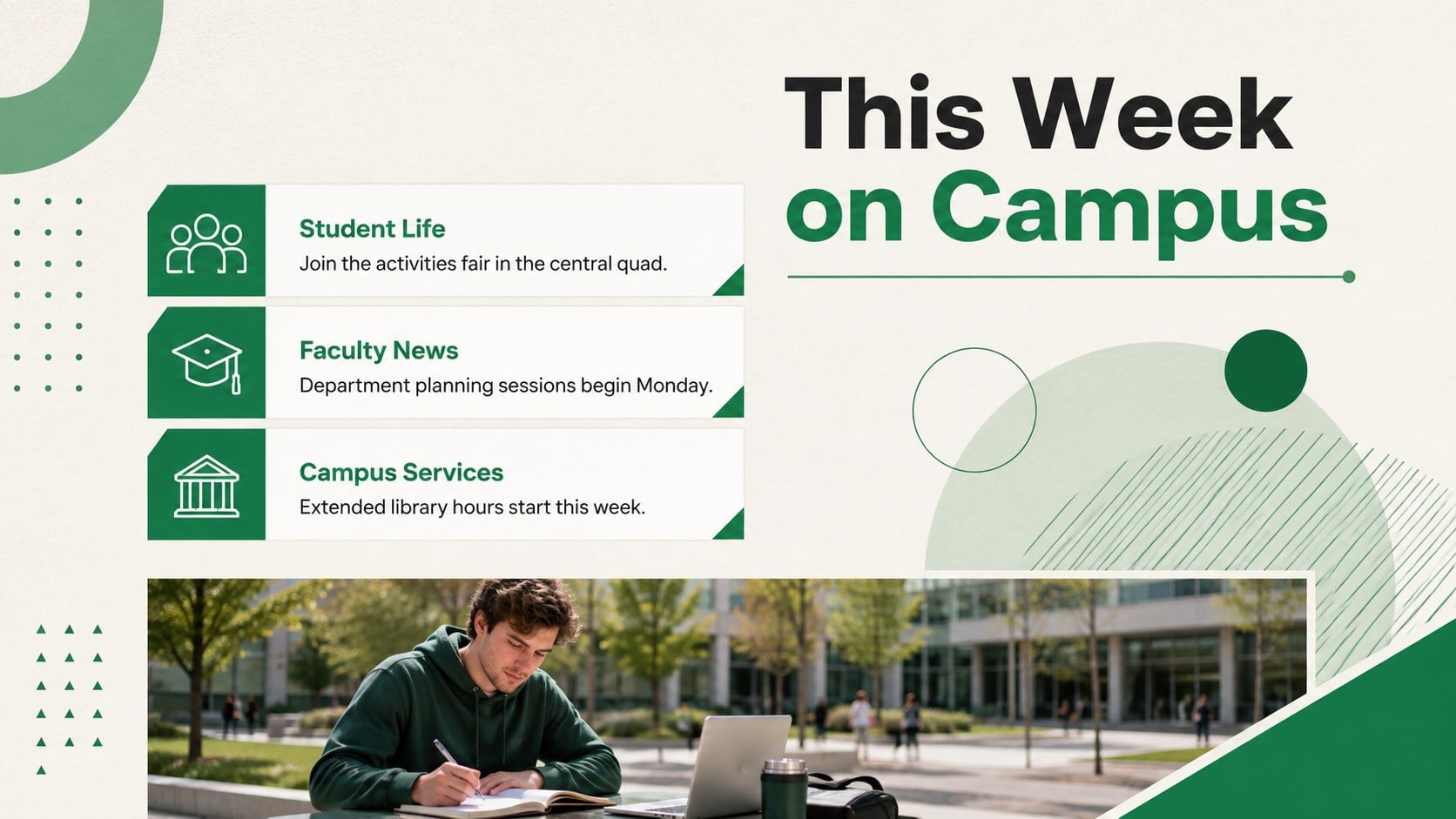
Keep faculty and students informed with a green campus bulletin presentation featuring clean geometric layouts for orientation, events, and academic updates.



Design notes
The green campus bulletin presentation gives university teams a clear, polished format for sharing timely information without crowding the screen. Minimal geometric shapes, structured typography, and a fresh green palette make announcements easy to scan during meetings, orientation sessions, and public information displays.
Across 16 editable widescreen slides, the deck provides layouts for opening messages, bulletin summaries, academic dates, department news, student activities, policy reminders, event schedules, and contact details. Use it as a university bulletin slide template for recurring communications or adapt its modular sections into academic calendar newsletter slides. A dedicated timeline helps organize upcoming milestones, while concise content blocks keep each update focused. Charts, icons, photo frames, lines, and editable shapes support both visual storytelling and practical reporting.
Designed for lecturers, faculty coordinators, student affairs teams, department administrators, and university communications staff, this green geometric campus presentation works in PowerPoint and Google Slides. Replace the sample wording, add institutional colors and a university logo, insert campus photography, and reorder sections to match your communication priorities. The 16:9 format is suitable for conference-room screens, orientation presentations, exported PDF bulletins, and digital signage. Animation and transition options can be adjusted or removed, and every layout is fully customizable for different departments, semesters, and campus audiences.
Perfect for: new student orientation briefing; faculty news roundup; academic calendar update; campus events announcement; student affairs bulletin; department meeting presentation.
Frequently asked questions
Which presentation platforms support this template? The deck is designed for PowerPoint and Google Slides. Its widescreen layouts, text areas, shapes, and image placeholders can be edited in either platform.
Practical details
The deck is designed for PowerPoint and Google Slides. Its widescreen layouts, text areas, shapes, and image placeholders can be edited in either platform.
Yes. Replace the green accents with institutional colors, update the typefaces, insert your logo, and add original campus photography while retaining the structured layouts.
The layouts accommodate academic dates, faculty messages, student activities, policy reminders, event schedules, department news, and contact information. Sections can be duplicated, removed, or reordered for each edition.
Yes. Export the completed deck as a PDF for email distribution or display individual slides on campus information screens. Review links and contact details before publishing.
Keep exploring
15Build stronger academic arguments with a college essay thesis builder featuring guided examples, revision prompts, and editable PowerPoint and Google Slides.
 15
15Build an engaging World UFO Day session with this flying saucer history lesson deck, featuring retro green-and-brown slides for PowerPoint and Google Slides.
 14
14Plan a memorable Lunar New Year campaign with the 2036 Dragon Year Celebration Theme, featuring bold red-and-yellow slides for lessons and events.
 15
15Build a thoughtful classroom discussion with this interfaith awareness lesson deck, featuring editable blue-and-white slides for PowerPoint and Google Slides.
 15
15Use this environmental awareness lesson deck to teach climate action through illustrated activities, discussion prompts, and ready-to-edit visuals.
 15
15Build playful lessons and party stories with a kid-friendly zombie celebration theme in purple, green and pastel blue for PowerPoint and Google Slides.
 15
15Build eerie lessons, campaigns, and story pitches with an undead survival scenario theme featuring editable slides for PowerPoint and Google Slides.
 16
16Turn environmental research into a clear story with a Watercolor Ecology Presentation Theme for PowerPoint and Google Slides in calming green and blue.