
 15
15presentation
College Essay Thesis Builder Slides
Build stronger academic arguments with a college essay thesis builder featuring guided examples, revision prompts, and editable PowerPoint and Google Slides.
Google SlidesPowerPoint
presentation · English
Make neuroscience easier to teach with a green brain science lesson deck featuring friendly diagrams and editable layouts for PowerPoint and Google Slides.
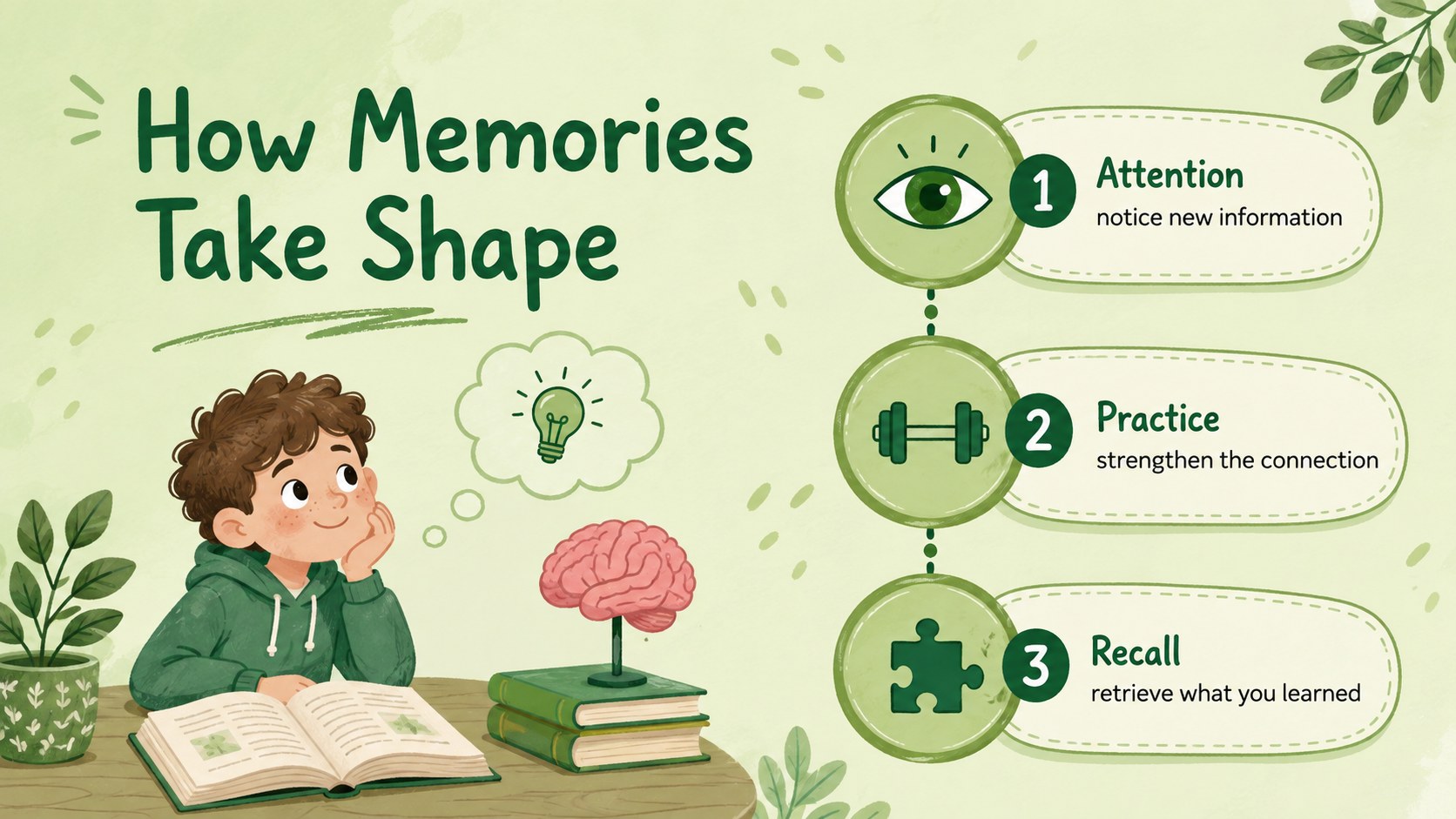
Design notes
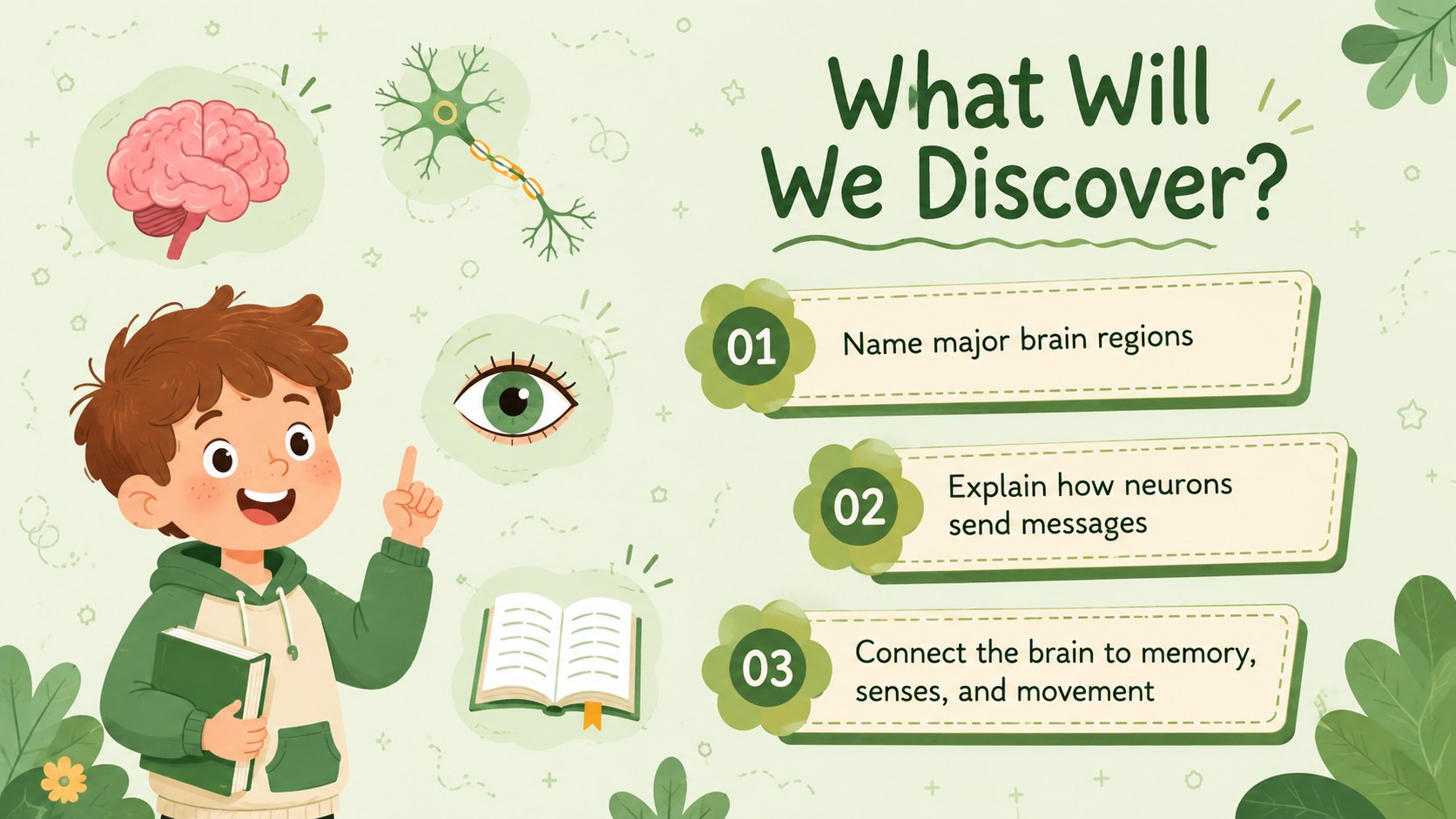
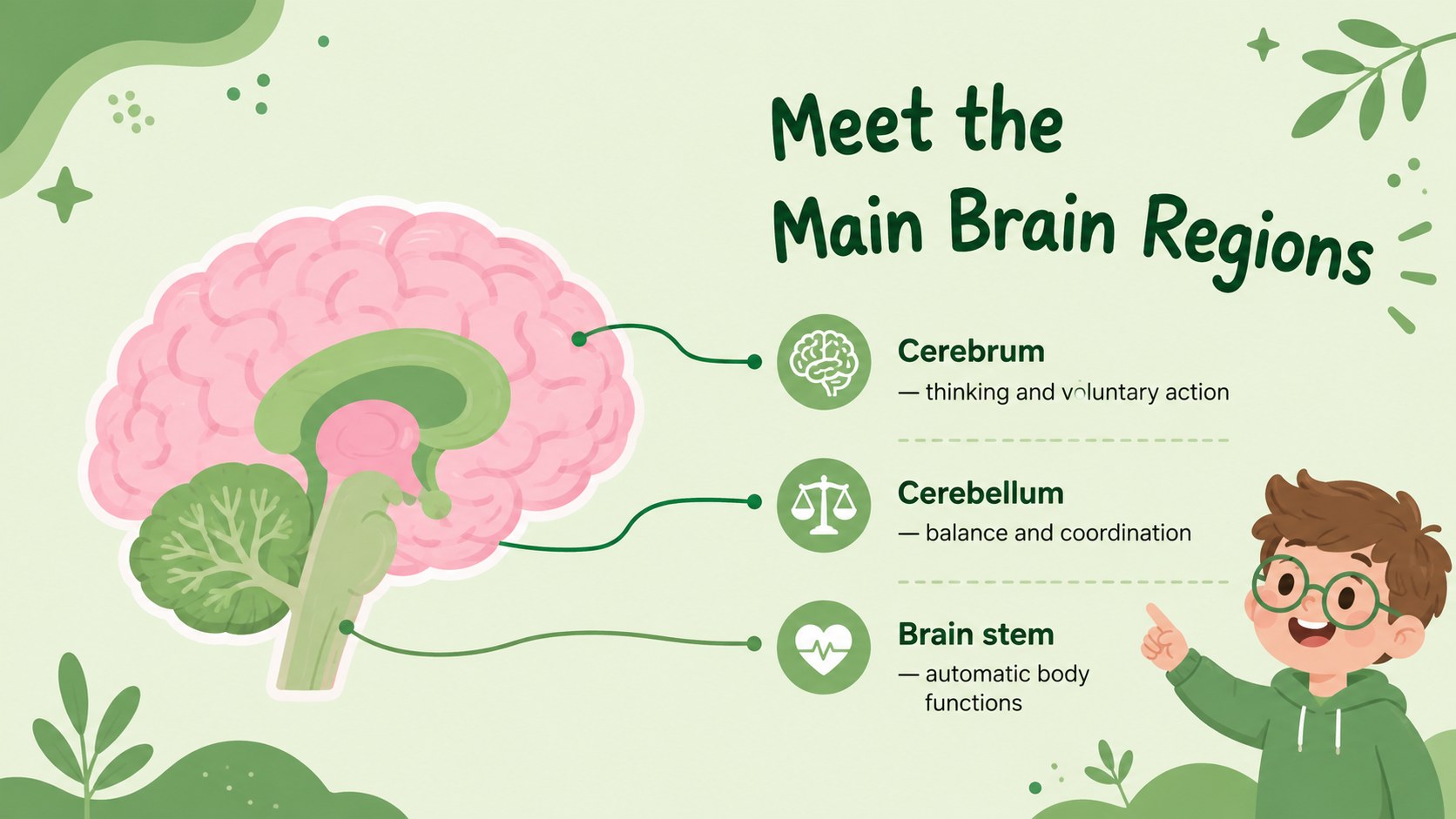
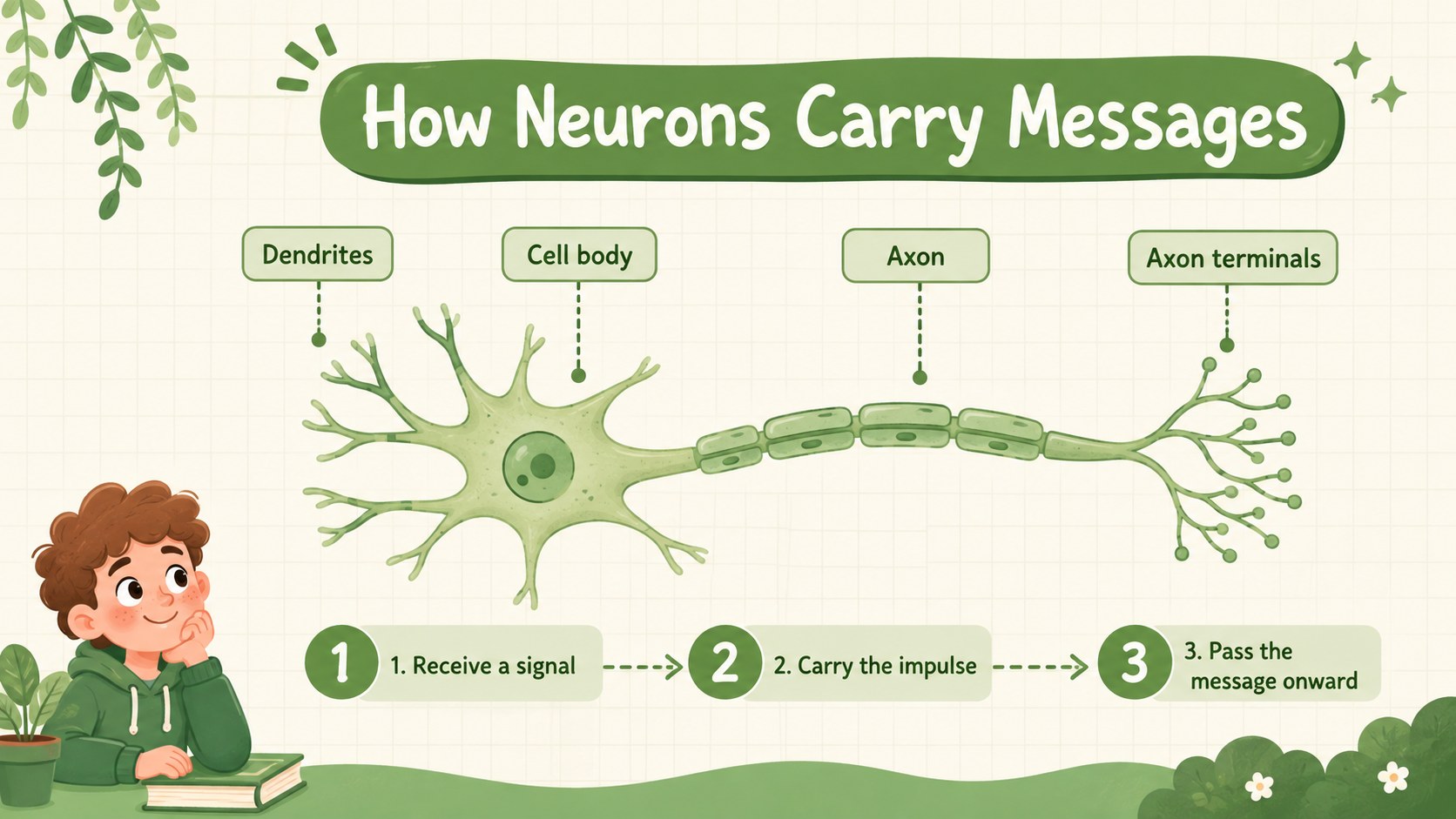
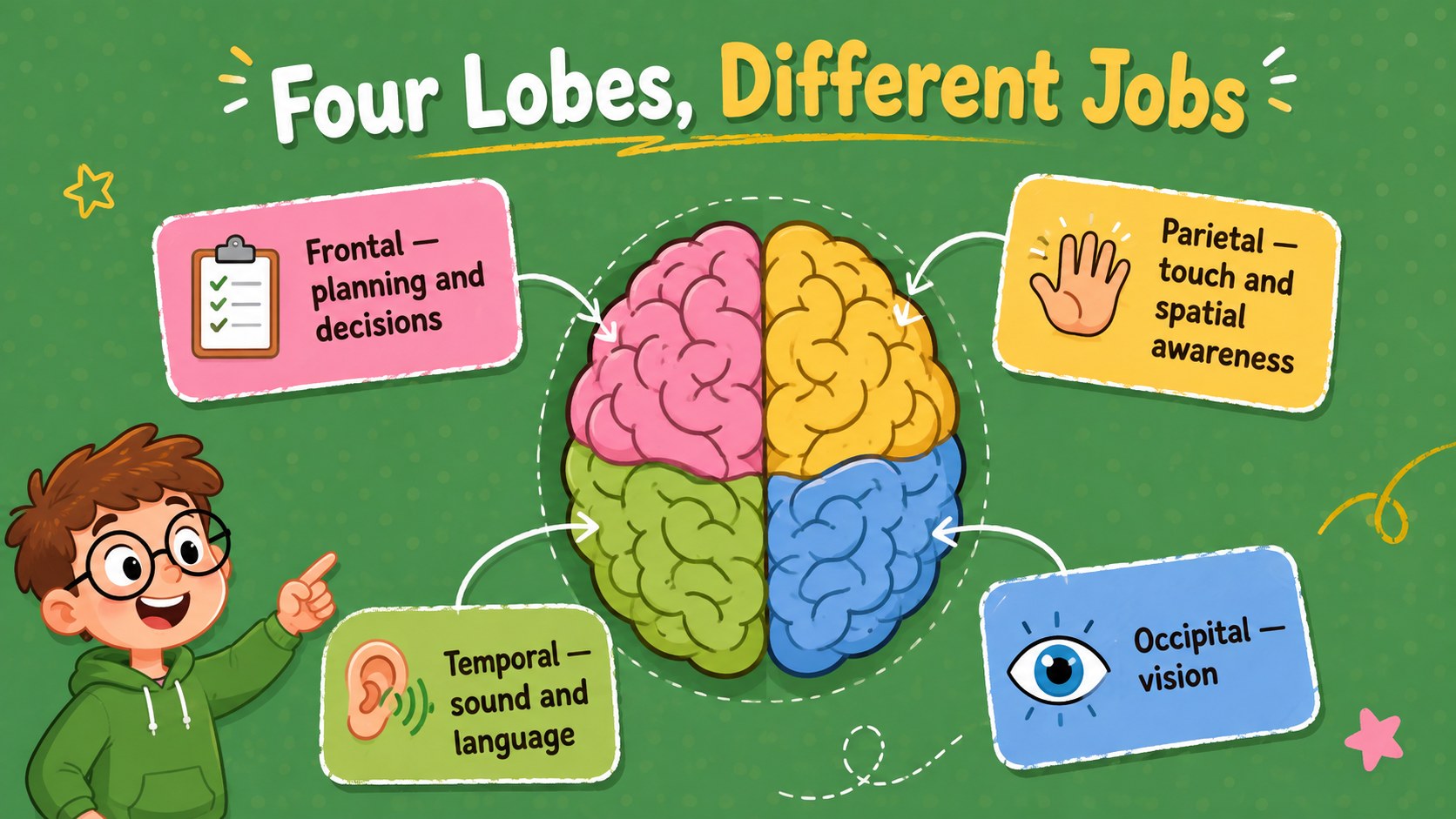
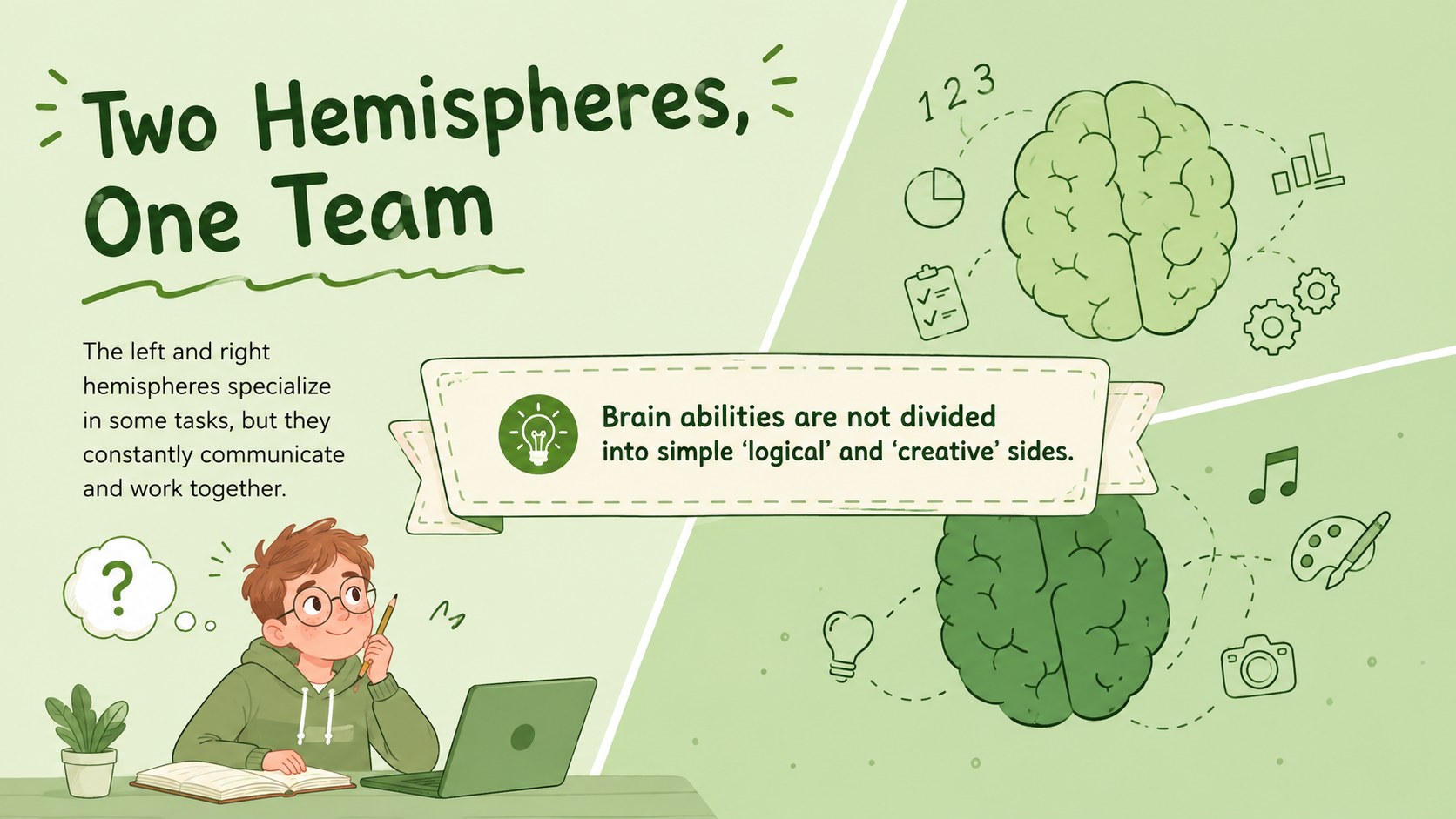
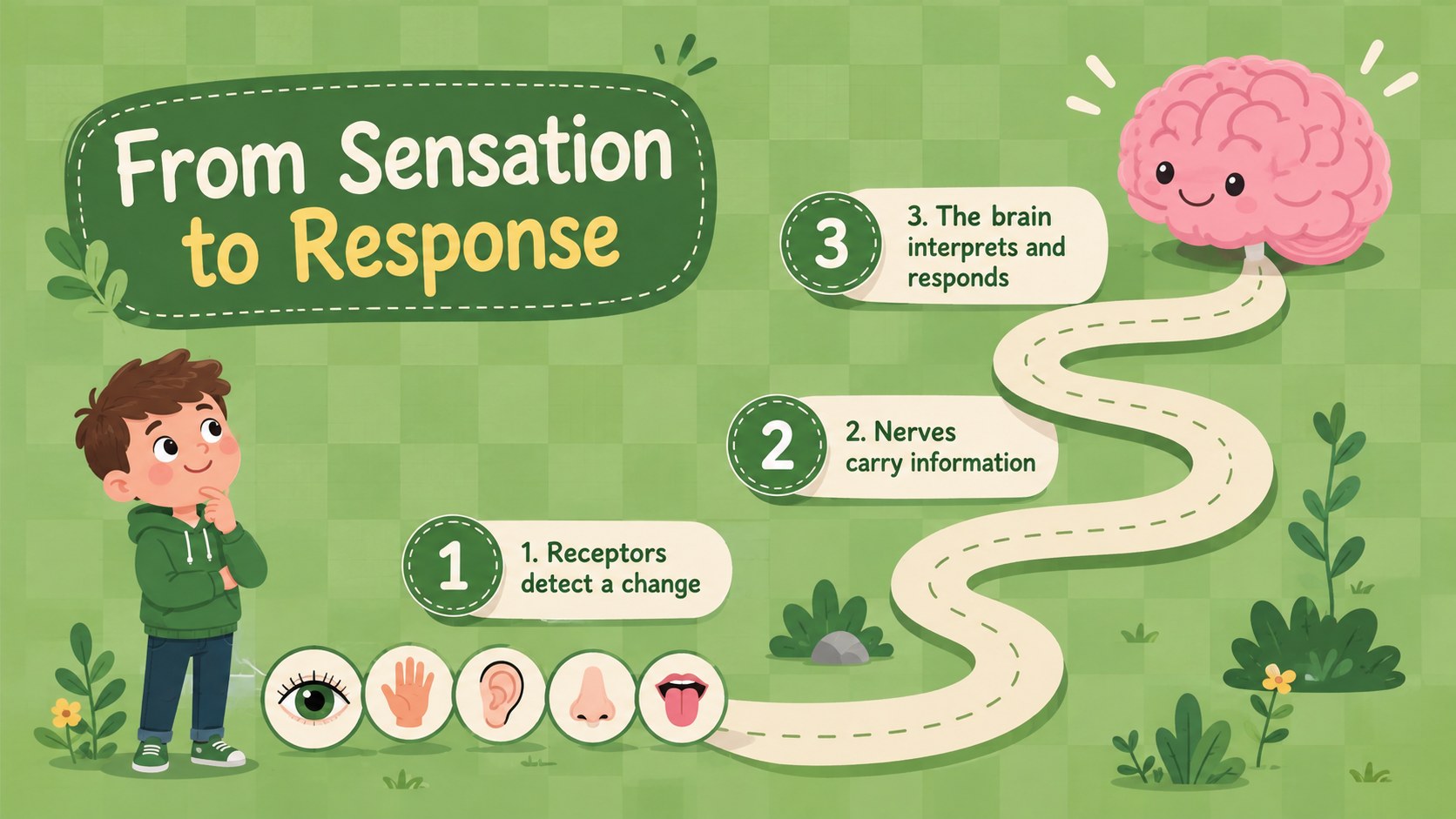
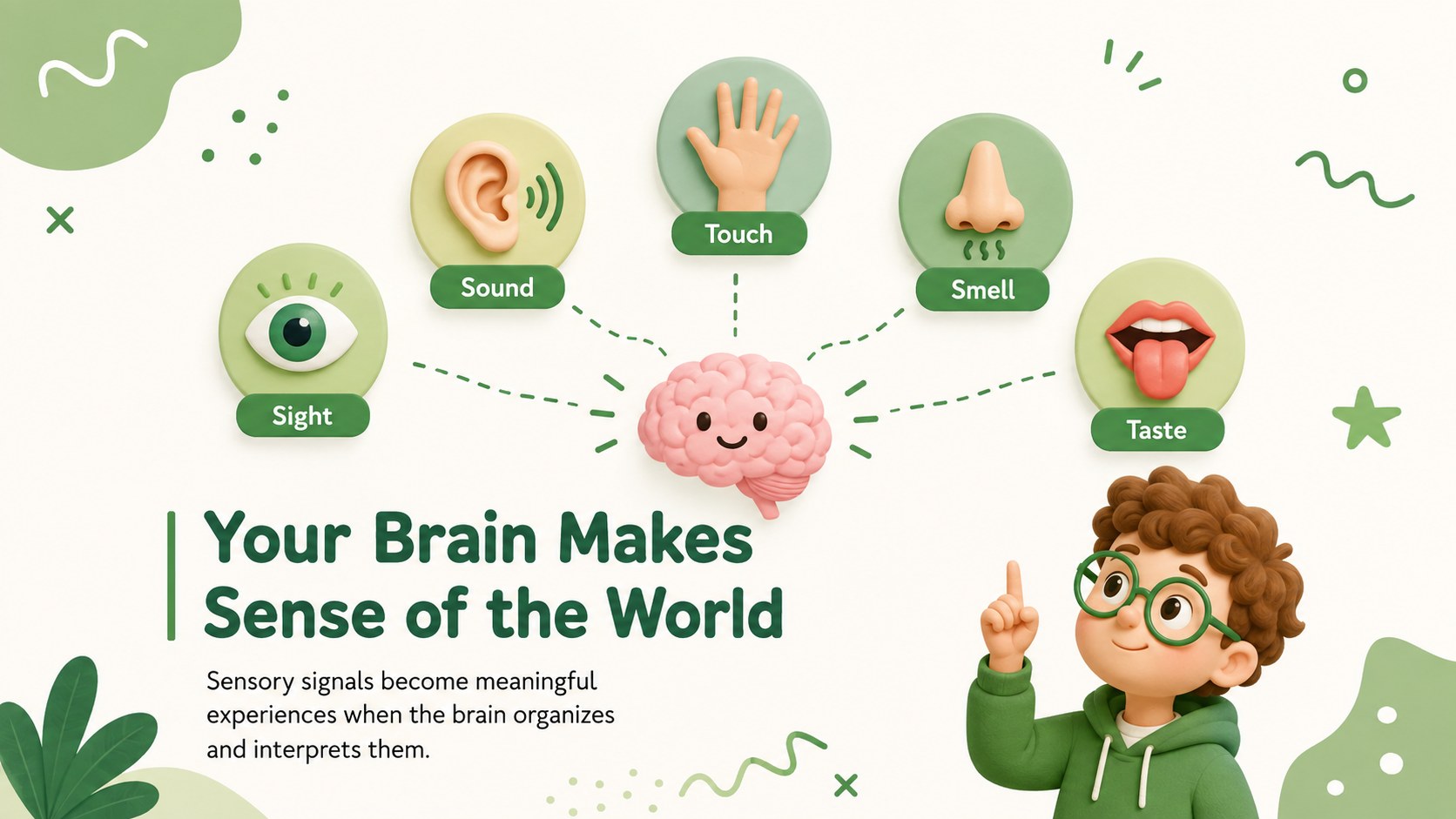
Make complex neuroscience topics easier to explain with this green brain science lesson deck. Its cheerful green palette, friendly illustrations, and uncluttered layouts help students explore important ideas without feeling overwhelmed. Teachers can introduce brain anatomy, neural communication, memory, senses, learning, and healthy habits through a consistent visual story.
Inside are editable lesson openers, labeled diagrams, comparison layouts, process graphics, vocabulary prompts, review questions, and a closing recap. The varied slide formats support both direct instruction and classroom discussion. Use the brain anatomy presentation template to identify major regions, build a nervous system lesson for students, or customize the neuron communication slides with examples from your curriculum. Text, colors, illustrations, charts, and labels can be adjusted in PowerPoint or Google Slides.
This deck is designed for elementary and middle school science teachers, homeschool educators, workshop leaders, and anyone introducing neuroscience to younger audiences. It can support a complete biology lesson, a short health class presentation, an interactive science review, or a student-led project. The cute illustrated style keeps the material welcoming while preserving enough structure for accurate explanations and organized note-taking. Add your own terminology, questions, activities, and assessment prompts to match the age and prior knowledge of your class.
Perfect for: middle school neuroscience lesson; elementary brain anatomy class; nervous system workshop; biology review activity; student science project.
Frequently asked questions
Can I edit the diagrams and lesson text? Yes. You can revise the labels, explanations, colors, shapes, and illustrations to match your curriculum. The layouts are designed to accommodate shorter definitions, discussion prompts, and classroom examples.
Practical details
Yes. You can revise the labels, explanations, colors, shapes, and illustrations to match your curriculum. The layouts are designed to accommodate shorter definitions, discussion prompts, and classroom examples.
The deck is compatible with PowerPoint and Google Slides. Open it in your preferred platform to edit the content, present the lesson, or share a classroom copy.
Yes. Simplify the vocabulary and add guided questions for younger learners, or introduce more detailed anatomical and neurological terminology for older students. The visual structure works for both introductory lessons and review sessions.
Change the accent colors, fonts, backgrounds, and illustration fills using the standard editing tools in PowerPoint or Google Slides. Keep strong contrast between labels and backgrounds so diagrams remain easy to read.
Keep exploring
15Build stronger academic arguments with a college essay thesis builder featuring guided examples, revision prompts, and editable PowerPoint and Google Slides.
 15
15Build an engaging World UFO Day session with this flying saucer history lesson deck, featuring retro green-and-brown slides for PowerPoint and Google Slides.
 14
14Plan a memorable Lunar New Year campaign with the 2036 Dragon Year Celebration Theme, featuring bold red-and-yellow slides for lessons and events.
 15
15Build a thoughtful classroom discussion with this interfaith awareness lesson deck, featuring editable blue-and-white slides for PowerPoint and Google Slides.
 15
15Use this environmental awareness lesson deck to teach climate action through illustrated activities, discussion prompts, and ready-to-edit visuals.
 15
15Build playful lessons and party stories with a kid-friendly zombie celebration theme in purple, green and pastel blue for PowerPoint and Google Slides.
 15
15Build eerie lessons, campaigns, and story pitches with an undead survival scenario theme featuring editable slides for PowerPoint and Google Slides.
 16
16Turn environmental research into a clear story with a Watercolor Ecology Presentation Theme for PowerPoint and Google Slides in calming green and blue.