
 15
15presentation
College Essay Thesis Builder Slides
Build stronger academic arguments with a college essay thesis builder featuring guided examples, revision prompts, and editable PowerPoint and Google Slides.
Google SlidesPowerPoint
presentation · English
Build a vivid lesson on graphic design eras with an editable graphic design eras study theme for timelines, designer profiles, trend analysis, and classroom…
Design notes
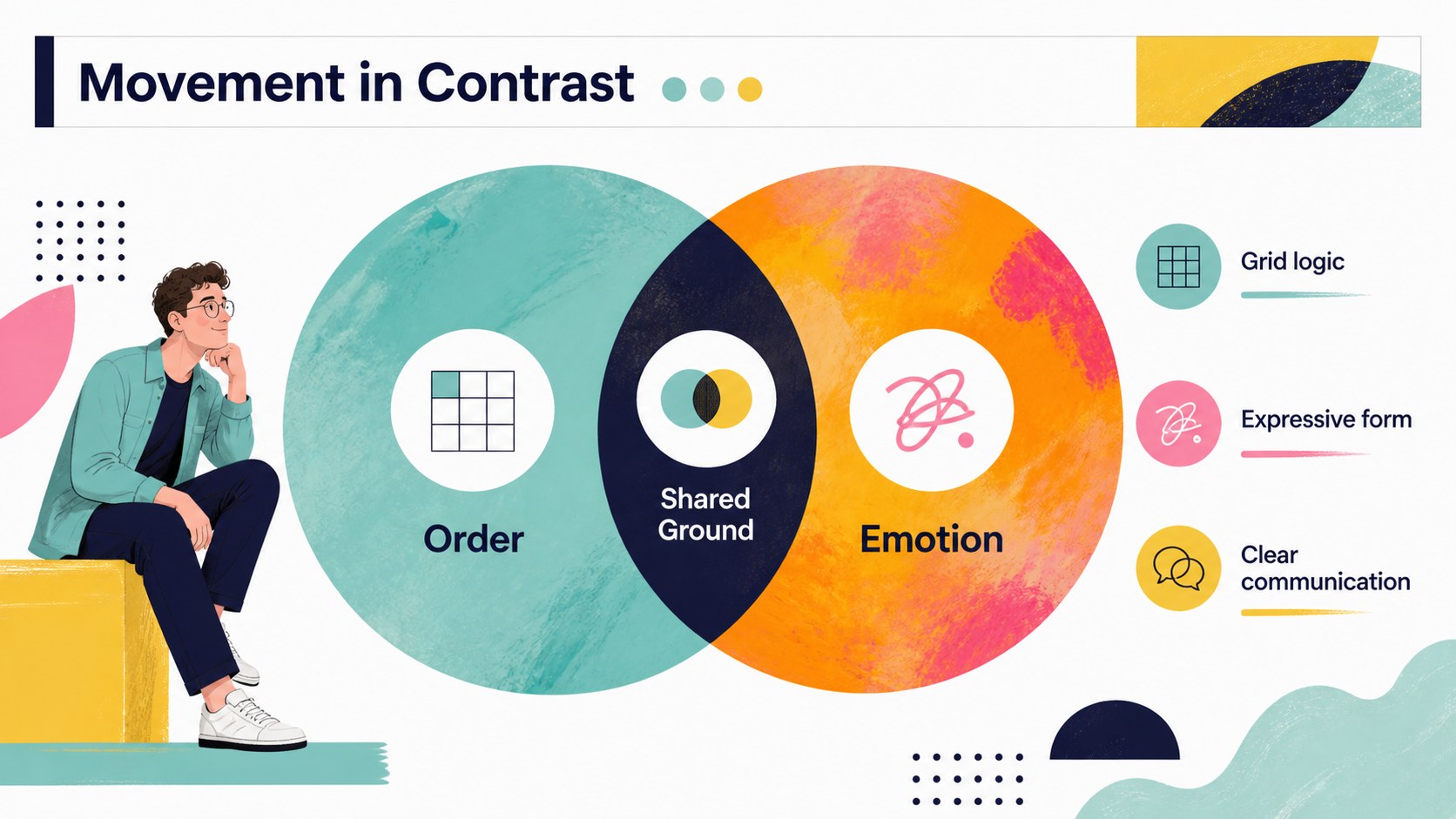
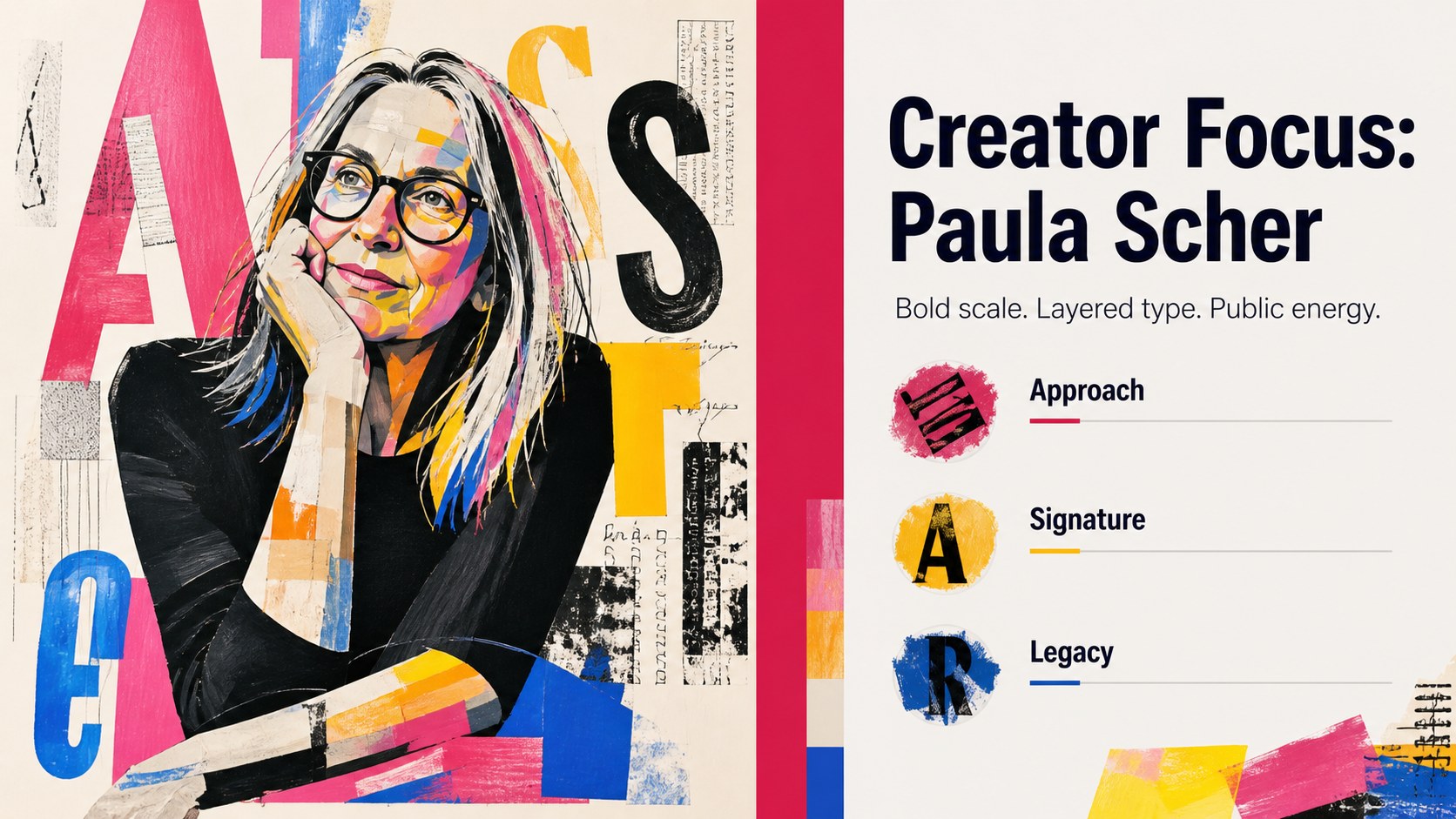
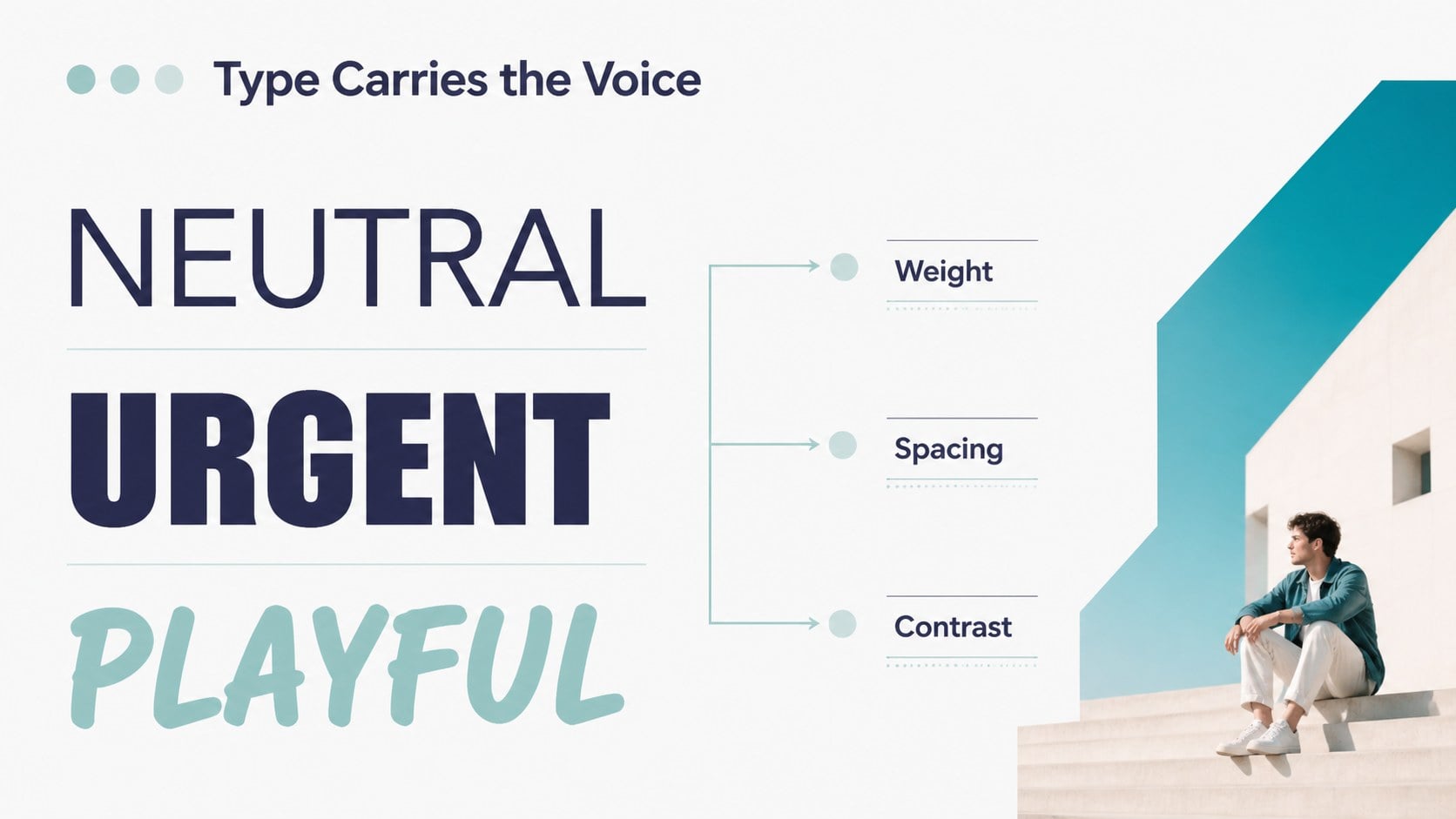
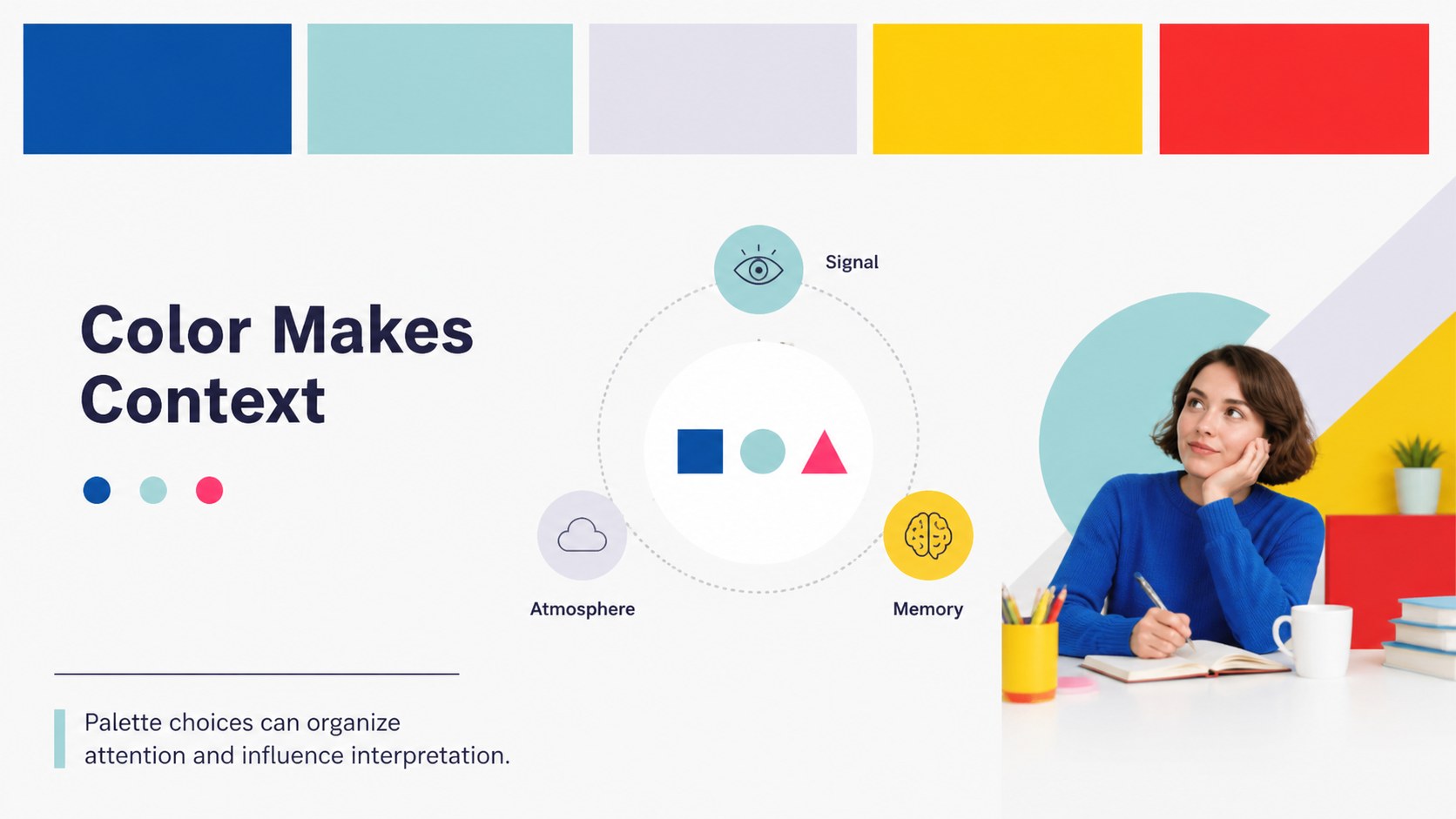
Make design history easier to follow with a graphic design eras study theme built for visual storytelling. The deck combines bright color blocking, geometric accents, clean typography, and flexible layouts for explaining how graphic communication has changed across decades. Use it to introduce major movements, compare visual languages, profile influential designers, or connect historical ideas to contemporary practice.
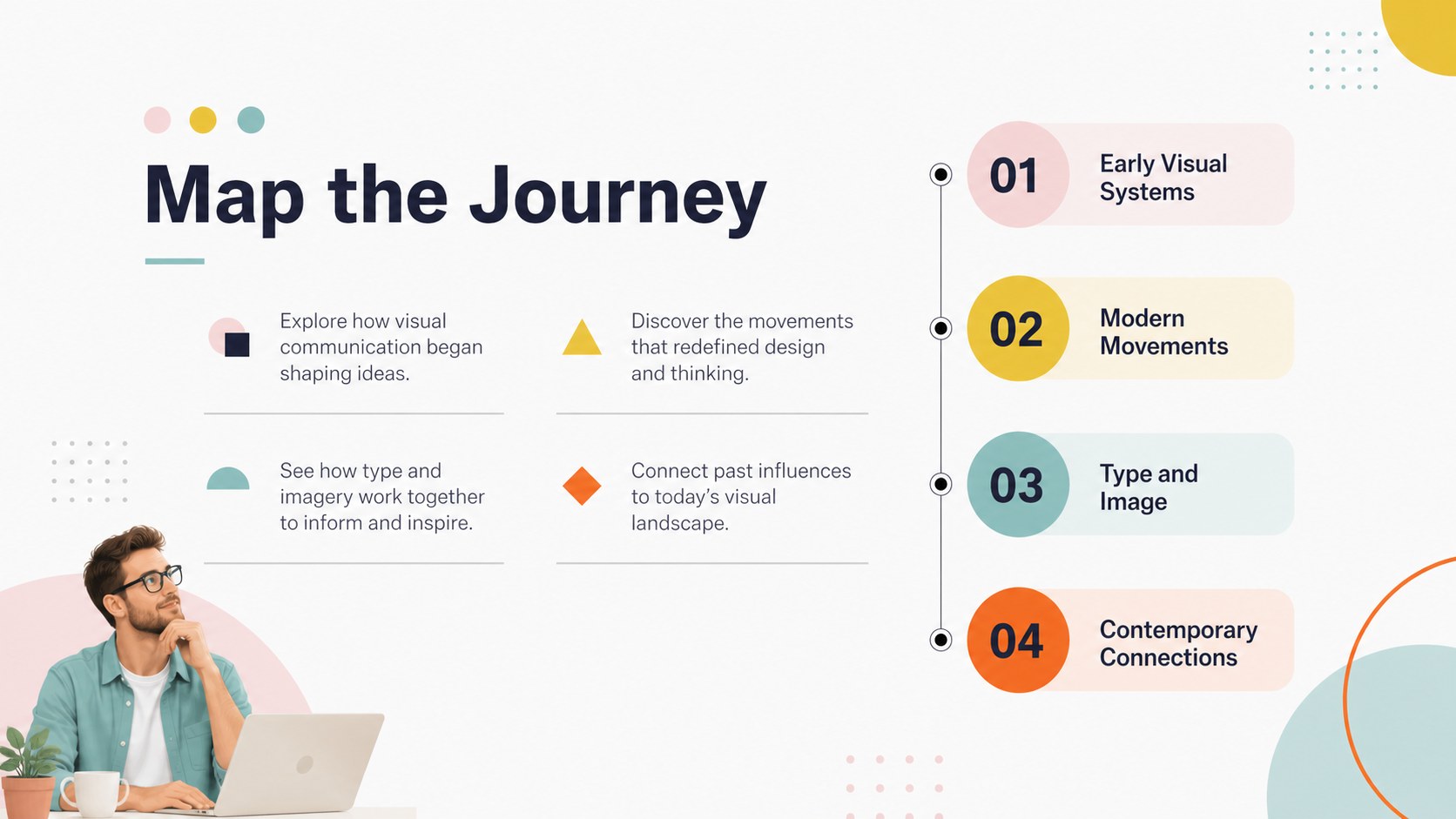
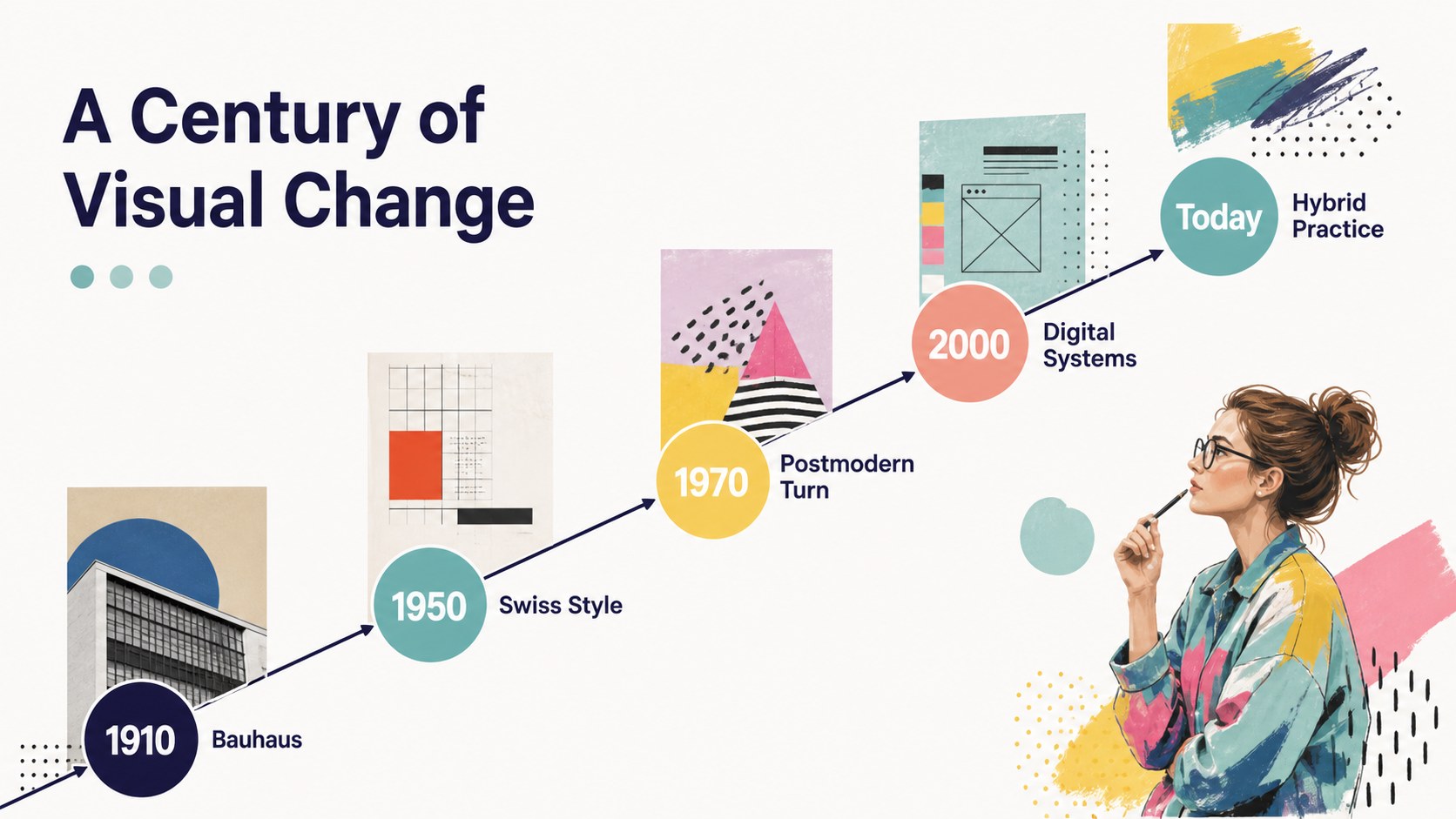
Inside, you’ll find 15 editable 16:9 slides for a graphic design history lesson, including a cover, agenda, era overview, chronological timeline, movement comparison, designer profile, typography study, color analysis, visual examples, data-style breakdown, discussion prompt, and closing summary. Charts, shapes, image areas, and text blocks can be adapted in PowerPoint or Google Slides without rebuilding the overall design system.
This presentation theme suits art and design instructors, university students, museum educators, creative directors, and agencies preparing an internal workshop. It also works as a graphic design movements presentation for a conference, portfolio review, or team training session. Replace the sample copy with your own references, add artwork images, and adjust the colorful geometric styling to match your lesson or brand while keeping the deck cohesive.
Perfect for: university design history lecture; museum education workshop; creative agency team training; student portfolio review; conference talk on visual culture.
Frequently asked questions
Can I edit the presentation in PowerPoint? Yes. The layouts, text, colors, shapes, and image placeholders are designed to be edited in PowerPoint. You can also revise the deck in Google Slides.
Practical details
Yes. The layouts, text, colors, shapes, and image placeholders are designed to be edited in PowerPoint. You can also revise the deck in Google Slides.
Yes. The sequence supports an introduction, historical timeline, movement comparisons, designer profiles, and discussion prompts. Add your own artworks, sources, and examples to fit the course level.
Yes. Replace the theme colors and adjust individual shapes while preserving the layout structure. The deck remains flexible for academic, museum, agency, or portfolio use.
They are suitable for workshops, lectures, conference talks, and internal training sessions. Use the comparison and analysis layouts to guide group discussion or explain visual trends.
Keep exploring
15Build stronger academic arguments with a college essay thesis builder featuring guided examples, revision prompts, and editable PowerPoint and Google Slides.
 15
15Build an engaging World UFO Day session with this flying saucer history lesson deck, featuring retro green-and-brown slides for PowerPoint and Google Slides.
 14
14Plan a memorable Lunar New Year campaign with the 2036 Dragon Year Celebration Theme, featuring bold red-and-yellow slides for lessons and events.
 15
15Build a thoughtful classroom discussion with this interfaith awareness lesson deck, featuring editable blue-and-white slides for PowerPoint and Google Slides.
 15
15Use this environmental awareness lesson deck to teach climate action through illustrated activities, discussion prompts, and ready-to-edit visuals.
 15
15Build playful lessons and party stories with a kid-friendly zombie celebration theme in purple, green and pastel blue for PowerPoint and Google Slides.
 15
15Build eerie lessons, campaigns, and story pitches with an undead survival scenario theme featuring editable slides for PowerPoint and Google Slides.
 16
16Turn environmental research into a clear story with a Watercolor Ecology Presentation Theme for PowerPoint and Google Slides in calming green and blue.