
 15
15presentation
College Essay Thesis Builder Slides
Build stronger academic arguments with a college essay thesis builder featuring guided examples, revision prompts, and editable PowerPoint and Google Slides.
Google SlidesPowerPoint
presentation · English
Build clear civics lessons with a government structures comparison infographic, using editable blue, purple, green, and white PowerPoint and Google Slides.
Design notes
Explain how authority, representation, and decision-making differ across systems with this government structures comparison infographic. Its minimalist design organizes essential ideas through clear visual groupings, concise labels, and a balanced palette of blue, purple, green, and white. The polished layouts make detailed political concepts easier to scan without sacrificing useful context.
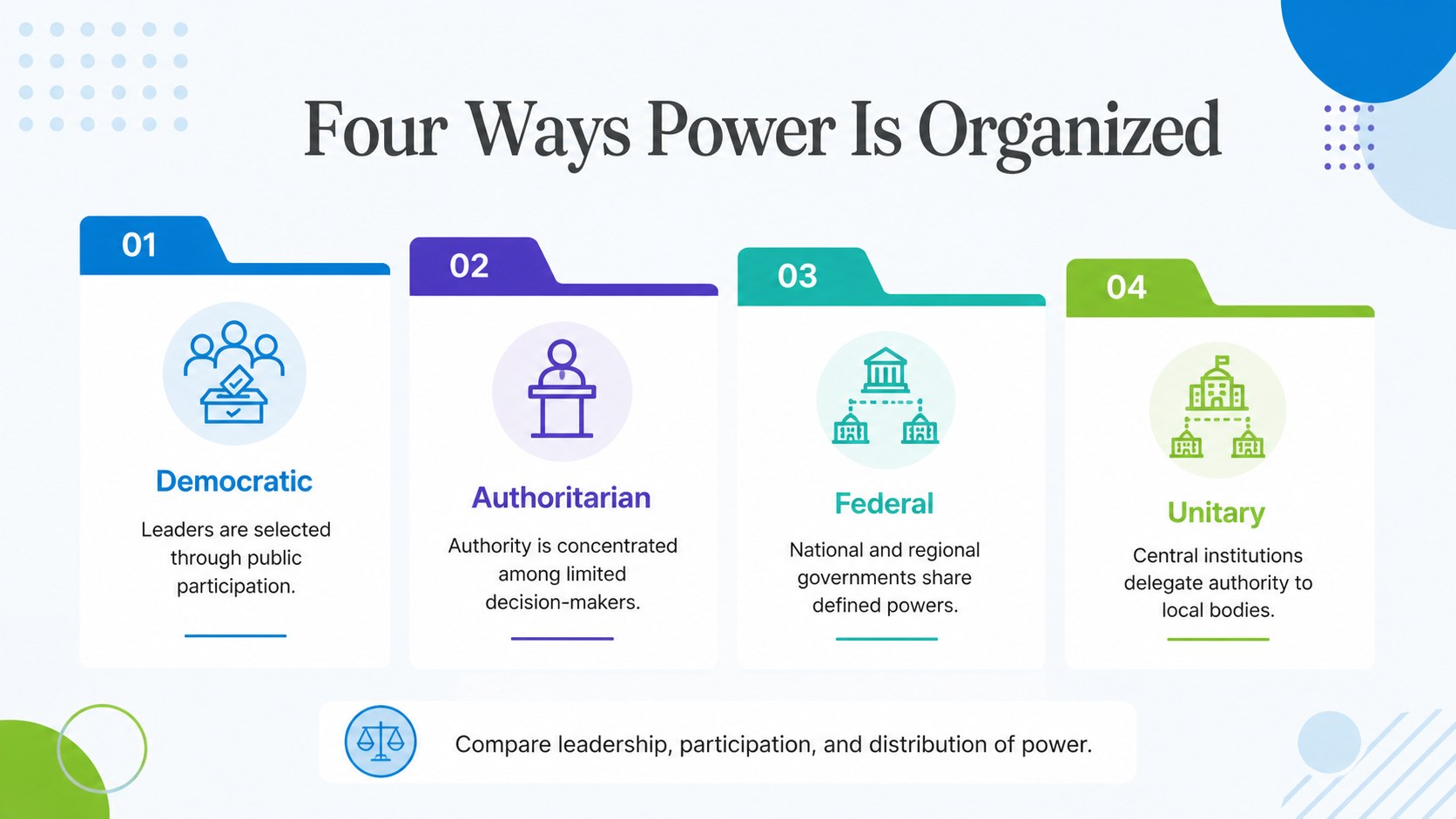
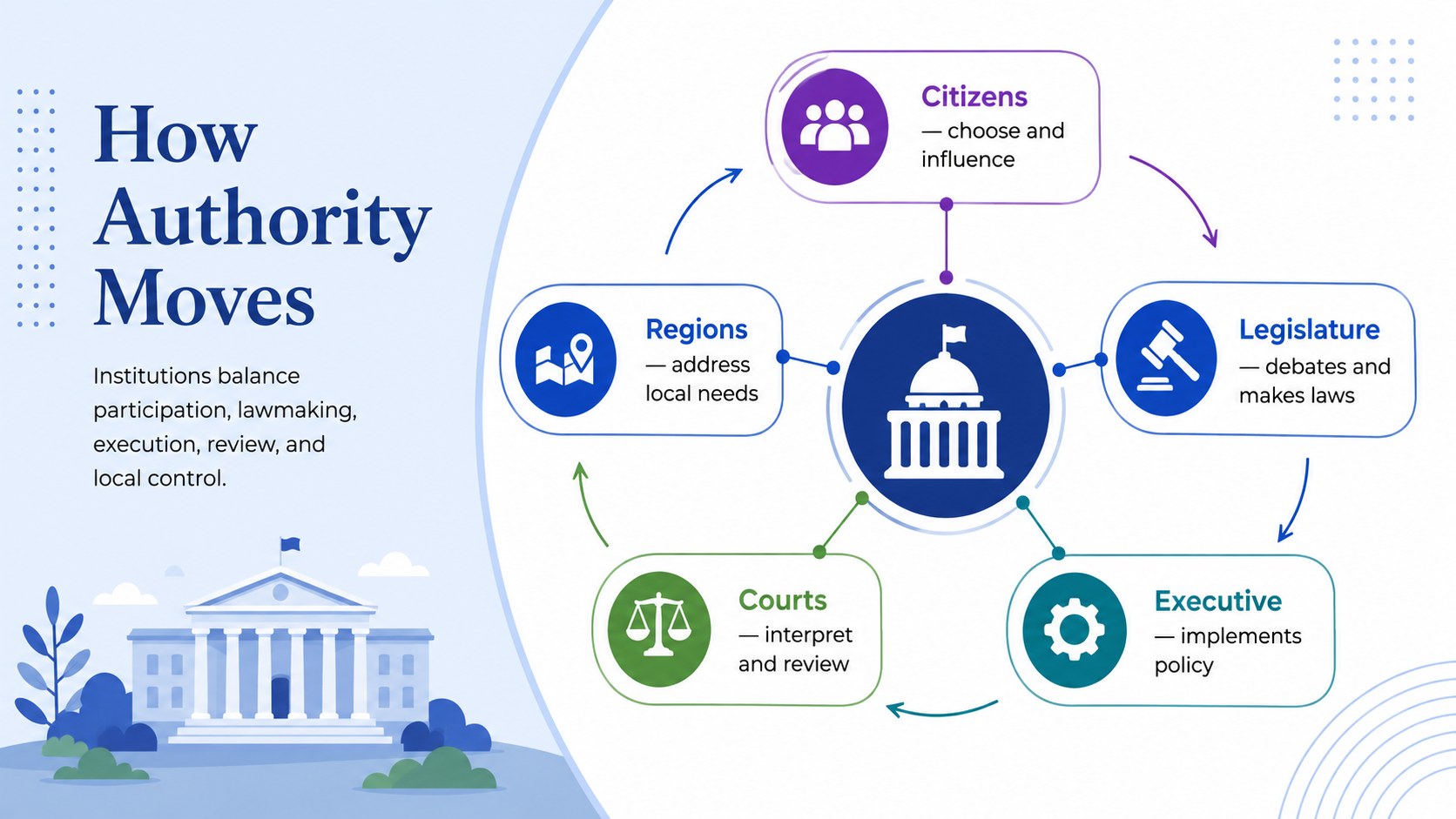
The template includes space for defining major government structures, comparing institutional features, and mapping how power moves between citizens, legislatures, executives, courts, and regional bodies. Use it as a forms of government comparison chart, a parliamentary vs presidential system slides resource, or a visual summary of democratic, authoritarian, federal, and unitary models. Editable text, shapes, colors, icons, and diagram elements let you adapt the material to a particular curriculum, country, or research topic.
Designed for PowerPoint and Google Slides, this civics governance visual aid works well for secondary school lessons, university seminars, public policy briefings, study guides, and student projects. Educators can introduce foundational concepts, while learners can use the layouts to present research or review key differences before an assessment. The restrained typography and structured visual hierarchy keep the focus on evidence, relationships, and comparison, making the deck suitable for both classroom projection and digital distribution.
Perfect for: secondary school civics lesson; comparative politics seminar; government systems study guide; public policy briefing; student governance research project.
Frequently asked questions
Can I edit every part of the infographic? Yes. The text, colors, shapes, icons, and diagram labels can be adjusted to match your lesson, research topic, or institutional branding.
Practical details
Yes. The text, colors, shapes, icons, and diagram labels can be adjusted to match your lesson, research topic, or institutional branding.
The template is designed for Microsoft PowerPoint and Google Slides. Some fonts or transitions may render slightly differently between the two platforms.
Yes. Replace the sample headings and descriptions with countries, institutions, or governance models relevant to your topic. You can also duplicate sections when a comparison requires more categories.
Yes. Its concise labels and color-coded structure support lectures, review activities, independent study, and student presentations across secondary and university-level civics courses.
Keep exploring
15Build stronger academic arguments with a college essay thesis builder featuring guided examples, revision prompts, and editable PowerPoint and Google Slides.
 15
15Build an engaging World UFO Day session with this flying saucer history lesson deck, featuring retro green-and-brown slides for PowerPoint and Google Slides.
 14
14Plan a memorable Lunar New Year campaign with the 2036 Dragon Year Celebration Theme, featuring bold red-and-yellow slides for lessons and events.
 15
15Build a thoughtful classroom discussion with this interfaith awareness lesson deck, featuring editable blue-and-white slides for PowerPoint and Google Slides.
 15
15Use this environmental awareness lesson deck to teach climate action through illustrated activities, discussion prompts, and ready-to-edit visuals.
 15
15Build playful lessons and party stories with a kid-friendly zombie celebration theme in purple, green and pastel blue for PowerPoint and Google Slides.
 15
15Build eerie lessons, campaigns, and story pitches with an undead survival scenario theme featuring editable slides for PowerPoint and Google Slides.
 16
16Turn environmental research into a clear story with a Watercolor Ecology Presentation Theme for PowerPoint and Google Slides in calming green and blue.