
 15
15presentation
College Essay Thesis Builder Slides
Build stronger academic arguments with a college essay thesis builder featuring guided examples, revision prompts, and editable PowerPoint and Google Slides.
Google SlidesPowerPoint
presentation · English
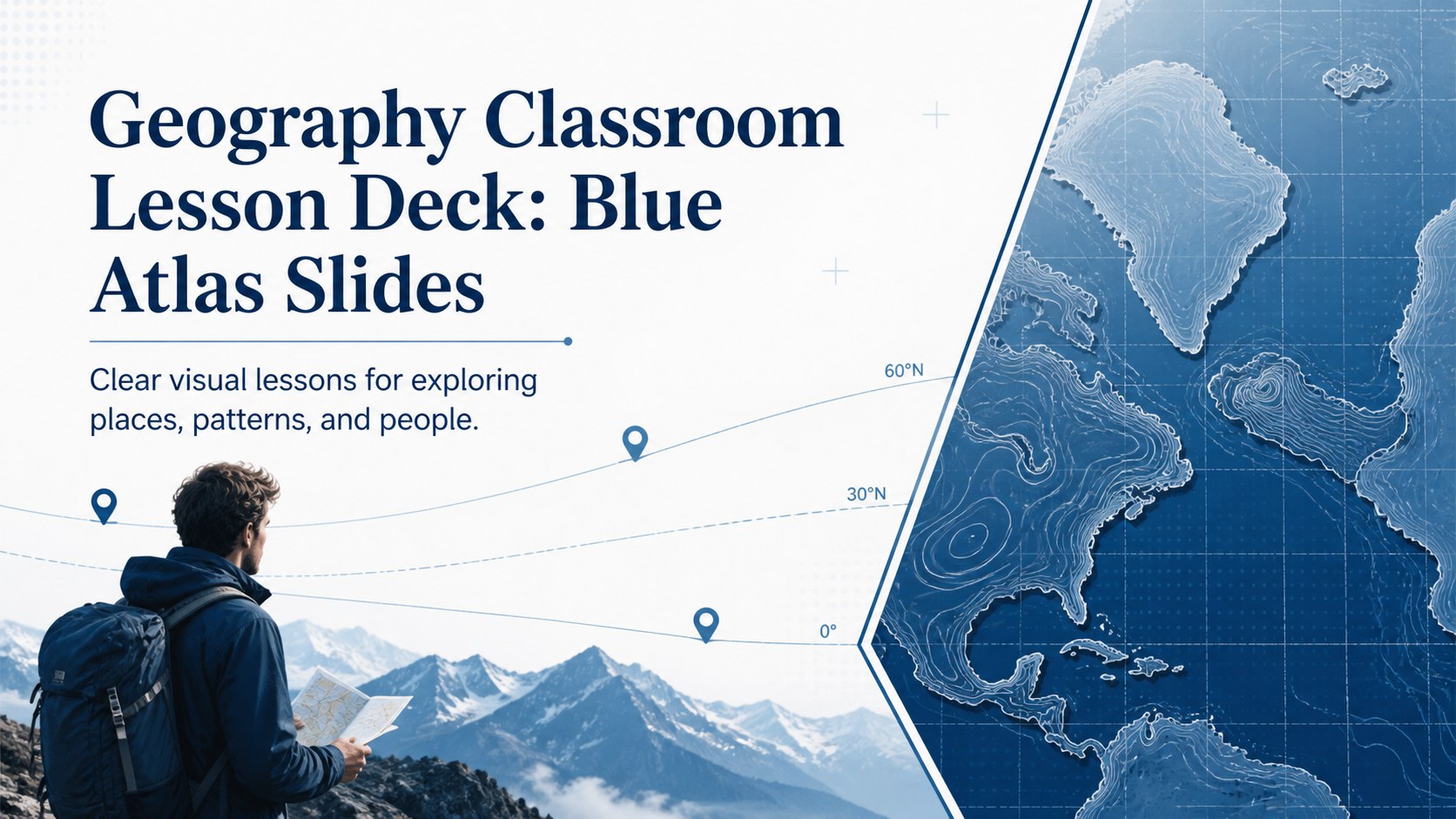
Build a geography classroom lesson deck with blue editorial maps, flexible layouts, and animated transitions for clear teaching in PowerPoint or Google…
Design notes
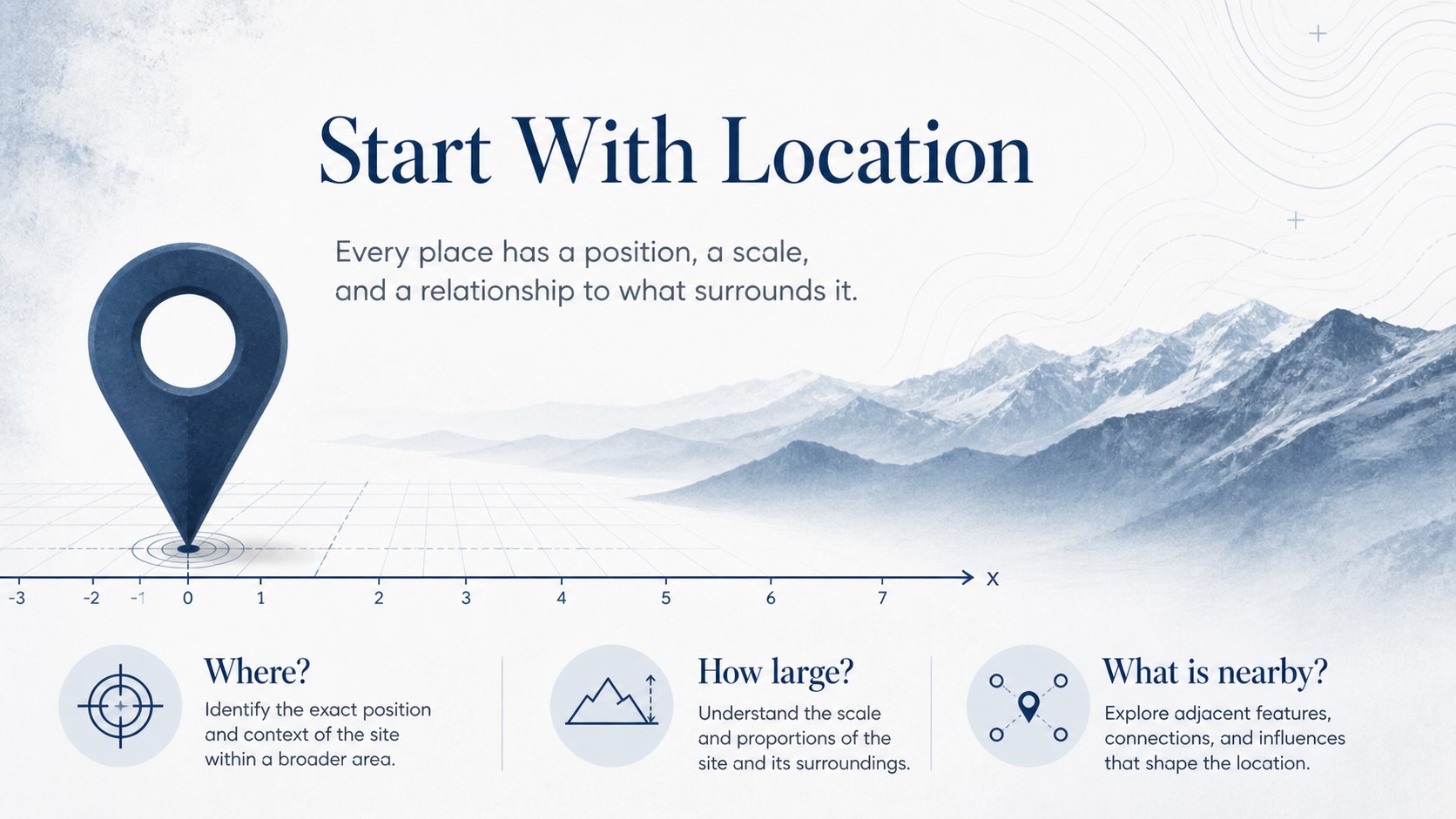
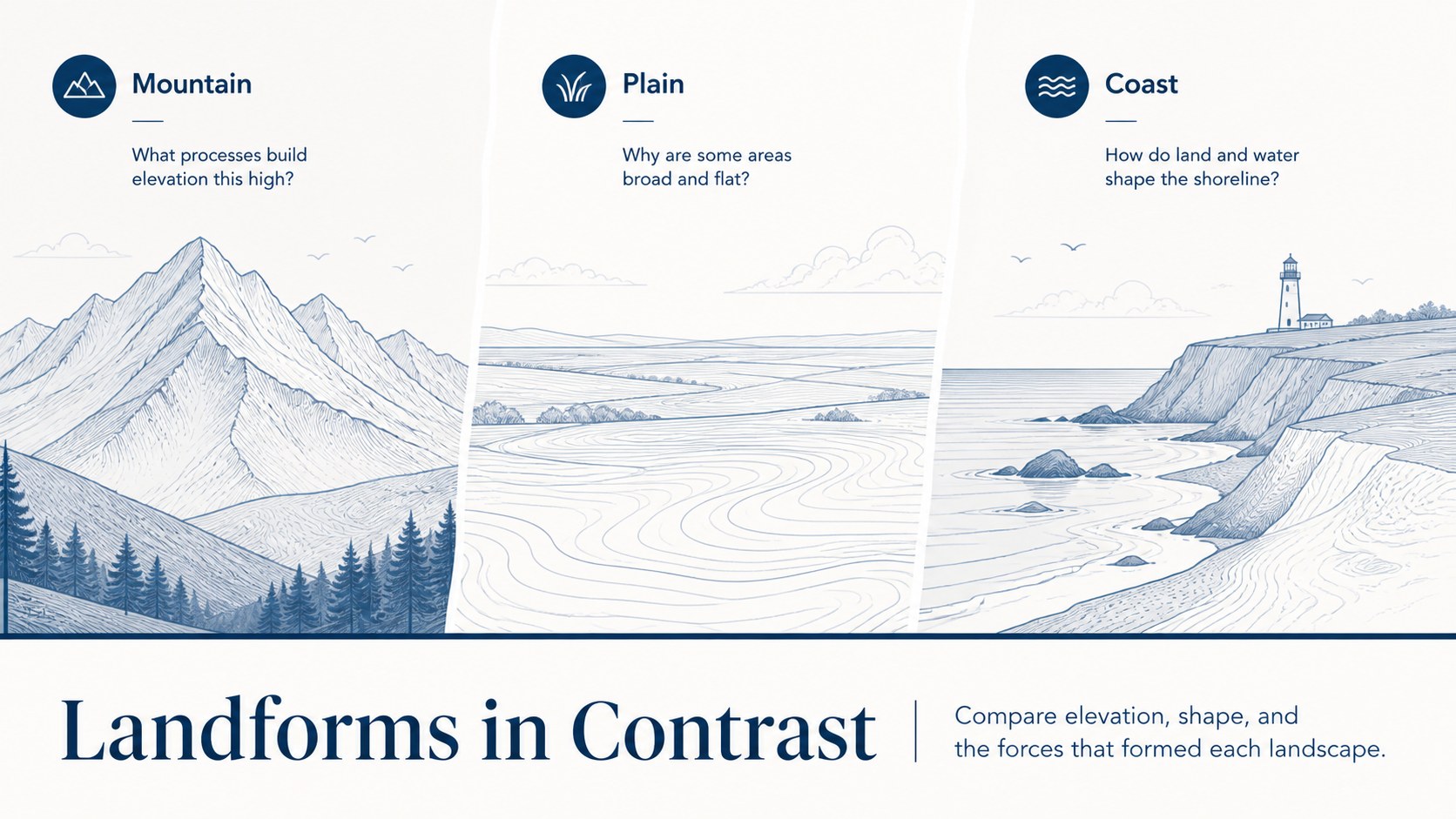
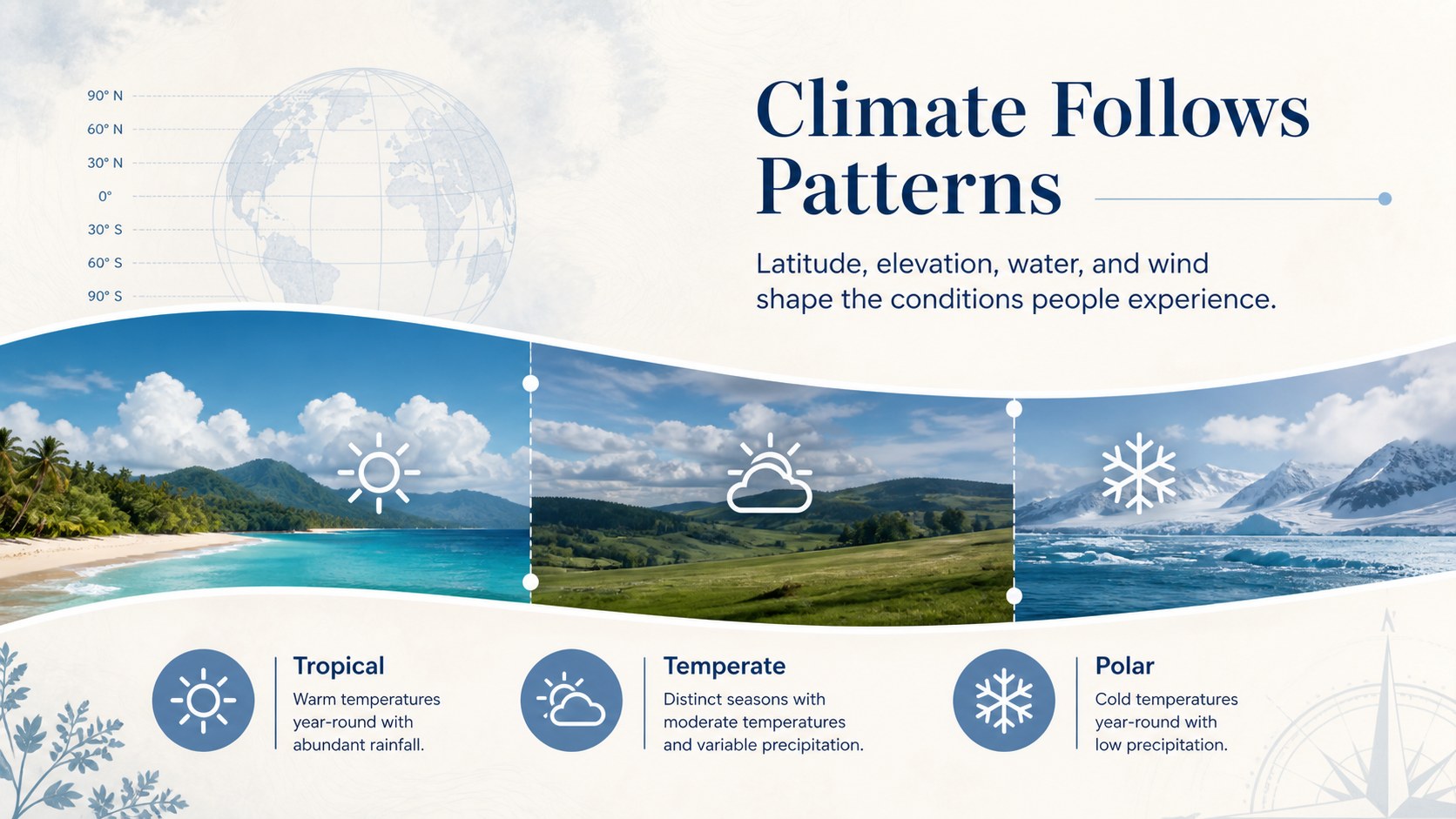
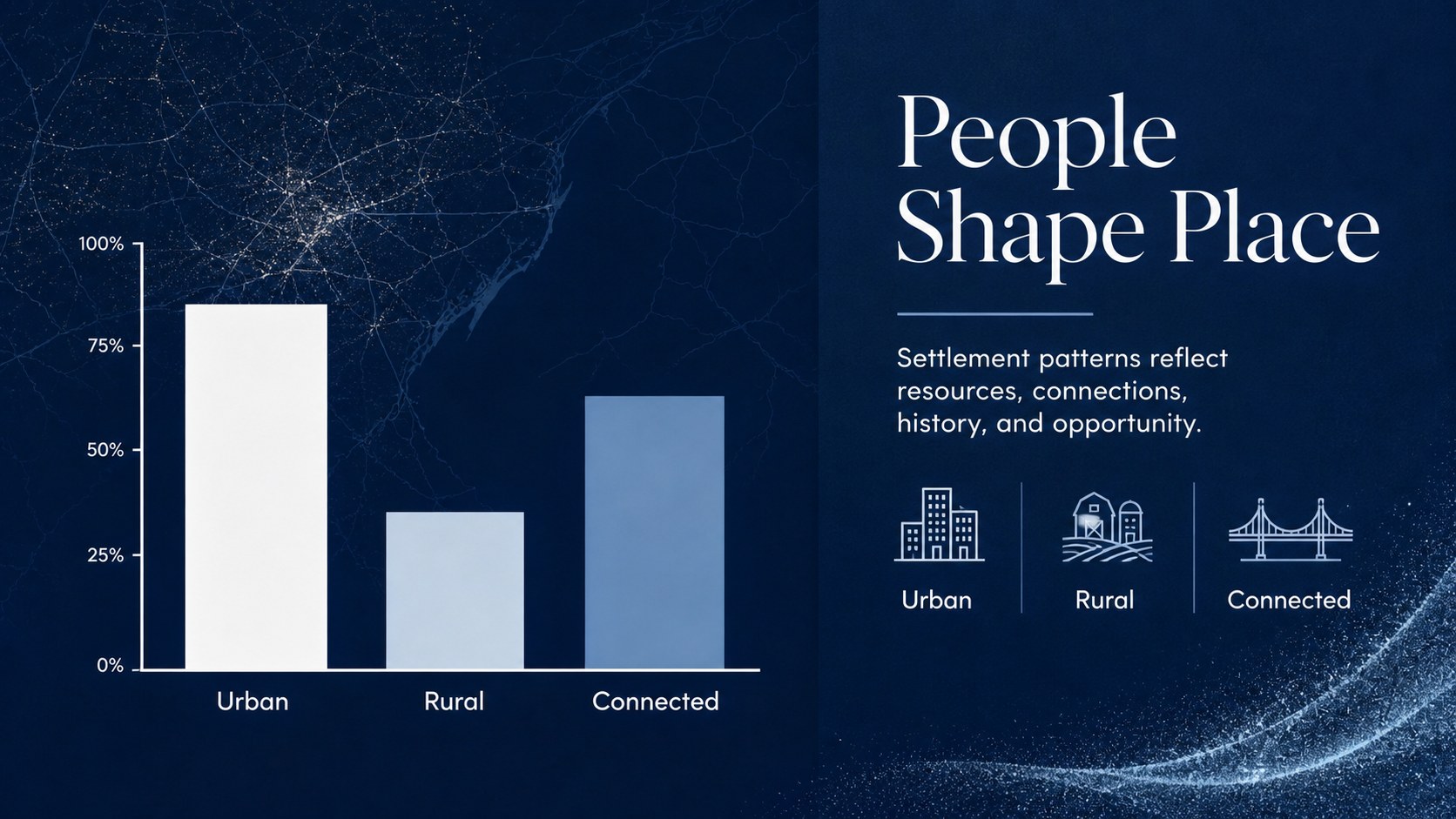
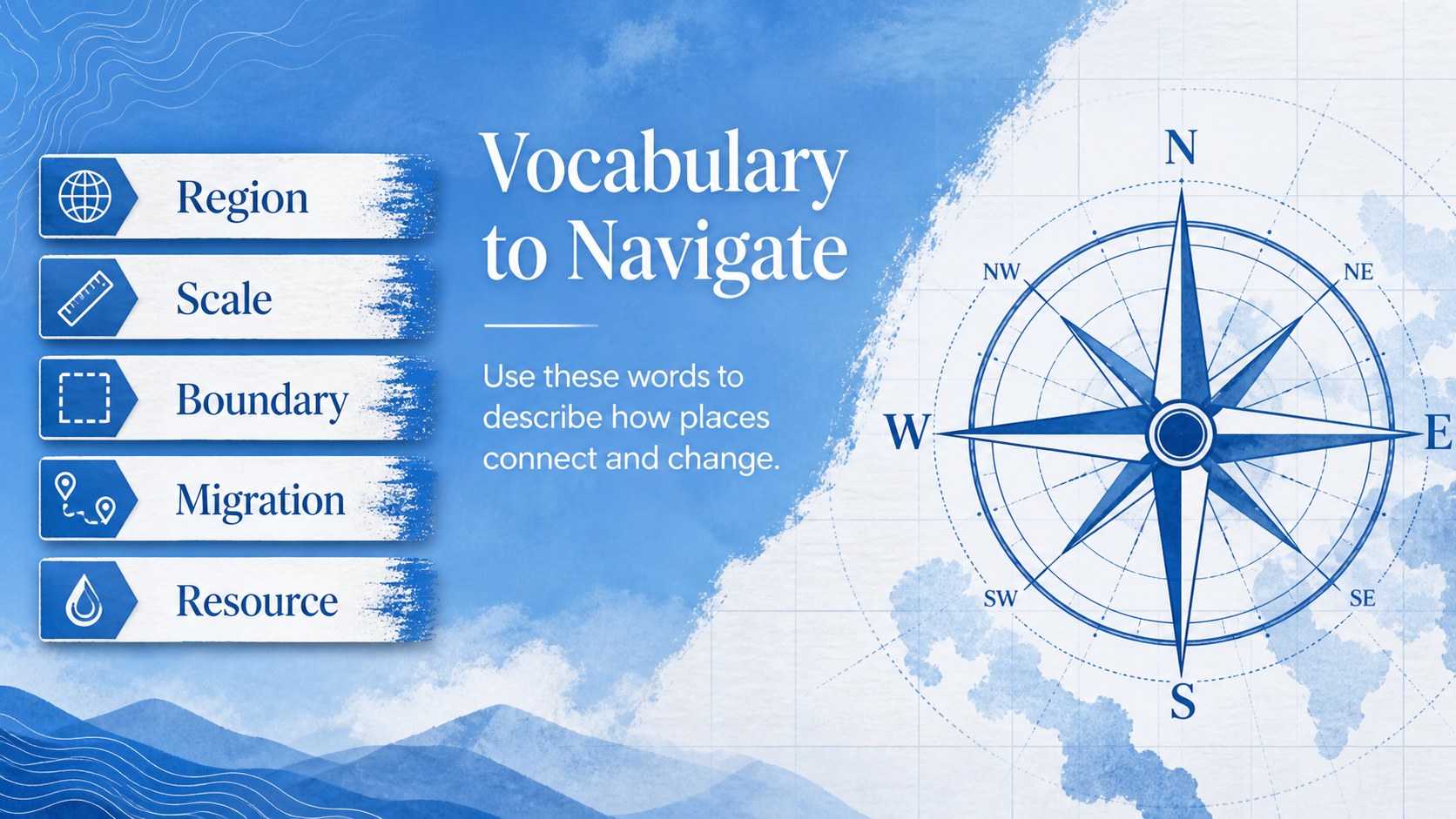
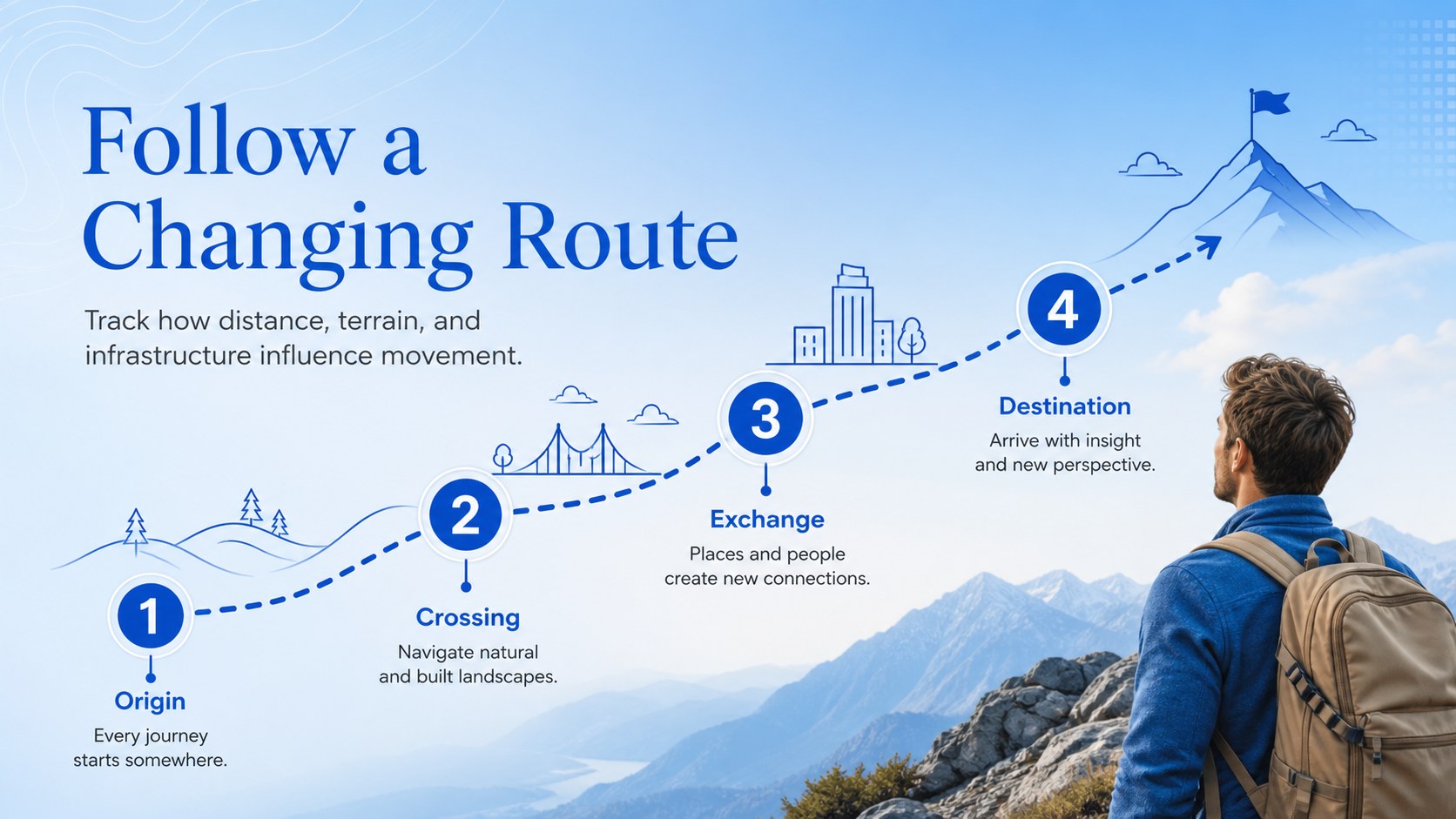
Make geography easier to explain with a geography classroom lesson deck built for teachers, tutors, and education teams. Its blue-and-white editorial landscape style gives maps, locations, comparisons, and key facts a polished visual structure without distracting from the lesson. Subtle animated transitions help connect one idea to the next, while flexible content areas make it simple to adapt the material for different grade levels and learning goals.
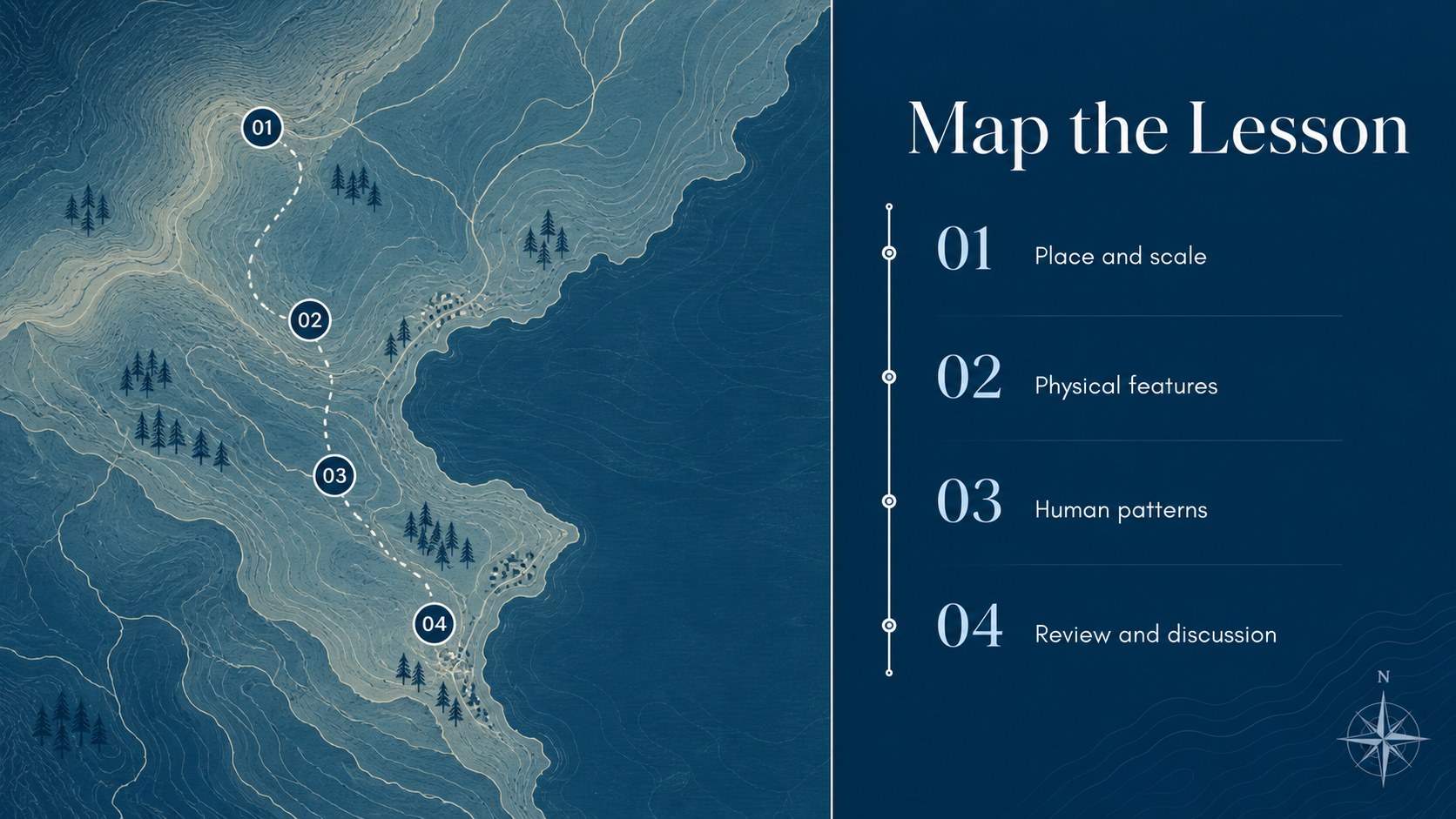
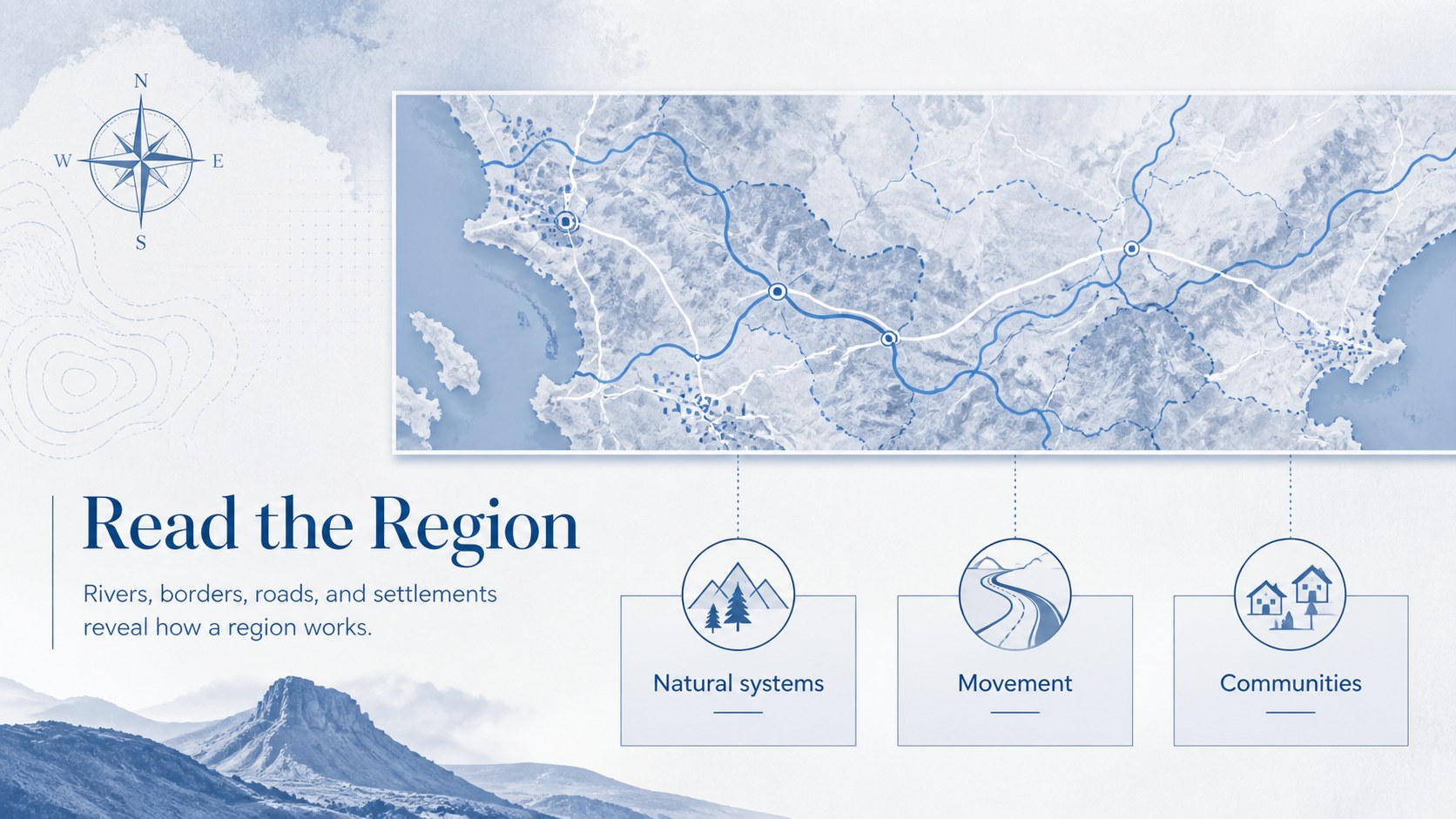
Inside, you will find 11 widescreen slides for introducing a topic, presenting regional context, comparing places, organizing vocabulary, explaining data, and ending with a concise review. Use the layouts to create an interactive geography lesson, a visual classroom briefing, or a geography project presentation. Photo spaces, map-inspired graphics, charts, timelines, and text blocks can be rearranged to suit your subject.
The deck works in PowerPoint and Google Slides, so you can edit typography, colors, imagery, diagrams, and lesson text in the platform that fits your workflow. It is useful for middle-school and high-school educators, homeschool instructors, museum educators, and students preparing a geography report. Replace the sample content with local case studies, climate regions, population data, travel routes, or landform studies while preserving the cohesive blue editorial design.
Perfect for: middle-school geography lesson; regional comparison activity; climate zones classroom briefing; student geography project; remote geography tutoring.
Frequently asked questions
Can I edit this geography classroom lesson deck in PowerPoint? Yes. The presentation is designed for PowerPoint editing, including changes to text, images, charts, shapes, and colors. Replace the sample geography content with your own lesson material.
Practical details
Yes. The presentation is designed for PowerPoint editing, including changes to text, images, charts, shapes, and colors. Replace the sample geography content with your own lesson material.
Yes, you can open and customize the deck in Google Slides. Check each imported layout for font substitutions or minor spacing changes before presenting.
Yes. Adjust the vocabulary, image choices, chart complexity, and amount of text for elementary, middle-school, or high-school learners. The modular layouts also support tutoring and homeschool presentations.
You can change the lesson title, map imagery, regional facts, diagrams, charts, typography, and blue accent treatments. The slide sequence can also be shortened or expanded to match your teaching session.
Keep exploring
15Build stronger academic arguments with a college essay thesis builder featuring guided examples, revision prompts, and editable PowerPoint and Google Slides.
 15
15Build an engaging World UFO Day session with this flying saucer history lesson deck, featuring retro green-and-brown slides for PowerPoint and Google Slides.
 14
14Plan a memorable Lunar New Year campaign with the 2036 Dragon Year Celebration Theme, featuring bold red-and-yellow slides for lessons and events.
 15
15Build a thoughtful classroom discussion with this interfaith awareness lesson deck, featuring editable blue-and-white slides for PowerPoint and Google Slides.
 15
15Use this environmental awareness lesson deck to teach climate action through illustrated activities, discussion prompts, and ready-to-edit visuals.
 15
15Build playful lessons and party stories with a kid-friendly zombie celebration theme in purple, green and pastel blue for PowerPoint and Google Slides.
 15
15Build eerie lessons, campaigns, and story pitches with an undead survival scenario theme featuring editable slides for PowerPoint and Google Slides.
 16
16Turn environmental research into a clear story with a Watercolor Ecology Presentation Theme for PowerPoint and Google Slides in calming green and blue.