
 15
15presentation
College Essay Thesis Builder Slides
Build stronger academic arguments with a college essay thesis builder featuring guided examples, revision prompts, and editable PowerPoint and Google Slides.
Google SlidesPowerPoint
presentation · English
Guide respectful classroom, workshop, or campaign conversations with a gender identity discussion deck featuring colorful illustrated slides for easy editing.
Design notes
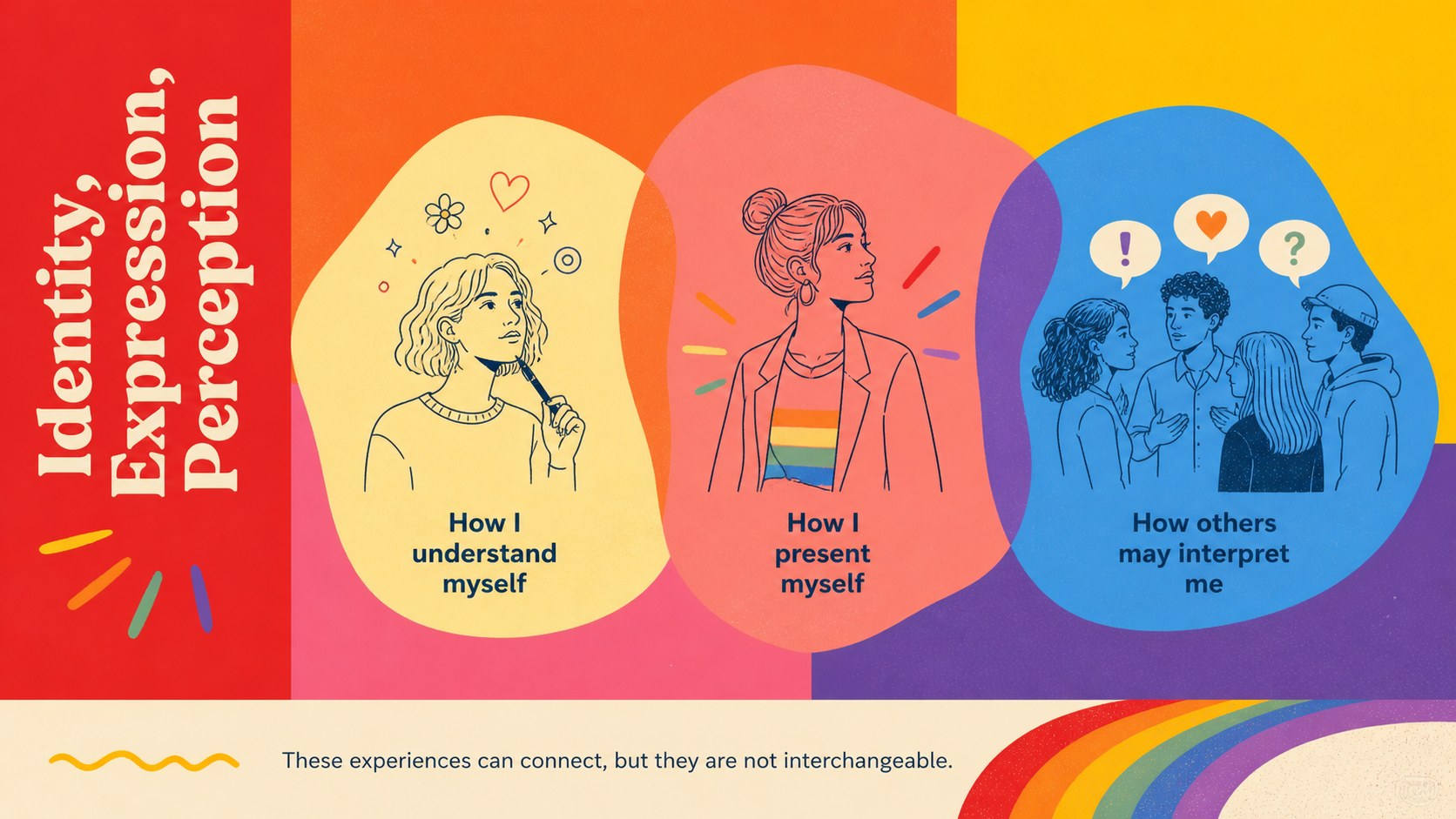
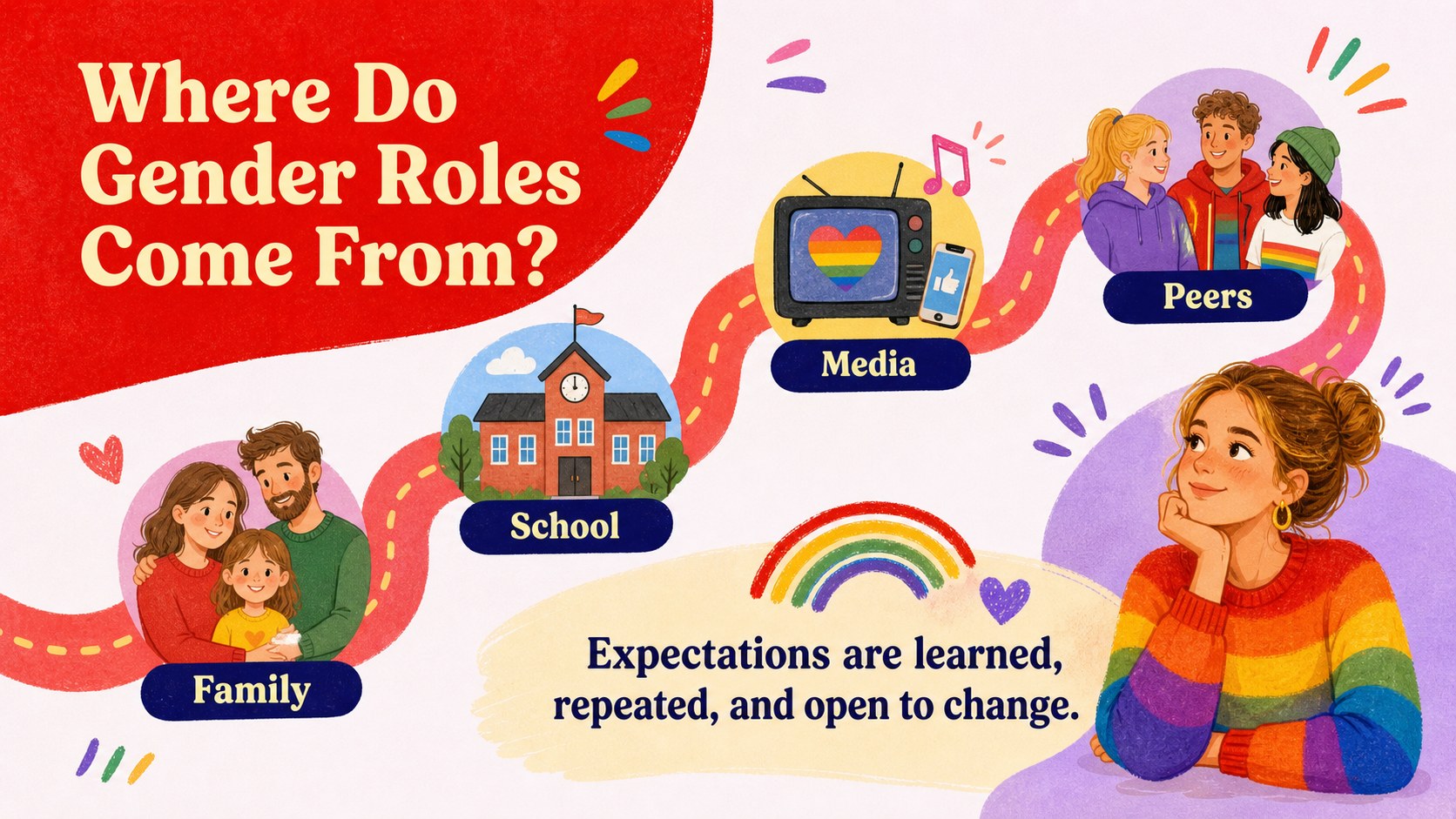
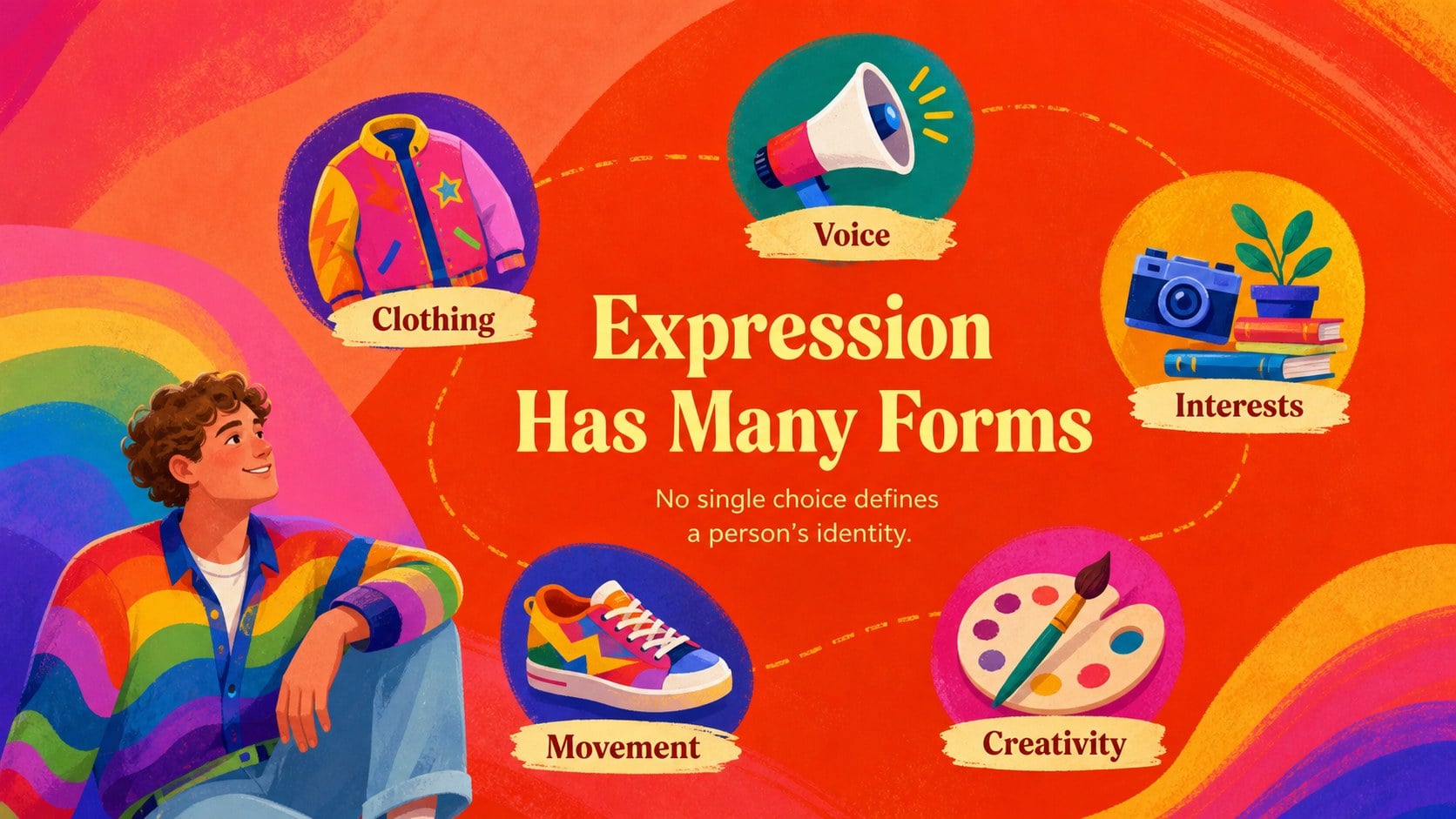
Create space for informed, respectful dialogue with this gender identity discussion deck for PowerPoint and Google Slides. Its bold red accents, rainbow colors, friendly illustrations, and approachable layouts help presenters introduce gender identity, expression, stereotypes, and social roles without making complex ideas feel inaccessible.
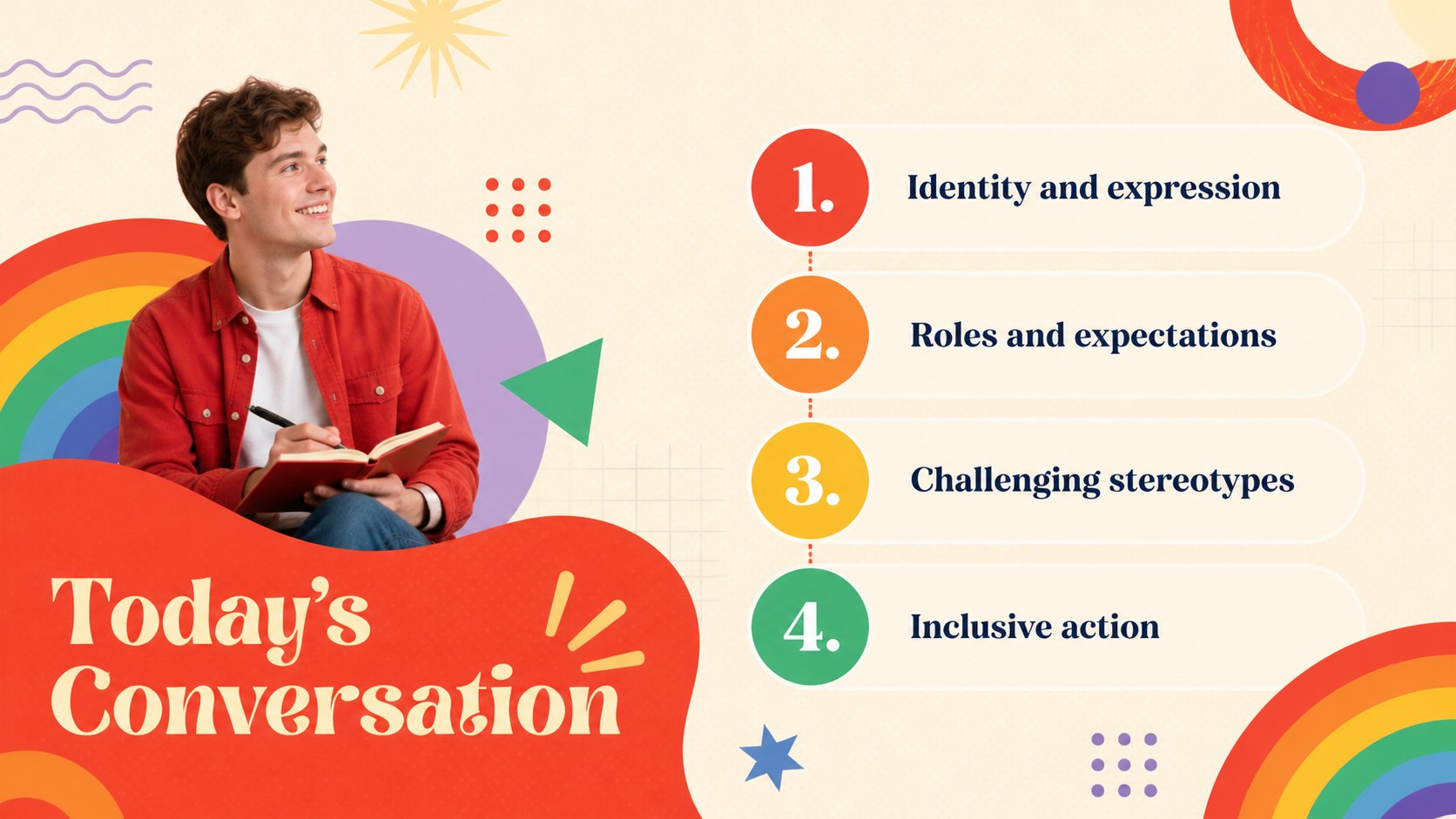
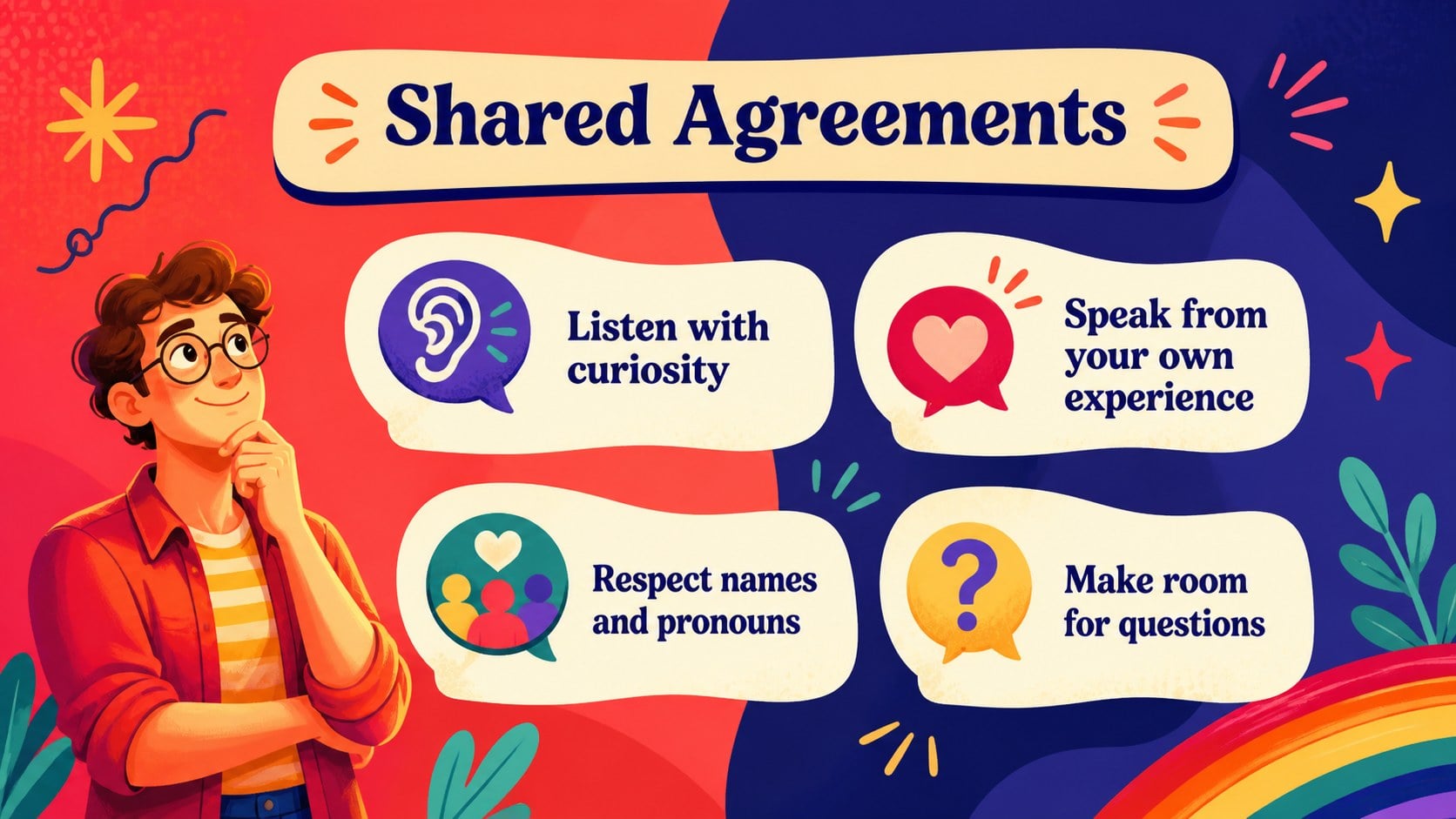
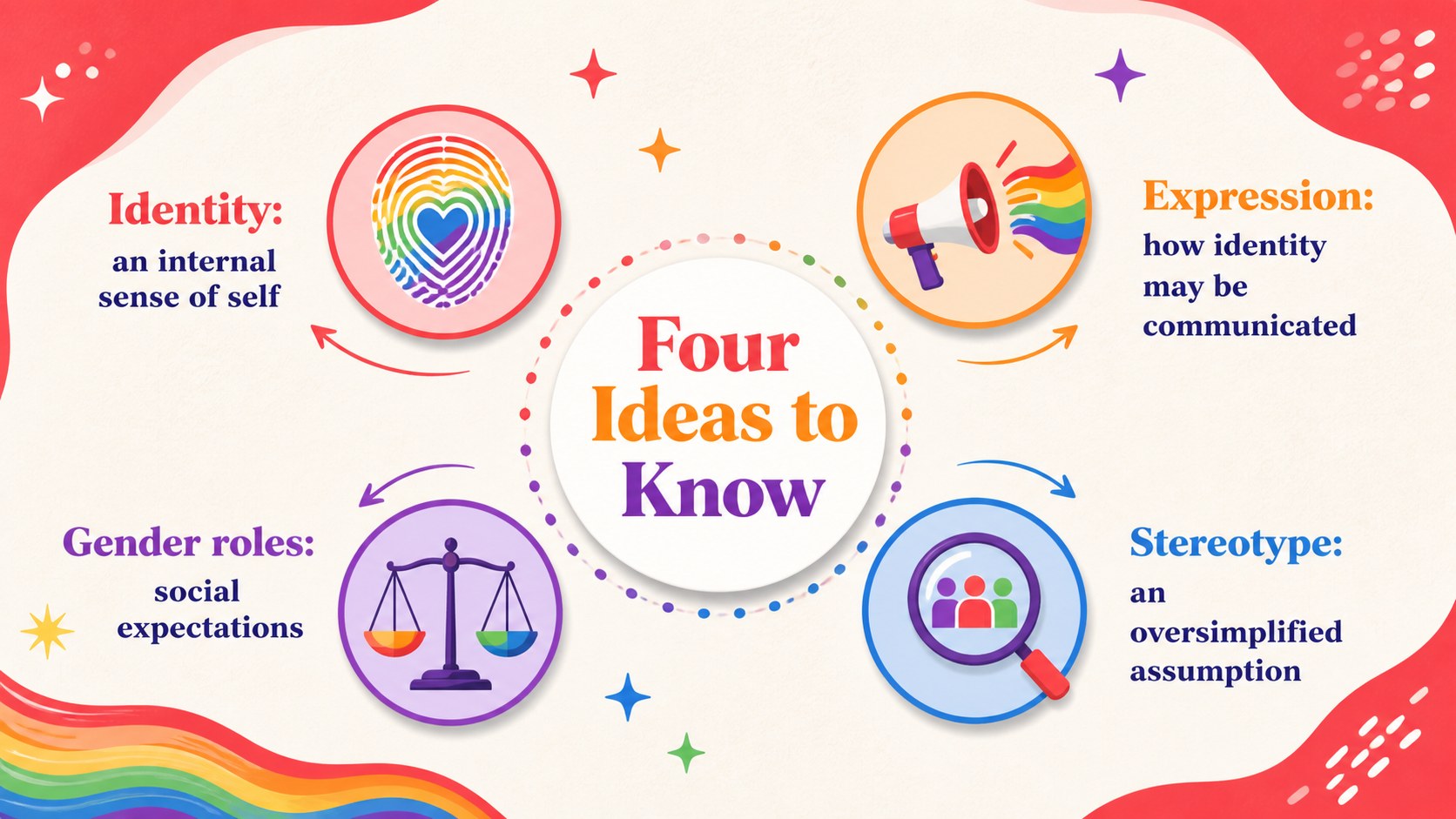
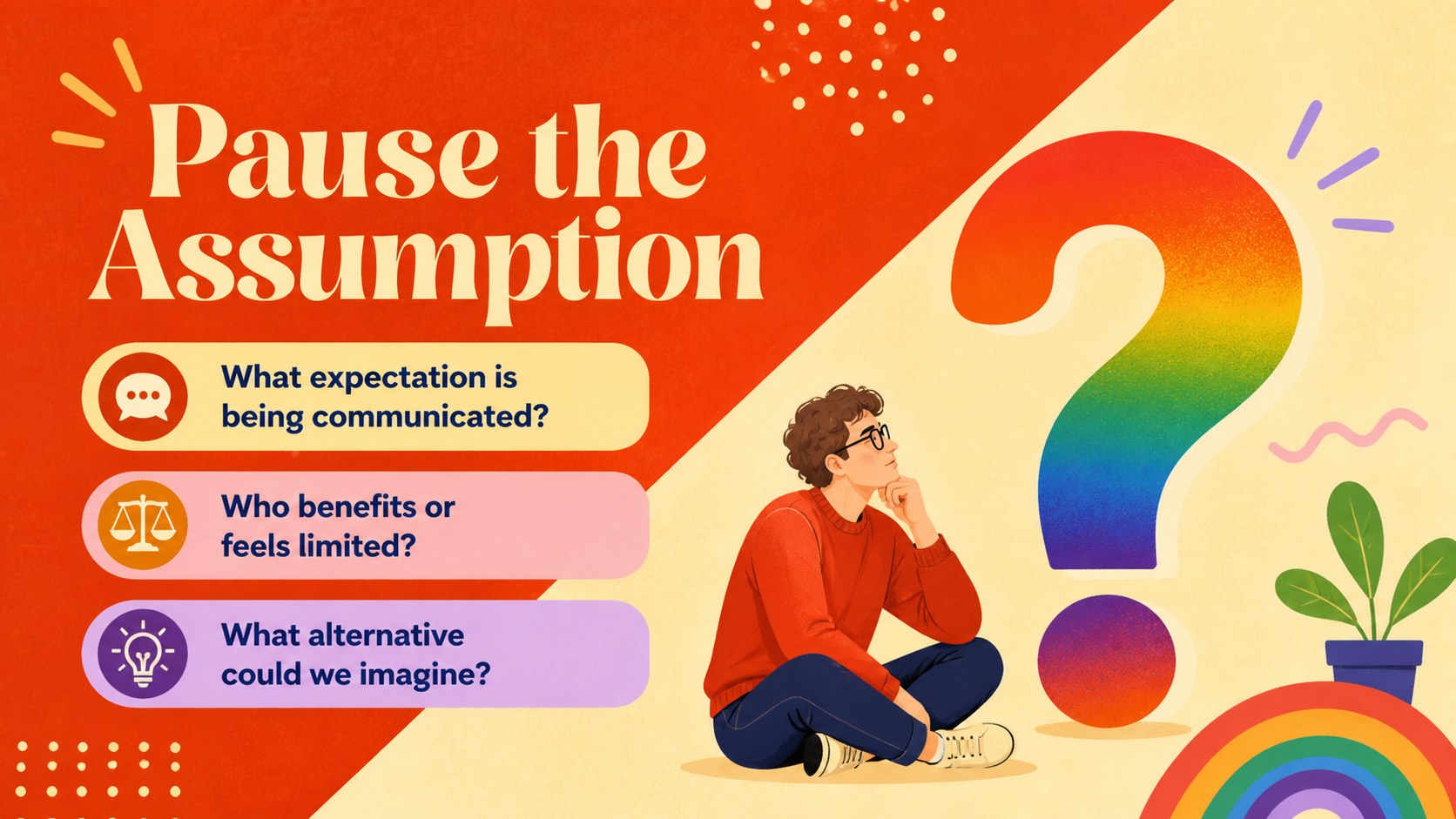
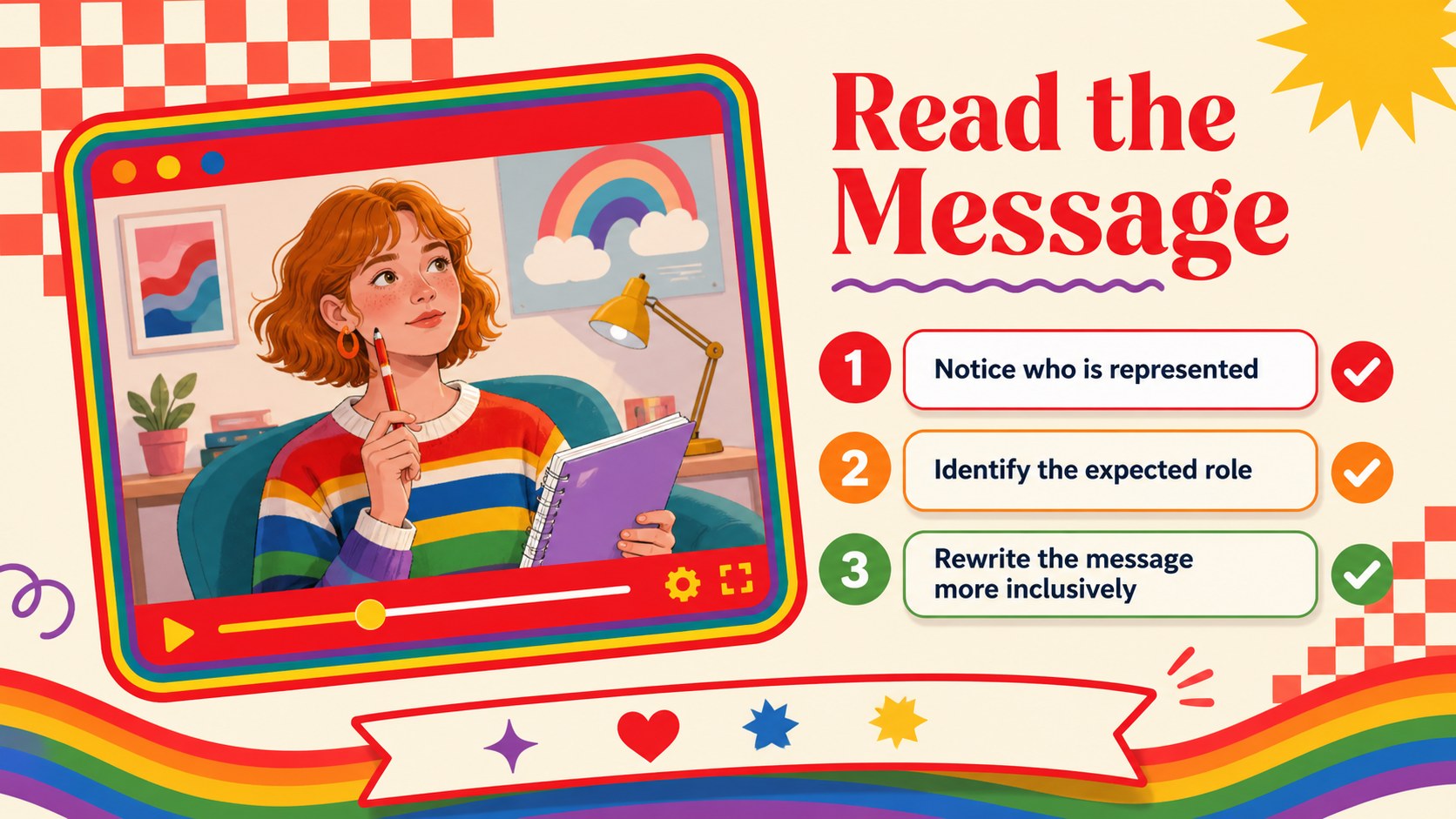
The deck includes an opening discussion prompt, key terminology, a comparison of identity and expression, examples of gender roles in everyday life, stereotype reflection activities, media analysis, inclusive language guidance, and practical action steps. Flexible diagrams, quote layouts, timelines, and question slides make it useful as a gender roles classroom presentation or a set of inclusive identity workshop slides. Every layout can be adapted with your own wording, examples, images, and organization details.
Designed for educators, student leaders, community organizers, human resources teams, and advocacy groups, this pride education PowerPoint template supports lessons, staff development, awareness campaigns, and facilitated group discussions. Use the complete sequence for a structured session or select individual slides for a shorter presentation. The lively illustrated style encourages participation while maintaining a thoughtful, constructive tone. All slides are fully editable in PowerPoint and Google Slides, allowing you to adjust colors, typography, graphics, and discussion questions for the age, setting, and goals of your audience.
Perfect for: classroom identity lesson; staff inclusion workshop; student awareness seminar; community Pride event; media stereotypes discussion.
Frequently asked questions
Can I edit every element in this presentation? Yes. You can change the text, colors, fonts, illustrations, diagrams, and discussion prompts to suit your audience and session goals.
Practical details
Yes. You can change the text, colors, fonts, illustrations, diagrams, and discussion prompts to suit your audience and session goals.
Yes. The presentation is designed for editing and presenting in both Microsoft PowerPoint and Google Slides. Minor font or animation differences may occur between platforms.
Simplify terminology and use familiar examples for younger learners, or add research, policy context, and case studies for adult audiences. The modular layouts make it easy to remove or reorder topics.
Yes. Replace the sample wording with your own learning objectives, community guidelines, event details, and contact information. You can also adjust the palette while retaining the colorful illustrated style.
Keep exploring
15Build stronger academic arguments with a college essay thesis builder featuring guided examples, revision prompts, and editable PowerPoint and Google Slides.
 15
15Build an engaging World UFO Day session with this flying saucer history lesson deck, featuring retro green-and-brown slides for PowerPoint and Google Slides.
 14
14Plan a memorable Lunar New Year campaign with the 2036 Dragon Year Celebration Theme, featuring bold red-and-yellow slides for lessons and events.
 15
15Build a thoughtful classroom discussion with this interfaith awareness lesson deck, featuring editable blue-and-white slides for PowerPoint and Google Slides.
 15
15Use this environmental awareness lesson deck to teach climate action through illustrated activities, discussion prompts, and ready-to-edit visuals.
 15
15Build playful lessons and party stories with a kid-friendly zombie celebration theme in purple, green and pastel blue for PowerPoint and Google Slides.
 15
15Build eerie lessons, campaigns, and story pitches with an undead survival scenario theme featuring editable slides for PowerPoint and Google Slides.
 16
16Turn environmental research into a clear story with a Watercolor Ecology Presentation Theme for PowerPoint and Google Slides in calming green and blue.