
 15
15presentation
College Essay Thesis Builder Slides
Build stronger academic arguments with a college essay thesis builder featuring guided examples, revision prompts, and editable PowerPoint and Google Slides.
Google SlidesPowerPoint
presentation · English
Build polished class and club updates with a Gator campus project presentation featuring crisp blue-and-red layouts for PowerPoint and Google Slides.


Design notes
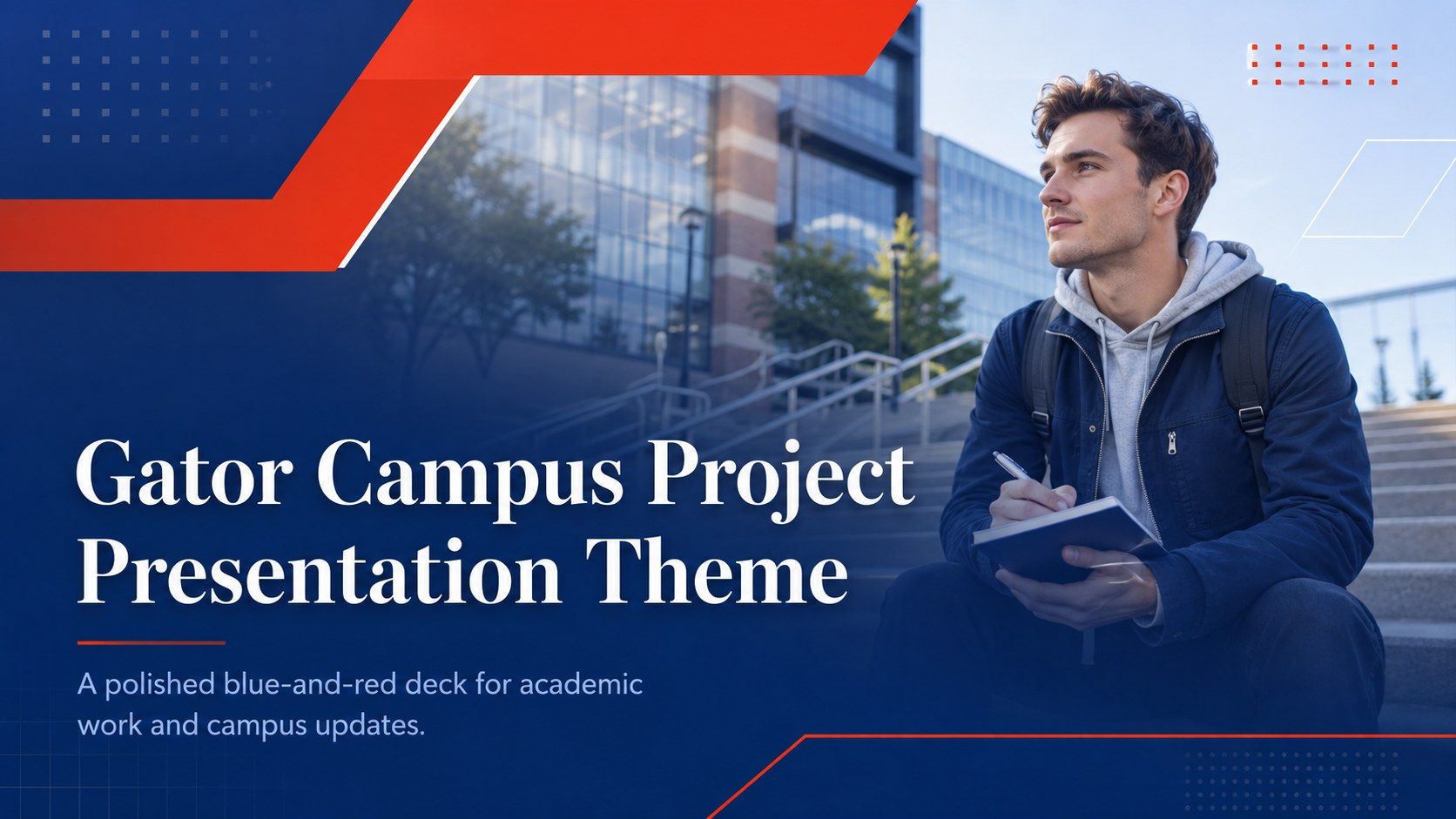
Bring structure and school spirit to your next assignment with the Gator campus project presentation. Its crisp blue-and-red palette, formal typography, and modern academic styling create a confident backdrop for research findings, course projects, organization updates, and campus proposals. The layouts feel professional without becoming too rigid, helping students keep attention on their ideas.
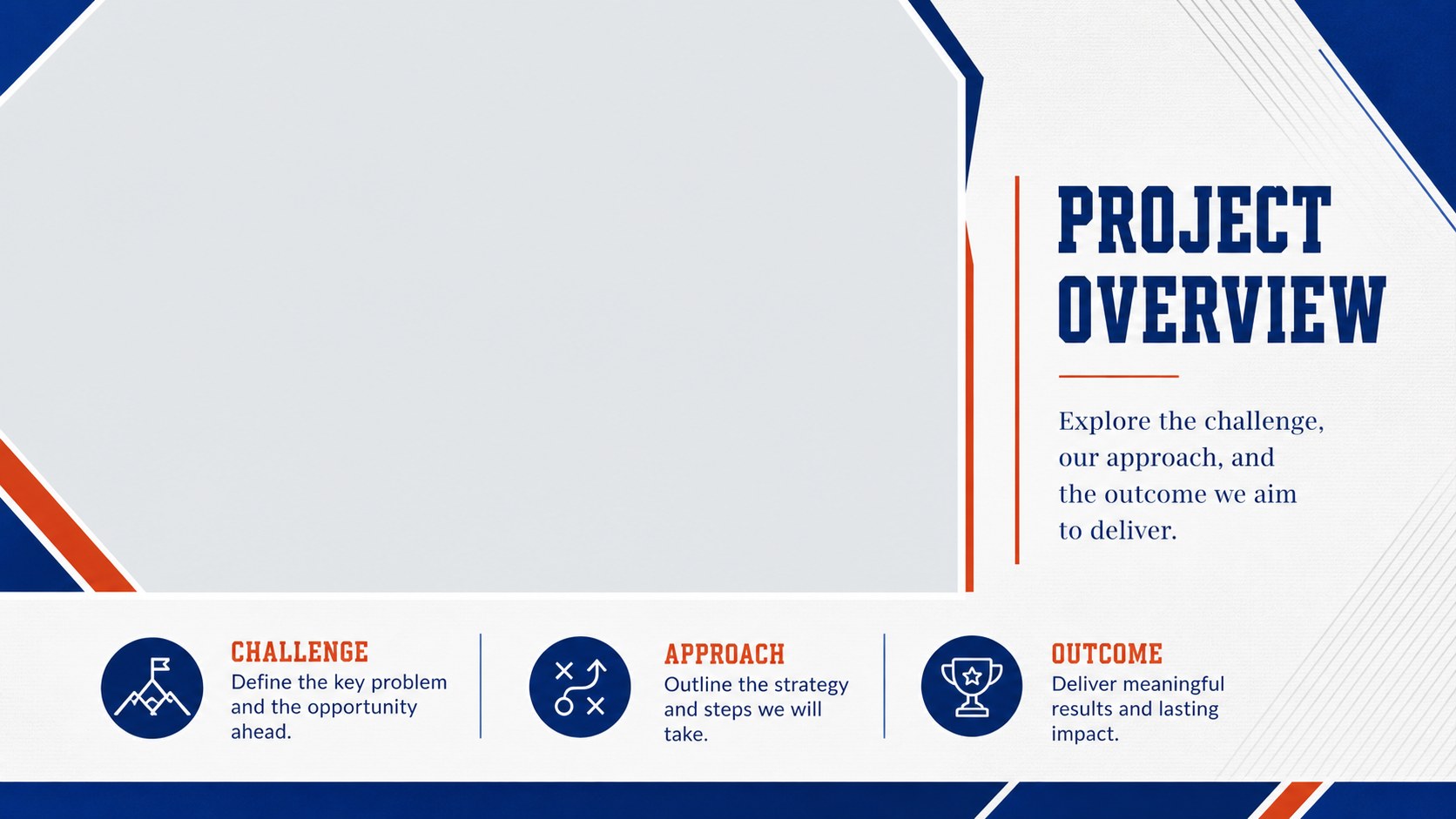
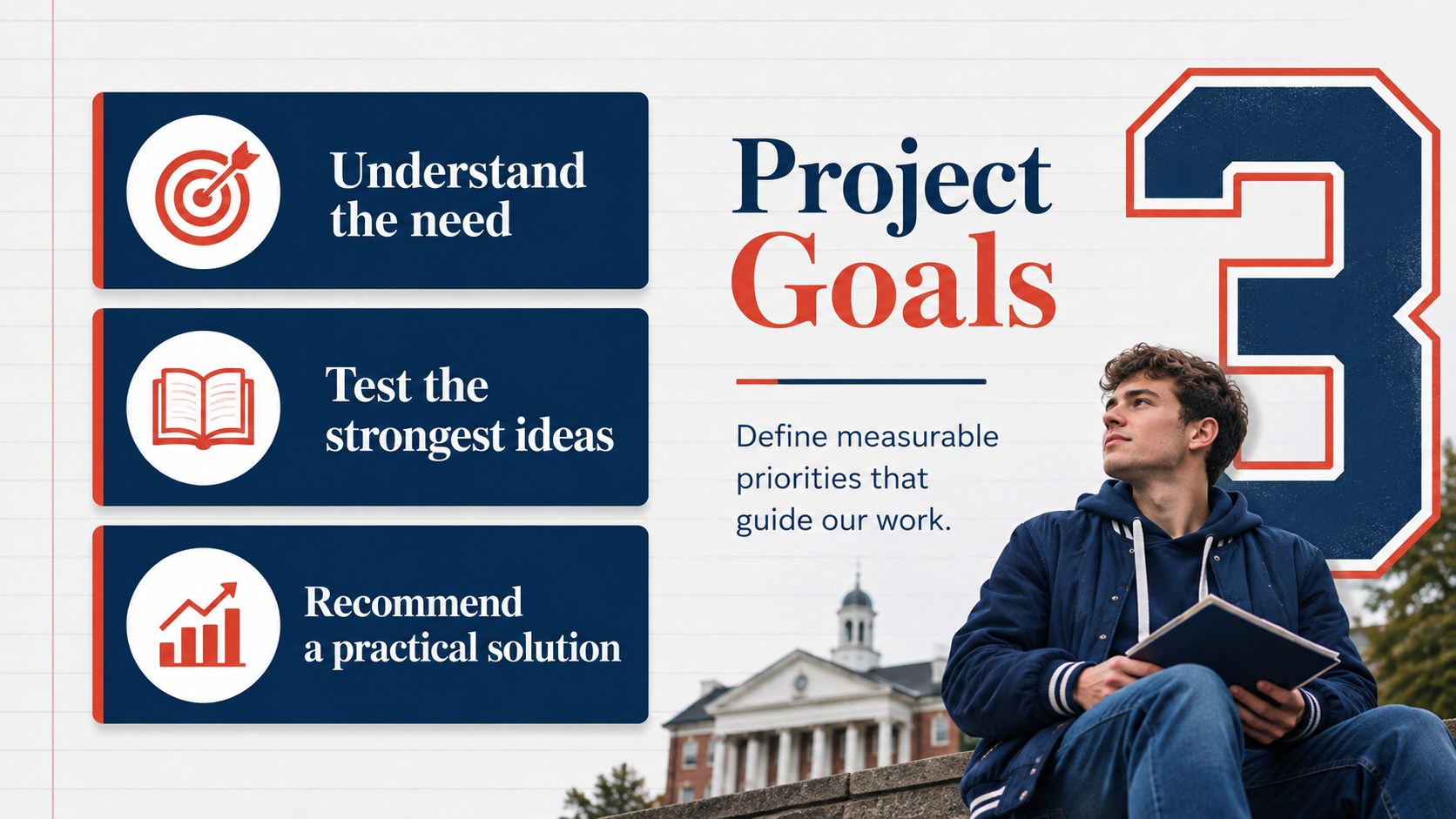
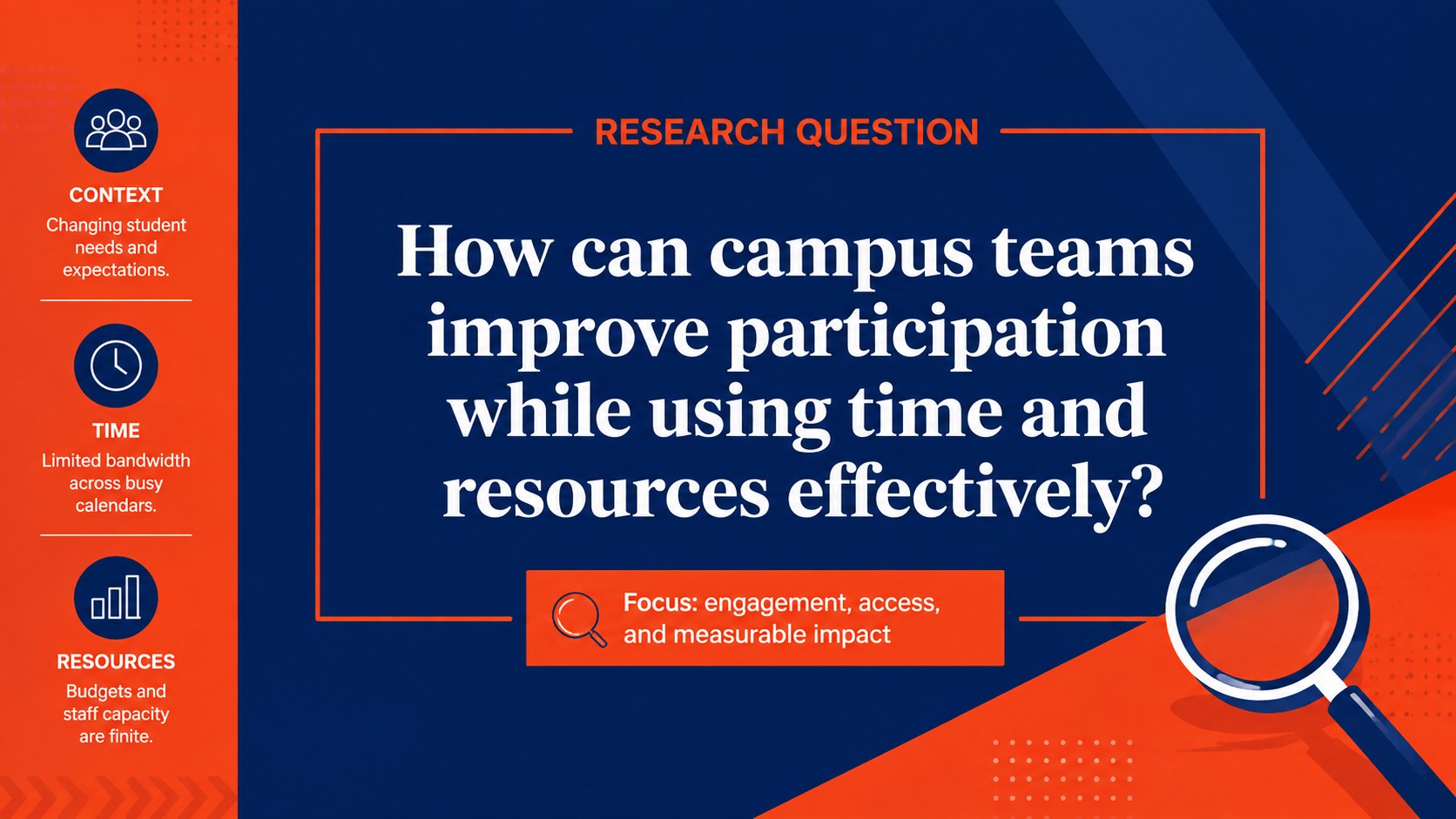
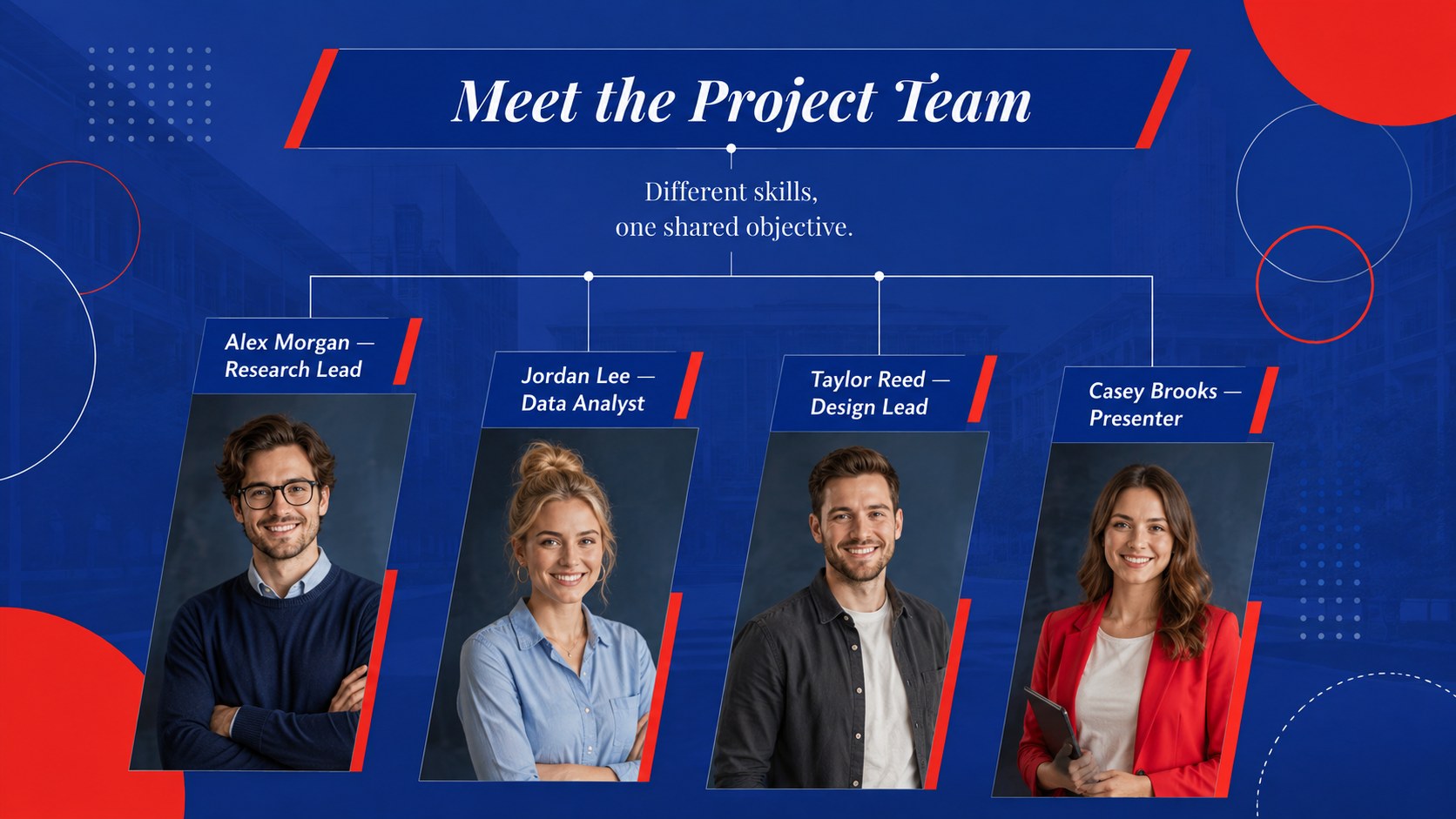
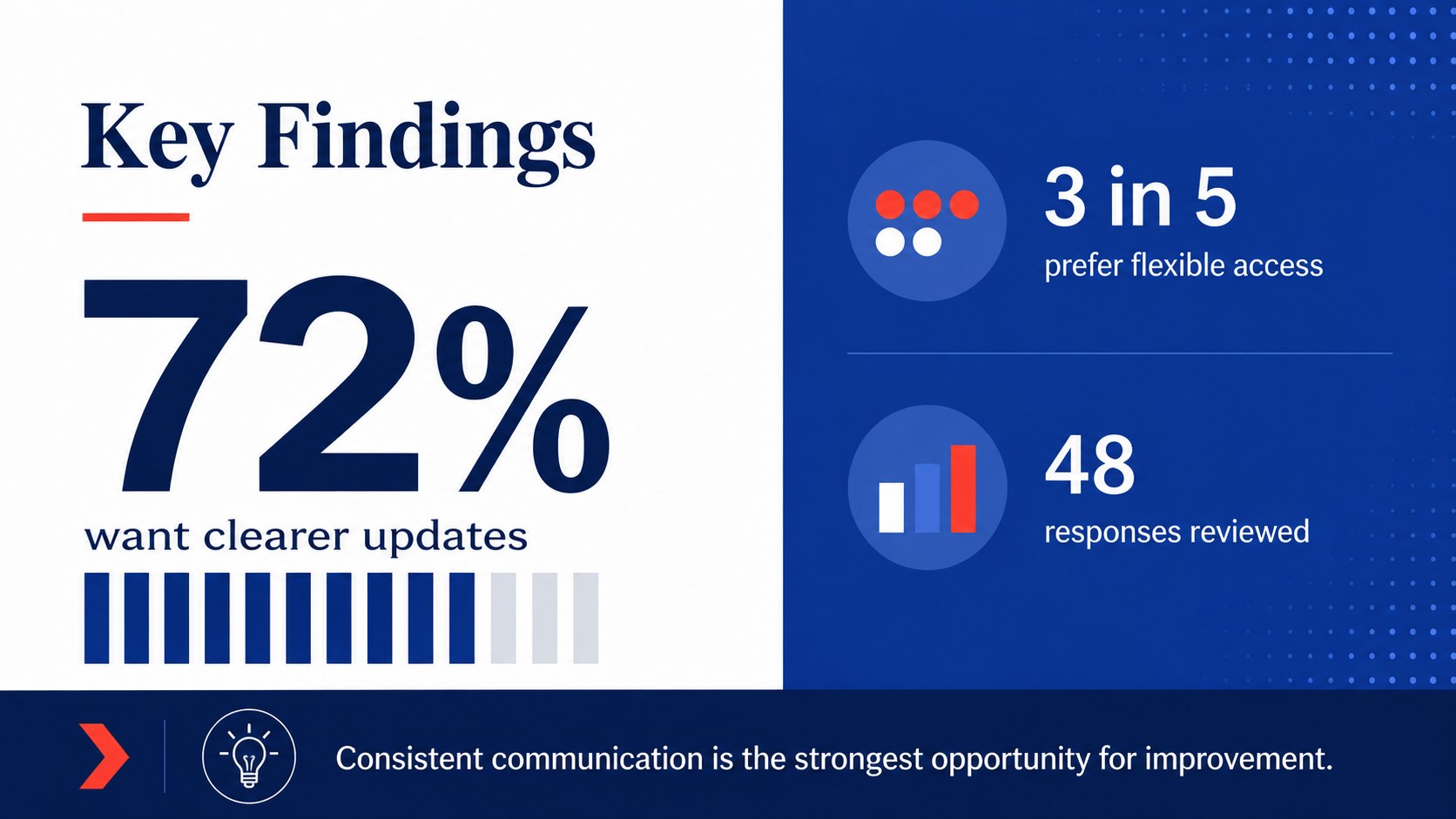
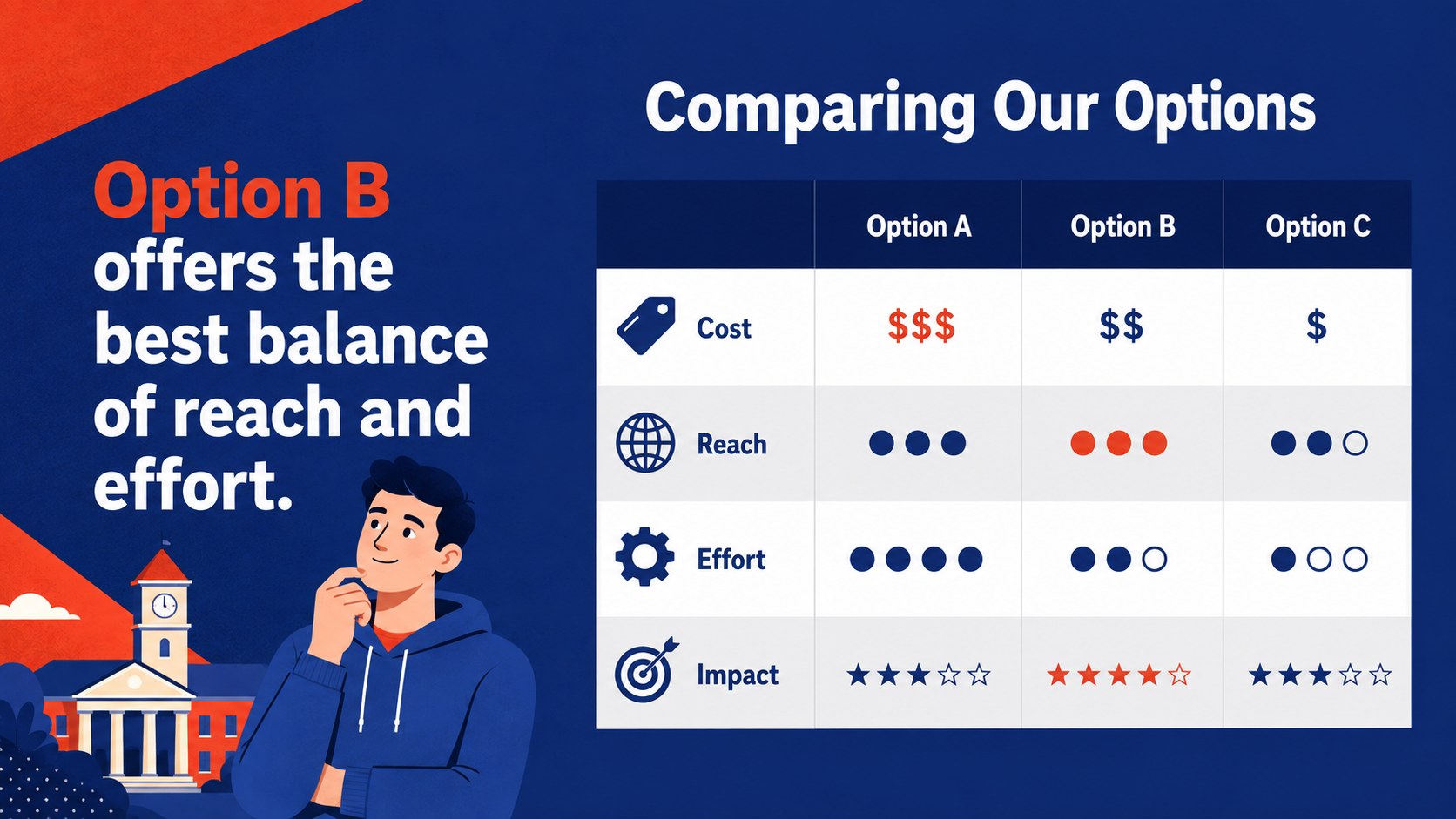
The deck includes formats for an opening statement, agenda, project goals, research questions, team introductions, key findings, comparison tables, timelines, data highlights, recommendations, and a closing discussion. Use it as a blue and red college presentation for a graded assignment or adapt it into an academic group project PowerPoint with clear responsibilities and milestones. Charts, text blocks, image areas, colors, and type can be adjusted to suit your subject.
Designed for university students, faculty members, campus organizations, and project teams, this college research presentation theme works equally well for classroom talks and club meetings. Every slide uses a widescreen 16:9 format and can be edited in PowerPoint or Google Slides. Add course details, replace the sample content, insert your own images, and tailor the visual hierarchy while preserving the deck's polished collegiate character.
Perfect for: university class project; student research presentation; campus club meeting; group assignment update; academic proposal; faculty project briefing.
Frequently asked questions
Can I edit this presentation in PowerPoint and Google Slides? Yes. The layouts are designed for editing in both PowerPoint and Google Slides, including text, colors, images, charts, and shapes.
Practical details
Yes. The layouts are designed for editing in both PowerPoint and Google Slides, including text, colors, images, charts, and shapes.
Replace the sample headings with your course topic, then add your own research, visuals, and references. You can also adjust the blue-and-red palette or typography while retaining the collegiate design.
Yes. The agenda, timeline, team, data, and action-plan layouts work well for club meetings, event proposals, recruitment briefings, and semester updates.
The deck uses a widescreen 16:9 aspect ratio. This format is suitable for classroom displays, lecture halls, laptops, and online presentations.
Keep exploring
15Build stronger academic arguments with a college essay thesis builder featuring guided examples, revision prompts, and editable PowerPoint and Google Slides.
 15
15Build an engaging World UFO Day session with this flying saucer history lesson deck, featuring retro green-and-brown slides for PowerPoint and Google Slides.
 14
14Plan a memorable Lunar New Year campaign with the 2036 Dragon Year Celebration Theme, featuring bold red-and-yellow slides for lessons and events.
 15
15Build a thoughtful classroom discussion with this interfaith awareness lesson deck, featuring editable blue-and-white slides for PowerPoint and Google Slides.
 15
15Use this environmental awareness lesson deck to teach climate action through illustrated activities, discussion prompts, and ready-to-edit visuals.
 15
15Build playful lessons and party stories with a kid-friendly zombie celebration theme in purple, green and pastel blue for PowerPoint and Google Slides.
 15
15Build eerie lessons, campaigns, and story pitches with an undead survival scenario theme featuring editable slides for PowerPoint and Google Slides.
 16
16Turn environmental research into a clear story with a Watercolor Ecology Presentation Theme for PowerPoint and Google Slides in calming green and blue.