
 15
15presentation
College Essay Thesis Builder Slides
Build stronger academic arguments with a college essay thesis builder featuring guided examples, revision prompts, and editable PowerPoint and Google Slides.
Google SlidesPowerPoint
presentation · English
Teach healthy eating with a bright fruit nutrition learning deck for PowerPoint and Google Slides, featuring playful visuals, facts, quizzes, and activities.
Design notes
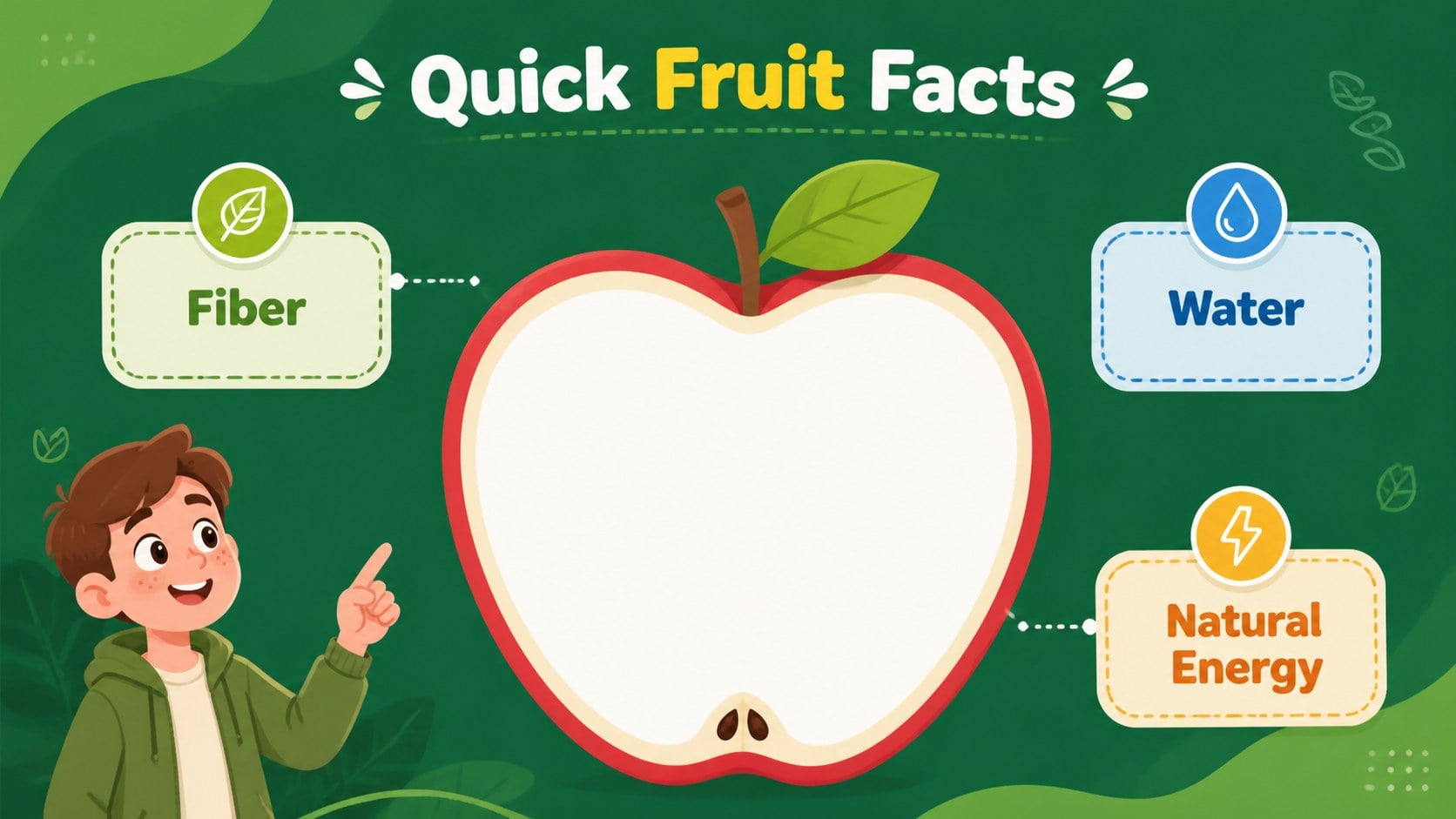
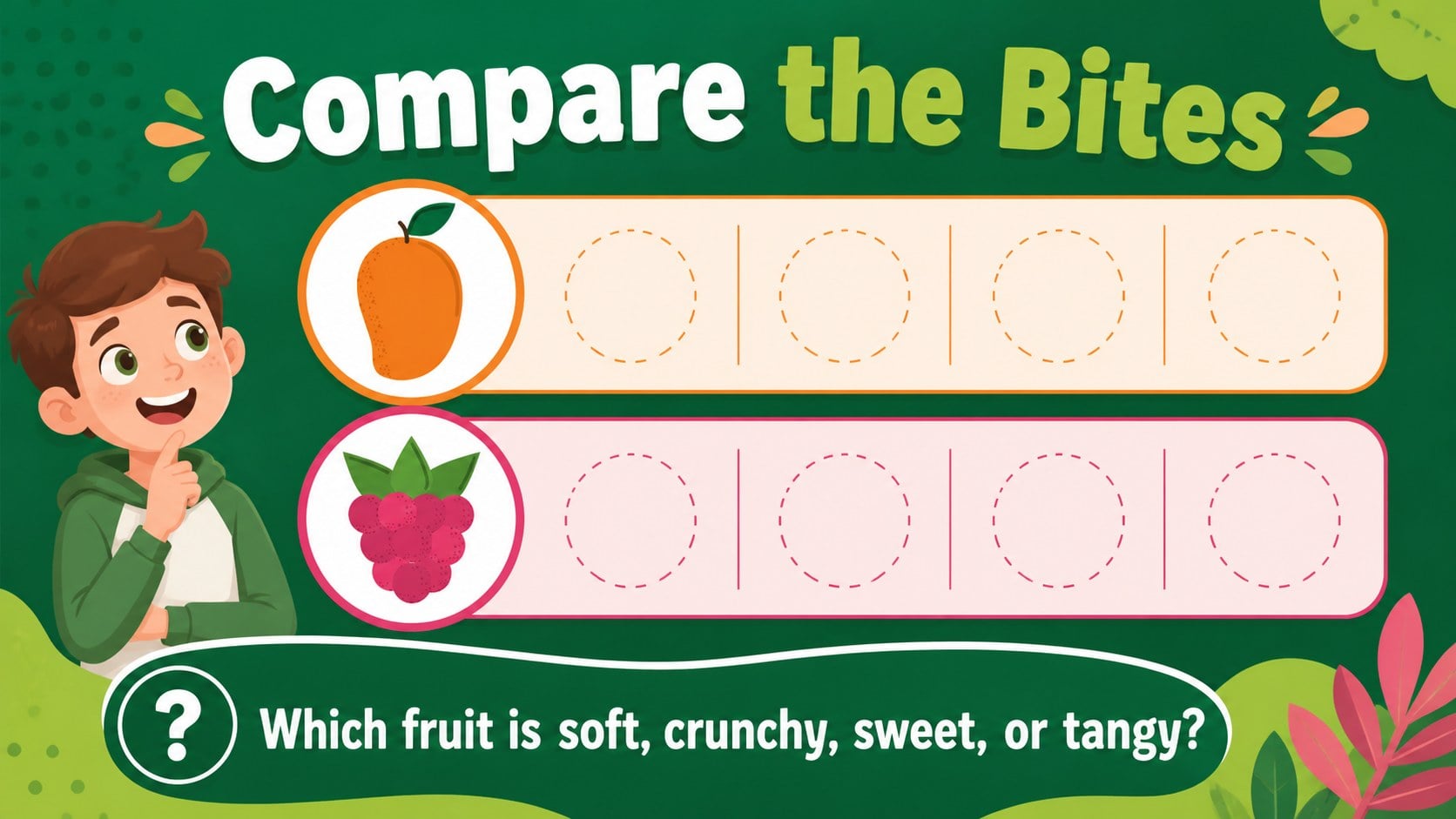
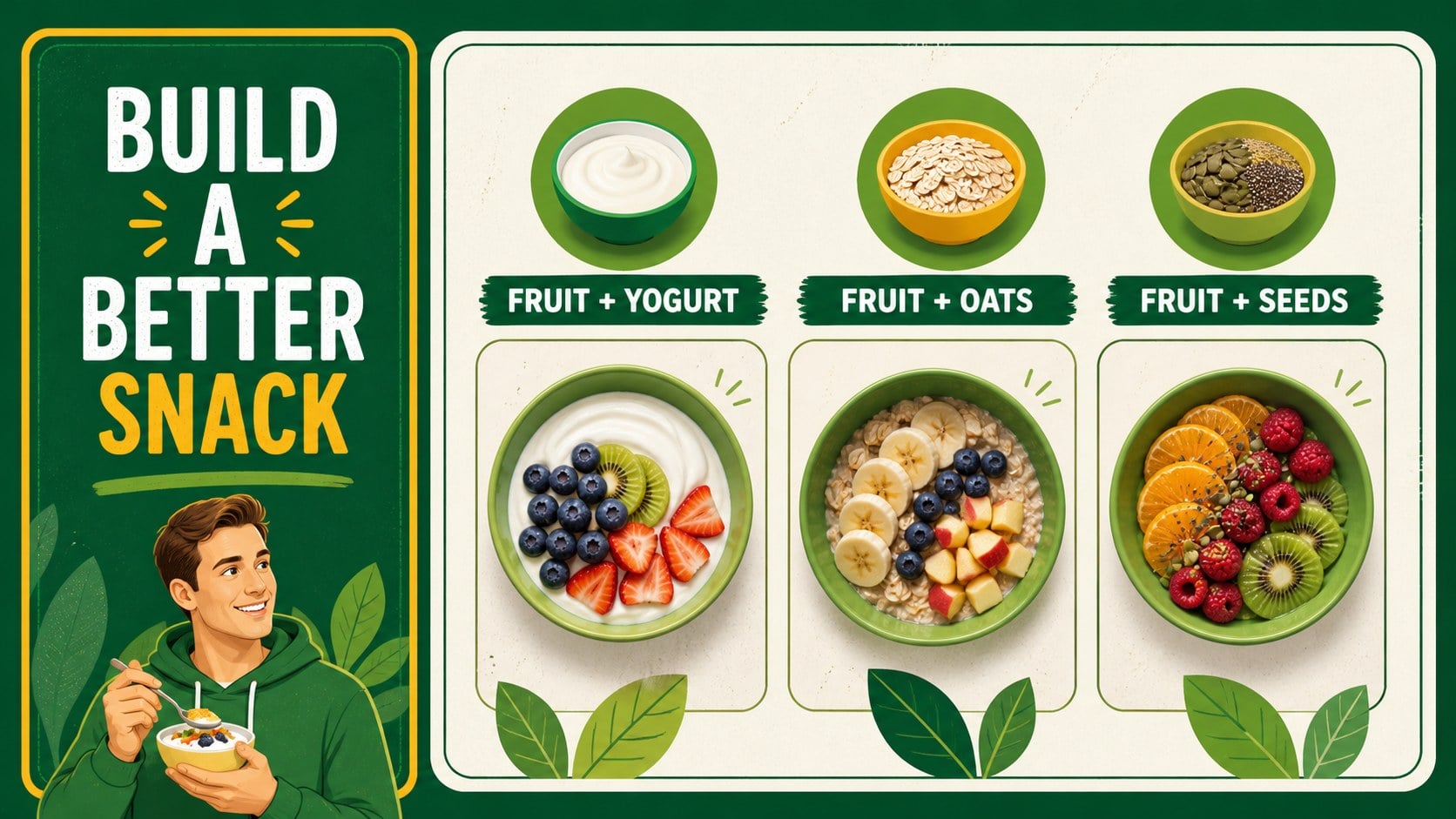
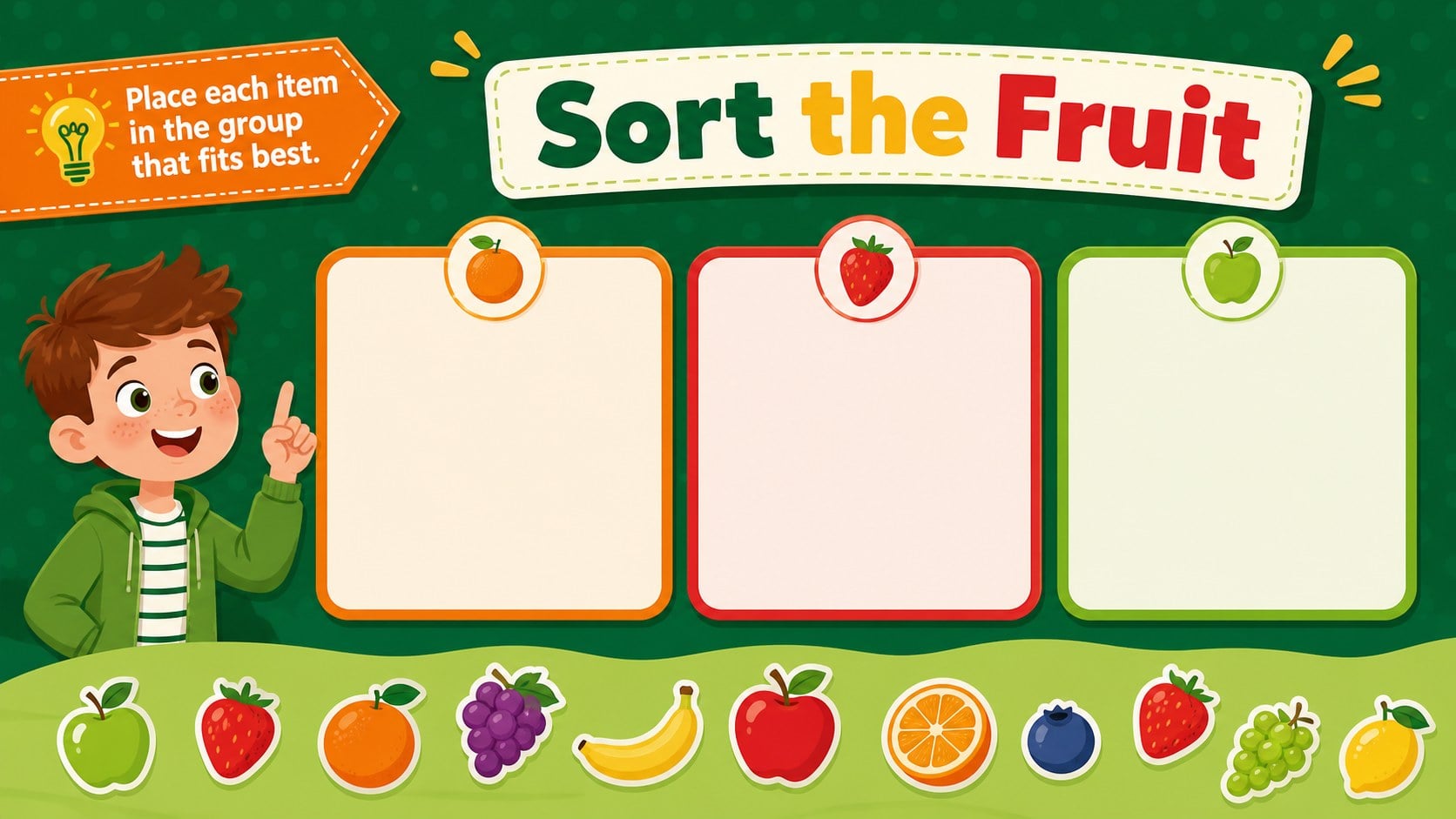
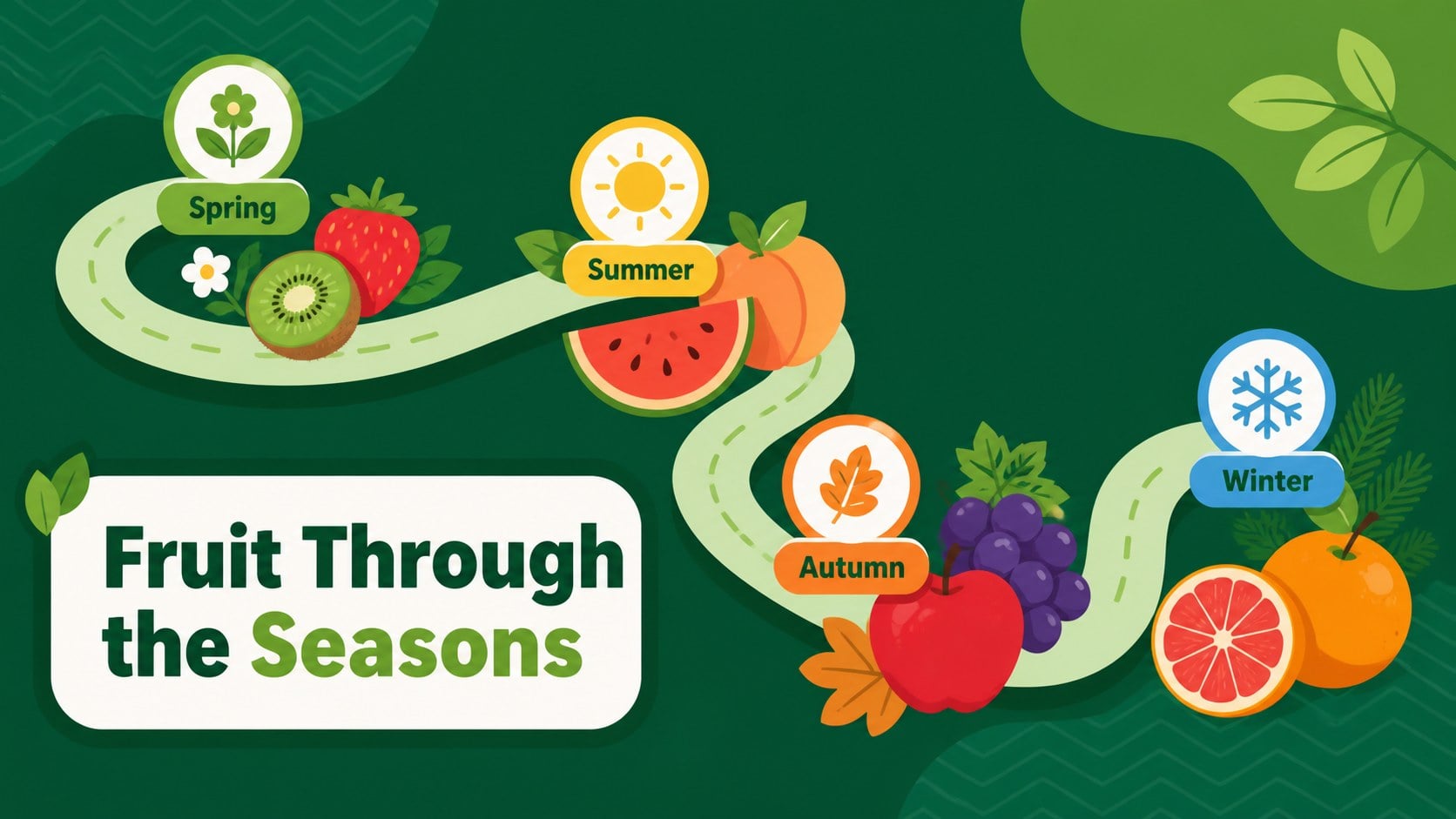
Fruit Nutrition Learning Deck is a lively educational presentation for introducing children to fruit, nutrition, and everyday healthy choices. Its bold green palette, colorful illustrated produce, and friendly layouts make nutrition concepts approachable without feeling overly technical.
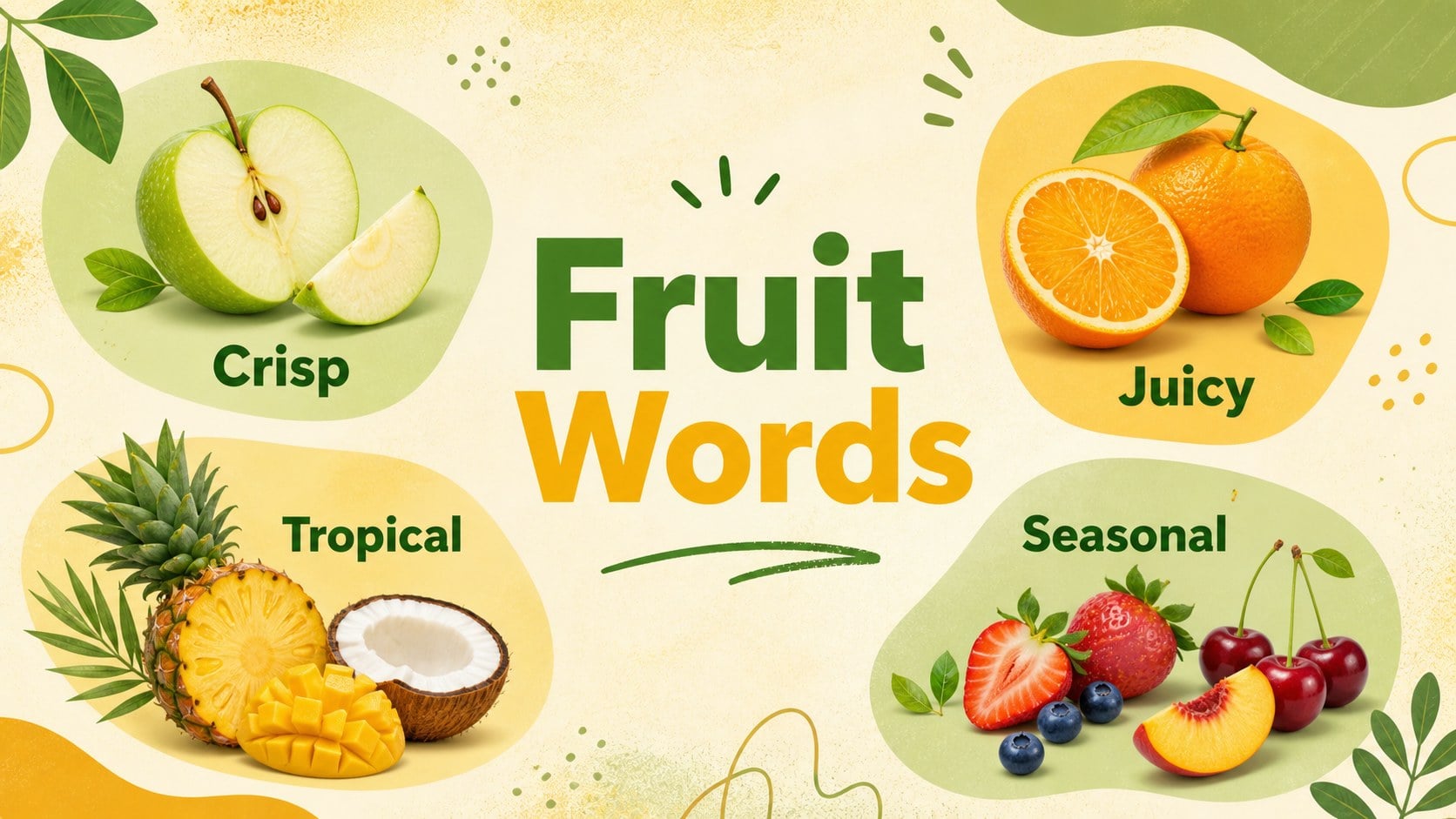
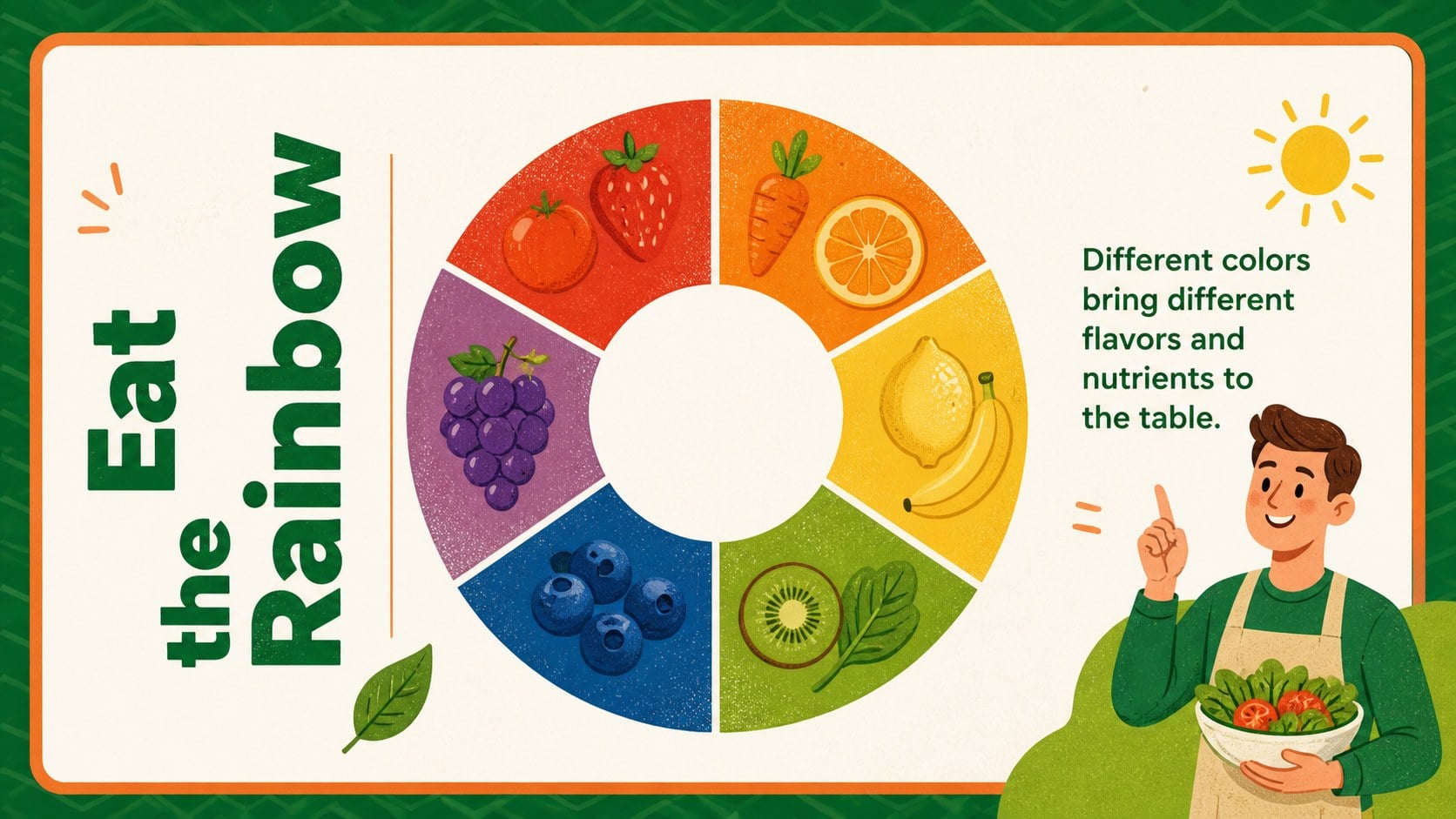
Inside, you will find an opening lesson, fruit vocabulary, visual food-group comparisons, simple nutrition facts, serving ideas, sorting activities, quiz questions, and a final healthy-snack challenge. Each layout is easy to adapt, so educators can replace examples, add local foods, adjust reading levels, or create a themed classroom discussion. The deck also works well as a printable-style visual aid during group instruction.
This fruit nutrition learning deck is made for elementary teachers, homeschool families, daycare educators, school health coordinators, and parents planning a food education activity. Use it for a short science lesson, a wellness unit, a lunchroom presentation, or an interactive review session. Edit the slides in PowerPoint or Google Slides, then add your own photos, illustrations, prompts, and notes. The cheerful visual system keeps young learners focused while giving adults a clear structure for explaining flavor, color, variety, and balanced eating.
Perfect for: elementary nutrition lesson; healthy snack classroom activity; homeschool food science unit; school wellness presentation; daycare learning session.
Frequently asked questions
Can I edit this deck in PowerPoint? Yes. The presentation is designed for PowerPoint editing, including changes to text, colors, illustrations, and slide order. You can also add speaker notes or classroom prompts.
Practical details
Yes. The presentation is designed for PowerPoint editing, including changes to text, colors, illustrations, and slide order. You can also add speaker notes or classroom prompts.
Yes, you can open and customize the presentation in Google Slides. Check the imported layouts and fonts before presenting, since some formatting may shift between applications.
You can replace vocabulary, simplify nutrition facts, or add more advanced comparisons for older students. The activity and quiz slides are structured so teachers can adjust difficulty easily.
Yes. Swap the illustrated produce for local fruits, seasonal ingredients, or classroom photographs. This makes the lesson more relevant to your students and community.
Keep exploring
15Build stronger academic arguments with a college essay thesis builder featuring guided examples, revision prompts, and editable PowerPoint and Google Slides.
 15
15Build an engaging World UFO Day session with this flying saucer history lesson deck, featuring retro green-and-brown slides for PowerPoint and Google Slides.
 14
14Plan a memorable Lunar New Year campaign with the 2036 Dragon Year Celebration Theme, featuring bold red-and-yellow slides for lessons and events.
 15
15Build a thoughtful classroom discussion with this interfaith awareness lesson deck, featuring editable blue-and-white slides for PowerPoint and Google Slides.
 15
15Use this environmental awareness lesson deck to teach climate action through illustrated activities, discussion prompts, and ready-to-edit visuals.
 15
15Build playful lessons and party stories with a kid-friendly zombie celebration theme in purple, green and pastel blue for PowerPoint and Google Slides.
 15
15Build eerie lessons, campaigns, and story pitches with an undead survival scenario theme featuring editable slides for PowerPoint and Google Slides.
 16
16Turn environmental research into a clear story with a Watercolor Ecology Presentation Theme for PowerPoint and Google Slides in calming green and blue.