
 15
15presentation
Flying Saucer History Lesson Deck
Build an engaging World UFO Day session with this flying saucer history lesson deck, featuring retro green-and-brown slides for PowerPoint and Google Slides.
Google SlidesPowerPoint
presentation · English
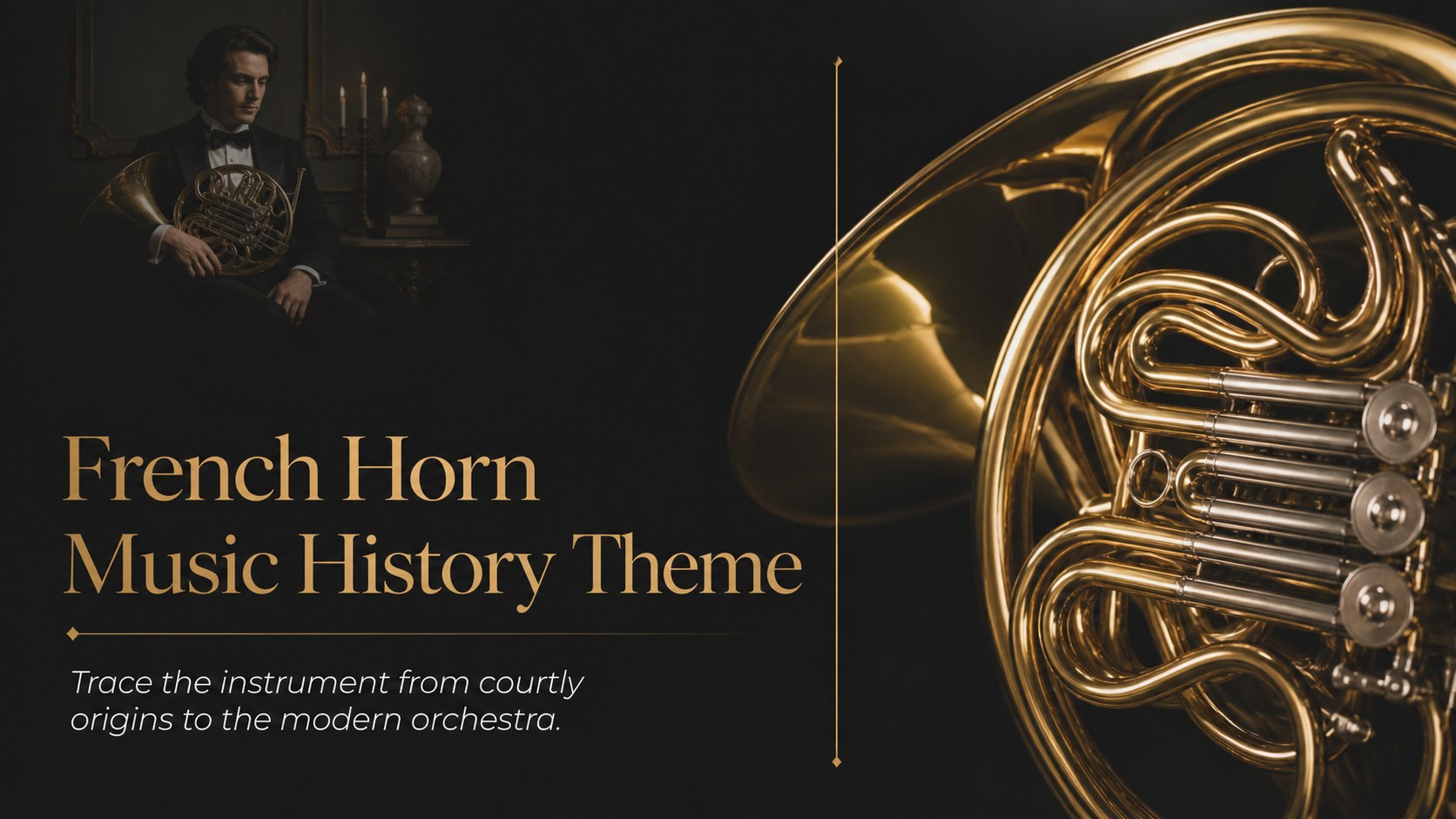
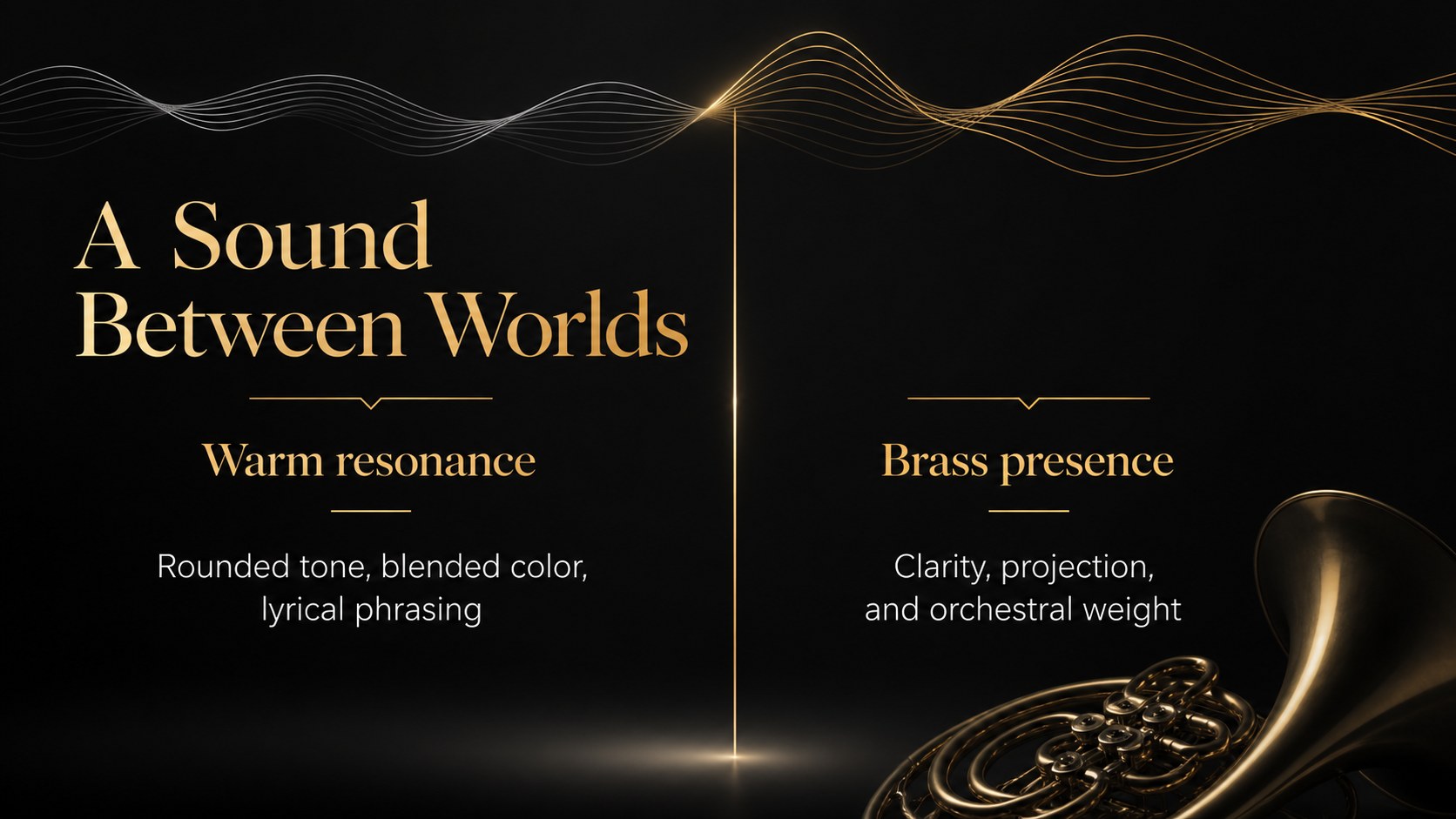
Build engaging lessons with a french horn music history theme in an elegant black layout for culture, orchestral music, and instrument study presentations.
Design notes
Bring orchestral history to life with a french horn music history theme designed for teachers, music students, and presenters. Its refined black palette, formal typography, and editorial structure create a focused setting for explaining the instrument’s origins, construction, sound, and place in classical music. The look is sophisticated enough for a lecture while remaining clear and approachable for classroom use.
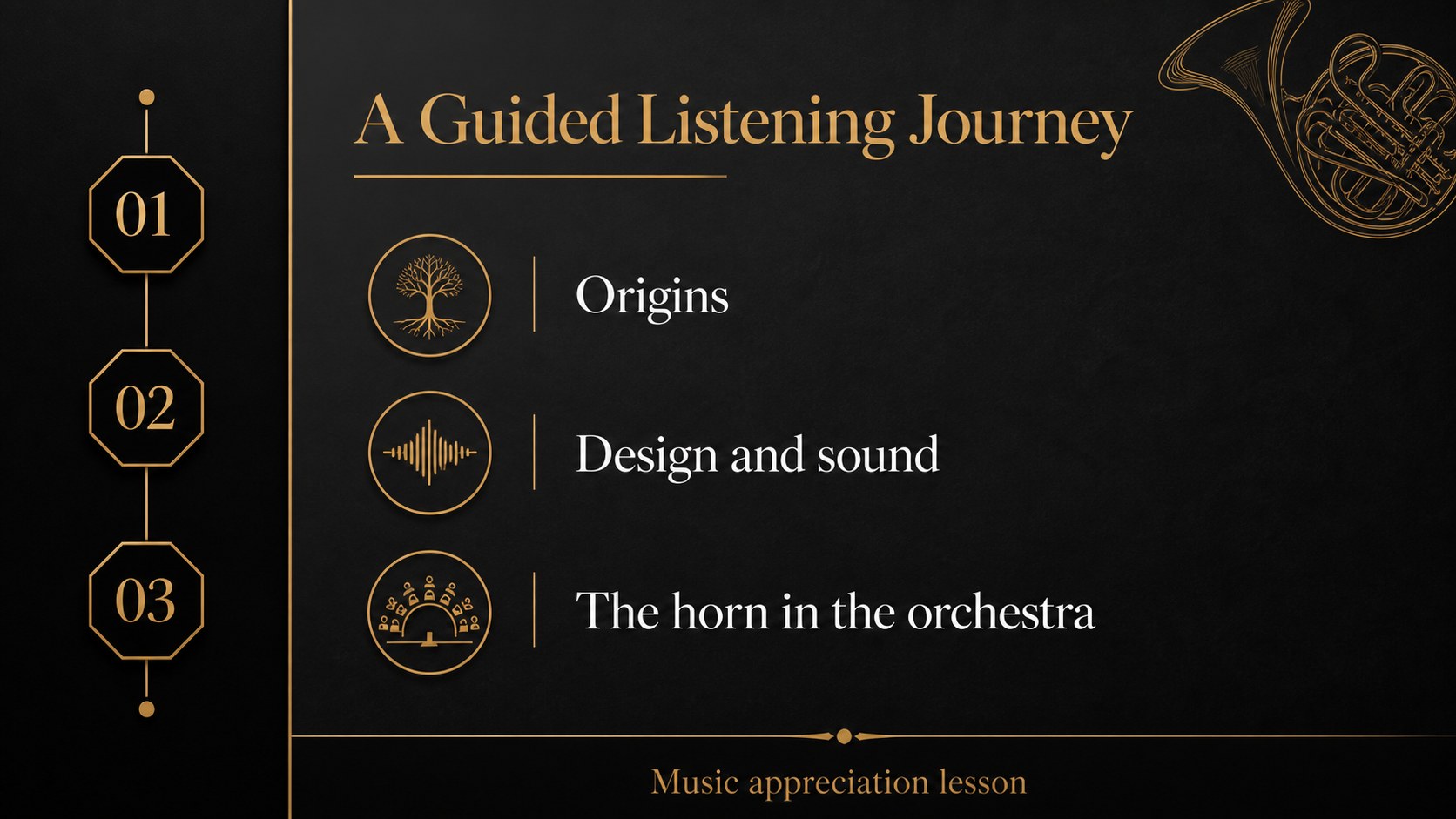
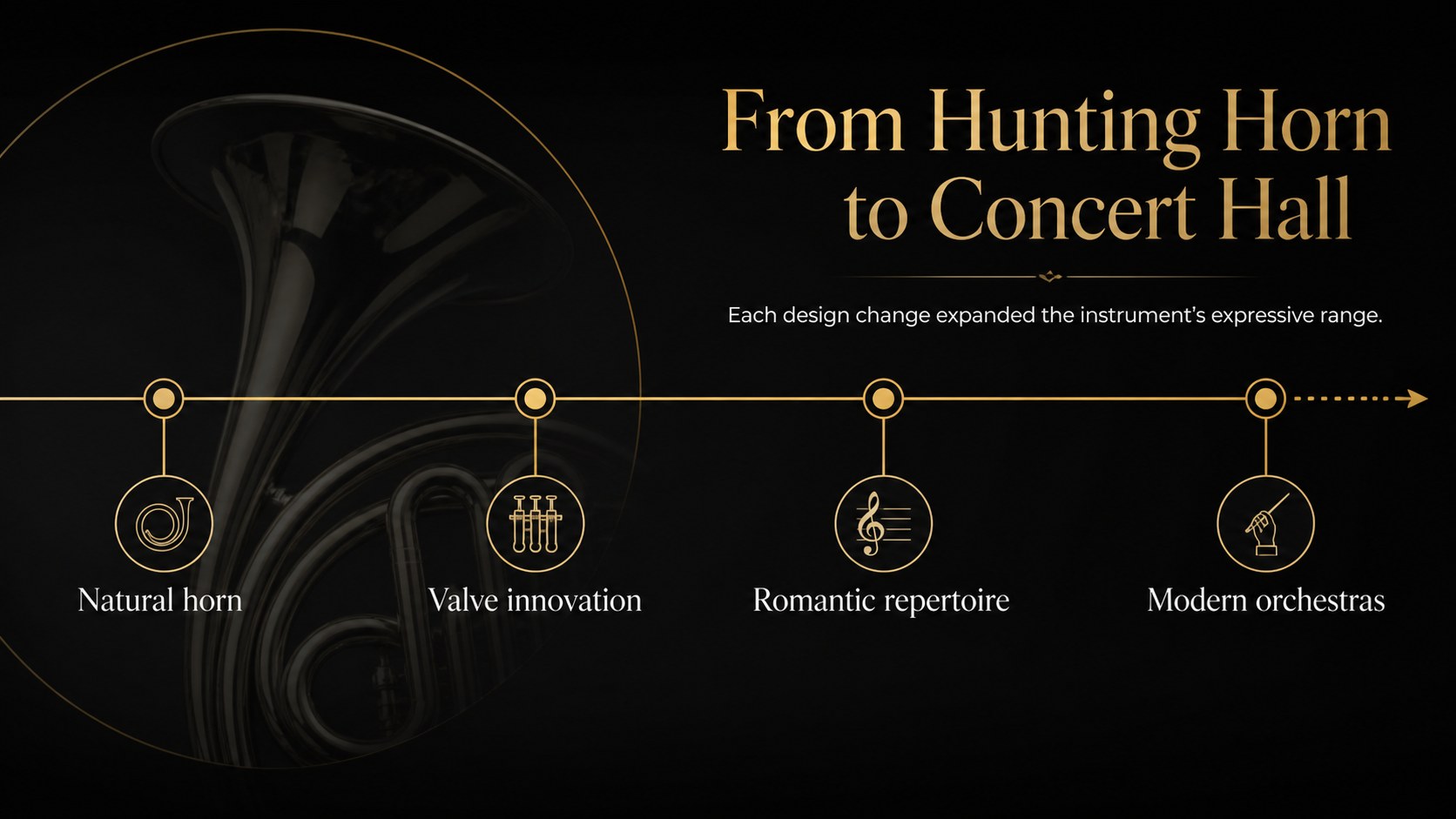
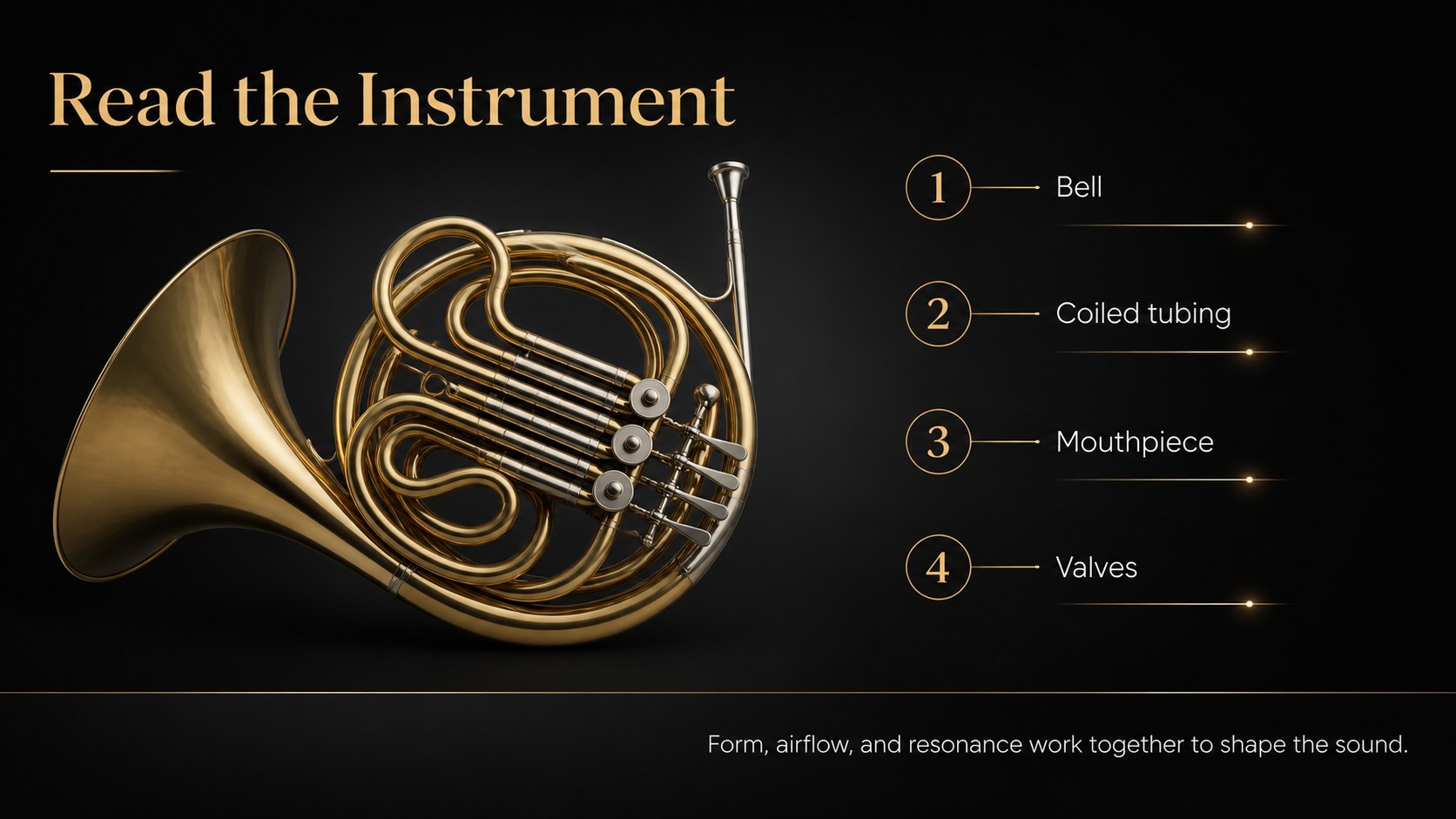
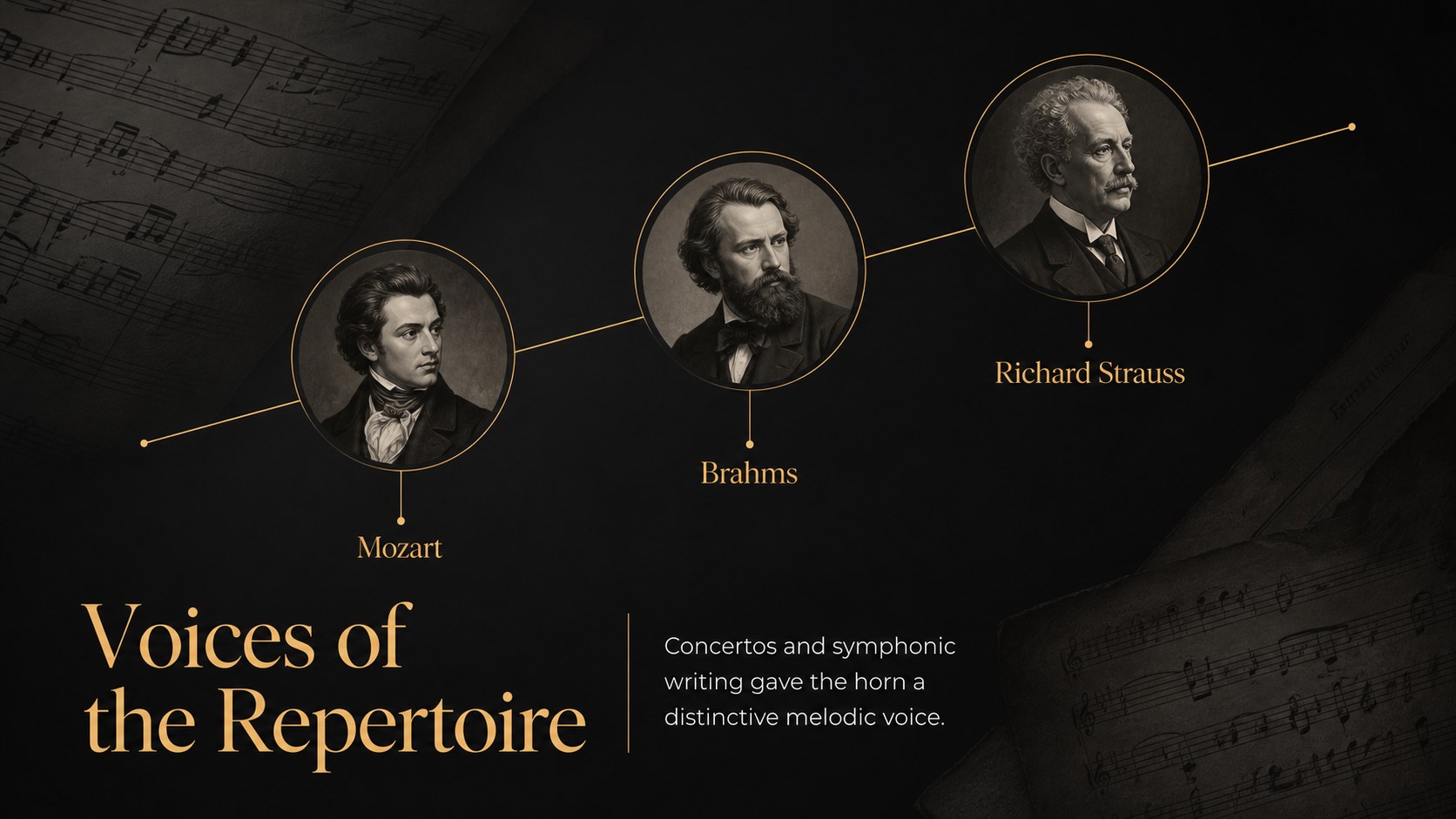
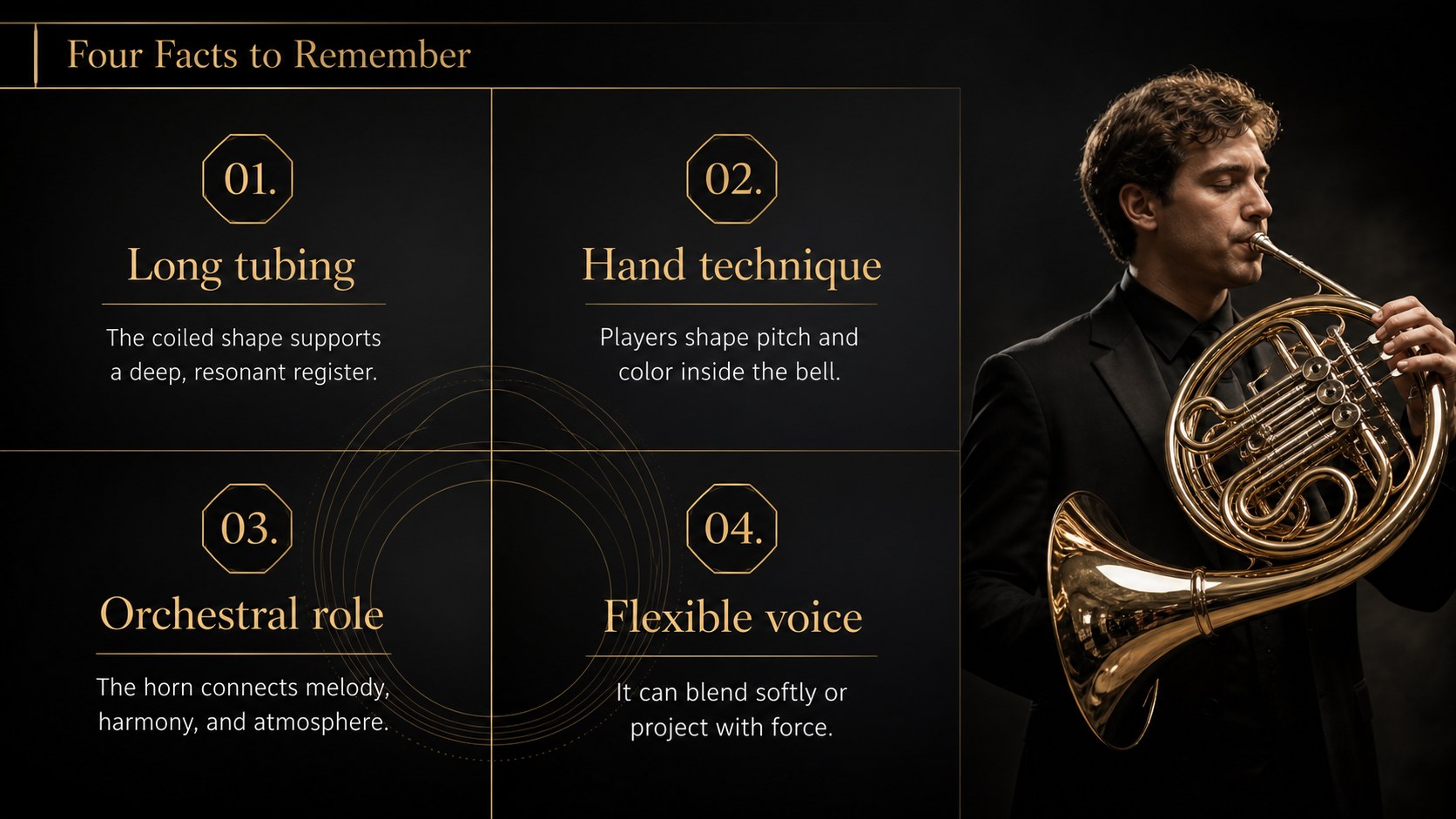
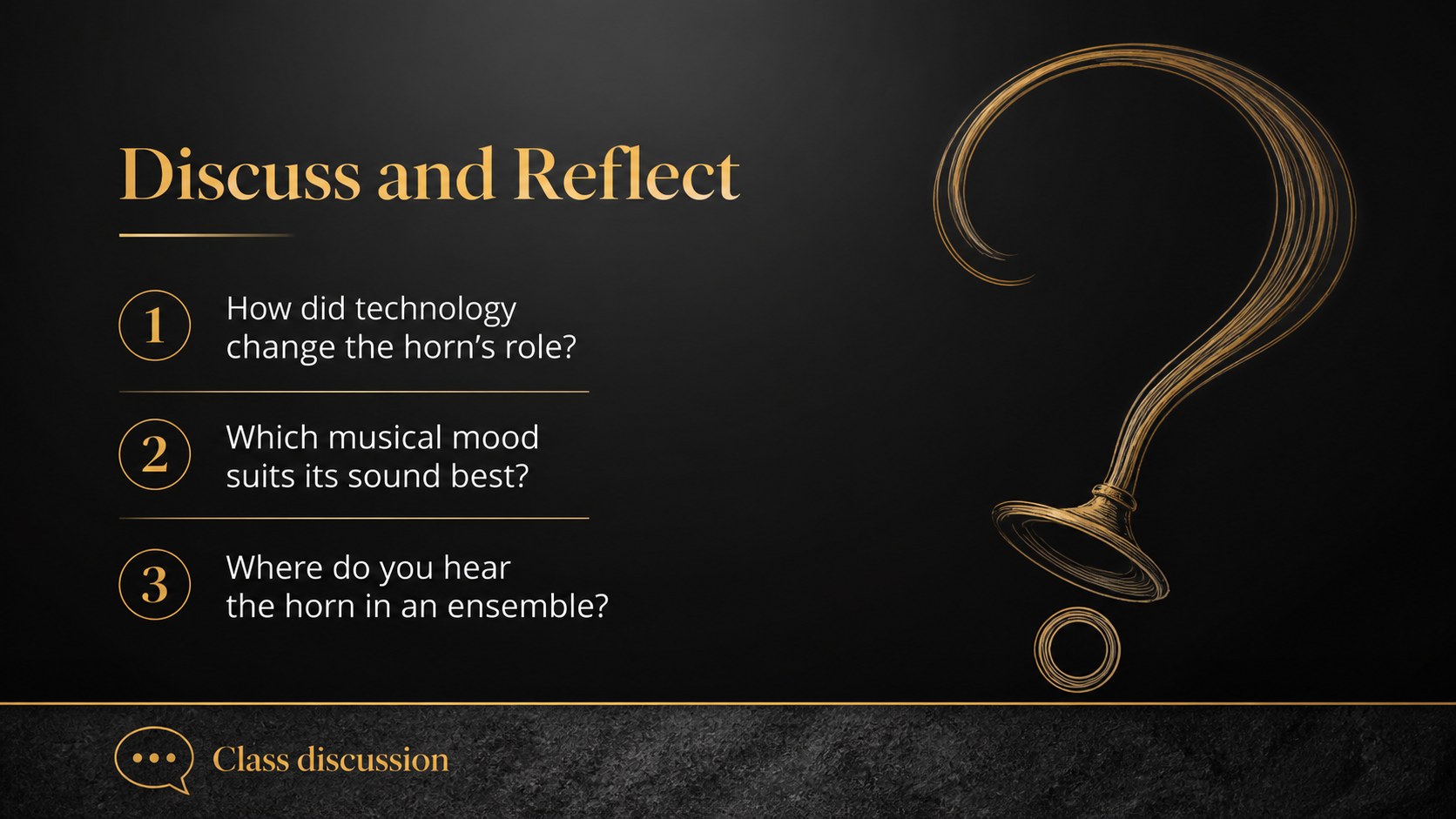
Inside, you’ll find 20 editable 16:9 layouts for a title page, lesson objectives, historical timeline, instrument anatomy, famous composers, repertoire highlights, comparison tables, image-led examples, and a concluding review. Use the design as a classical music classroom deck, a french horn history presentation, or a broader brass instrument presentation by replacing the sample copy and imagery. Charts, frames, shapes, transitions, and animation options help organize information without distracting from the subject.
The template works especially well for music appreciation classes, cultural history units, conservatory assignments, and student presentations. Edit it, then export to PowerPoint or Google Slides when you need a familiar sharing or presenting workflow. Add your own photographs, audio references, discussion prompts, and assessment notes while preserving the elegant black visual identity.
Perfect for: music appreciation class; French horn history lesson; orchestral instrument report; conservatory presentation; classical repertoire lecture.
Frequently asked questions
Can I edit this French horn presentation? Yes. The layouts are designed for editing, including text, images, shapes, charts, colors, and transitions. Replace the sample content with your lesson material using ’s drag-and-drop editor.
Practical details
Yes. The layouts are designed for editing, including text, images, shapes, charts, colors, and transitions. Replace the sample content with your lesson material using ’s drag-and-drop editor.
You can export an edited version to PowerPoint or save it to Google Drive for use in Google Slides. Some -specific animations, fonts, or interactive features may change during export.
It can support lessons about the French horn’s development, instrument anatomy, playing technique, composers, orchestral roles, and notable repertoire. The flexible layouts can also be adapted to other brass or orchestral instruments.
Yes. lets you update the color palette, font settings, photos, and decorative elements while keeping the underlying layout. For the intended formal style, use restrained contrast and preserve the clear hierarchy of the Montserrat-based design.
Keep exploring
15Build an engaging World UFO Day session with this flying saucer history lesson deck, featuring retro green-and-brown slides for PowerPoint and Google Slides.
 15
15Plan a lively animal-learning journey with this jungle zoo adventure lesson deck, ready to customize in PowerPoint and Google Slides for young learners.
 16
16Turn environmental research into a clear story with a Watercolor Ecology Presentation Theme for PowerPoint and Google Slides in calming green and blue.
 16
16Build focused fashion, literature, and humanities presentations with the Red Triangle Editorial Theme, editable in PowerPoint and Google Slides.
 15
15Turn streaming stats, favorite tracks, and concert highlights into a bold annual listening recap slide deck for PowerPoint and Google Slides.
 15
15