
 15
15presentation
College Essay Thesis Builder Slides
Build stronger academic arguments with a college essay thesis builder featuring guided examples, revision prompts, and editable PowerPoint and Google Slides.
Google SlidesPowerPoint
presentation · English
Use this Paulo Freire critical pedagogy deck to guide teacher training, classroom dialogue, and reflective lessons in PowerPoint and Google Slides.


Design notes
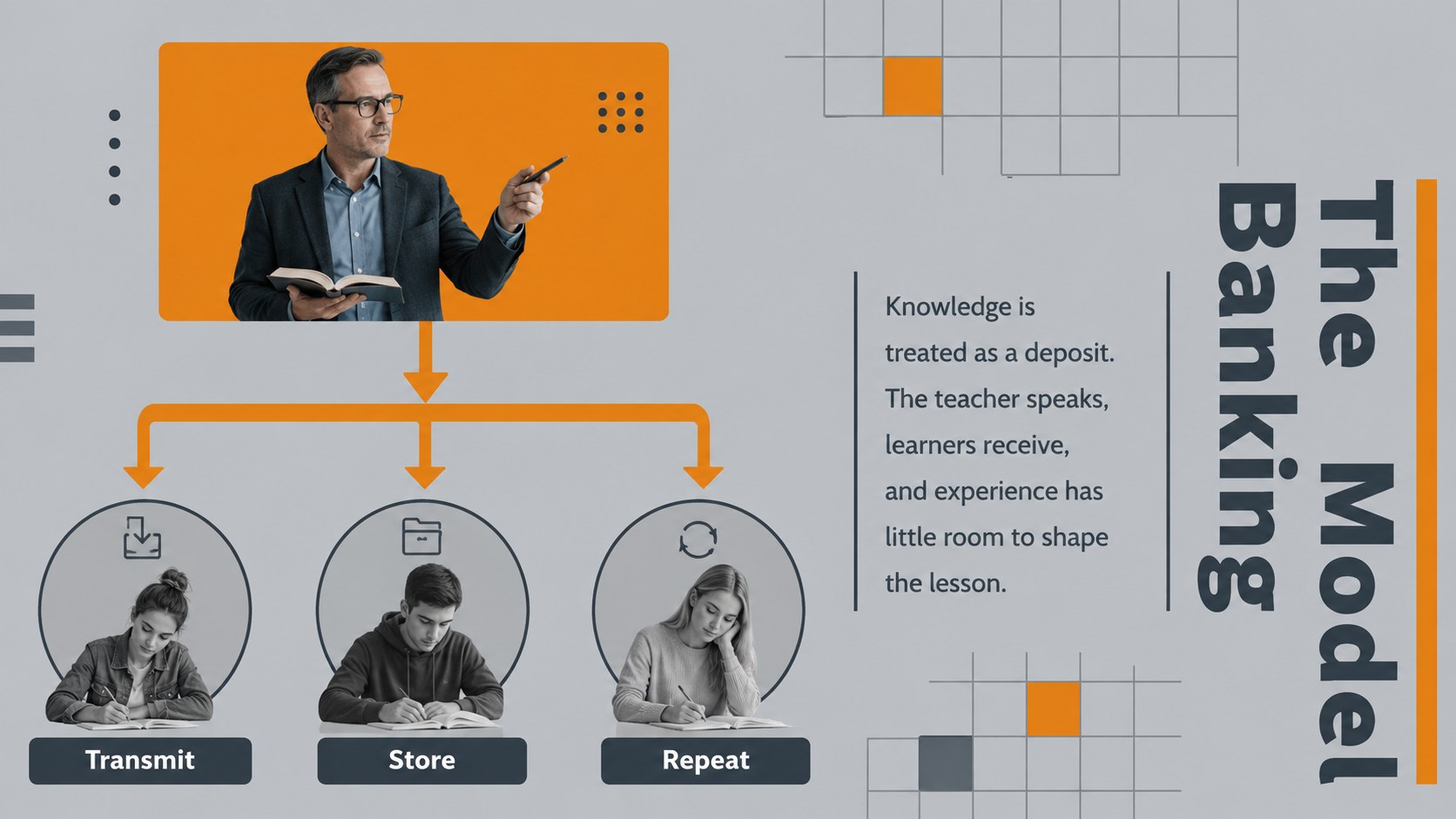
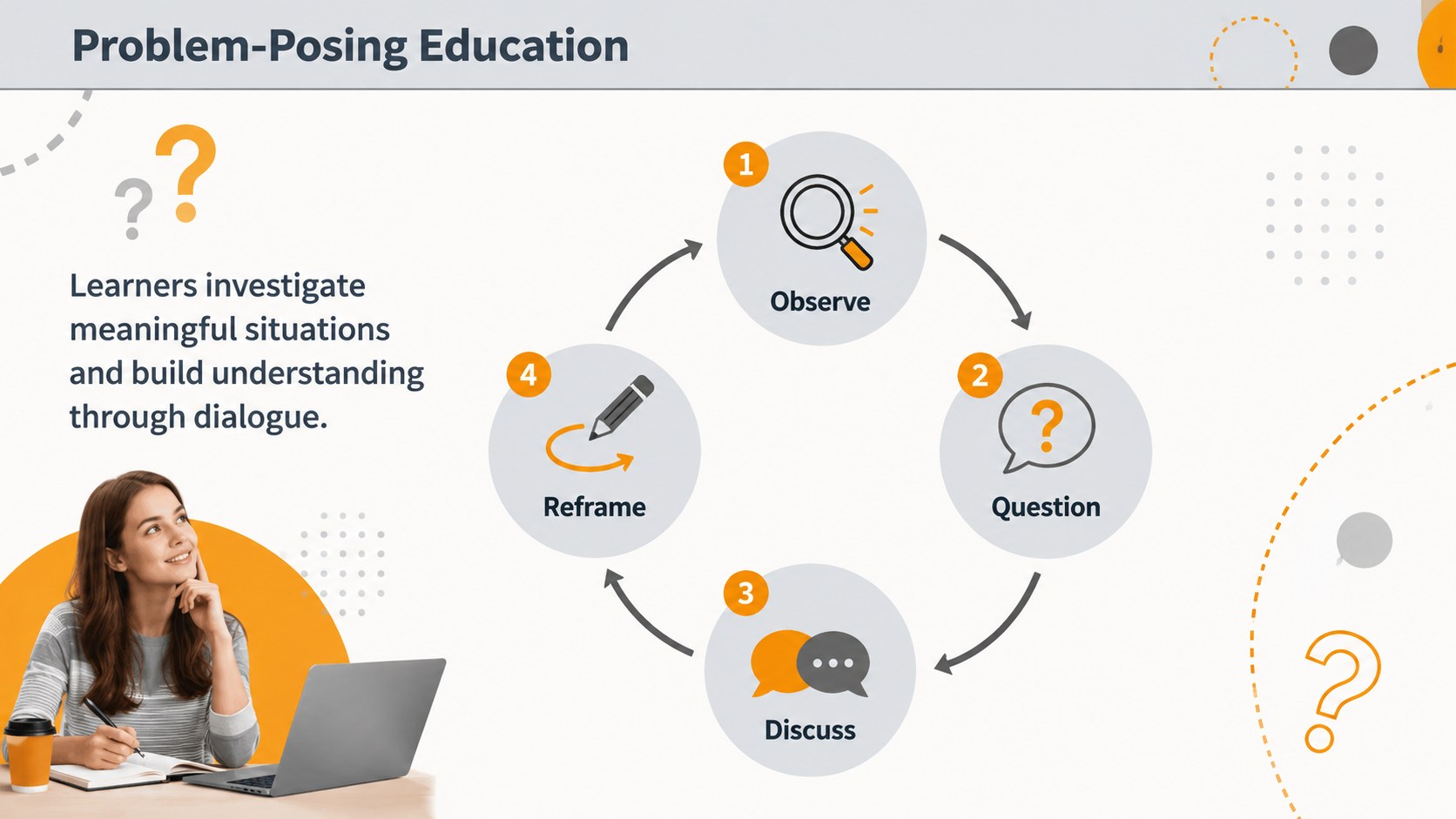
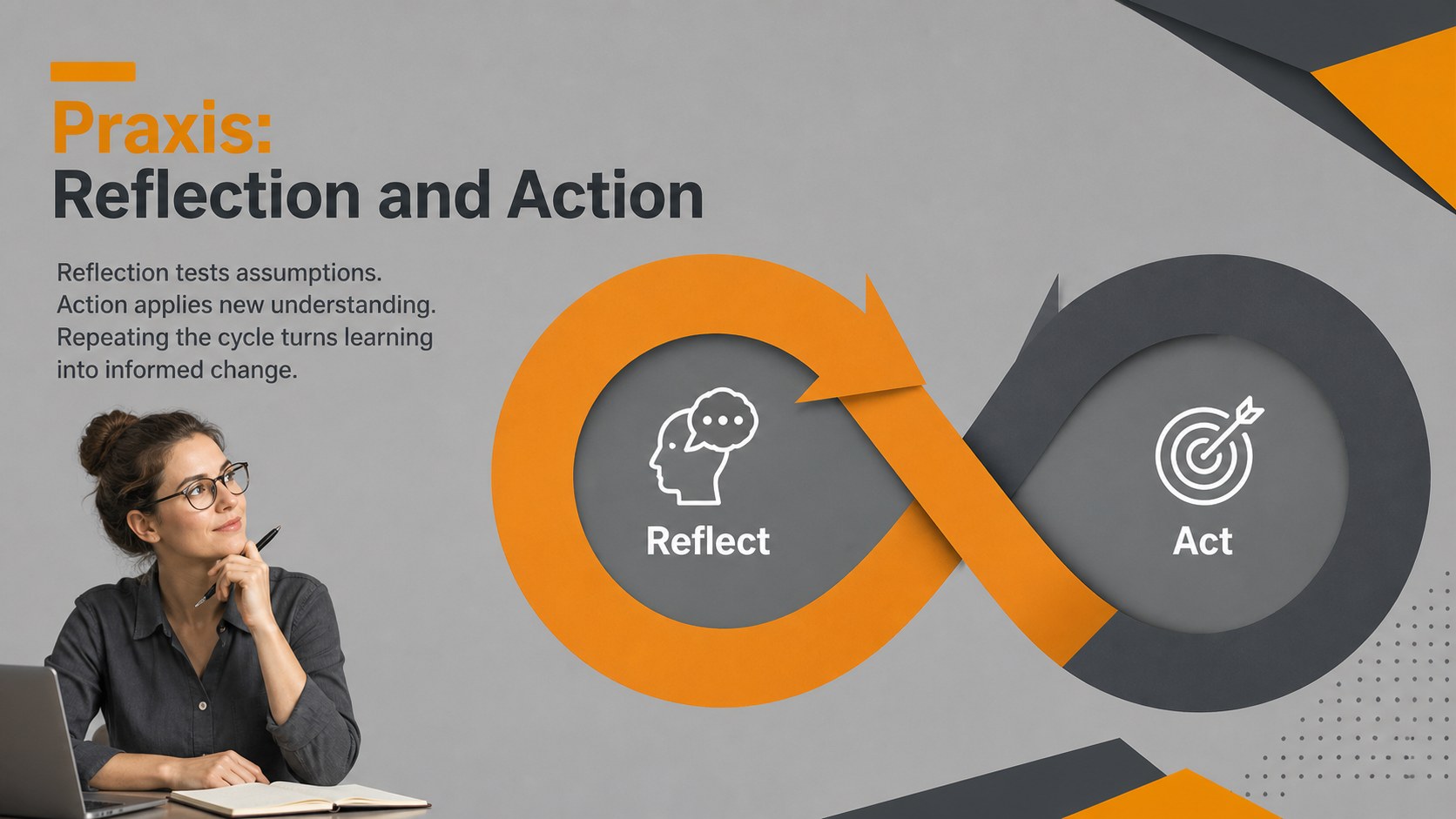
The Paulo Freire critical pedagogy deck helps educators present complex ideas about dialogue, agency, and social transformation in an approachable visual format. Bold orange accents, structured grey fields, and abstract geometric forms create a serious yet energetic setting for professional learning and classroom discussion.
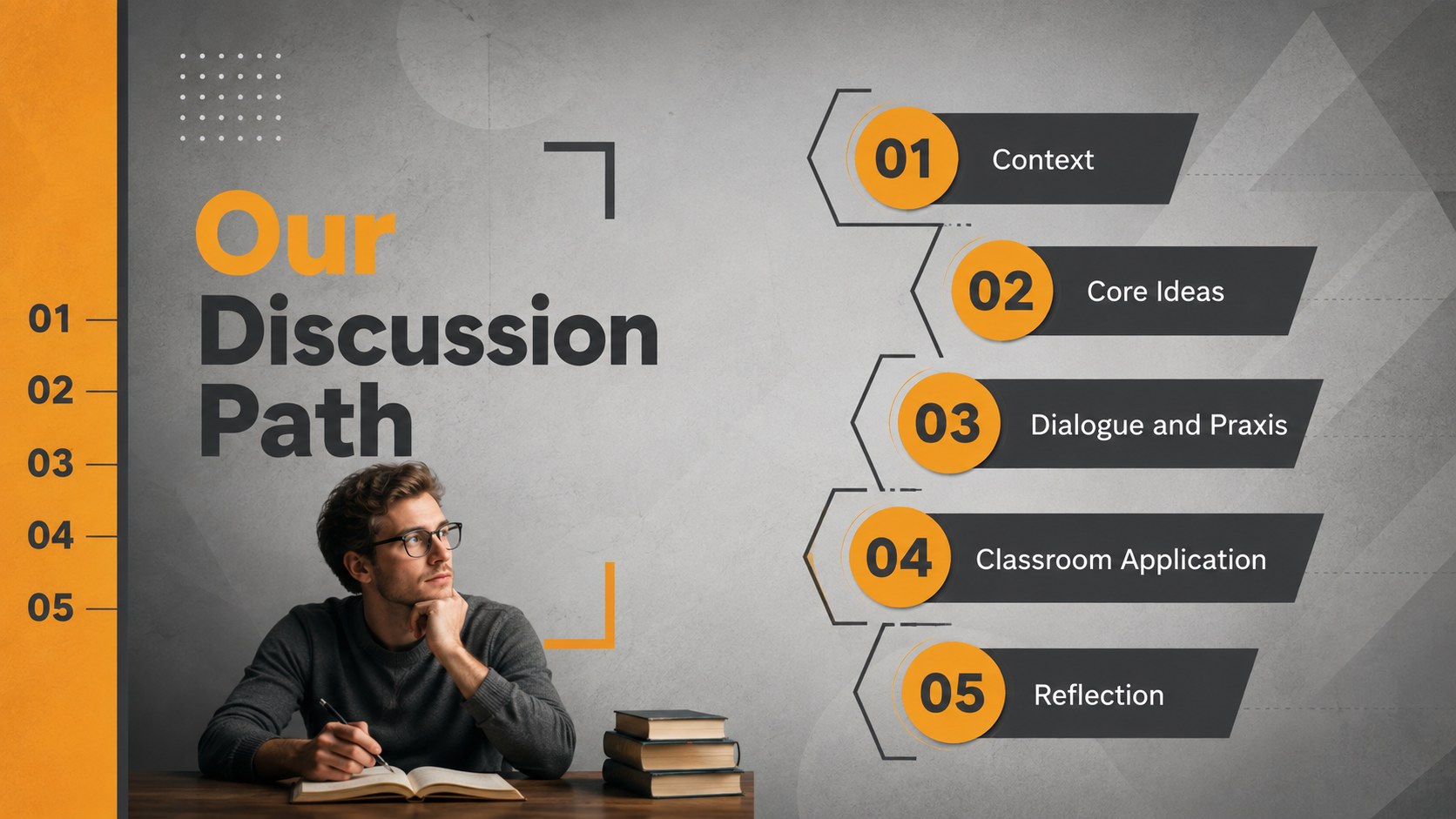
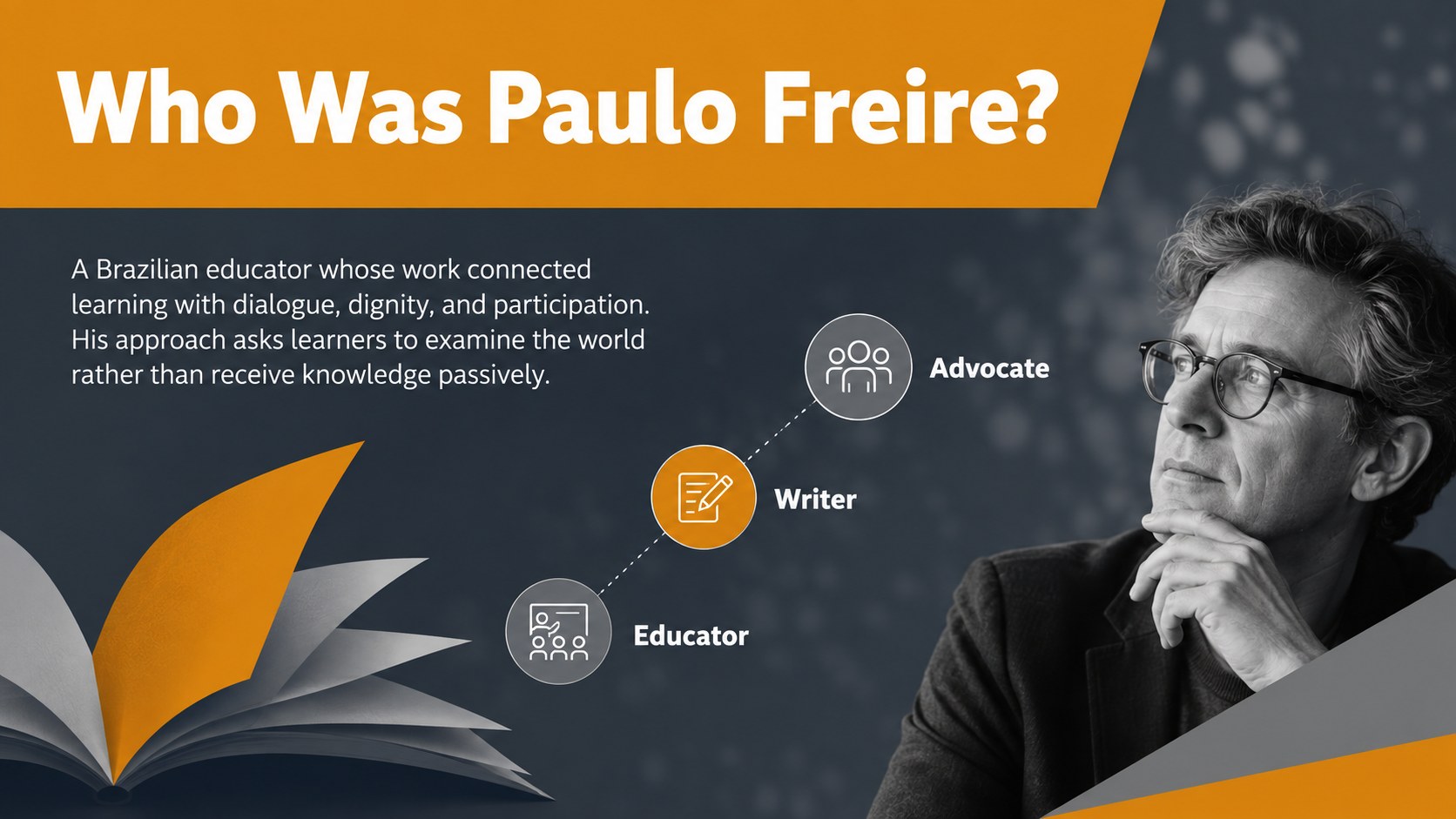
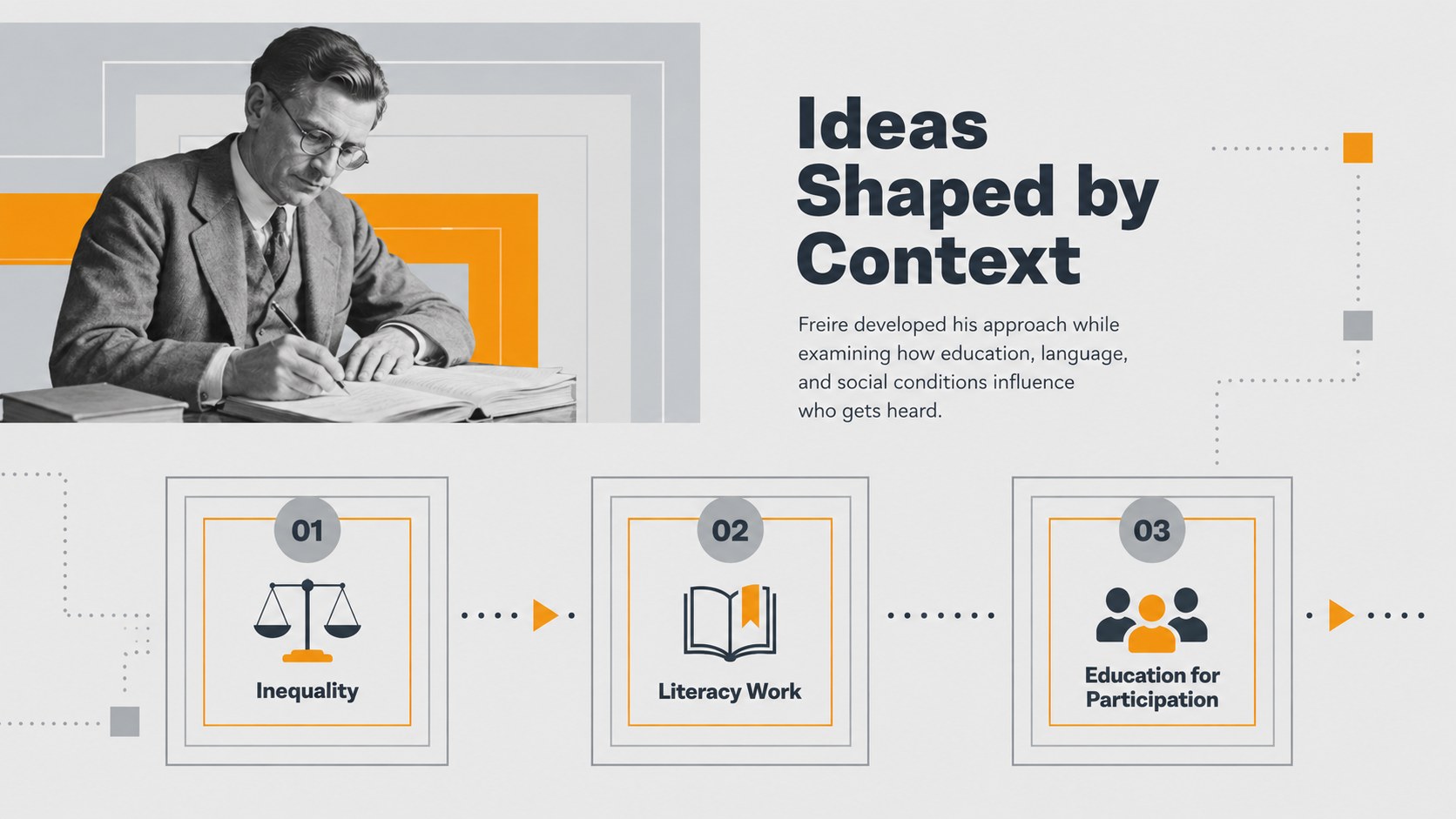
The 15-slide sequence introduces Freire and his historical context before examining the banking model, problem-posing education, praxis, power, and the changing roles of teachers and learners. Comparison layouts, reflection questions, application examples, and an action-planning slide make it useful as both a critical pedagogy presentation for teachers and a problem posing education presentation. Presenters can adapt the concise prompts, diagrams, and discussion activities to suit different age groups or institutional settings.
Designed for teachers, education students, instructional coaches, school leaders, and university lecturers, this dialogic education workshop template supports seminars, staff development, education theory courses, and collaborative curriculum reviews. Every slide can be edited in PowerPoint or Google Slides, including the text, colors, shapes, charts, and image placeholders. Add course examples, local teaching challenges, reading quotations, or participant responses while retaining the modern orange-and-grey geometric style.
Perfect for: teacher professional development; education theory lecture; critical pedagogy seminar; curriculum reflection workshop; graduate teaching course.
Frequently asked questions
Can I edit the deck in PowerPoint and Google Slides? Yes. The layouts, text, colors, shapes, and image placeholders are editable in both PowerPoint and Google Slides. Minor spacing adjustments may be needed when switching between platforms because installed fonts can differ.
Practical details
Yes. The layouts, text, colors, shapes, and image placeholders are editable in both PowerPoint and Google Slides. Minor spacing adjustments may be needed when switching between platforms because installed fonts can differ.
Replace the sample prompts with questions connected to your subject, grade level, or community. You can also add local examples, course readings, and participant reflections without changing the overall visual system.
No. The sequence introduces the central concepts before moving into comparison, discussion, and application activities. Facilitators can shorten the theoretical sections or add deeper readings for advanced groups.
Yes. Theme colors can be updated throughout the presentation to match a school, university, or organization. Maintain strong contrast between backgrounds and text so the slides remain readable.
Keep exploring
15Build stronger academic arguments with a college essay thesis builder featuring guided examples, revision prompts, and editable PowerPoint and Google Slides.
 15
15Build an engaging World UFO Day session with this flying saucer history lesson deck, featuring retro green-and-brown slides for PowerPoint and Google Slides.
 14
14Plan a memorable Lunar New Year campaign with the 2036 Dragon Year Celebration Theme, featuring bold red-and-yellow slides for lessons and events.
 15
15Build a thoughtful classroom discussion with this interfaith awareness lesson deck, featuring editable blue-and-white slides for PowerPoint and Google Slides.
 15
15Use this environmental awareness lesson deck to teach climate action through illustrated activities, discussion prompts, and ready-to-edit visuals.
 15
15Build playful lessons and party stories with a kid-friendly zombie celebration theme in purple, green and pastel blue for PowerPoint and Google Slides.
 15
15Build eerie lessons, campaigns, and story pitches with an undead survival scenario theme featuring editable slides for PowerPoint and Google Slides.
 16
16Turn environmental research into a clear story with a Watercolor Ecology Presentation Theme for PowerPoint and Google Slides in calming green and blue.