
 15
15presentation
College Essay Thesis Builder Slides
Build stronger academic arguments with a college essay thesis builder featuring guided examples, revision prompts, and editable PowerPoint and Google Slides.
Google SlidesPowerPoint
presentation · English
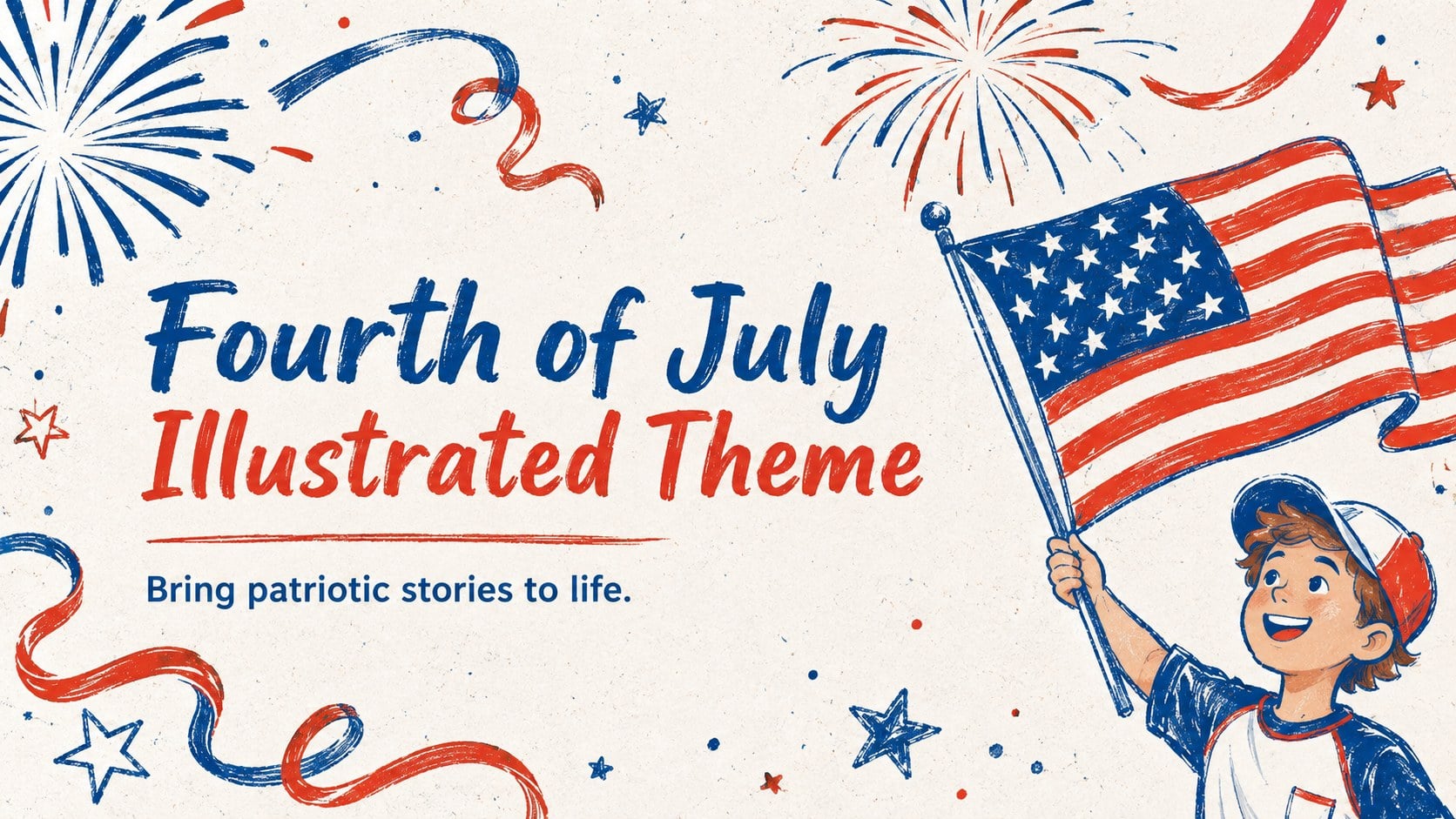
Plan memorable lessons and events with this Fourth of July illustrated theme, featuring editable red-and-blue slides for PowerPoint and Google Slides.
Design notes
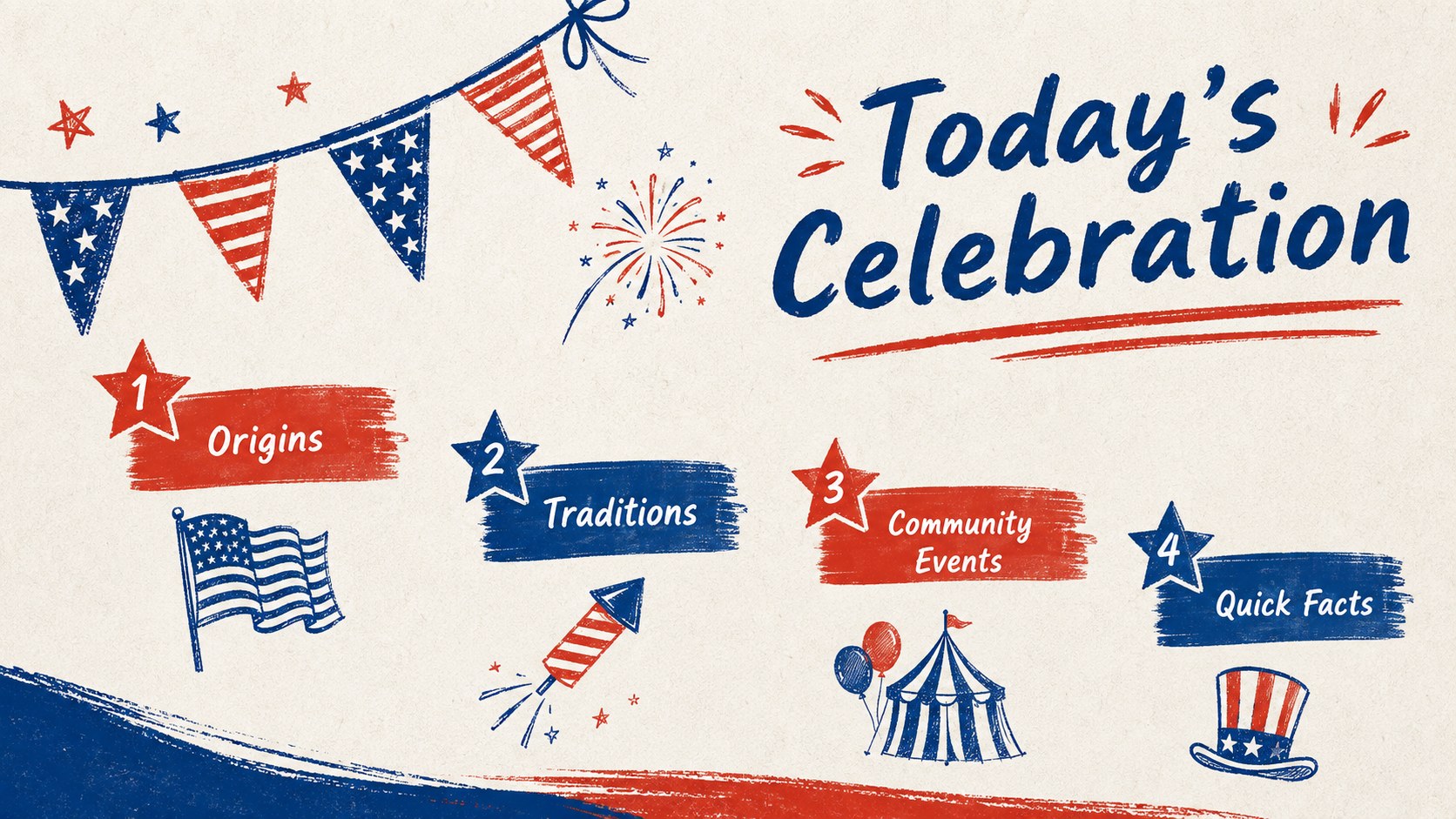
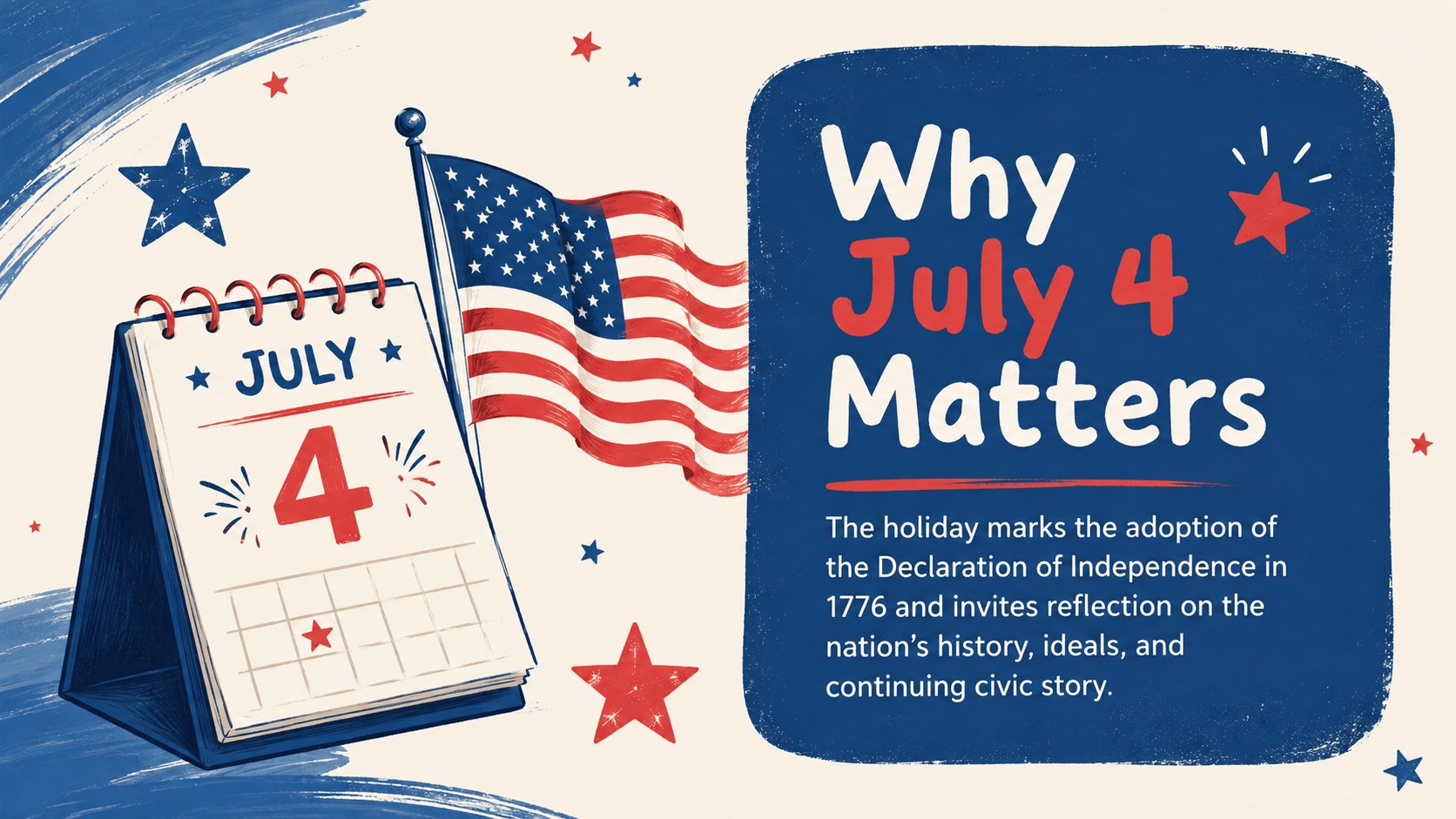
Bring energy and personality to your July 4 presentation with the Fourth of July Illustrated Theme. Its hand-drawn details, bold red-and-blue palette, playful stars, and textured accents create a festive setting without overwhelming your message. Use the editable layouts to introduce American history, explain holiday traditions, share an event schedule, or present community plans.
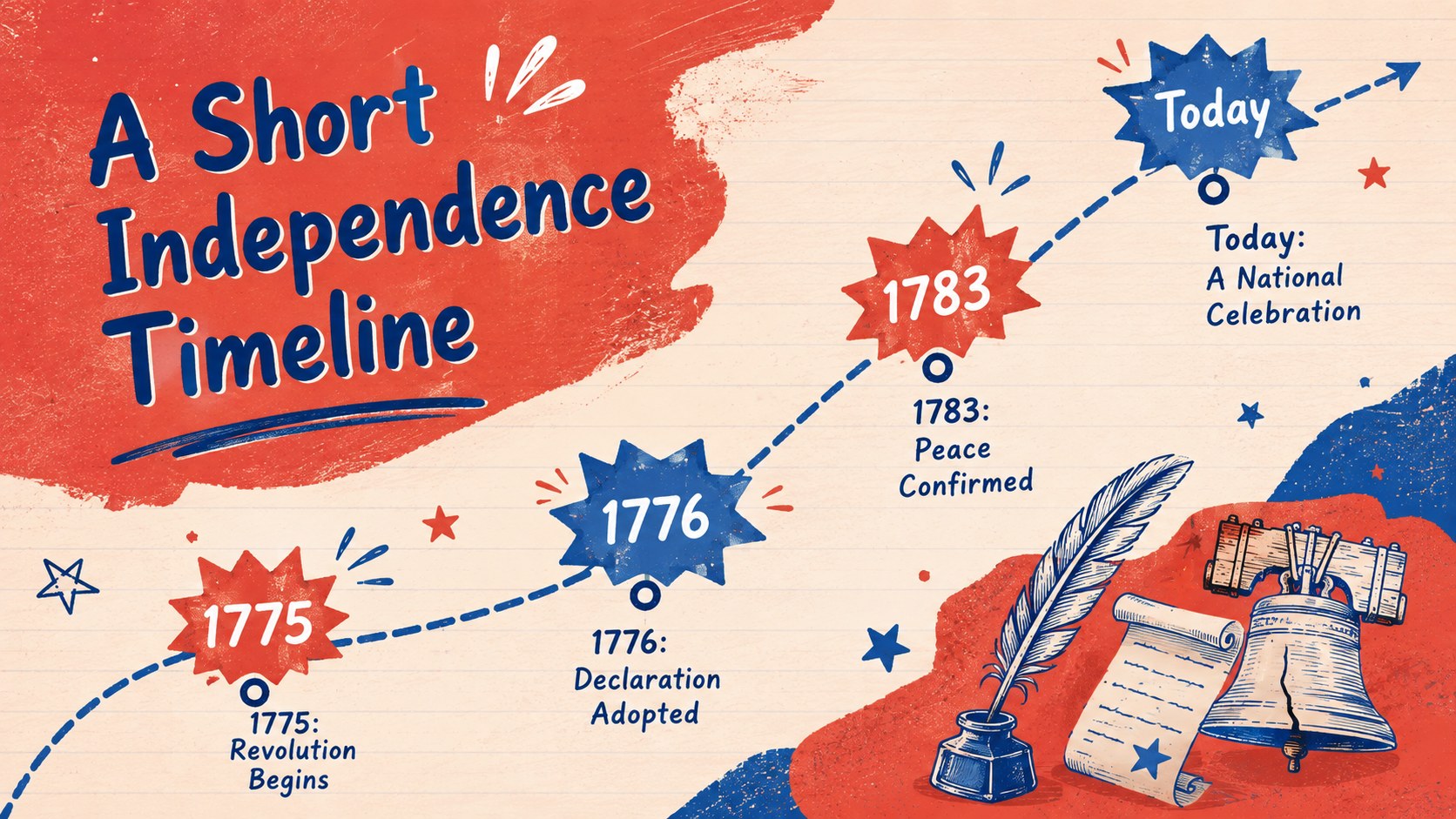
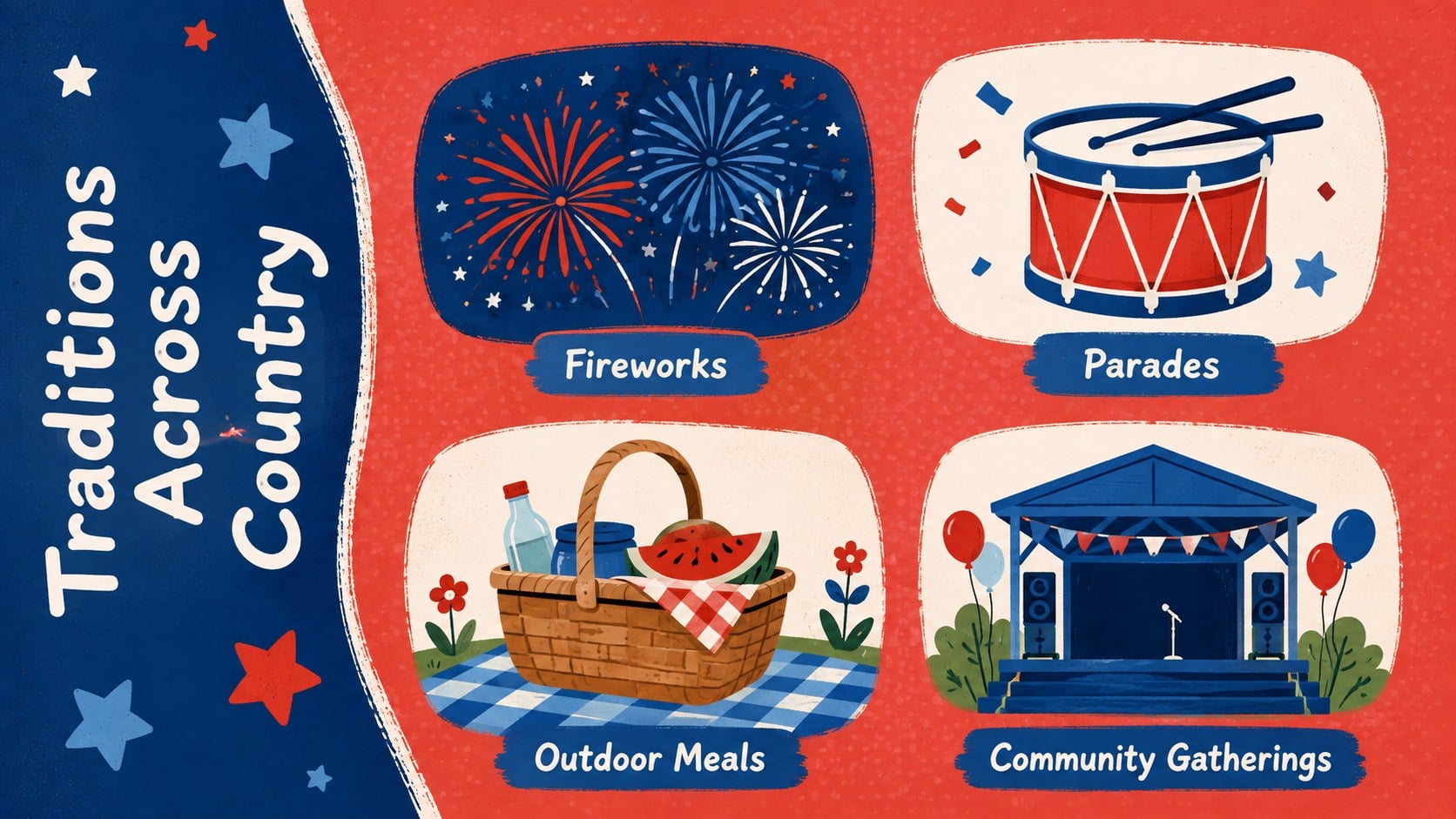
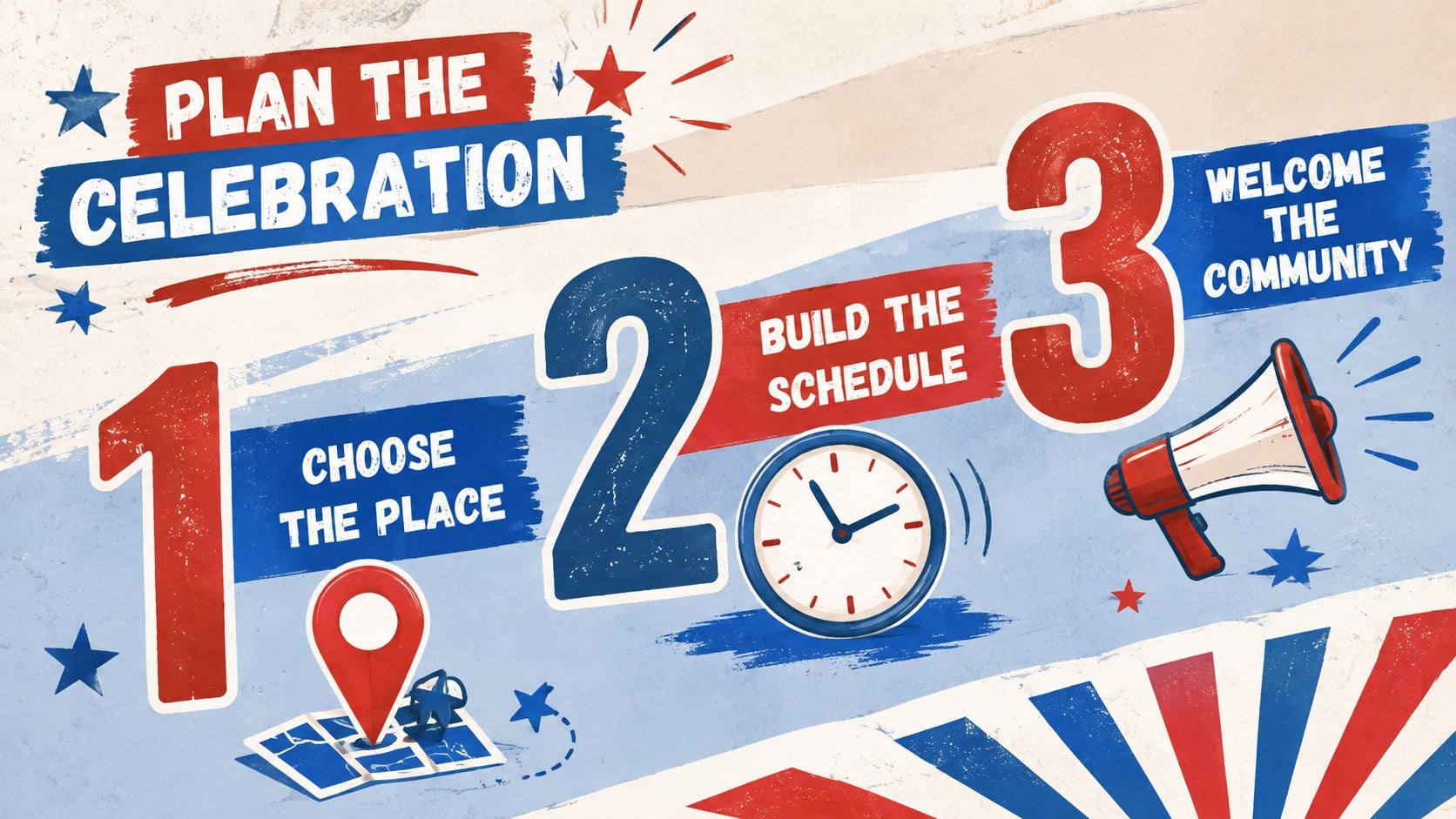
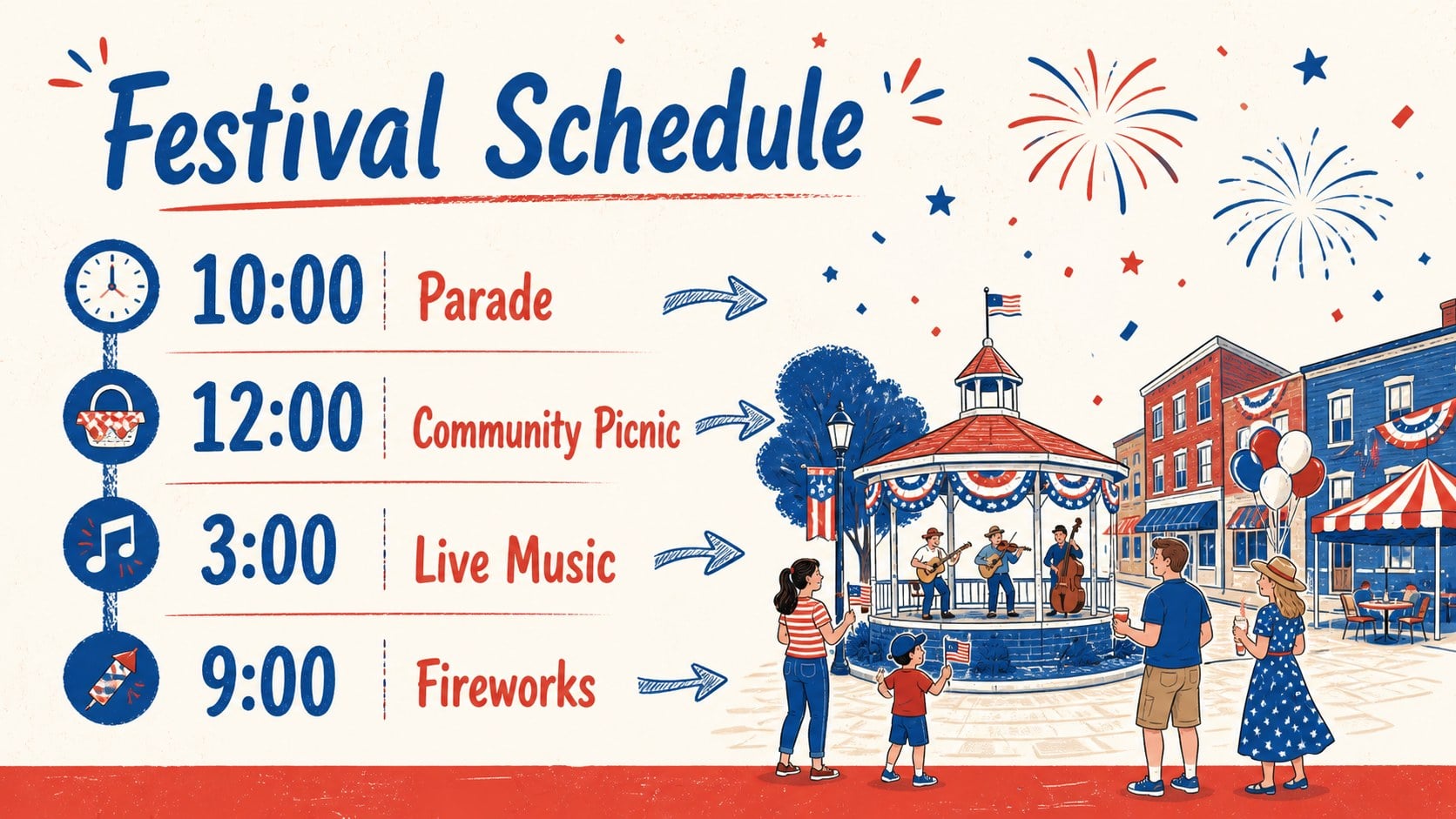
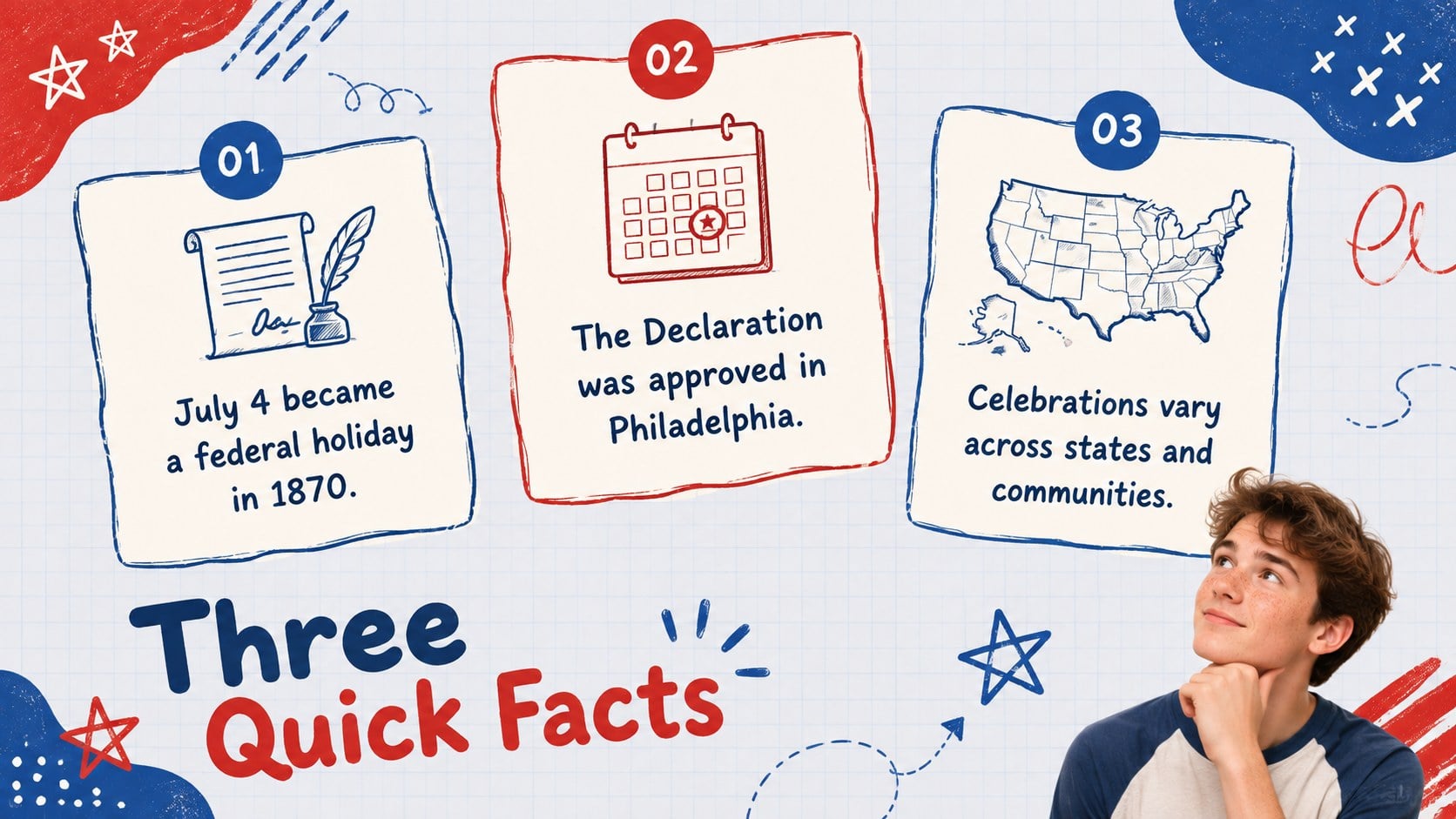
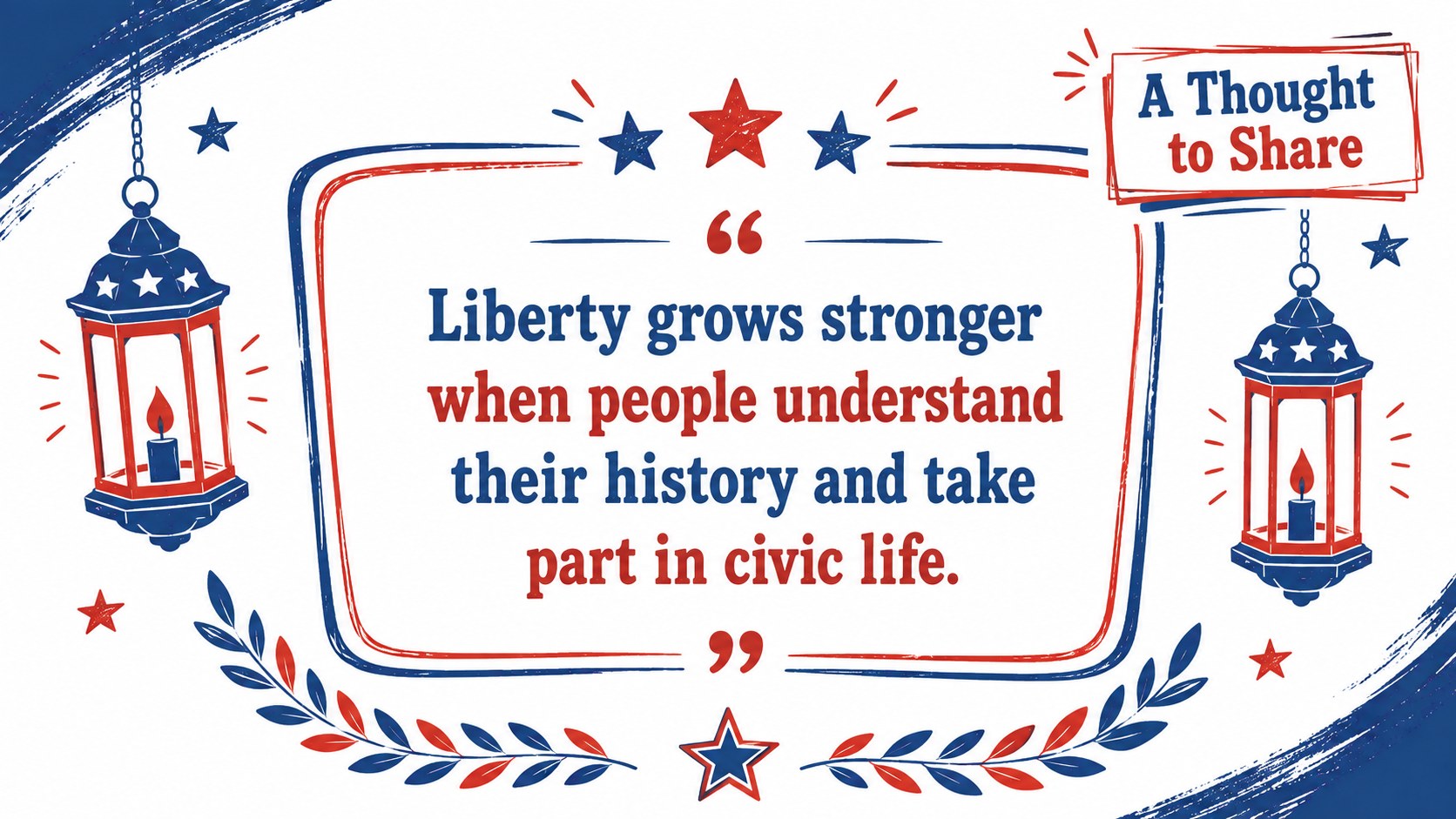
The deck includes a cover, agenda, historical timeline, traditions overview, fact layouts, comparison pages, event information, photo placeholders, statistics, a patriotic quote, and a closing slide. These hand drawn Fourth of July slides balance lively illustrations with practical space for concise text, images, charts, and key dates. Every page uses a consistent visual system while offering enough layout variety to keep longer presentations interesting.
Teachers can build a July 4 history lesson presentation for classroom discussion, while event organizers can adapt the slides as an Independence Day celebration presentation for parades, festivals, concerts, or neighborhood gatherings. Families, nonprofits, local government teams, and community groups can also use the theme for announcements and educational programs. Customize the wording, colors, type, illustrations, and imagery in PowerPoint or Google Slides to match your audience and occasion.
Perfect for: July 4 history lesson; community festival program; Independence Day event briefing; family celebration slideshow; patriotic nonprofit presentation.
Frequently asked questions
Which presentation platforms support this theme? The slides are designed for Microsoft PowerPoint and Google Slides. Layouts, text boxes, and visual elements can be edited in either platform.
Practical details
The slides are designed for Microsoft PowerPoint and Google Slides. Layouts, text boxes, and visual elements can be edited in either platform.
Yes. Replace the theme colors with local organization colors, softer classroom tones, or another patriotic palette while keeping the illustrated style consistent.
Edit the provided headlines and body copy, then add your own dates, facts, photographs, charts, and event details. You can also move, resize, duplicate, or remove decorative elements.
Yes. The mix of timelines, fact pages, schedules, image layouts, and closing slides supports educational presentations as well as community or family celebrations.
Keep exploring
15Build stronger academic arguments with a college essay thesis builder featuring guided examples, revision prompts, and editable PowerPoint and Google Slides.
 15
15Build an engaging World UFO Day session with this flying saucer history lesson deck, featuring retro green-and-brown slides for PowerPoint and Google Slides.
 14
14Plan a memorable Lunar New Year campaign with the 2036 Dragon Year Celebration Theme, featuring bold red-and-yellow slides for lessons and events.
 15
15Build a thoughtful classroom discussion with this interfaith awareness lesson deck, featuring editable blue-and-white slides for PowerPoint and Google Slides.
 15
15Use this environmental awareness lesson deck to teach climate action through illustrated activities, discussion prompts, and ready-to-edit visuals.
 15
15Build playful lessons and party stories with a kid-friendly zombie celebration theme in purple, green and pastel blue for PowerPoint and Google Slides.
 15
15Build eerie lessons, campaigns, and story pitches with an undead survival scenario theme featuring editable slides for PowerPoint and Google Slides.
 16
16Turn environmental research into a clear story with a Watercolor Ecology Presentation Theme for PowerPoint and Google Slides in calming green and blue.