
 15
15presentation
College Essay Thesis Builder Slides
Build stronger academic arguments with a college essay thesis builder featuring guided examples, revision prompts, and editable PowerPoint and Google Slides.
Google SlidesPowerPoint
presentation · English
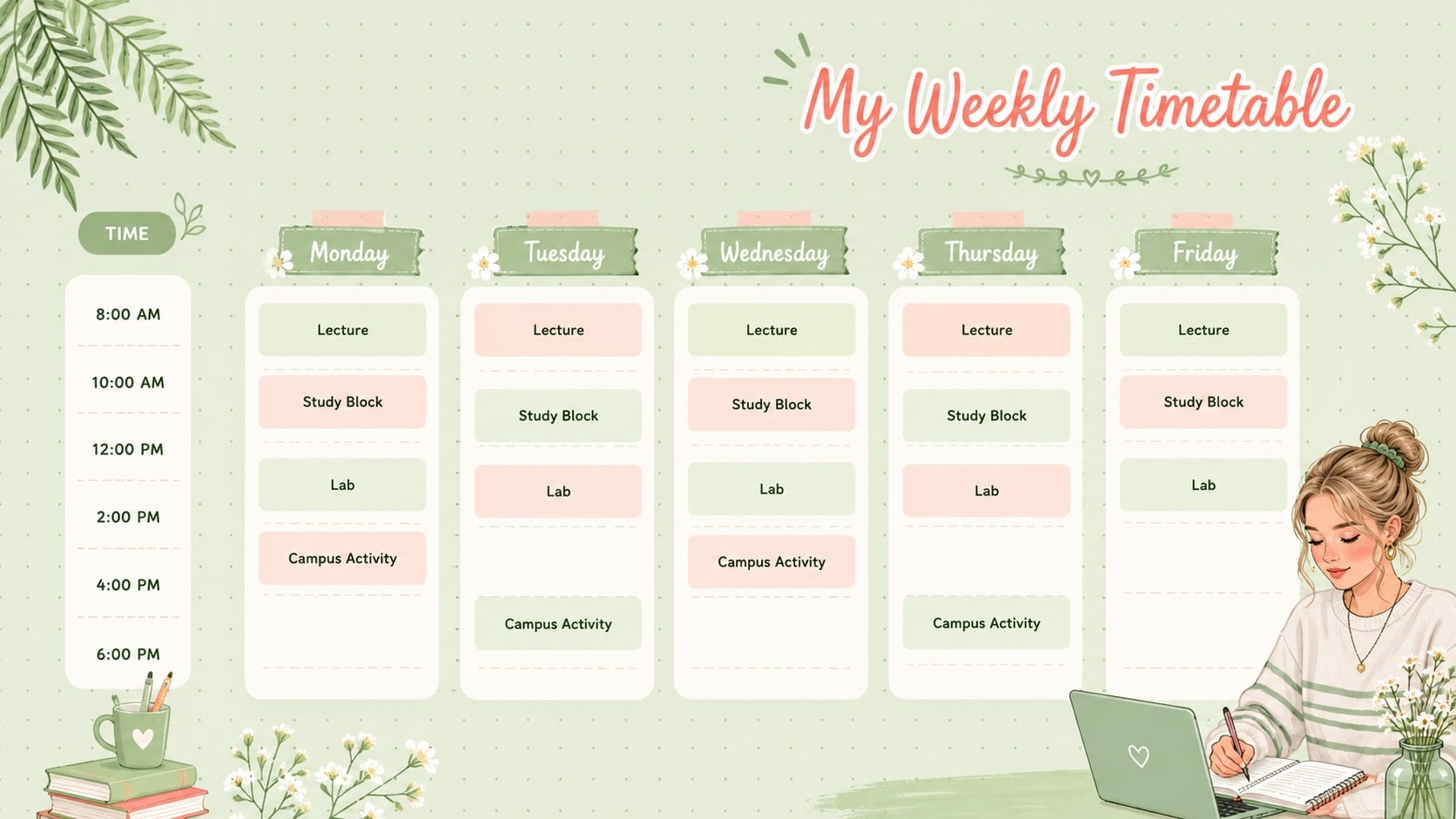
Plan lectures, study blocks, and campus activities with a floral college timetable planner in cheerful green, ready for PowerPoint and Google Slides.

Design notes
Bring more clarity to a packed semester with the Floral College Timetable Planner, a cheerful organizer designed for busy students. Soft green tones, playful lettering, and fresh botanical illustrations give each page a friendly look while keeping course times and important plans easy to scan. Use it as a weekly university timetable template for lectures, labs, tutorials, and recurring appointments.
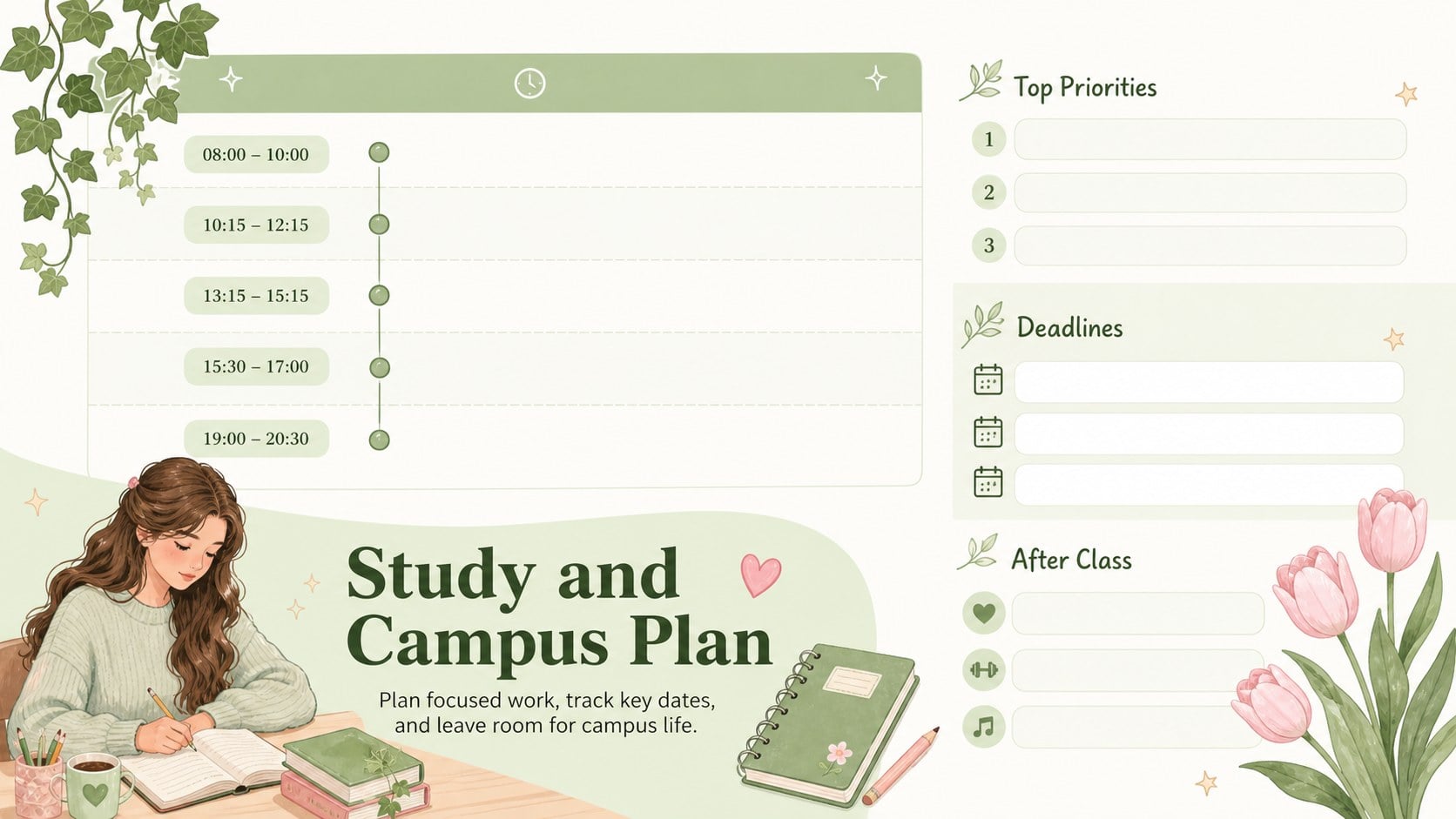
The set includes three ready-to-edit planner layouts for building a complete academic routine. Create a weekly class overview, organize focused study sessions, and reserve space for clubs, exercise, work shifts, or social plans. Every section can be customized in PowerPoint or Google Slides, including the headings, time slots, colors, type, and decorative elements. The layouts can also be printed when you need a timetable for a notebook, binder, dorm wall, or study area.
This green floral study planner is ideal for undergraduate students, graduate students, academic advisers, and orientation leaders. It also works as an editable student schedule for PowerPoint when preparing study-skills workshops or semester planning sessions. Whether you are coordinating a new course load or resetting your routine before exams, the template turns scattered commitments into a practical, colorful plan.
Perfect for: weekly lecture planning; semester course organization; study session scheduling; campus activity tracking; student orientation workshops.
Frequently asked questions
Can I change the class names and time slots? Yes. All timetable labels, course names, days, and time blocks are editable, so you can adapt the planner to your own academic schedule.
Practical details
Yes. All timetable labels, course names, days, and time blocks are editable, so you can adapt the planner to your own academic schedule.
The template is designed for PowerPoint and Google Slides. You can edit it online or on your computer, depending on the platform you use.
Yes. You can replace the colors, fonts, botanical decorations, and section headings while keeping the planner structure intact.
Yes. After editing, export the layouts as PDF files and print them for a binder, noticeboard, dorm room, or study space.
Keep exploring
15Build stronger academic arguments with a college essay thesis builder featuring guided examples, revision prompts, and editable PowerPoint and Google Slides.
 15
15Build an engaging World UFO Day session with this flying saucer history lesson deck, featuring retro green-and-brown slides for PowerPoint and Google Slides.
 14
14Plan a memorable Lunar New Year campaign with the 2036 Dragon Year Celebration Theme, featuring bold red-and-yellow slides for lessons and events.
 15
15Build a thoughtful classroom discussion with this interfaith awareness lesson deck, featuring editable blue-and-white slides for PowerPoint and Google Slides.
 15
15Use this environmental awareness lesson deck to teach climate action through illustrated activities, discussion prompts, and ready-to-edit visuals.
 15
15Build playful lessons and party stories with a kid-friendly zombie celebration theme in purple, green and pastel blue for PowerPoint and Google Slides.
 15
15Build eerie lessons, campaigns, and story pitches with an undead survival scenario theme featuring editable slides for PowerPoint and Google Slides.
 16
16Turn environmental research into a clear story with a Watercolor Ecology Presentation Theme for PowerPoint and Google Slides in calming green and blue.