
 15
15presentation
College Essay Thesis Builder Slides
Build stronger academic arguments with a college essay thesis builder featuring guided examples, revision prompts, and editable PowerPoint and Google Slides.
Google SlidesPowerPoint
presentation · English
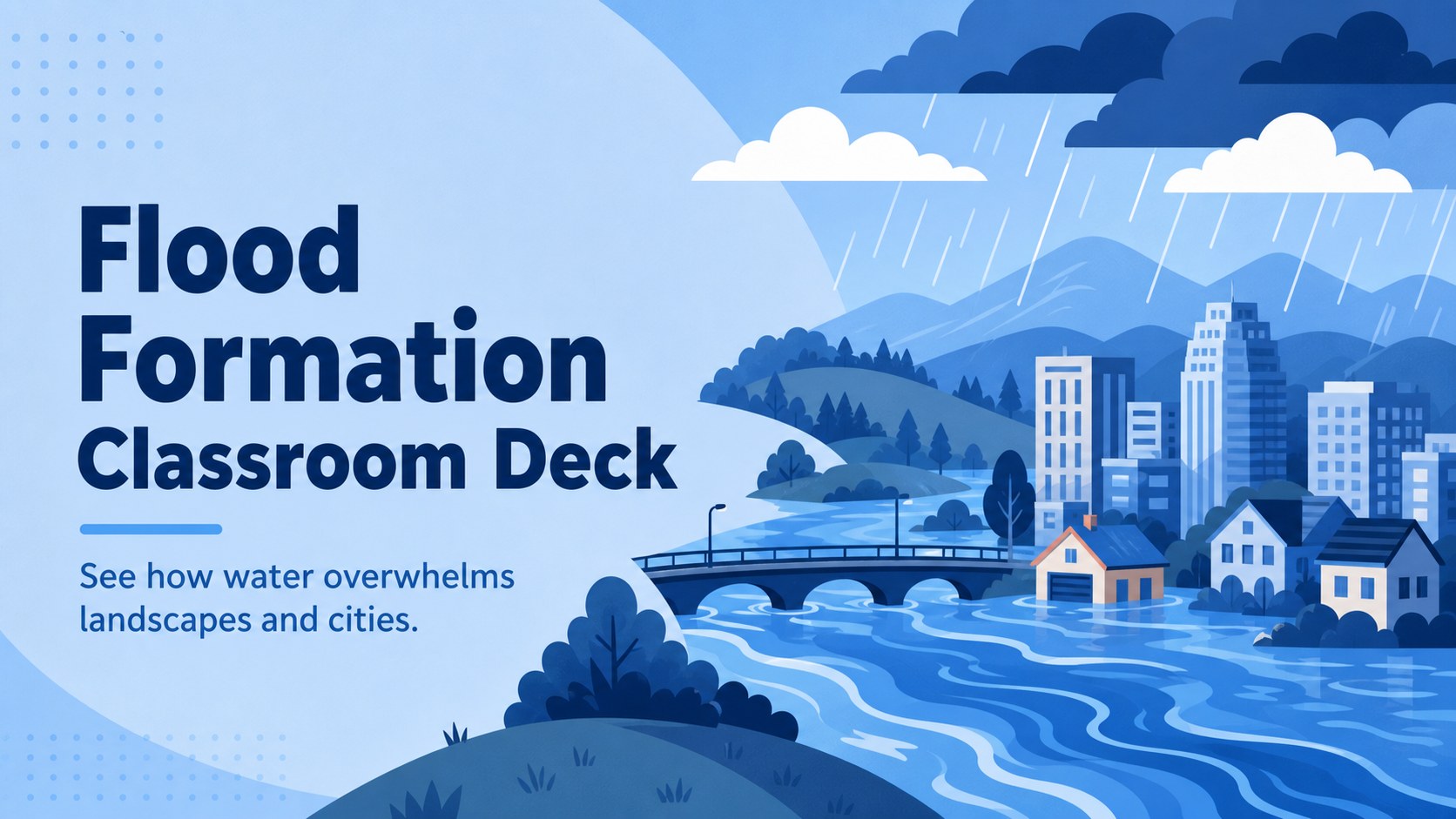
Make water hazards easier to explain with a flood formation classroom deck featuring editable blue visuals for PowerPoint and Google Slides science lessons.
Design notes
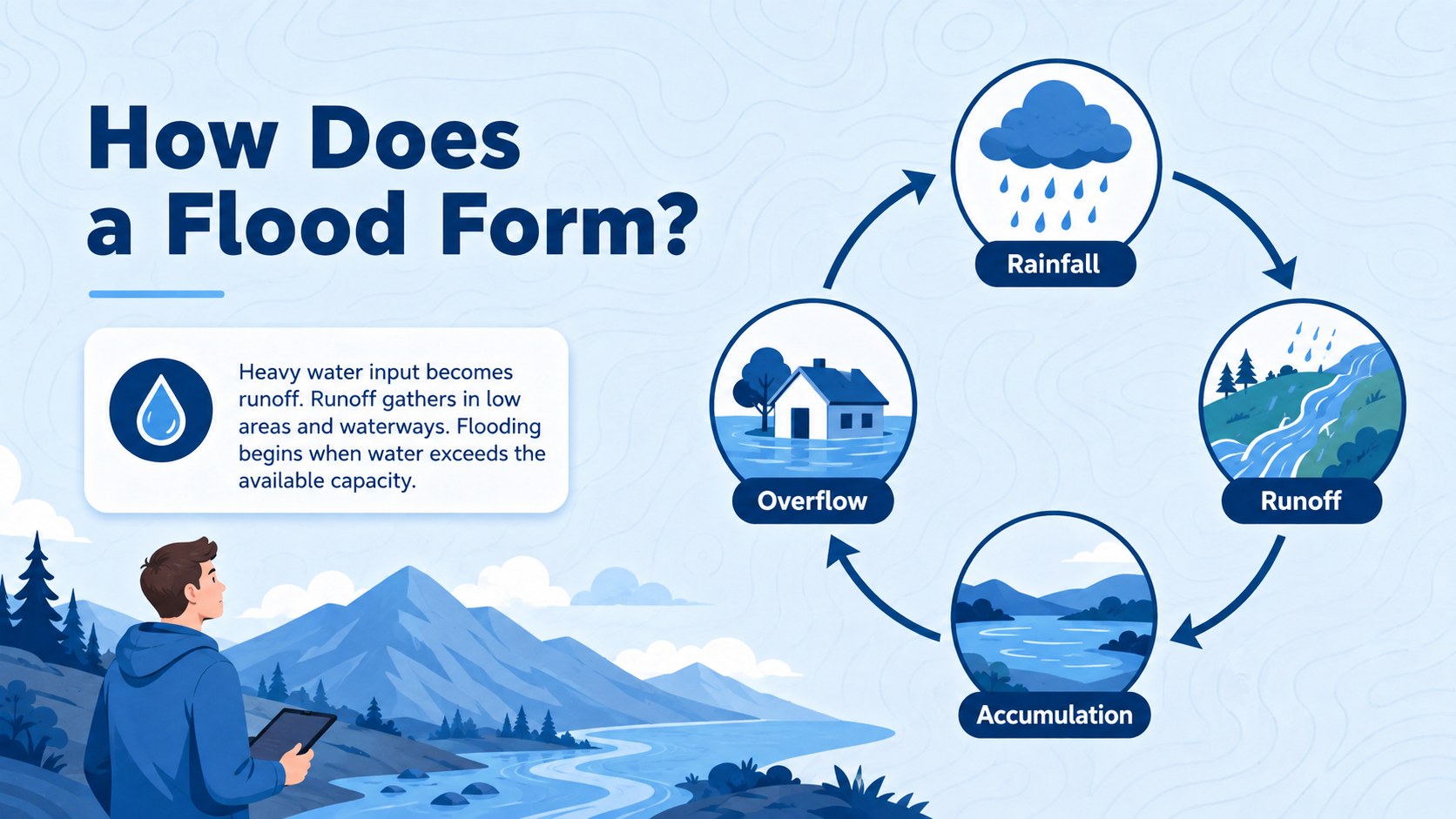
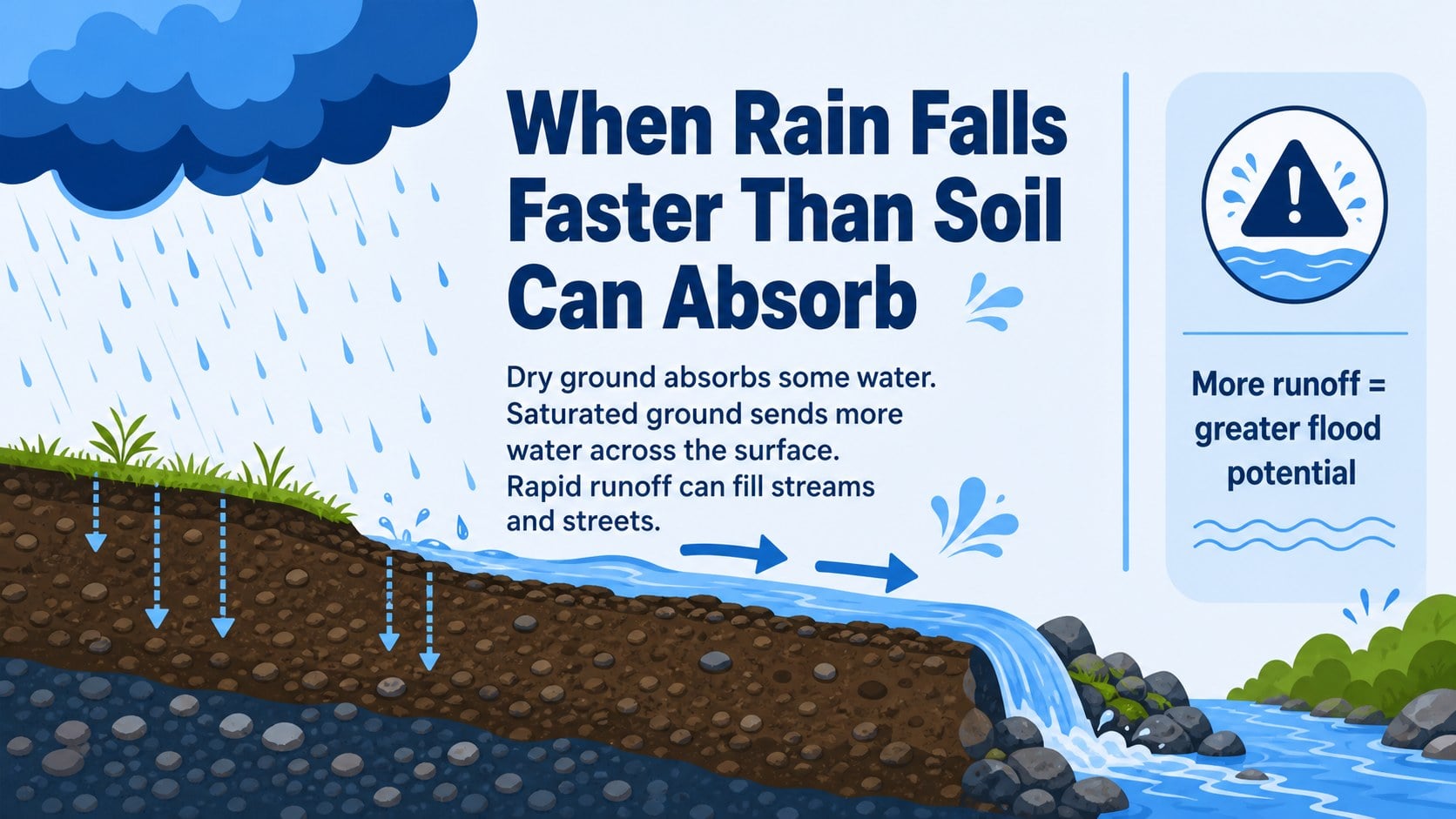
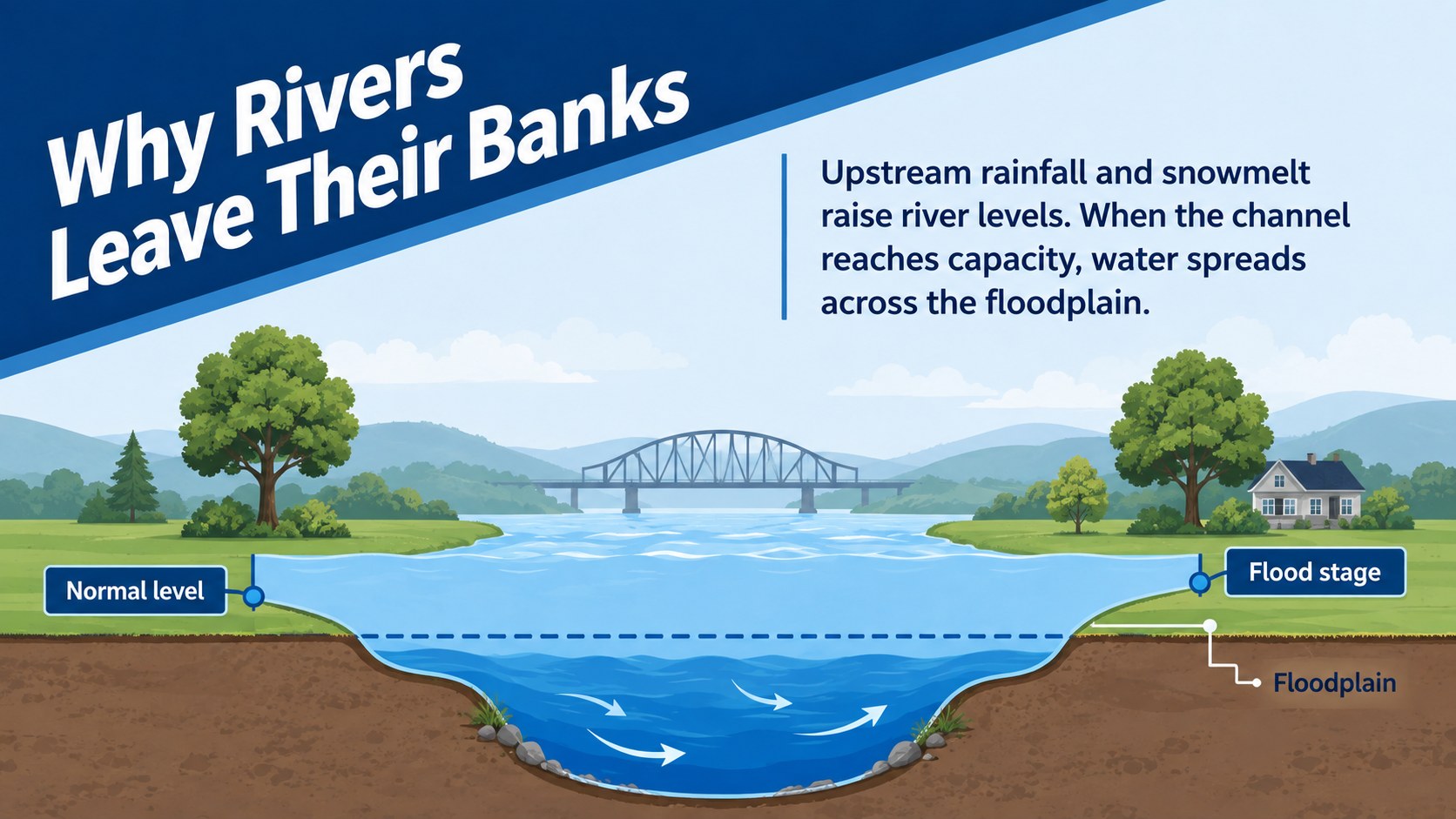
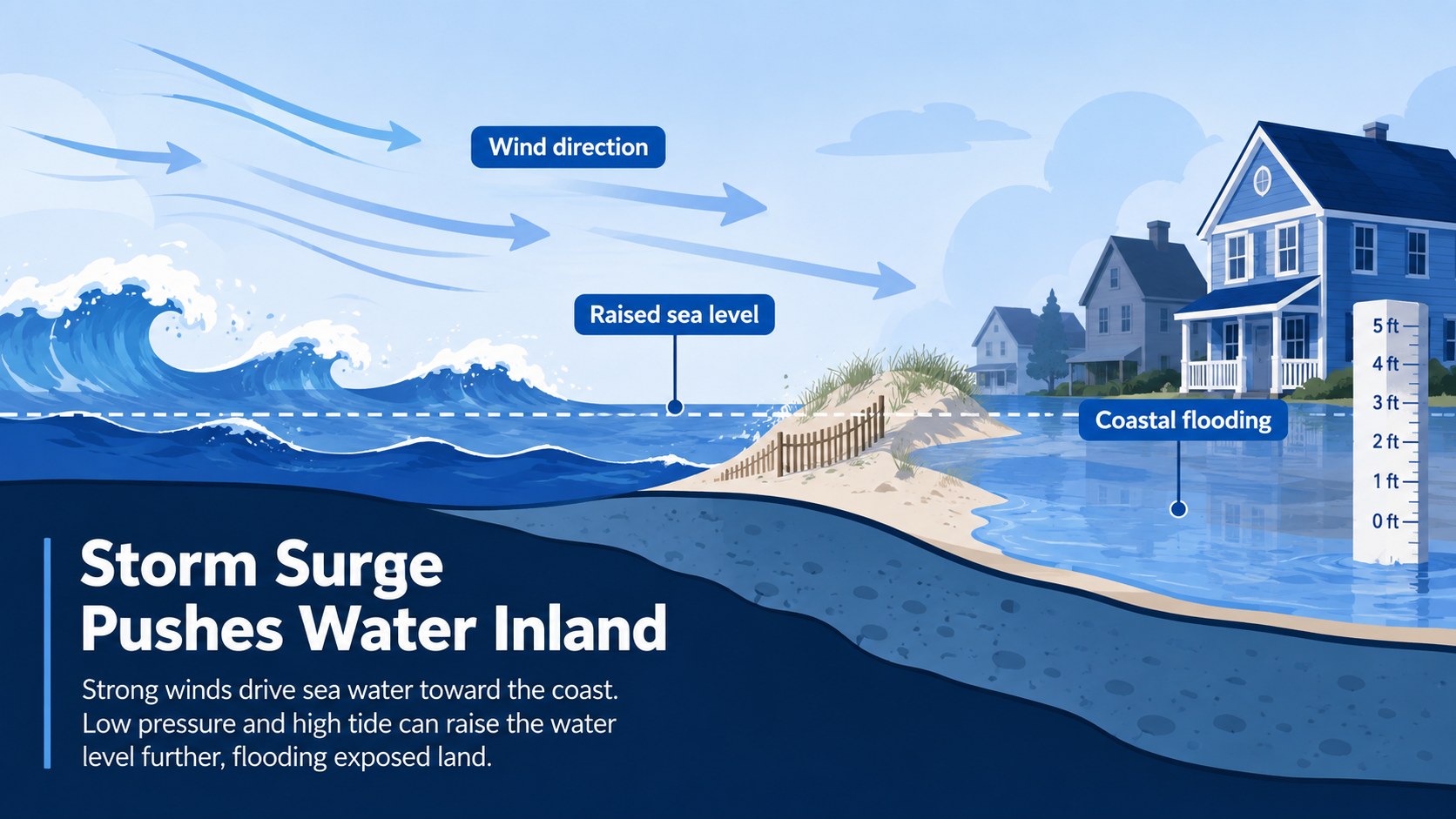
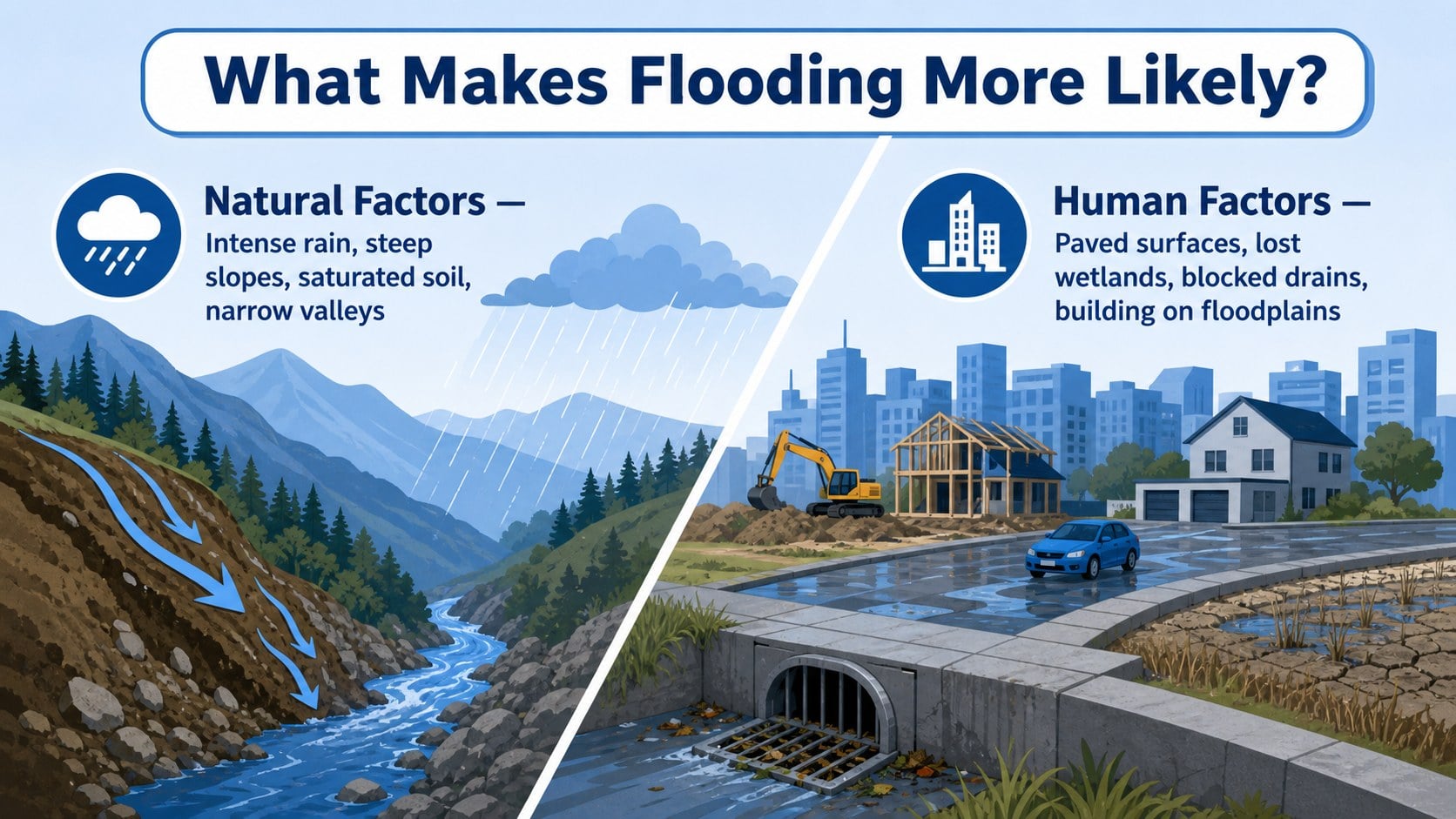
Build a focused lesson around the processes that turn heavy rainfall, rising rivers, coastal water, and limited drainage into dangerous floods. This flood formation classroom deck uses lively blue illustrations, animated transitions, and student-friendly layouts to make each stage easier to understand. It works as a how floods form presentation for students without reducing the topic to a single weather event.
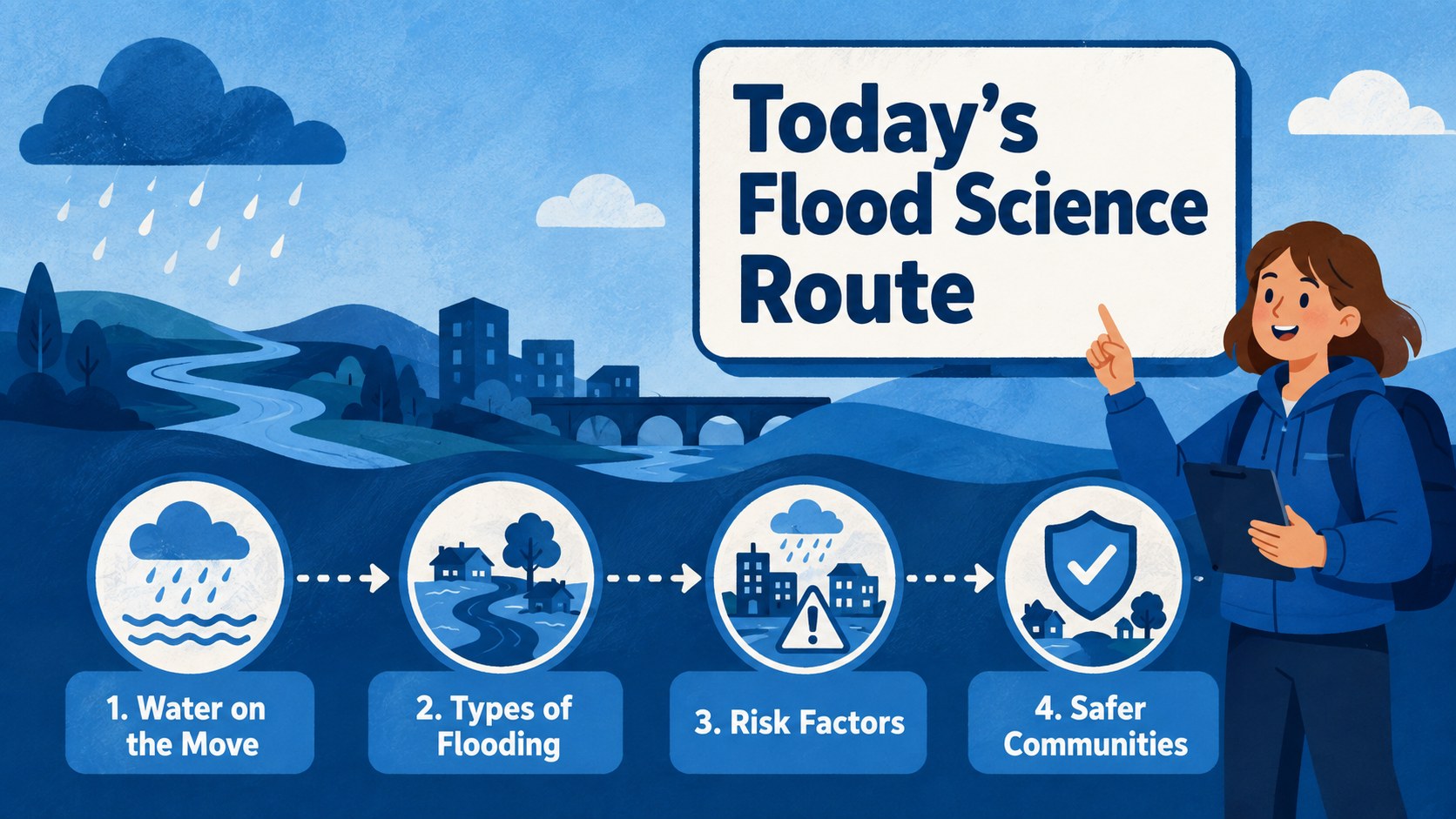
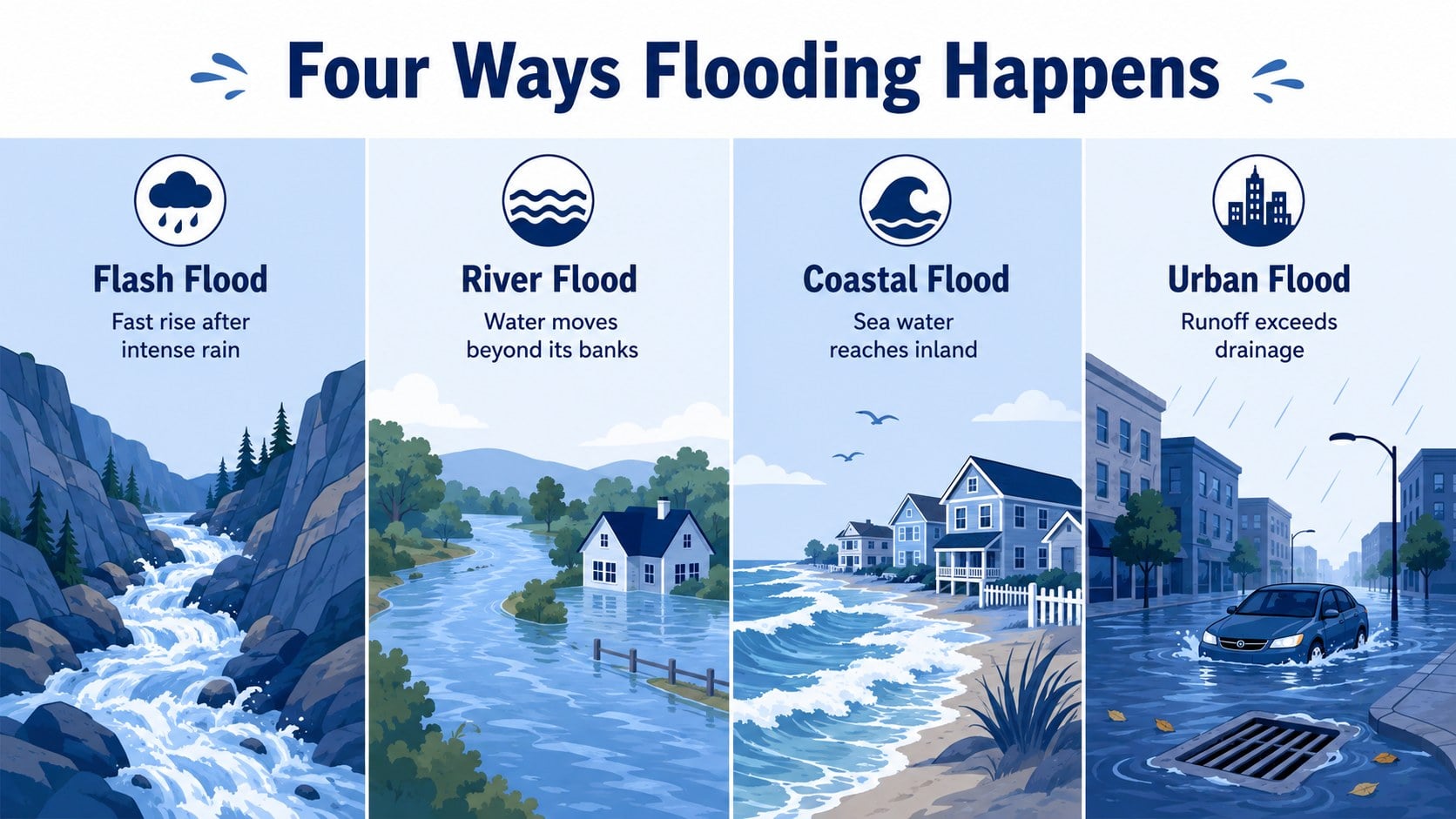
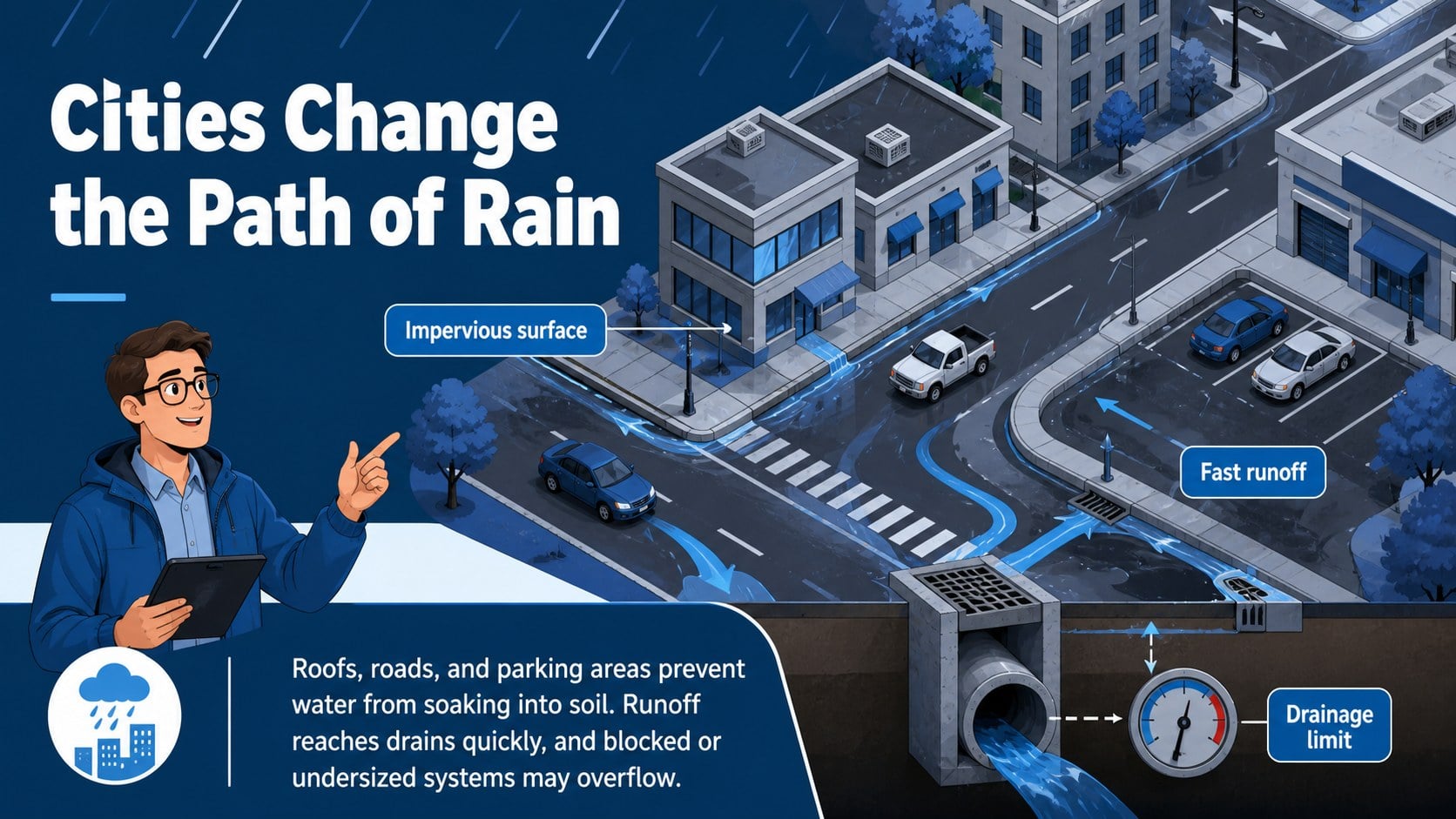
The 15-slide sequence introduces the water cycle connection, major flood types, natural and human risk factors, warning signs, and community responses. Teachers can compare flash floods, river overflow, storm surge, and urban surface flooding through diagrams, timelines, maps, and discussion prompts. A dedicated urban drainage science lesson layout shows how paved surfaces and blocked systems change runoff, while a simple cause-and-effect activity encourages students to interpret evidence.
Designed for geography, earth science, environmental studies, and safety education, the deck supports direct instruction, group analysis, review sessions, and independent projects. Every slide is editable in PowerPoint and Google Slides, so educators can adjust terminology, insert regional examples, replace illustrations, or adapt the difficulty level. Use the included flood risk factors lesson slides to connect scientific processes with land use, preparedness, and resilient community planning.
Perfect for: middle school geography lesson; earth science flood unit; urban drainage classroom activity; weather hazard review; community flood preparedness workshop.
Frequently asked questions
Can I edit every part of the deck? Yes. Titles, lesson text, diagrams, colors, and image placements can be changed to match your curriculum or local flood examples.
Practical details
Yes. Titles, lesson text, diagrams, colors, and image placements can be changed to match your curriculum or local flood examples.
The template is designed for PowerPoint and Google Slides. Animation behavior can vary slightly between the two platforms, so review transitions before presenting.
Yes. Shorten the explanations for younger learners or add local data, technical vocabulary, and extended analysis questions for older students.
Replace the sample maps, labels, and scenarios with events from your region. You can also add rainfall totals, river levels, drainage diagrams, or preparedness guidance from trusted local sources.
Keep exploring
15Build stronger academic arguments with a college essay thesis builder featuring guided examples, revision prompts, and editable PowerPoint and Google Slides.
 15
15Build an engaging World UFO Day session with this flying saucer history lesson deck, featuring retro green-and-brown slides for PowerPoint and Google Slides.
 14
14Plan a memorable Lunar New Year campaign with the 2036 Dragon Year Celebration Theme, featuring bold red-and-yellow slides for lessons and events.
 15
15Build a thoughtful classroom discussion with this interfaith awareness lesson deck, featuring editable blue-and-white slides for PowerPoint and Google Slides.
 15
15Use this environmental awareness lesson deck to teach climate action through illustrated activities, discussion prompts, and ready-to-edit visuals.
 15
15Build playful lessons and party stories with a kid-friendly zombie celebration theme in purple, green and pastel blue for PowerPoint and Google Slides.
 15
15Build eerie lessons, campaigns, and story pitches with an undead survival scenario theme featuring editable slides for PowerPoint and Google Slides.
 16
16Turn environmental research into a clear story with a Watercolor Ecology Presentation Theme for PowerPoint and Google Slides in calming green and blue.