
 15
15presentation
College Essay Thesis Builder Slides
Build stronger academic arguments with a college essay thesis builder featuring guided examples, revision prompts, and editable PowerPoint and Google Slides.
Google SlidesPowerPoint
document · English
Plan a stronger five-paragraph essay with a clean five-paragraph writing planner for Google Docs and Word. Organize evidence and export a polished draft.
Design notes
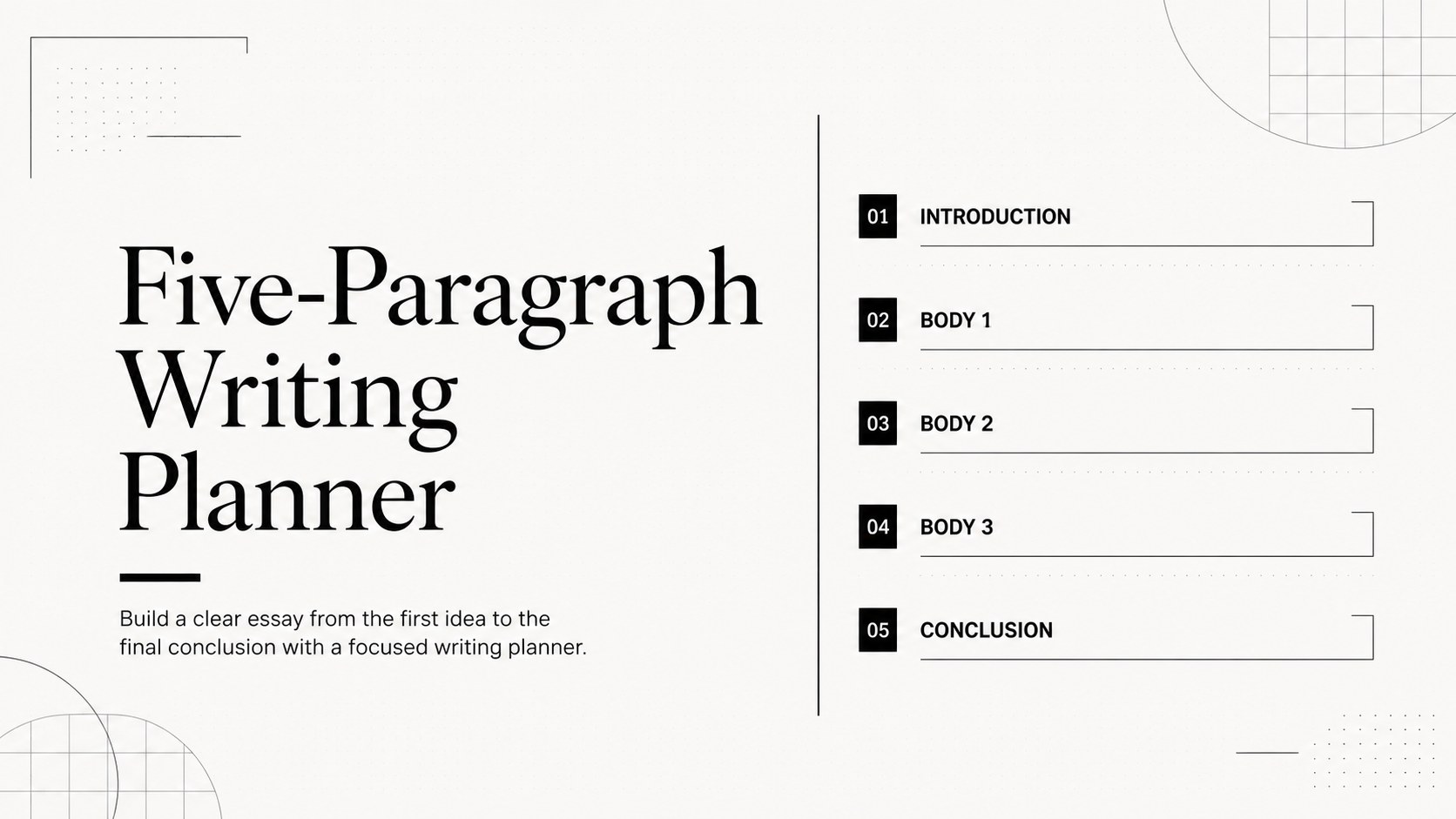
Five-Paragraph Writing Planner
Build a clear essay from the first idea to the final conclusion with a focused writing planner. Use the flexible layout to organize claims, evidence, and transitions before drafting. Its minimalist black-and-white design keeps attention on the argument, making it suitable for classroom assignments, independent study, and structured writing practice.
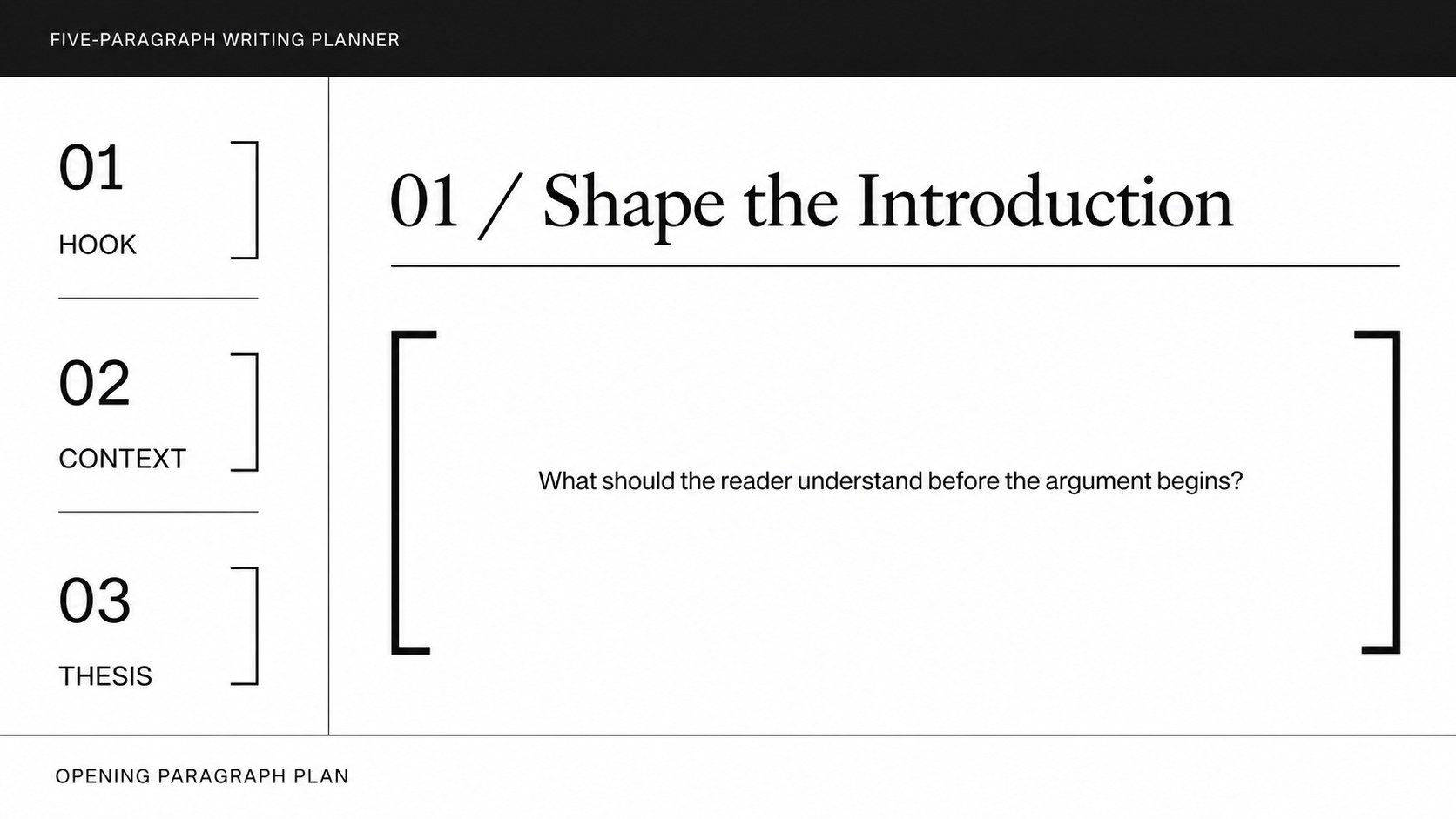
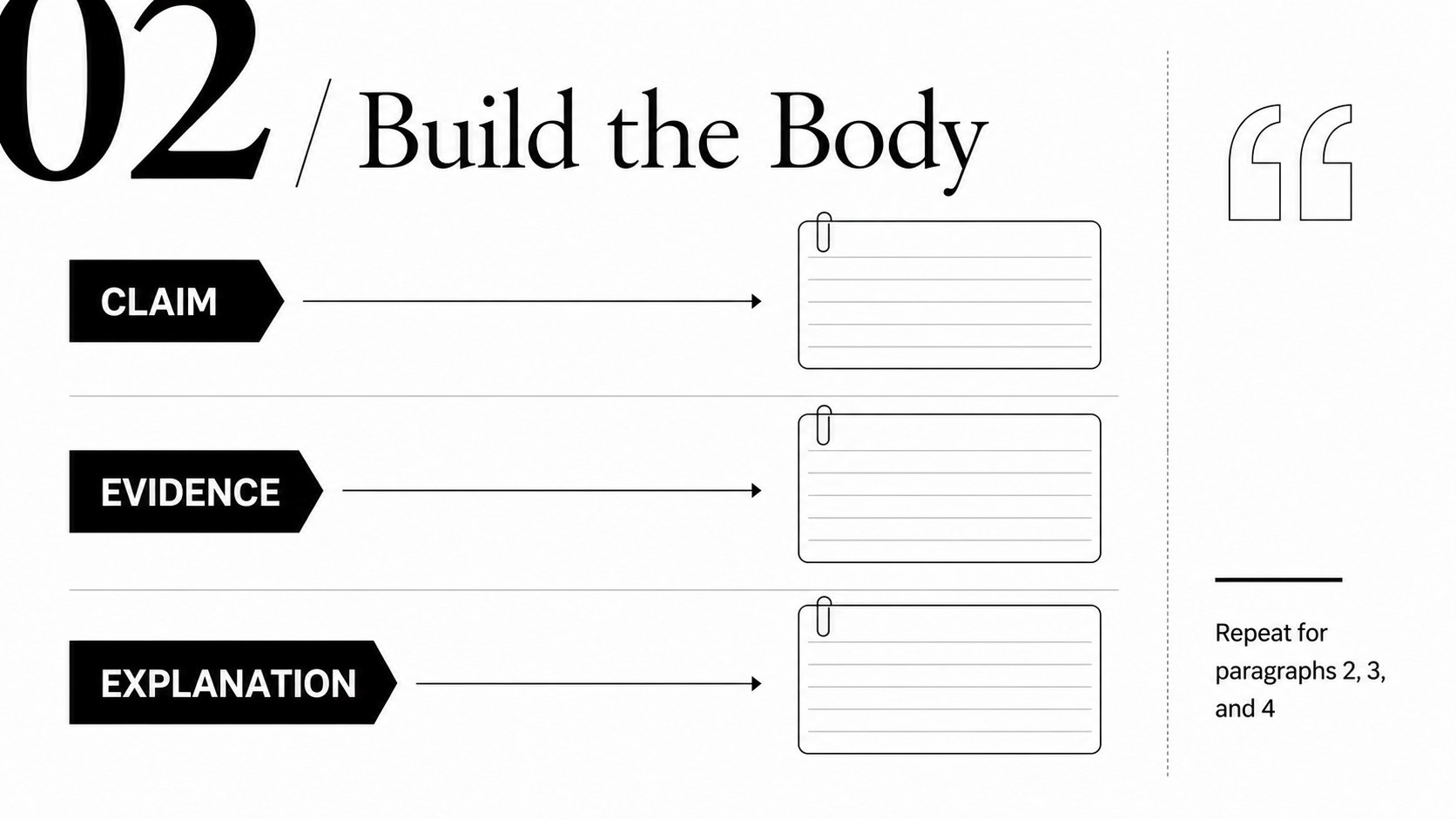
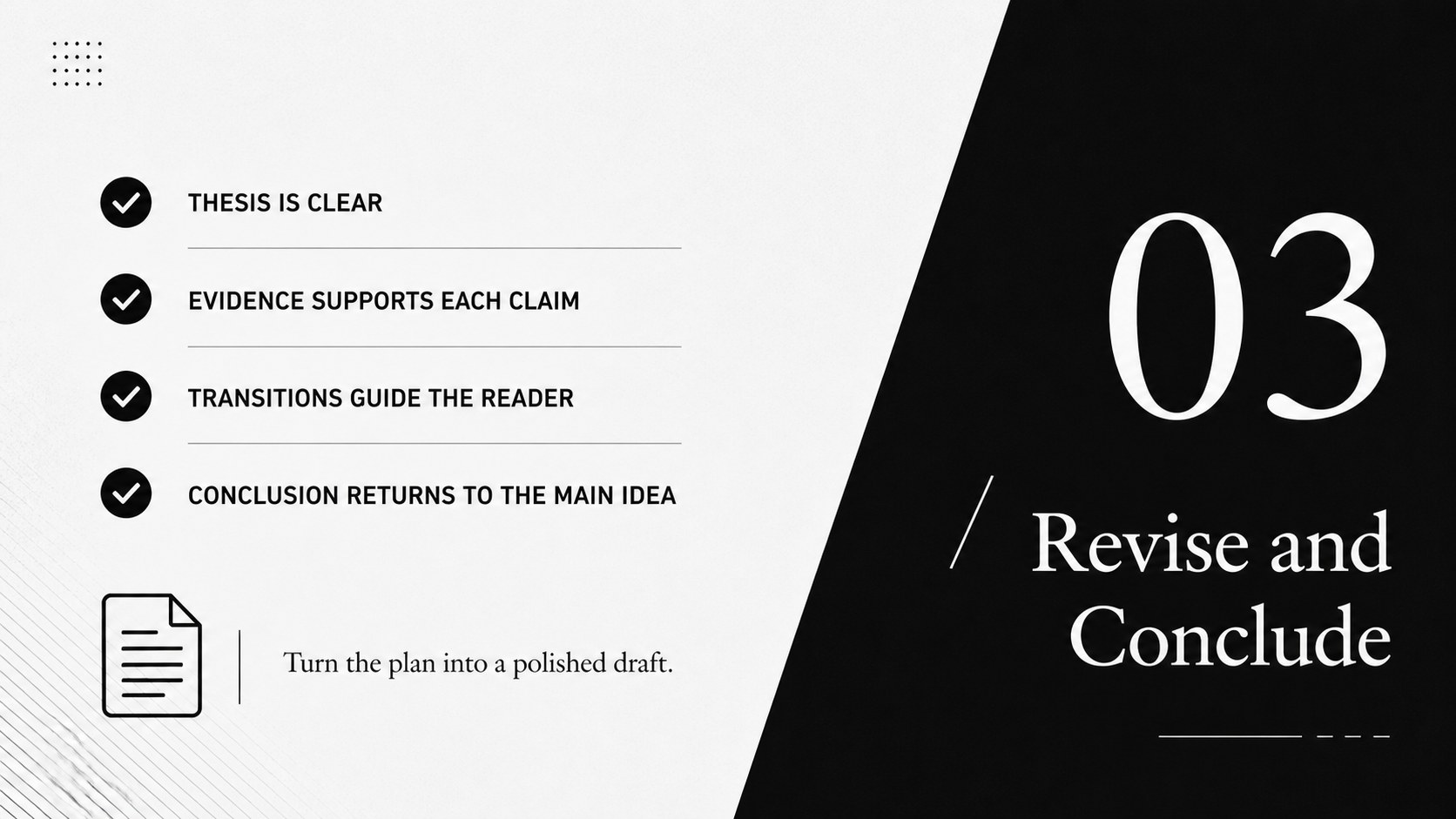
What’s inside The template includes dedicated spaces for an introduction, three body paragraphs, supporting evidence, transitions, and a conclusion. Prompts help writers define a thesis, connect examples to each claim, and check whether the closing paragraph reinforces the main point. The layout also works as a five paragraph essay organizer for persuasive, narrative, expository, and response writing.
Who it’s for Students can use this five-paragraph essay planning worksheet to move from brainstorming to a complete first draft. Teachers may adapt it for guided lessons, peer review, or printable writing activities, while tutors can use it to make revision steps easier to follow. Edit the file, Google Docs, or Microsoft Word, then add school colors, headings, comments, or images as needed. Export the finished plan as a PDF or share it for collaborative feedback.
Perfect for: middle school essay assignment; persuasive writing lesson; peer review workshop; independent writing practice; tutoring session.
Frequently asked questions
Practical details
Yes. Open the template in Google Docs and replace the prompts, headings, and sample text with your own material. You can also share it with classmates or teachers for real-time feedback.
The document can be adapted for Microsoft Word after downloading or exporting it in a compatible format. Text, spacing, headings, and section labels remain customizable.
Yes. The structure can support narrative, expository, response, and comparison assignments. Adjust the prompt language so each paragraph matches the requirements of your subject and rubric.
Absolutely. Update fonts, heading styles, accent colors, and spacing to match a classroom, school, or personal writing system. The monochrome layout is intentionally simple so customization does not distract from the content.
Keep exploring
15Build stronger academic arguments with a college essay thesis builder featuring guided examples, revision prompts, and editable PowerPoint and Google Slides.
 15
15Build an engaging World UFO Day session with this flying saucer history lesson deck, featuring retro green-and-brown slides for PowerPoint and Google Slides.
 14
14Plan a memorable Lunar New Year campaign with the 2036 Dragon Year Celebration Theme, featuring bold red-and-yellow slides for lessons and events.
 15
15Build a thoughtful classroom discussion with this interfaith awareness lesson deck, featuring editable blue-and-white slides for PowerPoint and Google Slides.
 15
15Use this environmental awareness lesson deck to teach climate action through illustrated activities, discussion prompts, and ready-to-edit visuals.
 15
15Build playful lessons and party stories with a kid-friendly zombie celebration theme in purple, green and pastel blue for PowerPoint and Google Slides.
 15
15Build eerie lessons, campaigns, and story pitches with an undead survival scenario theme featuring editable slides for PowerPoint and Google Slides.
 16
16Turn environmental research into a clear story with a Watercolor Ecology Presentation Theme for PowerPoint and Google Slides in calming green and blue.