
 15
15presentation
College Essay Thesis Builder Slides
Build stronger academic arguments with a college essay thesis builder featuring guided examples, revision prompts, and editable PowerPoint and Google Slides.
Google SlidesPowerPoint
presentation · English
Use this first-year teacher welcome deck to introduce school routines, key policies, support contacts, and campus culture in PowerPoint or Google Slides.




Design notes
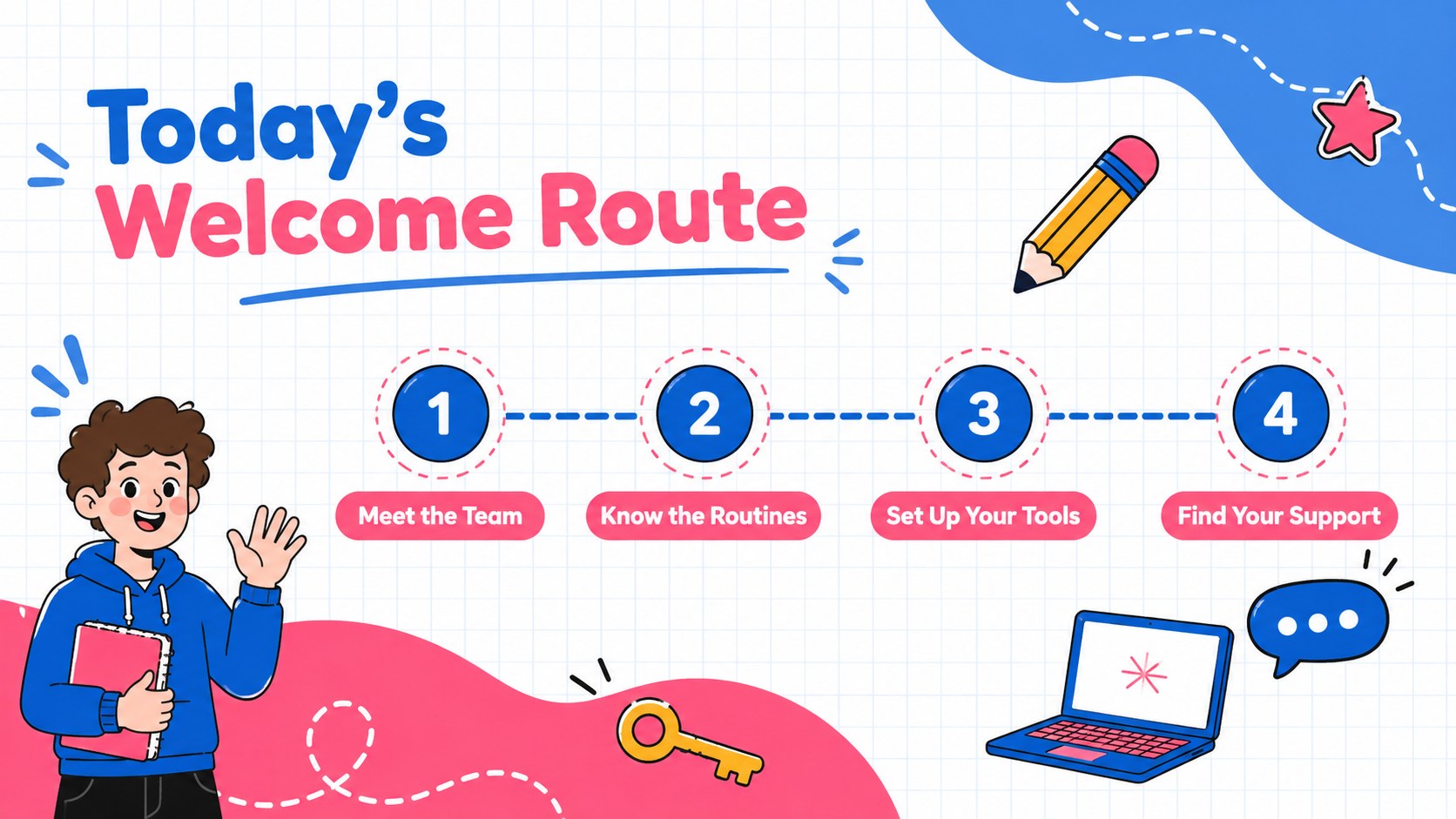
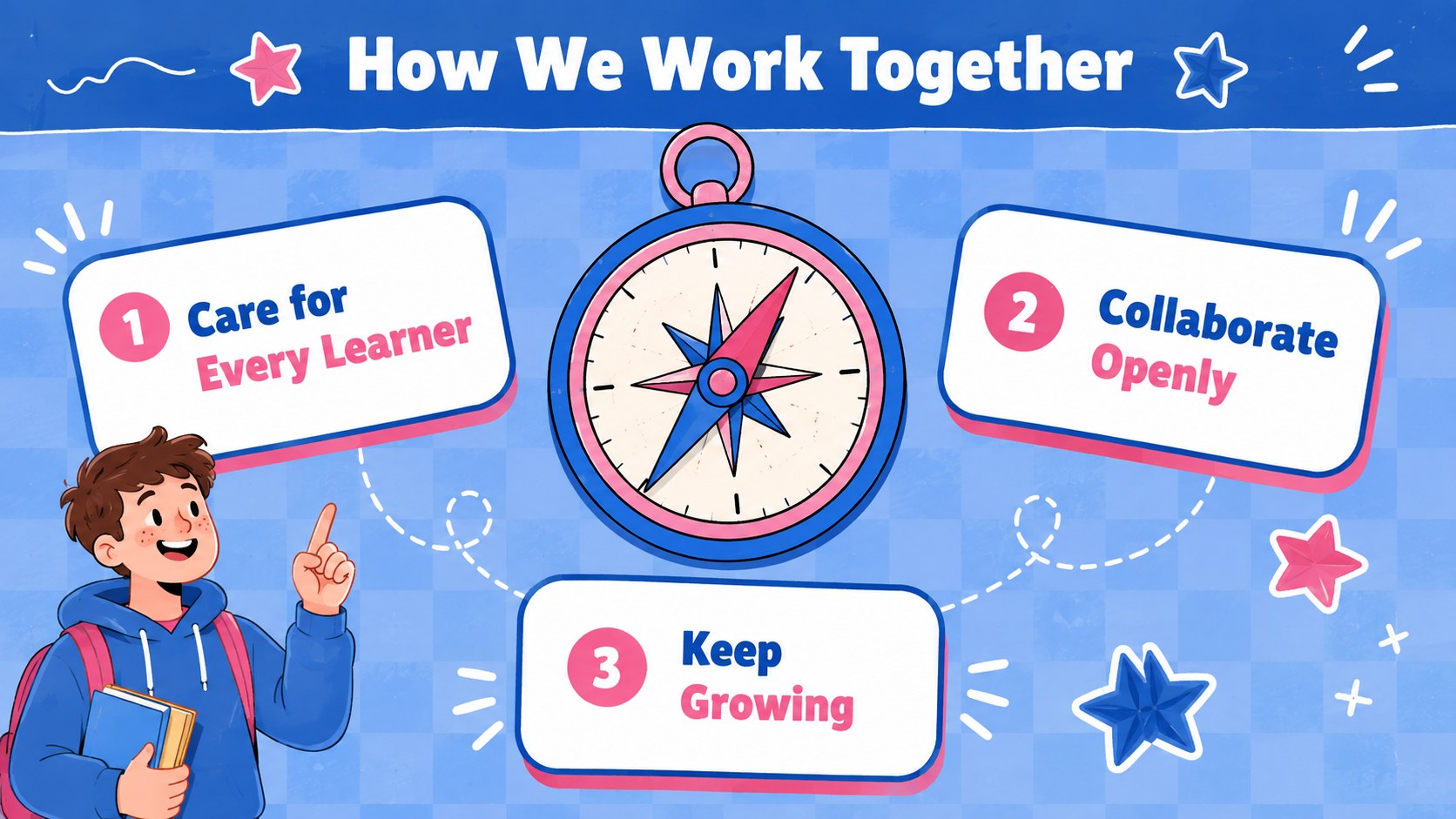
Start every incoming educator on solid ground with this first-year teacher welcome deck. Friendly blue and pink colors, playful sticker-inspired details, and upbeat layouts create an approachable setting for sharing essential information without making the session feel overly formal. Every slide can be adapted to reflect your school, district, grade level, or induction program.
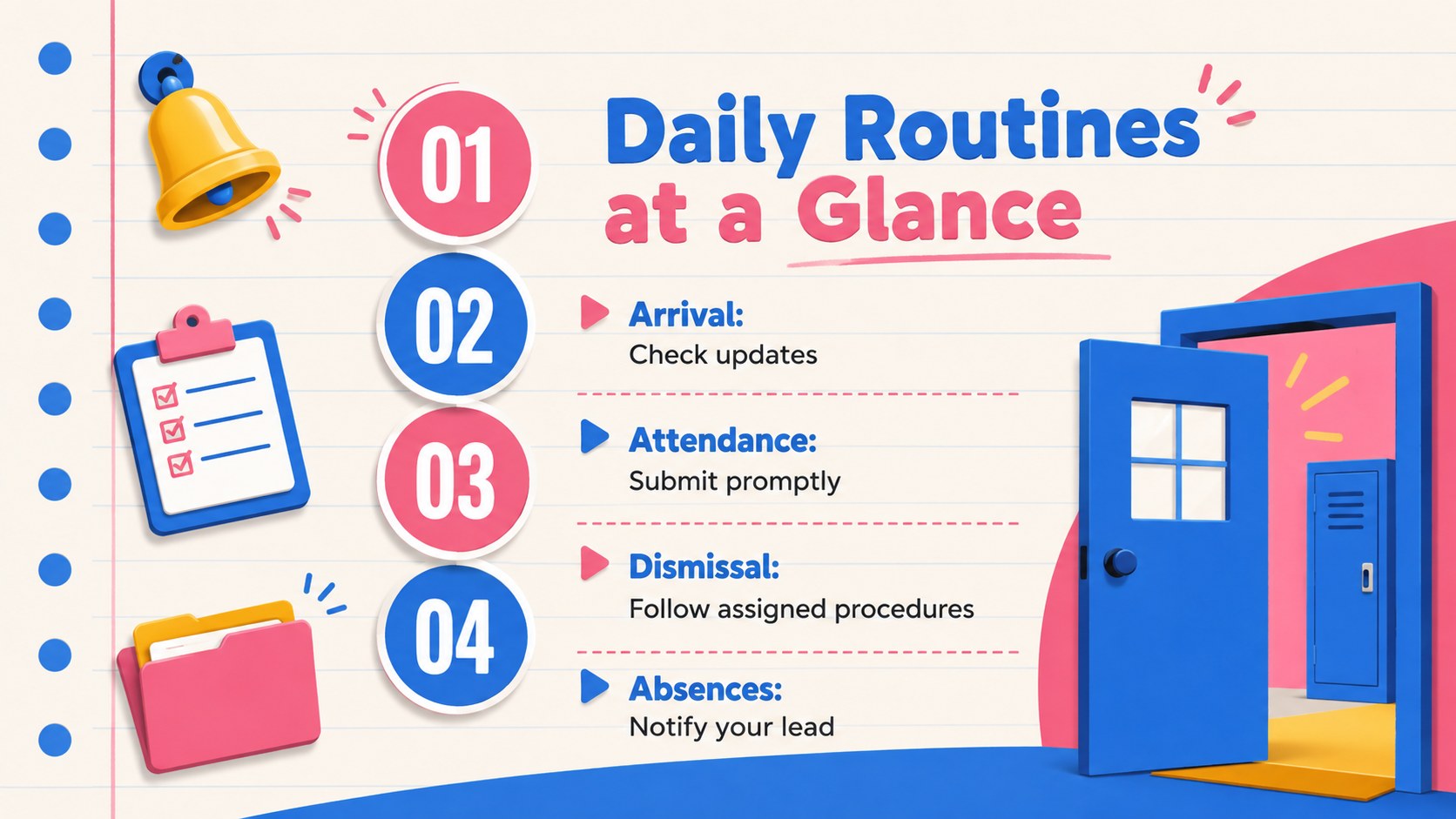
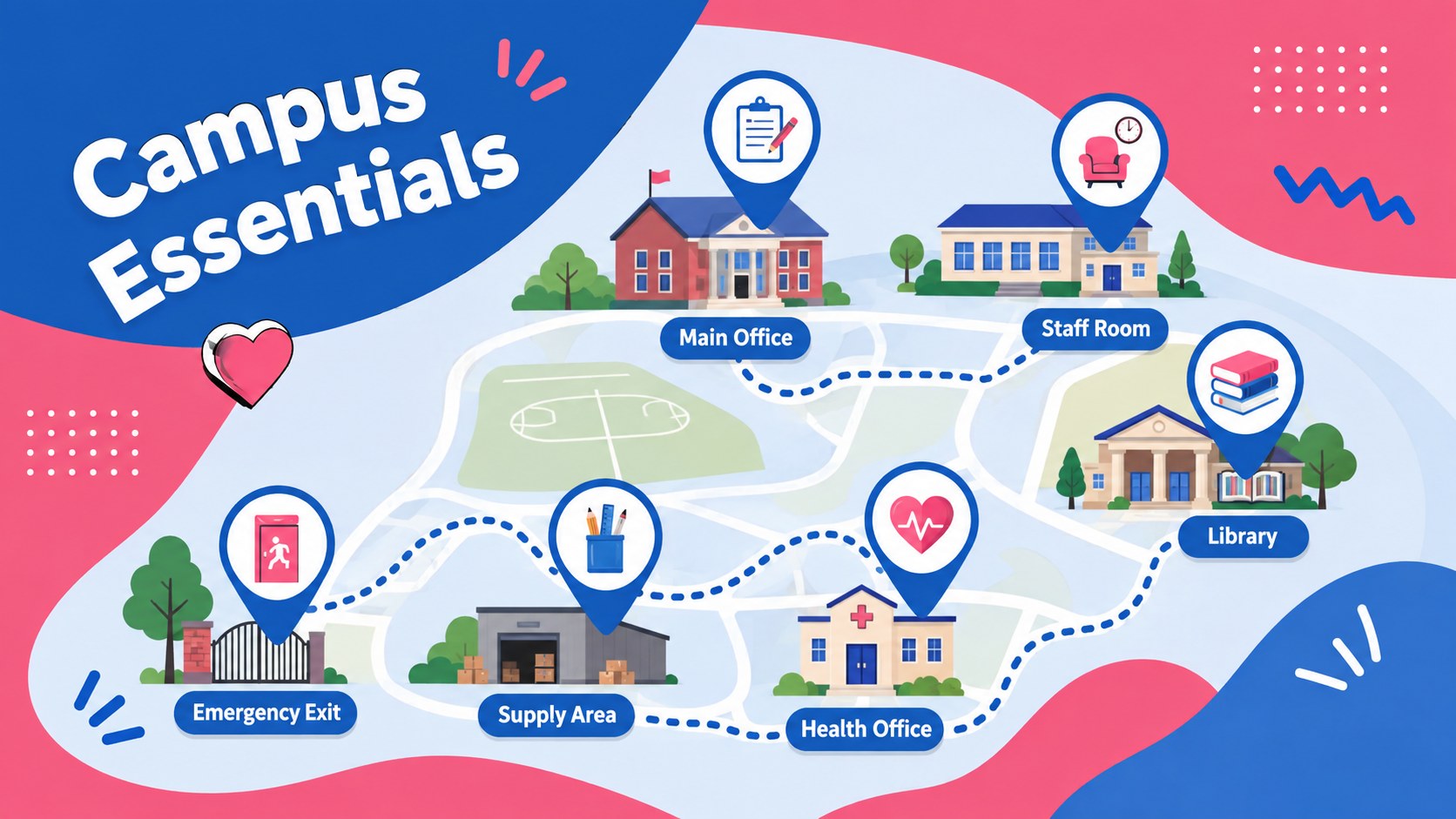
Inside, you will find practical layouts for a welcome message, session agenda, staff introductions, campus essentials, classroom routines, safeguarding expectations, technology access, professional learning, and first-week priorities. A support-network map, milestone timeline, and question slide make the deck useful as both a live teacher induction presentation template and a resource educators can revisit afterward. It also works well as a school staff welcome presentation for mixed groups of teachers and instructional specialists.
Designed for principals, instructional coaches, HR teams, department leaders, and mentor teachers, this first-year teacher welcome deck supports orientations, induction workshops, and new faculty meetings. Customize the text, colors, icons, photos, and examples in PowerPoint or Google Slides. The 16:9 format is ready for classroom screens, meeting-room displays, and virtual sessions, while the coordinated layouts help presenters deliver a polished introduction to school culture, expectations, and available support.
Perfect for: new teacher induction workshop; first-week faculty orientation; district educator onboarding; mentor teacher welcome session; school policy overview.
Frequently asked questions
Can I edit this deck in PowerPoint and Google Slides? Yes. You can update the wording, rearrange layouts, replace visuals, and adjust colors in both PowerPoint and Google Slides. Review font availability after importing so text spacing remains consistent.
Practical details
Yes. You can update the wording, rearrange layouts, replace visuals, and adjust colors in both PowerPoint and Google Slides. Review font availability after importing so text spacing remains consistent.
Replace the sample policies, contacts, schedules, and routines with your school-specific information. You can also add staff photos, campus images, department names, and your approved logo.
Yes. Duplicate the milestone, resource, and action-plan layouts to cover several days or an entire term. Dividers can also be added for compliance, curriculum, technology, and mentoring sessions.
Yes. Its 16:9 format works well for screen sharing in online meetings. Add clickable links to handbooks, support forms, training portals, and shared calendars before presenting.
Keep exploring
15Build stronger academic arguments with a college essay thesis builder featuring guided examples, revision prompts, and editable PowerPoint and Google Slides.
 15
15Build an engaging World UFO Day session with this flying saucer history lesson deck, featuring retro green-and-brown slides for PowerPoint and Google Slides.
 14
14Plan a memorable Lunar New Year campaign with the 2036 Dragon Year Celebration Theme, featuring bold red-and-yellow slides for lessons and events.
 15
15Build a thoughtful classroom discussion with this interfaith awareness lesson deck, featuring editable blue-and-white slides for PowerPoint and Google Slides.
 15
15Use this environmental awareness lesson deck to teach climate action through illustrated activities, discussion prompts, and ready-to-edit visuals.
 15
15Build playful lessons and party stories with a kid-friendly zombie celebration theme in purple, green and pastel blue for PowerPoint and Google Slides.
 15
15Build eerie lessons, campaigns, and story pitches with an undead survival scenario theme featuring editable slides for PowerPoint and Google Slides.
 16
16Turn environmental research into a clear story with a Watercolor Ecology Presentation Theme for PowerPoint and Google Slides in calming green and blue.