
 15
15presentation
College Essay Thesis Builder Slides
Build stronger academic arguments with a college essay thesis builder featuring guided examples, revision prompts, and editable PowerPoint and Google Slides.
Google SlidesPowerPoint
presentation · English
Create a warm first-week introduction with a middle school welcome deck for orientations, class tours, student goals, and colorful PowerPoint or Google…

Design notes
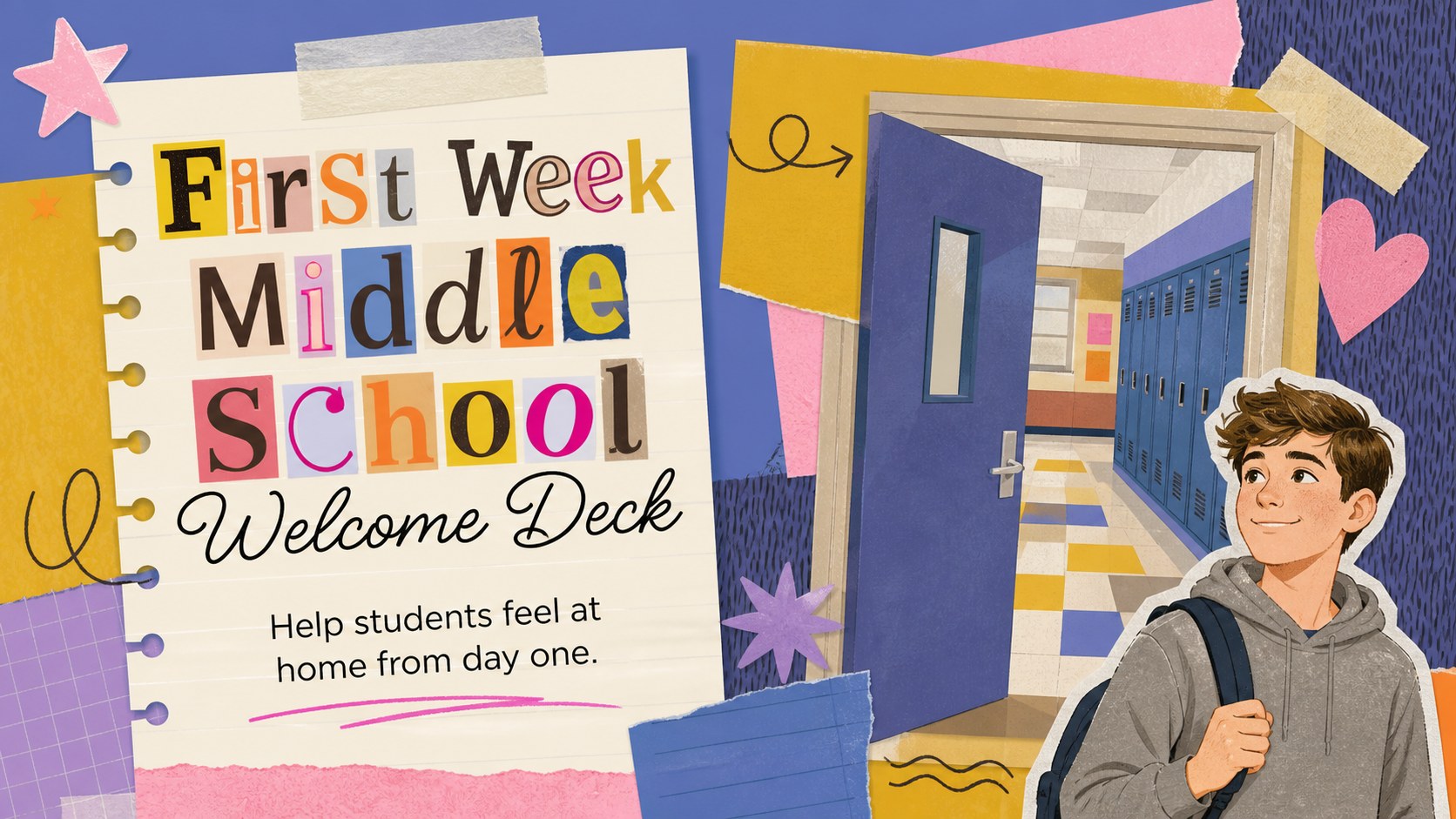
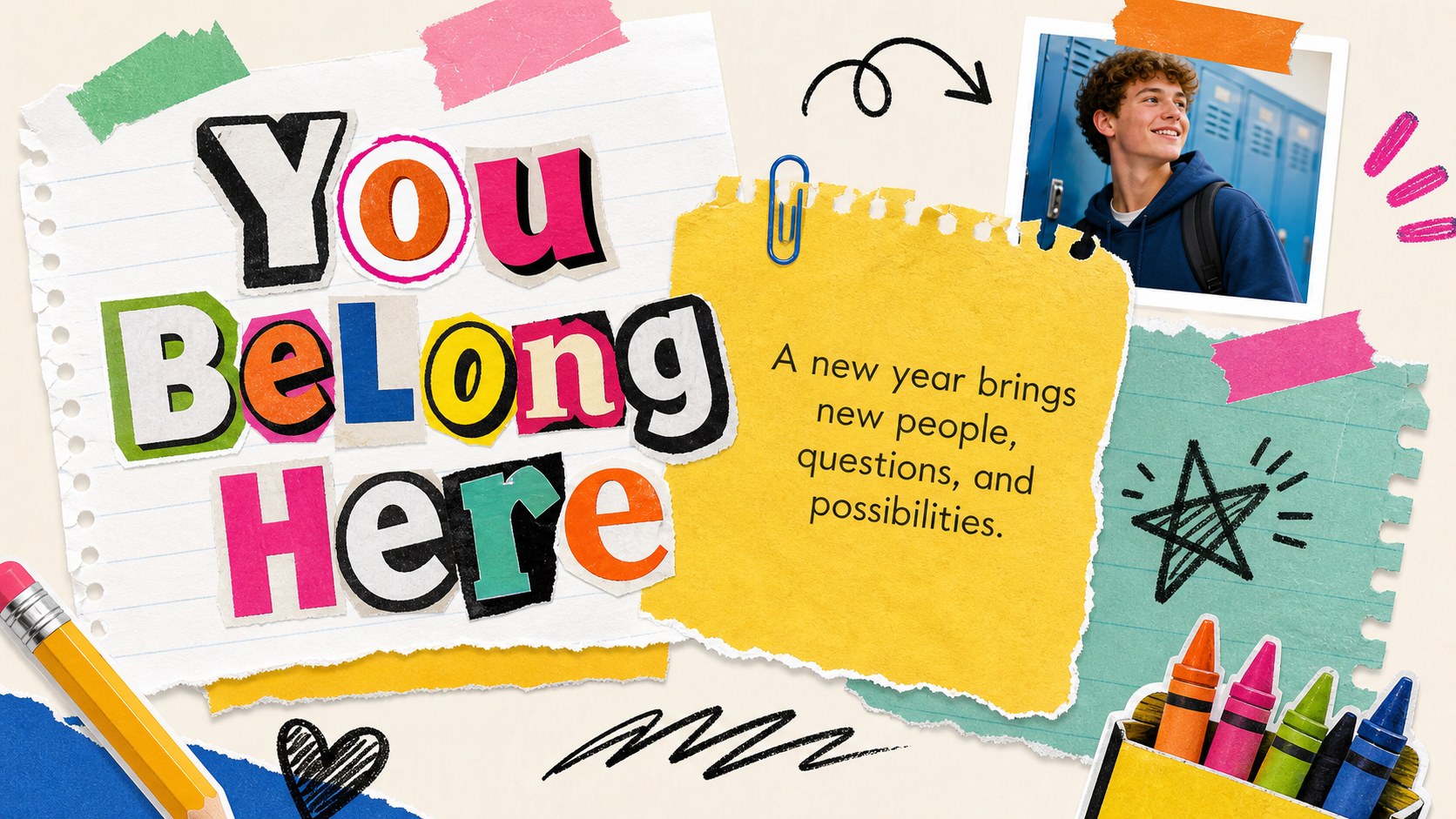
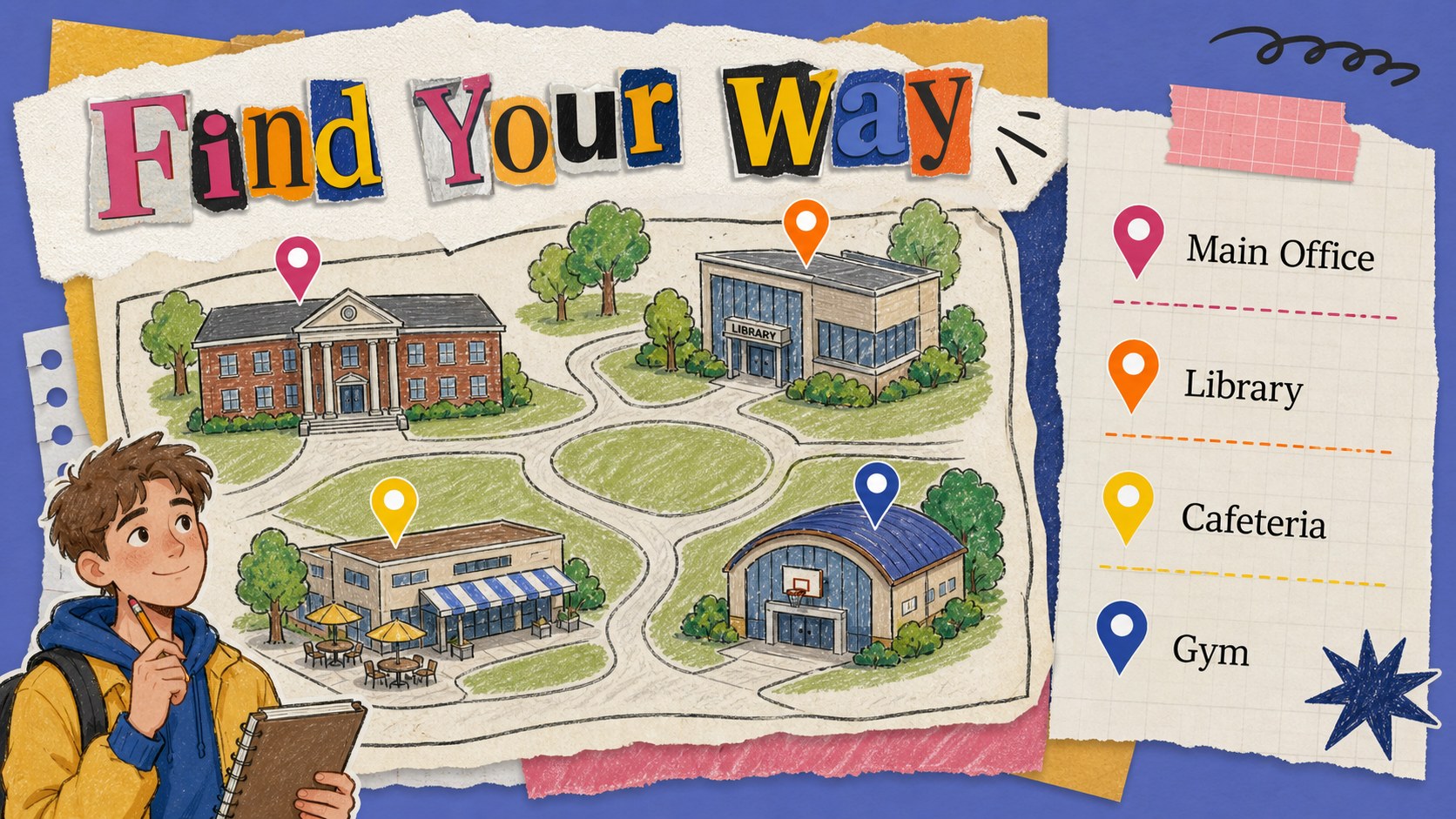
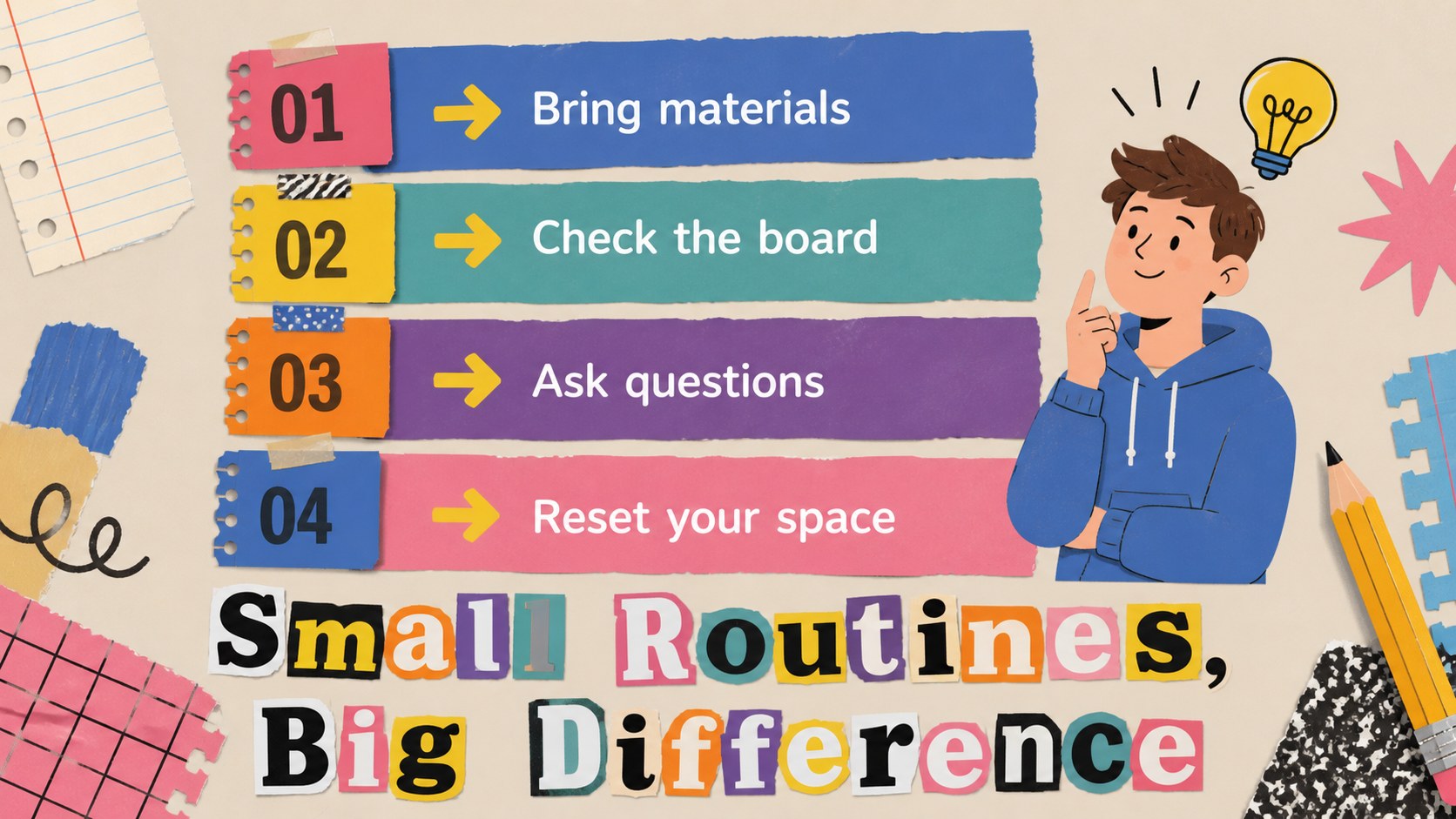
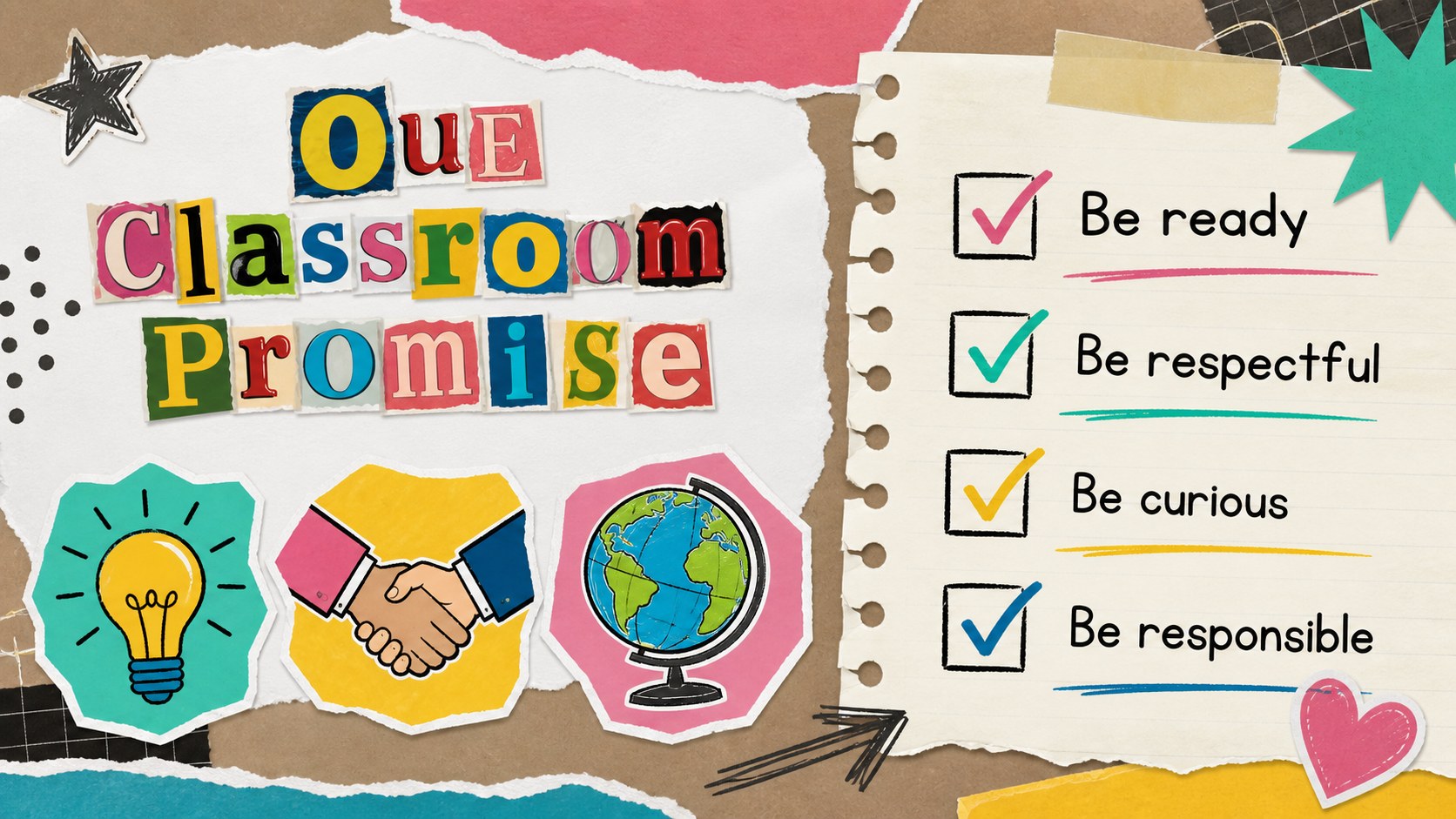
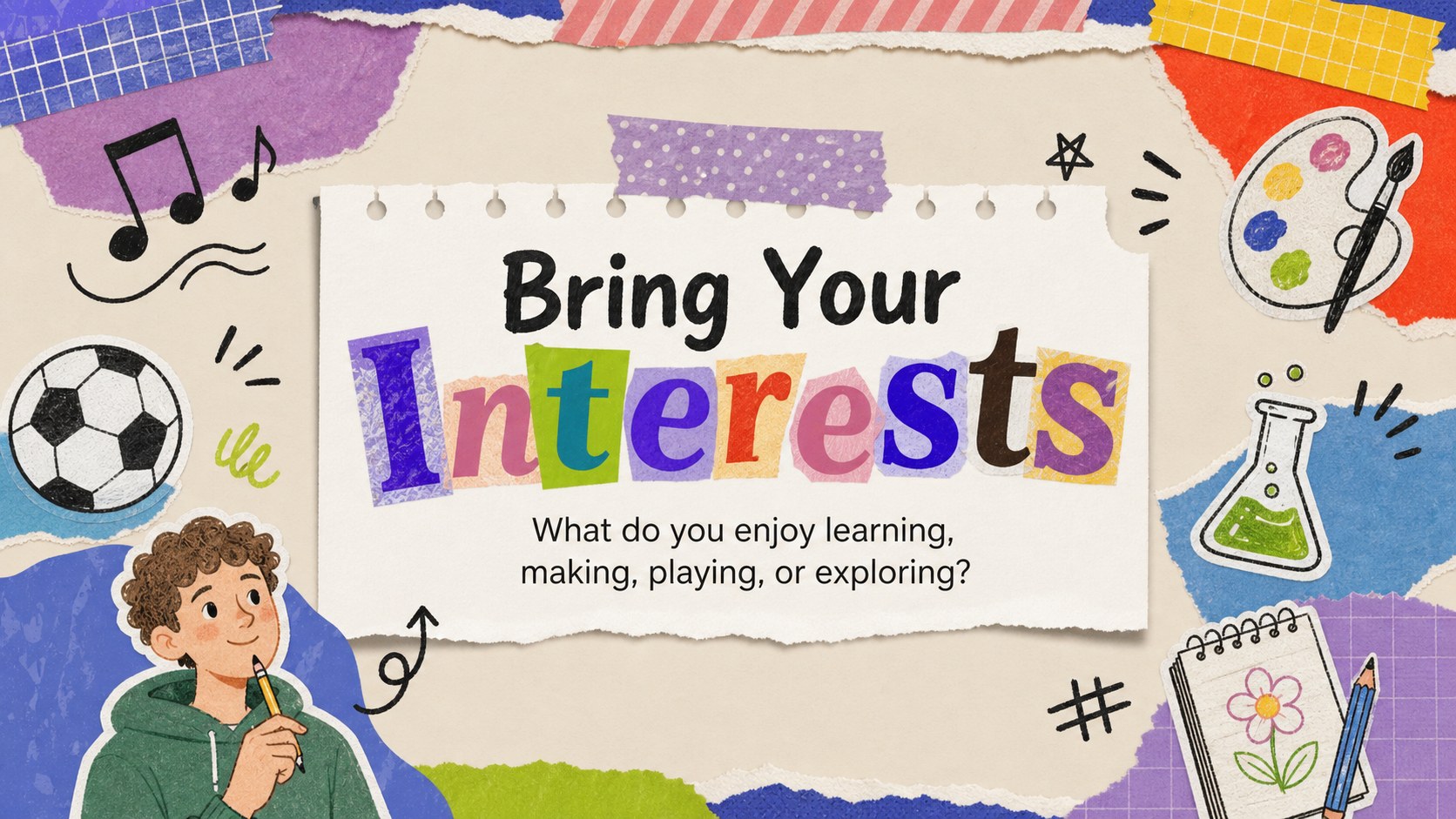
The First Week Middle School Welcome Deck helps teachers create an inviting introduction for students entering a new school environment. Its bright scrapbook composition combines hand-lettered headlines, paper textures, doodles, cutout shapes, and cheerful color accents to make essential information feel approachable. Use this middle school welcome deck for an orientation presentation, homeroom introduction, or first-week classroom meeting.
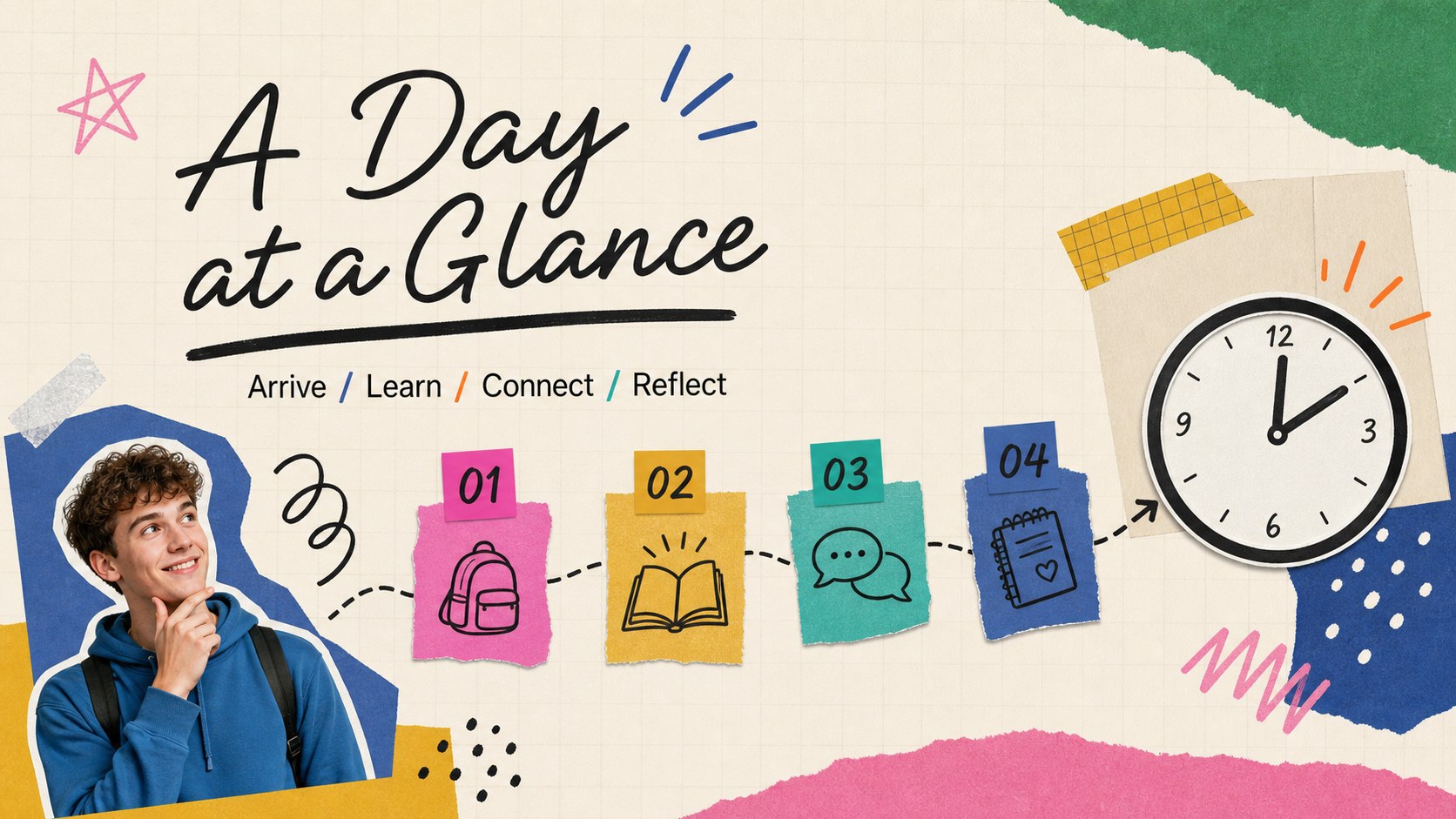
Inside, you will find 15 flexible 16:9 slides for introducing the school community, mapping out the day, presenting classroom expectations, sharing helpful locations, and encouraging students to set personal goals. Layouts include photo frames, checklist sections, comparison blocks, simple schedules, quote pages, and closing prompts. The editable design works in PowerPoint and Google Slides, with space for school photos, teacher details, icons, and student activities.
This template suits middle school teachers, counselors, administrators, and student ambassadors preparing a friendly start-of-year experience. Adapt it for a middle school orientation presentation, first week of school slides, or a welcome session for transfer students. The Meow Script and Quicksand font pairing keeps the mood youthful while preserving clear reading order and practical classroom communication.
Perfect for: new student orientation; first-day homeroom presentation; classroom expectations meeting; school tour briefing; student ambassador welcome; transfer student introduction.
Frequently asked questions
Can I edit this deck in PowerPoint? Yes. The slides are designed for PowerPoint editing, including text, colors, images, shapes, and layouts. Replace the sample content with your school information and classroom details.
Practical details
Yes. The slides are designed for PowerPoint editing, including text, colors, images, shapes, and layouts. Replace the sample content with your school information and classroom details.
Yes, you can open and customize the presentation in Google Slides. Review the font availability after importing and substitute a similar typeface if needed.
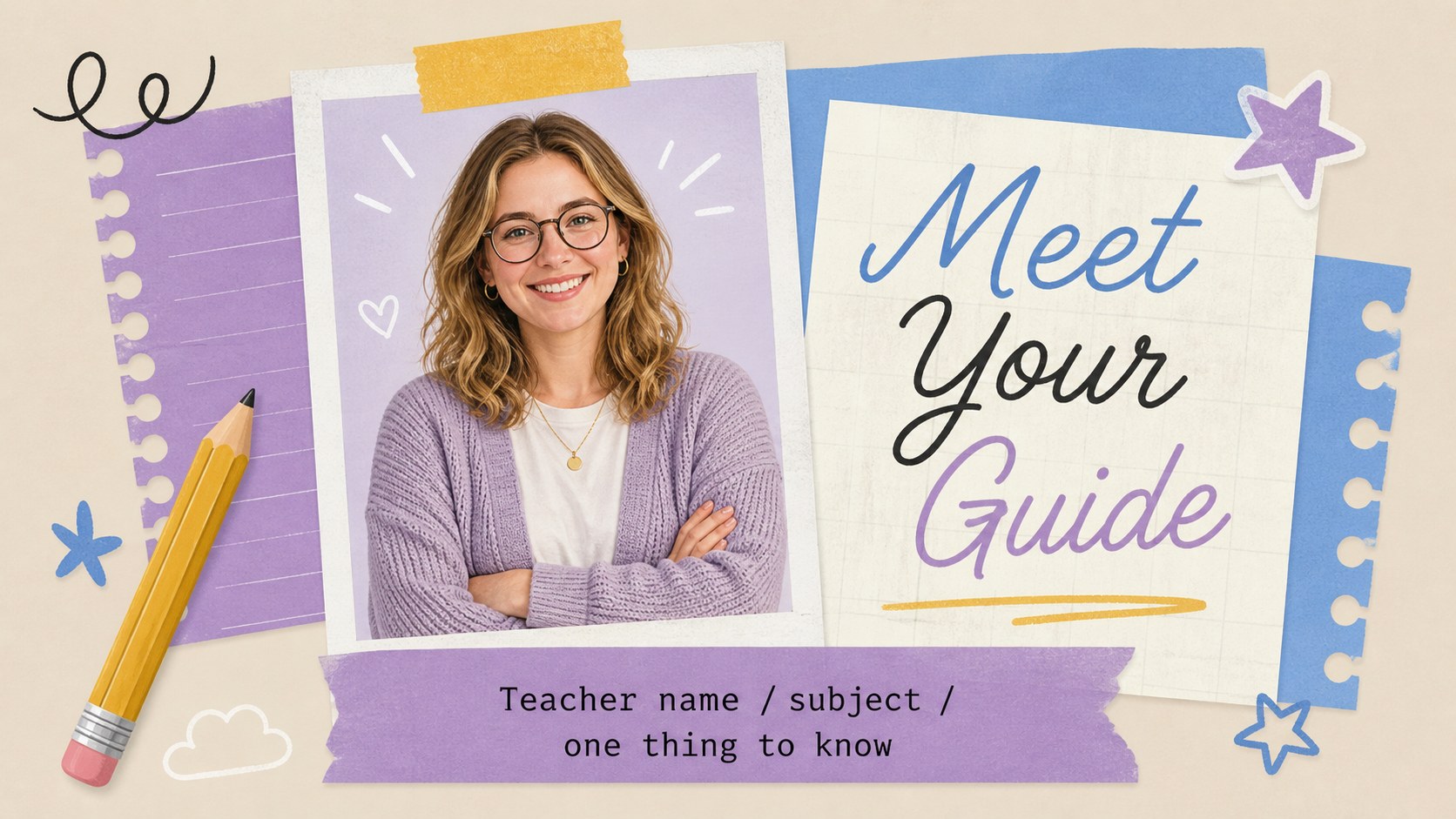
Add teacher introductions, bell schedules, classroom norms, campus locations, contact details, club information, and student goal prompts. The varied layouts also leave room for school photos and short activity instructions.
Yes. Remove date-specific references and adjust the agenda for a smaller welcome meeting. The orientation, routines, expectations, and support-resource slides work well for transfer students at any point in the year.
Keep exploring
15Build stronger academic arguments with a college essay thesis builder featuring guided examples, revision prompts, and editable PowerPoint and Google Slides.
 15
15Build an engaging World UFO Day session with this flying saucer history lesson deck, featuring retro green-and-brown slides for PowerPoint and Google Slides.
 14
14Plan a memorable Lunar New Year campaign with the 2036 Dragon Year Celebration Theme, featuring bold red-and-yellow slides for lessons and events.
 15
15Build a thoughtful classroom discussion with this interfaith awareness lesson deck, featuring editable blue-and-white slides for PowerPoint and Google Slides.
 15
15Use this environmental awareness lesson deck to teach climate action through illustrated activities, discussion prompts, and ready-to-edit visuals.
 15
15Build playful lessons and party stories with a kid-friendly zombie celebration theme in purple, green and pastel blue for PowerPoint and Google Slides.
 15
15Build eerie lessons, campaigns, and story pitches with an undead survival scenario theme featuring editable slides for PowerPoint and Google Slides.
 16
16Turn environmental research into a clear story with a Watercolor Ecology Presentation Theme for PowerPoint and Google Slides in calming green and blue.