
 15
15presentation
College Essay Thesis Builder Slides
Build stronger academic arguments with a college essay thesis builder featuring guided examples, revision prompts, and editable PowerPoint and Google Slides.
Google SlidesPowerPoint
presentation · English
Build a polished first job portfolio slide deck with editable layouts for education, activities, skills, references, and personal branding in PowerPoint or…

Design notes
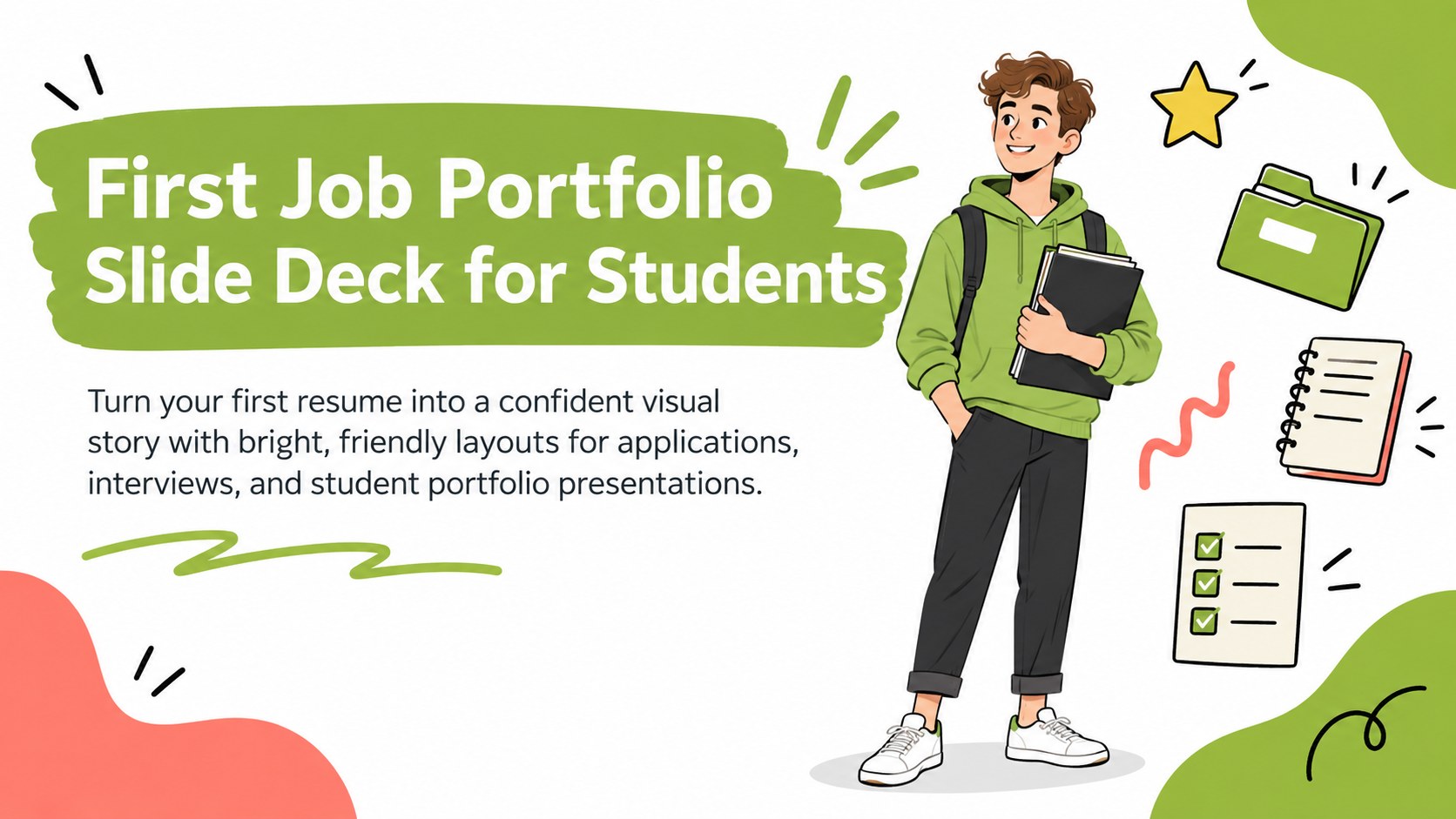
Turn your first resume into a confident visual story with this first job portfolio slide deck for students. Its colorful, cheerful design combines playful doodle-style details, clean typography, and a fresh green-led palette to help early-career applicants present themselves with clarity and personality. Use it for an interview introduction, internship application, school career project, or personal portfolio review.
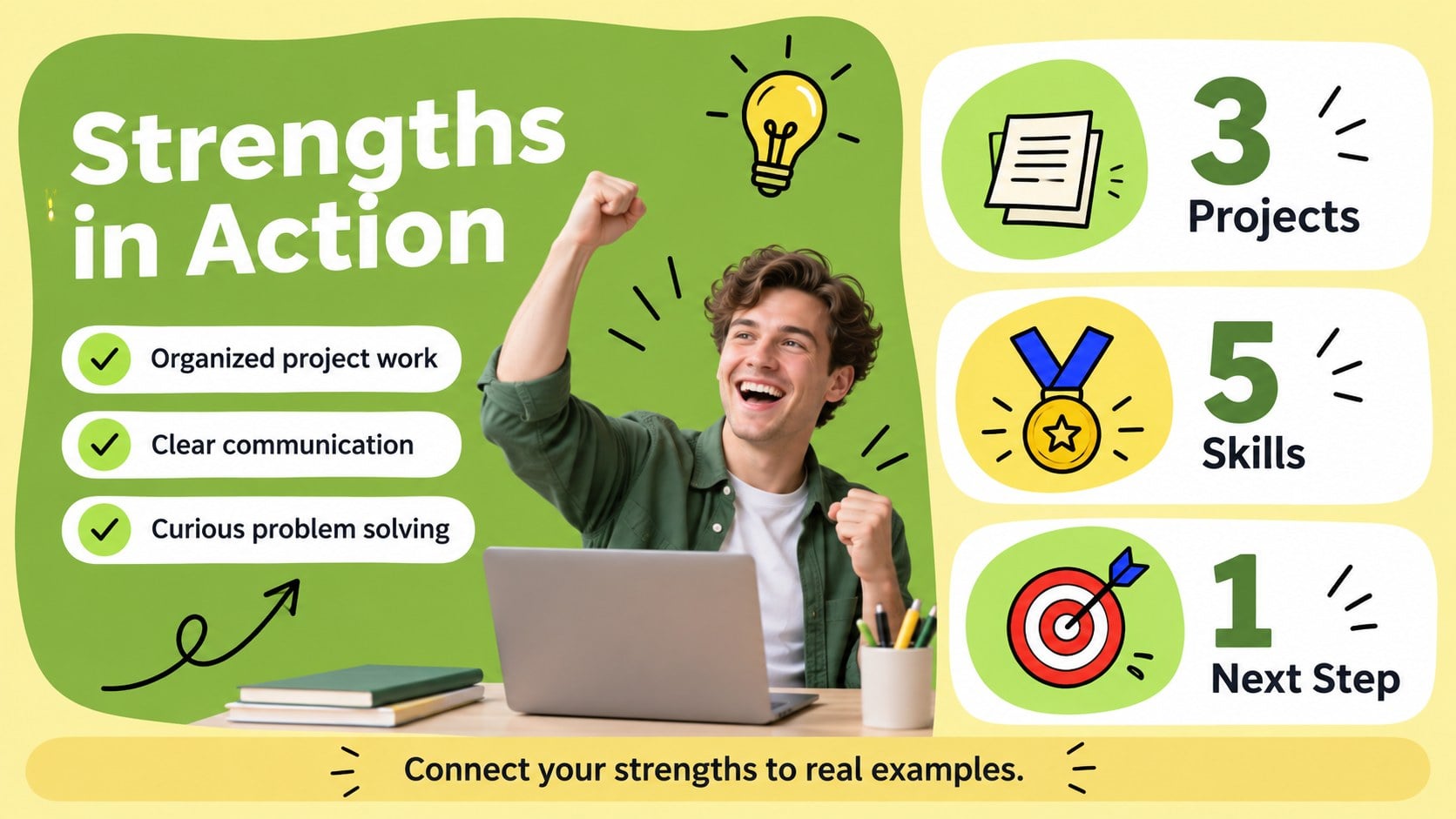
Inside, you will find editable layouts for education, clubs, volunteer work, certifications, strengths, goals, references, and a concise personal introduction. A visual timeline can map academic growth, while charts and simple graphic elements can highlight achievements without making the presentation feel crowded. The deck also includes agenda, profile, skills, project, and closing layouts so you can build a complete narrative around your experience. These student career portfolio slides work well for high school seniors, university students, recent graduates, and internship applicants who need a more memorable alternative to a plain document. Adapt the colors, photos, icons, illustrations, and typography to match your identity, then present or share the finished file from PowerPoint or Google Slides. The flexible layouts also make this an editable resume presentation for students preparing for career fairs, mock interviews, and first-job applications.
Perfect for: first-job interview introduction; internship application presentation; high school career project; college career fair portfolio; mock interview presentation.
Frequently asked questions
Can I edit this deck in PowerPoint? Yes. The layouts, text, colors, graphics, and image areas are designed to be edited in PowerPoint. Replace the sample content with your education, activities, skills, and career goals.
Does it work with Google Slides? Yes, you can use the presentation in Google Slides as well as PowerPoint. After opening it in your preferred platform, update the fonts, images, icons, and slide order to fit your application.
Practical details
Yes. The layouts, text, colors, graphics, and image areas are designed to be edited in PowerPoint. Replace the sample content with your education, activities, skills, and career goals.
Yes, you can use the presentation in Google Slides as well as PowerPoint. After opening it in your preferred platform, update the fonts, images, icons, and slide order to fit your application.
The deck includes profile, education, activities, certifications, skills, achievements, goals, references, timeline, and closing layouts. Select only the sections that support the role or program you are applying for.
Yes. You can adjust the palette, typography, illustrations, and photos while keeping the original layout system. This makes it easy to create a more personal presentation for interviews, career fairs, or school assignments.
Keep exploring
15Build stronger academic arguments with a college essay thesis builder featuring guided examples, revision prompts, and editable PowerPoint and Google Slides.
 15
15Build an engaging World UFO Day session with this flying saucer history lesson deck, featuring retro green-and-brown slides for PowerPoint and Google Slides.
 14
14Plan a memorable Lunar New Year campaign with the 2036 Dragon Year Celebration Theme, featuring bold red-and-yellow slides for lessons and events.
 15
15Build a thoughtful classroom discussion with this interfaith awareness lesson deck, featuring editable blue-and-white slides for PowerPoint and Google Slides.
 15
15Use this environmental awareness lesson deck to teach climate action through illustrated activities, discussion prompts, and ready-to-edit visuals.
 15
15Build playful lessons and party stories with a kid-friendly zombie celebration theme in purple, green and pastel blue for PowerPoint and Google Slides.
 15
15Build eerie lessons, campaigns, and story pitches with an undead survival scenario theme featuring editable slides for PowerPoint and Google Slides.
 16
16Turn environmental research into a clear story with a Watercolor Ecology Presentation Theme for PowerPoint and Google Slides in calming green and blue.