
 15
15presentation
College Essay Thesis Builder Slides
Build stronger academic arguments with a college essay thesis builder featuring guided examples, revision prompts, and editable PowerPoint and Google Slides.
Google SlidesPowerPoint
presentation · English
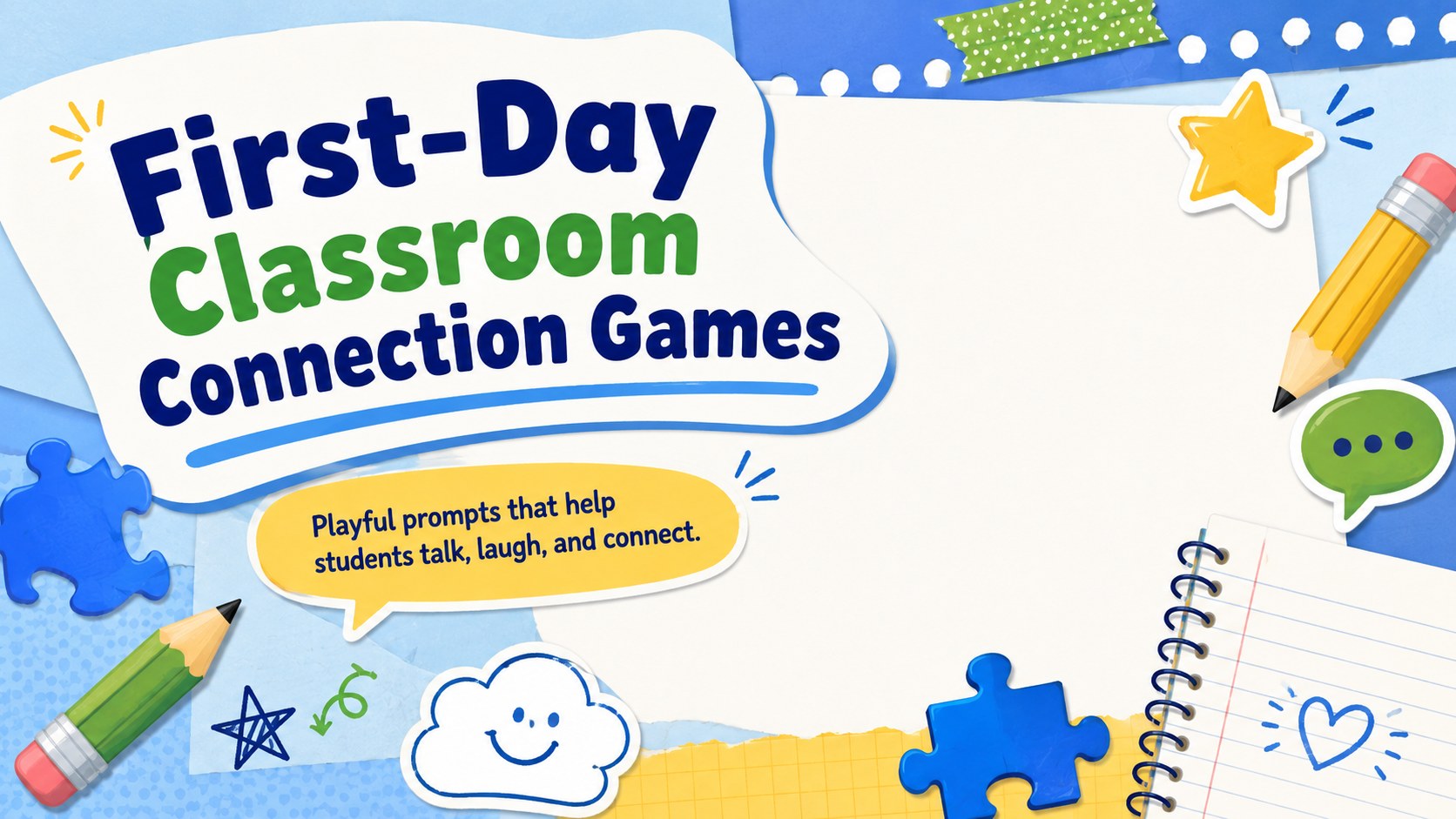
Build classroom community quickly with First-Day Classroom Connection Games, a colorful editable deck for welcoming students in PowerPoint and Google Slides.
Design notes
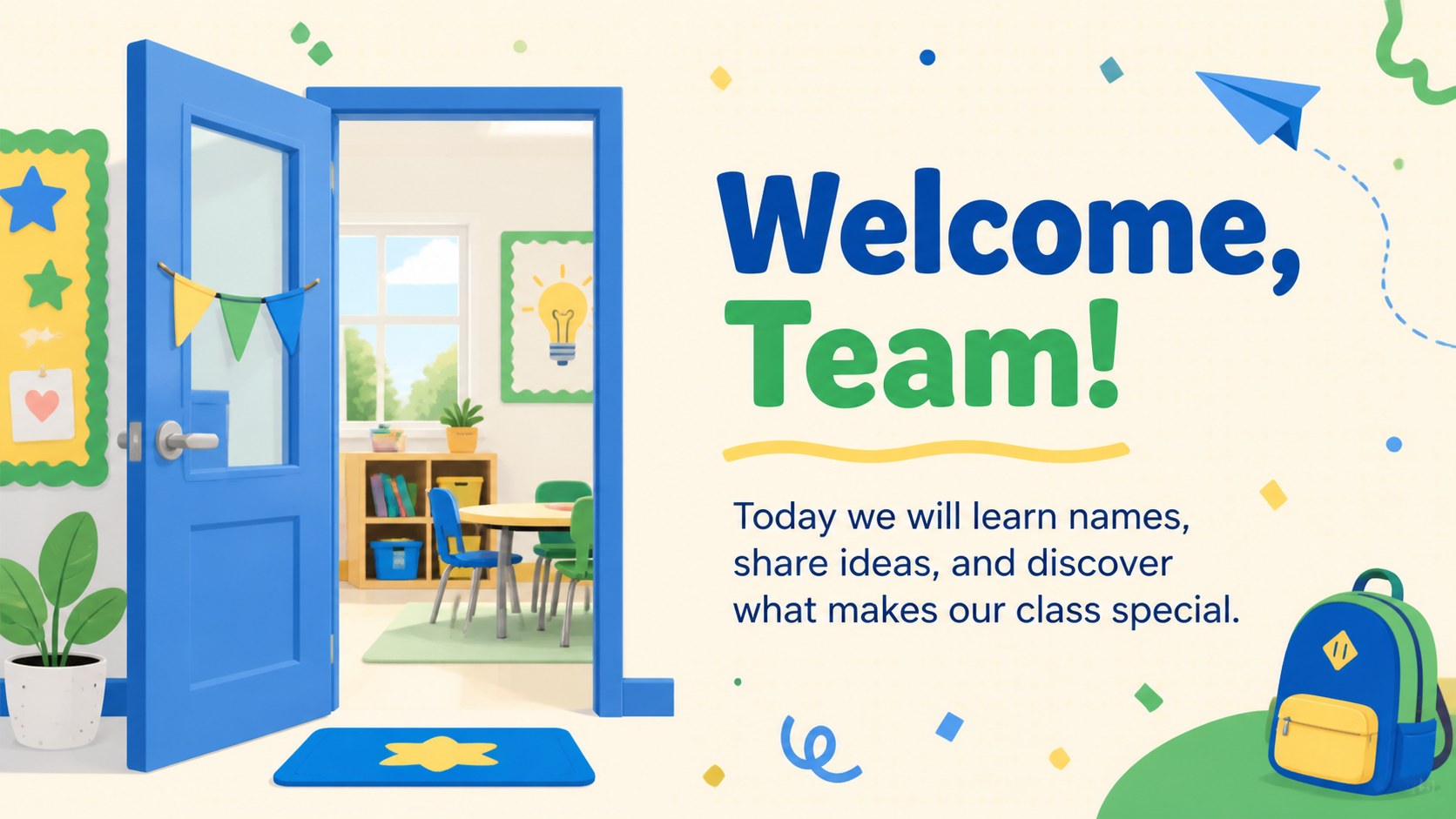
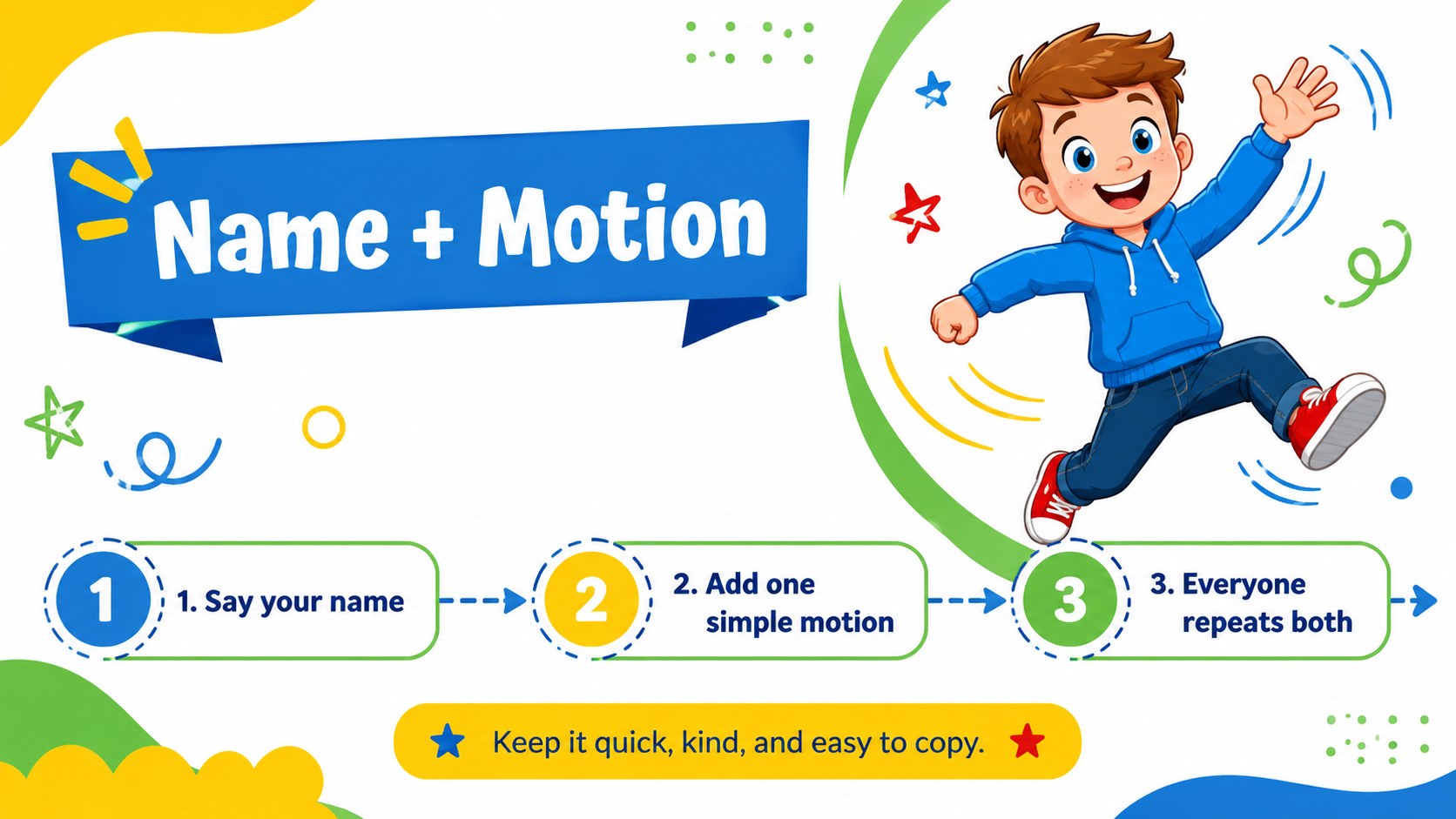
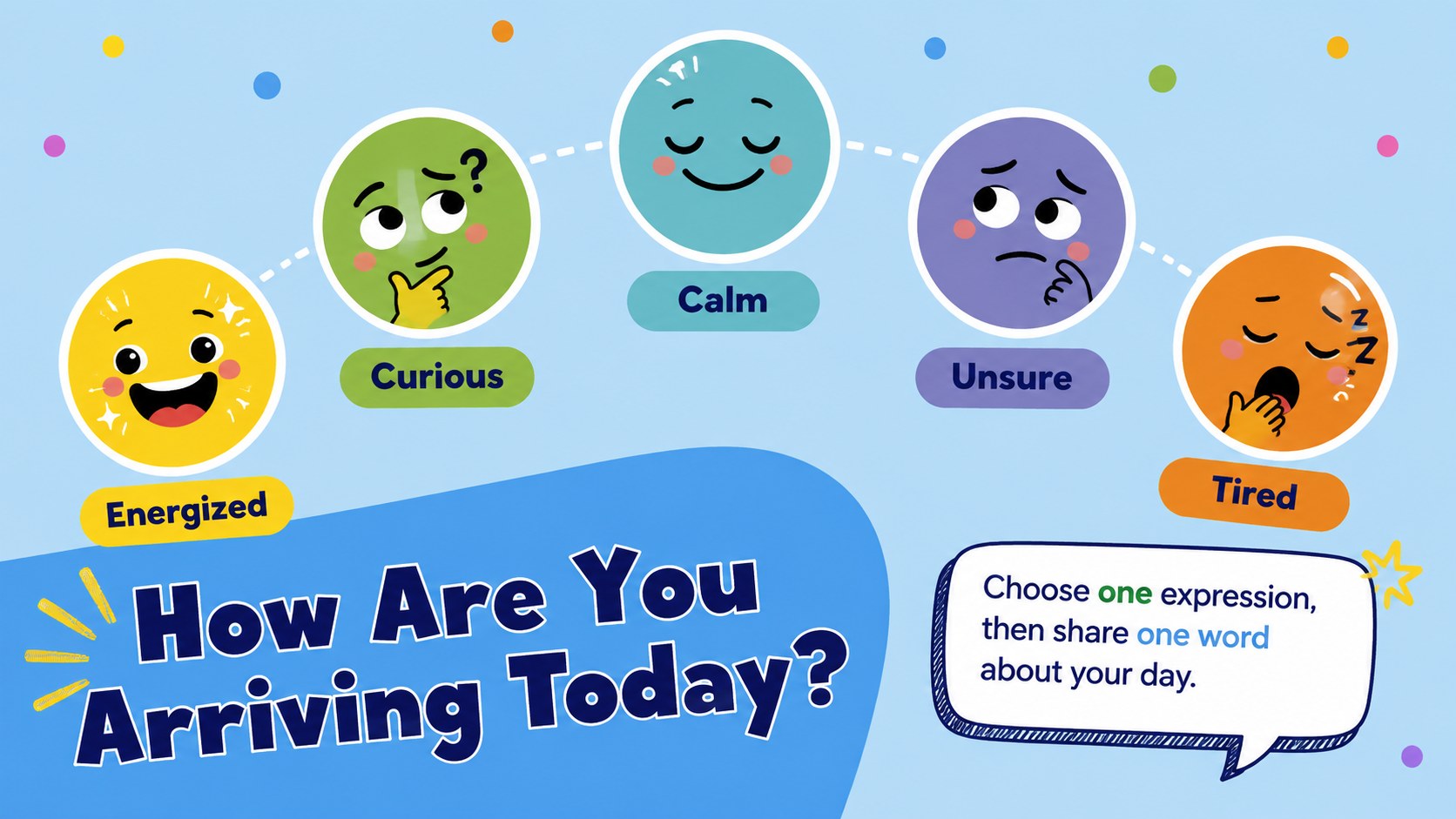
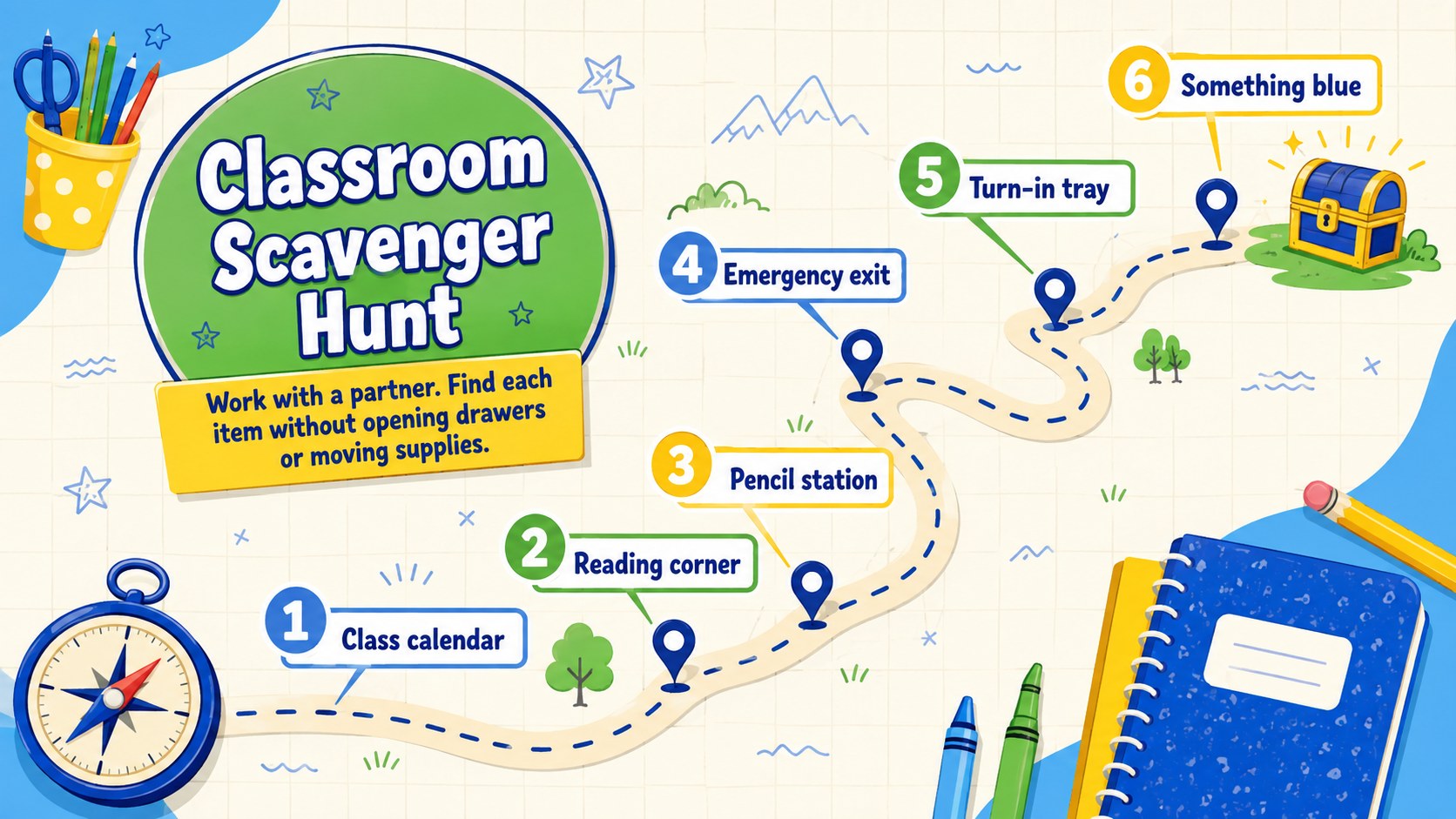
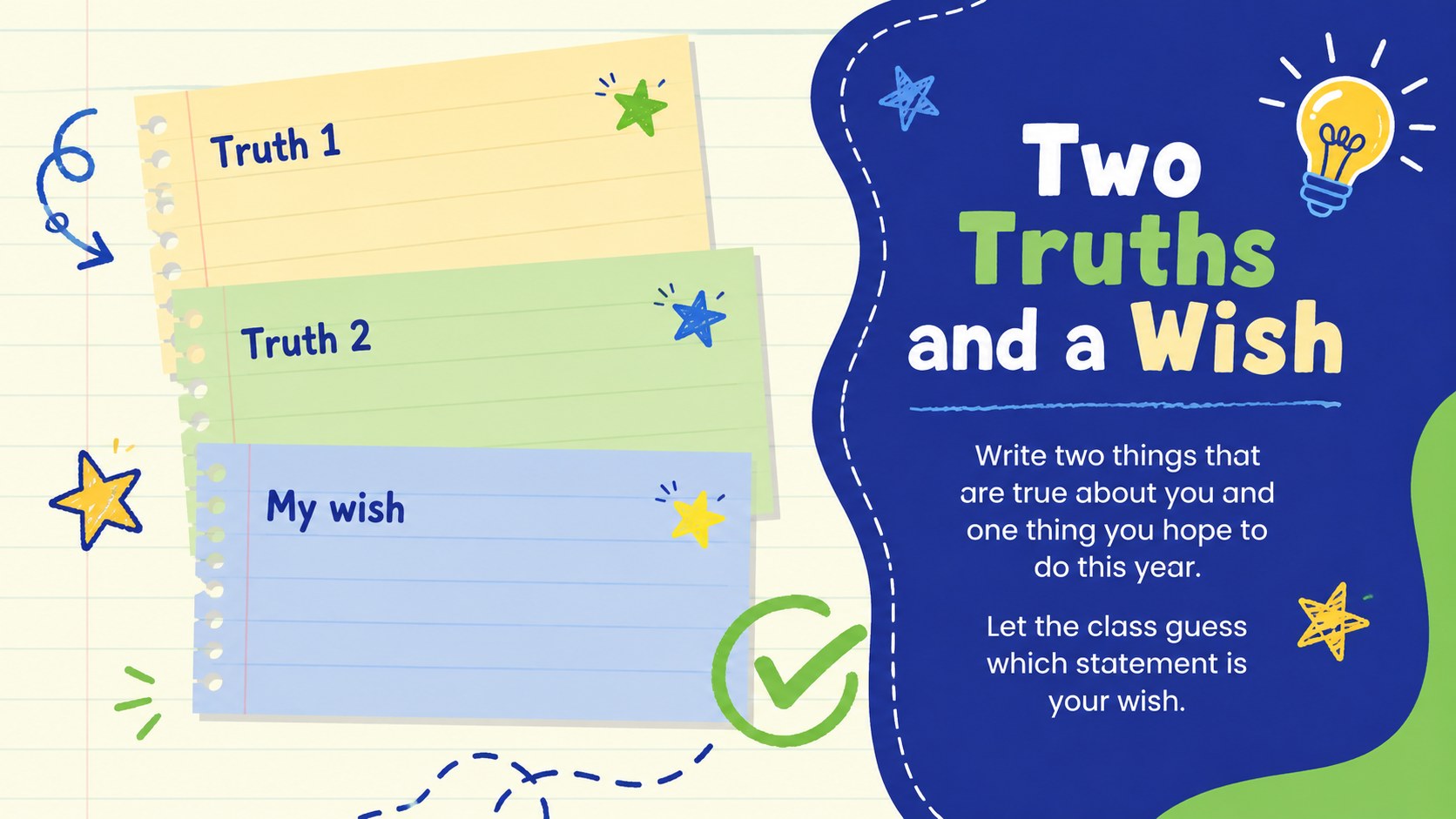
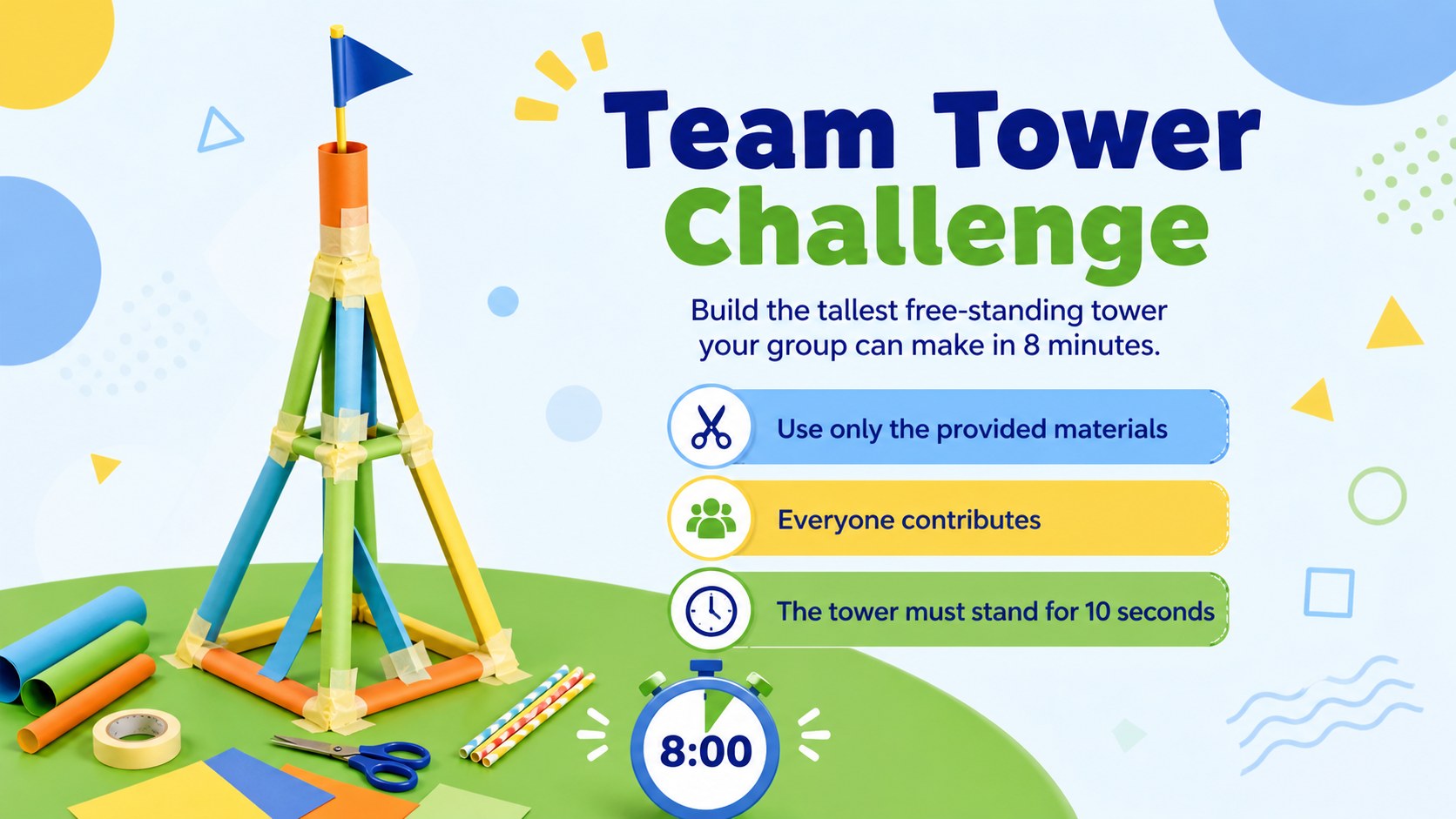
First-Day Classroom Connection Games gives teachers a lively, low-preparation way to welcome a new class. The blue, green, and yellow illustrations create a cheerful setting for introductions without making activities feel formal. Open the deck in PowerPoint or Google Slides, choose the prompts that fit your group, and start building a comfortable classroom atmosphere.
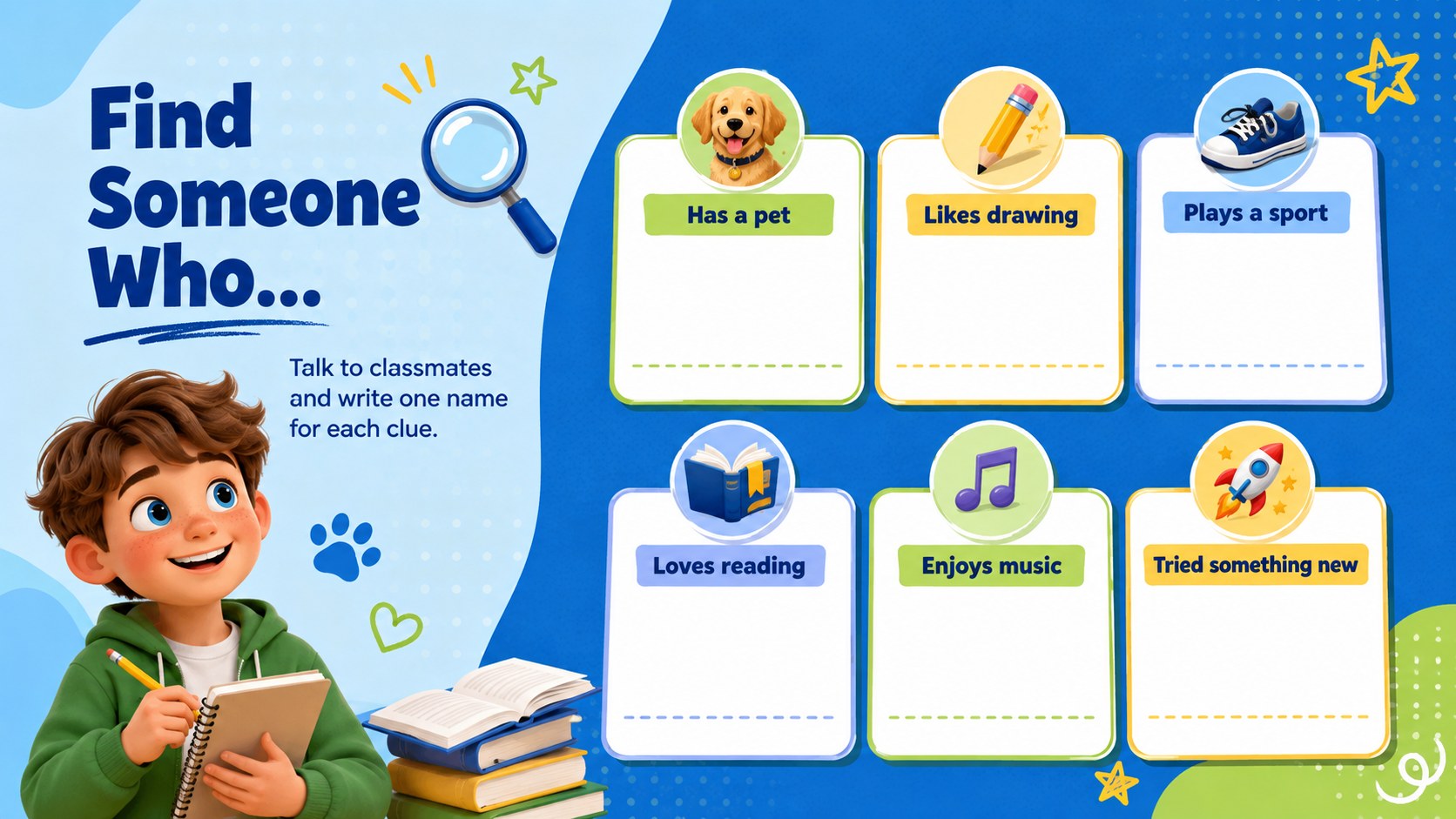
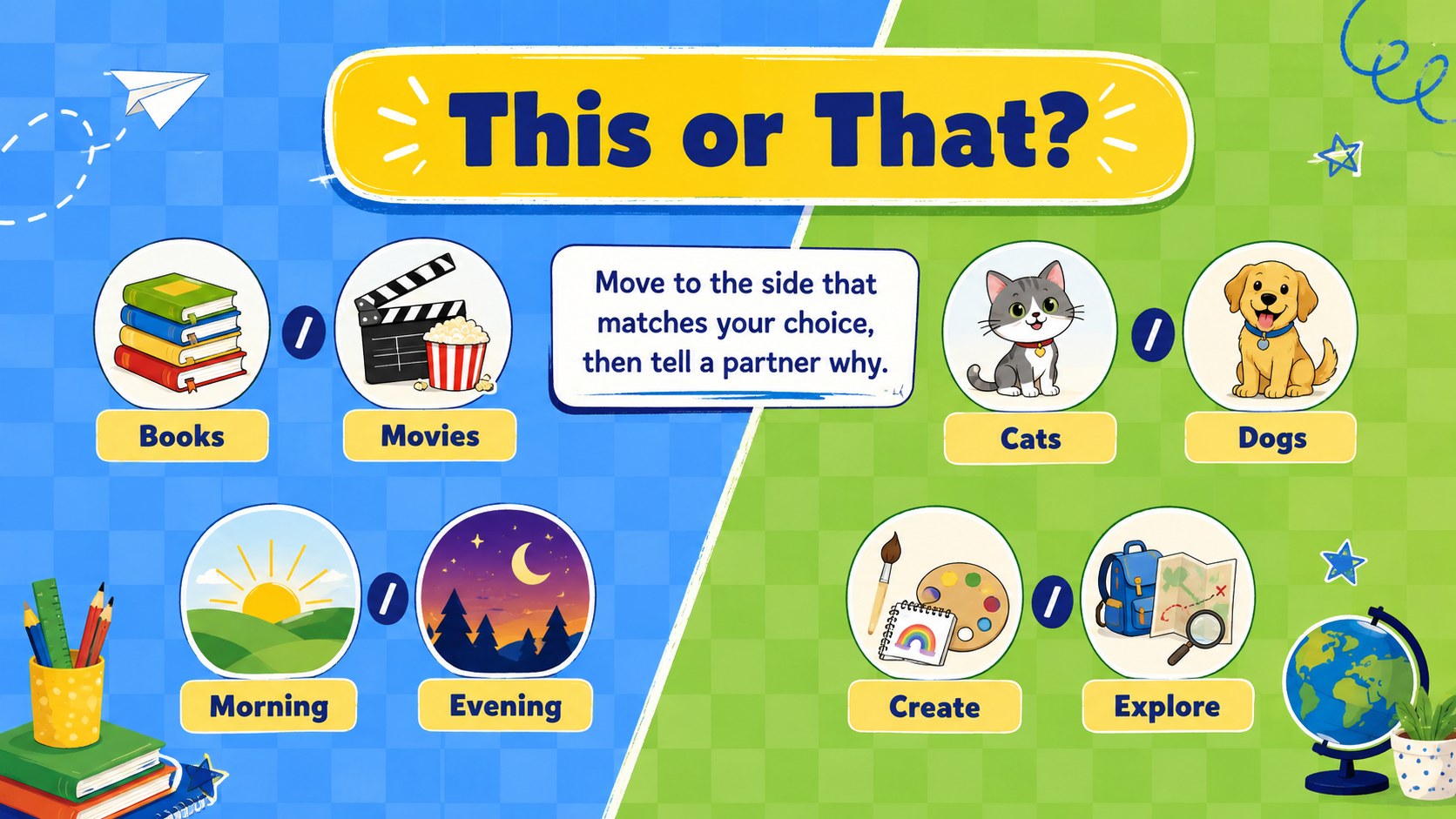
Inside are more than 25 editable layouts for name games, partner interviews, quick polls, movement challenges, scavenger hunts, team tasks, and end-of-session reflections. These back to school icebreaker presentation layouts include flexible text areas, playful illustrated accents, activity instructions, discussion prompts, and simple timing cues. Teachers can change questions, reorder activities, add class expectations, or adapt the language for different age groups.
Designed for elementary and middle school educators, counselors, club leaders, substitute teachers, and youth program facilitators, the template works for first-day introductions, advisory periods, orientation sessions, and student team building slides. It is also useful when refreshing classroom community building activities after a holiday or welcoming new students during the term. The friendly visual style supports participation while keeping instructions easy to scan from across the room. Customize the colors, fonts, illustrations, and activity details to create a connection-focused session that feels right for your students.
Perfect for: first-day student introductions; back-to-school orientation; classroom community building; advisory group activities; new student welcome session; youth club kickoff.
Frequently asked questions
Can I edit the games for different age groups? Yes. You can replace every prompt, instruction, and example with language suited to elementary, middle, or secondary students. Activities can also be shortened, simplified, or made more challenging.
Practical details
Yes. You can replace every prompt, instruction, and example with language suited to elementary, middle, or secondary students. Activities can also be shortened, simplified, or made more challenging.
The deck is designed for PowerPoint and Google Slides. Text, colors, activity order, and most visual elements can be adjusted in either platform.
Yes. Duplicate the file, keep the games that suit your class, and remove the remaining slides. You can also reorder activities to create a shorter homeroom session or a full orientation lesson.
Add student-friendly questions, your class name, local references, and age-appropriate examples. You can also update the blue, green, and yellow palette while retaining the cheerful illustrated style.
Keep exploring
15Build stronger academic arguments with a college essay thesis builder featuring guided examples, revision prompts, and editable PowerPoint and Google Slides.
 15
15Build an engaging World UFO Day session with this flying saucer history lesson deck, featuring retro green-and-brown slides for PowerPoint and Google Slides.
 14
14Plan a memorable Lunar New Year campaign with the 2036 Dragon Year Celebration Theme, featuring bold red-and-yellow slides for lessons and events.
 15
15Build a thoughtful classroom discussion with this interfaith awareness lesson deck, featuring editable blue-and-white slides for PowerPoint and Google Slides.
 15
15Use this environmental awareness lesson deck to teach climate action through illustrated activities, discussion prompts, and ready-to-edit visuals.
 15
15Build playful lessons and party stories with a kid-friendly zombie celebration theme in purple, green and pastel blue for PowerPoint and Google Slides.
 15
15Build eerie lessons, campaigns, and story pitches with an undead survival scenario theme featuring editable slides for PowerPoint and Google Slides.
 16
16Turn environmental research into a clear story with a Watercolor Ecology Presentation Theme for PowerPoint and Google Slides in calming green and blue.