
 15
15presentation
College Essay Thesis Builder Slides
Build stronger academic arguments with a college essay thesis builder featuring guided examples, revision prompts, and editable PowerPoint and Google Slides.
Google SlidesPowerPoint
presentation · English
Plan a cheerful first bell content calendar with editable slides for school announcements, audience insights, post ideas, and colorful back-to-class…

Design notes
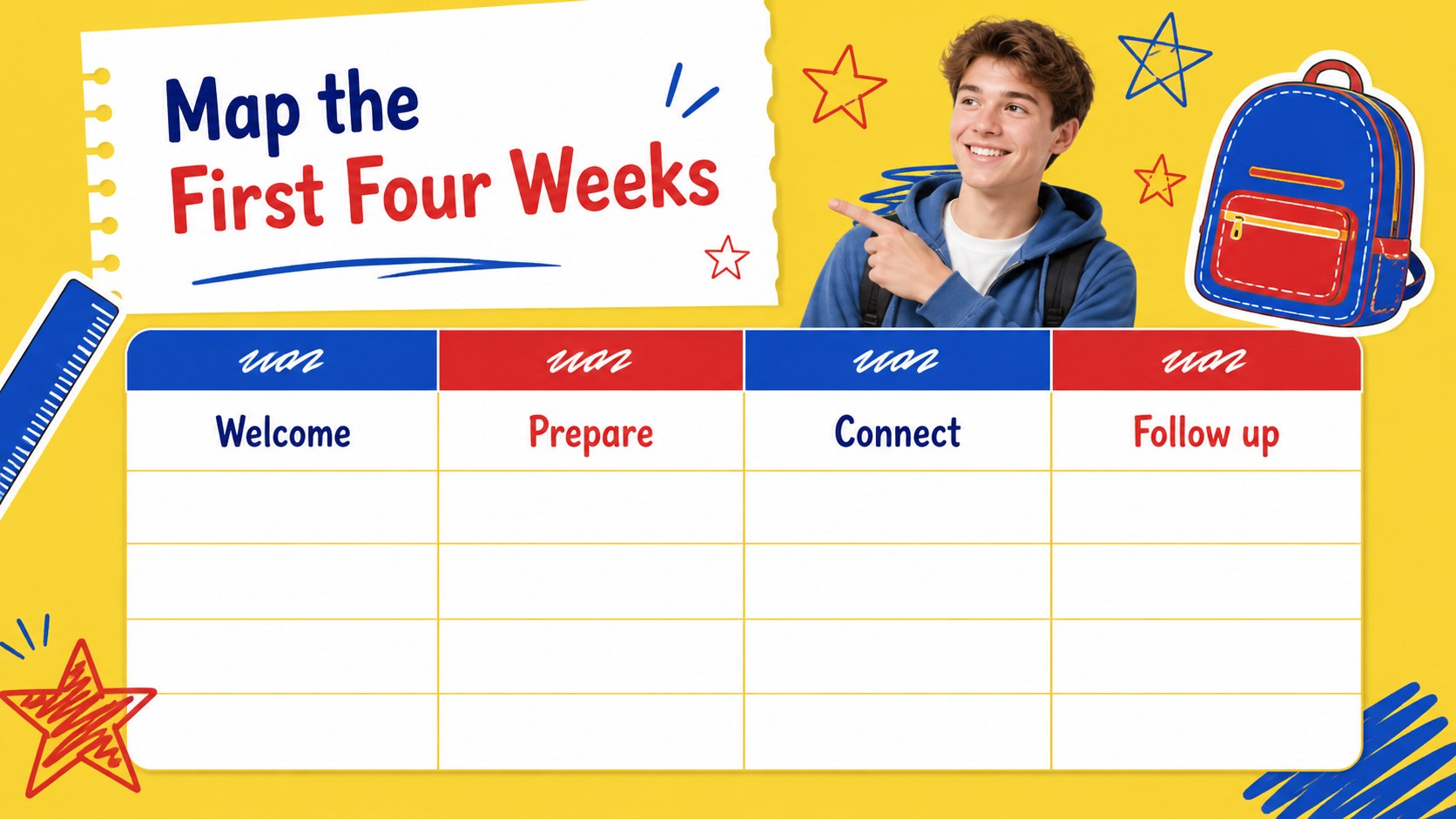
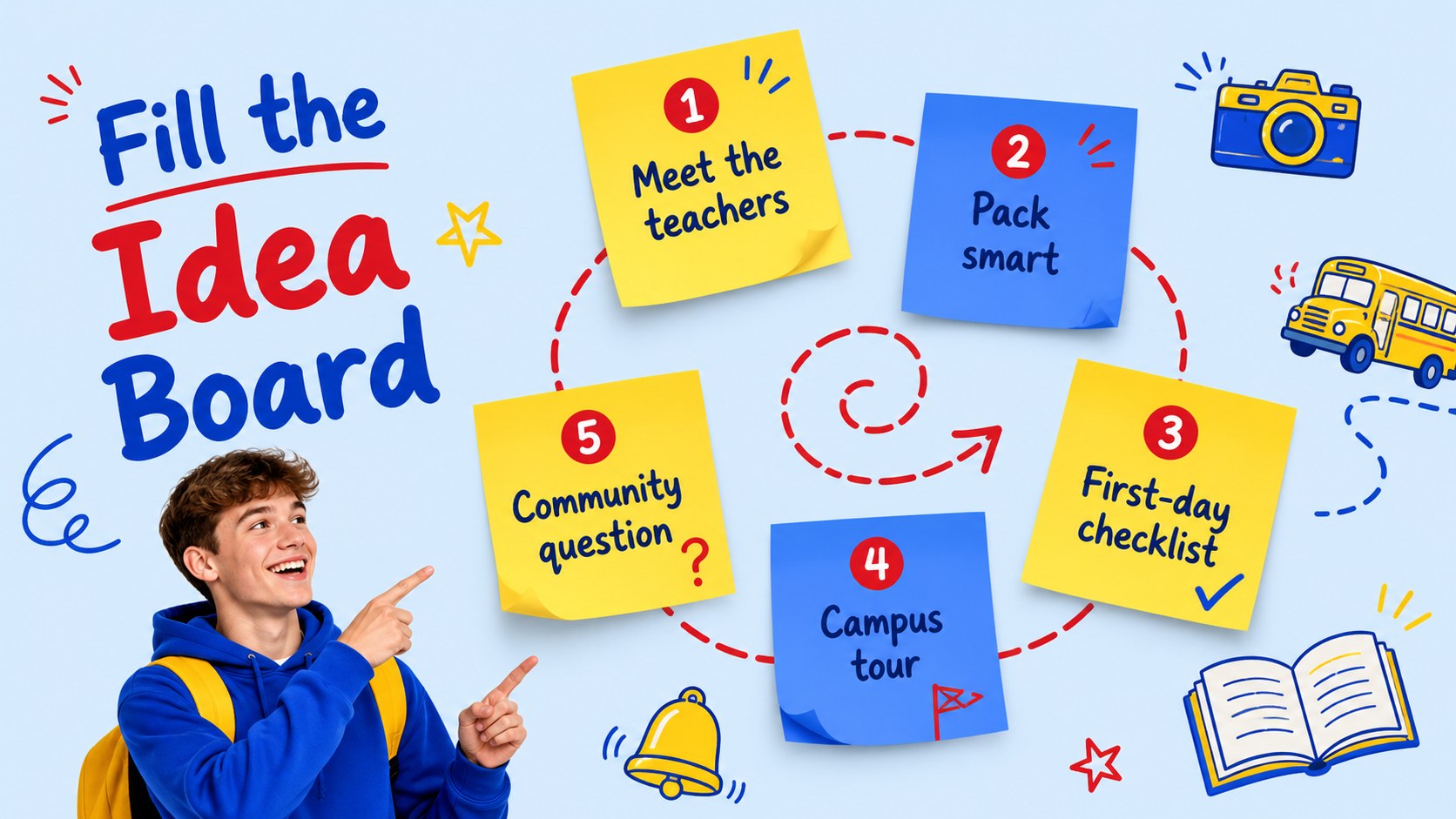
Build a lively first bell content calendar for the weeks surrounding a new school year. This bright presentation theme combines yellow, blue, and red with friendly school doodles, giving social media teams, school staff, and education brands a practical way to coordinate back-to-class communication.
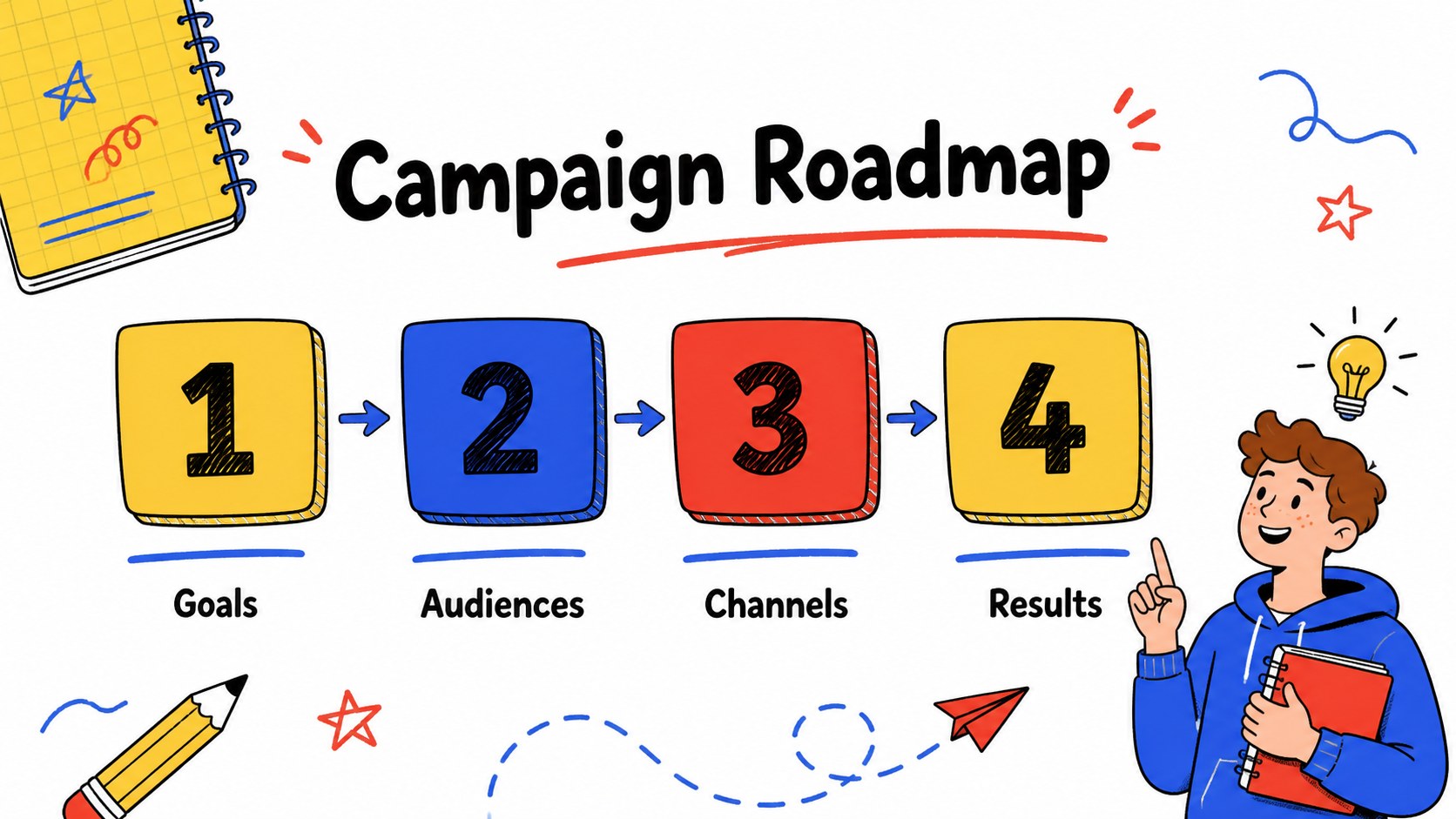
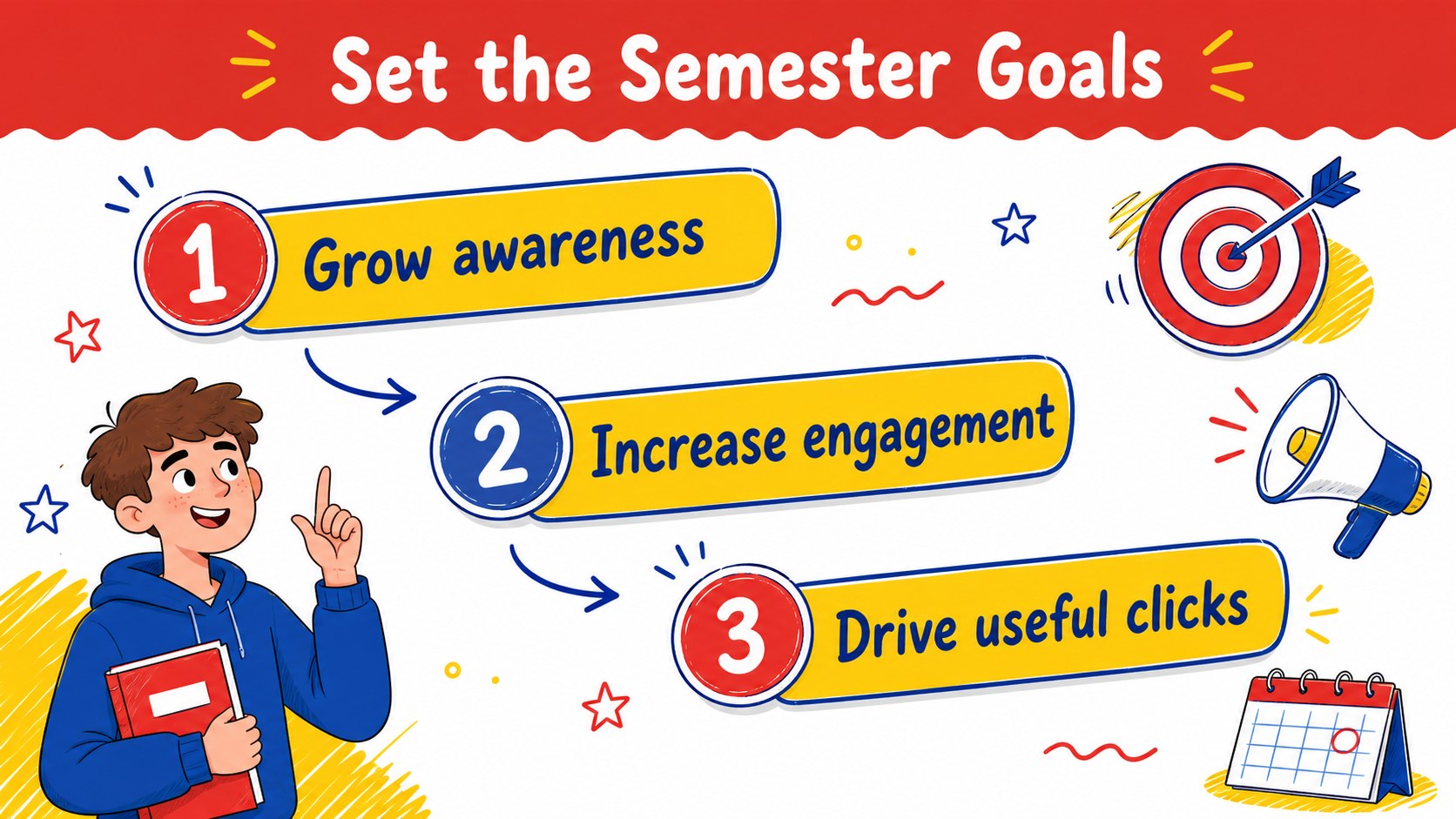
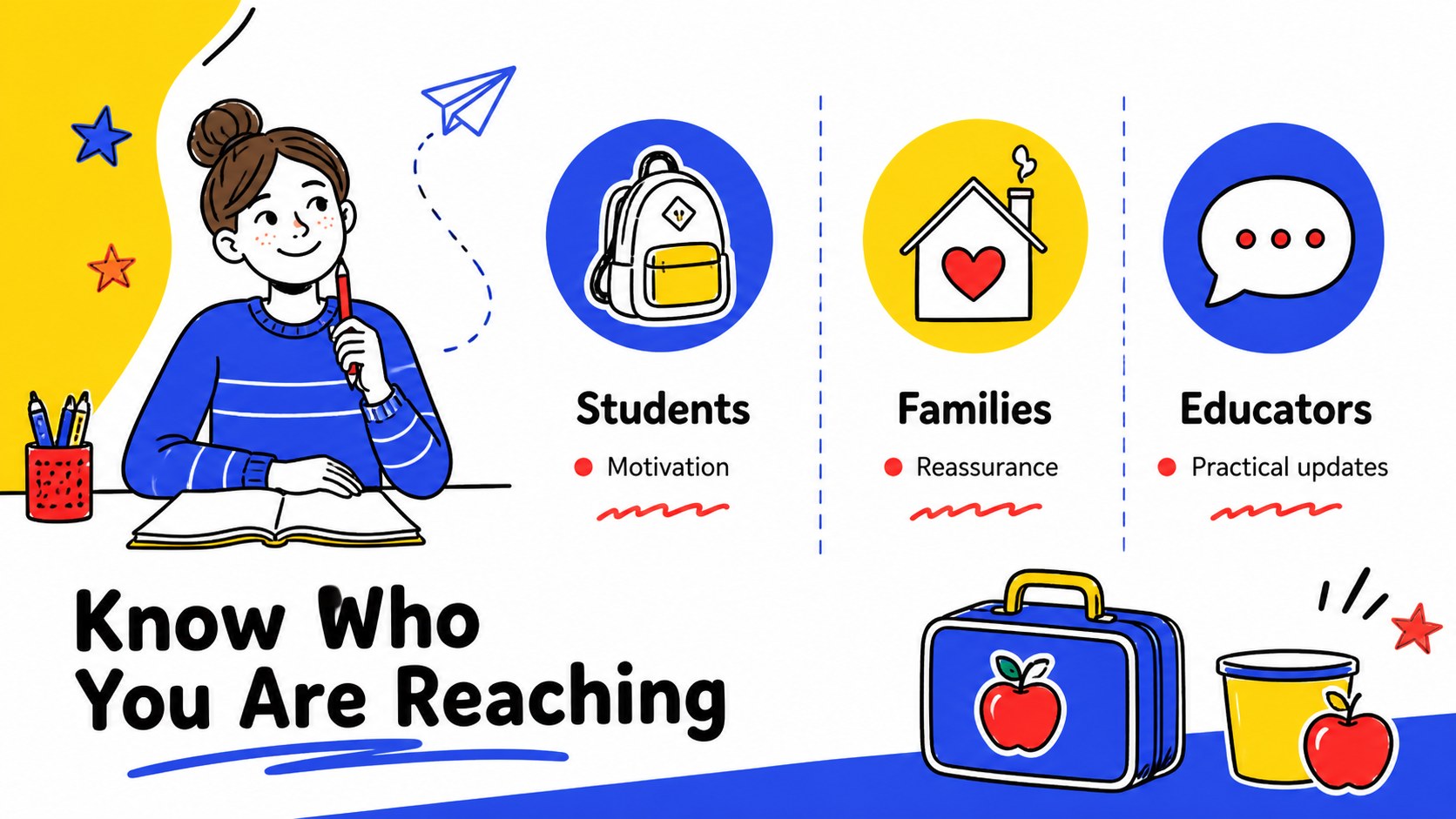
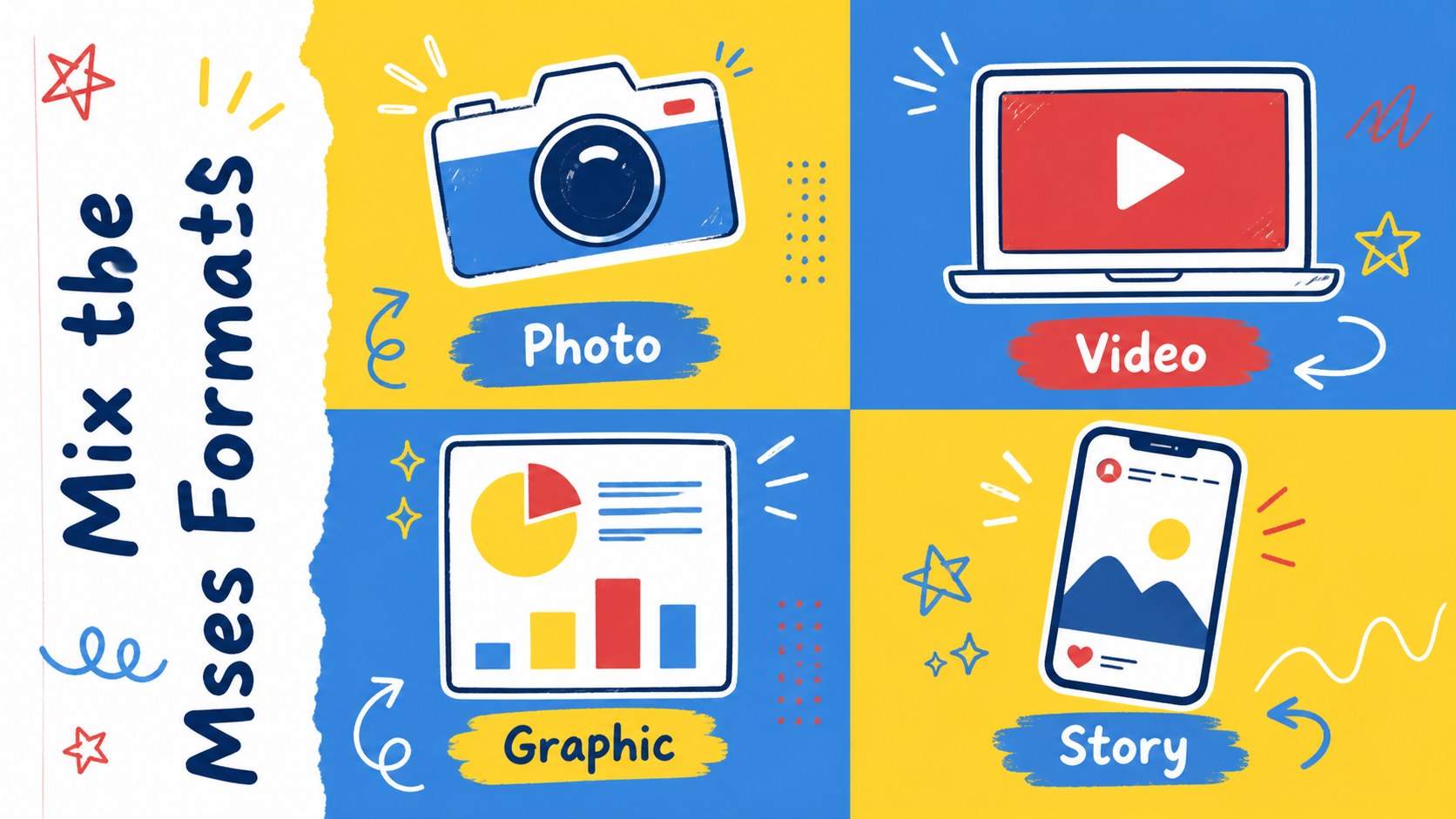
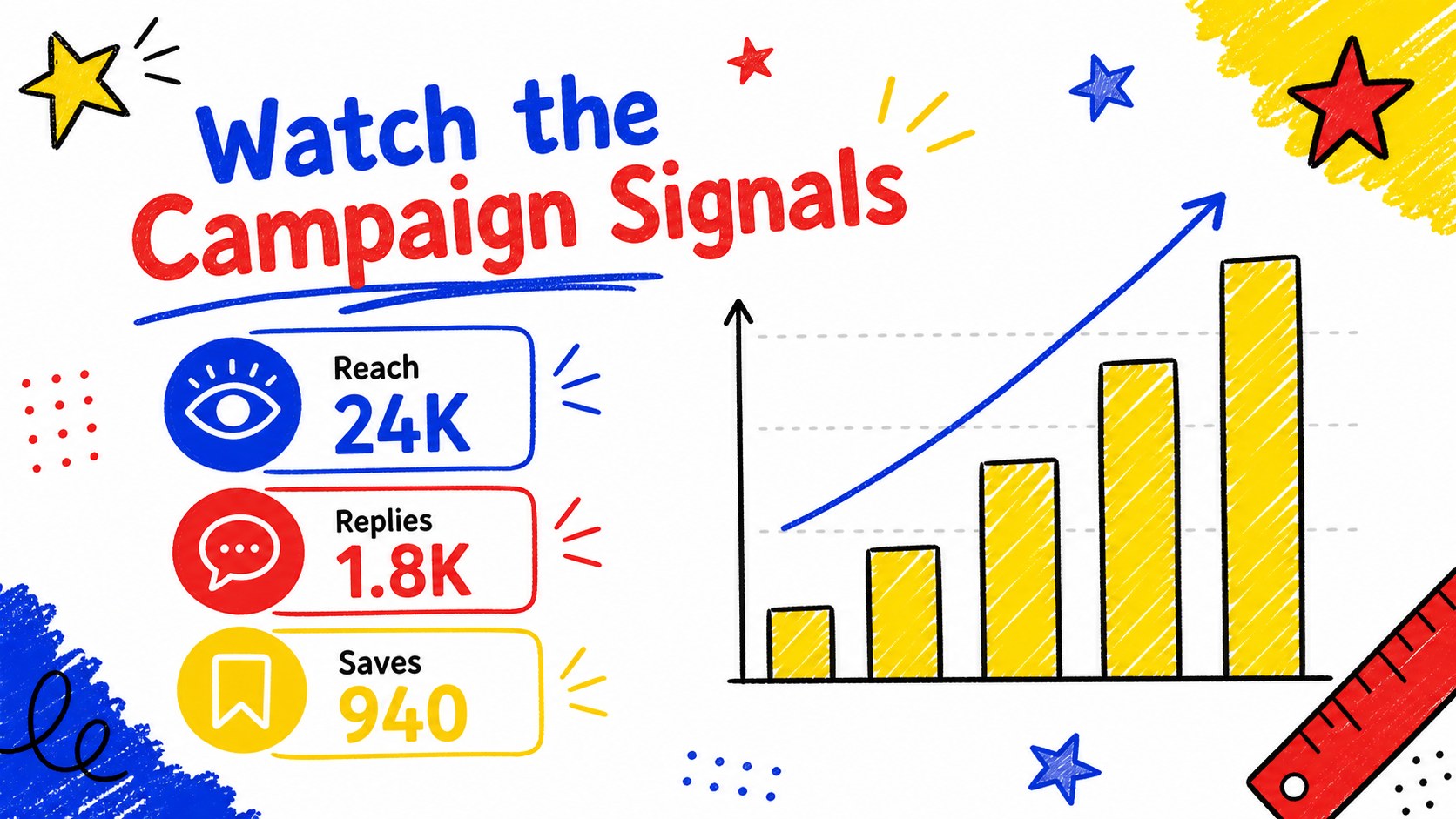
Inside, you will find layouts for campaign goals, audience snapshots, channel planning, weekly publishing schedules, post concepts, performance metrics, and content priorities. Use editable charts and tables to report reach, engagement, follower growth, or click-through activity. The deck also includes spaces for photos, videos, illustrations, profile links, and visual references that make each campaign idea easier to present.
The first bell content calendar works well for school marketing departments, community organizations, after-school programs, education startups, and creative agencies preparing seasonal campaigns. Customize the cheerful graphics, rearrange the agenda, and adapt the messaging for elementary, middle school, or general education audiences. The layouts are available for Google Slides and PowerPoint, with reusable icons and flexible elements for fast editing. Follow the opening how-to page to begin shaping a polished school social media plan without rebuilding the visual system from scratch.
Perfect for: school social media campaign planning; back-to-class announcement briefing; education brand content workshop; weekly post calendar review; school marketing performance report.
Frequently asked questions
Can I edit the first bell content calendar in Google Slides? Yes. The template is designed for Google Slides and PowerPoint. You can change text, colors, icons, charts, images, and slide order in the platform you prefer.
Practical details
Yes. The template is designed for Google Slides and PowerPoint. You can change text, colors, icons, charts, images, and slide order in the platform you prefer.
Yes. Replace the sample copy and illustrations to fit elementary, middle school, or broader education campaigns. The colorful visual system can support announcements, events, enrollment messaging, and community updates.
The presentation includes editable graphs, tables, and metric layouts for reach, engagement, followers, and clicks. Paste in your own figures and adjust labels or colors to match your reporting needs.
Use the layouts for channel plans, weekly post schedules, announcement ideas, audience profiles, photo and video concepts, and campaign results. You can also turn the deck into a briefing for colleagues or an agency client.
Keep exploring
15Build stronger academic arguments with a college essay thesis builder featuring guided examples, revision prompts, and editable PowerPoint and Google Slides.
 15
15Build an engaging World UFO Day session with this flying saucer history lesson deck, featuring retro green-and-brown slides for PowerPoint and Google Slides.
 14
14Plan a memorable Lunar New Year campaign with the 2036 Dragon Year Celebration Theme, featuring bold red-and-yellow slides for lessons and events.
 15
15Build a thoughtful classroom discussion with this interfaith awareness lesson deck, featuring editable blue-and-white slides for PowerPoint and Google Slides.
 15
15Use this environmental awareness lesson deck to teach climate action through illustrated activities, discussion prompts, and ready-to-edit visuals.
 15
15Build playful lessons and party stories with a kid-friendly zombie celebration theme in purple, green and pastel blue for PowerPoint and Google Slides.
 15
15Build eerie lessons, campaigns, and story pitches with an undead survival scenario theme featuring editable slides for PowerPoint and Google Slides.
 16
16Turn environmental research into a clear story with a Watercolor Ecology Presentation Theme for PowerPoint and Google Slides in calming green and blue.