
 15
15presentation
College Essay Thesis Builder Slides
Build stronger academic arguments with a college essay thesis builder featuring guided examples, revision prompts, and editable PowerPoint and Google Slides.
Google SlidesPowerPoint
spreadsheet · English
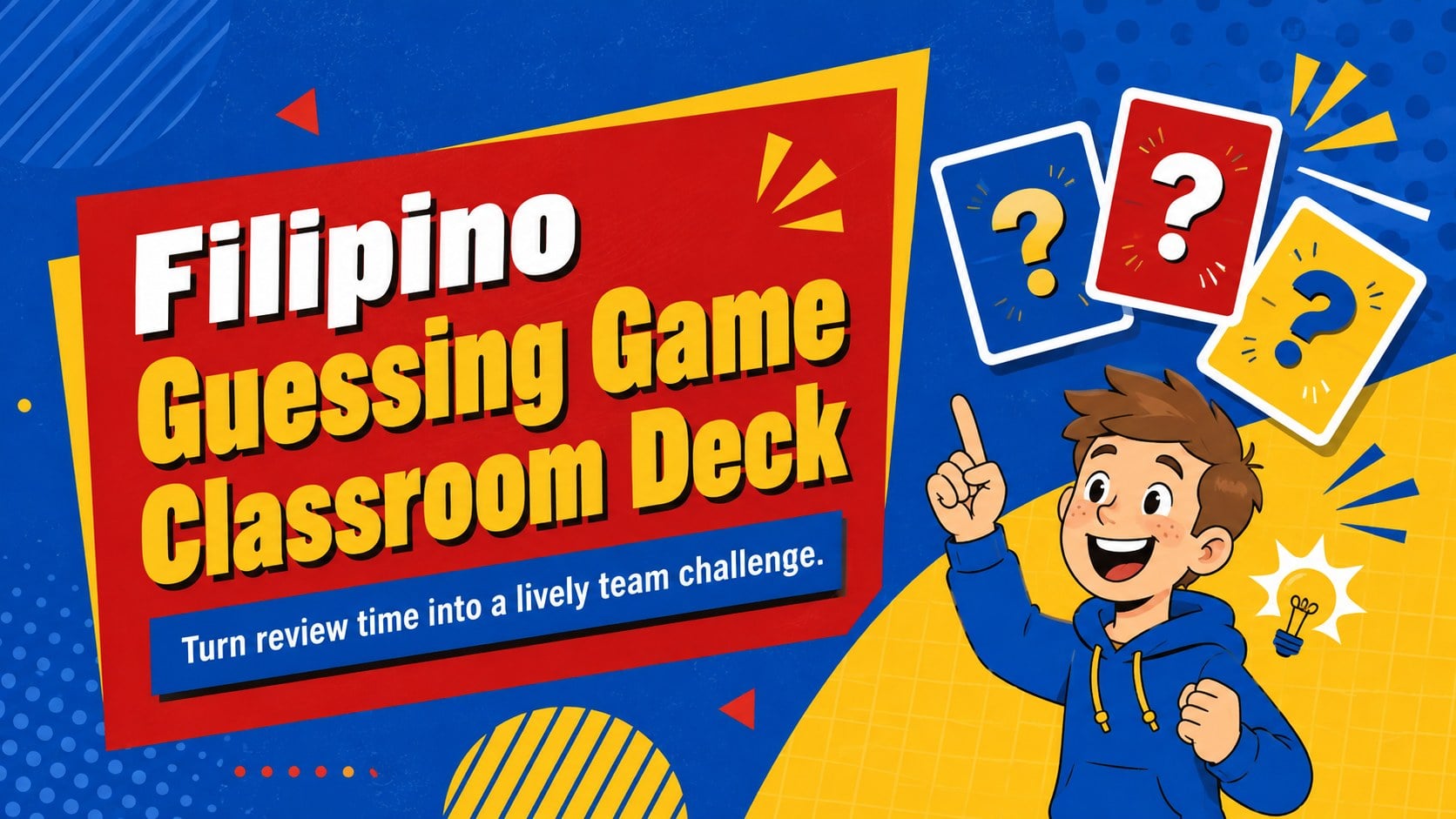
Run lively review rounds with a Filipino guessing game classroom deck in bold blue, red, and yellow, ready to edit in PowerPoint or Google Slides.
Design notes
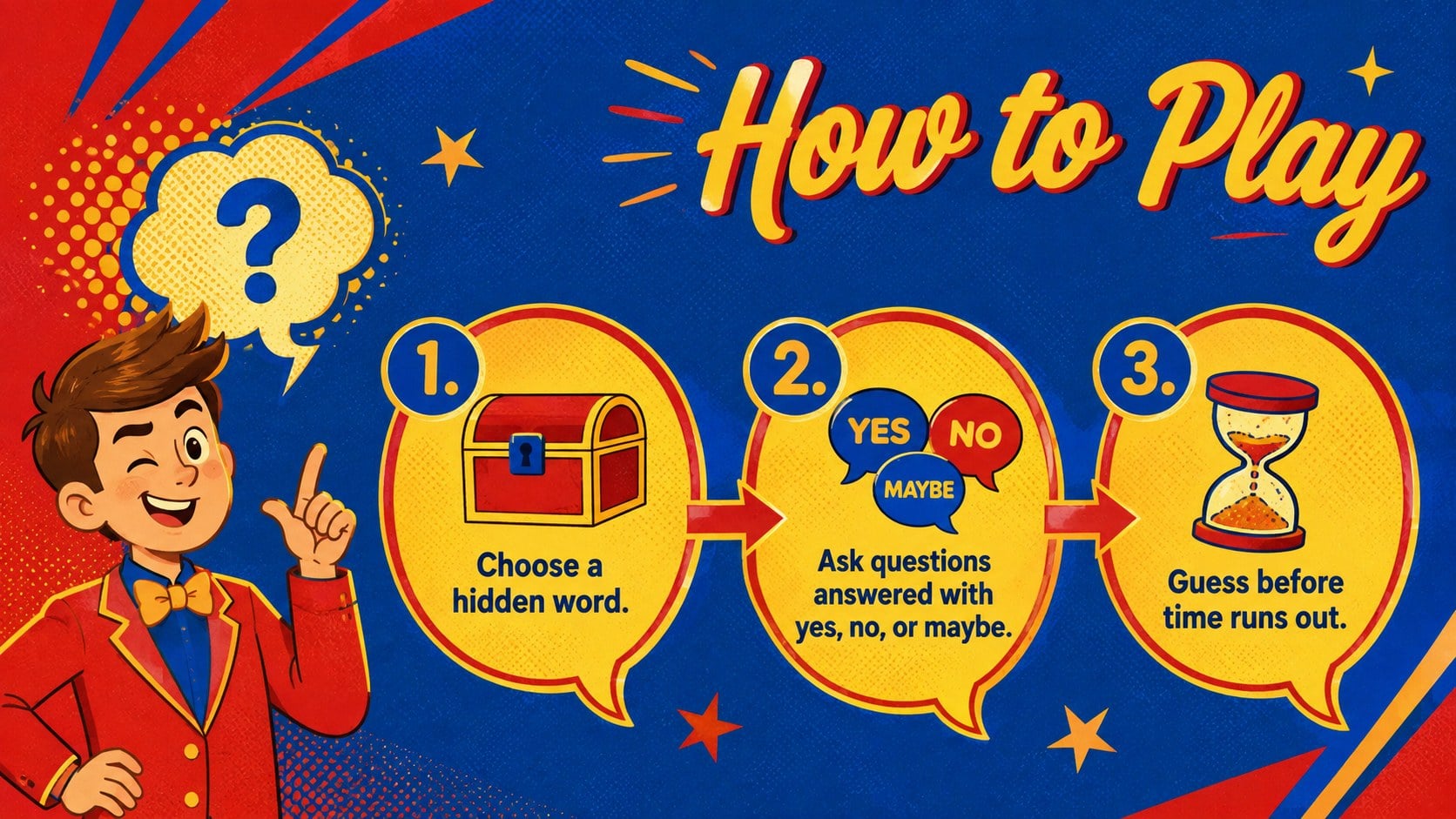
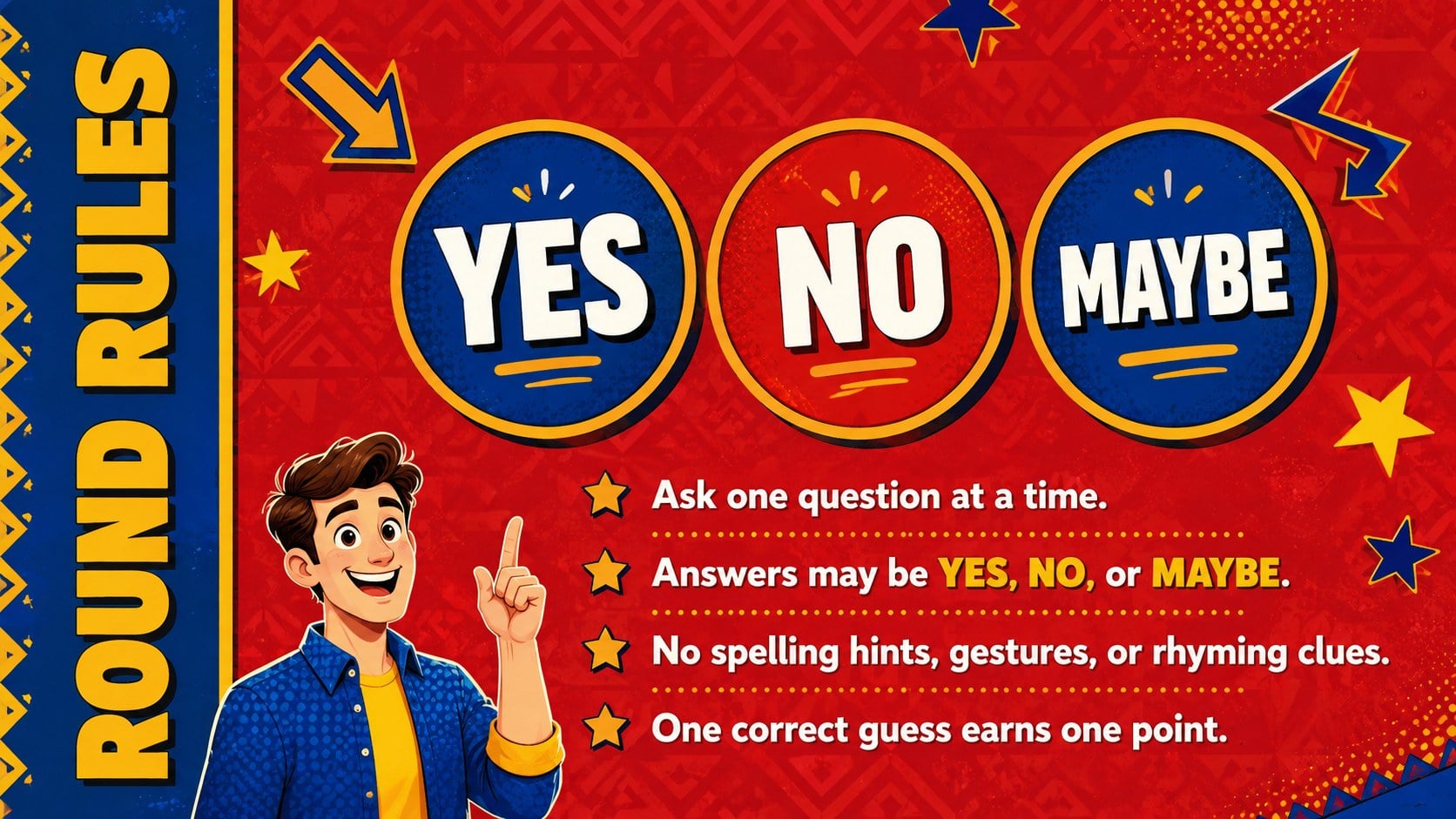
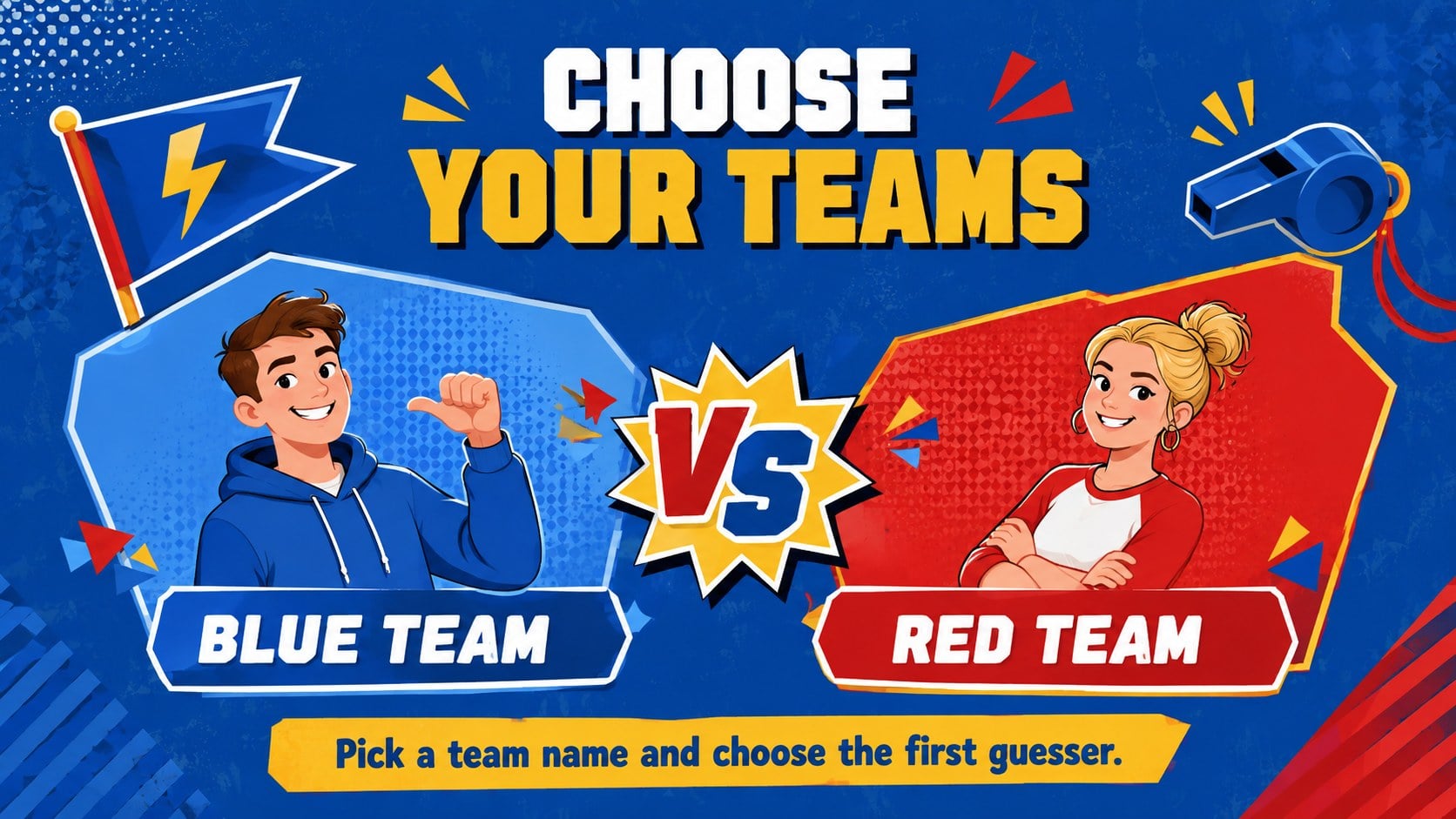
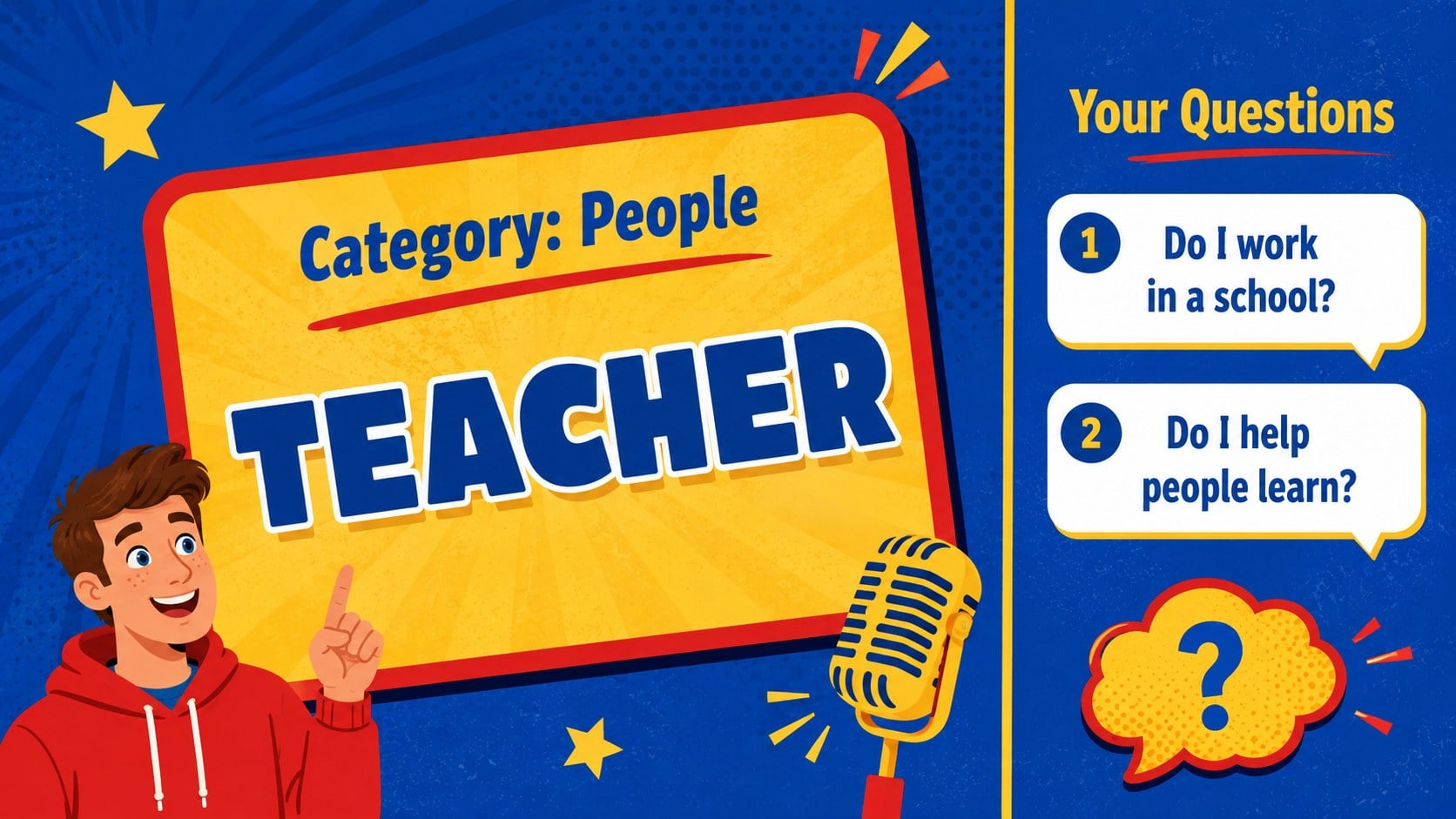
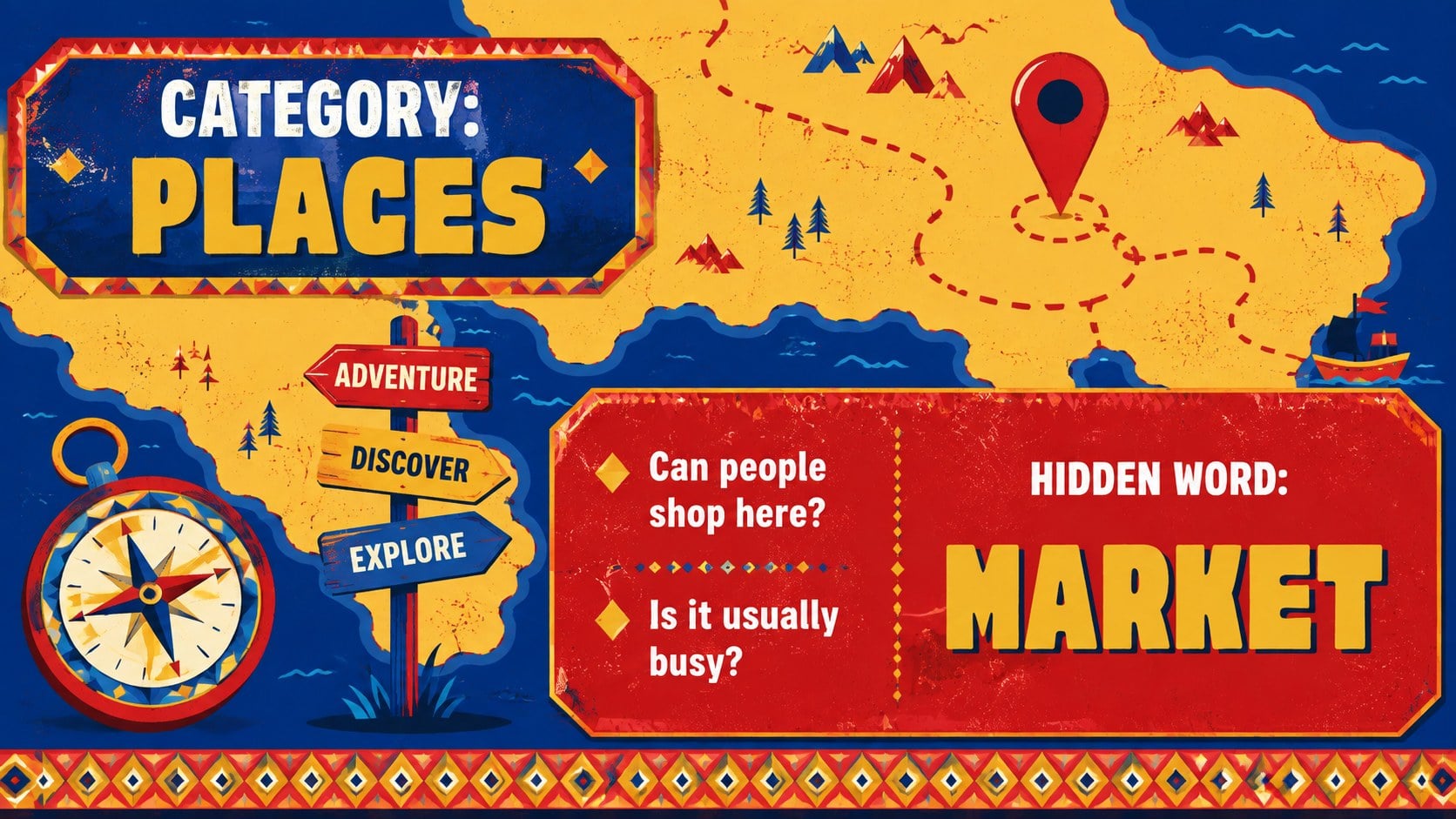
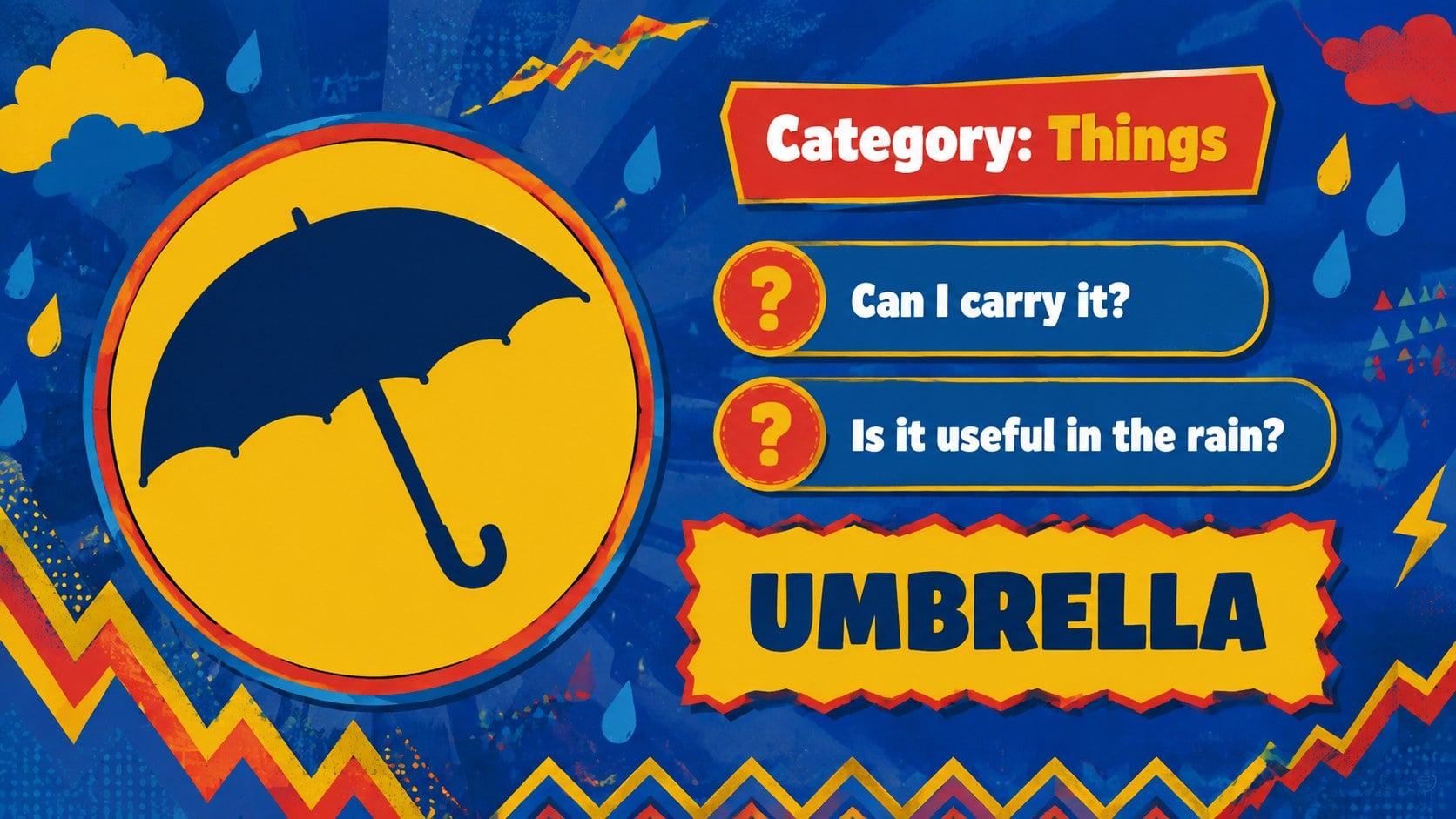
Bring quick thinking and friendly competition into your lessons with this Filipino guessing game classroom deck. Inspired by the popular question-and-answer format, the slides help players identify a hidden word using clues that can only be answered with yes, no, or maybe. Bold blue, red, and yellow illustrations keep each round energetic and easy to follow.
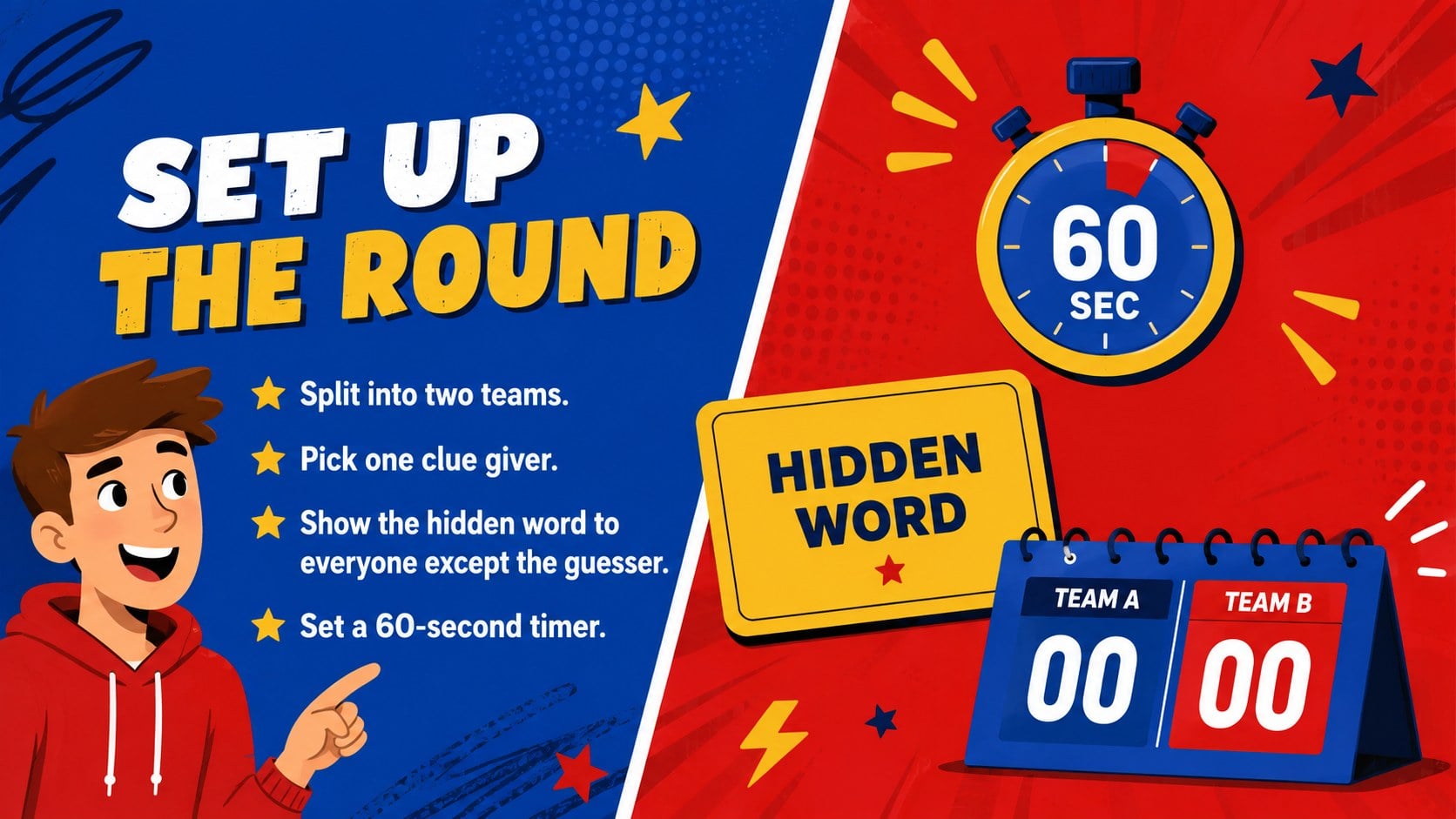
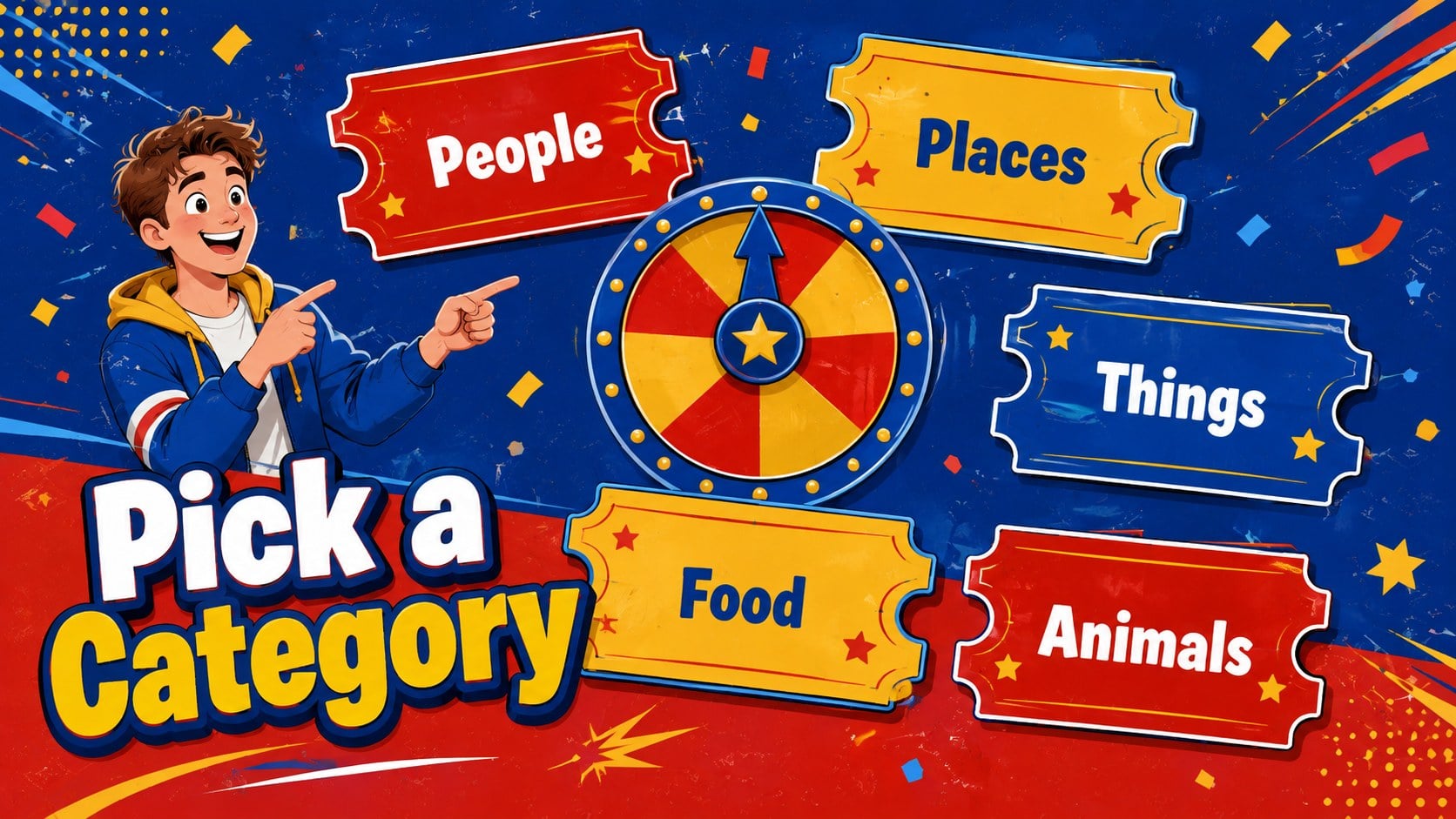
The 15-slide deck includes a cover, game instructions, round setup, rules, team assignments, category boards, sample prompts, a scoreboard, discussion questions, and a rematch screen. Use the ready-made People, Places, Things, Food, and Animals categories, or replace them with terms from your own curriculum. These team vocabulary review slides can be adjusted for language classes, social studies, homeroom activities, or staff icebreakers.
Teachers, tutors, youth leaders, and workshop facilitators can use the template as an interactive Filipino culture game or a general classroom guessing activity. Change the questions, category labels, colors, and scoring system directly in PowerPoint or Google Slides. The clear 16:9 layouts work for projected lessons, online sessions, and small-group challenges, while the editable guessing game PowerPoint format makes it simple to prepare new rounds for different ages and subjects.
Perfect for: classroom vocabulary review; Filipino culture lesson; student team-building activity; language-learning warm-up; family game night; youth group icebreaker.
Frequently asked questions
Can I edit the words and categories? Yes. Replace the sample prompts with vocabulary, lesson topics, names, or cultural references that suit your group. You can also duplicate category slides to create additional rounds.
Practical details
Yes. Replace the sample prompts with vocabulary, lesson topics, names, or cultural references that suit your group. You can also duplicate category slides to create additional rounds.
Yes. The presentation is designed for editing and presenting in both PowerPoint and Google Slides. Review fonts and transitions after importing to ensure they display as expected on your device.
Use familiar objects and simple clues for younger players, or introduce subject-specific terms and stricter time limits for older groups. The rules, categories, and scoring labels are fully editable.
Yes. It works well for family gatherings, community events, youth groups, orientation sessions, and workplace icebreakers. Adjust the prompt categories and team names for the occasion.
Keep exploring
15Build stronger academic arguments with a college essay thesis builder featuring guided examples, revision prompts, and editable PowerPoint and Google Slides.
 15
15Build an engaging World UFO Day session with this flying saucer history lesson deck, featuring retro green-and-brown slides for PowerPoint and Google Slides.
 14
14Plan a memorable Lunar New Year campaign with the 2036 Dragon Year Celebration Theme, featuring bold red-and-yellow slides for lessons and events.
 15
15Build a thoughtful classroom discussion with this interfaith awareness lesson deck, featuring editable blue-and-white slides for PowerPoint and Google Slides.
 15
15Use this environmental awareness lesson deck to teach climate action through illustrated activities, discussion prompts, and ready-to-edit visuals.
 15
15Build playful lessons and party stories with a kid-friendly zombie celebration theme in purple, green and pastel blue for PowerPoint and Google Slides.
 15
15Build eerie lessons, campaigns, and story pitches with an undead survival scenario theme featuring editable slides for PowerPoint and Google Slides.
 16
16Turn environmental research into a clear story with a Watercolor Ecology Presentation Theme for PowerPoint and Google Slides in calming green and blue.