
 15
15presentation
College Essay Thesis Builder Slides
Build stronger academic arguments with a college essay thesis builder featuring guided examples, revision prompts, and editable PowerPoint and Google Slides.
Google SlidesPowerPoint
document · English
Create a cheerful festive wish list presentation template for classroom writing, family traditions, or holiday activities, with editable PowerPoint and…

Design notes
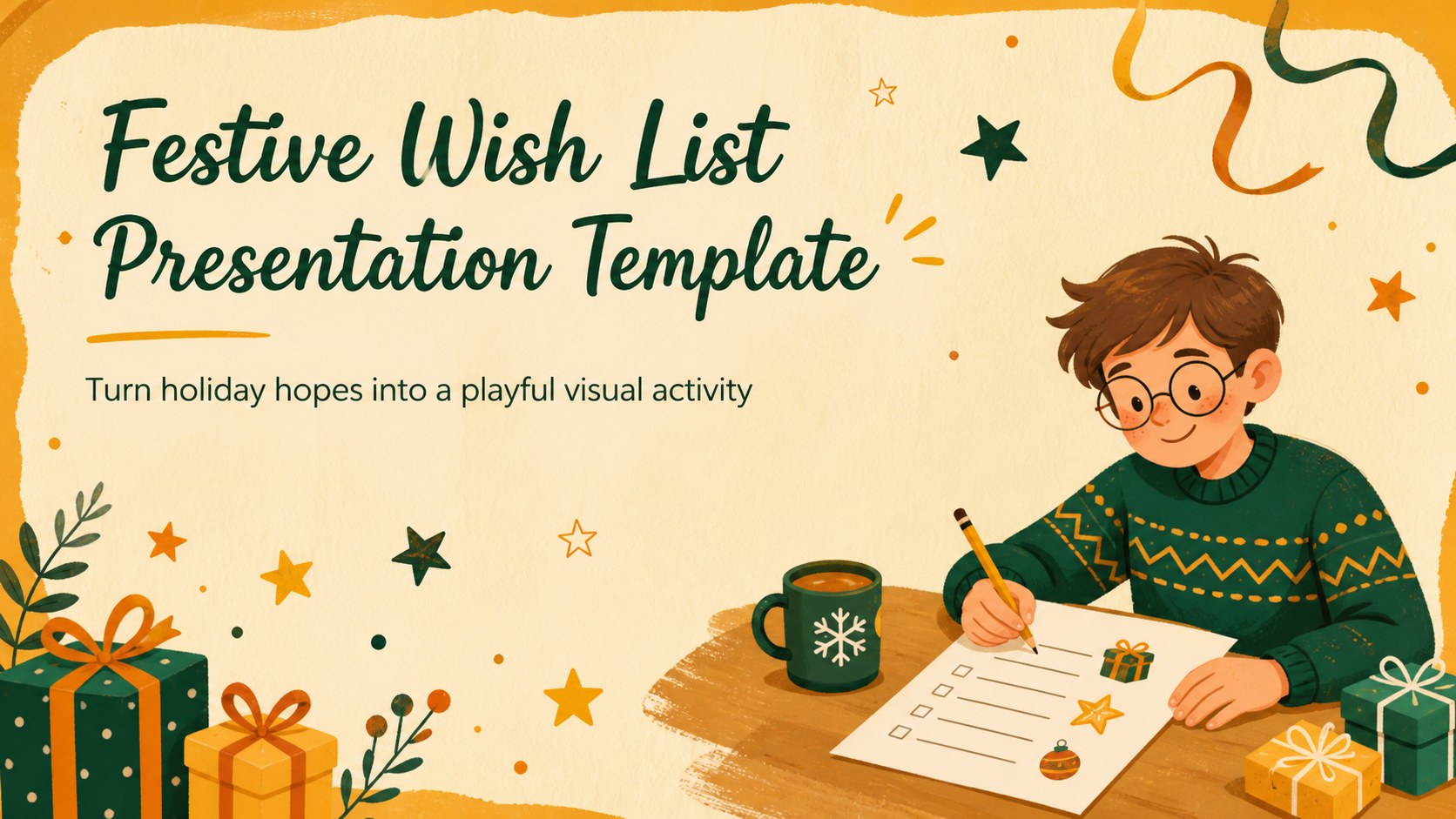
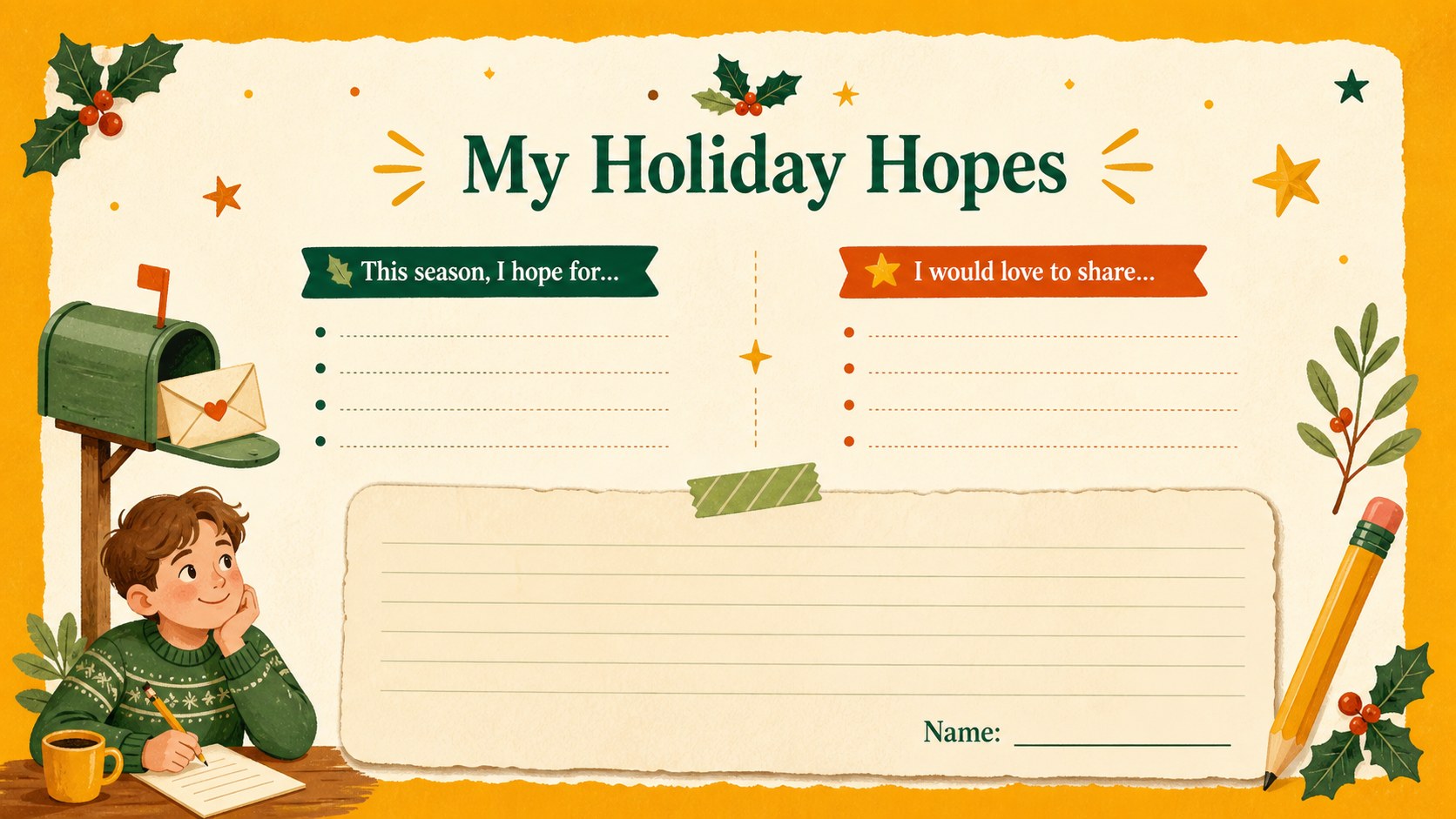
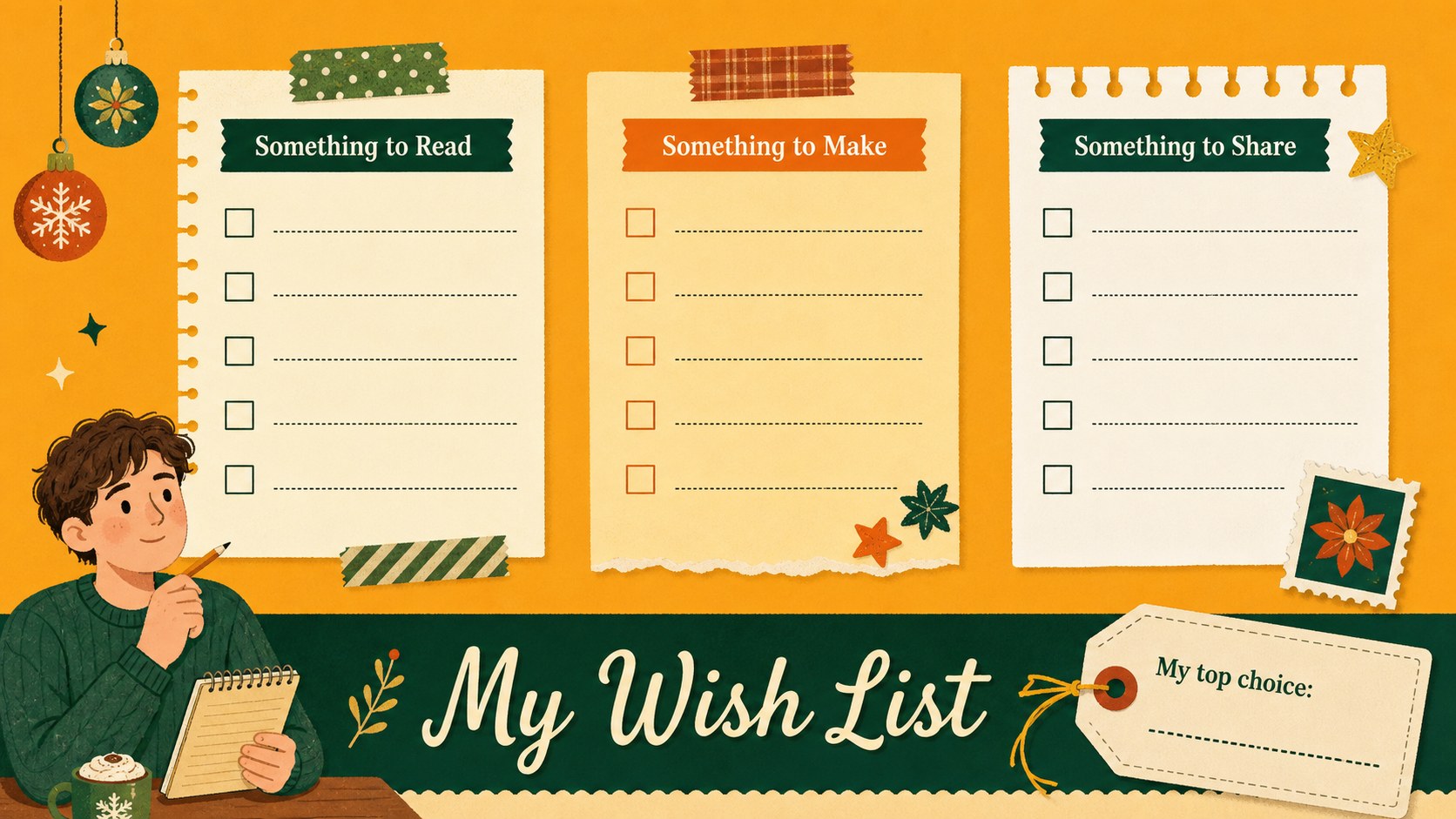
Make seasonal writing more engaging with this festive wish list presentation template, designed for children, families, and educators. Its cheerful illustrated paper style uses a warm palette of yellow, orange, green, and beige to create a friendly holiday mood without overwhelming the page. The format gives young writers a clear, creative way to organize their ideas and share what they are hoping for.
Inside, you will find a welcoming cover, a guided page for describing holiday wishes, a structured list layout for sorting ideas, and a closing page for gratitude or a personal note. Editable text areas make it simple to adjust prompts, add names, include images, or adapt the activity for different age groups. The deck works well as an editable Christmas wish list slide set or as a printable classroom holiday writing activity.
Teachers can use it for letter-writing practice, family members can create a keepsake together, and youth program leaders can turn it into a seasonal presentation or group exercise. The layouts are compatible with PowerPoint and Google Slides, making it easy to present, revise, or export the finished work for sharing.
Perfect for: elementary classroom writing exercise; family holiday keepsake; children's Christmas activity; youth group seasonal workshop; holiday sharing presentation.
Frequently asked questions
Can I edit this template in PowerPoint? Yes. The layouts are designed for PowerPoint editing, so you can change the prompts, names, colors, and images. You can also export the finished presentation as a PDF for printing or sharing.
Practical details
Yes. The layouts are designed for PowerPoint editing, so you can change the prompts, names, colors, and images. You can also export the finished presentation as a PDF for printing or sharing.
Yes, you can open and customize the presentation in Google Slides. Text boxes, layout elements, and visual details can be adjusted to suit your activity.
You can replace the personal wish prompts with vocabulary practice, writing starters, or a group holiday activity. Add student names, classroom instructions, or extra pages to fit the age and purpose of your lesson.
The warm yellow, orange, green, and beige palette can be adapted to match your event or classroom materials. You can also add photos or other seasonal graphics while keeping the illustrated paper style.
Keep exploring
15Build stronger academic arguments with a college essay thesis builder featuring guided examples, revision prompts, and editable PowerPoint and Google Slides.
 15
15Build an engaging World UFO Day session with this flying saucer history lesson deck, featuring retro green-and-brown slides for PowerPoint and Google Slides.
 14
14Plan a memorable Lunar New Year campaign with the 2036 Dragon Year Celebration Theme, featuring bold red-and-yellow slides for lessons and events.
 15
15Build a thoughtful classroom discussion with this interfaith awareness lesson deck, featuring editable blue-and-white slides for PowerPoint and Google Slides.
 15
15Use this environmental awareness lesson deck to teach climate action through illustrated activities, discussion prompts, and ready-to-edit visuals.
 15
15Build playful lessons and party stories with a kid-friendly zombie celebration theme in purple, green and pastel blue for PowerPoint and Google Slides.
 15
15Build eerie lessons, campaigns, and story pitches with an undead survival scenario theme featuring editable slides for PowerPoint and Google Slides.
 16
16Turn environmental research into a clear story with a Watercolor Ecology Presentation Theme for PowerPoint and Google Slides in calming green and blue.