
 15
15presentation
College Essay Thesis Builder Slides
Build stronger academic arguments with a college essay thesis builder featuring guided examples, revision prompts, and editable PowerPoint and Google Slides.
Google SlidesPowerPoint
presentation · English
Build a holiday message card deck in cheerful red, gold, and green, with playful illustrations for seasonal greetings, client notes, classroom crafts, and…



Design notes
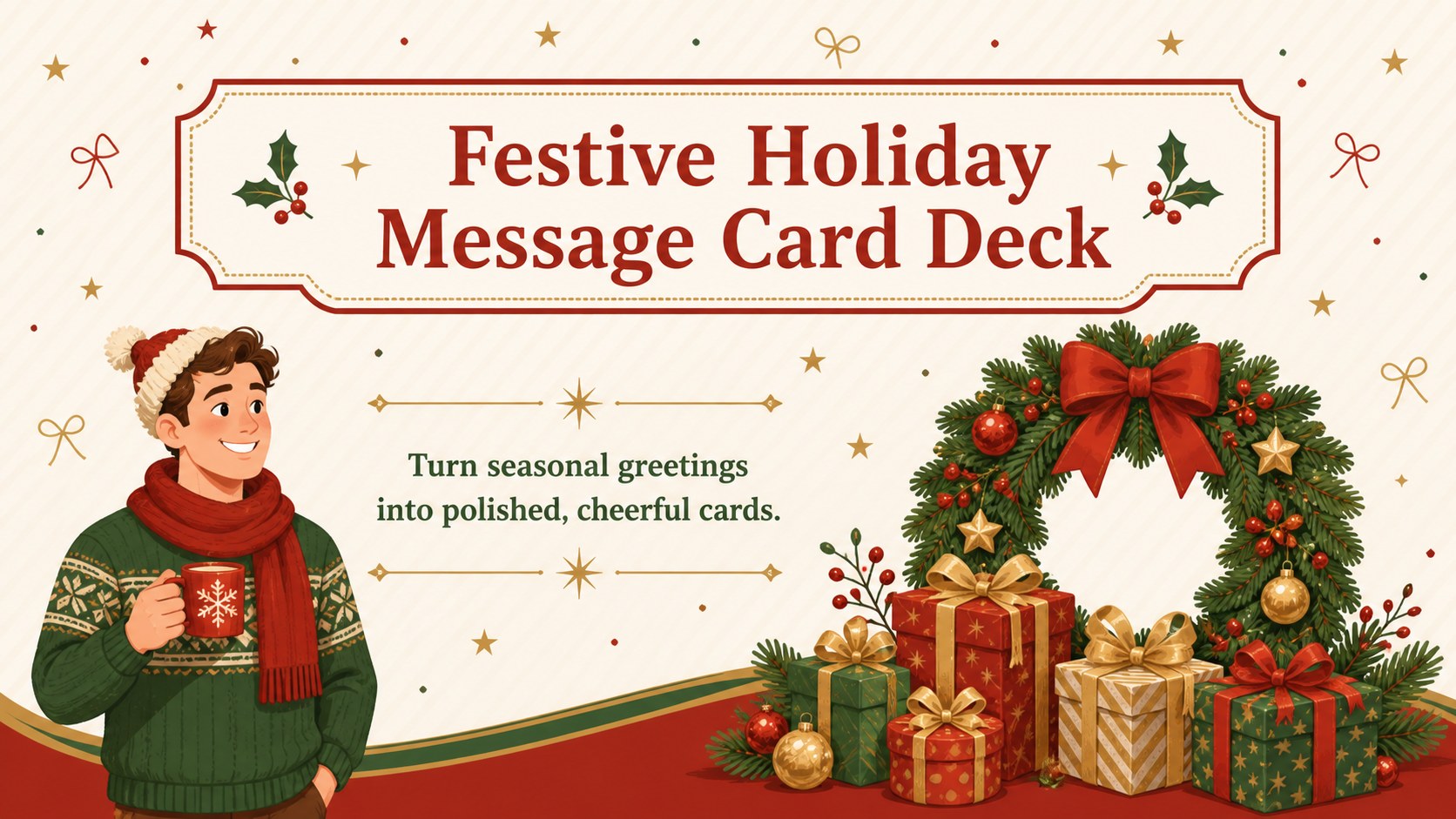
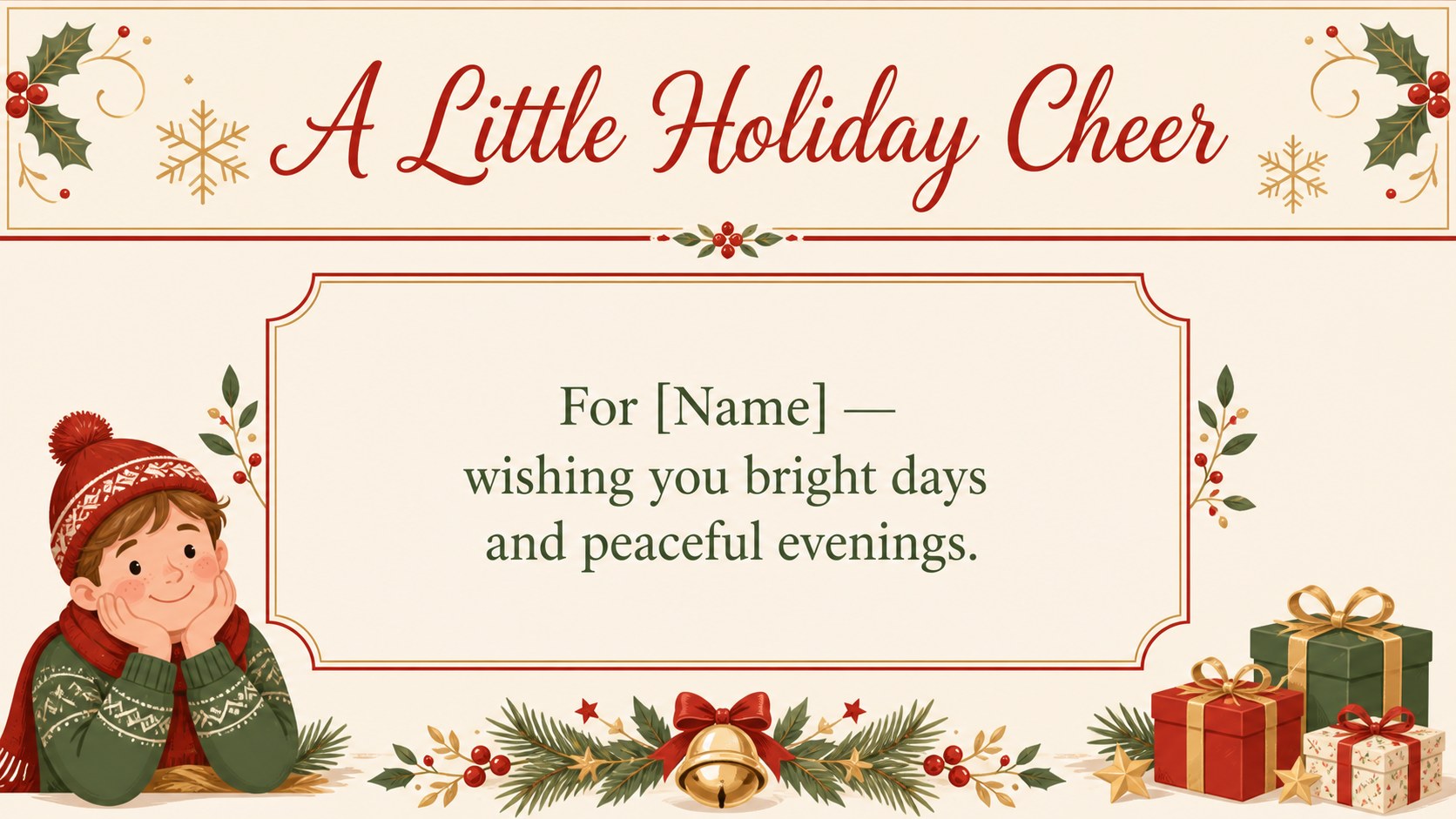
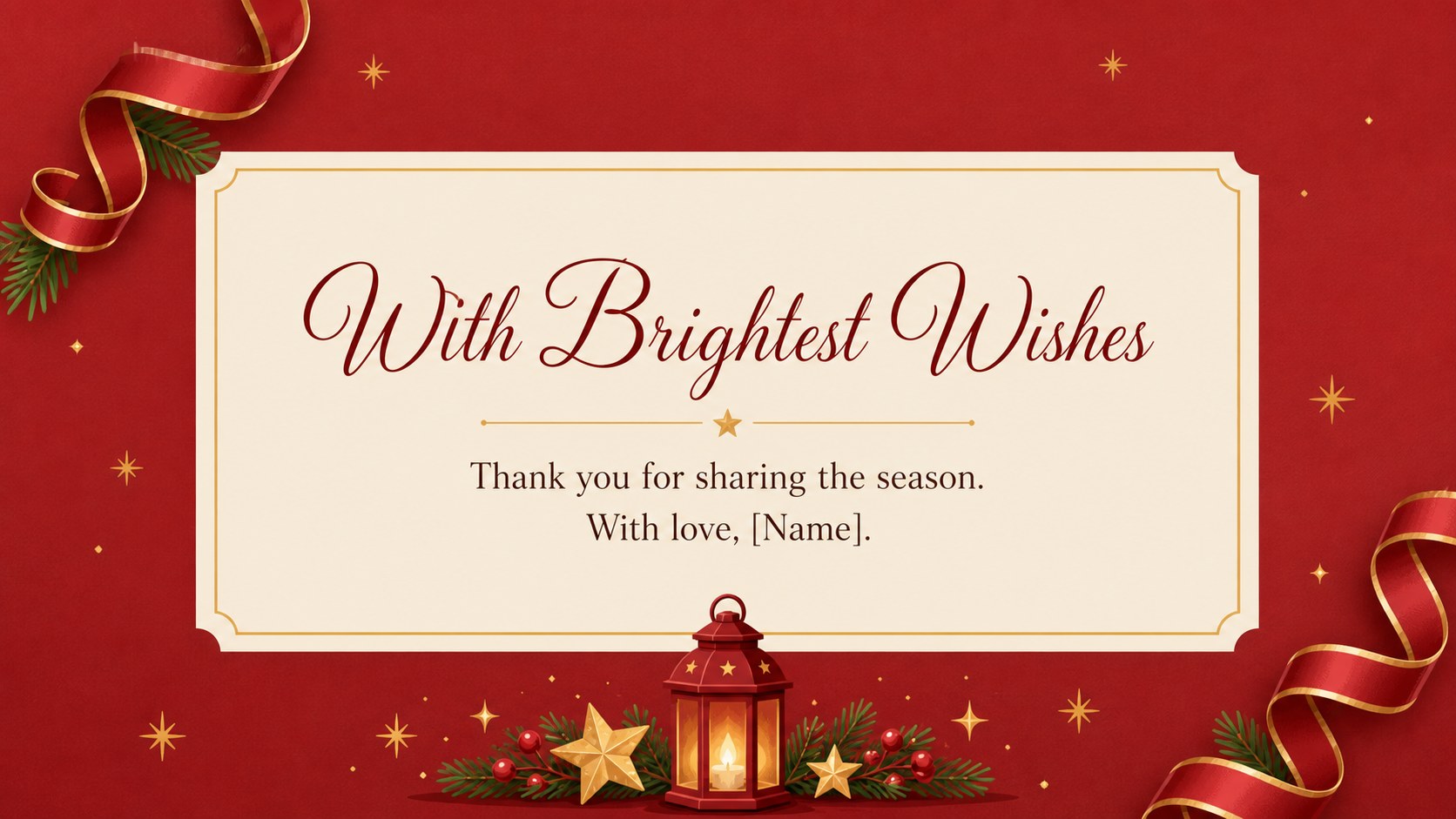
This holiday message card deck helps you create warm, memorable greetings for customers, coworkers, students, friends, and family. Its cheerful red, gold, and green palette combines playful winter illustrations with a tidy portrait-card format, making each message feel personal while remaining easy to edit. Use the deck for seasonal outreach, printable keepsakes, classroom exchanges, or a coordinated family greeting collection.
Inside, you will find six ready-to-customize A4 card layouts with space for short wishes, names, dates, signatures, and seasonal announcements. Decorative ribbons, snow details, gift motifs, stars, and illustrated holiday accents create a friendly visual system across the set. The layouts can also be adapted as a holiday greeting card presentation, a client appreciation message series, or a printable Christmas note collection.
The template is designed for marketing teams, teachers, office coordinators, parents, and anyone preparing polished seasonal communications. Edit text, colors, shapes, and illustrations in PowerPoint or Google Slides, then export the finished cards for digital sharing or printing. All elements are arranged for quick customization, so you can produce a consistent batch of messages without rebuilding every card from scratch.
Perfect for: customer appreciation campaign; classroom holiday card exchange; family greeting collection; office seasonal messages; printable party place cards.
Frequently asked questions
Can I edit the cards in PowerPoint? Yes. The layouts are editable in PowerPoint, including the wording, fonts, colors, shapes, and decorative elements. Duplicate a card when you need additional variations.
Practical details
Yes. The layouts are editable in PowerPoint, including the wording, fonts, colors, shapes, and decorative elements. Duplicate a card when you need additional variations.
Yes, you can open and customize the deck in Google Slides. Adjust text and graphics directly in the editor, then share the finished cards digitally or export them for printing.
You can change the red, gold, and green accents to match your event, organization, or family style. Text areas, shapes, and illustration placements are also arranged for practical customization.
The six designs use an A4 portrait-card format that works well for printed greetings and handouts. Review the export settings and test one page before producing a larger batch.
Keep exploring
15Build stronger academic arguments with a college essay thesis builder featuring guided examples, revision prompts, and editable PowerPoint and Google Slides.
 15
15Build an engaging World UFO Day session with this flying saucer history lesson deck, featuring retro green-and-brown slides for PowerPoint and Google Slides.
 14
14Plan a memorable Lunar New Year campaign with the 2036 Dragon Year Celebration Theme, featuring bold red-and-yellow slides for lessons and events.
 15
15Build a thoughtful classroom discussion with this interfaith awareness lesson deck, featuring editable blue-and-white slides for PowerPoint and Google Slides.
 15
15Use this environmental awareness lesson deck to teach climate action through illustrated activities, discussion prompts, and ready-to-edit visuals.
 15
15Build playful lessons and party stories with a kid-friendly zombie celebration theme in purple, green and pastel blue for PowerPoint and Google Slides.
 15
15Build eerie lessons, campaigns, and story pitches with an undead survival scenario theme featuring editable slides for PowerPoint and Google Slides.
 16
16Turn environmental research into a clear story with a Watercolor Ecology Presentation Theme for PowerPoint and Google Slides in calming green and blue.