
 15
15presentation
College Essay Thesis Builder Slides
Build stronger academic arguments with a college essay thesis builder featuring guided examples, revision prompts, and editable PowerPoint and Google Slides.
Google SlidesPowerPoint
presentation · English
Build a warm, organized parent orientation with a family classroom welcome deck in blue and orange, ready for PowerPoint and Google Slides.





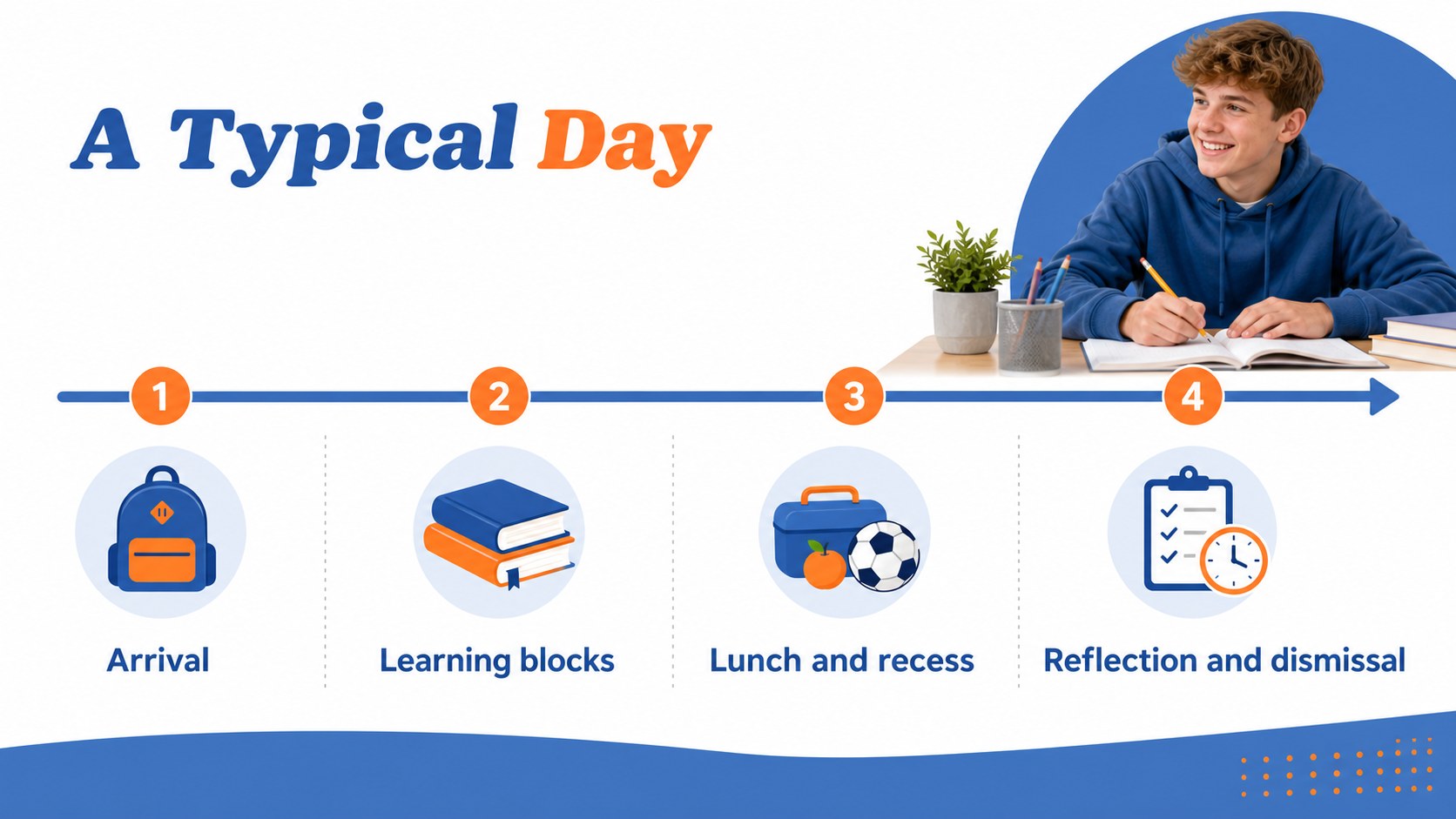

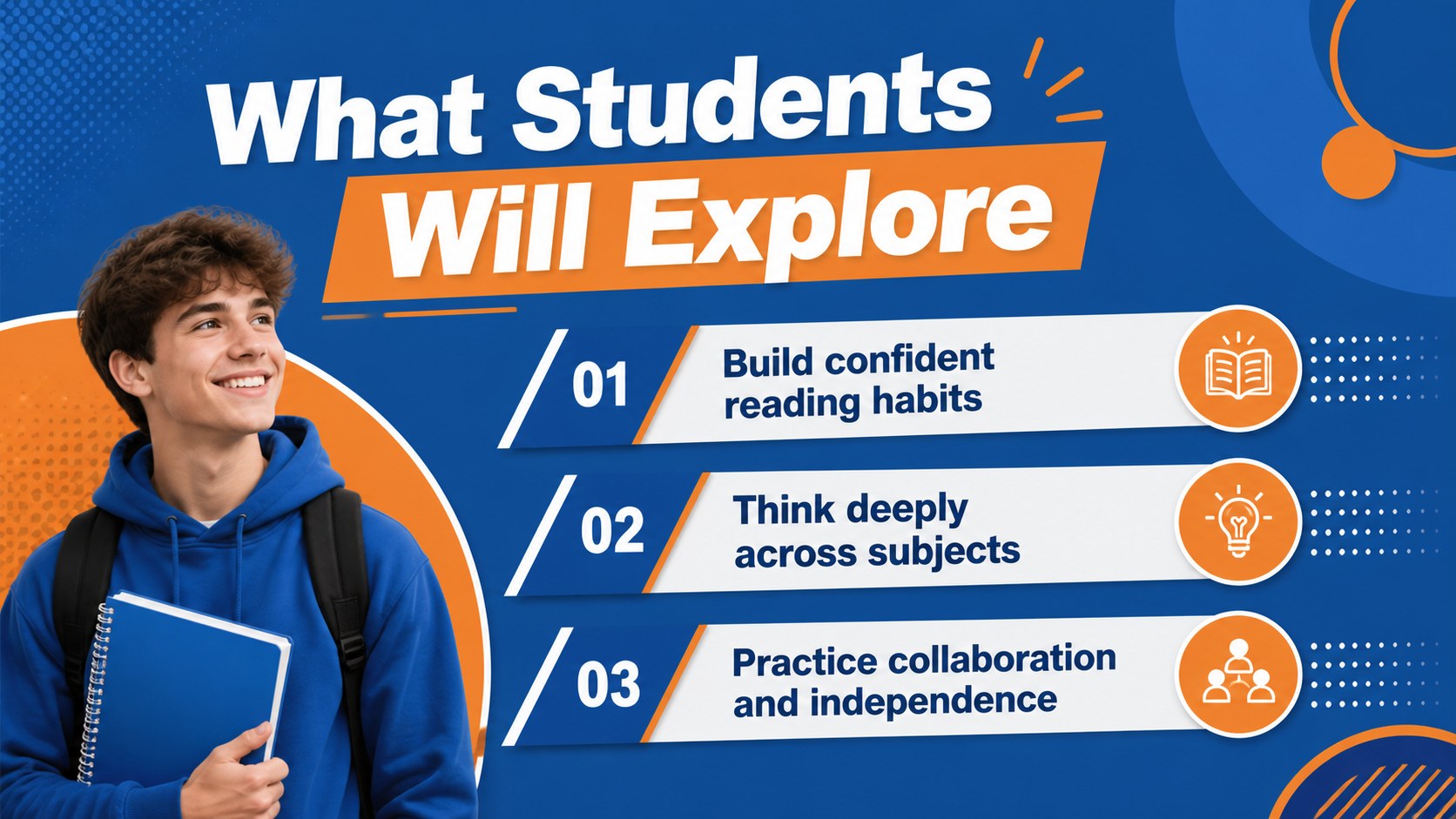

Design notes
Start the school year with a clear, welcoming presentation built for meaningful family communication. This family classroom welcome deck gives teachers a polished way to introduce themselves, explain classroom routines, and help parents understand how students will learn and grow throughout the year. Its bold geometric styling combines bright blue with energetic orange for a modern, confident look that keeps important information easy to follow.
Inside, you’ll find 15 editable 16:9 slides for a parent orientation presentation, including a cover, welcome message, agenda, teacher introduction, classroom values, daily schedule, communication guidelines, learning goals, materials checklist, behavior expectations, family involvement ideas, important dates, support resources, questions, and a closing message. Use the teacher introduction slides to share your background, or adapt the layouts for grade-level meetings, open houses, and school community events.
The template works in Google Slides and PowerPoint. Edit text, colors, charts, shapes, icons, and images to match your classroom identity. Lato and Shrikhand provide a friendly contrast between readable information and expressive headings, while simple animation and transition options help you present with confidence. It is designed for educators, teaching teams, and school staff who want family meetings to feel organized, approachable, and memorable.
Perfect for: school open house; parent orientation meeting; teacher-led family night; grade-level information session; classroom community launch.
Frequently asked questions
Can I edit this presentation in Google Slides? Yes. The deck is designed for Google Slides and includes editable text, shapes, colors, charts, and image areas. You can adjust the content to suit your grade level or school program.
Practical details
Yes. The deck is designed for Google Slides and includes editable text, shapes, colors, charts, and image areas. You can adjust the content to suit your grade level or school program.
Yes. It is available for PowerPoint and Google Slides. The exact editing controls may differ slightly between platforms, but the core layouts can be customized in each one.
Yes. Replace the existing theme colors with your school colors or classroom palette. You can also change fonts, icons, photos, and decorative geometric elements without rebuilding the slides.
Use the layouts for introductions, schedules, classroom values, communication procedures, learning goals, behavior expectations, materials, and important dates. The final slides also provide space for questions and family participation details.
Keep exploring
15Build stronger academic arguments with a college essay thesis builder featuring guided examples, revision prompts, and editable PowerPoint and Google Slides.
 15
15Build an engaging World UFO Day session with this flying saucer history lesson deck, featuring retro green-and-brown slides for PowerPoint and Google Slides.
 14
14Plan a memorable Lunar New Year campaign with the 2036 Dragon Year Celebration Theme, featuring bold red-and-yellow slides for lessons and events.
 15
15Build a thoughtful classroom discussion with this interfaith awareness lesson deck, featuring editable blue-and-white slides for PowerPoint and Google Slides.
 15
15Use this environmental awareness lesson deck to teach climate action through illustrated activities, discussion prompts, and ready-to-edit visuals.
 15
15Build playful lessons and party stories with a kid-friendly zombie celebration theme in purple, green and pastel blue for PowerPoint and Google Slides.
 15
15Build eerie lessons, campaigns, and story pitches with an undead survival scenario theme featuring editable slides for PowerPoint and Google Slides.
 16
16Turn environmental research into a clear story with a Watercolor Ecology Presentation Theme for PowerPoint and Google Slides in calming green and blue.