
 15
15presentation
College Essay Thesis Builder Slides
Build stronger academic arguments with a college essay thesis builder featuring guided examples, revision prompts, and editable PowerPoint and Google Slides.
Google SlidesPowerPoint
presentation · English
Plan focused, welcoming conversations with this family-school meeting conversation deck, featuring colorful layouts for progress, goals, and next steps.
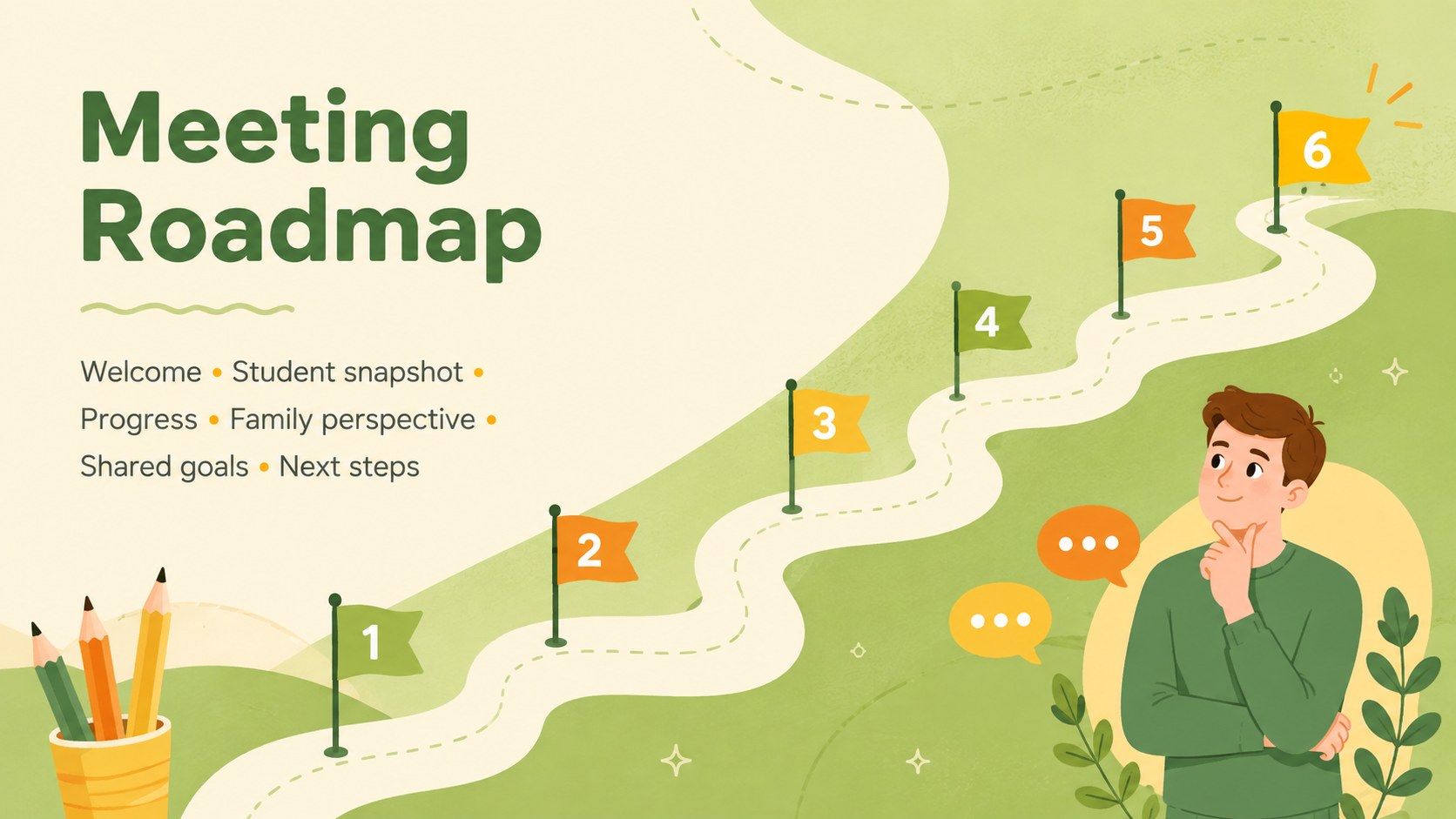
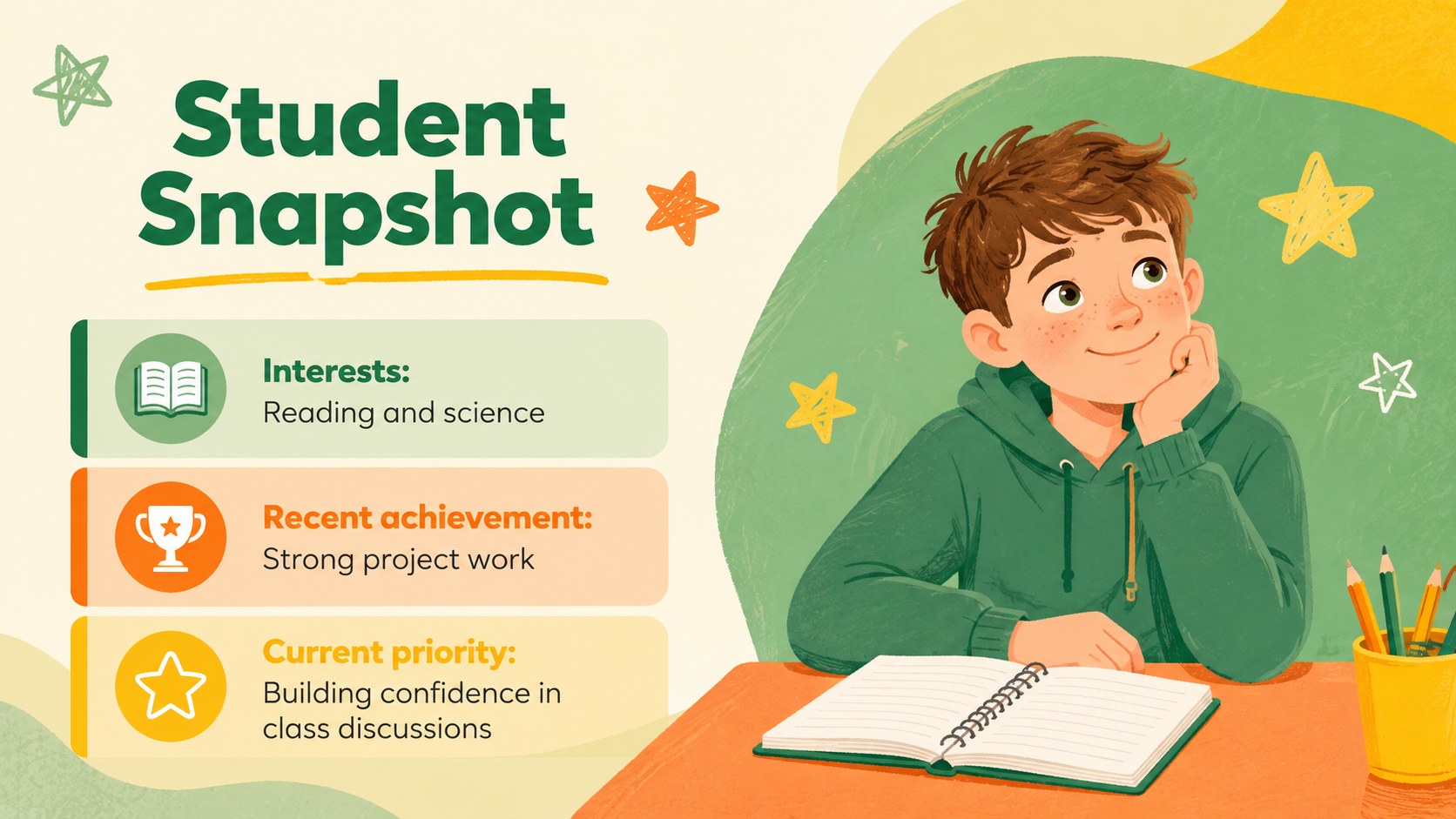
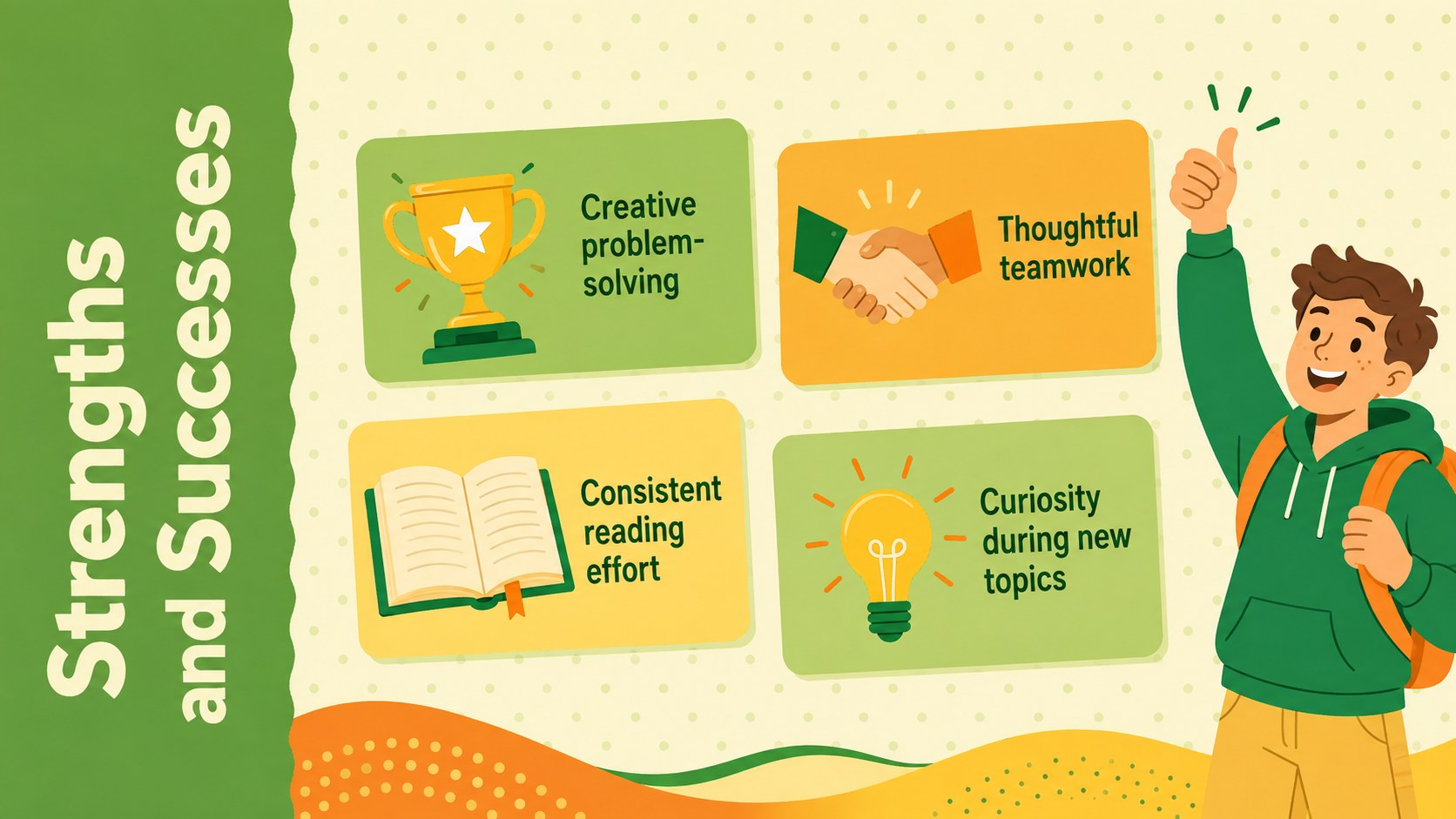
Design notes
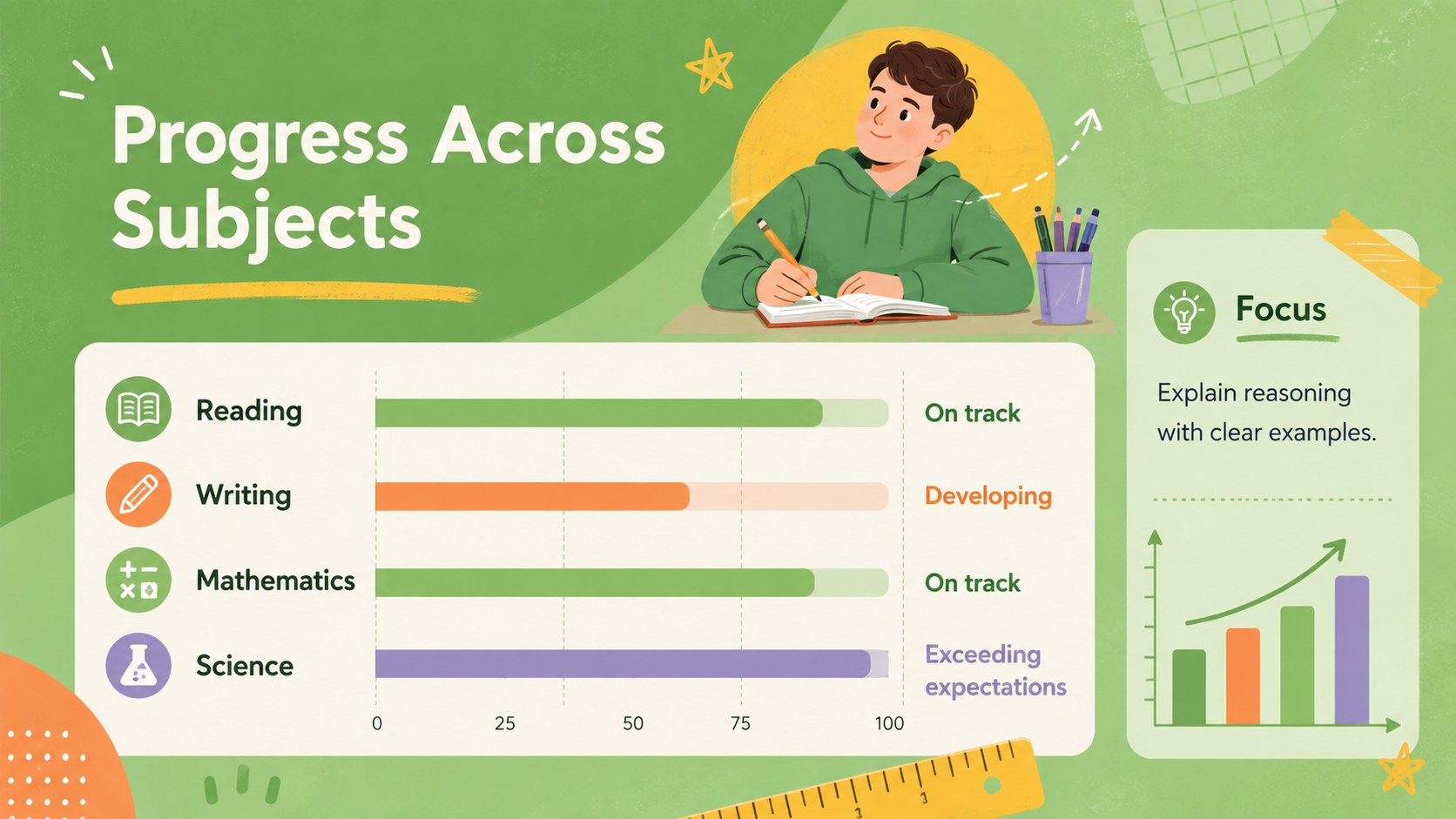
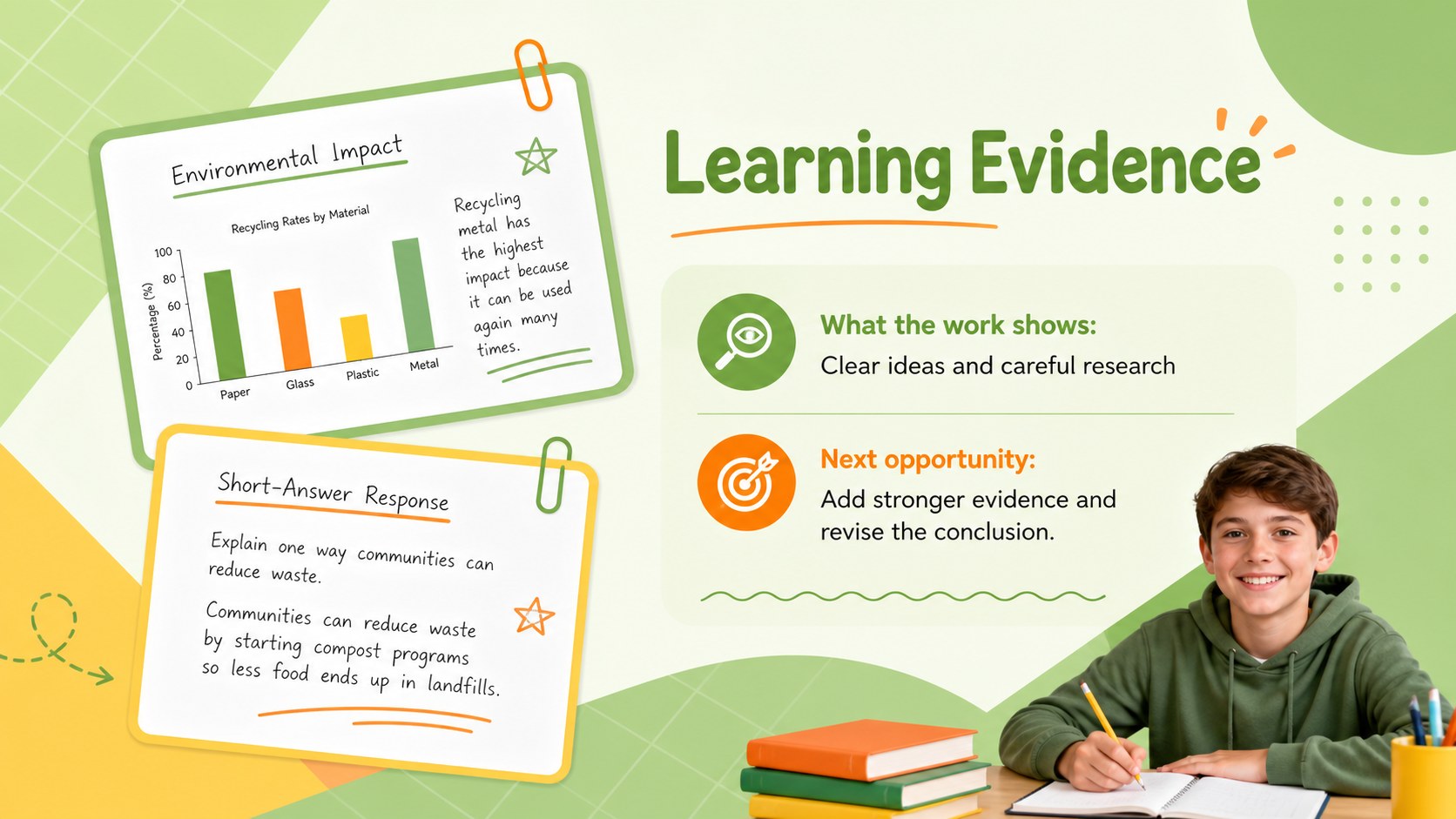
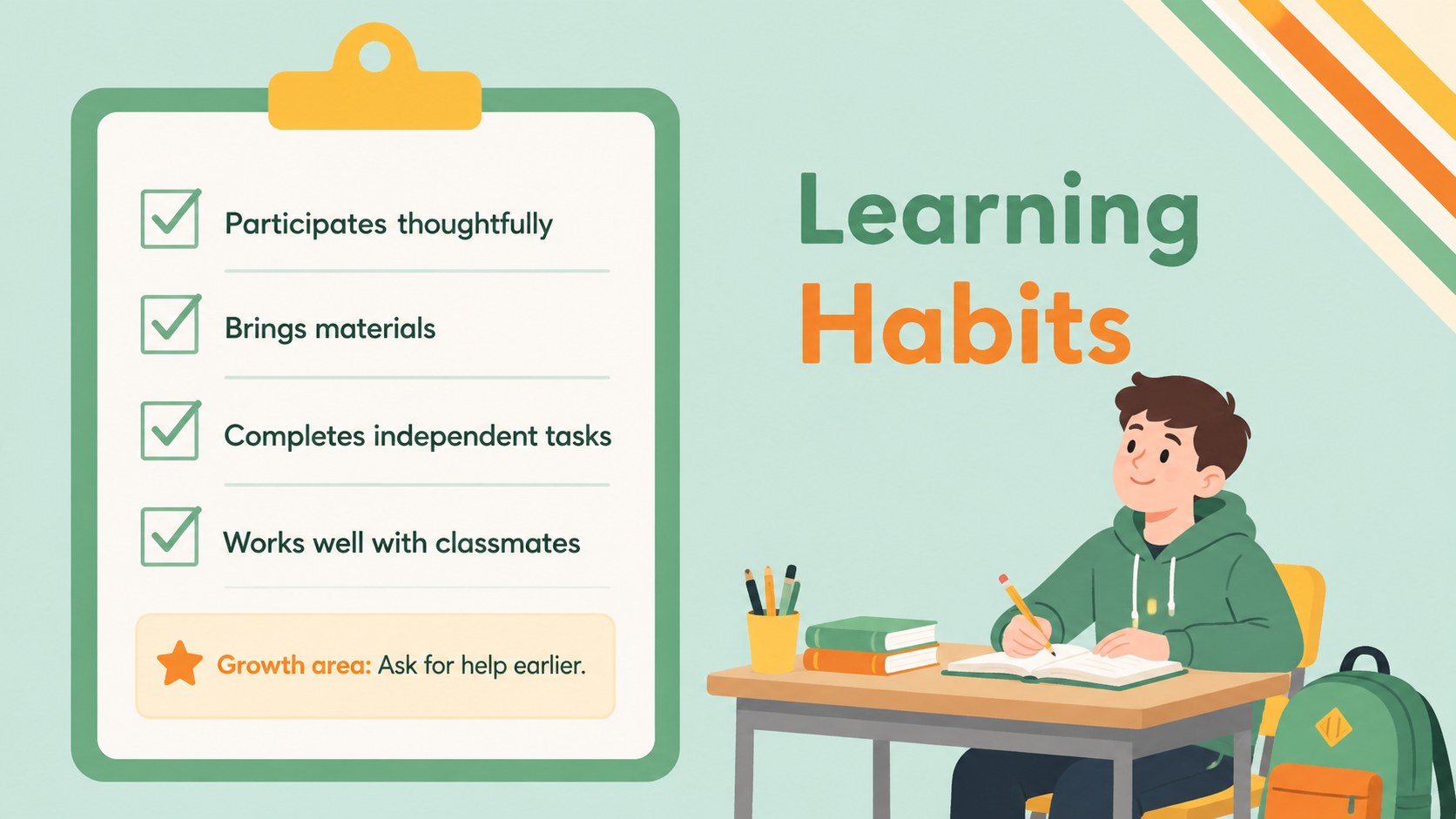
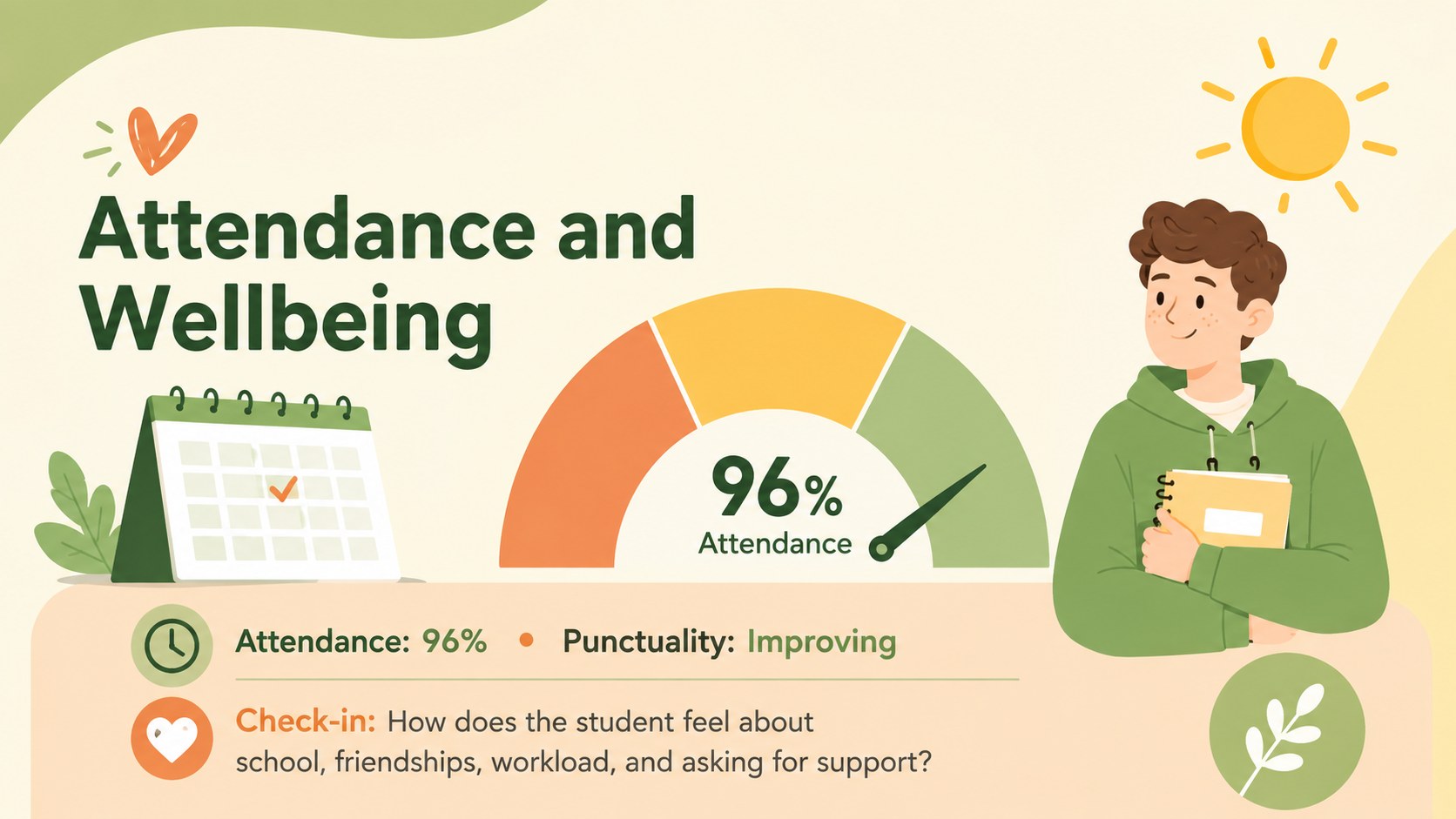
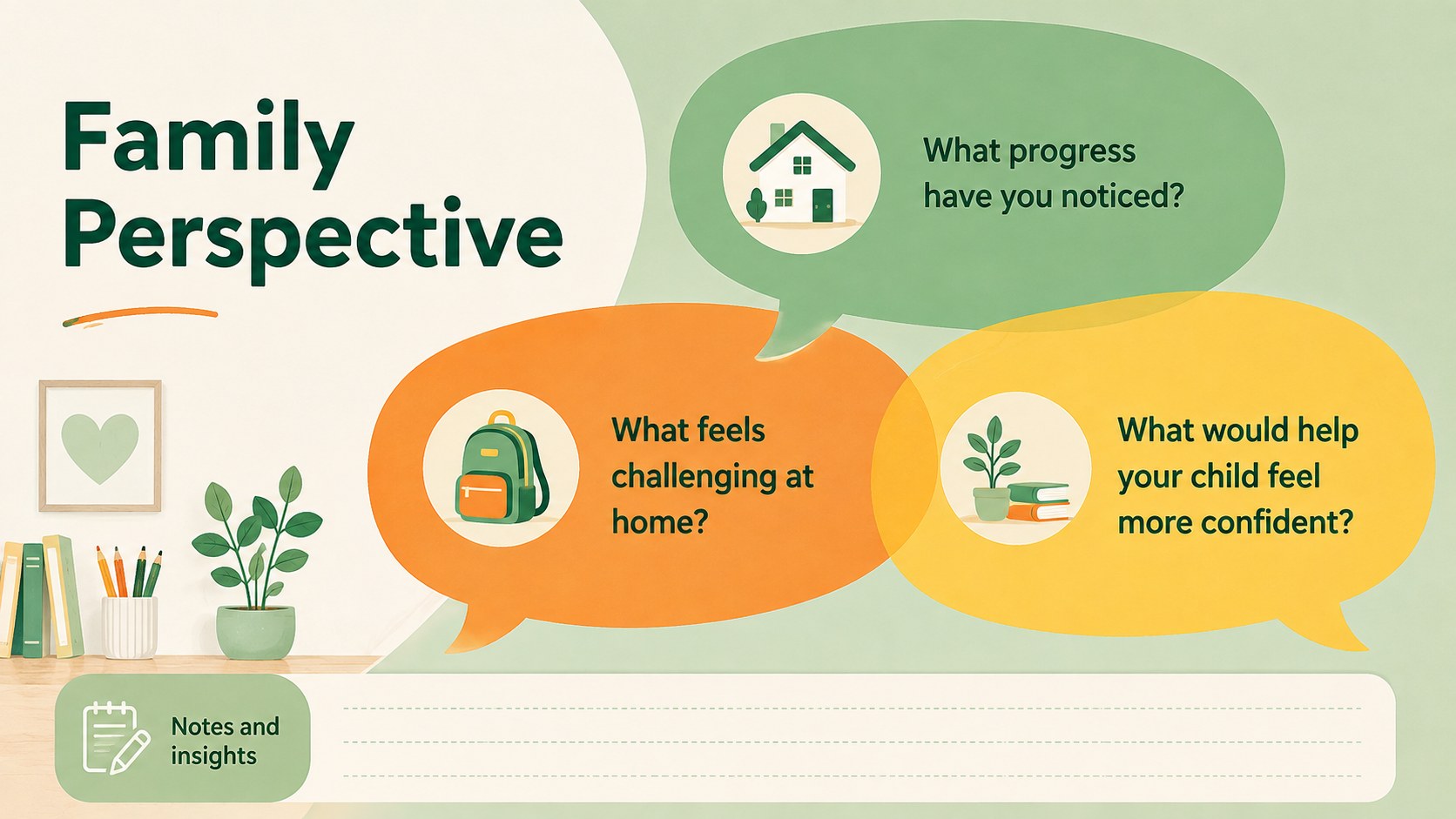
Turn conference preparation into a clear, collaborative discussion with this family-school meeting conversation deck. Its cheerful green, orange, yellow, and soft pastel artwork creates a welcoming setting without distracting from student progress. Use it as a parent teacher meeting agenda presentation that helps everyone move from introductions to shared decisions.
Inside, you will find layouts for a meeting roadmap, student snapshots, strengths, subject progress, work samples, learning habits, attendance, wellbeing, family questions, goals, support actions, and follow-up communication. The student progress discussion slides balance quick summaries with space for evidence and notes, while the academic goal setting conference deck pages turn observations into measurable next steps. Flexible charts, checklists, timelines, and text blocks make the flow easy to adapt.
Designed for elementary and secondary teachers, counselors, learning support teams, and school leaders, the deck also gives families a clear role in the conversation. Customize names, subjects, metrics, illustrations, and action items in PowerPoint or Google Slides. Use the final pages to assign responsibilities, set review dates, and record the preferred way to stay in touch, so each meeting ends with an agreed plan rather than loose notes.
Perfect for: student progress conference; family support planning meeting; semester learning review; academic goal-setting session; teacher and caregiver check-in.
Frequently asked questions
Can I edit the deck in PowerPoint and Google Slides? Yes. All slide text, colors, shapes, charts, and layout elements can be edited in PowerPoint or Google Slides. Font availability may vary slightly between the two platforms.
Practical details
Yes. All slide text, colors, shapes, charts, and layout elements can be edited in PowerPoint or Google Slides. Font availability may vary slightly between the two platforms.
Replace the sample name, subjects, progress notes, goals, and support actions with student-specific information. You can also duplicate or remove sections to match the length and purpose of the meeting.
Yes. Adjust the green, orange, yellow, and pastel accents using the theme color controls in your presentation software. Illustrations and decorative shapes can be moved, replaced, recolored, or removed.
Gather recent assessment results, work samples, attendance notes, observed strengths, and possible goals. Include specific questions for the family and leave room to record their perspective during the meeting.
Keep exploring
15Build stronger academic arguments with a college essay thesis builder featuring guided examples, revision prompts, and editable PowerPoint and Google Slides.
 15
15Build an engaging World UFO Day session with this flying saucer history lesson deck, featuring retro green-and-brown slides for PowerPoint and Google Slides.
 14
14Plan a memorable Lunar New Year campaign with the 2036 Dragon Year Celebration Theme, featuring bold red-and-yellow slides for lessons and events.
 15
15Build a thoughtful classroom discussion with this interfaith awareness lesson deck, featuring editable blue-and-white slides for PowerPoint and Google Slides.
 15
15Use this environmental awareness lesson deck to teach climate action through illustrated activities, discussion prompts, and ready-to-edit visuals.
 15
15Build playful lessons and party stories with a kid-friendly zombie celebration theme in purple, green and pastel blue for PowerPoint and Google Slides.
 15
15Build eerie lessons, campaigns, and story pitches with an undead survival scenario theme featuring editable slides for PowerPoint and Google Slides.
 16
16Turn environmental research into a clear story with a Watercolor Ecology Presentation Theme for PowerPoint and Google Slides in calming green and blue.