
 15
15presentation
College Essay Thesis Builder Slides
Build stronger academic arguments with a college essay thesis builder featuring guided examples, revision prompts, and editable PowerPoint and Google Slides.
Google SlidesPowerPoint
presentation · English
Trace generations with family history worksheet slides in an elegant brown watercolor style, ready to customize for reunions, classrooms, and heritage…
Design notes
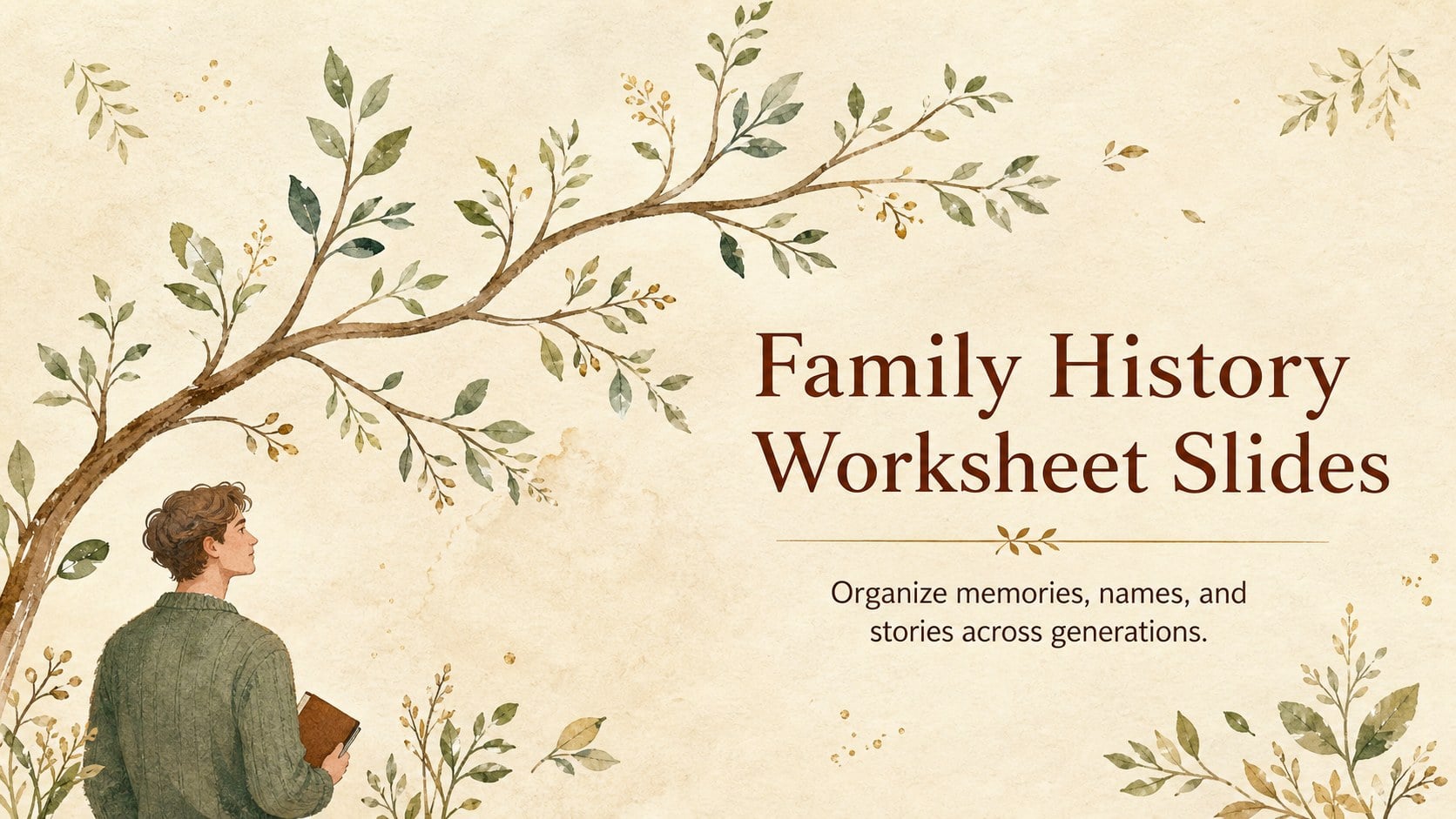
Family history worksheet slides give relatives, students, and community groups a welcoming way to organize names, relationships, dates, and remembered stories. Instead of presenting ancestry as a dense list, this brown watercolor deck turns each branch into an easy-to-follow visual journey with a warm, handcrafted feel.
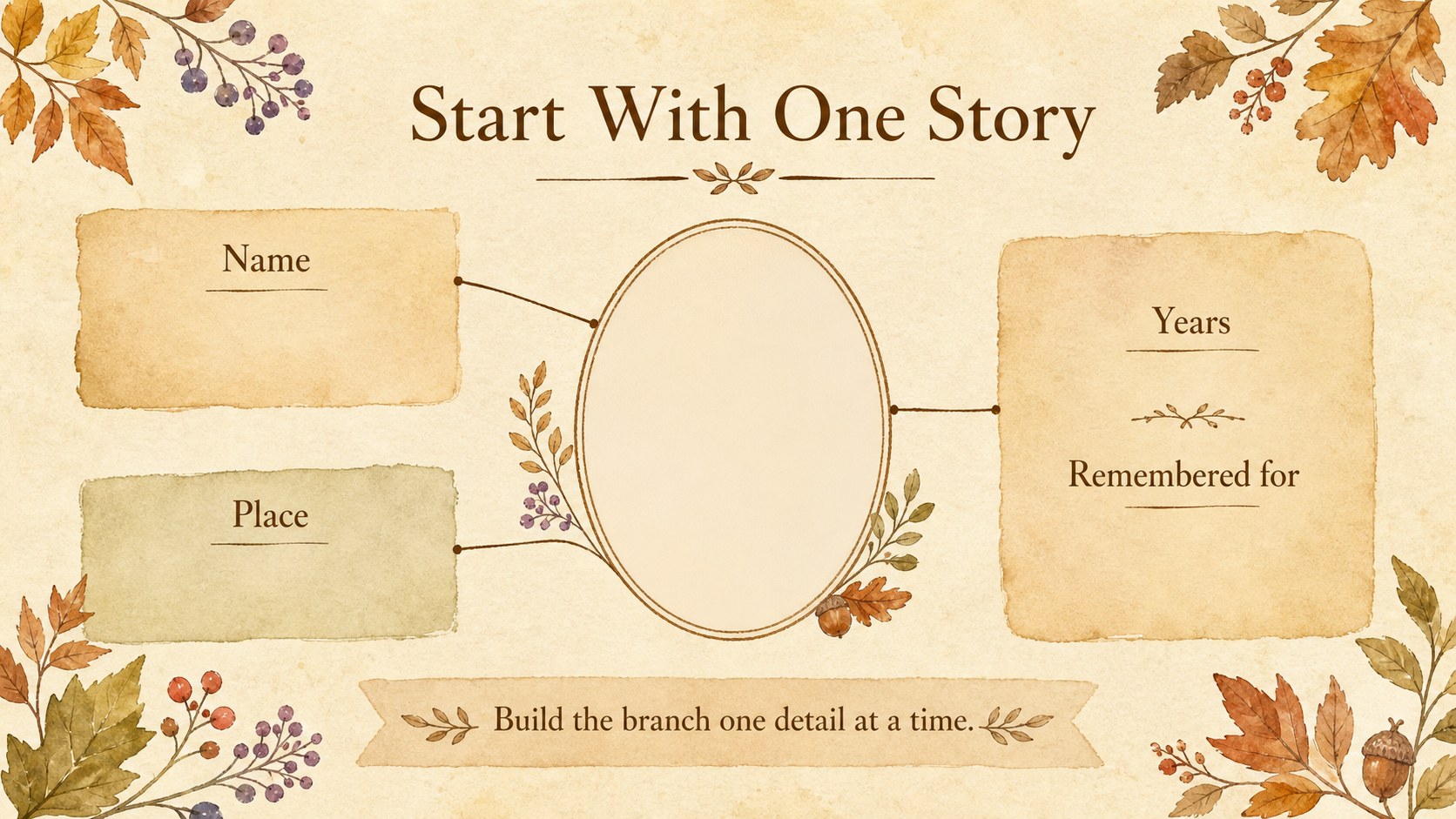
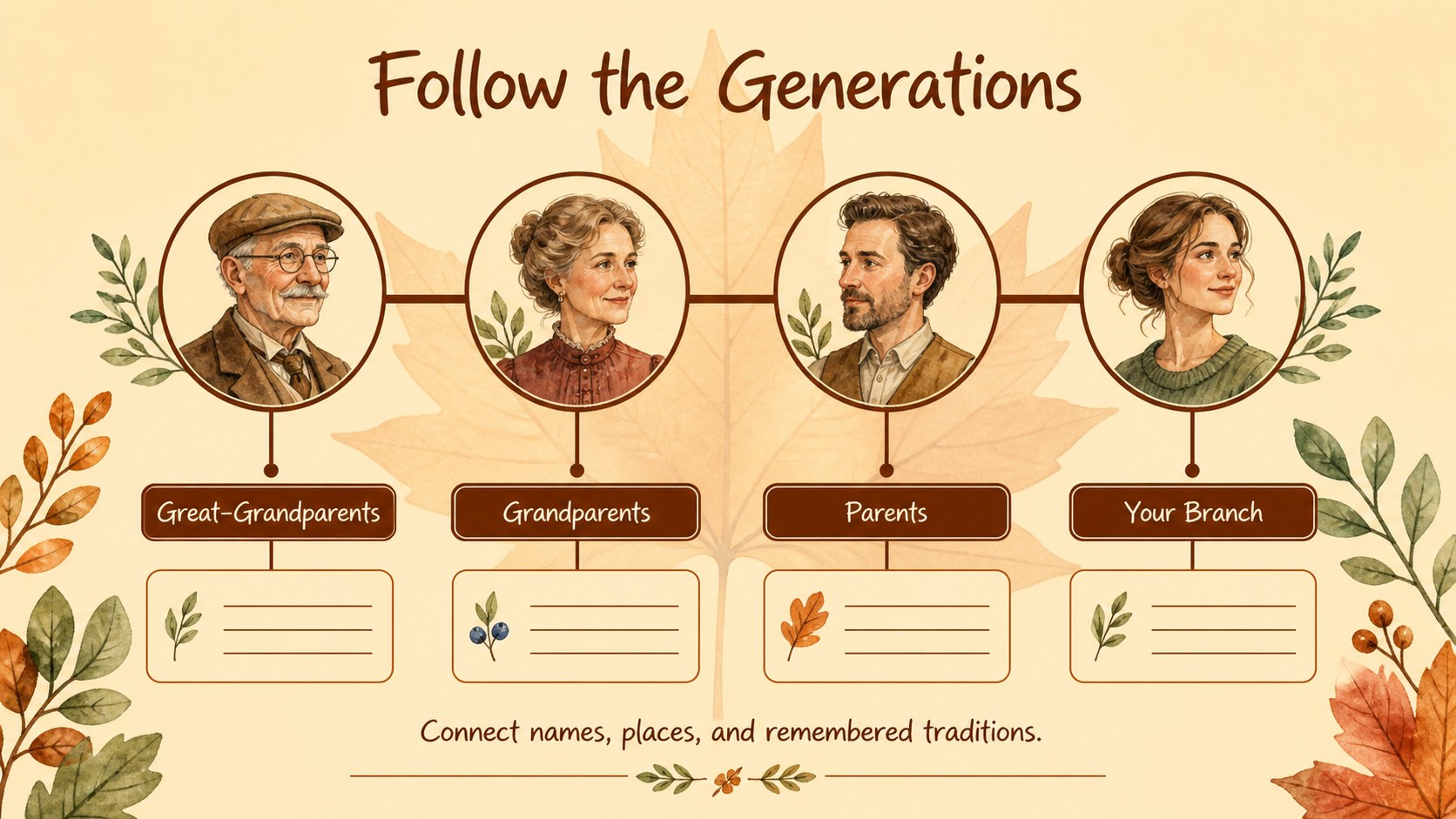
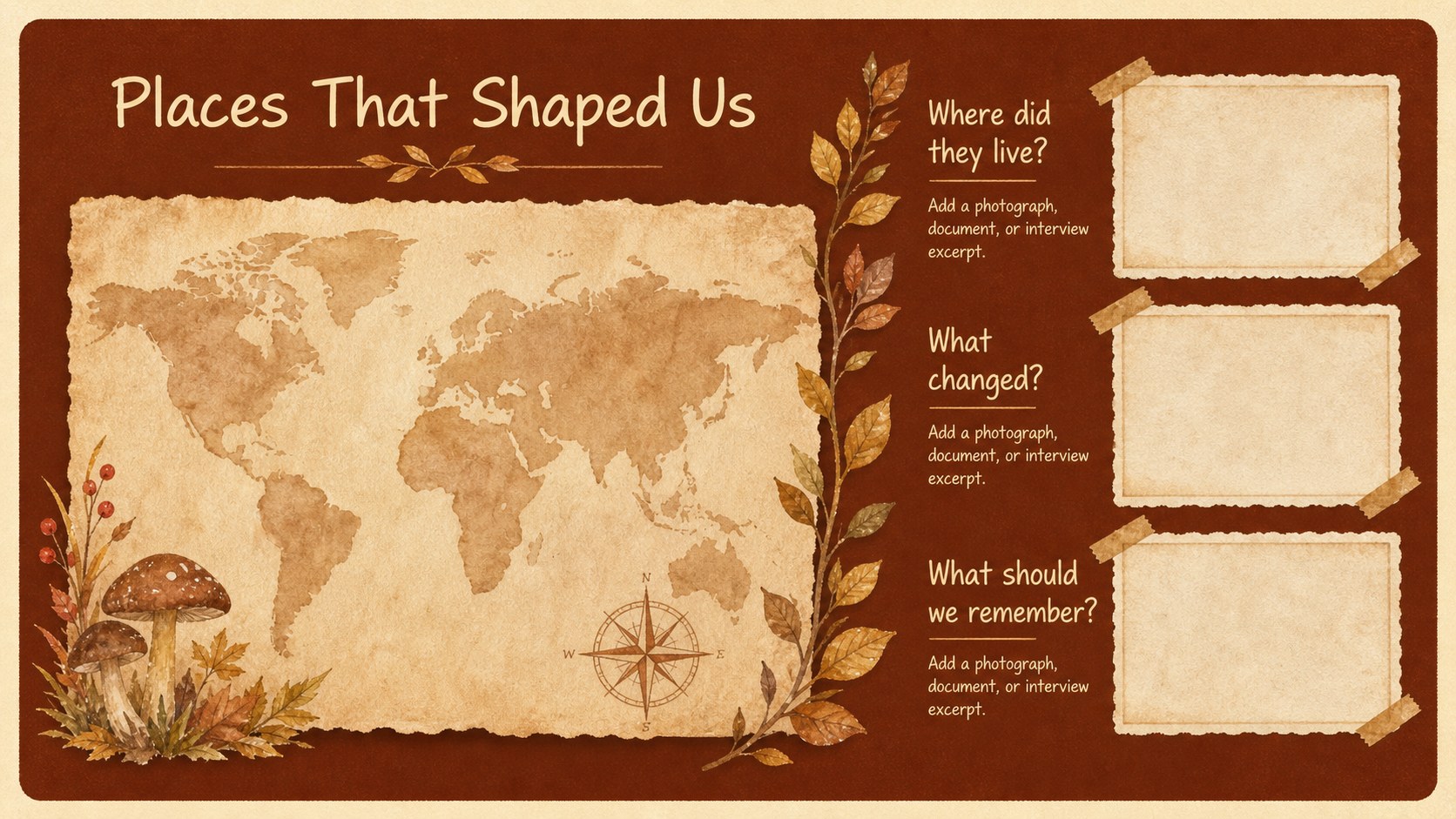
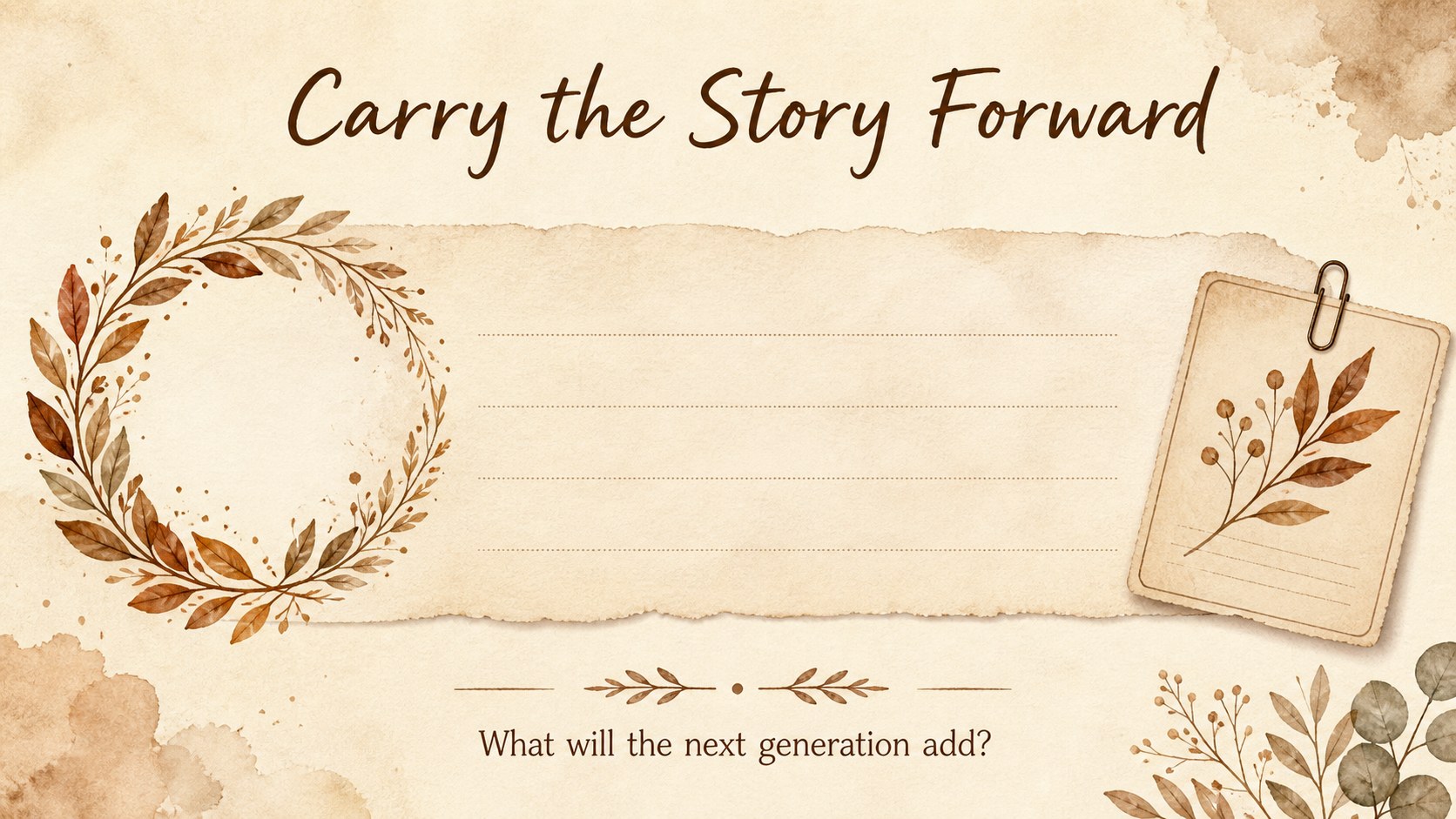
Inside, you will find five adaptable 16:9 slides with spaces for a family overview, direct ancestors, relationship connections, milestone notes, and a closing heritage reflection. The layouts combine illustrated foliage, soft paper textures, framed portraits or documents, and clean relationship lines. Everything can be edited in PowerPoint or Google Slides, including text, colors, shapes, images, and spacing.
Use the deck for a family reunion activity, a genealogy club presentation, a classroom heritage project, or a personal ancestry record. It also works as a family lineage presentation template when you want to explain several generations to an audience without overwhelming them. Add scanned photographs, interview excerpts, locations, occupations, or meaningful traditions to make the story personal. The single handwritten-style font and rich brown palette preserve the original elegant, nature-inspired mood while leaving room for your own research and visual choices.
Perfect for: family reunion heritage presentation; school ancestry project; genealogy club meeting; oral history showcase; personal family archive.
Frequently asked questions
Can I edit these family history worksheet slides in PowerPoint? Yes. The layouts are designed for PowerPoint editing, so you can replace text, images, colors, shapes, and relationship lines. Add scanned photographs or documents directly to the slides.
Practical details
Yes. The layouts are designed for PowerPoint editing, so you can replace text, images, colors, shapes, and relationship lines. Add scanned photographs or documents directly to the slides.
Yes, you can open and customize the presentation in Google Slides. Review font availability after importing and adjust spacing if your selected font renders differently.
Yes. Students can use the worksheets to organize relatives, dates, locations, and family stories. Encourage them to include only information their families are comfortable sharing.
Replace the sample labels with names, dates, places, and interview notes, then add portraits or archival images. You can also duplicate a branch slide when your family research includes more generations.
Keep exploring
15Build stronger academic arguments with a college essay thesis builder featuring guided examples, revision prompts, and editable PowerPoint and Google Slides.
 15
15Build an engaging World UFO Day session with this flying saucer history lesson deck, featuring retro green-and-brown slides for PowerPoint and Google Slides.
 14
14Plan a memorable Lunar New Year campaign with the 2036 Dragon Year Celebration Theme, featuring bold red-and-yellow slides for lessons and events.
 15
15Build a thoughtful classroom discussion with this interfaith awareness lesson deck, featuring editable blue-and-white slides for PowerPoint and Google Slides.
 15
15Use this environmental awareness lesson deck to teach climate action through illustrated activities, discussion prompts, and ready-to-edit visuals.
 15
15Build playful lessons and party stories with a kid-friendly zombie celebration theme in purple, green and pastel blue for PowerPoint and Google Slides.
 15
15Build eerie lessons, campaigns, and story pitches with an undead survival scenario theme featuring editable slides for PowerPoint and Google Slides.
 16
16Turn environmental research into a clear story with a Watercolor Ecology Presentation Theme for PowerPoint and Google Slides in calming green and blue.