
 15
15presentation
College Essay Thesis Builder Slides
Build stronger academic arguments with a college essay thesis builder featuring guided examples, revision prompts, and editable PowerPoint and Google Slides.
Google SlidesPowerPoint
presentation · English
Build a lively family feud game night slides deck for parties, classrooms, or team events with neon blue visuals, editable rounds, and easy play.







Design notes
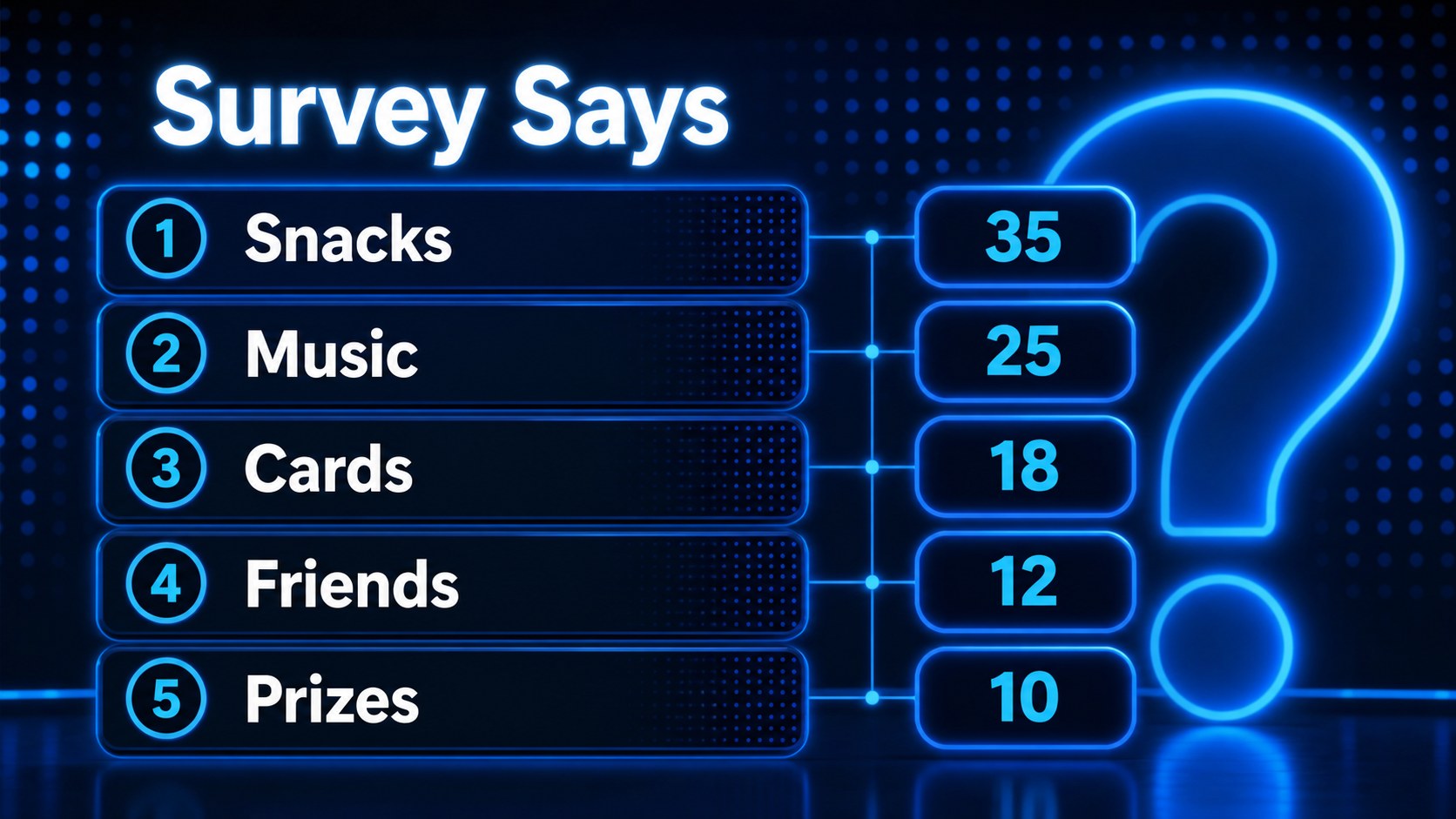
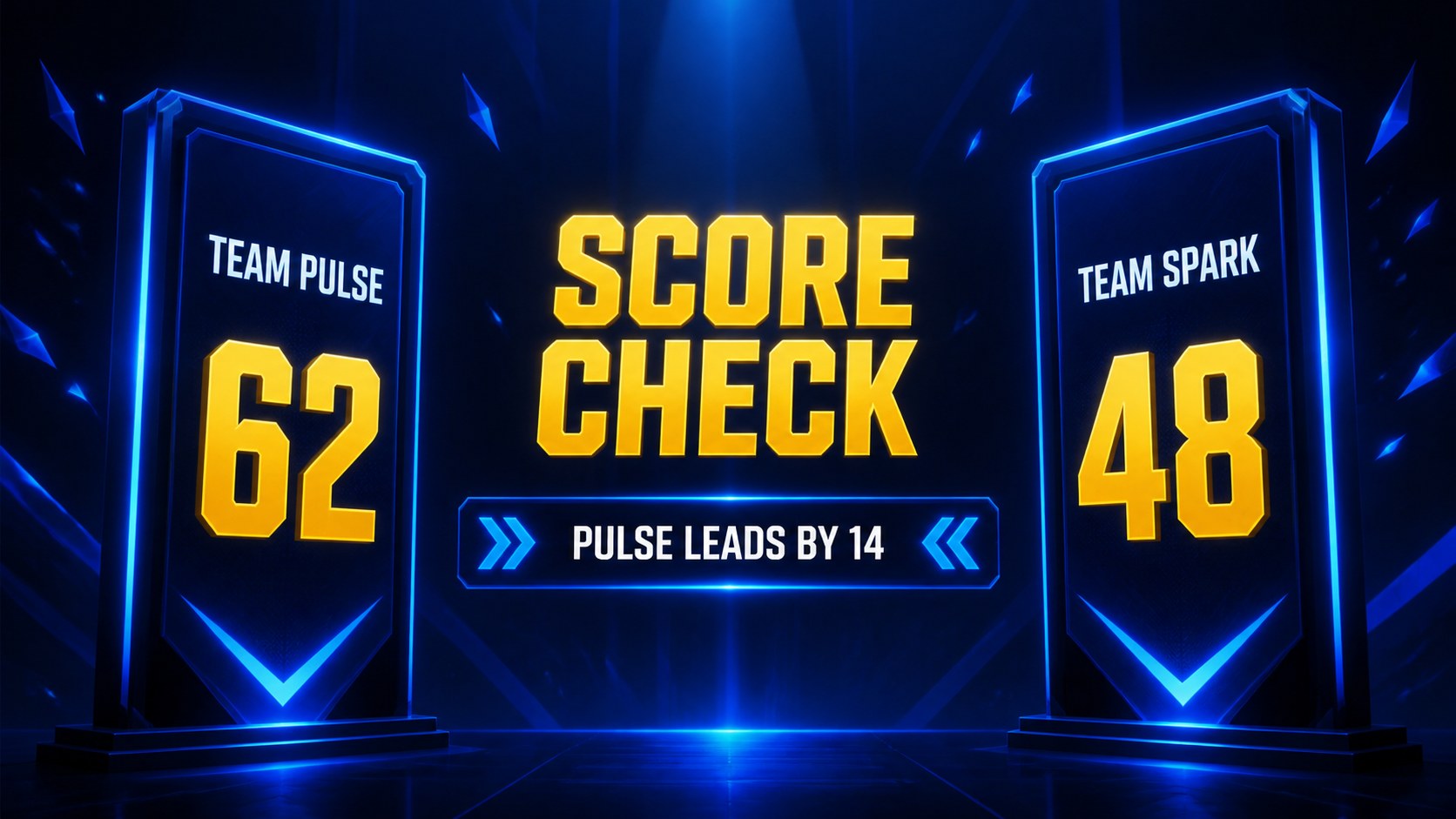
Family feud game night slides bring the energy of a survey-based competition to parties, classrooms, office gatherings, and community events. This blue neon deck uses bold display type, dark contrast, glowing accents, and playful game-show framing to keep every round easy to follow. Add your own questions, answers, teams, and scores while preserving a lively, organized visual rhythm.
What is inside: 15 widescreen slides for a title screen, rules, team introduction, survey question, answer reveal, scoring round, bonus challenge, leaderboard, final question, and closing screen. The layouts are fully editable in PowerPoint and Google Slides, so you can change wording, colors, images, animations, and timing to match your event. The structure also works well as an interactive family feud PowerPoint game or a family survey game for classrooms.
Use this template for family reunions, classroom review activities, company team-building sessions, holiday parties, youth groups, and casual trivia nights. The ready-made sequence helps hosts maintain momentum without building every round from scratch. Add custom prompts for local knowledge, workplace culture, lesson topics, or celebration themes, then reveal responses one at a time for a more engaging experience.
Perfect for: family reunion game night; classroom review activity; corporate team-building event; holiday party quiz; youth group competition.
Frequently asked questions
Can I edit the questions and answers? Yes. Replace the sample prompts, responses, team names, and scores directly in PowerPoint or Google Slides. You can also duplicate reveal layouts for additional rounds.
Practical details
Yes. Replace the sample prompts, responses, team names, and scores directly in PowerPoint or Google Slides. You can also duplicate reveal layouts for additional rounds.
The deck is designed for PowerPoint and Google Slides. Both platforms let you update text, adjust colors, add images, and present the game in widescreen format.
Yes. Change the accent colors, typography, background elements, and decorative graphics while keeping the game-show structure intact. Dark backgrounds and bright highlights can also be adjusted for projector readability.
Yes. Teachers can adapt the survey prompts to vocabulary, history, science, or review topics. The question, answer reveal, and score layouts support quick participation and visible progress.
Keep exploring
15Build stronger academic arguments with a college essay thesis builder featuring guided examples, revision prompts, and editable PowerPoint and Google Slides.
 15
15Build an engaging World UFO Day session with this flying saucer history lesson deck, featuring retro green-and-brown slides for PowerPoint and Google Slides.
 14
14Plan a memorable Lunar New Year campaign with the 2036 Dragon Year Celebration Theme, featuring bold red-and-yellow slides for lessons and events.
 15
15Build a thoughtful classroom discussion with this interfaith awareness lesson deck, featuring editable blue-and-white slides for PowerPoint and Google Slides.
 15
15Use this environmental awareness lesson deck to teach climate action through illustrated activities, discussion prompts, and ready-to-edit visuals.
 15
15Build playful lessons and party stories with a kid-friendly zombie celebration theme in purple, green and pastel blue for PowerPoint and Google Slides.
 15
15Build eerie lessons, campaigns, and story pitches with an undead survival scenario theme featuring editable slides for PowerPoint and Google Slides.
 16
16Turn environmental research into a clear story with a Watercolor Ecology Presentation Theme for PowerPoint and Google Slides in calming green and blue.